Tales of the Dark King is the Halloween 2026 quest in Dress To Impress, the Roblox game. It doesn’t start in the main lobby. It runs on its own server, the H26 Quest Lobby, and its chapters launch from a dock at the end of a short walk through a dark forest.
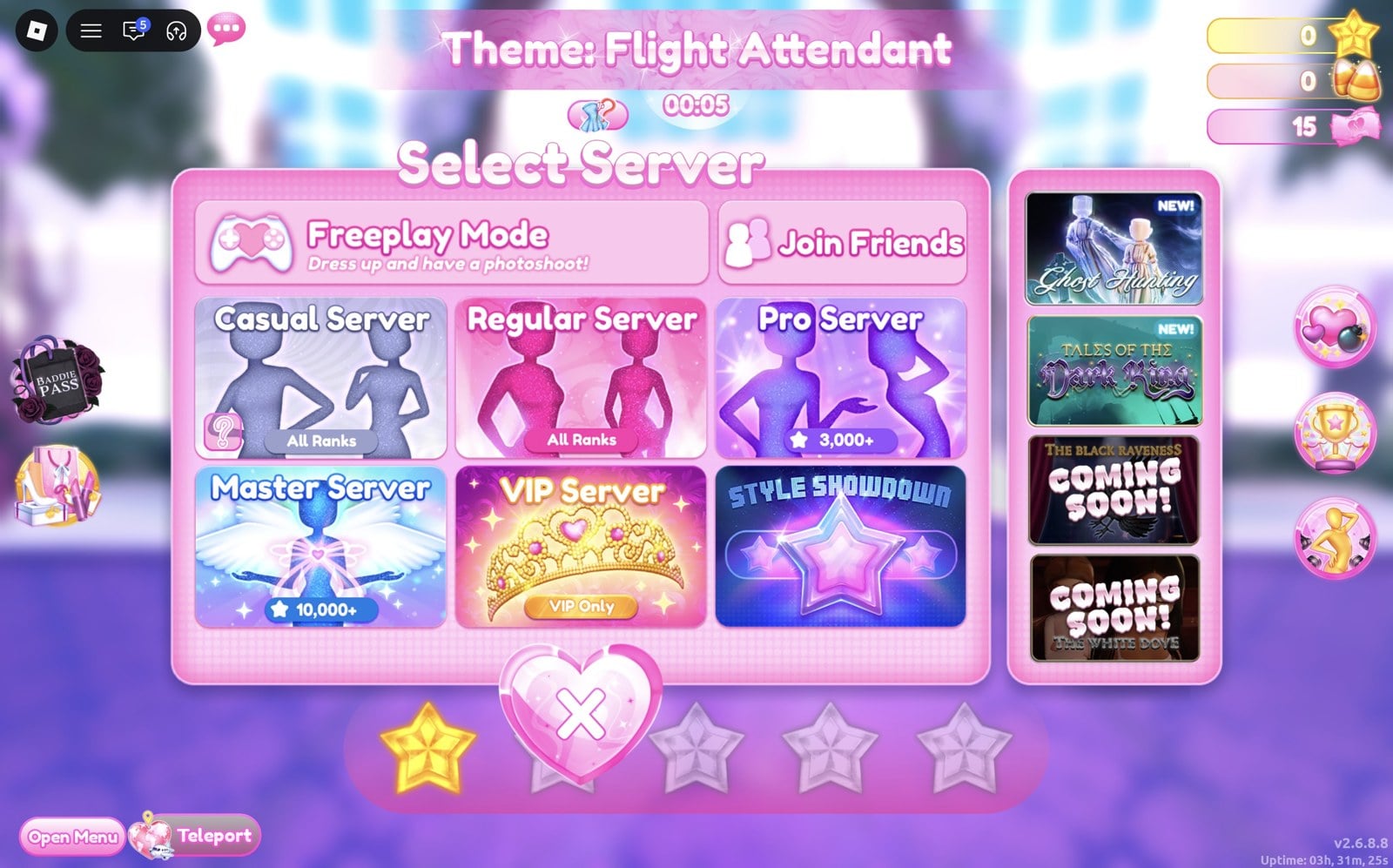
Quick answer: Press Teleport (bottom left), choose TALES OF THE DARK KING, then Yes. Walk from the flooded salon through the stone archway and down the candle-lit forest path to Styx’s dock. Jump onto a free ENTER TO PLAY pad from its corner, pick Max Players (1 for solo) in the Configure Lobby window and press Start before its countdown of about 17 to 20 seconds runs out.
Join the H26 Quest Lobby from the Teleport menu
Getting in cost us nothing: no items or Robux were asked for. Launch Dress To Impress on Roblox and wait until you’re in the main lobby.
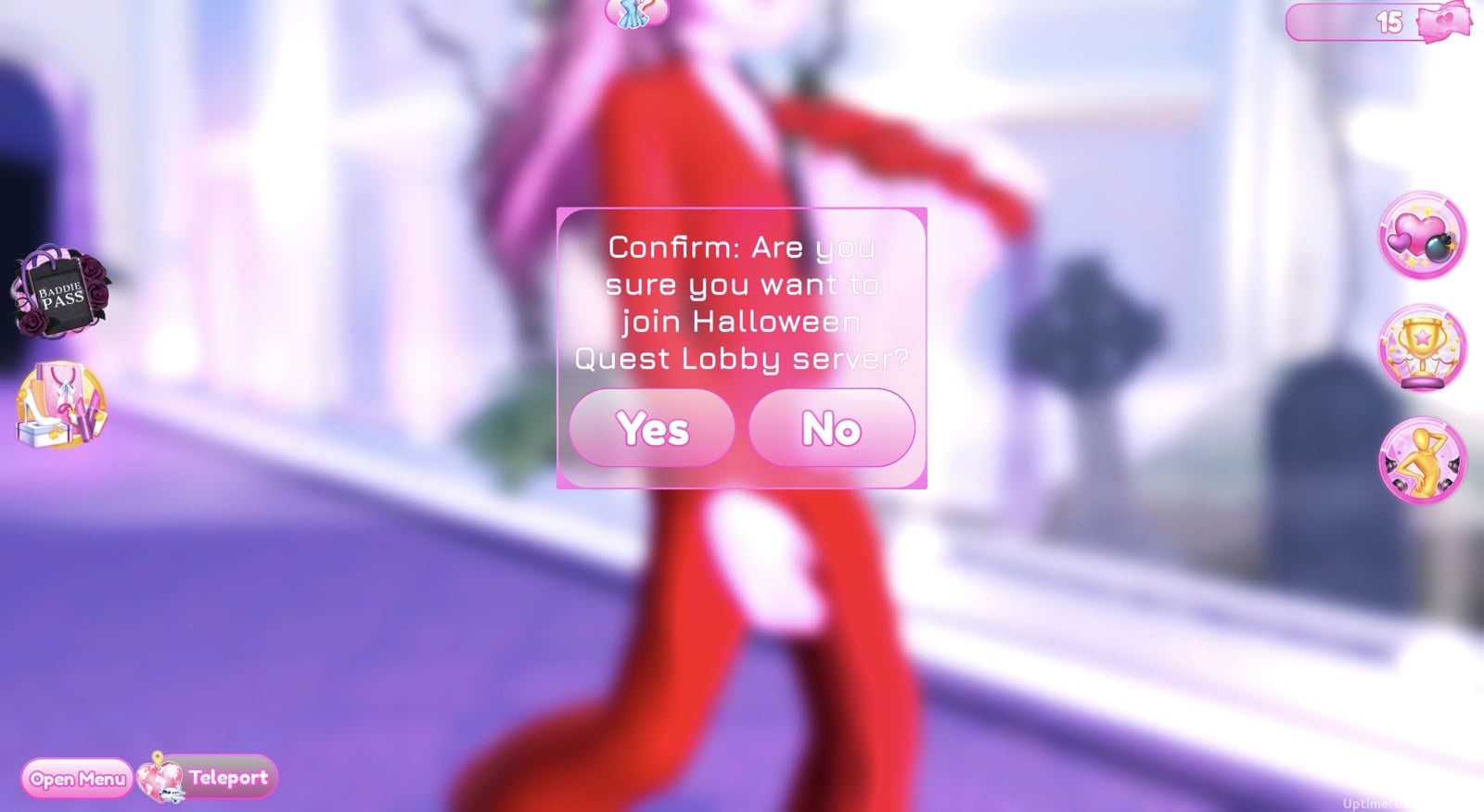
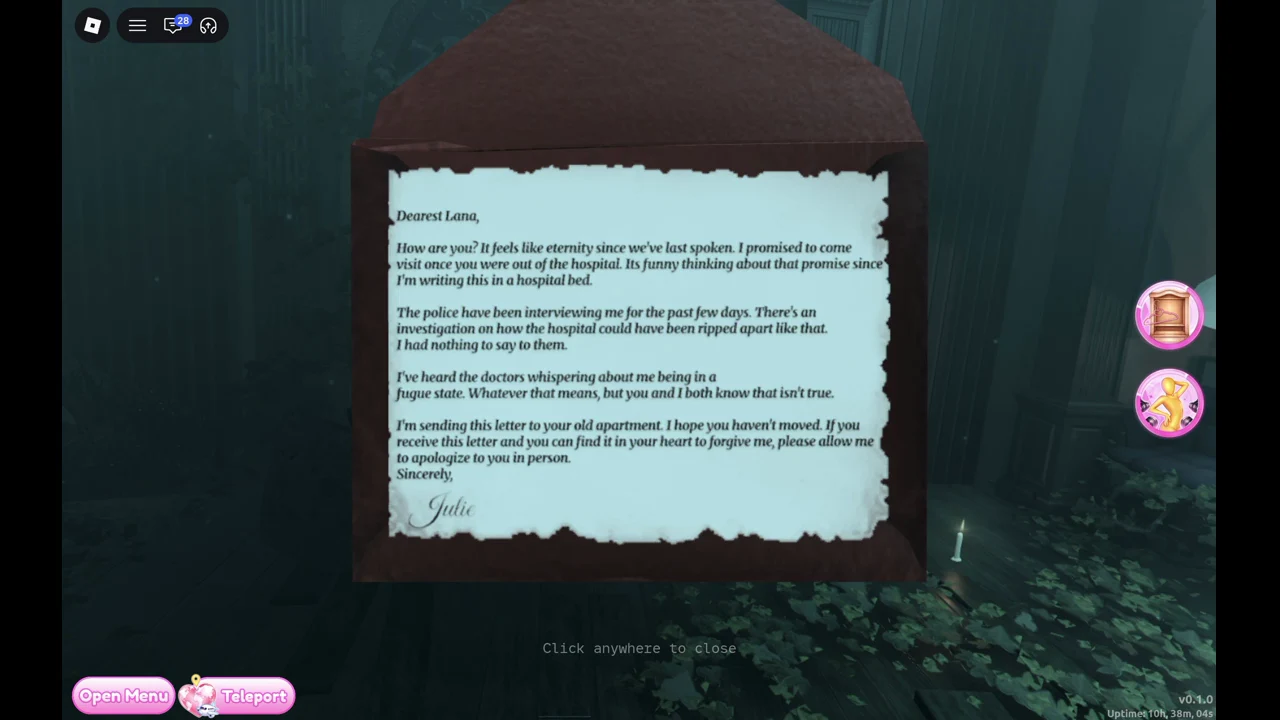
Walk from the flooded salon to Styx’s dock
You awaken at the spawn point in a dark, flooded, ruined Lana’s salon, surrounded by salon chairs and dryers. Two things are nearby.
On the desk with the candles and photo board, a “Letter / Read” prompt (E) opens a note that begins “Dearest Lana,” and is signed “Julie”. Julie writes from a hospital bed, mentions a police investigation and a “fugue state”, and says she wants to apologise in person.
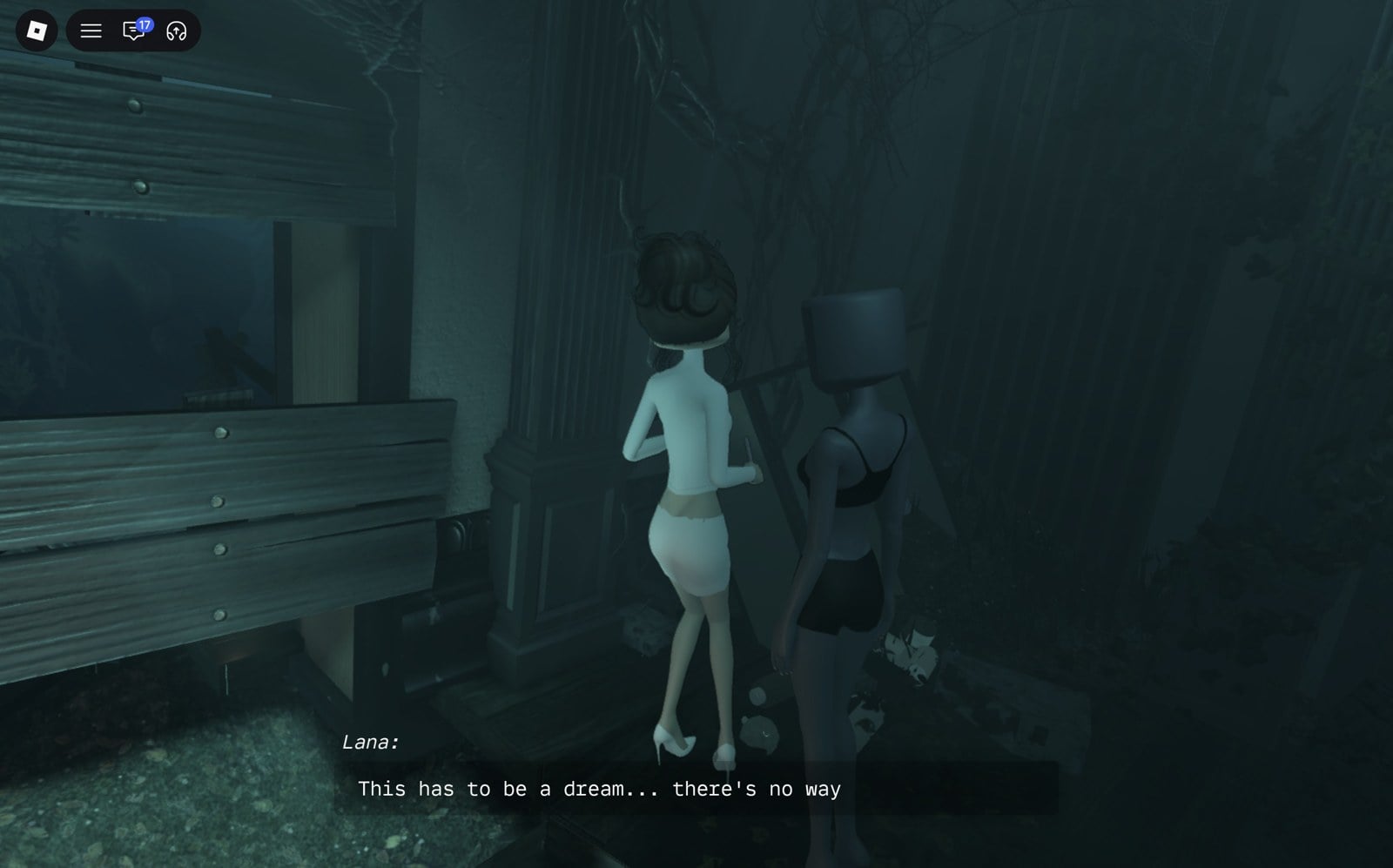
Lana stands in a white outfit by a pillar near a boarded window, with a “Lana / Talk” prompt (E). She opens with “This has to be a dream… there’s no way” and explains she was packing up at the salon and woke by the desk. Your character offers to look around, and Lana stays behind to sit for a bit, mentioning a light she saw nearby. Her parting line is “I’ll catch up, don’t worry.”
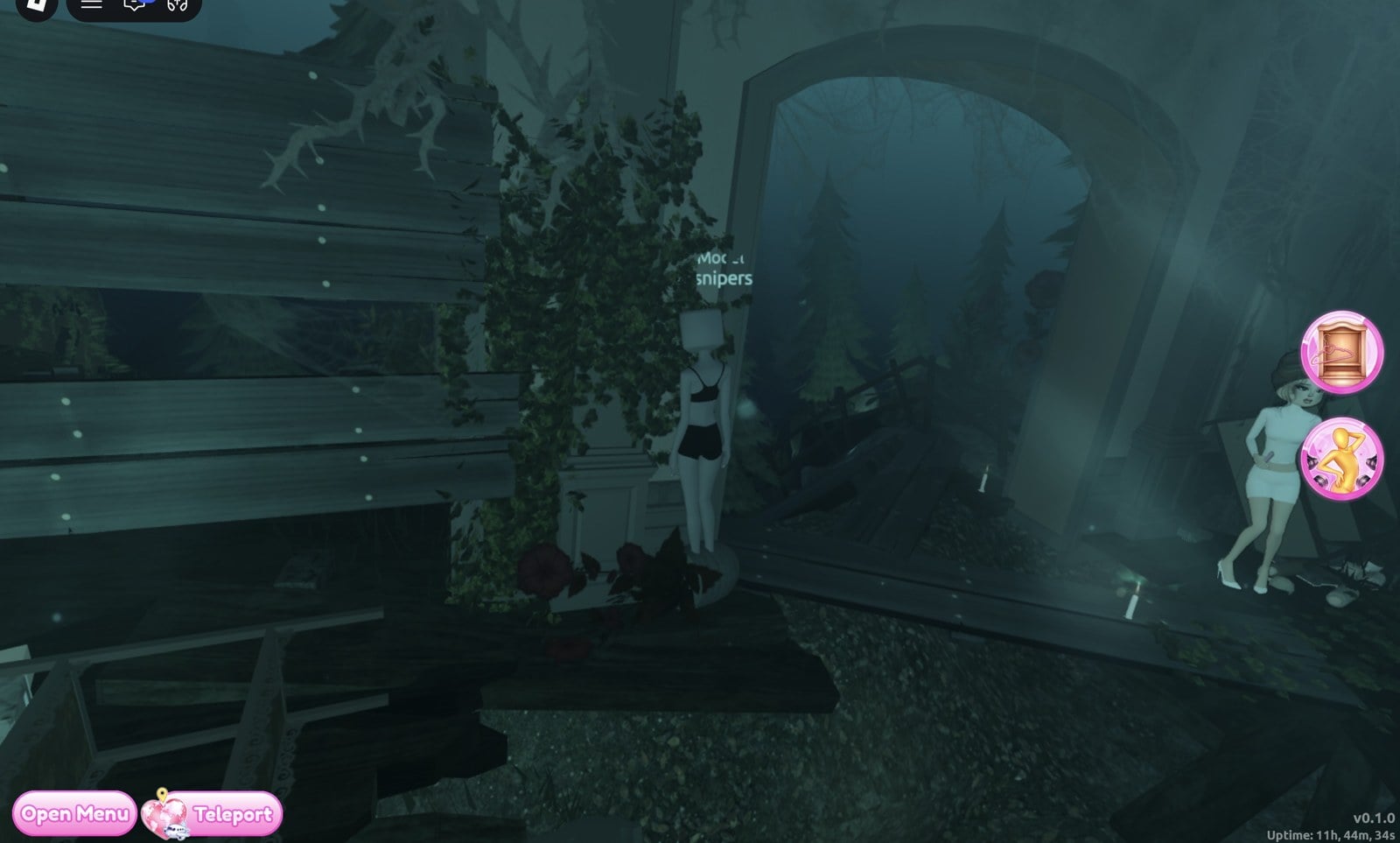
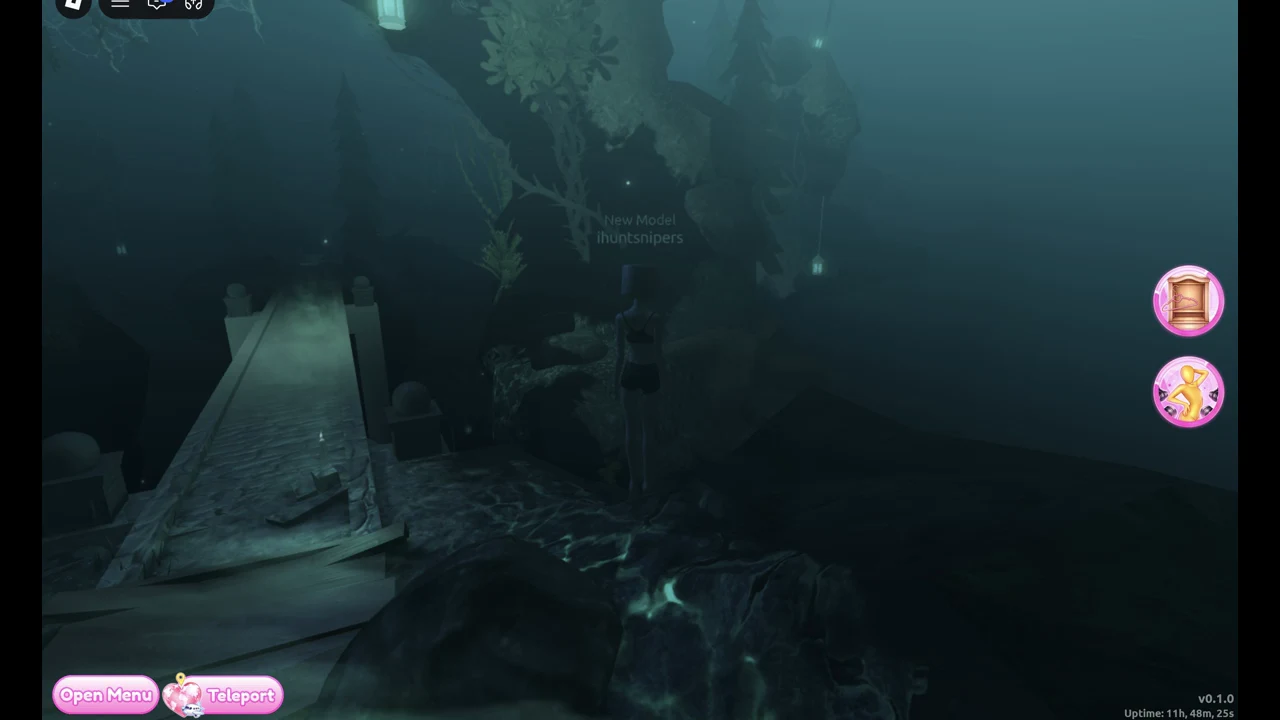
Use the hanging lantern along the path above the dock to reach “Salon / Teleport” (E) and return. In our play the walk was only needed once: after the first visit, rejoining the quest lobby put us straight on the dock, with our progress kept.
Meet Styx and board an ENTER TO PLAY pad
A hooded figure in a white bird-skull mask, holding a staff hung with skulls, waits on the dock. Walk up to her and a scene starts on its own. She first appears as “???”, greets you with “Ah… you’ve awoken… good.”, and later says “you may call me Styx”. The lines advance by themselves, and “CLICK ANYWHERE TO SKIP” skips the whole thing. A “??? / Talk” prompt (E) replays it afterward.
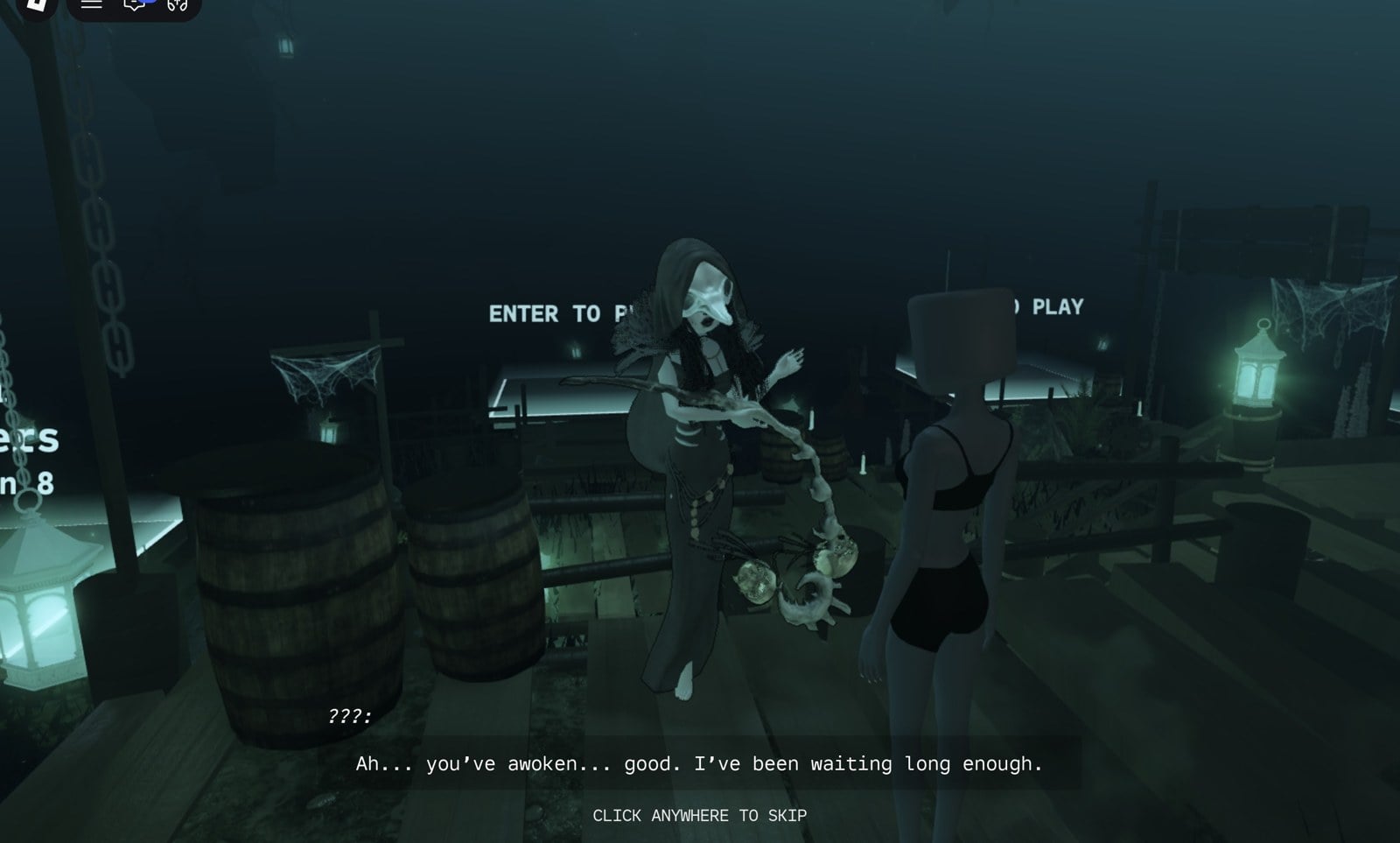
Styx tells you that you’re in Erebus, the Underworld. She asks you to “bring me something of his”, a cherished item that “can be used to control him, to an extent”. She also warns you: “do not touch the spirits, nor humor the promises they whisper.”
Several glowing glass platforms hover over the water around the dock. An available one displays “ENTER TO PLAY” and floats roughly waist-high beside the planks, so walking into it leaves you stopped at its edge. To get on, position yourself on the dock beside a corner of an open platform, make a brief sideways move, jump, and continue moving onto the glass.
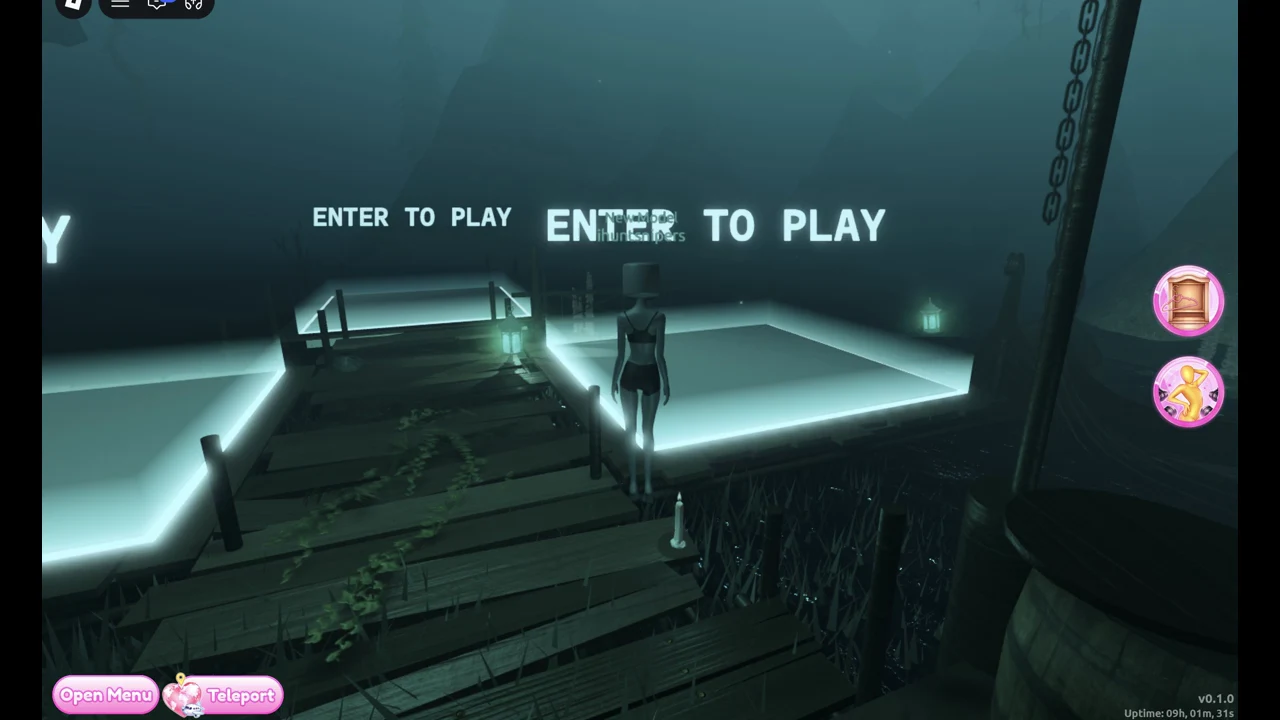
The writing on each pad shows its current status. The first person to board an available pad chooses the chapter and party size.
| Pad state | Label shown |
|---|---|
| Free | “ENTER TO PLAY” |
| Being set up | “<player>’s Party” / “Configuring (N)” |
| Group waiting | “Chapter 1” / “3/3 Players” / “Teleports in N” |
| Solo run leaving | “Chapter 2” / “1/1 Players” / “Teleporting…” |
To enter another player’s session, step onto their platform before all spaces are taken; its display may show “Chapter 1 n/4 Players”. People on the dock also use chat to find a Chapter 1 group.
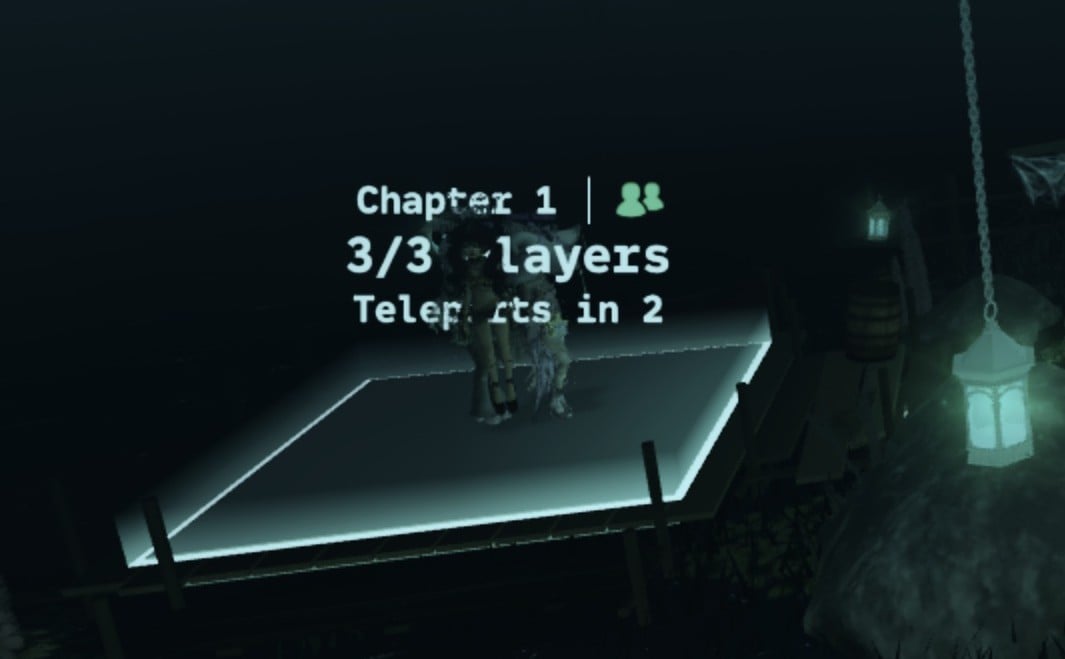
Set up Configure Lobby for solo or group play
Boarding an unclaimed platform brings up “Configure Lobby”, along with a bracketed countdown (for example, 17 or 20). The menu provides these options:
- Chapter: Chapter 1 is open, while the next two show a lock icon.
- Max Players: 1, 2, 3 or 4, with 4 selected by default.
- Friends Only: a checkbox (we left it unticked).
- Cancel and Start buttons.
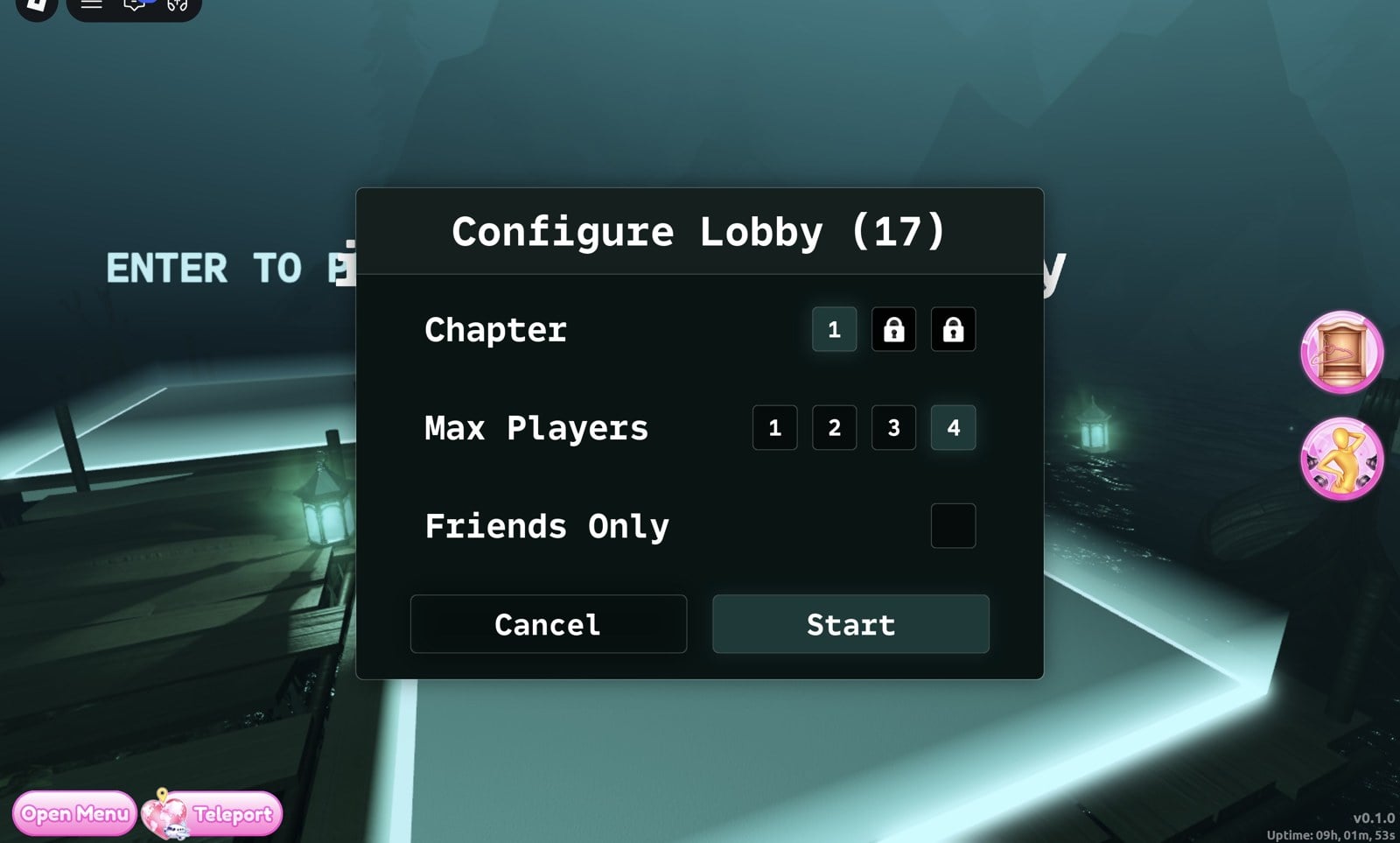
Miss the Start button’s timer and the message “Took too long to configure lobby” appears; you’ll be returned to the dock.
How Chapter 1 begins on The Ferryman’s boat
Chapter 1 begins aboard a boat on a dark river with The Ferryman. He says, “Step where it is dry… every crossing has a price,” then explains the main task: “Feed the lantern as we cross. Let it fail… and the river will take interest.” He says an item has been provided for you and ends with, “Do not reach for the water; it will reach back.”
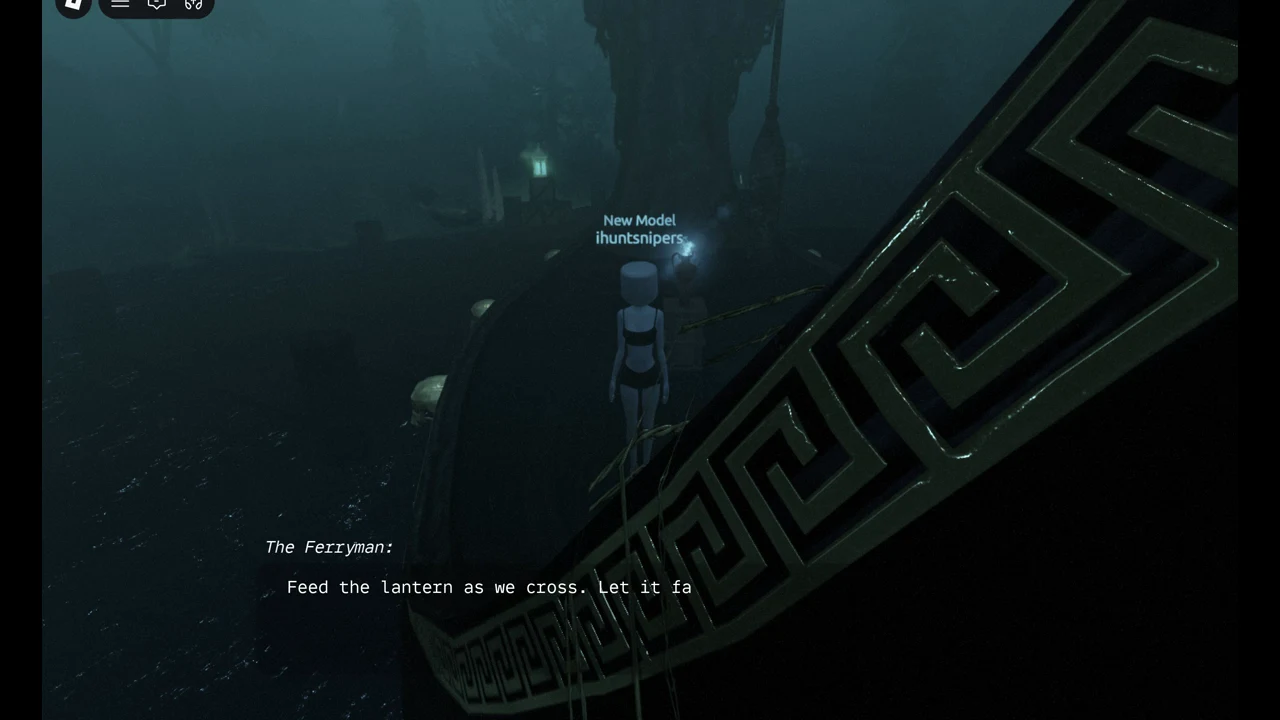
The boat and the HUD have a few elements to track:
- “DISTANCE TRAVELED: n/180” runs along the top of the screen.
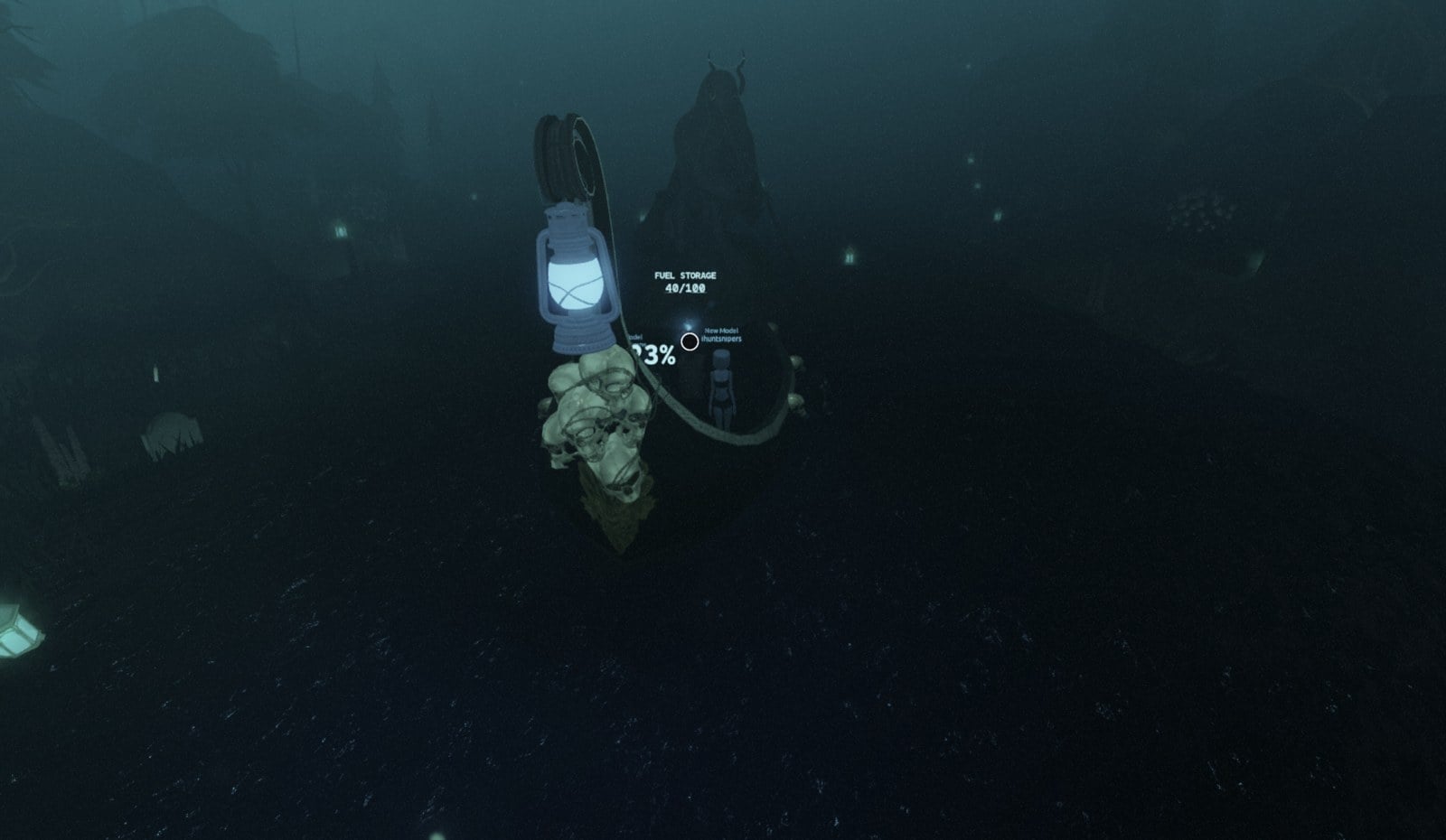
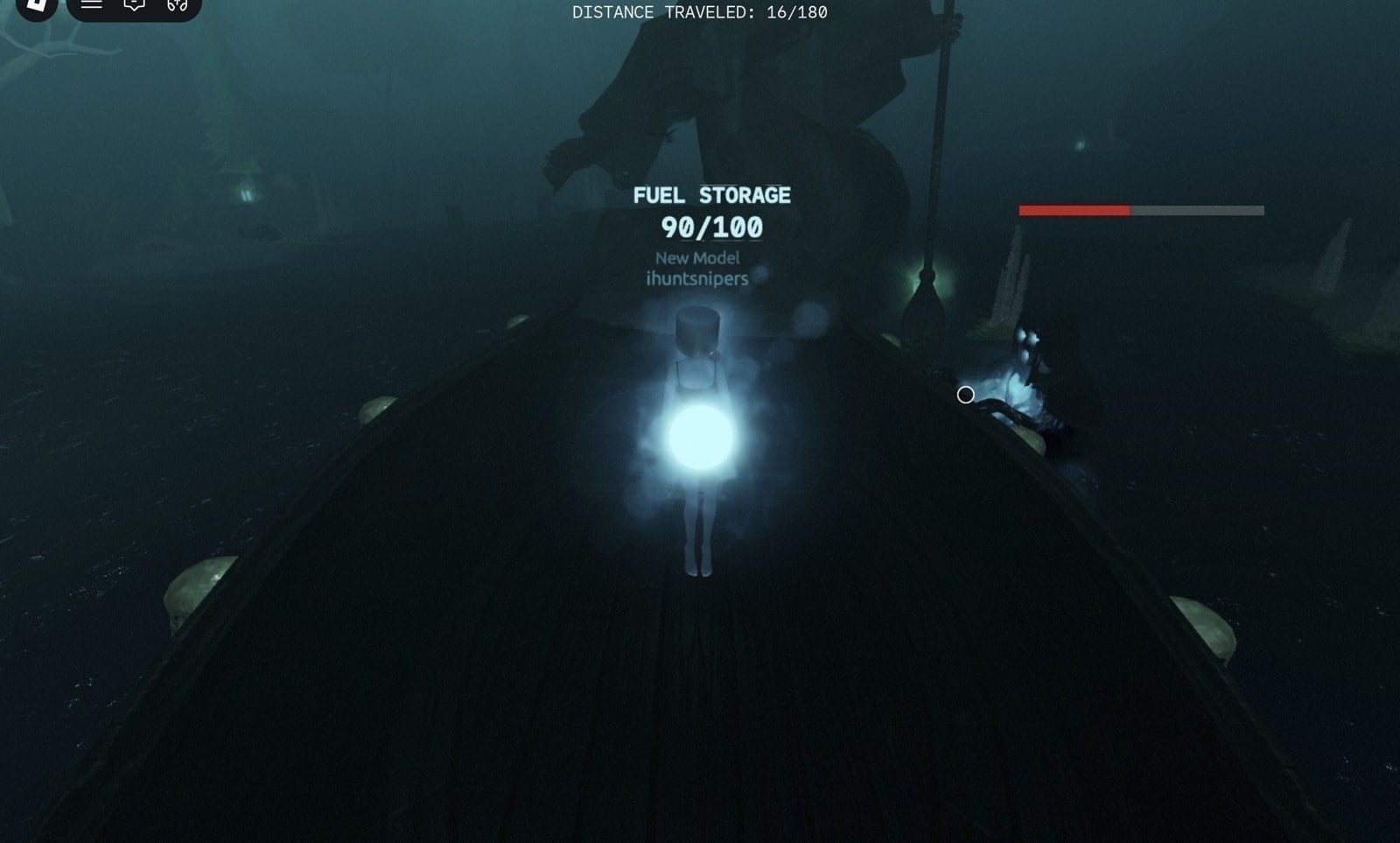
- A fuel pile sits under a blue flame, labelled “FUEL STORAGE 100/100”.
- A big lantern hangs on a pole at one end of the boat.
- A large percentage keeps dropping as the boat moves; in one of our runs it went from 95% at 2/180 down to 7% by 27/180, when we did not manage to feed it.
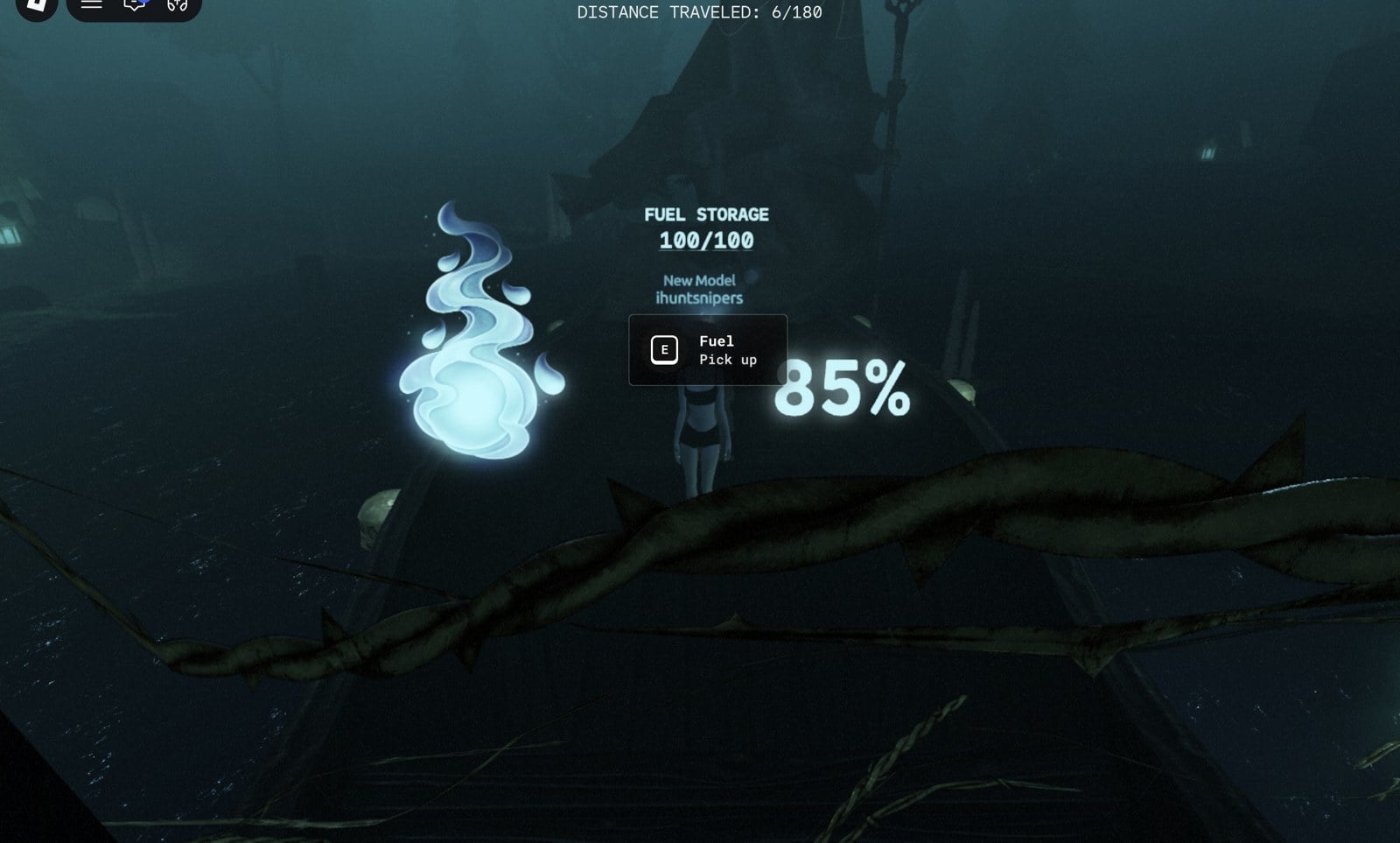
At the fuel pile, press E on the “Fuel / Pick up” prompt. One pick-up took 10 from storage (100/100 drops to 90/100), and your character carries a glowing orb. Pressing E at the lantern empty-handed only shows “Pick up fuel to add to the lantern!”
The threat shows up quickly: only seconds after the boat sets off, spirits haul themselves over its side. A bar above one spirit fills red, and in our runs we died shortly after it showed.
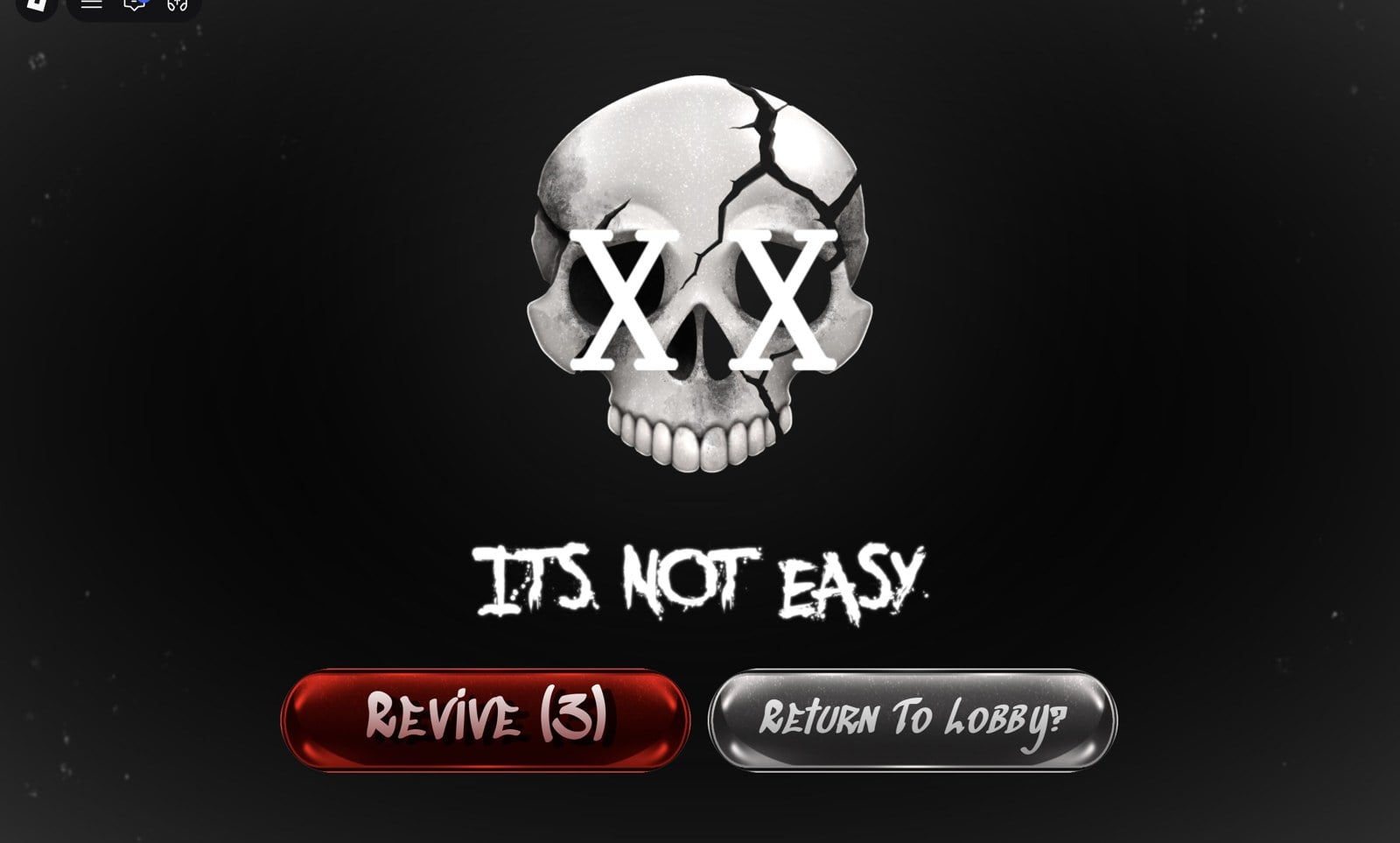
Dying brings up a skull with “IT’S NOT EASY.”, a “Revive” button with a countdown, and “Return To Lobby?”. We never pressed Revive (players report it costs Robux; we did not check). Return To Lobby sent us back to the quest lobby, where you can board a pad and try again.
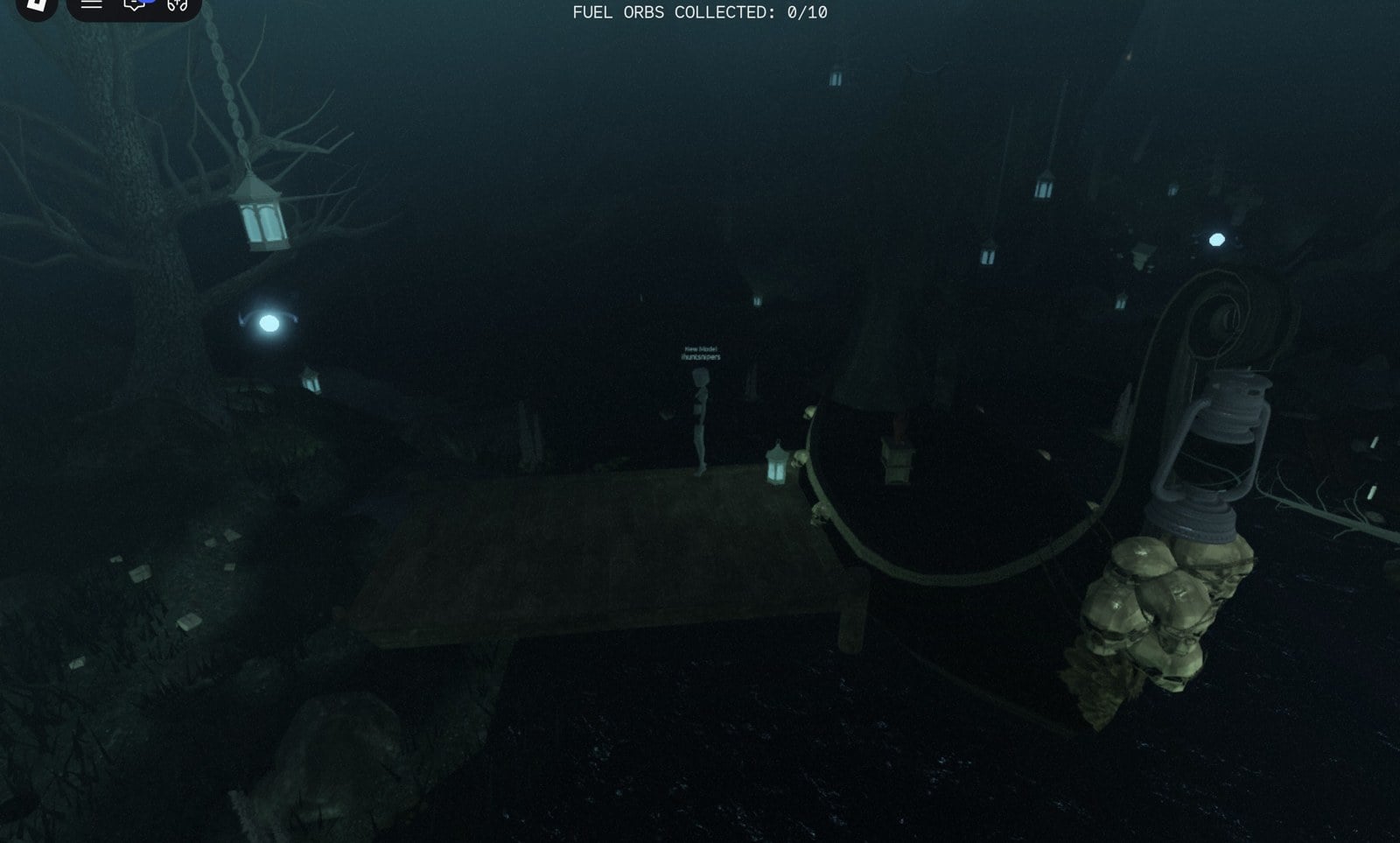
In one of our group runs the fuel ran out at about 94/180; the boat then stopped beside a wooden pier, and the top line changed to “FUEL ORBS COLLECTED: 0/10.” Small pale-blue orbs hover around the island near the pier. Walk through them to collect them; no button is needed, and the counter goes up for every orb you touch. Our group reached 8/10 in about two minutes; we have not seen what happens at 10/10.
Not seen yet
We have entered Chapter 1 several times but not finished it yet. These parts are still open, and this guide will be updated when we see them:
- How feeding the lantern works for sure: we never saw the percentage go back up after carrying fuel to it.
- How to stop or get rid of the spirits that climb onto the boat.
- What happens at FUEL ORBS COLLECTED: 10/10, and the rest of the crossing.
- The end of Chapter 1, what Styx’s “something of his” is, and the chapter reward.
- Chapters 2 and 3 (locked on our account), the quest rewards, and the price of Revive.
Frequently asked questions
How do you start Tales of the Dark King in Dress To Impress?
Press Teleport at the bottom left of the main lobby, click the TALES OF THE DARK KING card in the Select Server menu and press Yes. You arrive in the H26 Quest Lobby; walk from the salon to Styx’s dock and board a free ENTER TO PLAY pad.
Where is Styx?
On the wooden dock at the end of the candle-lit forest path outside the flooded salon. Her scene starts when you walk up to her, and the chapter pads are all around her dock.
Can you play Tales of the Dark King solo?
Yes. Board a free pad, click Max Players 1 in the Configure Lobby window and press Start. The pad then shows “1/1 Players” before the teleport.
How do you play it with friends?
Set Max Players to 2, 3 or 4 when you set up the pad; there is also a Friends Only box. Others can step onto your pad while it shows open slots, and you can join another group’s pad the same way.
Why are Chapters 2 and 3 locked?
They showed a lock icon in Configure Lobby on our account, with only Chapter 1 open. It is not confirmed yet, but they most likely open after you finish the chapter before.
Why can’t I get onto the pad?
The glass platforms sit about waist height beside the dock, so walking into them stops at the edge. Stand at a corner of a free platform and jump sideways onto it.
Does the quest cost Robux?
Getting to the quest lobby and starting Chapter 1 cost us nothing. The Revive button on the death screen is reported by players to cost Robux; we used Return To Lobby instead.