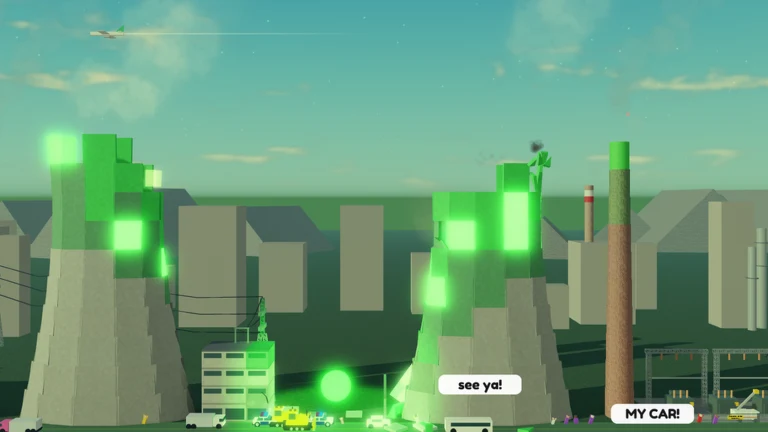
Dungeon Quest Reborn is a recreation of the classic Roblox dungeon crawler, built by Delta Quarters OG, and its community server is where patch notes, bug fixes, and event announcements land first. The invite is not buried anywhere exotic. It sits on the game’s own Roblox listing, right under the description.
Quick answer: Open discord.gg/dqr and tap Accept Invite. If the vanity link fails, use discord.gg/26Zgc6TkCq, which points at the same community.
Official Dungeon Quest Reborn Discord invite links
There is one vanity URL worth memorizing, and it is short enough that a single mistyped letter drops you into a completely different server. Keep the details below handy so you can check any invite you are handed against the real thing.
| Detail | Value |
|---|---|
| Primary invite | discord.gg/dqr |
| Alternate invite | discord.gg/26Zgc6TkCq |
| Game | Dungeon Quest Reborn (Roblox) |
| Place ID | 77649408247578 |
| Developer | Delta Quarters OG |
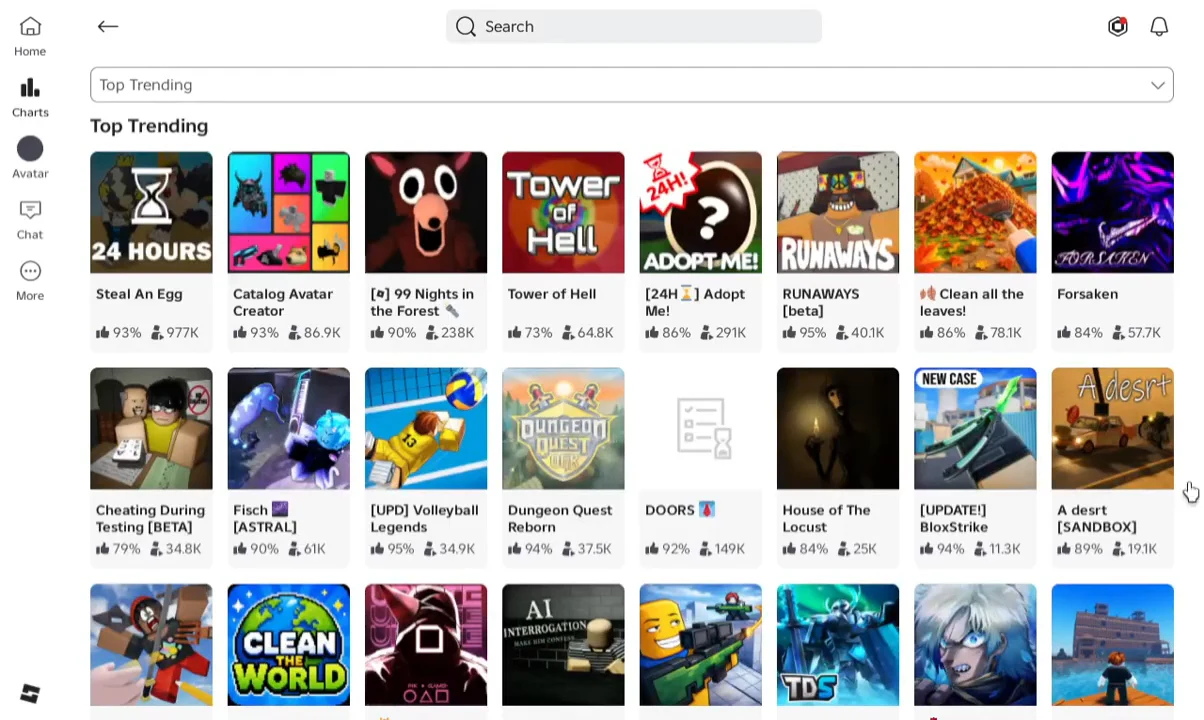
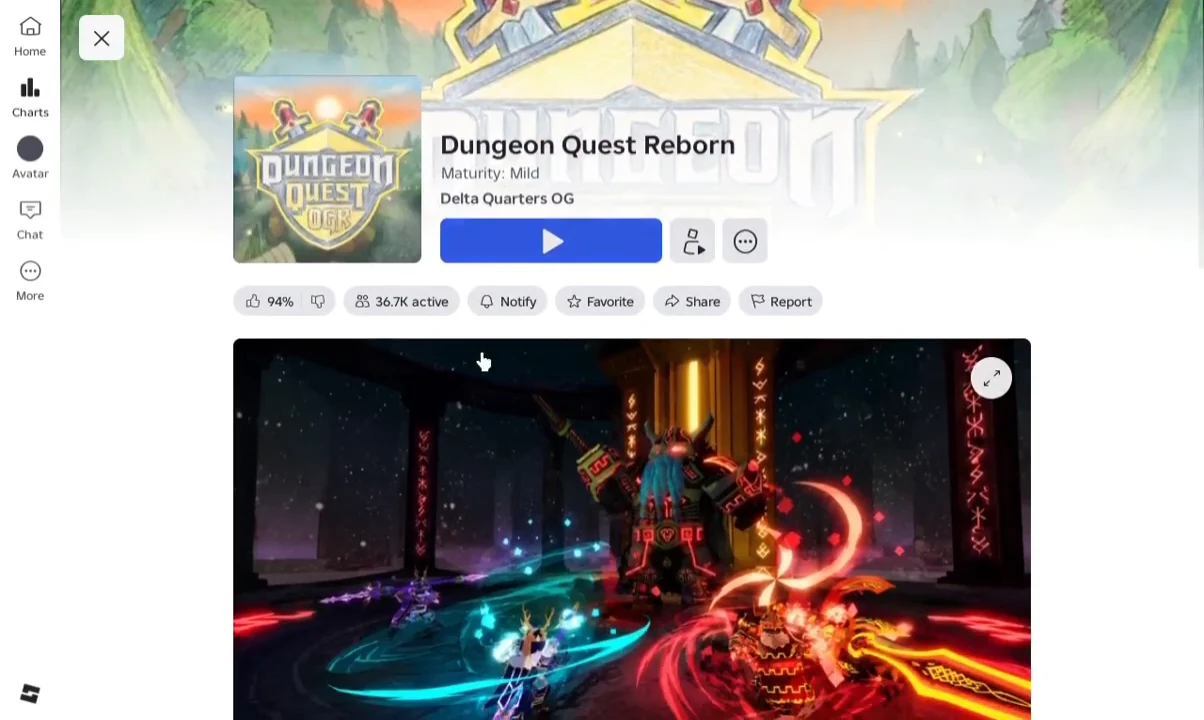
Join from the Roblox game page (Social Media section)
This is the route that never requires you to trust a link someone pasted in chat, because you are pulling the invite straight off the developer’s own listing. Note that the Discord button is attached to the game’s details page rather than the dungeon lobby, so you need to back out of the session first.
Join on mobile using the Discord app
If you already have the vanity link, you do not need to open Roblox at all. The app flow takes about fifteen seconds.
https://discord.gg/dqr into the invite field. Long-press and paste rather than typing it out, since autocorrect has a habit of mangling three-letter vanity codes.How to confirm you joined the right server
Before you tap Accept, the invite preview should name Dungeon Quest Reborn and reference Delta Quarters OG. After accepting, the server appears in your Discord sidebar and the announcement channel is readable, which is the clearest sign the join went through.
If it did not work, the reason is usually one of a small handful.
- The vanity was mistyped, so you landed in an unrelated guild with a similar code.
- Vanity routing failed and the invite errored out — switch to the alternate code discord.gg/26Zgc6TkCq.
- A rules or membership screening gate is still pending, which leaves channels locked until you complete it.
- You are viewing the invite in a browser where you are signed out of Discord.
Note: the server you want is the one built around the Reborn recreation. An invite that only talks about older Dungeon Quest seasons and never mentions Place ID 77649408247578 is a different community.
Fake invites and scam patterns to reject
Popular Roblox games attract impersonator servers, and Dungeon Quest Reborn is no exception. The filter is simple: staff never contact you first, and nobody legitimate needs your Roblox account credentials.
| Red flag | What is really happening |
|---|---|
| Asks for your Roblox password or a login code | Account theft. No verification bot needs this. |
| Promises Dungeon Quest Reborn codes | The game has no code redemption system, so the rewards do not exist. |
| An admin DMs you first offering VIP, items or Robux | Impersonation. Report and block. |
| Sends you to an outside site to “verify” | Phishing funnel, often paired with a fake Nitro offer. |
| Sells accounts, items or Robux for real money | Not affiliated with the game. |
| Random discord.gg link dropped in Roblox chat | Treat as untrusted until the code matches the official vanity. |
What the Dungeon Quest Reborn Discord is actually for
Set expectations before you join. The server is a news and matchmaking layer, not a rewards hack. Delta Quarters OG posts update summaries and balance changes there first, and players use the rest of the channels to group up and flag bugs.
| Channel type | What shows up there |
|---|---|
| Announcements | Patch notes, update summaries and Early Access roadmap news |
| Giveaways and events | Community prize threads and seasonal events |
| Team-finding | Grouping for dungeon runs across difficulties |
| Bug reports | Repro threads and balance feedback the developer reads |
| General chat | Build talk, loot and weapon stat discussion |
Channel names shift between updates, so treat the live sidebar as the truth rather than any fixed list. If you cannot find a room, search the sidebar for the intent — announcements, LFG, bugs — instead of an exact label.
One thing the server will not give you is free rewards. Dungeon Quest Reborn has no code redemption menu, mirroring the original game, which means there are no codes to hand out and no channel that could post them. If a server claims otherwise, that is the tell.
Once you are inside, mute the channels you do not need so announcement pings stay visible, read the pins before posting, and ask questions with real detail — your level, the dungeon, and the difficulty you are attempting. A specific request gets a carry. “Carry me” does not.