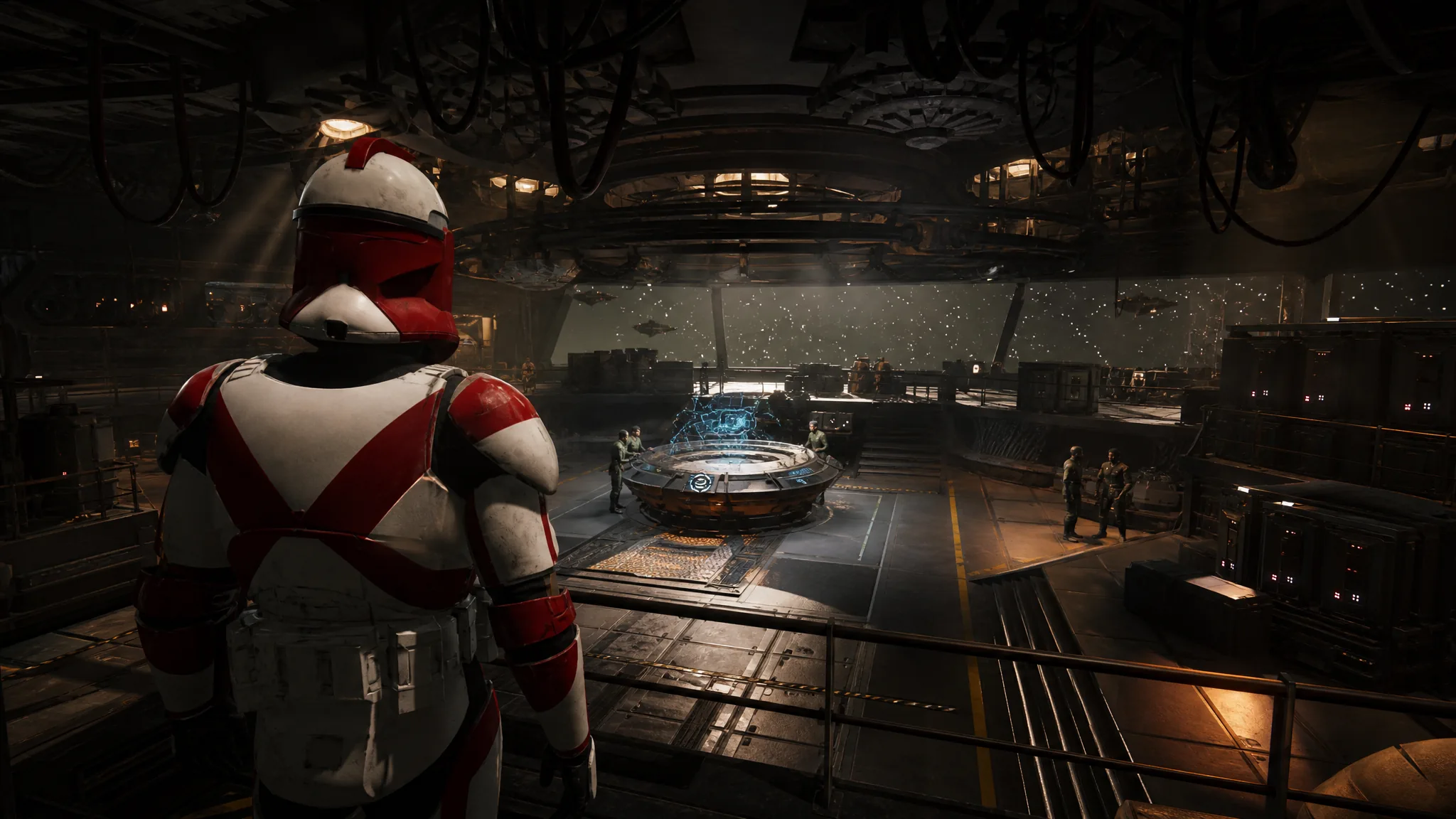
Den Level is the progression track for your base on the Ring of Kafrene, and it gates which Facility, Crew, and Weapon upgrades you can buy. It does not climb on its own as the story advances. You have to feed it points, and only two things in Star Wars Zero Company hand them out.
Quick answer: Go to the Holotable in the Den, take every side mission on the Missions tab that lists a “+Den Level” reward before its timer runs out, and push zones on the Influence tab to their next tier. Both pay Den Level points directly into your Den XP bar.
Where Den Level points come from
Everything runs through the Holotable, the central console in the Den where you launch Tactical Missions, start Operations, and check Zero Company’s Influence for the current Cycle. Two tabs on that console matter here. The Influence tab pays out points when a zone hits a new tier, and the Missions tab lists side missions that carry Den Level in their reward block.
The amounts are not trivial. A single flagged side mission can be worth more than an entire zone tier, which is why letting them expire is the most common reason a Den Level bar stalls.
| Source | Example | Den Level reward |
|---|---|---|
| Zone Influence tier | Zone Isk reaching its next tier | +175 |
| Side mission | Abduction (Rescue Mission, Dangerous) | +150, plus +1 Contact |
| Side mission | Spoils of War (Retrieval Mission, Dangerous) | +275 |
Raise zone Influence for Den Level points
Not every tier on every zone pays Den Level, so read the reward line before committing. Some tiers pay out in facility slots, weapon mod slots, better black market stock, or permanent operator health instead, and those are worth chasing on their own terms.
Clear side missions that reward Den Level
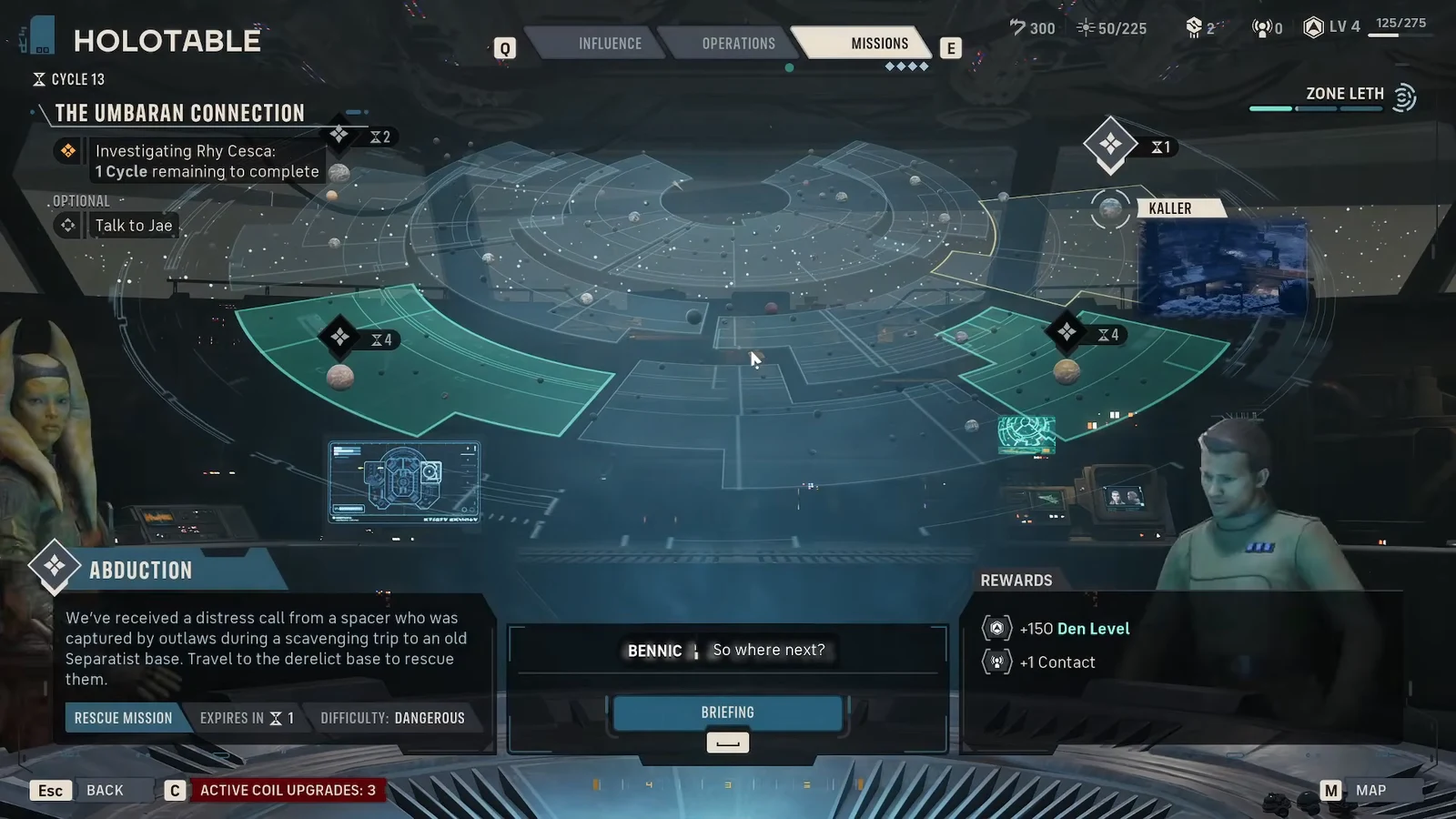
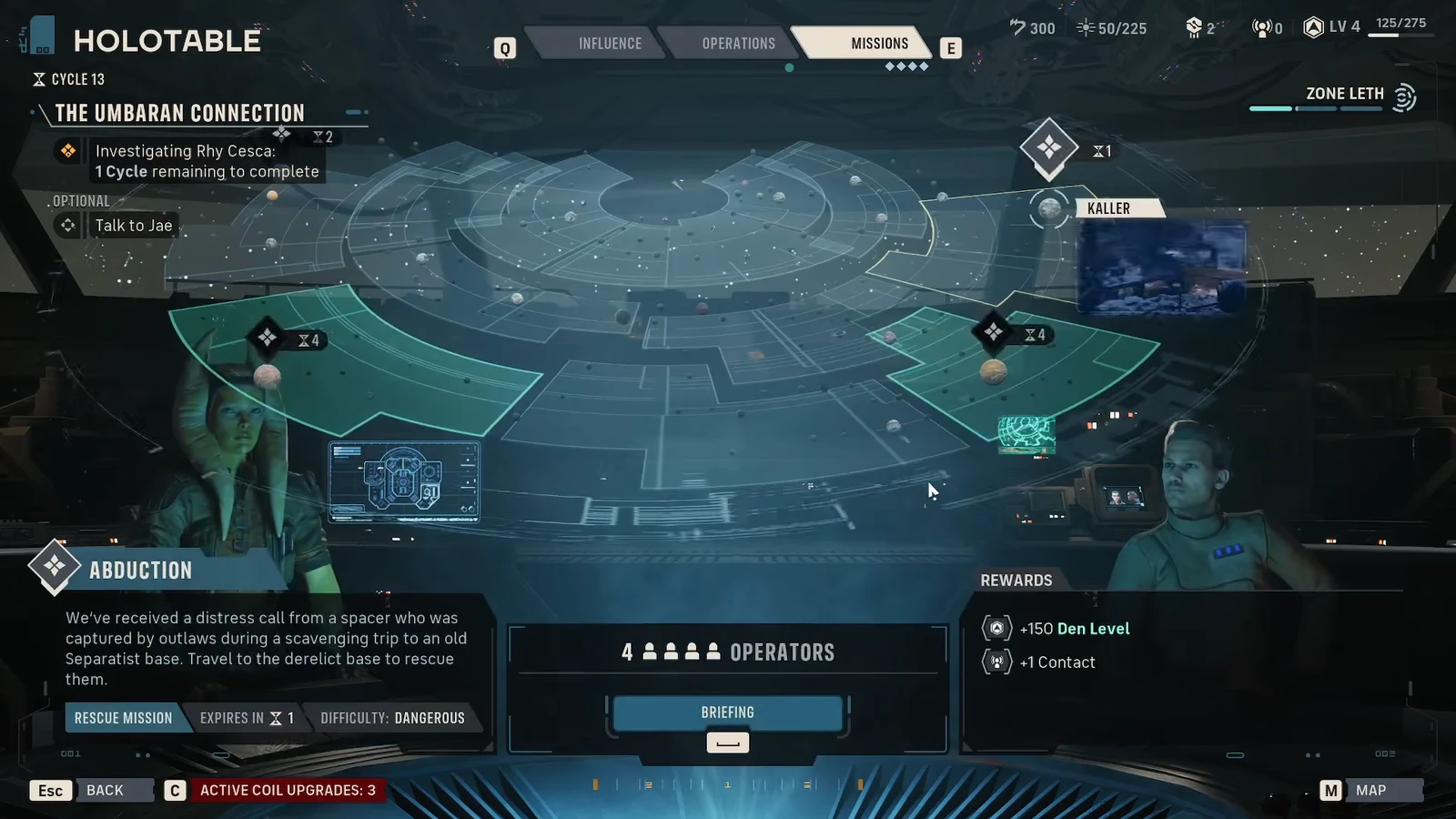
Note: side missions are tied to Cycles and expire. Every mission you run advances time, so a Den Level mission you skip this Cycle can be gone by the next one. If you are choosing between two missions and only one lists Den Level, take that one first.
How to check that your Den Level went up
The Den Level readout sits on the Holotable alongside the zone and mission panels, showing your current level and the points banked toward the next one. After a mission resolves or a zone tier flips, the number moves immediately. When you cross a threshold, the level indicator ticks over to the new value.
If the bar has not moved, there are only a couple of reasons. Either the mission you completed did not list Den Level in its rewards, or the zone tier you advanced paid out in something other than Den XP. Both are visible in the reward panel before you start, so check there rather than after the fact.
Pushing Den Level early pays off quickly, because most of the upgrades that keep operators alive sit behind it. Black market improvements open up as early as Den Level 2, raising the quality of the gear on offer, and the Medbay expansion that lets you clear Injuries fast becomes far more valuable once you start taking Dangerous missions for their Den Level payouts. Treat the flagged side missions as your priority each Cycle and the level will keep pace with the difficulty curve.