Focus Points in Star Wars Zero Company are not a one-way commitment. Every point you sink into a talent rank, a specialization ability, or a passive can be pulled back out and spent somewhere else, on the same operator, at any time between missions. That makes the Focus Tree a testing ground rather than a series of permanent decisions.
Quick answer: Open the terminal in the Den, go to PERSONNEL, pick your operator, open the FOCUS TREE tab, highlight an allocated node, and press Spacebar (or select the on-screen REFUND prompt) to reclaim that node’s points.
Where the refund option lives
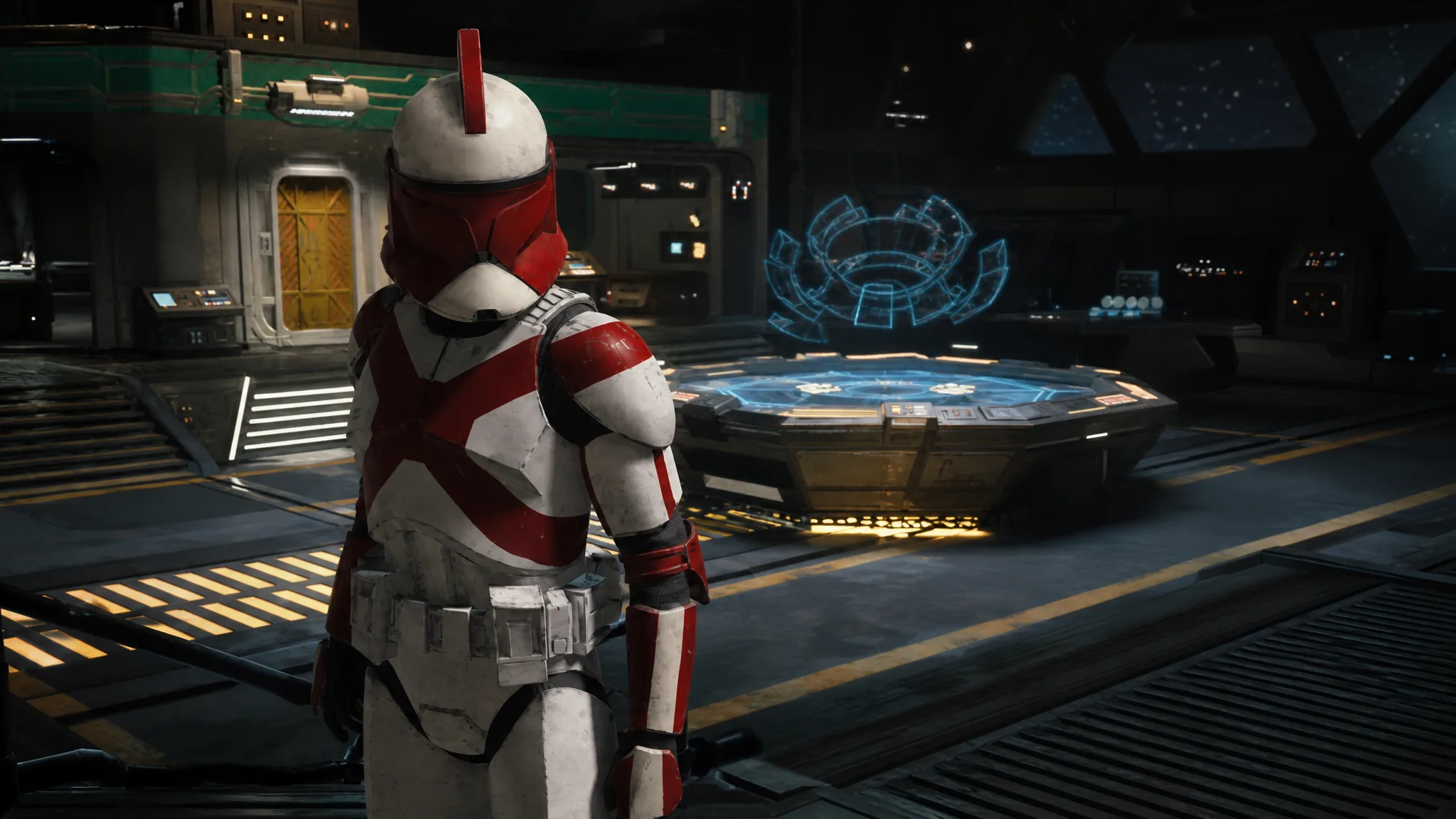
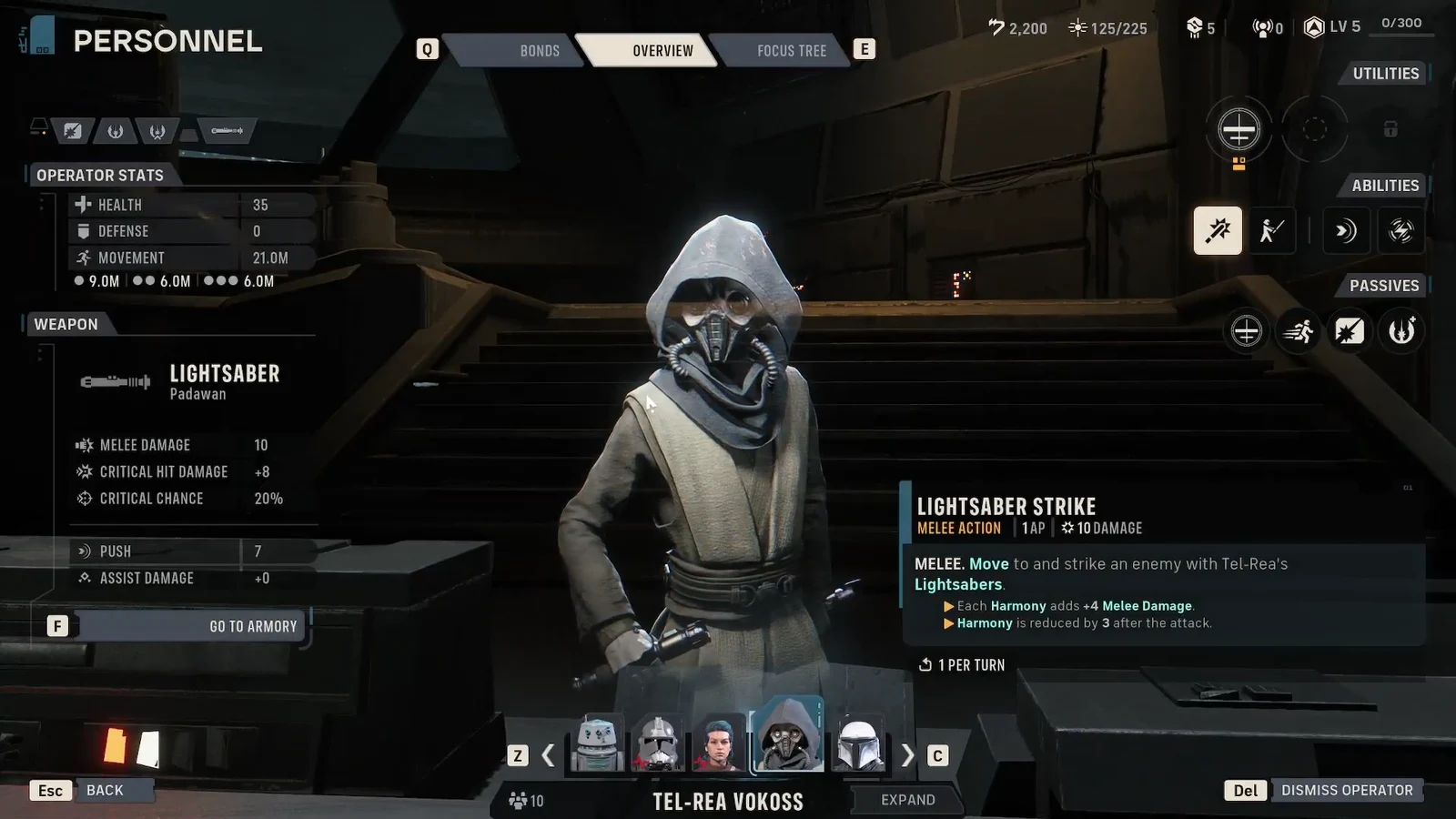
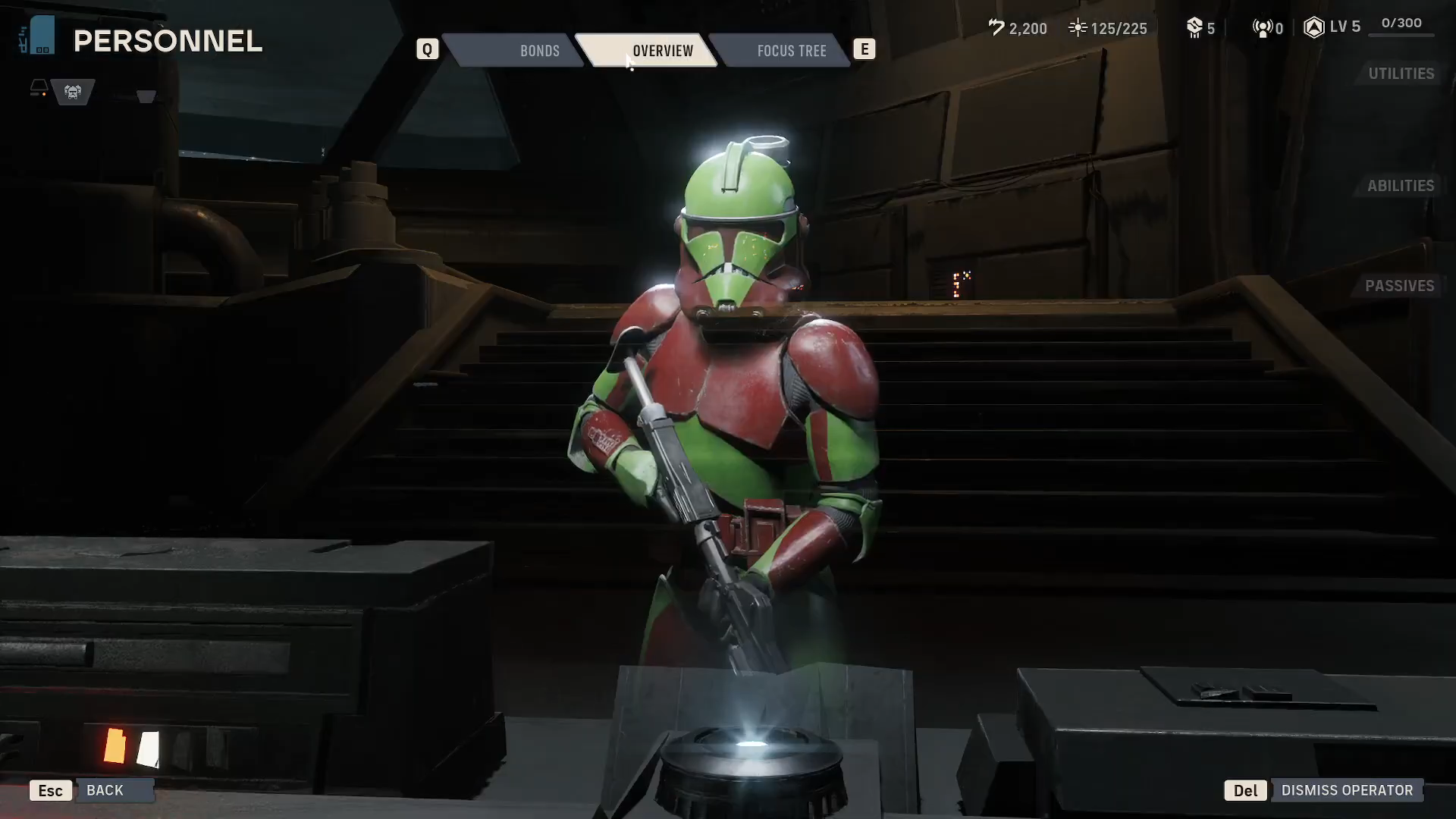
Refunding happens entirely at the Personnel facility in the Den — there is no combat-side or loadout-screen version of it. You interact with the terminal in the ship’s main room, which opens the roster menu containing the Overview, Bonds, and Focus Tree tabs for each operator.
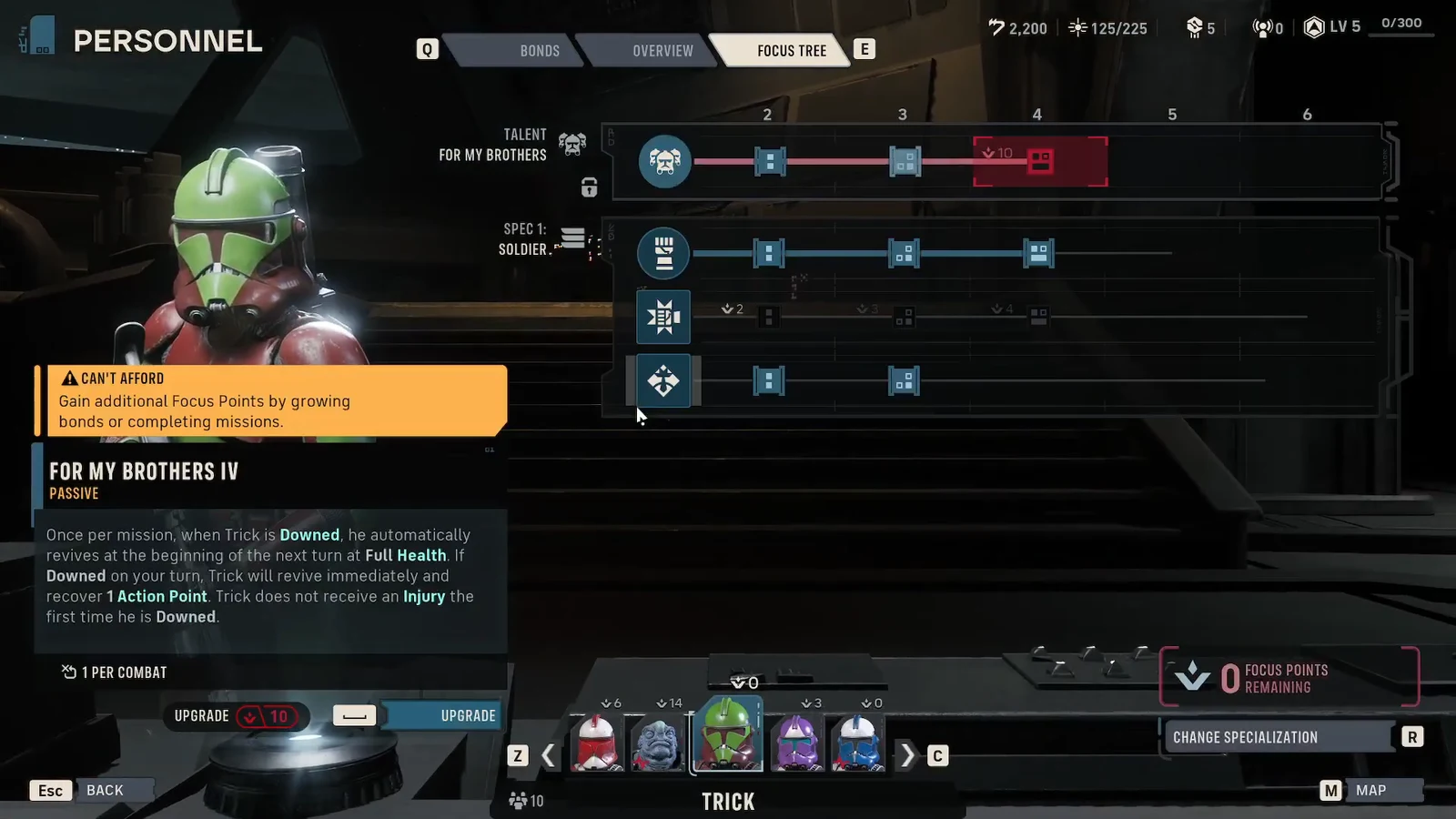
The refund itself works node by node. You are not wiping a whole tree with one button; you highlight a specific allocated upgrade and reclaim the points tied to it. That means you can shave a single rank off a talent without disturbing the rest of the build.
How to refund Focus Points
How to confirm the refund worked
Two things change immediately. The FOCUS POINTS REMAINING counter goes up by the cost of the node you refunded, and the node itself reverts to an unpurchased state, losing its active highlight in the tree.
If the counter still reads 0 after you press the button, you were most likely hovering a node that had never been bought in the first place. Check that the prompt on screen says REFUND rather than UPGRADE before pressing anything.
What you can and cannot re-spec
Refunding points is only half of a full rebuild. The Personnel screen also carries a CHANGE SPECIALIZATION option, and specializations, talents, weapons, and point distribution can be freely reworked for nearly every operator. The exceptions are the talents belonging to authored story characters and unique specializations such as the Astromech’s Built-In Comlink or Tel-Rea’s Jedi trees.
| Element | Can it be changed? |
|---|---|
| Allocated Focus Points | Yes — refund any purchased node |
| Specialization (custom operators) | Yes, via CHANGE SPECIALIZATION |
| Universal talent (custom operators) | Yes |
| Authored character talents | No — fixed to that character |
| Unique specializations (Astromech, Padawan/Wayseeker) | No |
Note: Focus Points come mainly from raising Bonds between operators, with more awarded through Tactical Missions and campaign progression. Because refunds cost nothing, the points you have already earned stay in circulation permanently — a build you abandon at Cycle 5 is not points wasted.
When refunding is worth doing
The most common trigger is the mid-campaign unlock of a second specialization, which suddenly makes some earlier purchases redundant. A Trick built purely into Soldier ranks, for instance, may be better served pulling points out of deeper Rocket Strike tiers and putting them into Heavy survivability nodes once that second tree opens.
It also matters because several talents scale unevenly. Ranks I through III of a talent often add small numbers, while the final rank changes how the talent behaves — Sabotage becomes unlimited per combat at rank IV, Anticipation can be applied to an ally, and Cold-Blooded starts granting two Vicious stacks. If you have spread points thinly across three half-finished talents, refunding and consolidating into one completed chain is usually the stronger outcome.
Because the whole system is reversible at the Den between missions, there is little reason to hold points back out of caution. Commit to a build, take it into a mission, and if the abilities are not earning their slot, pull the points straight back out and try something else.