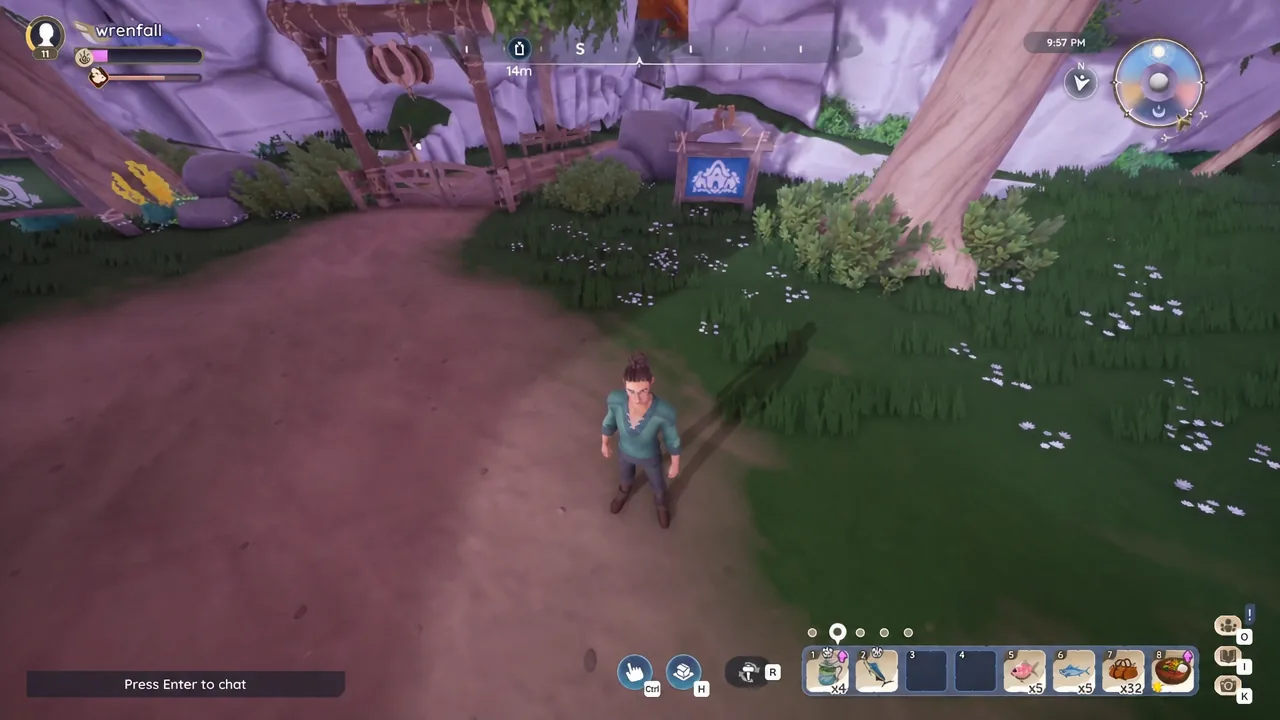
Housing plots in Palia sit outside the normal map, so you cannot simply walk or run to a friend’s home. Travel between plots runs through a single object: the blue Visit Other Plots board that stands beside the entrance gate on every player’s land. It handles both the trip out and the trip back.
Quick answer: While your friend is standing on their own housing plot, walk to the blue board next to your plot’s gate, press F to open Visit Other Plots, pick their name under the Friends tab, and click Visit.
Requirements before the Visit button works
Four conditions have to line up. If any one of them is missing, the friend’s name either will not appear in the destination list or the trip will not go through.
| Condition | What it means |
|---|---|
| You own a plot | Everyone receives a housing plot after finishing the tutorial, and that plot comes with its own board. |
| They are a friend or party member | Destinations are limited to people on your friends list or in your current party. |
| They are on their plot right now | The owner must be present. You cannot wander a plot while they are offline or off in another zone. |
| Their permissions are open | The plot’s privacy setting has to allow Friends or Anyone. A private plot blocks the visit. |
Note: the same rules apply in reverse. If people keep failing to reach your land, check your own plot permissions before assuming something is broken.
How to visit a friend’s housing plot
O key and look at your friends list. Each online friend shows their current location, and you want one whose status reads Housing Plot.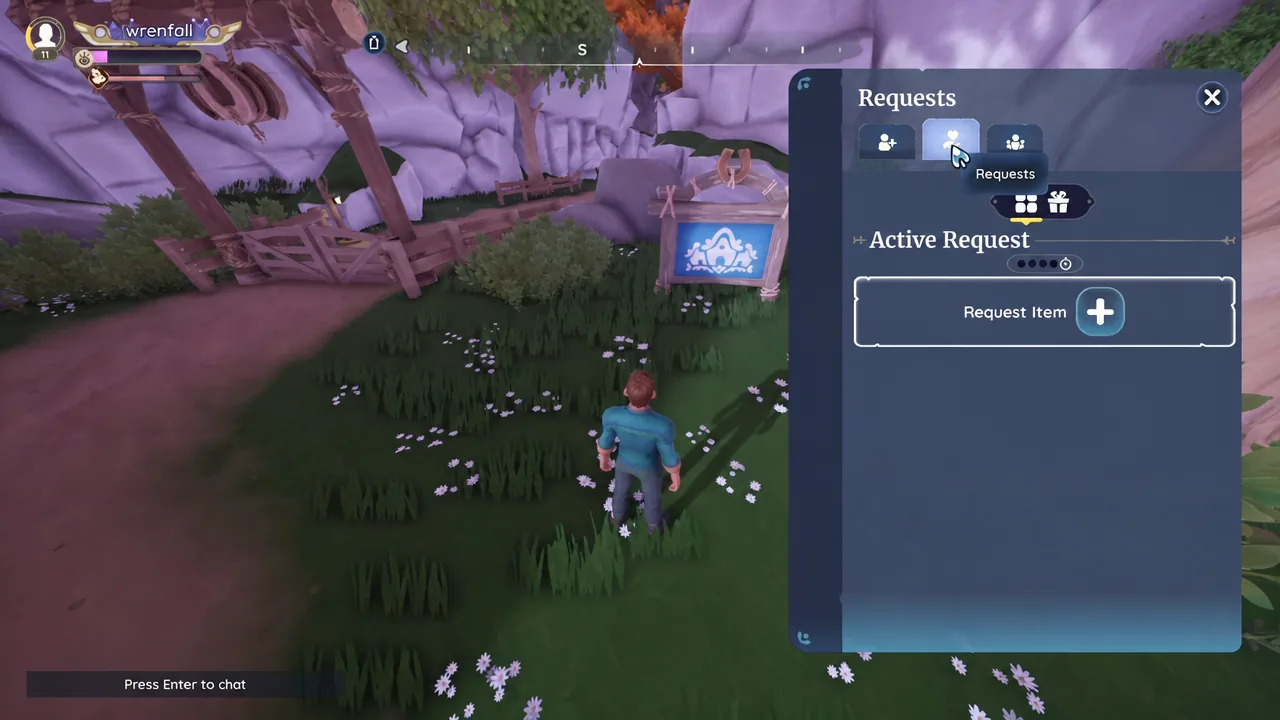
F. The Choose Your Destination window opens with Friends, Party Members and Server tabs.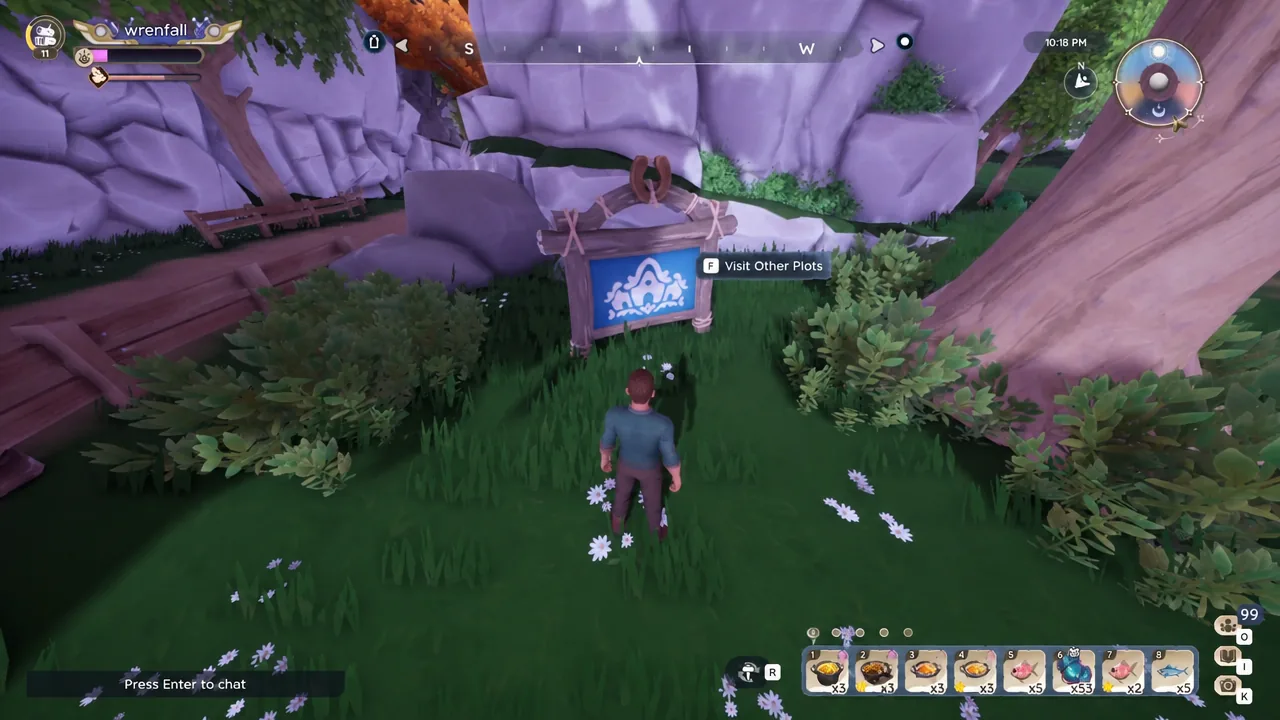
How to tell the visit worked
On arrival, a banner appears naming the plot slot and its owner, in the form “Welcome to Default Slot, Created by [player name]”. A second notification confirms your access level with “You have Visitor Permissions” and “Edit Permissions set to Visitor”.
Visitor permissions mean you can walk the plot, look around and interact with shared activities, but you cannot rearrange the owner’s furniture or building blocks. You can still contribute materials to anything they are constructing, from a first house to a porch or fireplace.
How to return home from a friend’s plot
Why a friend’s name will not load
Failed trips almost always come down to one of a small set of causes rather than a bug.
- The friend is online but standing in Kilima Valley, Bahari Bay or another zone instead of on their plot.
- The friend is offline entirely, which removes the plot as a destination.
- Their plot permissions are still private rather than set to Friends or Anyone.
- The player is not on your friends list and is not in your party, so the board has nothing to point at.
Tip: if you only want to look at someone’s build rather than play alongside them, the Home Tours board is a separate route. Plots submitted there can be toured without the owner adding you as a friend or changing their visit permissions.
Once you have the board routine down, plot hopping becomes the backbone of most group play in Palia. Shared cooking has to happen at a house, donated materials speed up someone else’s build, and both start with the same short press of F at the gate.