Military Army Tycoon hands out a free boost to players who do two small things outside the game itself: press the thumbs-up on the experience page, and join the developer’s Roblox community. It is also the gate on the code system, so until both are done, the Settings menu will not pay out the Cash that codes like Joined and Bonus give you.
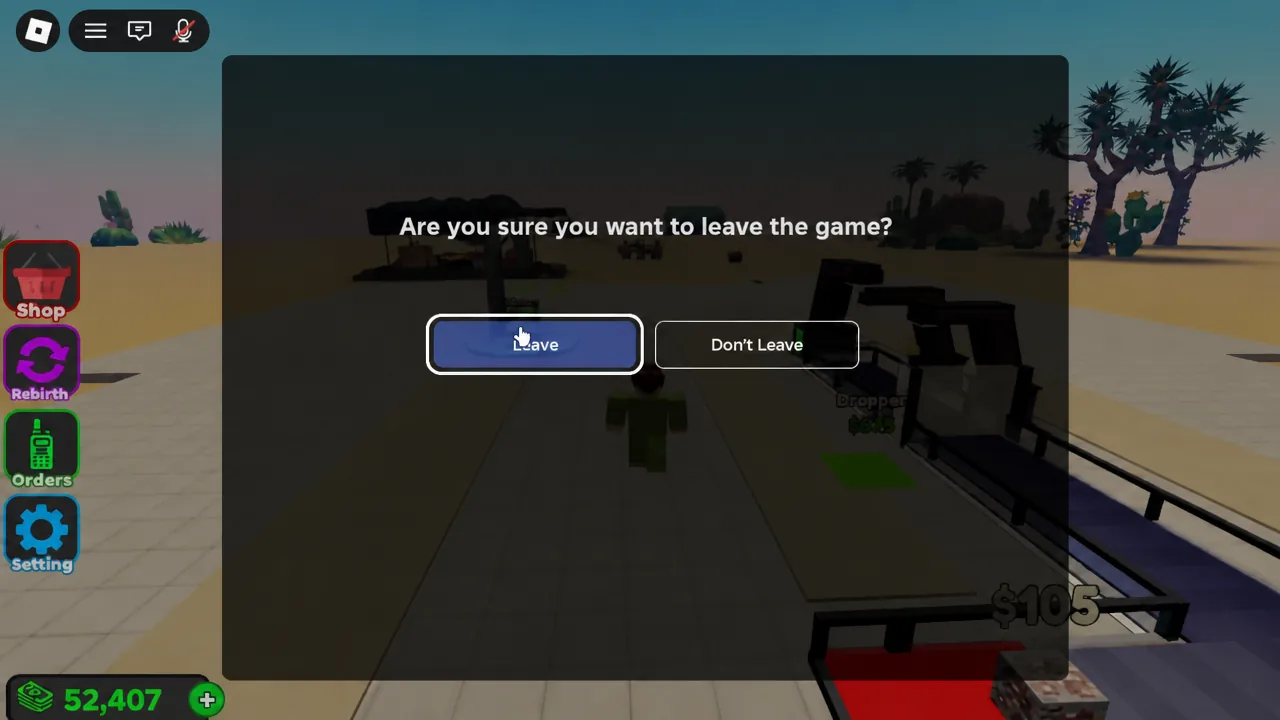
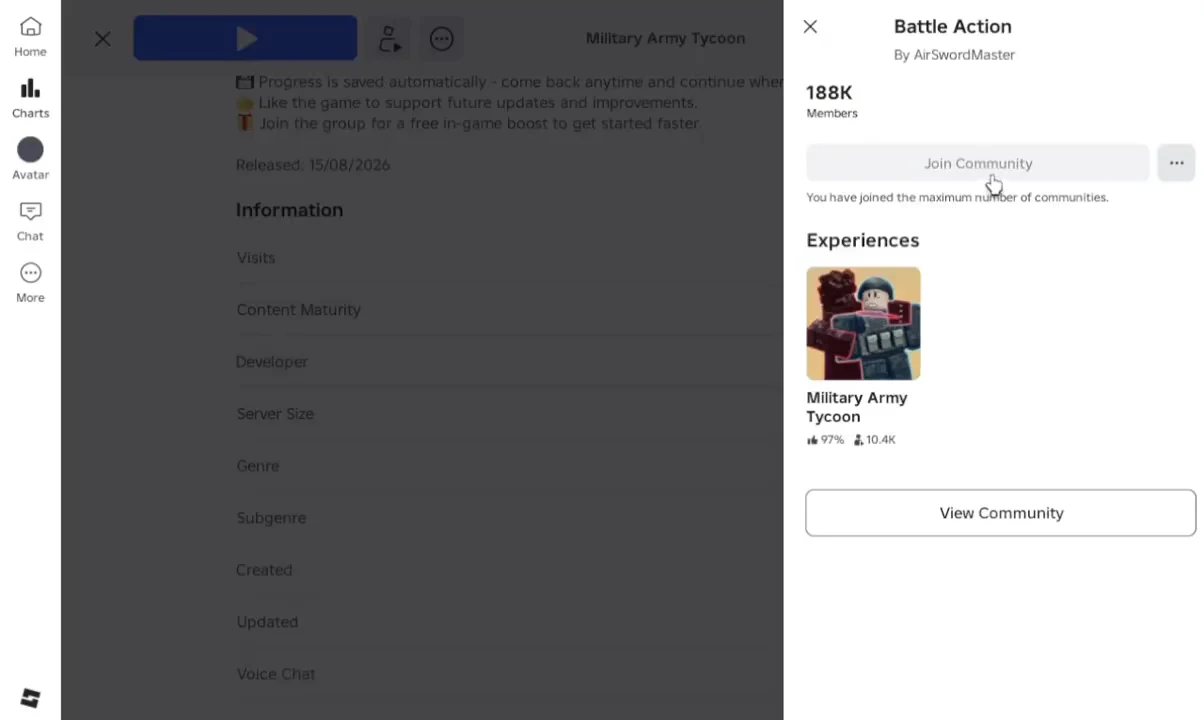
Quick answer: Leave the game, like the Military Army Tycoon page with the thumbs-up icon, scroll to the Information section and open the “Battle Action” community, press Join Community, then relaunch the game to have the boost and code box active.
What the like and group reward actually gives you
Two separate things are tied to the same requirement. The first is a boost applied when you rejoin the game, which speeds up early base progress. The second is access to the in-game code box, which is where the current 100,000 Cash worth of codes gets redeemed.
| Requirement | What it unlocks |
|---|---|
| Like the Military Army Tycoon page | Free in-game boost on your next join |
| Join the Battle Action community | Access to the code redemption system |
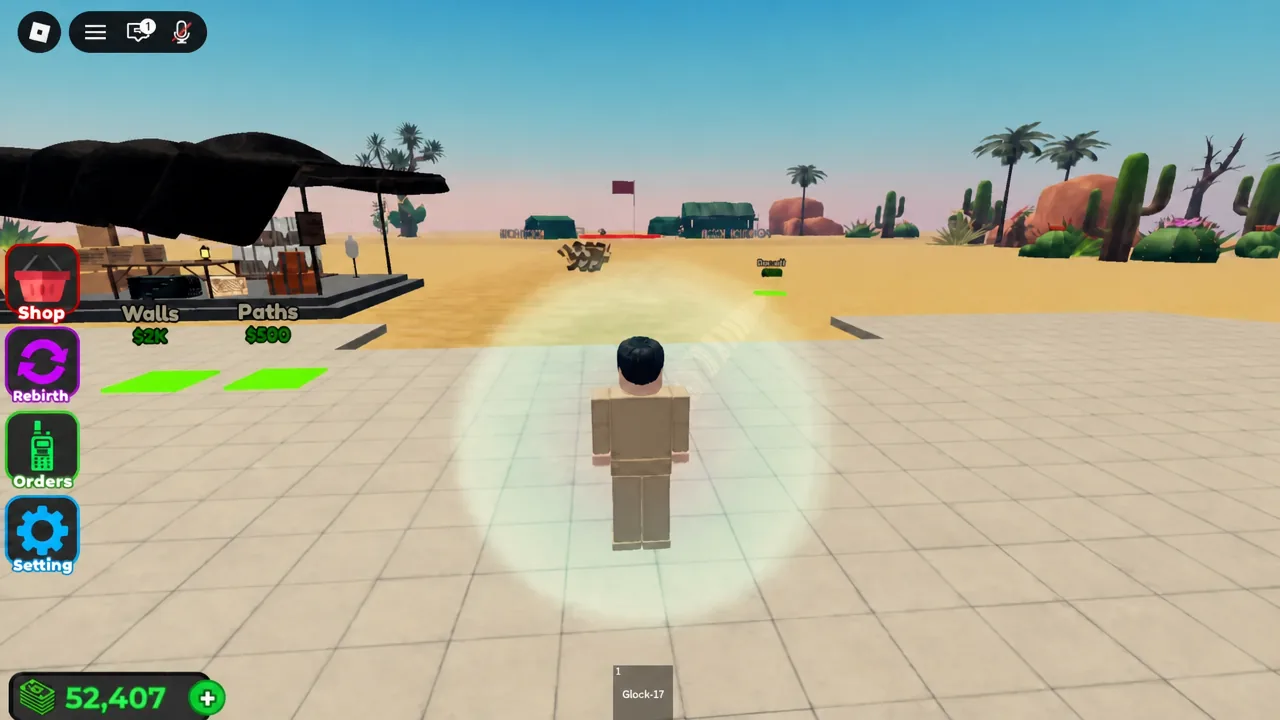
Cash is the only currency that matters here. You spend it by walking onto the green buttons scattered across your plot, which turn into droppers, barracks, walls, and the rest of the base. A Dropper costs $375, a Barrack $650, and Walls run $1.5K, so a 50,000 Cash code covers a lot of the opening build.
How to like Military Army Tycoon
How to join the Battle Action group
Redeem the codes to confirm it worked
The fastest way to check that the group requirement registered is to redeem a code. Wait for the map to finish loading, then press the Settings button on the left of the screen to open the code box. Type a code in and hit Redeem.
| Code | Reward |
|---|---|
| Joined | 50,000 Cash |
| Bonus | 50,000 Cash |
If the requirement is satisfied, your Cash counter jumps immediately. From there, step on a green button to buy something and you should see the PURCHASE SUCCESSFUL! prompt with the cost deducted, which confirms the currency actually landed in your account rather than just flashing on screen.
Why the reward or code fails to trigger
There are only a handful of things that stop this from working, and none of them are subtle.
- You never left and rejoined. The game reads your like and membership when you enter a server. Liking mid-session does nothing until you go back in.
- Join Community is greyed out. Roblox caps how many communities one account can be in. If you have hit that ceiling, leave a community you no longer use, then try Battle Action again.
- The code was mistyped. Enter it exactly as written, with no trailing spaces from a copy-paste.
- The code has expired. Codes are pulled without warning, so a code that worked last week may simply be dead.
- The server is running an old build. Leave and rejoin to get placed on a different server, which often picks up a freshly released code.
Once you are a member, staying in the Battle Action community is worth it beyond the one-time boost, since new codes are posted there when the game gets an update or crosses a milestone. Leaving the community later would also remove the requirement the code box checks, so there is no reason to drop it after claiming.