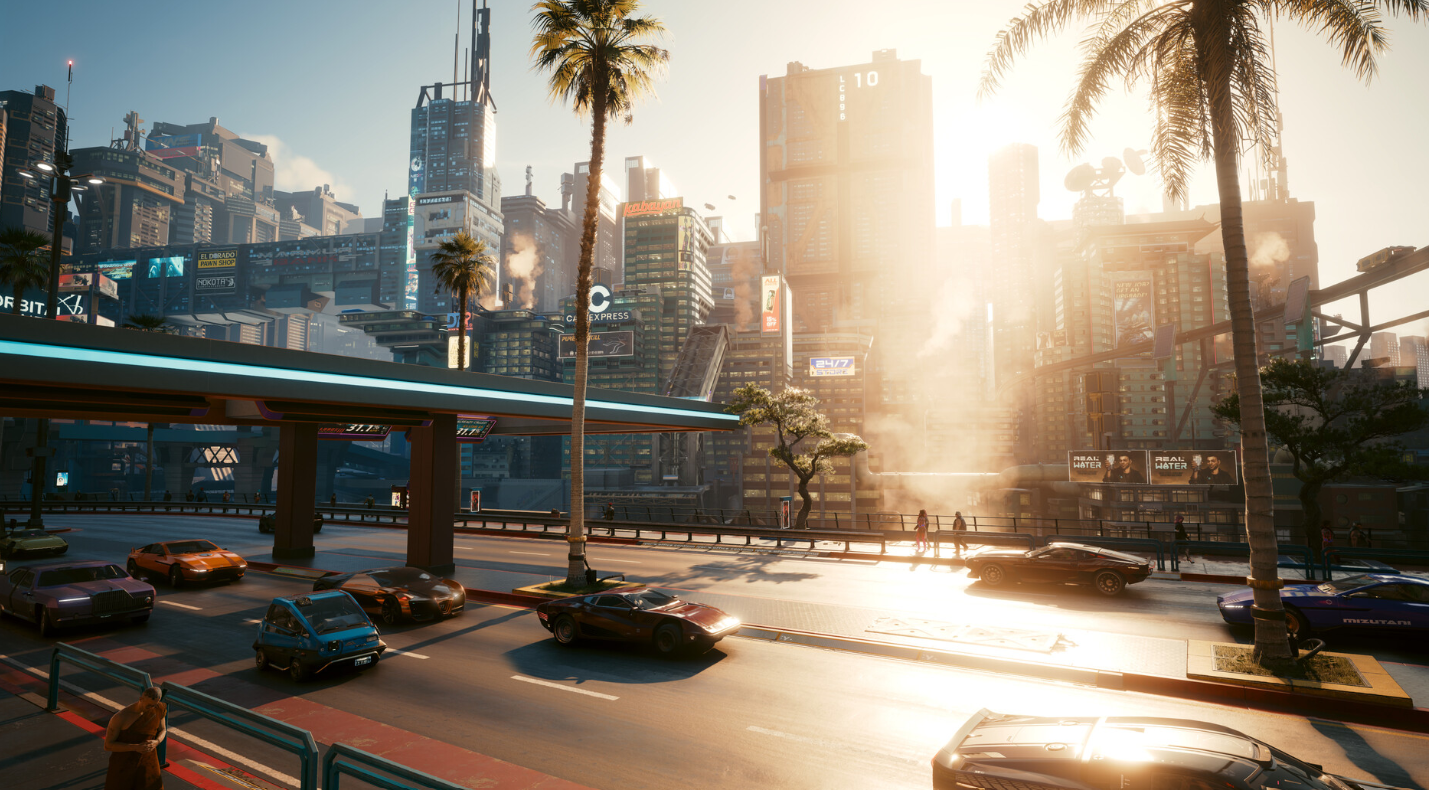
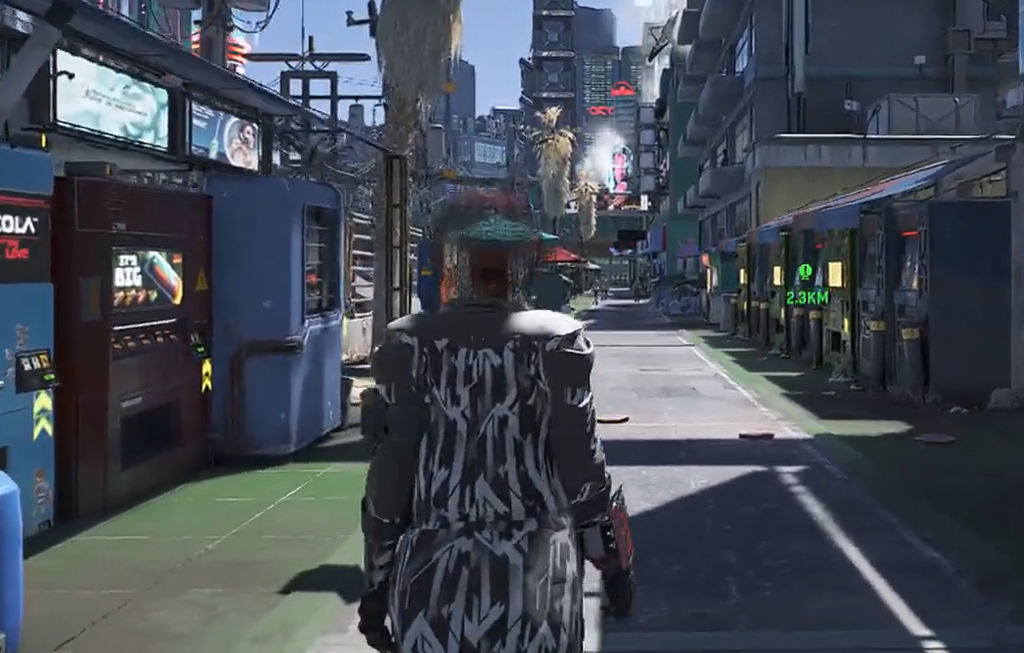
Cyberpunk 2077 shipped as a first-person game. Aside from driving, every moment of gameplay and every cutscene happens through V’s eyes, and the third-person camera that CD Projekt Red once showed off never made it into the final release. Modders have spent years closing that gap, and the current setup finally lets you move around Night City behind V’s shoulder with animations that look close to what a purpose-built third-person game would have.
Quick answer: Install Cyber Engine Tweaks, add the JB TPP third-person camera mod on top of it, then install the Every Animation Redone TPP mod for human-like movement. Combat and weapons stay first-person by default, so you get third-person only while exploring.
What you need for Cyberpunk 2077 third person
Third person on PC is a stack of mods rather than a single toggle. One mod provides the camera, a second rebuilds the character’s movement, and both rely on a scripting framework to function. Install them in order, because the animation overhaul does nothing without the base camera mod underneath it.
| Component | What it does | Notes |
|---|---|---|
| Cyber Engine Tweaks | Scripting framework the camera mod runs on | Required first |
| JB – TPP MOD WIP third person | Adds the actual third-person camera and controls | By Jelle Bakker |
| Every Animation Redone TPP Third Person | Rebuilds V’s walk, jog, sprint, jump, and climb animations | By Tylerrrrr; needs the JB mod |
| spawn0 – BODY MOD 2.0 | Body proportions the animation mod was tuned against | Optional but recommended |
Set up the third-person camera
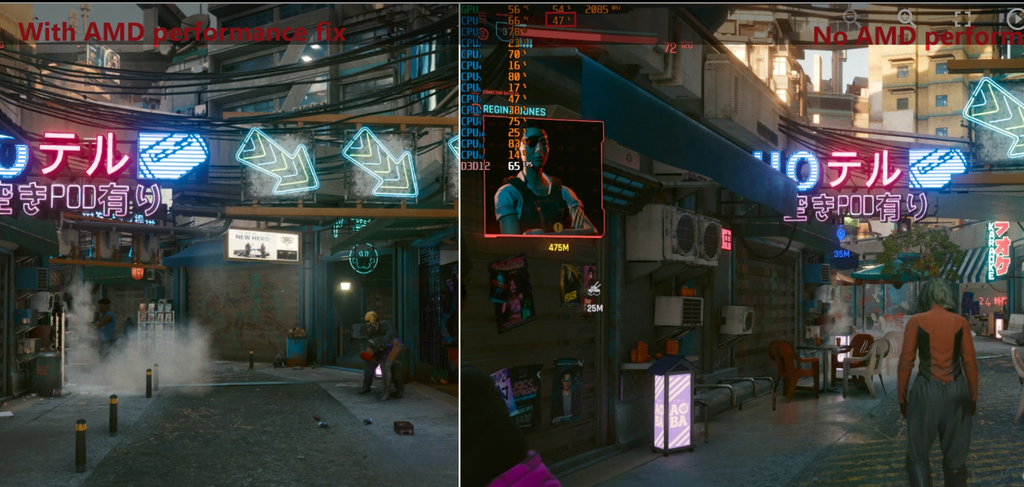
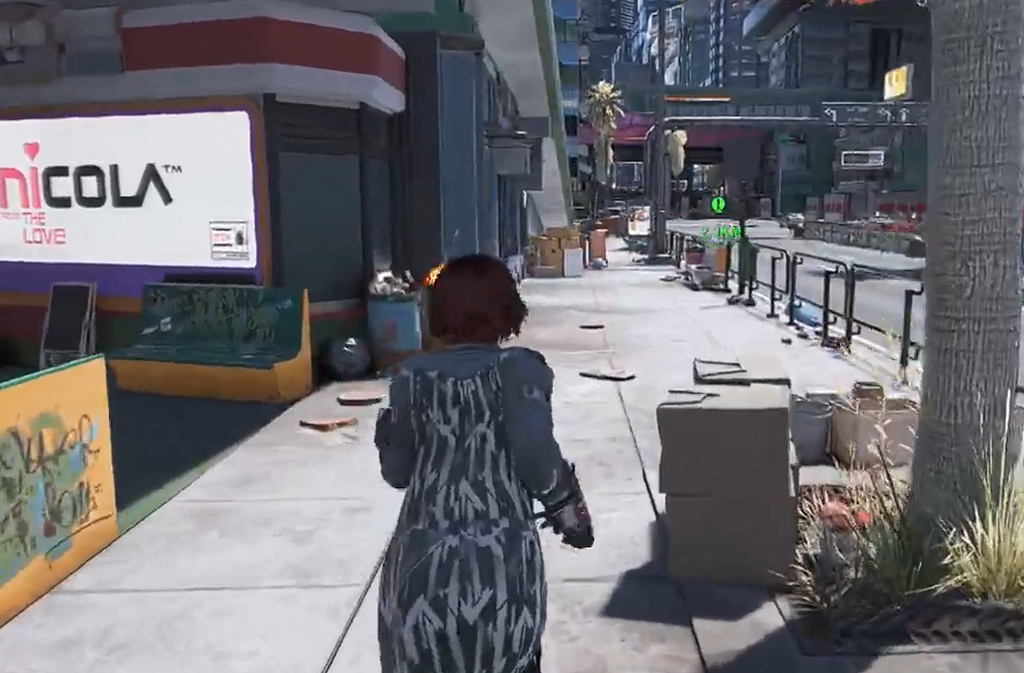
You know it worked when the camera sits behind V and you can see the full character model, with a head attached. Early versions of these mods left V headless until a fix was found for spawning the head, so a complete, visible body is the sign the stack is loading correctly.
What the animation overhaul fixes
The reason third person looked broken for so long comes down to how the game was built. CD Projekt Red mounted the first-person camera at a position that feels right through V’s eyes but does not sit where the character’s head actually is. With no full-body animations authored for an external camera, dropping back into third person left the model distorted and stiff.
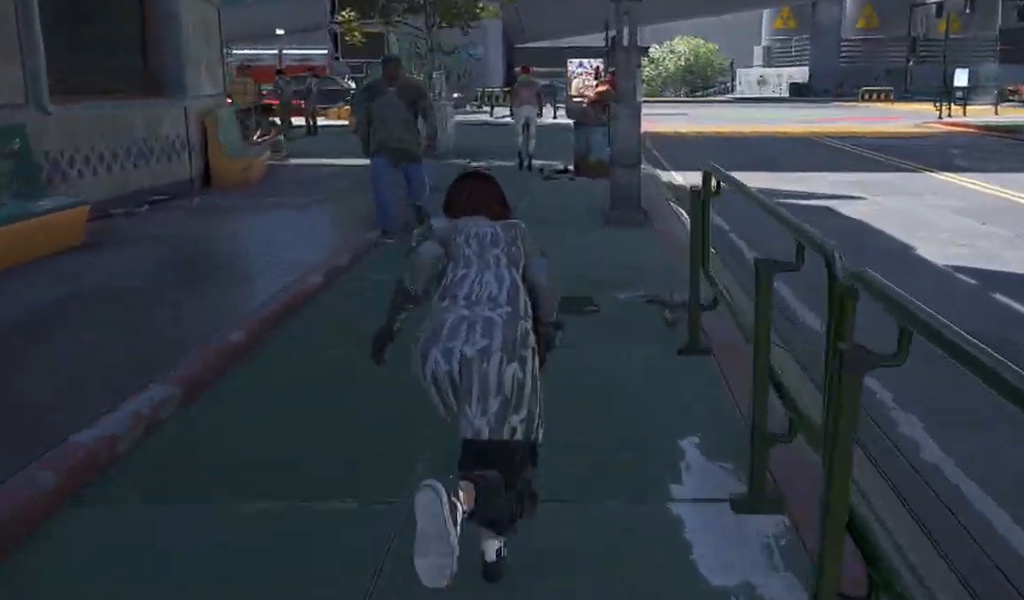
The animation mod rebuilds those movements and reshapes V’s rig to line up with how NPCs are proportioned. Recent versions shortened the neck and torso, pulled the arms and shoulders in, and cut the stretching that used to appear during parkour and directional movement. Walking, jogging, jumping in every direction, sliding, and climbing were all reworked, and bumping into crowds now produces a proper reaction instead of the model warping.
These rig edits are applied through additive animations, so they also carry into first person. That makes your arms shorter on screen during normal gameplay and while driving, which reads more naturally than the default view.
How combat and weapons behave
The intended setup keeps combat in first person and reserves third person for moving through the world. The JB mod includes a weaponOverride setting that snaps the camera back to first person the moment you draw a weapon, which keeps shooting immersive and precise. If you would rather stay in third person with a weapon out, open the debug menu and turn the weaponOverride button off.
Dedicated third-person combat animations are the weakest part of the experience. Melee and pistol animations exist as separate add-ons, but they remain rough, which is why leaving combat in first person is the smoother option.
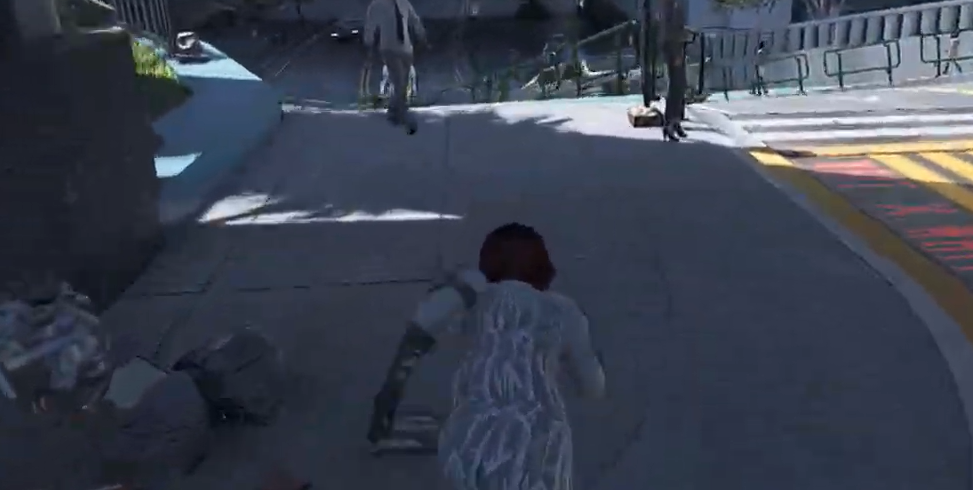
Current limitations to expect
- The sprint animation is exaggerated and aggressive compared with the rest of the movement set.
- Combat animations are unfinished and are not a planned focus, so first-person combat remains the reliable choice.
- Some holster mods can trigger a brief loading screen when sheathing a weapon; manually unequipping usually clears it.
- This is a PC-only setup that depends on Cyber Engine Tweaks, so it is not available on consoles.
With the camera mod and the animation overhaul together, exploring Night City in third person finally holds up outside of a fight. It is not the fully integrated feature CD Projekt Red once demoed, but for players who want to see their V move through the world, the community has closed most of the distance.