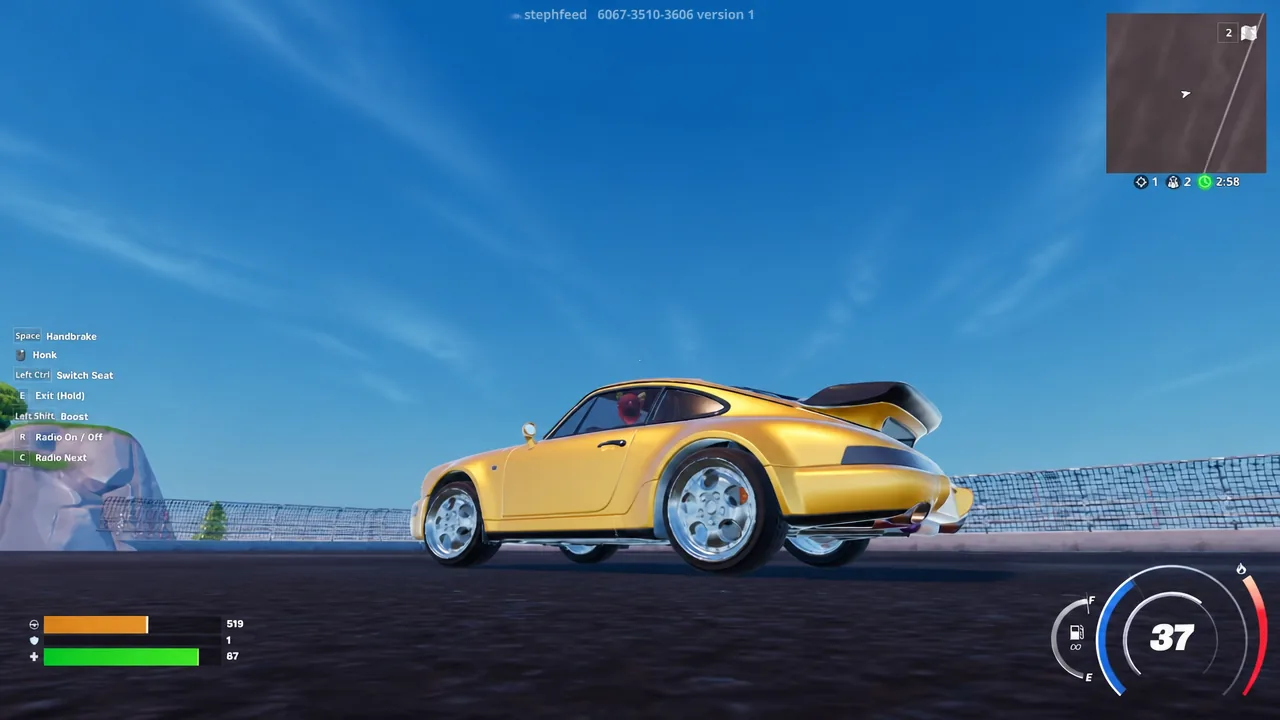
The Porsche 911 Turbo has arrived in Fortnite as a Sports Car body, joining the growing list of real-world vehicles Epic has folded into its cosmetic system. Like the Porsche cars before it, the 911 Turbo is not a separate ride you find on the map. It is a skin that reshapes the sports car you already drive.
Quick answer: Buy the Porsche 911 Turbo from the Fortnite Item Shop, then equip it in the Locker under the Sports Car loadout in the Car Body slot. Once equipped, it replaces the standard sports car model in both Battle Royale and Rocket Racing.
Porsche 911 Turbo car body: modes, slot, and customization
The 911 Turbo sits in the Sports Car category of the vehicle Locker, and the Locker page itself lists exactly where it can be used. It is not limited to one mode, which is the main reason these vehicle cosmetics carry a higher price than a single-mode item.
| Detail | Value |
|---|---|
| Item type | Car Body |
| Vehicle category | Sports Car |
| Usable in | Rocket Racing, Battle Royale |
| Locker path | My Locker Loadout > Sports Car > Car Body |
| Customization | Separate Decal slot, which can be left Empty |
| Where to buy | Fortnite Item Shop |
Note: if the car appears in the Locker or in-game with the name BLANK and a plain, untextured shell, the decals and tires have not finished loading yet. Backing out and returning to the Locker after the assets stream in shows the finished model.
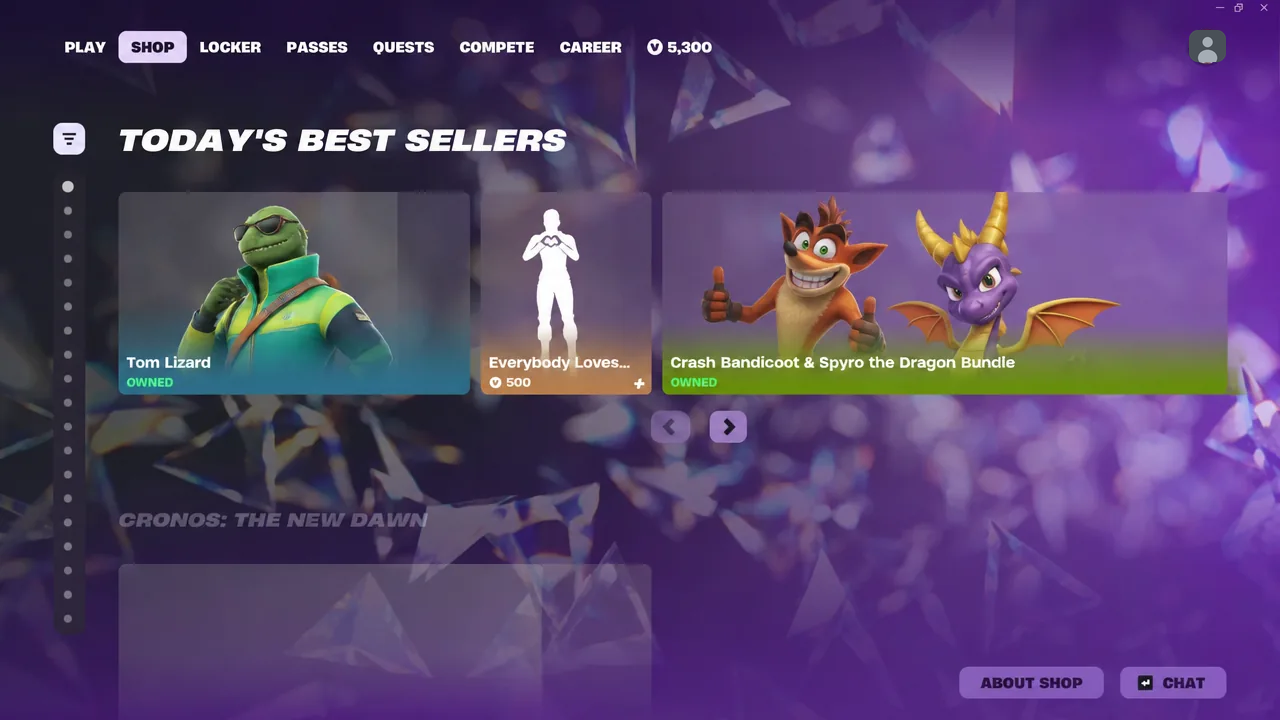
How to buy the Porsche 911 Turbo in the Item Shop
Equip the 911 Turbo in the Locker
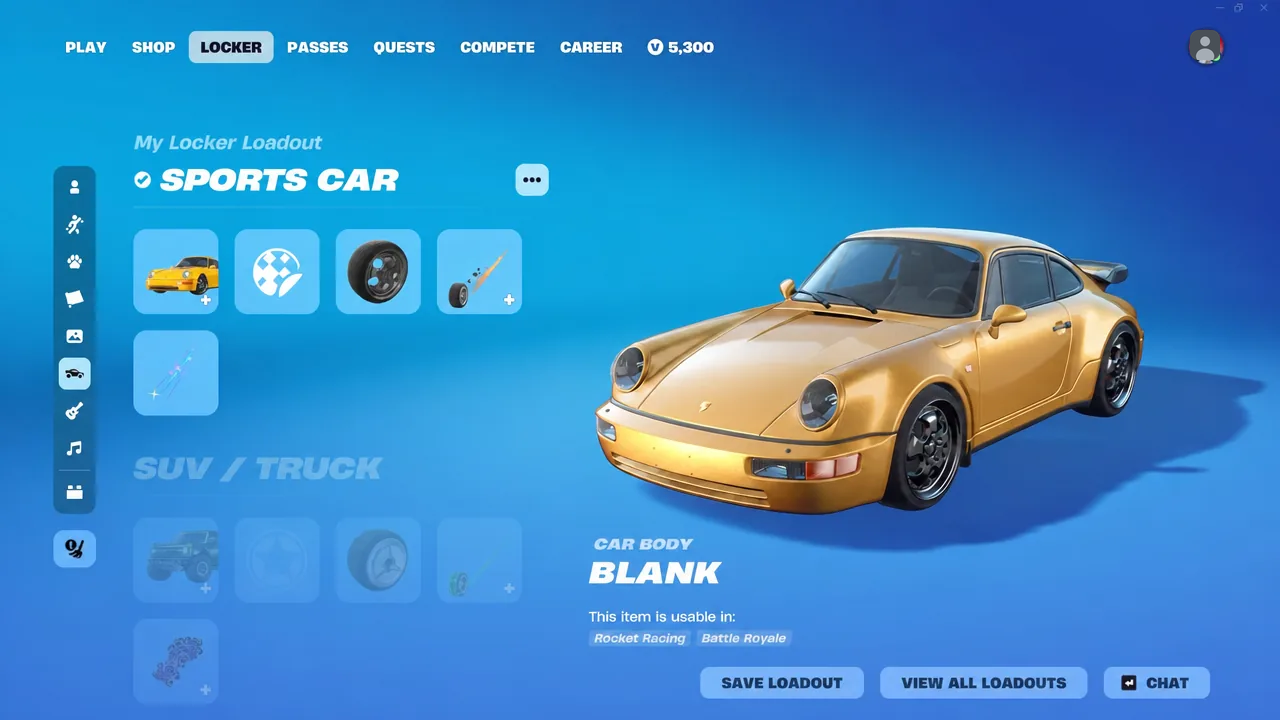
If you keep several vehicle setups, VIEW ALL LOADOUTS lets you assign the Porsche to one preset while leaving the others alone.
How the Porsche 911 Turbo drives in Fortnite
Walking up to a sports car with the body equipped brings up the usual interaction prompt, except the vehicle now carries your name and the equipped body, such as DRIVE VALTHEVAL’S BLANK before textures finish loading. Anyone else who takes the car sees your cosmetic on it too.
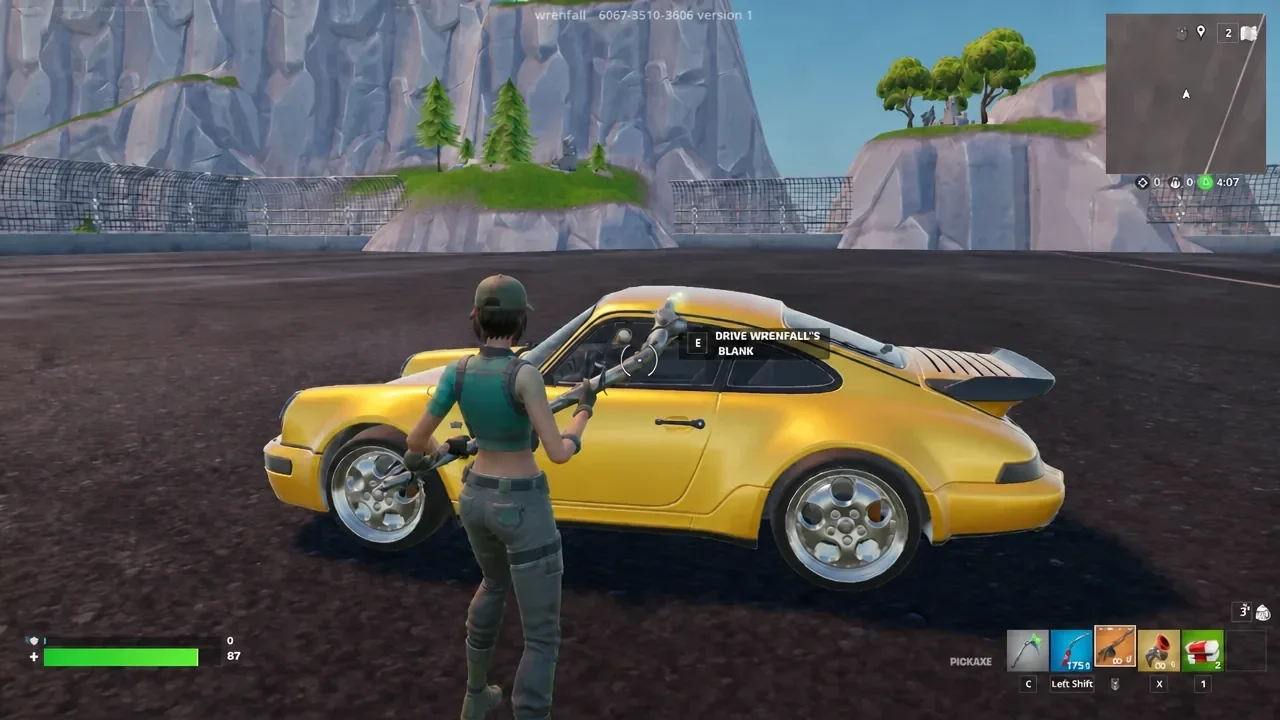
Behind the wheel, the 911 Turbo behaves like the standard sports car chassis. Acceleration, the boost effect, drift entry and reverse handling all match what you already know, so the change is cosmetic rather than a performance edge. What does change is presentation, from the engine note on startup to the low, wide silhouette in third person.
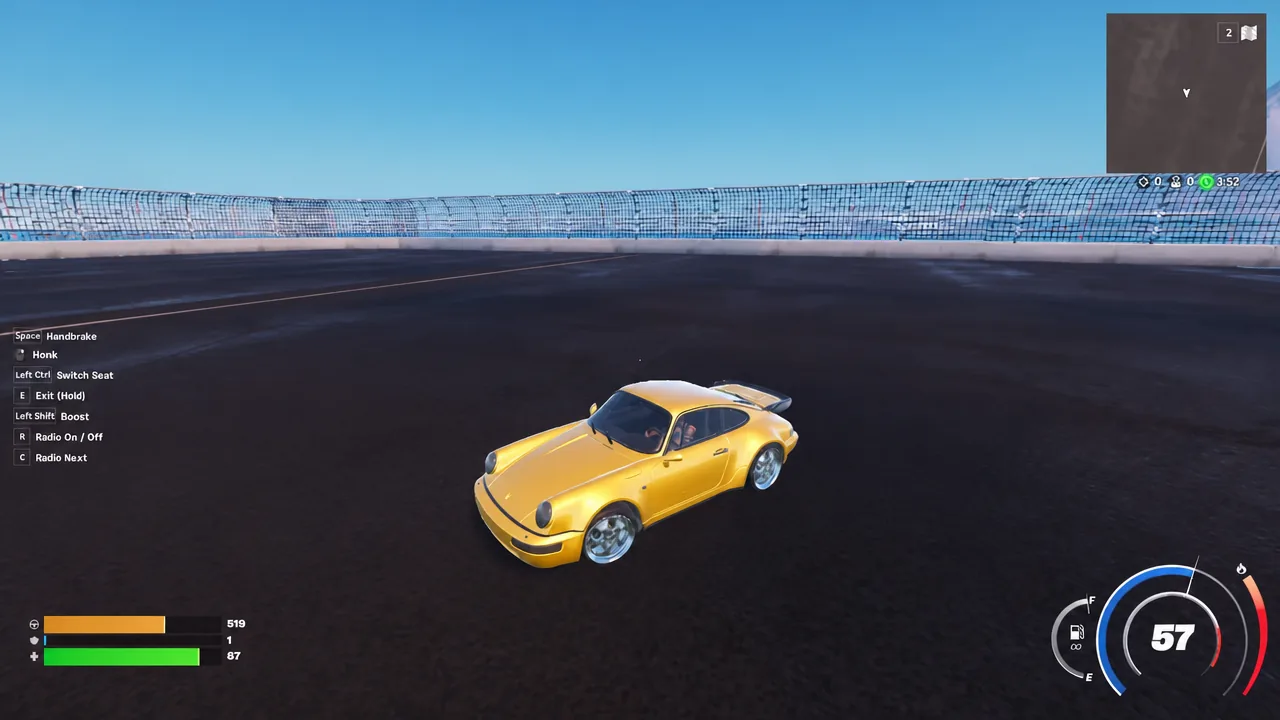
The cleanest way to look the car over is a Creative track rather than a live match. Loading the map code 6067-3510-3606 gives you an open circuit where you can test boost, hold a drift through a corner and inspect the body panels without anyone shooting at you.
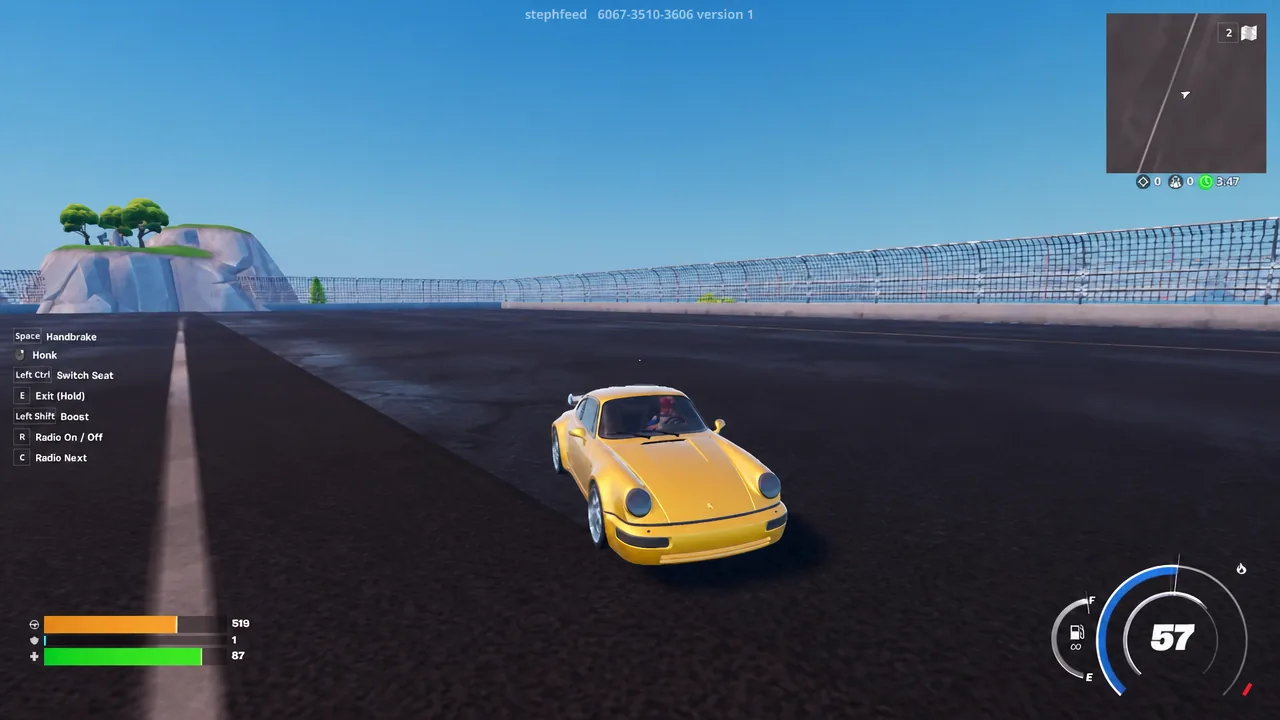
What the car looks like when it takes damage
The Porsche body has its own damage state. Shooting it with something like the Modular Drum Gun scuffs and dents the panels, and the car stays drivable in that condition. Keep firing and it goes up in the usual vehicle explosion, exactly as an unskinned sports car would.
Destroying the vehicle does not cost you the cosmetic. The car body stays in your Locker and applies to the next sports car you climb into.
Porsche vehicles that came to Fortnite before this one
Epic and Porsche have been running this collaboration since 2024, and each release has followed the same pattern of a limited Item Shop window with permanent ownership afterwards.
| Vehicle | Arrived | Notes |
|---|---|---|
| 911 GT3 RS | November 2024 | Customizable with decals, colors and wheels; 2,800 V-Bucks bundle |
| 918 Spyder | 2025 | Released in Fortnite and Rocket League, including a Sonic-themed bundle |
| Cayenne Turbo Electric | May 2026 | Item Shop run ended May 23, 2026; also offered in Rocket League |
| 911 Turbo | Current | Sports Car body for Battle Royale and Rocket Racing |
Past Porsche cars have rotated out of the shop after a short run and returned later, so the safest move is to grab the 911 Turbo while it is listed rather than waiting for a discount. Once it is on your account, it is yours for good, decals and all.