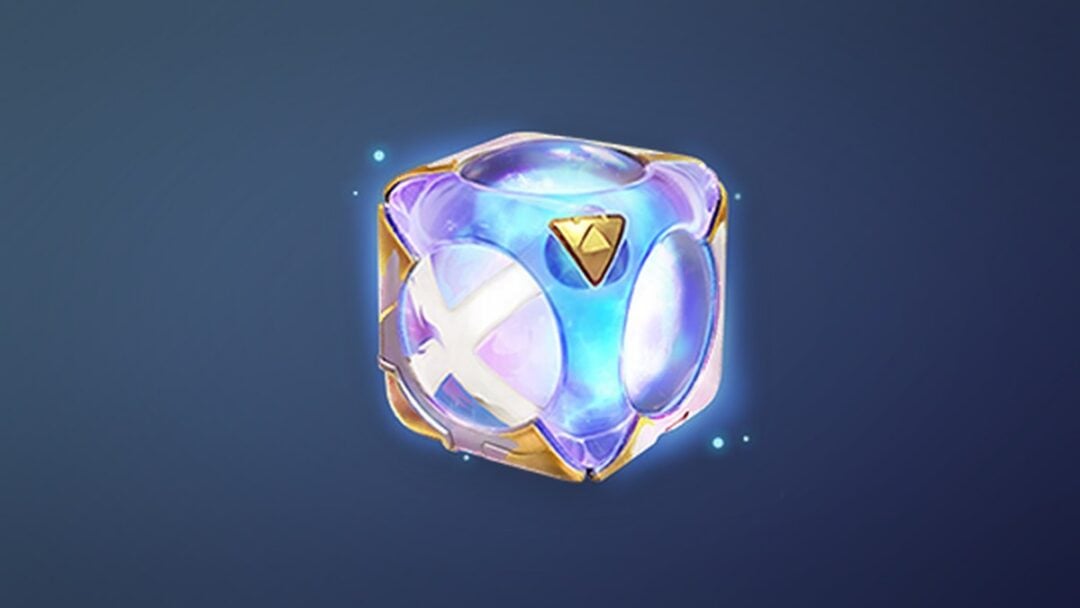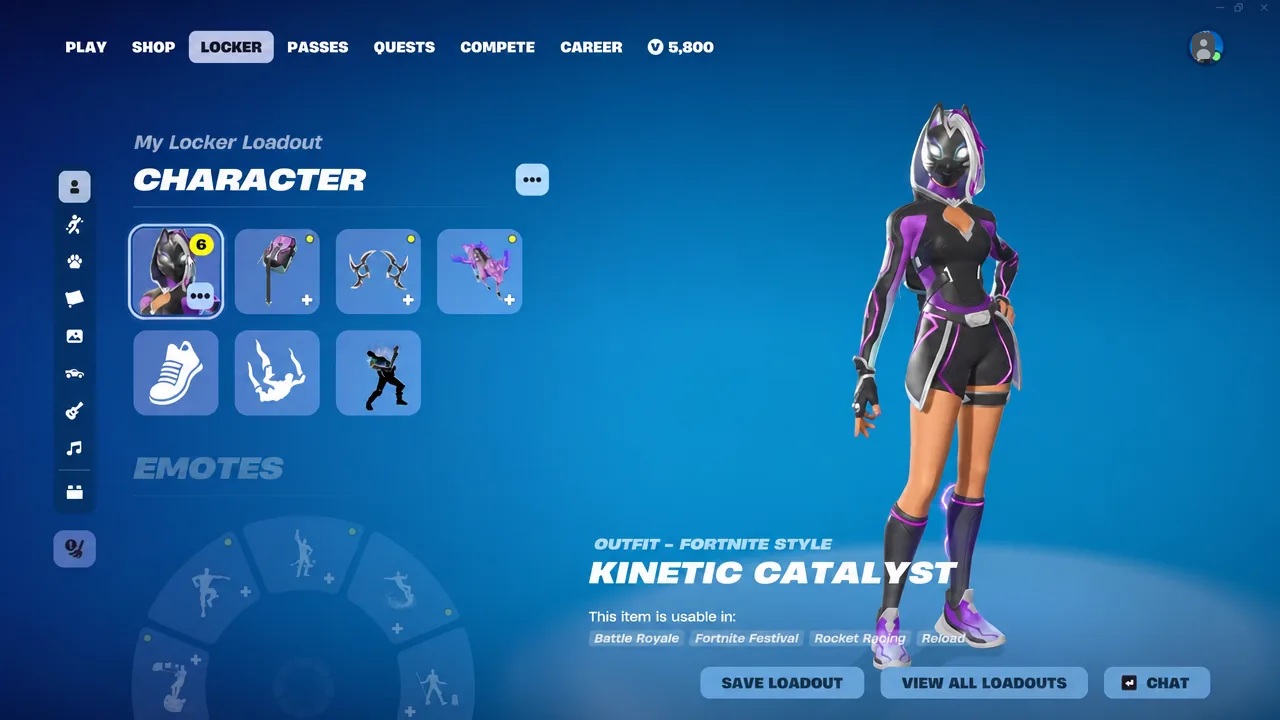
Kinetic Catalyst is a Fox Clan outfit tied to the Fortnite OG Battle Pass, and it arrives with a full matching kit rather than a lone skin. The outfit carries three edit styles, a toggleable mask, and four cosmetics that each mirror those same three colorways, so the whole loadout can be swapped in one direction without breaking the theme.
Quick answer: Open the Locker, select the Kinetic Catalyst outfit, and use the Edit Style option to pick between Kinetic Catalyst, Snow Fox Catalyst, and Fox Clan Catalyst, then set the mask to On or Off. Apply the same numbered style on the Catalytic Case, Striking Stars, and Stormbearer to keep the set matched.
Every item in the Kinetic Catalyst set
Seven cosmetics ship with the set. Four of them carry style options, and the remaining three are single-variant items.
| Item | Name | Styles |
|---|---|---|
| Outfit | Kinetic Catalyst | 3 (plus mask toggle) |
| Back Bling | Catalytic Case | 3 |
| Pickaxe | Striking Stars | 3 |
| Glider | Stormbearer | 3 |
| Emote | Storm Step | 1 |
| Wrap | Catalytic | 1 |
| Loading Screen | Meteorfall | 1 |
The Stormbearer is a surf-style glider, so it reads differently in the air than a standard canopy. The Striking Stars pickaxe is the item you will see most often, since it sits in your hands on Spawn Island and during every harvest.
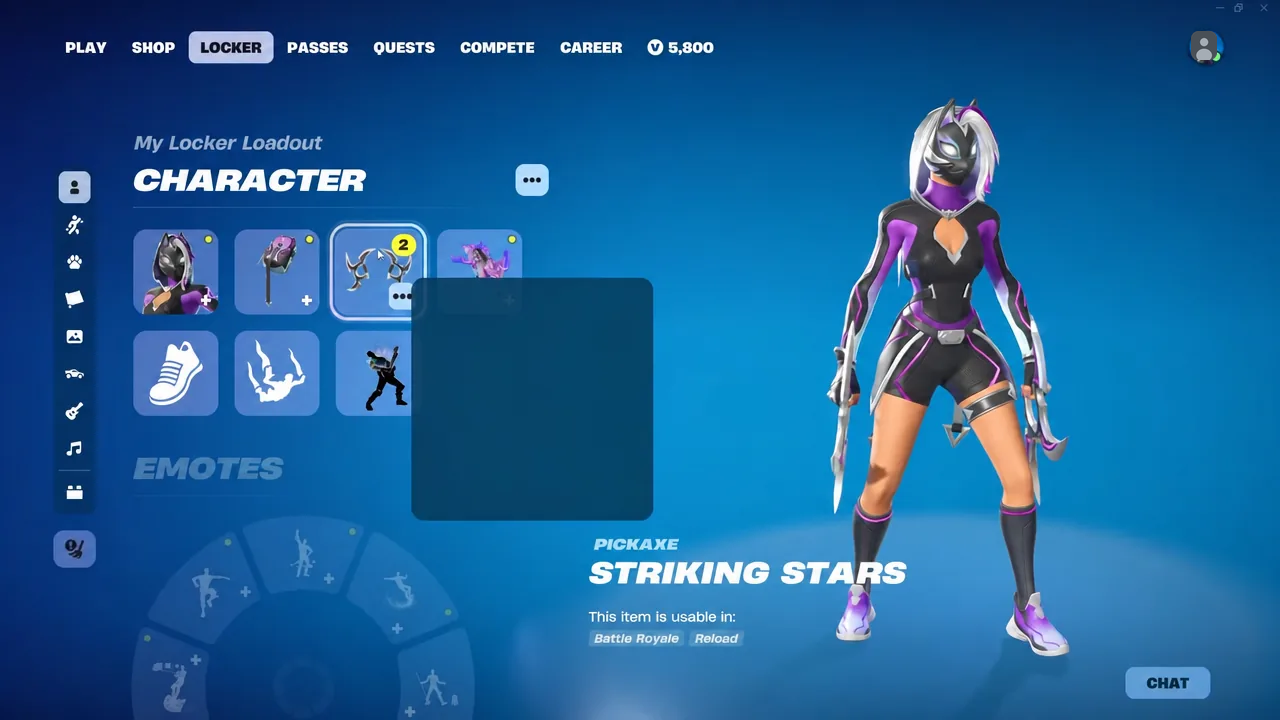
Kinetic Catalyst outfit styles and the mask toggle
The outfit itself has three named edit styles. Each one can be worn with the fox mask on or off, which doubles the number of looks available from the skin alone.
| Edit style | Mask option |
|---|---|
| Kinetic Catalyst | On or Off |
| Snow Fox Catalyst | On or Off |
| Fox Clan Catalyst | On or Off |
Note: the mask toggle is stored per style, so switching from Snow Fox Catalyst back to the base look does not carry your mask preference over. Check it after every style change.
Matching the back bling, pickaxe, and glider
The Catalytic Case, Striking Stars, and Stormbearer each carry three styles that line up with the three outfit variants. Set them individually in the Locker; they do not follow the outfit automatically. If you pick Snow Fox Catalyst on the skin but leave the glider on its default style, the mismatch shows the moment you leave the Battle Bus.
The Catalytic wrap and the Storm Step emote have no style options, so they work with any combination you land on. The Meteorfall loading screen sits in the Locker’s loading screen slot and only appears between matches.
How the set looks in a Zero Build match
On the OG map, the set holds up well in Zero Build Solo. Dropping into Lazy Lagoon puts the skin against sand, water, and the pirate ship’s dark timber, which is where the outfit’s brighter accents stand out most. The Stormbearer’s surf silhouette is visible on the way down, and the Striking Stars pickaxe stays on screen through the entire early loot phase.
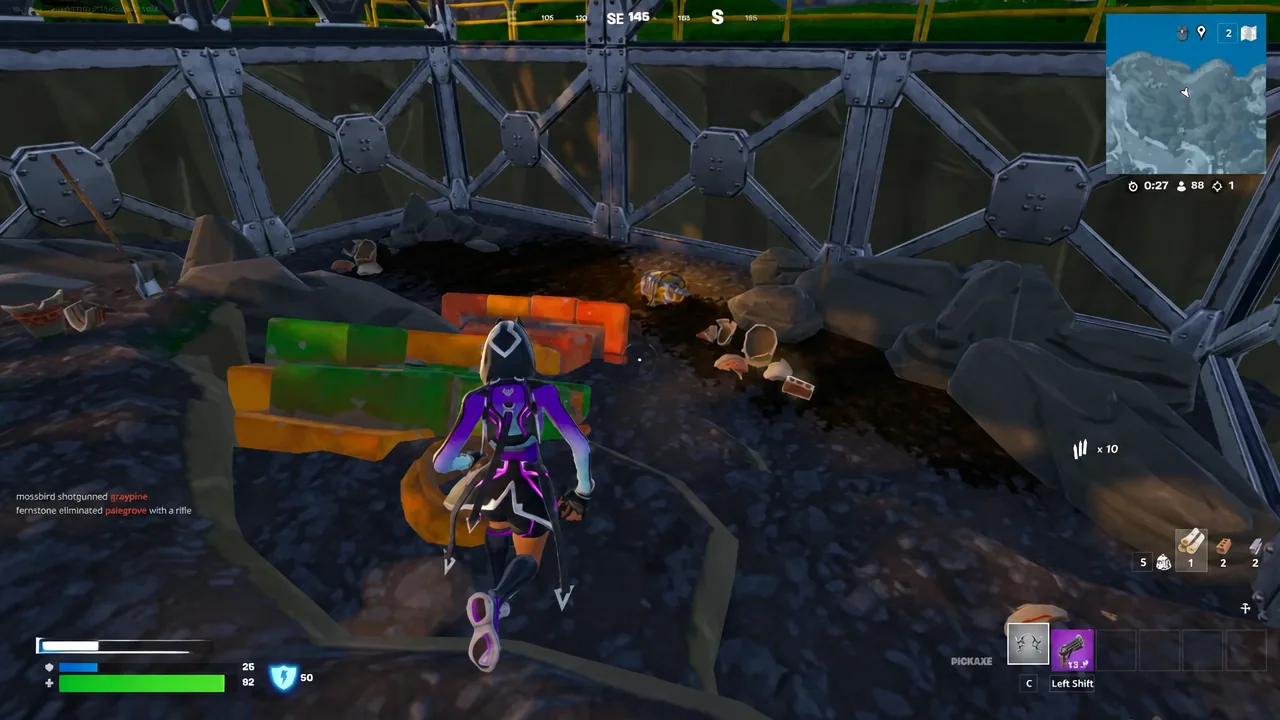
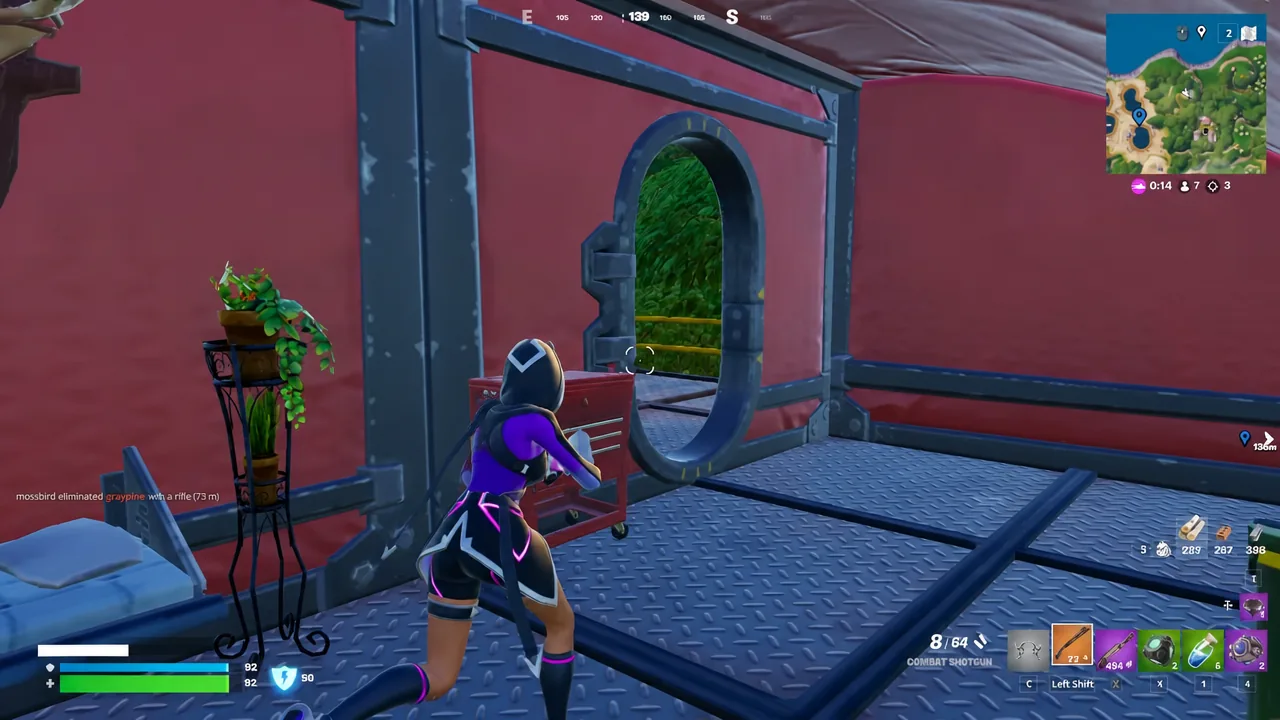
The OG loot pool suits close-quarters fights around the bay. A Drum Shotgun and a driftboard cover the opening rotations, a revolver handles rooftop angles, and the Storm Scout Sniper Rifle works for longer shots across the beach. Inside the pirate ship, the Combat Shotgun does most of the work.
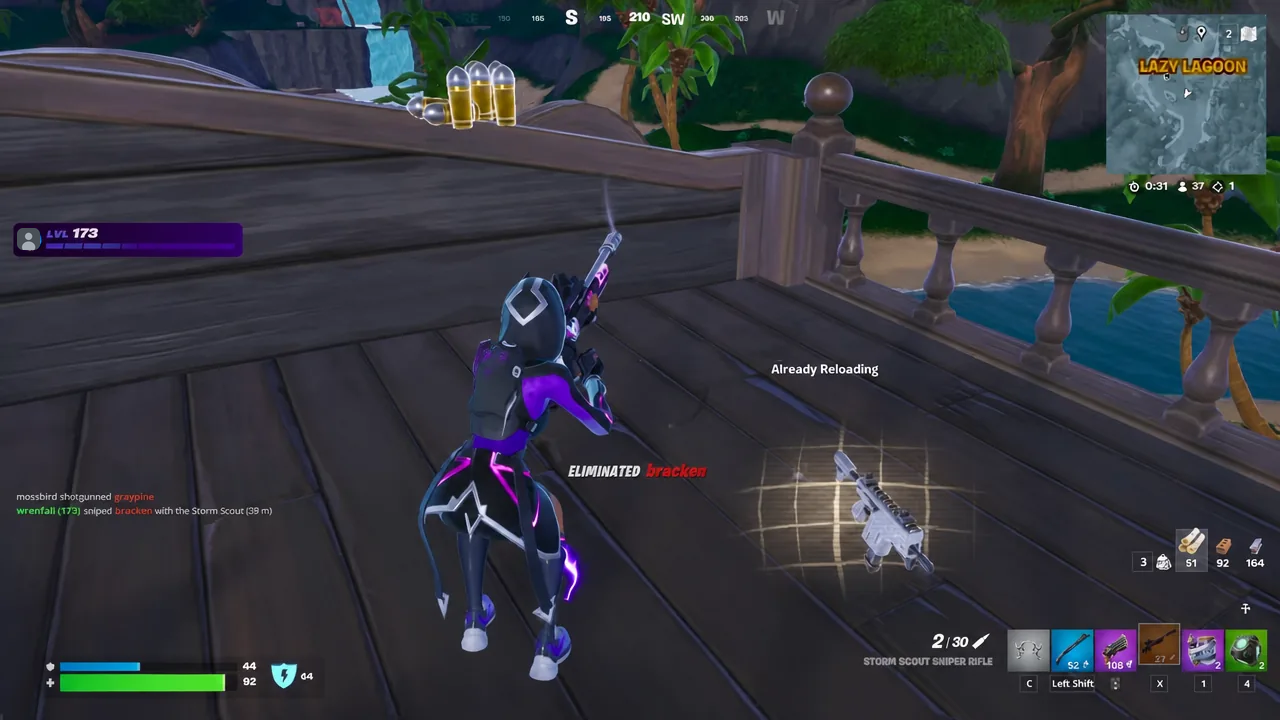
Because the skin sits on a Rio-style body with darker panelling, it does not glow or trail, which keeps it usable in Zero Build. There is no reactive effect to give away your position when sprinting.
Mid-game, checking the Map tab is worth the pause. Lazy Lagoon sits within reach of Pressure Plant and Sunny Steps, and a marker placed before a supply drop run saves a second rotation later.
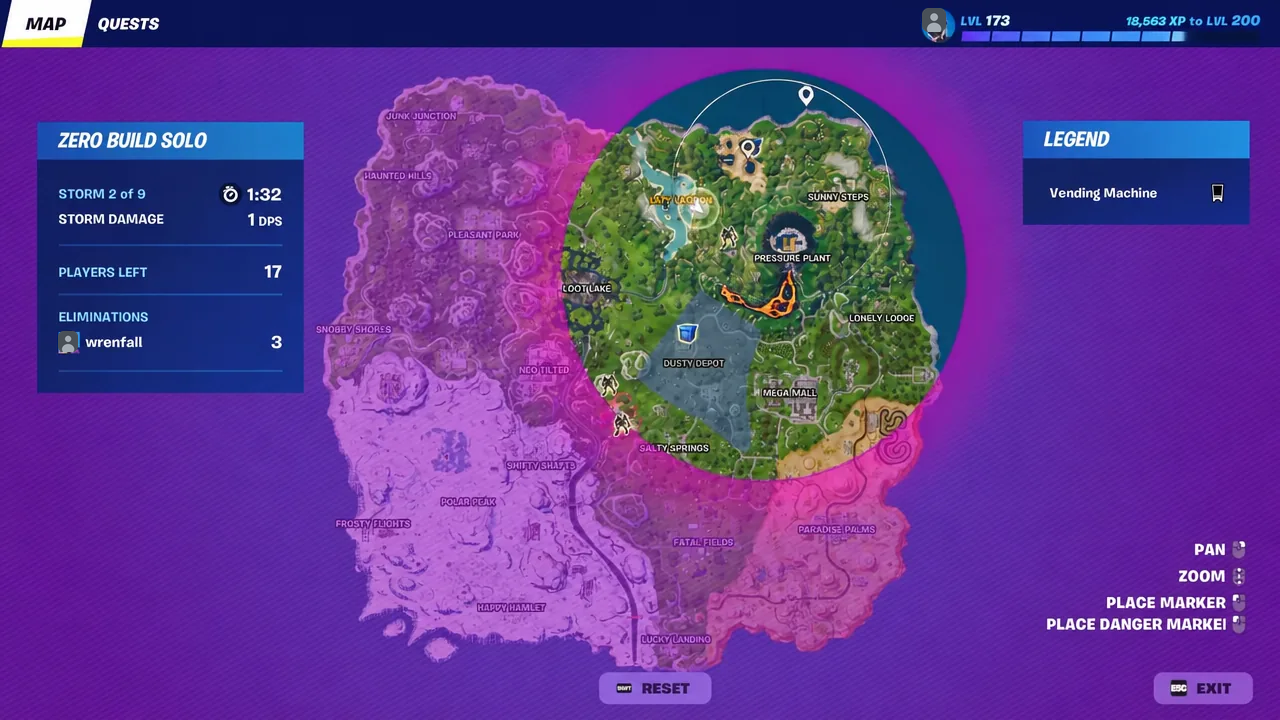
Late in the match, the red outpost building near the lagoon is a reliable holding spot while the storm closes. Holding the Combat Shotgun through doorways is the safer default there, with a launch pad reserved for the final reposition.
Kinetic Catalyst is not the original Catalyst skin
The two are easy to confuse in the Locker search bar. Catalyst is a Legendary outfit from the Drift set, added in update v10.00 on August 1st, 2019, and given at Tier 1 of the Chapter 1 Season X Battle Pass. Its extra styles were unlocked through season levels and Prestige Missions, and it has never returned to the Item Shop.
| Kinetic Catalyst | Catalyst | |
|---|---|---|
| Set | Fox Clan | Drift |
| Source | Fortnite OG Battle Pass | Chapter 1 Season X Battle Pass, Tier 1 |
| Styles | 3 edit styles, mask toggle | Short Sleeve, Hoodie, Overcoat, Overcharged, plus colorways |
| Matching glider | Stormbearer | Rift Rider |
Both characters sit in the same Fox Clan lineage alongside Drift, Vi, Vox Hunter, and Stray, which is why in-game characters such as Mizuki react to that association. That shared heritage is cosmetic and narrative only; the two outfits are separate items and owning one does not grant the other.
If the set is applied correctly, the Locker preview shows the same style number selected on the outfit, back bling, pickaxe, and glider, and the Spawn Island model matches that preview before the Battle Bus launches. Any mismatch you notice there is a style that was left on its default option.