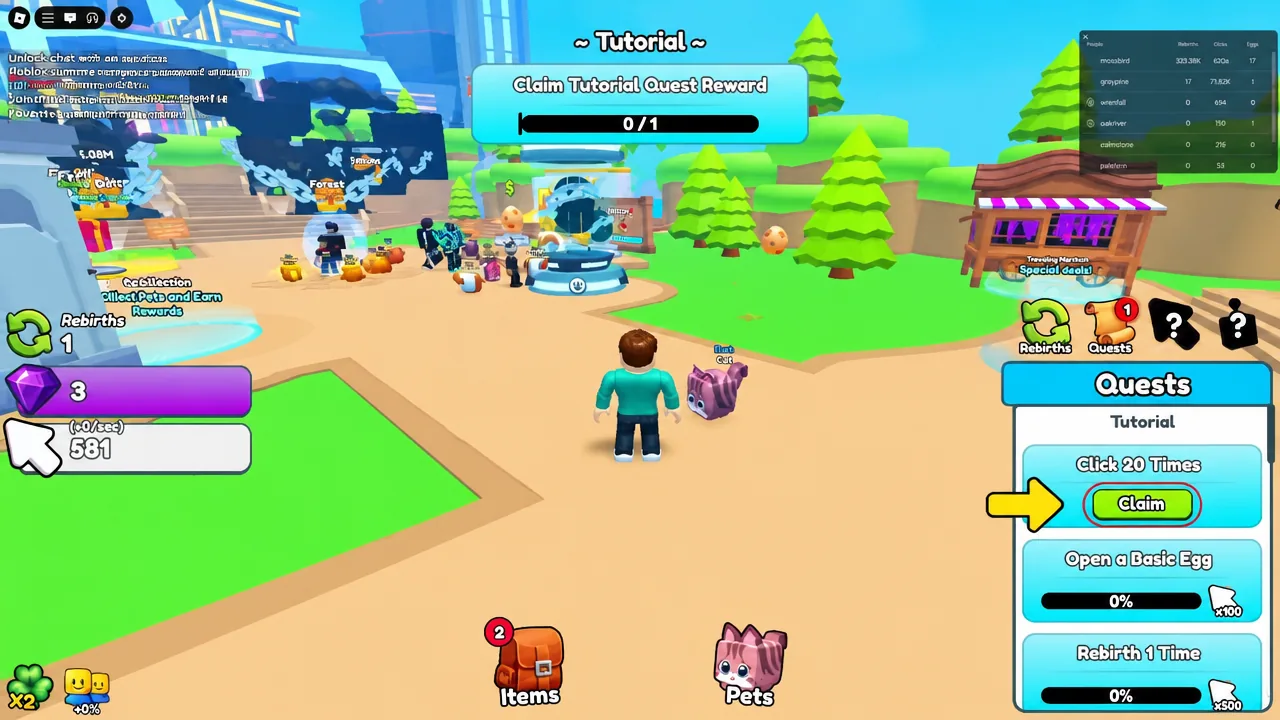
Clicker simulators, tycoons and pet-hatching games on Roblox are built around one input repeated thousands of times. An auto clicker takes that job off your hand by sending the same left clicks the operating system already accepts from your mouse, at an interval you choose.
Quick answer: Install a free auto clicker such as ExoPanda Auto Clicker or AutoClicker.org, set the mouse button to left, set the click interval to 100–200ms for simulators (500ms or slower for tycoons and idle games), park your cursor on the in-game button, then press the start hotkey while the Roblox window is focused.
What a Roblox auto clicker actually does
An auto clicker is an input-simulation utility. It replays mouse clicks at the OS level, the same way accessibility software does. It does not inject code into Roblox, read game memory, or modify game files, and it cannot grant currency or items you have not earned. Everything it produces is a click you could have made yourself.
That distinction matters for expectations. If a game throttles input or ignores clicks above a certain rate, an auto clicker will not push past that ceiling. What it does well is sustain a steady rate for hours without your hand cramping, which is why it fits egg hatching, coin collecting, weight lifting and tycoon collection loops.
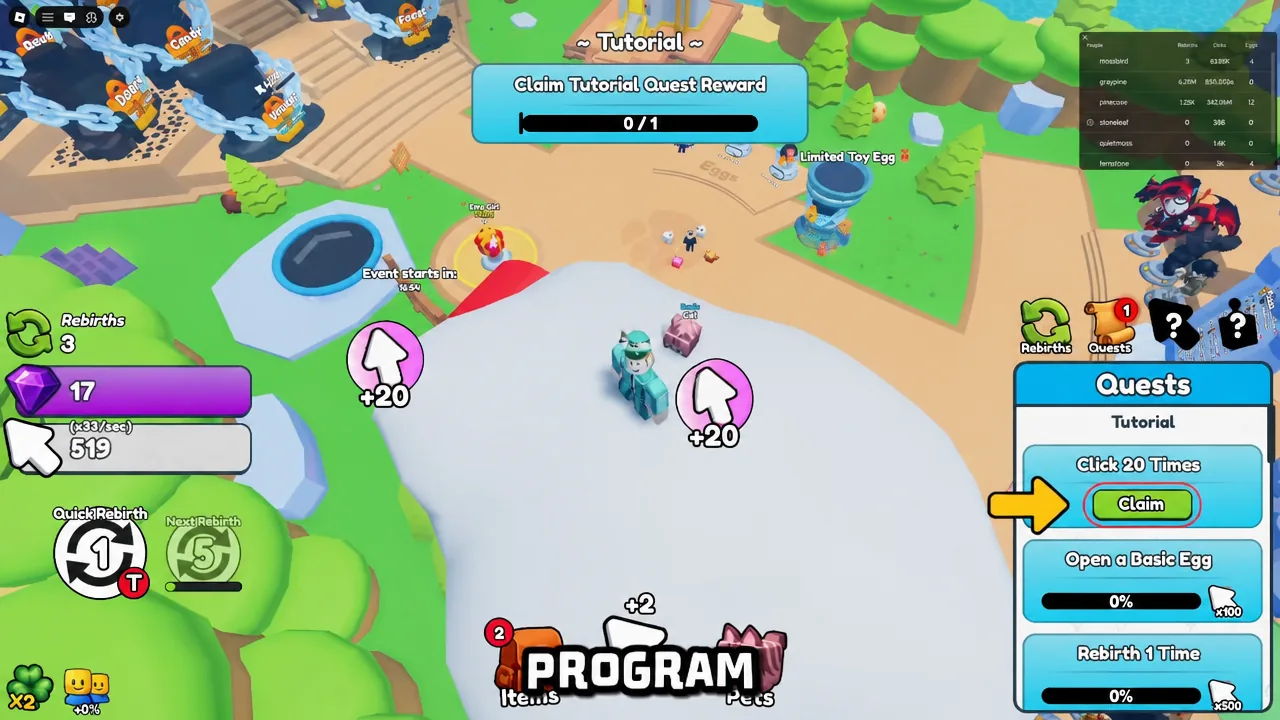
The four settings that decide whether it works
Most free clickers expose the same small set of controls. Ignore feature lists and check for these four, because a tool missing any one of them will be awkward inside a game.
| Setting | Why it matters in Roblox |
|---|---|
| Click interval (ms) | Sets the gap between clicks. 10 CPS is roughly one click every 100ms. Matching the game’s own registration rate avoids wasted clicks. |
| Mouse button | Left click covers almost every Roblox interaction — collecting, hatching, upgrading. Middle and right are rarely needed. |
| Trigger mode | Toggle starts and stops with the same key and suits long AFK sessions. Hold clicks only while the key is down, which is better for short bursts. |
| Click position | Click-at-cursor follows your mouse so you can still aim. A fixed X/Y coordinate locks onto a button that never moves, like a hatch button. |
A global start/stop hotkey is the one feature people skip and then regret. Without it you have to alt-tab back to the clicker every time you want to stop, which defeats the point. F6 and F8 are common defaults; pick a key you will not hit by accident mid-game.
Free auto clickers that run on Windows and Mac
Cross-platform support is the main filter, since a lot of well-known clickers are Windows-only. TinyTask, AutoHotkey, GS Auto Clicker and Roblox Auto Clicker Pro all run on Windows exclusively, so Mac players need to look elsewhere.
| Tool | Platforms and notes |
|---|---|
| ExoPanda Auto Clicker | Windows (v1.3.8, 21.4 MB) and macOS (v1.2.2, 6.5 MB). Simple and Advanced tabs, toggle or hold triggers, left/middle/right buttons, millisecond intervals. The Mac download is ad-supported and requires a 15-second ad before the file is served. |
| AutoClicker.org | Windows 7 through 11, plus macOS 10.15 and later on both Apple Silicon and Intel. Click type, interval, click count and a Pick Position tool. Q is the default start/stop hotkey. Free with no registration. |
| OP Auto Clicker | Windows and Mac, around 850 KB. Millisecond intervals, single/double/triple click modes, fixed point or follow-cursor, F6 by default. No macro recording. |
| TinyTask | Windows only, 36 KB, no installation. A macro recorder rather than a clicker — it replays full mouse, keyboard and movement sequences, which suits multi-step farm loops. |
| AutoHotkey | Windows only, open source. Requires writing a short script, but supports randomized intervals and conditional logic that dedicated clickers lack. |
Note: input-simulation utilities are sometimes flagged by antivirus software simply because they send synthetic clicks, the same API remote-desktop and accessibility tools use. That is a false-positive category rather than proof of malware — but it also means you should download only from the publisher’s own site and walk away from anything that pushes a “download manager,” toolbars, or a stream of ads mid-install.
Setting up an auto clicker for Roblox
Click interval settings by Roblox game type
There is no universal best speed. Faster is not better when a game gates progress behind timers, and a slower interval avoids burning system resources on clicks that do nothing.
| Game type | Interval | Reason |
|---|---|---|
| Simulator games | 100–200ms | Most register clicks rapidly, so a fast interval converts directly into progress. |
| Pet simulator games | 200–500ms | Hatching and collecting reward consistency over long sessions more than raw speed. |
| Tycoon games | 500–1000ms | Upgrade timers and cooldowns mean faster clicking just produces wasted input between cycles. |
| Idle progression games | 1000–2000ms | These are slow by design; a matching interval reduces load during long runs. |
| Multiplayer servers | 50ms minimum | Unnaturally fast input can get an account flagged. Stay within a range a person could plausibly produce. |
Tip: if you are unsure what rate to pick, measure your own clicking speed first and set the auto clicker slightly above it. That keeps the pattern within a believable range while still saving your hand.
Where auto clickers are allowed, and where they are not
Roblox’s terms of service prohibit automation tools that give an unfair advantage over other players in competitive environments. That is the platform-level rule, and it is worth reading before you install anything third-party.
Below that, every experience on Roblox sets its own rules. Most simulator and idle games are single-player progression loops with no competitive element and no anti-cheat, and auto clicking is widely used and tolerated there. Competitive experiences are stricter, and some run their own detection — using automation in those can result in in-game moderation such as kicks, resets or a ban from that specific experience.
The practical rule is simple. Check the game’s description or community guidance before you automate anything, keep your interval in a human range, and do not use a clicker anywhere it gives you an edge over another player.
If the clicks are not registering
A working setup shows itself immediately — the in-game counter climbs, eggs open, cash collects. When nothing happens, the cause is usually one of a short list of things.
- The Roblox window is not focused. Clicks go to whatever window is in front, which is also how people end up clicking their desktop by accident.
- The interval is too fast for the game and the extra clicks are being discarded. Raise it to 150–200ms and test again.
- A fixed coordinate is pointing at the wrong spot because the UI shifted, the window moved, or the game was still loading when you picked the position.
- The hotkey conflicts with an in-game bind, so pressing it does something in Roblox instead of starting the clicker.
Whichever tool you land on, know your stop key before you begin a long session. An auto clicker running unattended on the wrong window is the most common way a convenient setup turns into a mess.