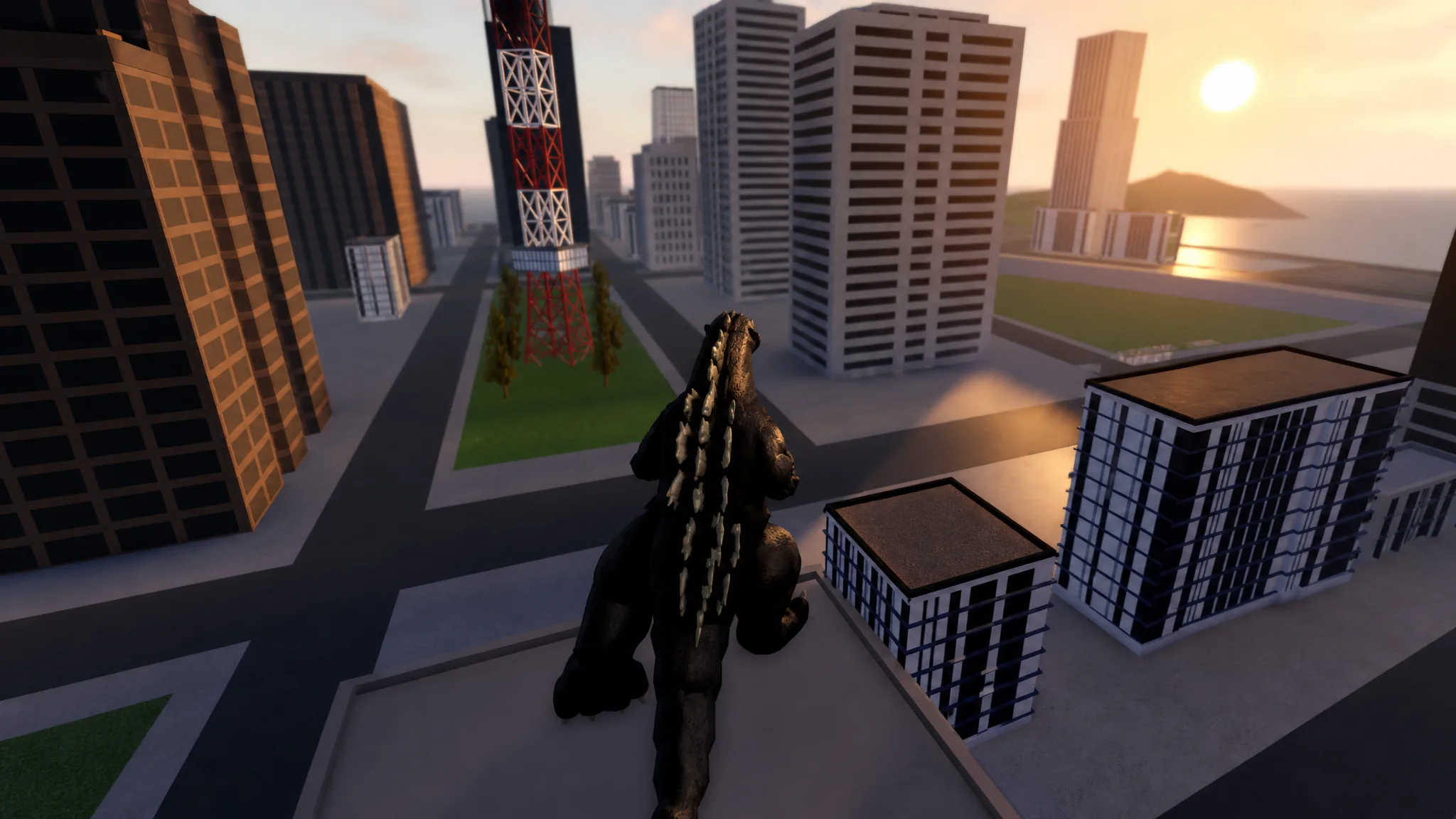
Kaiju Alpha drops you into a city as a building-sized monster with almost no tutorial. It is a 25-player action battleground on Roblox where every playable kaiju uses the same control layout, so the skills you learn on a free Godzilla still apply to a monster you unlock fifty hours later. What changes is the move sitting inside each slot.
Quick answer: Equip a free kaiju (Godzilla 1954, Godzilla 1955, or Anguirus 1955), press PLAY, pick a map such as TOKYO, and hit Spawn. In the match, keys 1 through 5 fire skills, R and T are your two roars, WASD moves, and LSHIFT sprints. Smash buildings and tag other kaiju to earn EXP and Cells.
How to start a match in Kaiju Alpha
Kaiju Alpha controls: skills 1-5, roars, and sprint
Every kaiju shares one keybind map. Slots one through five hold that monster’s kit, R and T fire the two roars, and movement is standard Roblox. Flying monsters do not get a separate flight key; they stay airborne with jump plus forward movement.
| Input | Action | Gojira 1954 example |
|---|---|---|
| 1 | Skill 1 | Bite |
| 2 | Skill 2 | Stomp |
| 3 | Skill 3 | Tail Whip |
| 4 | Skill 4 | Atomic |
| 5 | Skill 5 | Varies by kaiju |
| R | Roar 1 | Stationary roar |
| T | Roar 2 | Moving roar |
| WASD | Movement | — |
| Space | Jump / stay airborne | — |
| LSHIFT | Sprint | — |
Two mechanical rules matter more than the key list. Attacks are locked out while a roar plays, so roaring inside melee range hands your opponent a free window. And sprinting, flying, and some skills draw on a shared energy bar, so emptying it during a chase leaves you unable to sidestep the next beam.
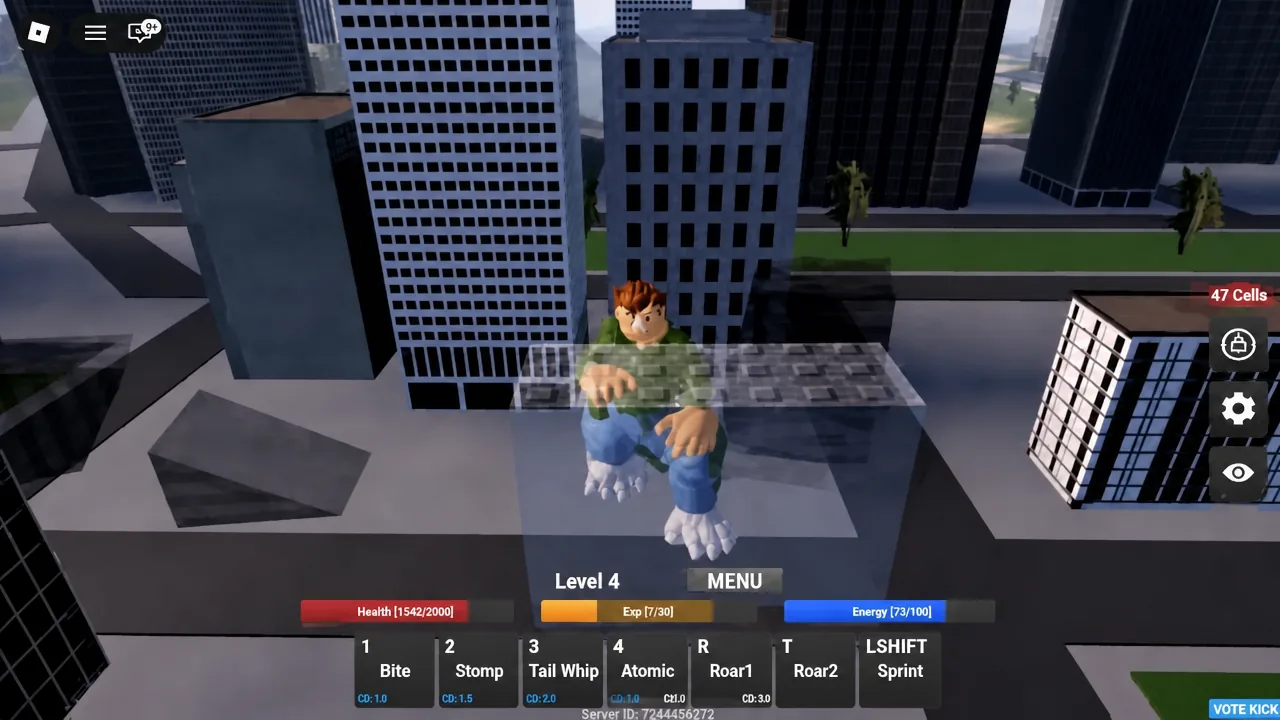
On mobile, the numbered skills become on-screen buttons in the same order, with the roars sitting near the skill cluster. There is no hidden sixth skill. If a video shows extra binds, that is a script overlay rather than the game.
How EXP and Cells work
Kaiju start at level 1 and need a fixed amount of XP to level, with the requirement climbing at a flat rate roughly equal to that first-level cost. Cheaper monsters need less XP per level in exchange for weaker damage. XP and Cells come from three activities: flattening buildings, damaging other players, and killing them, with kills paying the most.
Levelling on your own by punching a warehouse works, but it is slow. Damage is what pays, and you do not need the finishing blow to bank it. Standing on a street or a hill and tagging as many enemy kaiju as possible with a beam earns you a share even when someone else lands the kill, which is why cheap ranged kits outperform expensive melee kits on a new account.
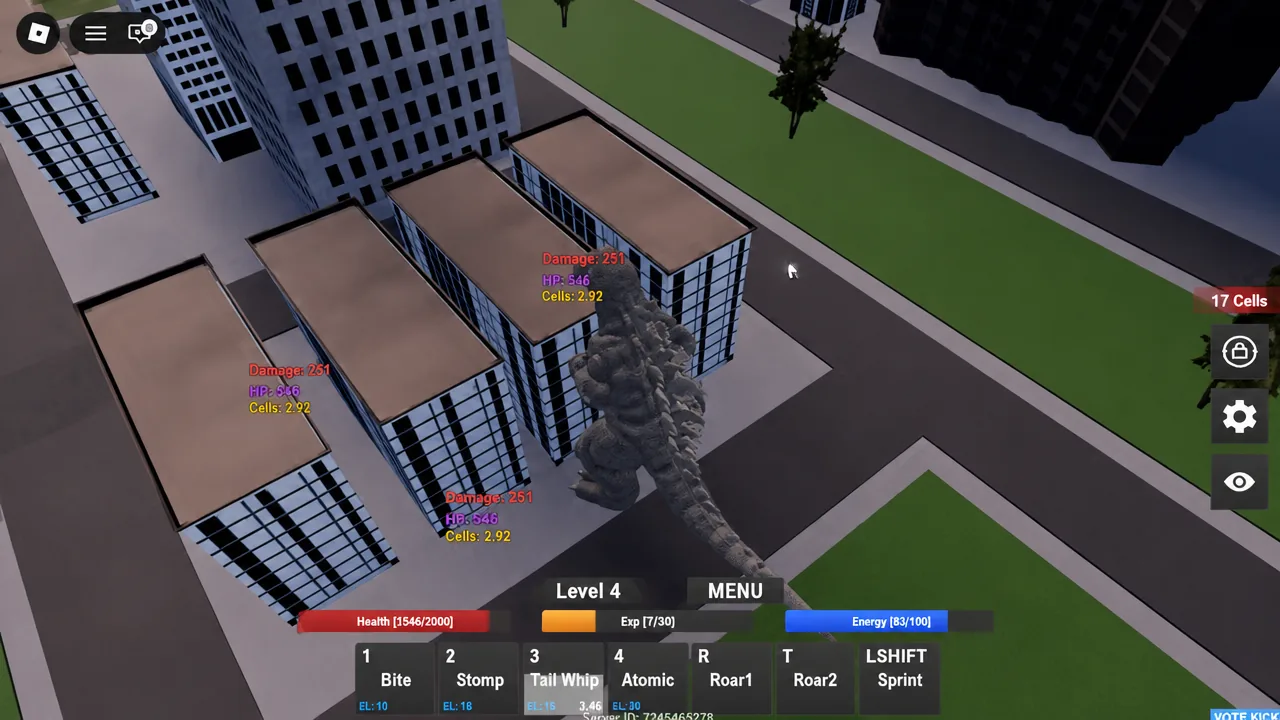
Tip: dying is not the disaster it looks like. Damage you already dealt is banked, so trading your life for a big damage window on a ranged monster costs you little. The expensive death is the slow melee kaiju that spent forty seconds walking into a fight it lost.
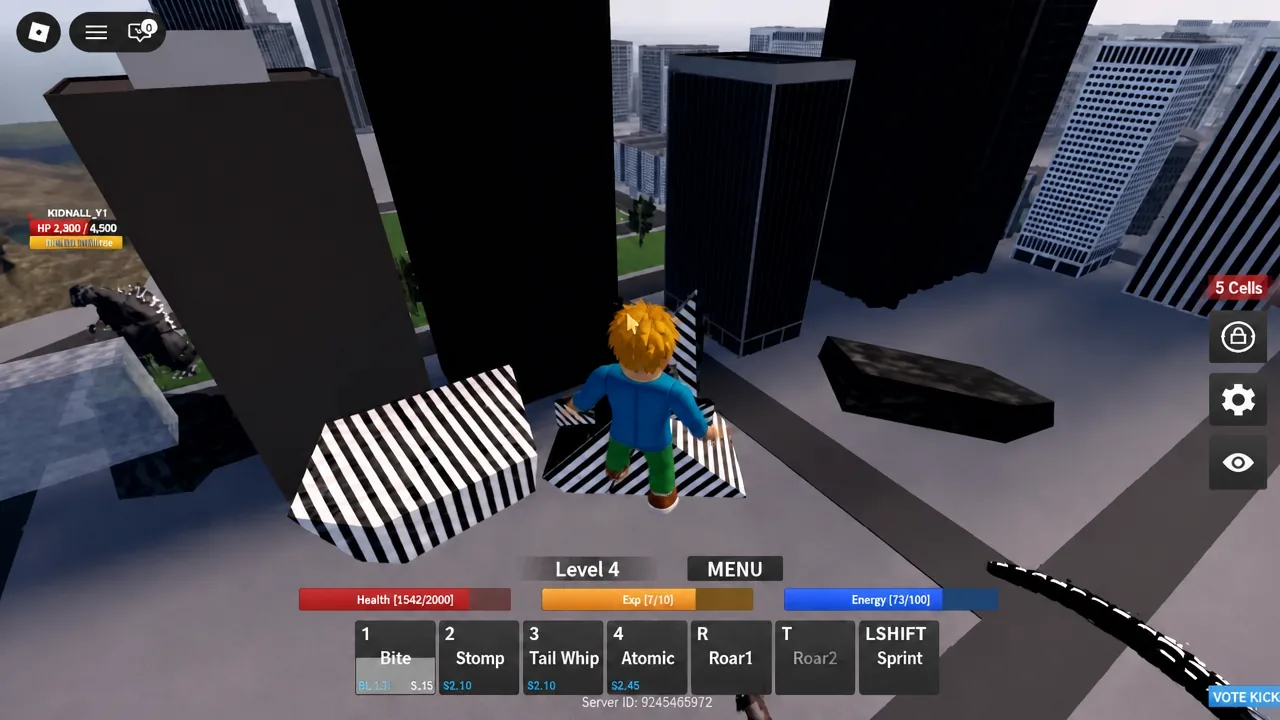
How to redeem Kaiju Alpha codes in the OPTION menu
DeawyGIGACHAD rewards 30 levels and has no level gate attached to it.Redeem before you pick a main, not after. A 30-level reward is worth considerably more sitting on a kaiju you plan to farm with than on a joke pick you spawn once.
Free and cheap kaiju to unlock first
The starter roster is enough to learn the game and bank currency, so there is no reason to empty your first stack of Cells on the most expensive model in the list. Prices below are the in-game unlock costs.
| Kaiju | Price | Flies? |
|---|---|---|
| Godzilla 1954 | Free | No |
| Godzilla 1955 | Free | No |
| Anguirus 1955 | Free | No |
| Anguirus | Free | No |
| Gezora | Free | No |
| Showa Ghidorah | Free (group members) | Yes |
| Mothra Larva | 1,000 | No |
| Showa Rodan | 2,250 | Yes |
| Godzilla 1964 | 3,000 | No |
| Kumonga | 3,000 | No |
| Showa Mothra | 3,500 | Yes |
| Gorosaurus | 5,750 | No |
| King Caesar | 6,250 | No |
| Showa Gigan | 35,000 | Yes |
| Megalon | 40,000 | No |
| Biollante | 50,000 | No |
| Showa Hedorah | 50,000 | Yes |
| Showa Jet Jaguar | 50,000 | Yes |
Some monsters are not purchases at all. Space Godzilla costs 500k and additionally requires a level 100 Heisei, a level 75 Biollante, and a level 25 Godzilla Junior. Destoroyah Final Form runs 1.5m on top of two separate level 100 forms with 100 kills each. Those are endgame projects, not week-one goals.
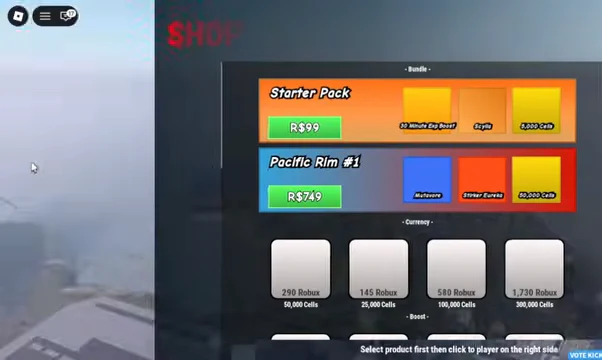
A separate tier of monsters sits behind Robux instead of Cells. Frostbite Godzilla, Thermo Godzilla, and Burning Godzilla all need a purchased gamepass before you can equip them. The SHOP menu also carries bundles such as the Starter Pack and Pacific Rim #1 alongside straight currency packs.
In-match settings and how to leave a match
The in-game settings panel is short and worth a pass before your first serious session. It carries Fast Mode, Toggle Sprint, Camera Shake, Time of Day, and Kill Indicator. Toggle Sprint spares you from holding LSHIFT across a whole map, and turning Camera Shake down makes aiming a directional beam noticeably easier.
Leaving is deliberately slow. Pressing the Menu button starts a 10-second countdown before you are returned to the title screen, so you cannot use it to escape a fight you are losing. Plan your exit, or take the death and keep the damage you banked.
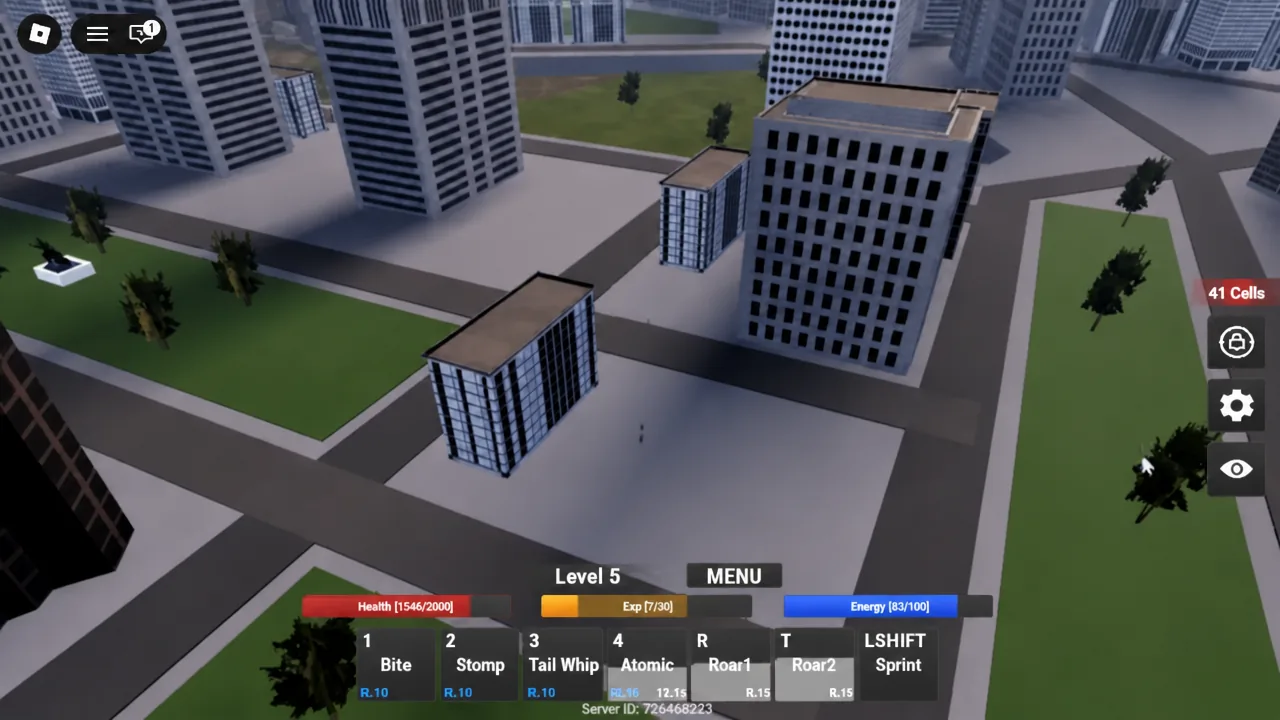
Spend five minutes on an empty street after every unlock. Fire each of the five slots once at a building, note which one is a beam, which one is a melee swing, and which one roots you in place. Then roar so you feel exactly how long the attack lockout lasts. Every kit in the game runs on that same layout, so the practice carries forward to every monster you buy after this one.