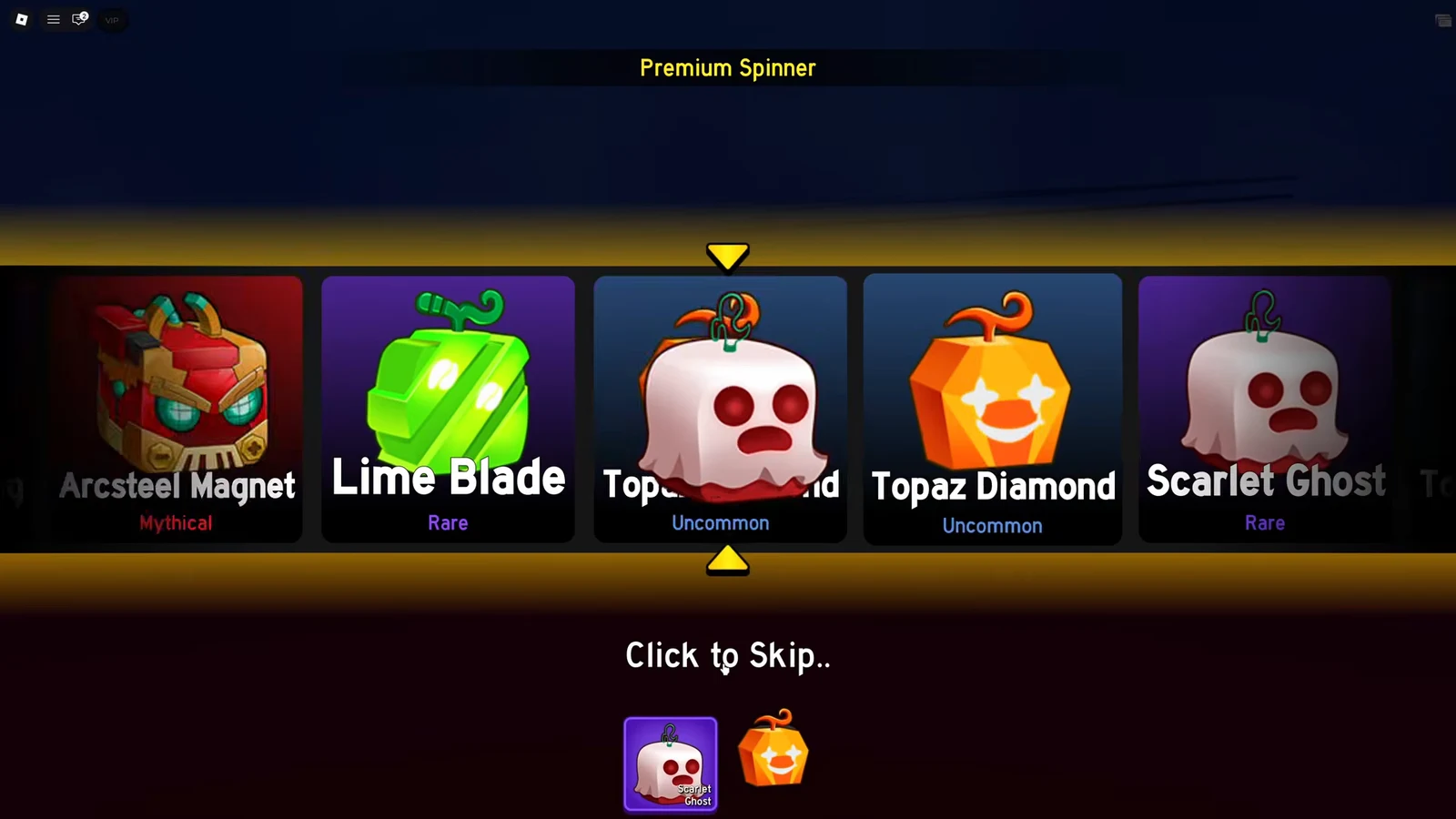
Update 30 brought more than the Magnet fruit and a rebuilt First Sea. It also dropped a batch of chromatic fruit skins, and unlike most cosmetic drops in Blox Fruits, several of them go further than a simple palette swap.
Quick answer: Seven chromatic skins came with the Magnet Update — Lime Blade, Topaz Diamond, Scarlet Ghost, Yellow Lightning, Starlight Gravity, Runic Fiend, and Arcsteel Magnet — and every one of them is pulled from the Chromatic Gacha Box in the Premium Spinner.
All seven chromatic fruit skins in the Magnet Update
Each skin is tied to one specific fruit. Owning the skin does nothing on its own — you need the matching fruit equipped for the new colors and models to show up.
| Skin | Fruit | What it changes |
|---|---|---|
| Lime Blade | Blade | Skill effects turn bright neon green |
| Topaz Diamond | Diamond | Skill effects turn orange |
| Scarlet Ghost | Ghost | The usual green effects become red |
| Yellow Lightning | Lightning | Skill effects shift to yellow |
| Starlight Gravity | Gravity | Yellow and black scheme with black hole visuals |
| Runic Fiend | Fiend (Yeti) | Dark purple look, strongest in the transformed state |
| Arcsteel Magnet | Magnet | Red, gold, and green models plus recolored skills |
Recolor skins: Blade, Diamond, Ghost, Lightning, and Gravity
Five of the seven stay in familiar territory. Lime Blade pushes Blade’s attacks into a loud neon green, Topaz Diamond swaps Diamond’s effects for orange, and Scarlet Ghost flips Ghost’s signature green over to red, which is the most obvious identity change of the group. Yellow Lightning does what the name says and repaints Lightning’s skills yellow.
![The Lightning ability panel with Lightning Orb [Z] active while the recolored attack fires.](https://static.allthings.how/wp-content/uploads/2026/09/every-new-fruit-skin-in-the-magnet-update-blox-fruits-5095485940.webp)
Starlight Gravity is the odd one in this group. Instead of a single accent color, it runs a yellow and black scheme, and the change carries through to the black hole effects the fruit produces. It reads as a full visual theme rather than a tint.
None of these change damage, cooldowns, or how a move behaves. They are cosmetic only, and the effect appears the moment you equip and use the matching fruit.
Runic Fiend and Arcsteel Magnet change more than colors
Runic Fiend covers the Fiend (Yeti) fruit in dark purple. The recolor is visible in the base kit, but the transformed state is where it lands hardest, since the whole beast form takes on the darker palette instead of just the attack effects.
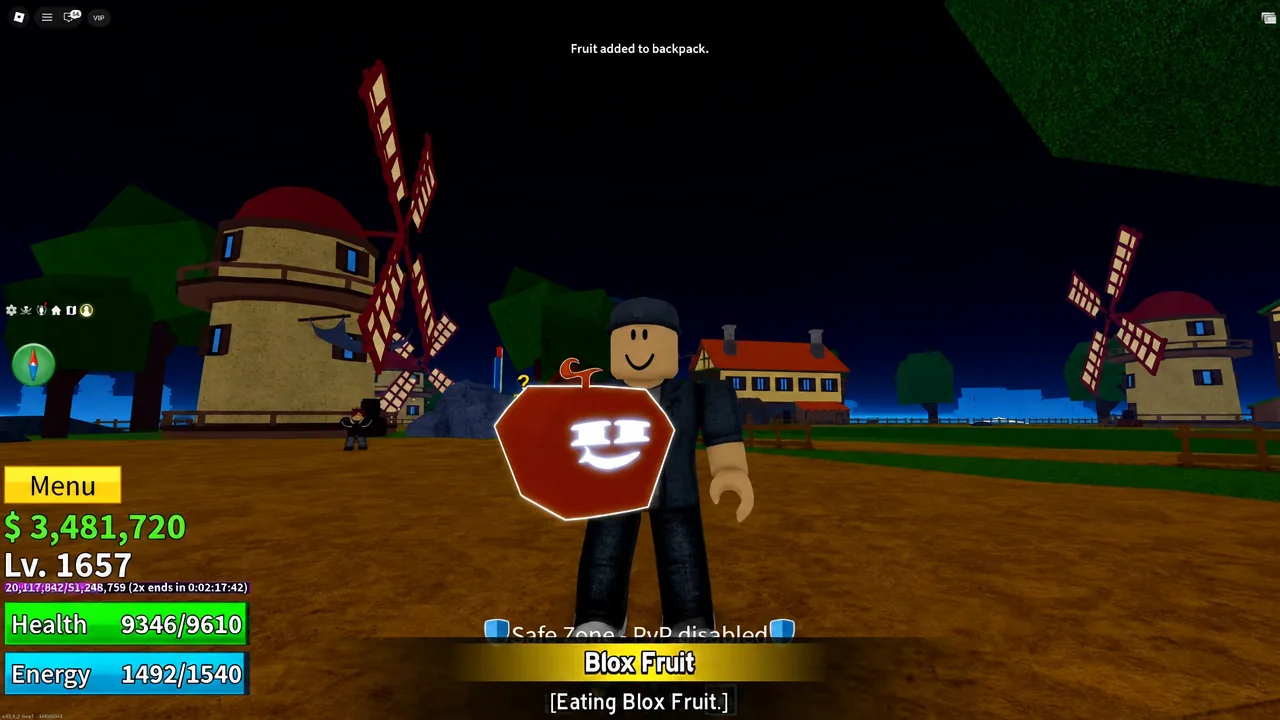
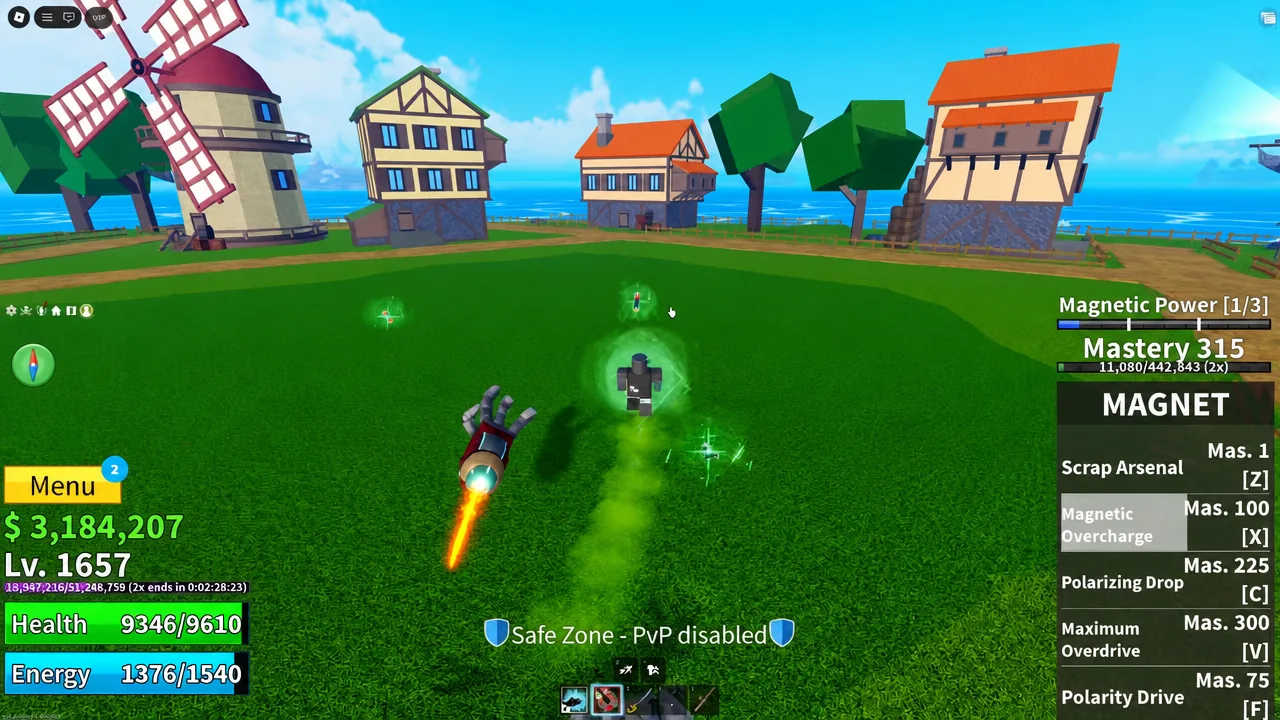
Arcsteel Magnet is the standout of the set. It applies a red, gold, and green scheme to the newest fruit in the game and swaps in custom models rather than only tinting the existing ones, so the skill visuals and the fruit’s own props both look different from the default version.
How to get the new fruit skins from the Premium Spinner
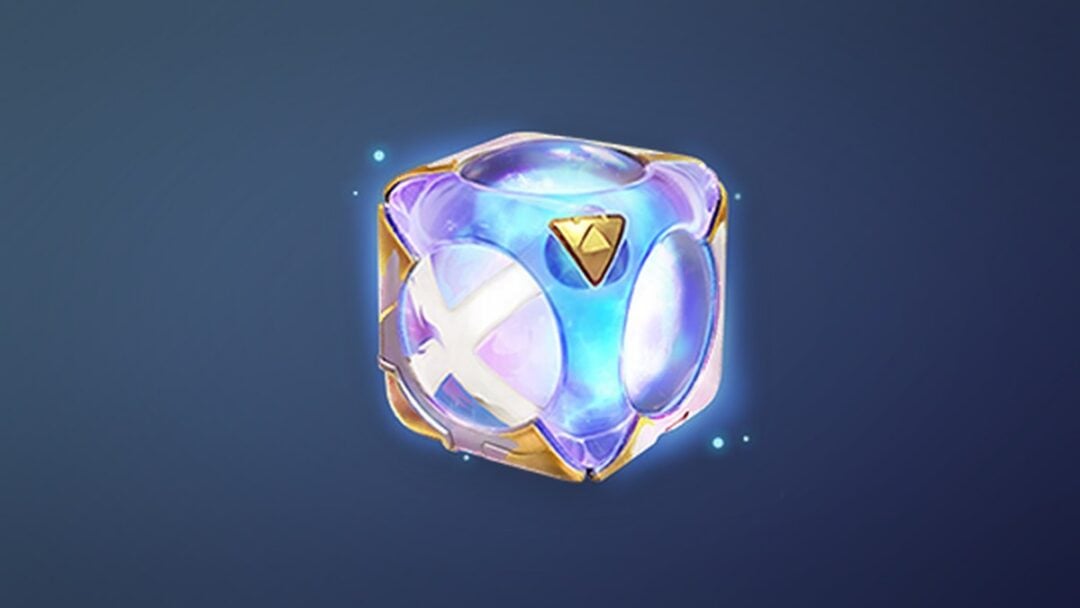
All seven skins sit behind the same source. Rolling the Chromatic Gacha Box in the Premium Spinner is the only route, and each roll can land on a skin, a fruit, or another reward in the pool. There is no quest, boss drop, or shop purchase that hands one over directly.
The limited Magnet event feeds into this too. Magnetic enemies spawning around the world drop Magnet Tokens, which fuel the event’s own gacha. That pool skips common fruits entirely and includes accessories, two profile backgrounds, and a chance at a Chromatic Fruit Box holding the new skins.
Note: event gacha content usually disappears once the event window closes, so token farming is worth prioritizing while the Magnet event is running.
Checking what you rolled and trading duplicates
Skins land in your inventory rather than applying automatically, so the Items menu is where you confirm a roll worked. Anything you pull shows up in that grid, including repeats.
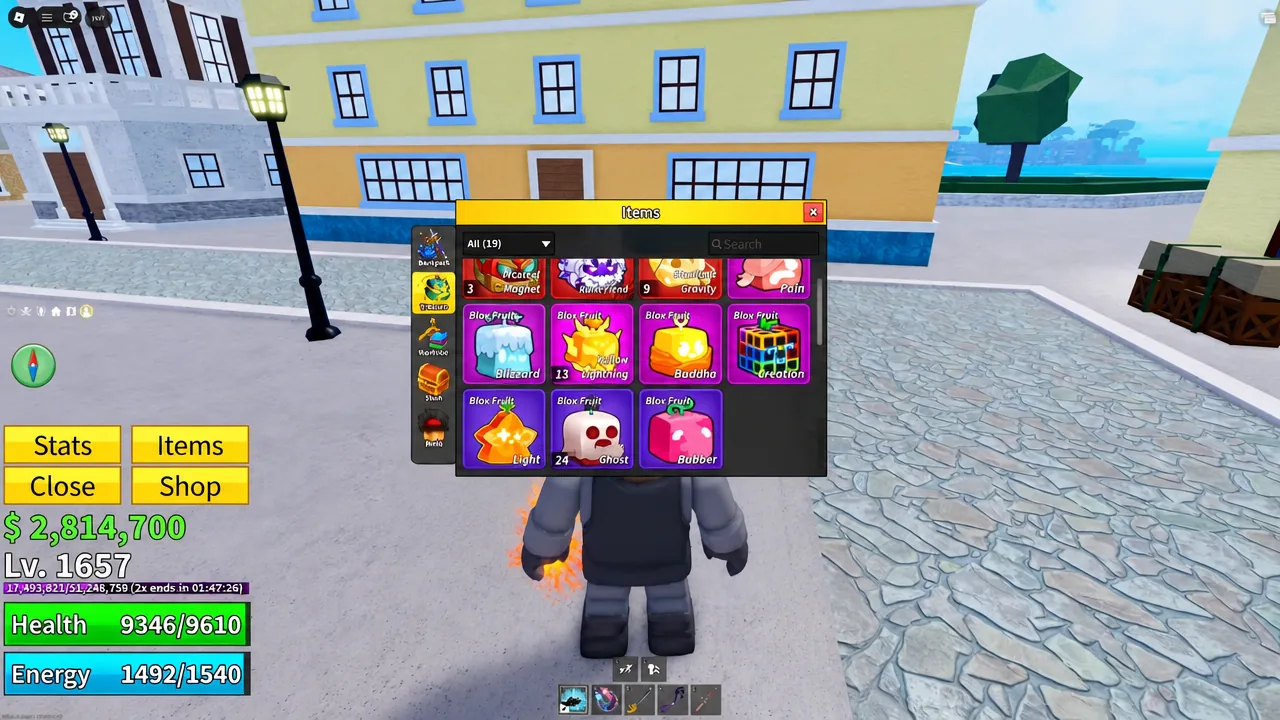
Duplicate skins are tradable, which is the practical way to fill gaps in the set without grinding more rolls. Players who pull two of the same chromatic can swap the extra for one they are missing, and that secondary market tends to be busiest in the first days after a skin batch goes live, while supply is still uneven.
Where the skins fit into Update 30
The chromatics arrived alongside the rest of Update 30, which launched on September 5, 2026 and centered on the Magnet fruit, its Maximum Overdrive mech transformation, and a full visual rework of the First Sea. The gacha and the Magnet event are the two systems the skins hang off, so both are worth checking before the event period ends.
If you only care about one of the seven, Arcsteel Magnet and Runic Fiend are the two that visibly change more than color, and both require owning the matching fruit to see anything at all. Everything else in the set is a clean recolor — nice to have, but nothing that changes how a fruit plays.