The 30-day countdown in The Blood of Dawnwalker sits over everything you do, from quests and combat to leveling up skills. On PC, that pressure is optional. A handful of mods let you stretch the deadline, strip the time cost from unlocking skills, or effectively switch the clock off, so you can explore Vale Sangora without watching the calendar tick down.
Quick answer: Install the “Better Story Timer” mod on PC to raise the deadline from 30 to 90 days (applied retroactively to an existing save) and, optionally, remove the time cost of unlocking skills and perks. There is no mod support on Xbox or PlayStation.
How the 30-day time limit works
You play as Coen, who has 30 days and nights to rescue his family from Brencis and his court across Vale Sangora. Each in-game day is divided into 8 segments. Main quests, side objectives, exploration, and even unlocking new skills each consume some of those segments, which is what drives the clock forward. The design intentionally makes it impossible to finish everything in a single run.
Letting the timer run out does not trigger a game over. If the deadline passes without a rescue, the fate of Coen’s family is sealed and the story continues down a different branch with new content. You can also reach the final encounter as early as the end of the prologue, though that fight is designed to be extremely difficult at that point.

Mods that extend or remove the time limit
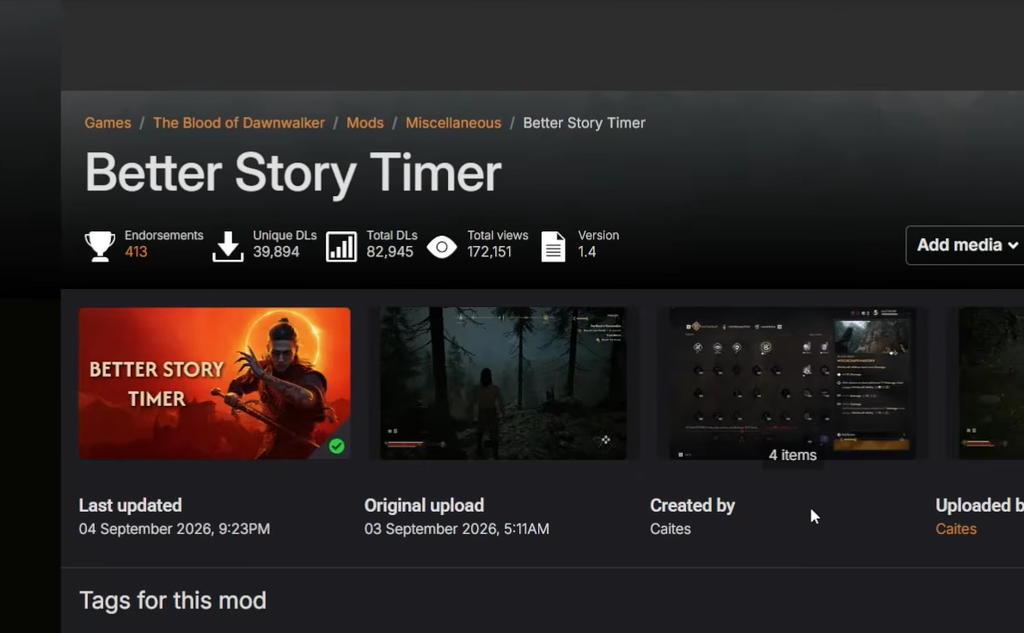
Three mods handle the timer in different ways. “Better Story Timer” is the most downloaded of the group, with tens of thousands of installs and hundreds of comments since launch. Pick the one that matches how much of the mechanic you want to keep.
| Mod | Author | What it changes |
|---|---|---|
| Better Story Timer | Caites | Raises the deadline from 30 to 90 days (retroactive). Optional modules remove the time cost of unlocking skills and perks, and expand each day from 8 to 16 or 32 segments. Modular, so you can pick only the parts you want. |
| Configurable Extended Days and Time | Noviathan | Segment presets from 8 to 32 and deadline presets from 30 up to 9,999 days. A 15-day preset for a stricter run is planned. |
| Infinite Time | Tonykillerbee | Sets the deadline to 99,999 days, effectively removing the countdown. |
You can grab the most popular option, Better Story Timer on Nexus Mods, and download only the modules you want. Because the 90-day extension applies retroactively, an existing save picks up the extra time as soon as the mod is active.
If you only want to stop skills from eating the clock while keeping some deadline pressure, install just the “remove skill time cost” module and leave the day count at its shorter value.
How to install time-limit mods on PC
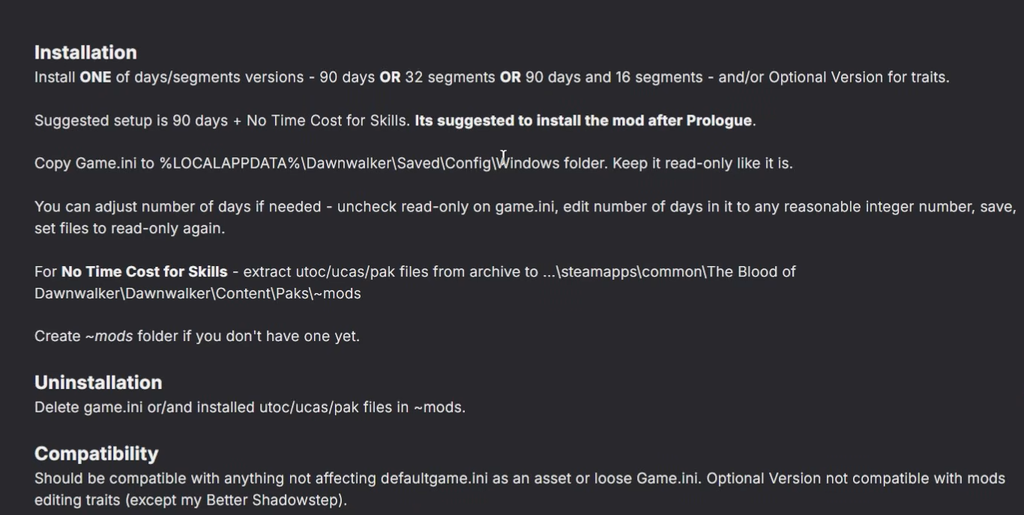
The Blood of Dawnwalker uses four mod types, and each one goes in a different folder. Timer mods are usually packaged as one of these, so check the mod’s download page for its file type before copying anything.
~mods folder yourself if it is not already there....\SteamLibrary\steamapps\common\The Blood of Dawnwalker\Dawnwalker\Content\Paks\~mods%LOCALAPPDATA%\Dawnwalker\Saved\Config\Windows...\SteamLibrary\steamapps\common\The Blood of Dawnwalker\Dawnwalker\Binaries\Win64...\SteamLibrary\steamapps\common\The Blood of Dawnwalker\Dawnwalker\Binaries\Win64\
...\Dawnwalker\Binaries\Win64\ue4ss\Mods\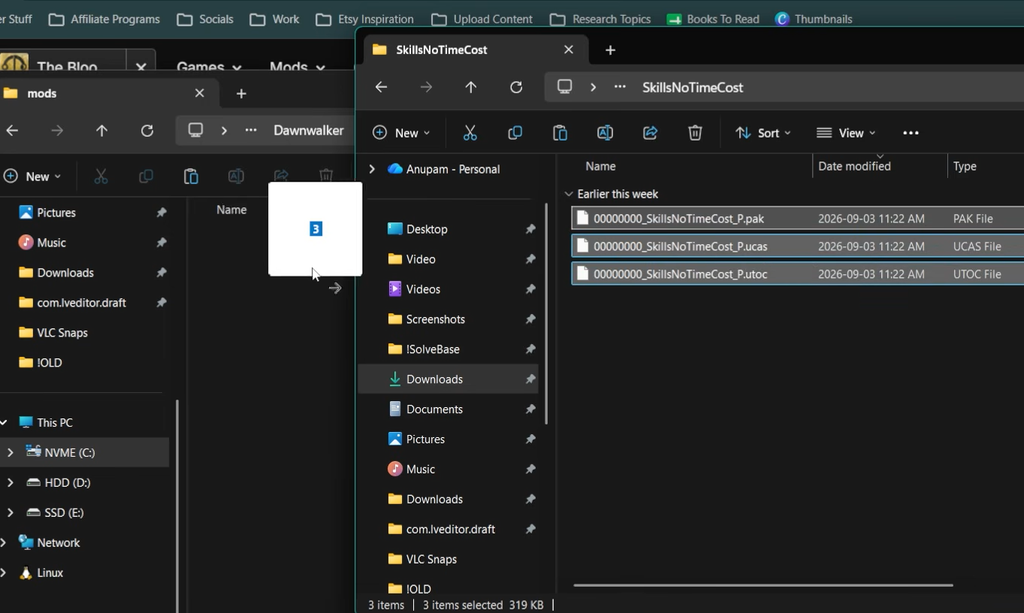
Confirm the mod is working
Load your save and open the menu that shows your remaining days. With Better Story Timer active, the deadline should read up to 90 days instead of the default 30, and the change carries over to saves you started before installing the mod. If you enabled the segment module, each day should show 16 or 32 segments rather than 8.
To verify the skill time cost is gone, open a skill or perk you have not unlocked. The confirmation should no longer list a segment cost. If the timer still reads 30 days or skills still consume time, the files are likely in the wrong folder or the ~mods directory was not created, so recheck the paths above for the mod’s file type.
Console players cannot change the timer
All of these mods are PC-only. There is no mod support on Xbox Series X|S or PlayStation 5, so console players work with the default 30-day system. The game is single-player, which means changing the timer on PC affects only your own playthrough.
If you are on the fence, it is worth trying the default deadline first. Many players finish the major questlines and defeat all three members of Brencis’s court with days to spare, since the segments stretch further than they appear. The timer mods stay available whenever you decide the pressure is not for you.