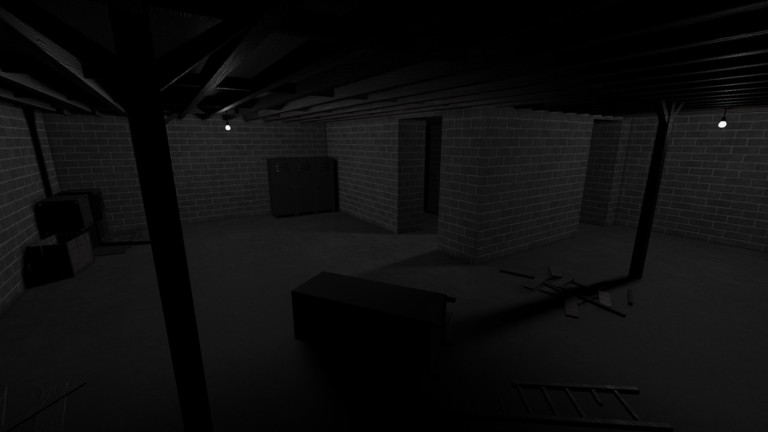
MONOCHROME starts you in a sealed room with no way out. The exit sits at the end of a maze of dark corridors, and a shadowy figure with glowing eyes walks those same halls. It is a Roblox escape room with a horror coat of paint. You do not fight anything. You search drawers, keep track of what you have found, and decide when to stop moving. The Halloween update gave the house a new theme and a set of seasonal extras. The basic loop is the same, and it is still punishing in a group, where teammates can be picked off one at a time until nobody is left.
Quick answer: Select PLAY, followed by ENTER THE HOUSE. Locate four keys to release the deadbolts and find the elevator’s four-digit code. Press E to interact or enter closets to hide, and remember you have three lives.
MONOCHROME objective: four keys and one code
Every run builds toward one exit. Four deadbolts lock the elevator door, and each deadbolt takes its own key. The keys are hidden in furniture drawers across the corridors. The elevator also needs a four-digit code, which you find somewhere inside the house. Keys alone will not get you out, and neither will the code. A run ends only when you have both.
You can carry keys back to the door one at a time. Each one opens a single deadbolt, so you see your progress on the door as you go. When the last lock opens, an Open Elevator prompt appears. Step inside and the doors close behind you. That is a finished escape, and it awards the Escaped ( Pt. 1 ) badge. On the Roblox page, that badge is rated Insane at around 4.7 percent of players.
Use the code you find in your own run. Digits copied from another player’s video will not necessarily work for you.
The Halloween build adds some extra signage around the exit. The door shows a “Heavy Lock: Unlock” prompt, and the screen tells players to “Return the 5 charms to lower the glass!” The official goal has not changed, though. It is still four keys and one code. The lobby now lists a PART ONE and a PART TWO, and there is a separate Escaped ( Pt. 2 ) badge that roughly 1.1 percent of players hold.
Starting a MONOCHROME run from the lobby
MONOCHROME is free to play on its Roblox experience page. Servers currently hold 20 players, so the lobby is often busy before a match starts.
MONOCHROME controls
There are only a few controls, and the on-screen prompts remind you of them during play. Most of the work happens on E.
| Key | Action |
|---|---|
| E | Interact: pry, drawers, keys, closets |
| Shift | Sprint (drains stamina) |
| F | Torch |
| R | Radar (gamepass) |
| G | Goggles (gamepass) |
| M | Unlock mouse |
Remember M: it releases your cursor, letting you select menu buttons without your mouse moving the camera.
Searching the corridors for keys
Past the boarded doorway, a staircase leads down into the maze. In the Halloween theme, the hallways are lit in a dim orange. The corridors split often and many of them look the same. The quickest way to learn the layout is to note where each closet is as you pass it, since those are your escape points later.
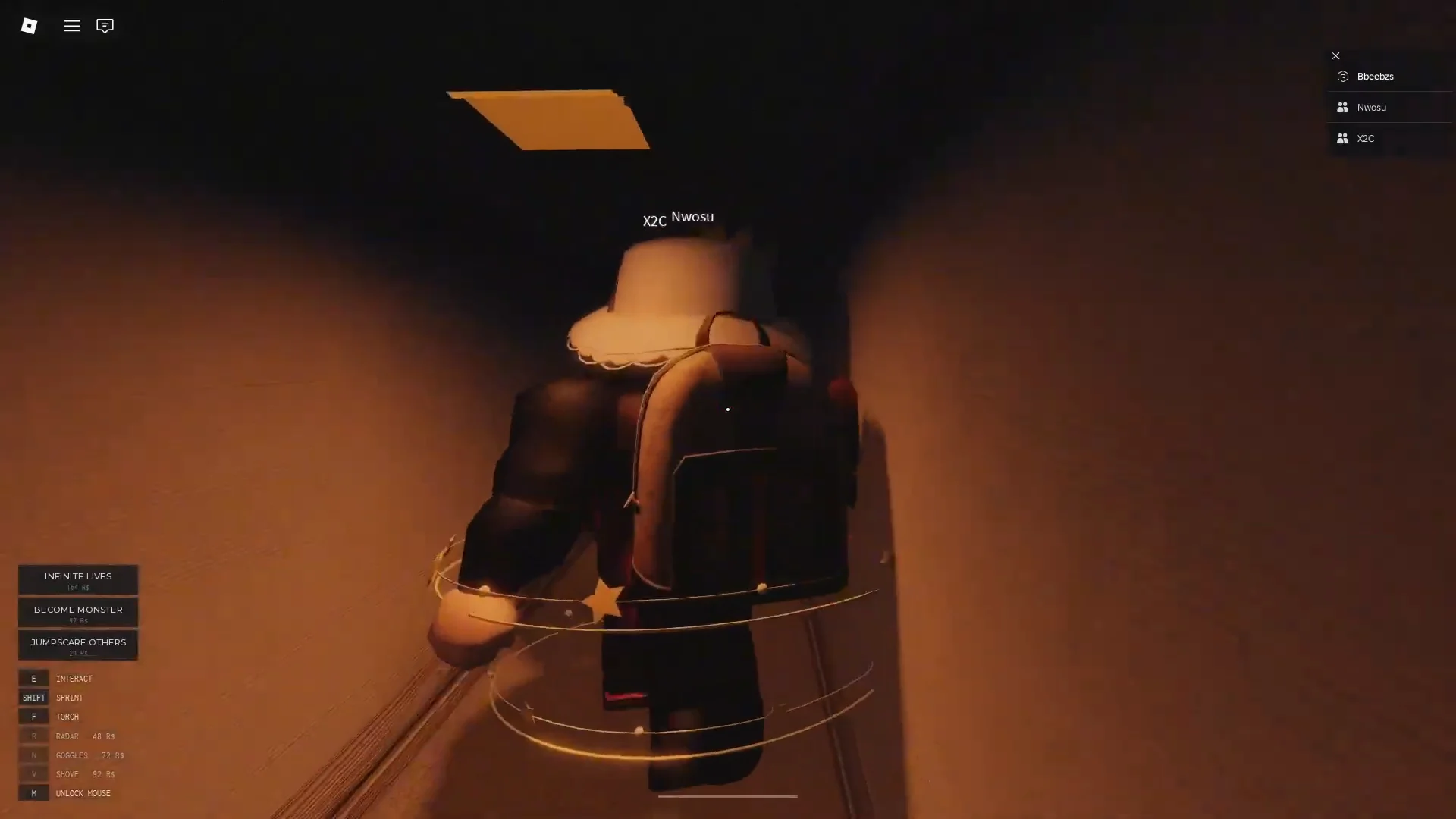
Corners matter in MONOCHROME. You usually cannot see what is around a bend until you are already there. That is also where the monster tends to show up first, often just a silhouette at the far end of a hall.
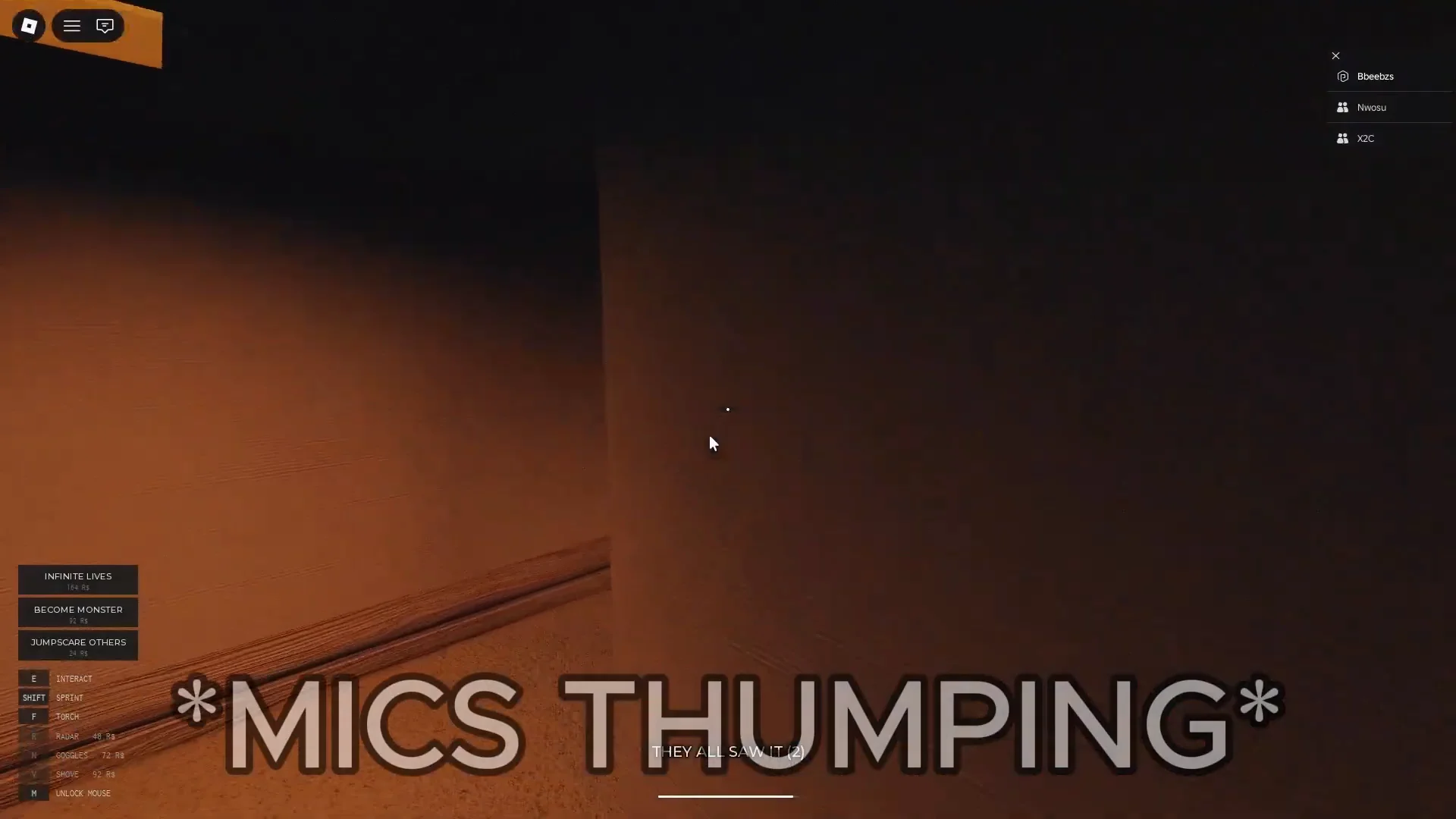
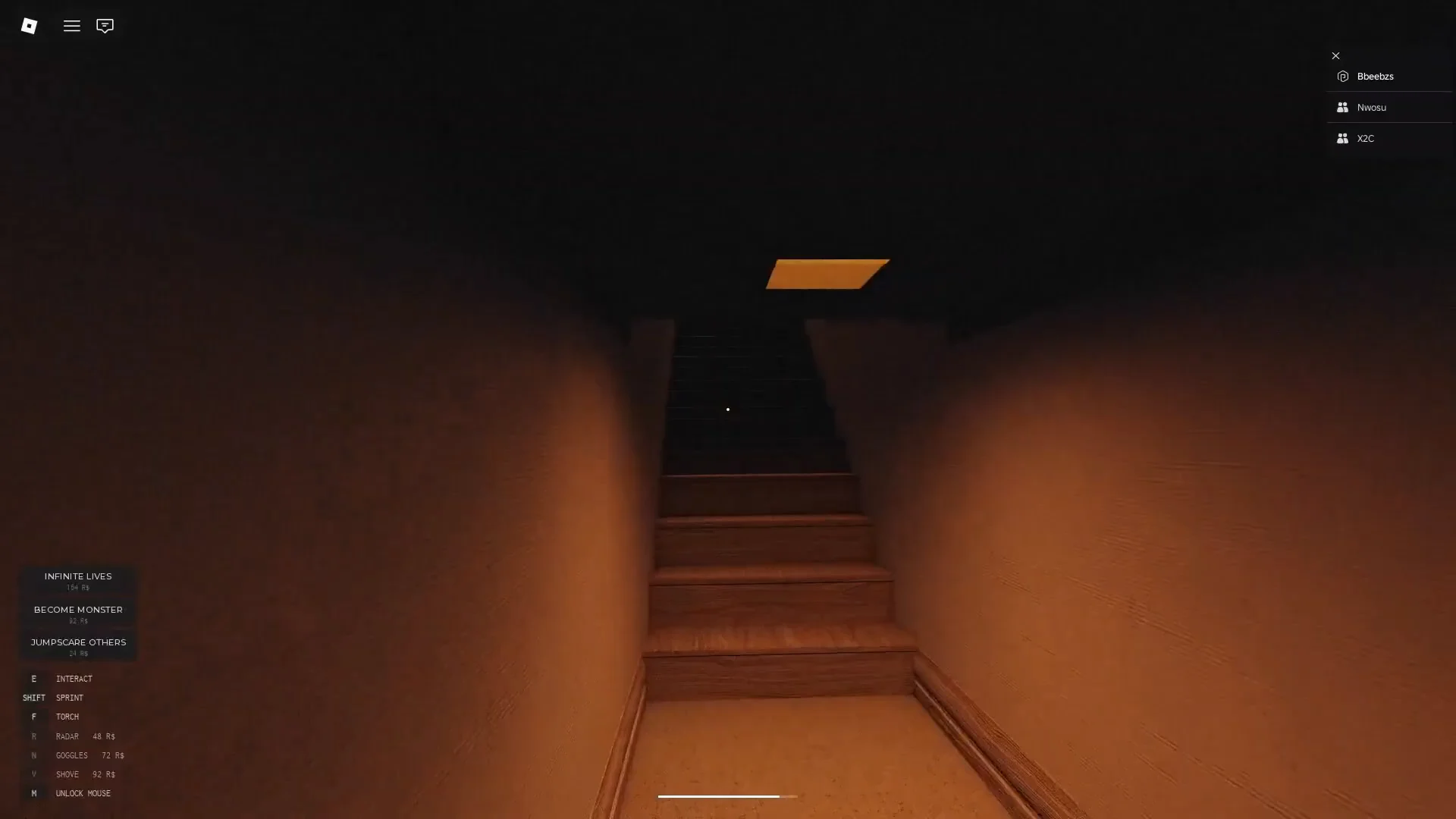
Stairwells connect the floors, and you will use them constantly. They are the route back up to the locked door each time you find a key. They are also where many chases happen, because the monster takes the same stairs you do.
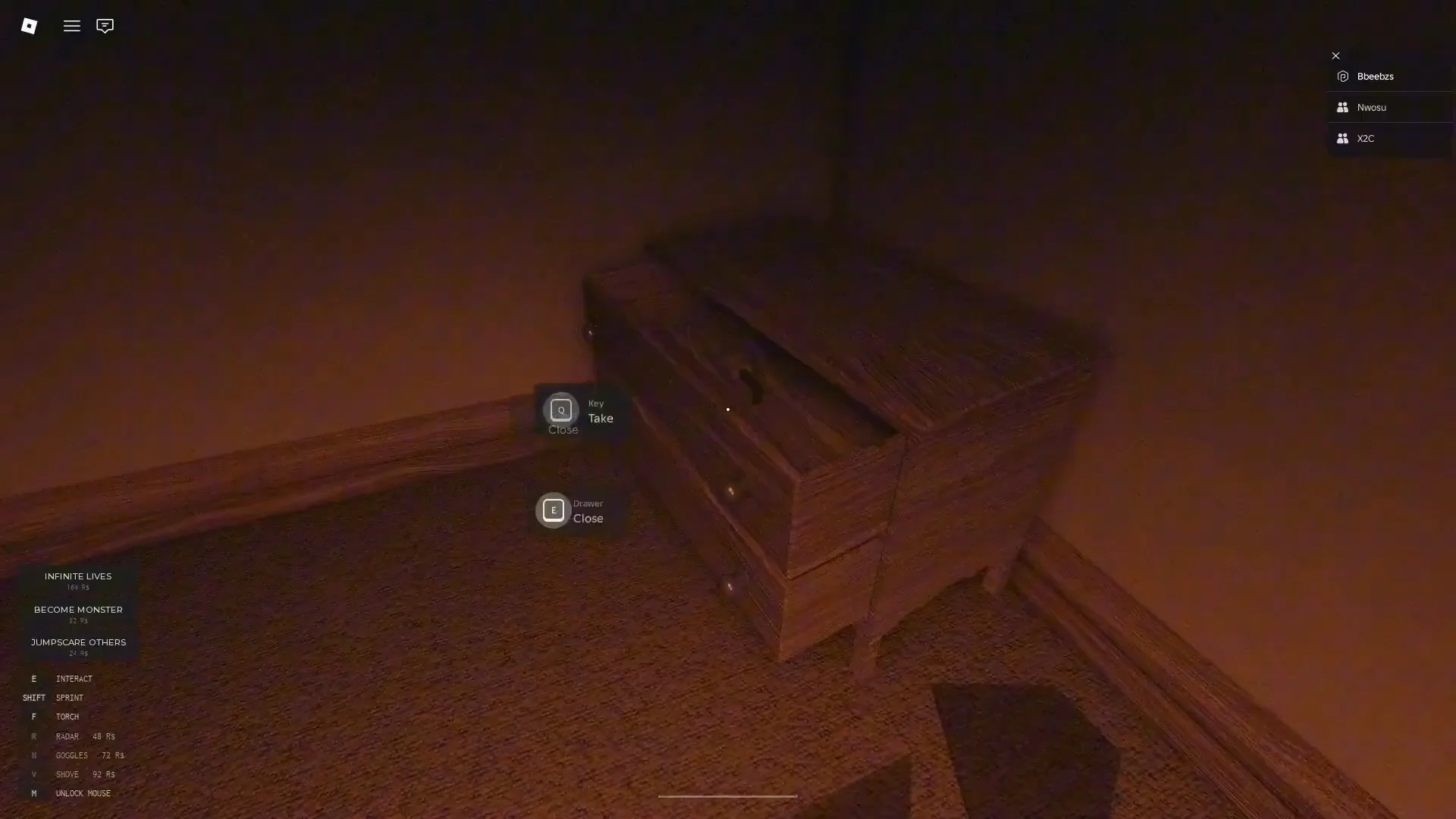
Keys are kept in dressers and desks. Looking at a drawer shows “[E] Open.” Once it is open, the prompt changes to “[E] Close.” If there is a key inside, you also get “[E] Key Take.” Closing drawers behind you is a simple way to remember which furniture you have already searched when you pass through a corridor again.
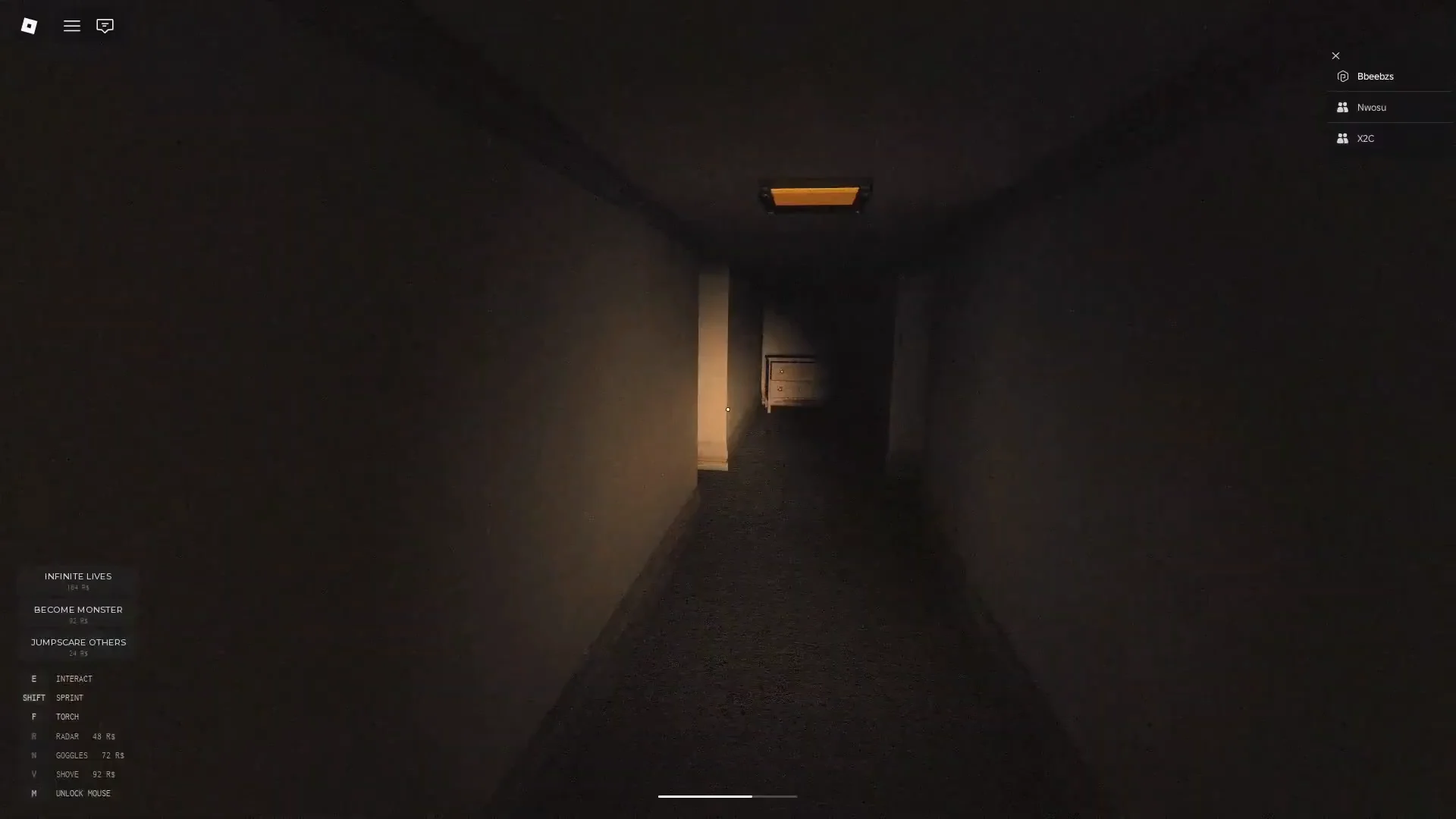
Prompts only show up when you are close enough to an object and looking straight at it. If pressing E does nothing, step closer and aim again before deciding the object is just decoration.
How the MONOCHROME monster hunts
The monster is a fast, shadowy figure with a wide head and glowing white eyes. In the game’s own words, it is “agile and alert.” It also controls the building’s electricity. It can switch hallway lights off completely and cause power outages, so a corridor you can see clearly one moment may be pitch black the next.
- Stamina: Sprinting on Shift uses up stamina, so if you run everywhere you will have none left when the monster spots you.
- Torch: F lights up prompts and doorways in the dark, but leaving it on can draw the monster to you.
- Closets: The “[E] Closet Hide” prompt lets you break line of sight, and you can watch the hallway through a gap in the door.
- Blackouts: When the lights go out, get to the nearest closet instead of pushing ahead.
Closets help, but they are not a guaranteed safe spot. The tutorial tells you to hide and “hope that it throws it off.” The monster often walks right past, sometimes stopping to stare through the gap first. It can also open a closet door and pull the player out. That happens to more than one hiding player in a single round. Hiding works best if you get in before the monster has locked on to you.
Lives, elimination, and the game over screen
Each player has three lives. When the monster catches you, you get a jumpscare and the HUD shows how many lives you have left. You then respawn in the upper elevator area and have to make your way back down. After the third death you are out for the round. The screen shows “YOU ARE OUT” and “THREE LIVES SPENT,” and offers to sell you “3 MORE LIVES” for 16 Robux.
Eliminated players can watch their teammates’ nametags as they move around the dark corridors. When every player is out, the round ends with “NO ONE LEFT IN THE HOUSE” and a BACK TO LOBBY button. If you leave in the middle of a round, a warning tells you that you cannot rejoin once the entrance has closed.
Playing MONOCHROME with friends
In co-op, everyone shares the same door. Any player can bring a key to the deadbolts, so groups usually split up and search different cabinets and dressers rather than staying together. Players use their own Roblox avatars, and nametags make it easier to tell a teammate apart from the monster in the dark. Easier, but not foolproof. In a blackout, a friend’s shadow can look a lot like something worse.
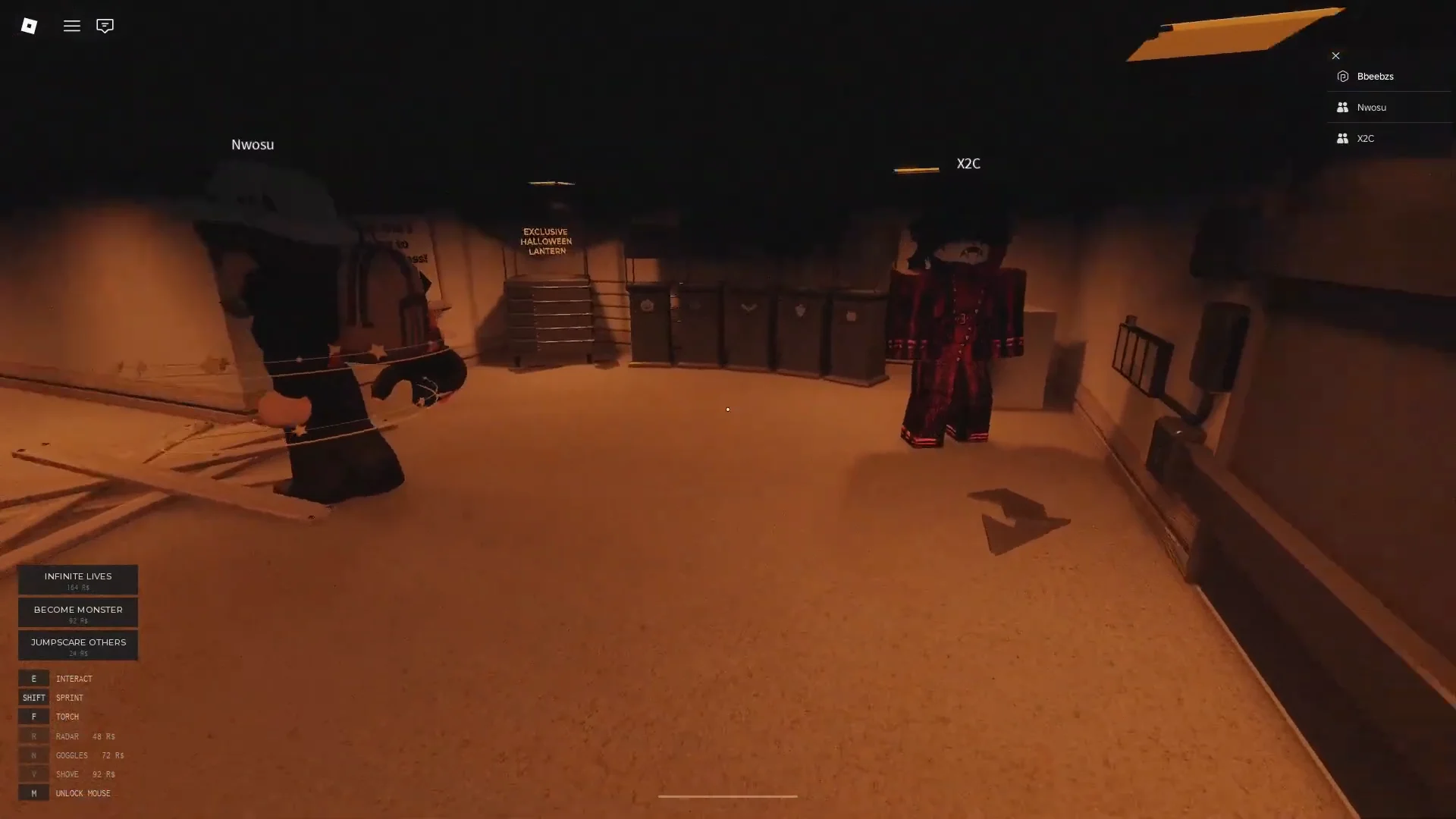
Splitting up has a cost. When a teammate dies, their body stays in the corridor, and so does any key they were carrying. Getting that key back means going to the exact spot where the monster just was. Voice chat is not supported, so teams coordinate through Roblox’s text chat or an outside call, giving directions like “left, then straight.”
MONOCHROME gamepasses and Robux items
None of these purchases are needed to escape. The Halloween store lists the following:
| Item | Price | What it does |
|---|---|---|
| The Radar | 48 R$ | Alerts you when the monster is near |
| Night Vision Goggles | 75 R$ | Bound to G |
| Infinite Lives | 164 R$ | Removes the three-life limit |
| Become Monster | 32 R$ | Play as the monster |
| Jumpscare Others | 24 R$ | Triggers a jumpscare on other players |
| 3 More Lives | 16 R$ | Offered on the elimination screen |
The Radar is a handheld device for tracking the monster through the maze, and it is the item the tutorial advertises. Roblox Plus members get a small discount on Jumpscare Others. The store also has an Exclusive Halloween Lantern tied to the seasonal event, and the event has its own Halloween 2026 badge, which roughly 0.8 percent of players have earned.
MONOCHROME on Roblox: creator and current status
MONOCHROME was made by paramodal and is published under the MONOCHROME_HOLDER community. It is inspired by Boisvert’s series. Roblox lists it under Puzzle, in the Escape Room subgenre, with a Mild maturity rating for repeated mild fear and violence. It has passed 173 million visits and 458,000 favorites, and its latest update arrived on October 16, 2026.
The developer still describes the game as early development and says players should expect bugs. Routes, monster behavior, and prices may change between updates. What stays the same is the basic loop: search the dark, collect four keys and the code, and get to the elevator before the monster gets you.