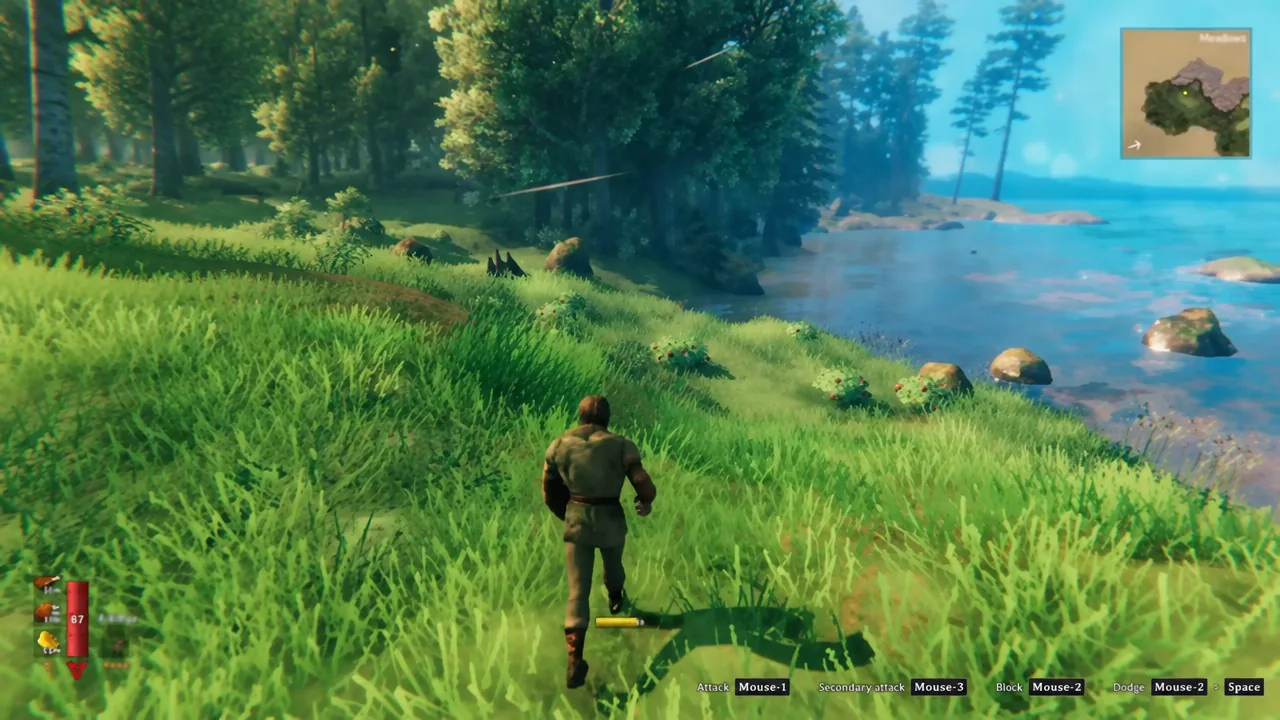
Valheim leaves Early Access on September 9, 2026, and the 1.0 release drops PlayStation 5 and Nintendo Switch 2 into a crossplay network that already tied together Steam, the Microsoft Store, Mac, Linux and Xbox. One world, six platforms, up to ten Vikings. The part that catches people out is the assumption that crossplay also means one purchase — it does not.
Quick answer: Crossplay is a free part of the base game and works across every 1.0 platform, but each storefront is a separate purchase and saves do not travel between them. Enable Crossplay when you start the world, then send friends the Join code from the pause menu.
Every storefront is a separate purchase
Iron Gate has not announced any cross-buy programme. Buying Valheim on Steam does not hand you the PS5 or Switch 2 version, and a Steam copy cannot be launched through the Microsoft Store. Crossplay only governs who can sit in the same session.
There is exactly one exception. The Microsoft Store PC version and the Xbox console version are the same entitlement, so buying on one gets you the other. Everything else — Steam, Humble, the Mac App Store, PlayStation, Nintendo — is its own transaction.
Two money notes worth knowing before your group co-ordinates. The price moves to $29.99 at 1.0, with possible regional variation, and anyone who already owns the game gets 1.0 as a normal update rather than a new purchase. Valheim also left Xbox Game Pass on September 30, 2024, so a Game Pass install you remember from a previous run is not coming back with 1.0.
Console players have one more line item. Online multiplayer on PS5 requires PlayStation Plus, Xbox online multiplayer needs the usual Xbox subscription, and Nintendo hardware normally requires Nintendo Switch Online. PC players pay nothing beyond the game. None of that money goes to Iron Gate — crossplay itself is free.
Valheim 1.0 crossplay platform list
There are no walled-off pairings. Any supported platform can share a world with any other, provided the session has crossplay switched on.
| Platform | Playable before 1.0 | Crossplay at 1.0 |
|---|---|---|
| Steam (Windows, Linux, Mac) | Yes | Yes |
| Microsoft Store (PC) | Yes | Yes |
| Humble Store | Yes | Yes |
| Mac App Store | Yes | Yes |
| Xbox One | Yes | Yes |
| Xbox Series X|S | Yes | Yes |
| PlayStation 5 | No — new at 1.0 | Yes |
| Nintendo Switch 2 | No — new at 1.0 | Yes |
There is no PS4 version, and the Nintendo release targets Switch 2 specifically rather than the original Switch. The player cap is unchanged at 1.0: one to ten players per world, counted as a total rather than per platform. A full lobby could be three on Steam, two on Xbox, two on PS5, two on Switch 2 and one on the Microsoft Store.
How to enable crossplay and share a Join code
Valheim runs two networking backends. The original Steam backend is visible to Steam users only. The crossplay backend routes traffic through a relay, and that is the one console players need. Hosting from inside the game is the fastest route for a small group.
You know it worked when the joining player loads into the same world and appears on the map and player list. If they land in an empty world of their own instead, they created a local world rather than adding the server.
Dedicated servers and the -crossplay flag
A player-hosted world only exists while that player is in the game. When the host logs off, everyone else is finished for the night. A dedicated server keeps the world running independently, which matters more once consoles are in the mix, because console players cannot run the server software themselves — it is a PC download, and Iron Gate is explicit that you cannot set up a dedicated server on an Xbox. Consoles join servers; they never host them.
If you run the server software yourself, one launch argument does the work. Adding -crossplay switches the server from the Steam backend to the PlayFab crossplay backend. Leave it out and only Steam users can see or join.
valheim_server -name "My Server" -port 2456 -world "Dedicated" -password "Secret" -crossplayThe password must be at least five characters and cannot contain the server name, or the server refuses to start. On Linux, copy start_server.sh and edit the copy, because Steam overwrites the original whenever the tool updates. Iron Gate’s dedicated server guide is the reference for the full flag list.
Switching backends changes three practical things. Port forwarding is no longer needed, since traffic goes through the relay instead of straight to your machine. A Join code appears alongside the address. And local network or loopback addresses stop working, so even a PC in the same house has to connect by public IP and port, by Join code, or through the server list.
Tip: console players tend to browse the in-game server list rather than paste codes. Set the server to public, give it a distinctive name, and tell people the exact spelling. The Join Game tab shows whether each listed server supports crossplay.
Cross-save: Characters and worlds stay on their platform
Crossplay means players on different platforms share a session. Cross-save means your own progress follows you between platforms. Valheim has the first and almost none of the second, and 1.0 does not change that.
The single exception sits inside Microsoft’s ecosystem: Xbox players can reach their saves from a PC when launching the Microsoft Store version. Beyond that, there is no cross-platform sync for save files. A character created on Steam will not appear on PS5, a PS5 world cannot be continued on PC, and progression does not move between Switch 2, Xbox and Steam. On Windows, Steam character and world files live locally under %USERPROFILE%/AppData/LocalLow/IronGate/Valheim, and backing them up is a manual job.
A dedicated server solves the world half of this cleanly. The world lives in one place, so whichever platform you connect from, you arrive at the same buildings and the same progress. Each player still brings their own Viking, tied to the platform they play on.
For a mixed group forming up around 1.0, a fresh world is the cleaner start anyway. New terrain generation only applies to areas nobody has explored yet, so an old save that already has the Deep North mapped will not show the finished biome. Everyone starting from scratch on the same day also means nobody is walking a fully geared character into someone else’s first hour.
Mods and crossplay do not mix well
Valheim has no official mod support, no Steam Workshop, and no console modding. The PC scene runs on third-party tooling such as BepInEx and Thunderstore, none of which a PS5, Switch 2 or Xbox player can install.
That produces a hard split. Any mod that requires files on every client locks console players out entirely, and community testing on the crossplay backend has been inconsistent enough that mods are not something to build a mixed-platform group around. If you want PC and console friends in the same world reliably, run vanilla. Iron Gate also makes no guarantee that existing mods work at 1.0, so a major update is the worst possible time to gamble on one.
Why players cannot connect: version mismatch and stale Join codes
Two failures account for most connection problems, and neither is a crossplay bug.
The first is a version mismatch. If a player updates to 1.0 while the server is still on an older build, they get an incompatible version error or simply cannot connect. Update the server and every client before anyone tries to join. The download is roughly 4.3GB on most platforms.
The second is an expired Join code. Valheim regenerates the code every time the server restarts, including scheduled nightly restarts, so a code shared yesterday will look exactly like a dead server today. Pull a fresh one from the pause menu, or share the IP and port for anything permanent. On Xbox specifically, a missing crossplay option in the menu usually points at parental control settings rather than the game.
The short version: for anyone assembling a crew today: buy once on the platform you actually play on, keep everyone on the same game version, and put the world somewhere that stays up when the PC friend logs off. Crossplay handles the rest, and it is the one thing here you do not have to pay Iron Gate extra for.