Space station directorship is the headline feature of No Man’s Sky update 7.0, Cosmos, and it is gated behind four hard requirements rather than a mission chain. You prove yourself to the locals, pay an enormous fee, and the station becomes yours to redecorate — and to build an alliance around.
Quick answer: Fly to an unclaimed station, talk to the Station Core, and meet all four directorship criteria — local race standing of 30, local guild standing of 15, five completed salvage contracts, and a 1,000,000,000 unit donation. Then pick option 1, Claim Station.
Directorship requirements in No Man’s Sky Cosmos
Every populated system has a station, and any station without an existing owner is a valid target. Land, walk past the merchants to the Station Core on the upper level, and interact with it. The Core lists your progress toward each criterion as a live counter, so you always know which line is still short.
| Requirement | Target |
|---|---|
| Local race standing (Vy’keen, Gek, or Korvax) | 30 |
| Local guild standing | 15 |
| Salvage contracts completed | 5 |
| Units “donation” | 1,000,000,000 |
Note: the exact thresholds can differ between stations, so read the Core’s list in the system you actually want before you start grinding. Standing is tracked per system, which means the reputation you built elsewhere does not carry over to the station you are trying to claim.
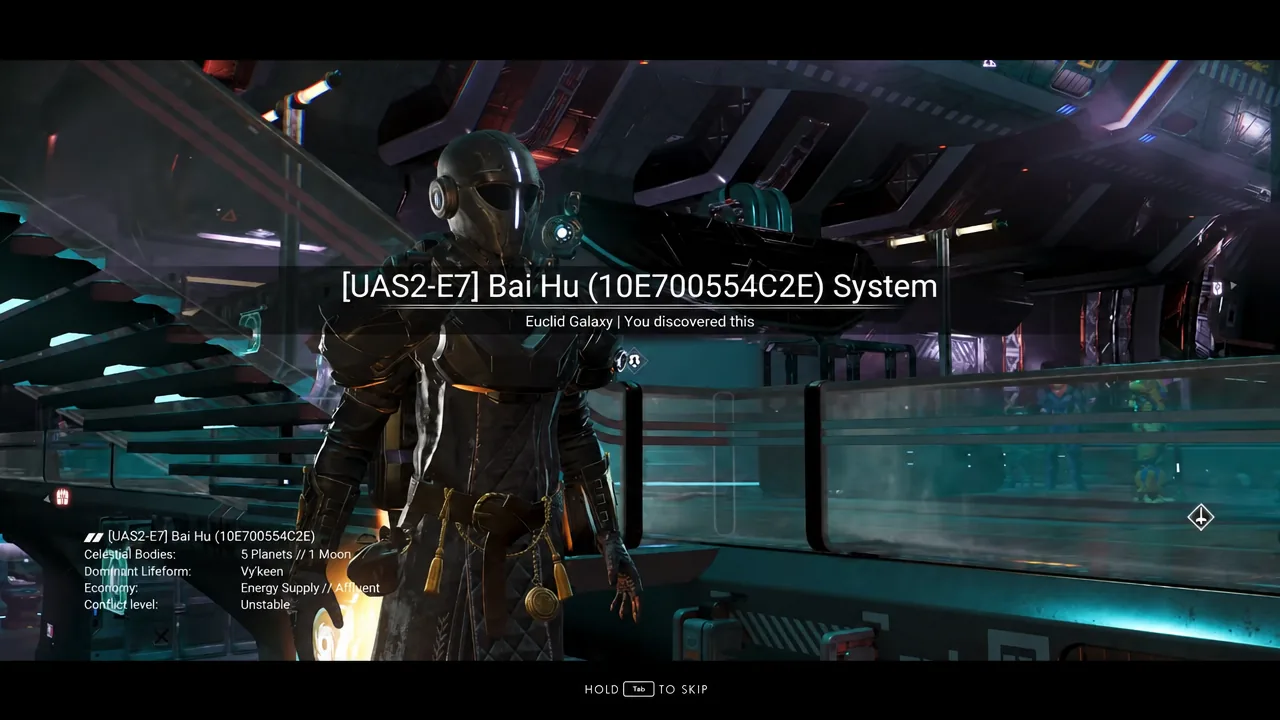
Raise local race and guild standing fast
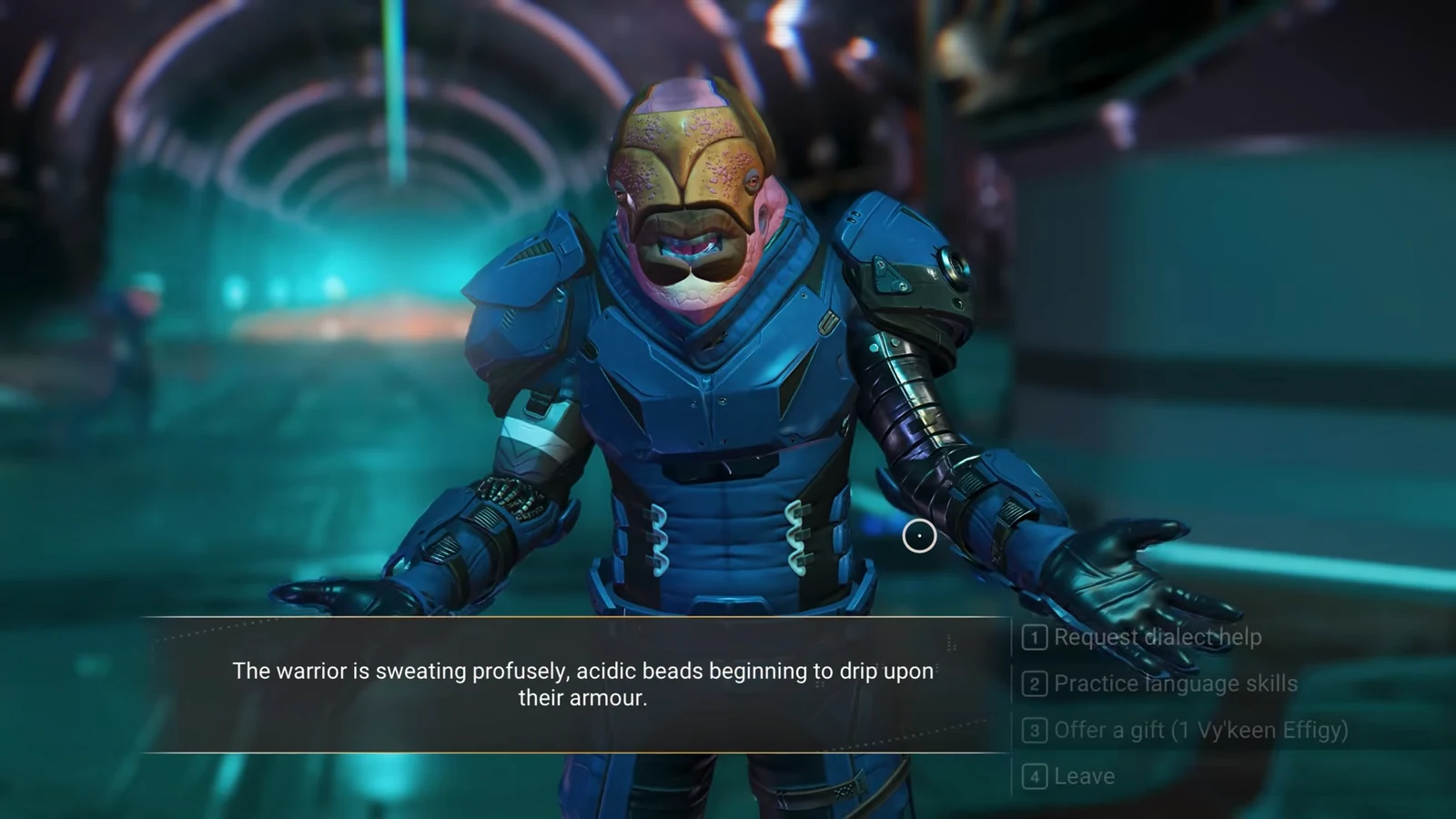
Both standing bars respond to gifts, which is far quicker than running mission board work. Stock up on the right items first and you can clear both requirements in a few minutes at a single station.
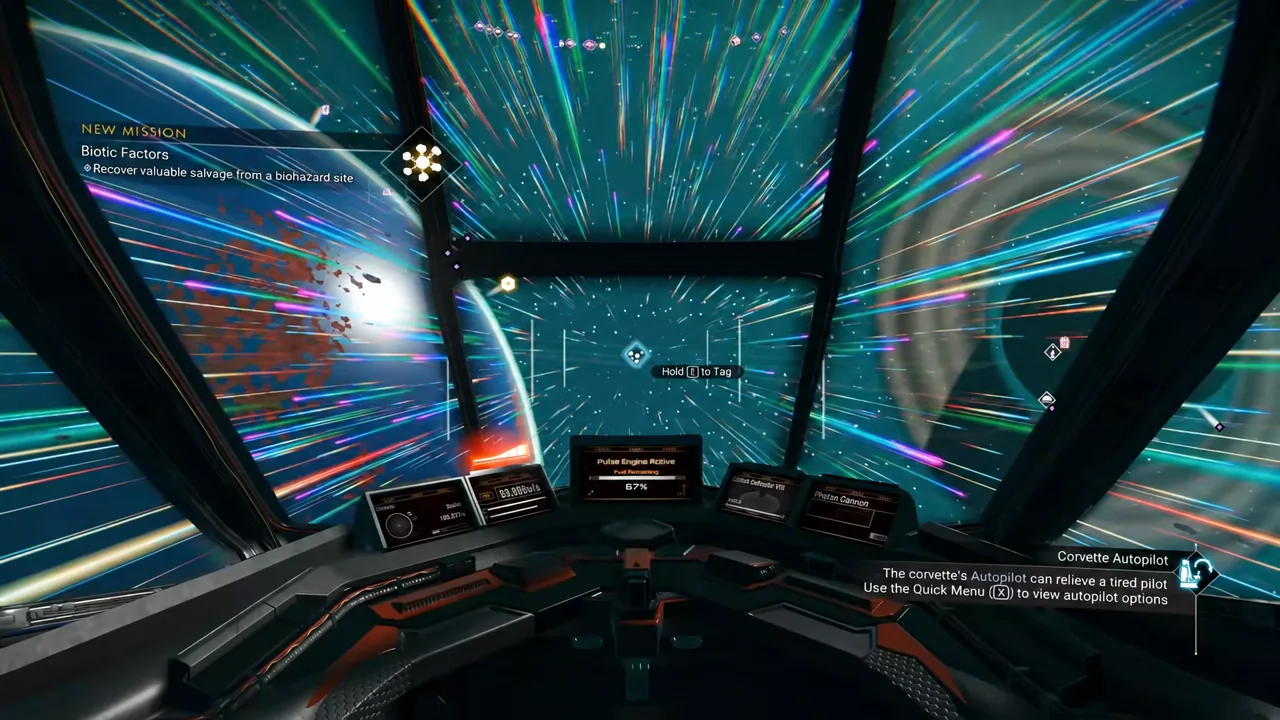
Complete five salvage contracts with a Corvette
This is the part that actually takes time. Salvage contracts come from deep-space outposts, not the station mission board, and hauling physical salvage requires a Corvette-class starship fitted with the new Tractor Beam. Points of interest only appear on the star system map once your save has reached the Space Anomaly, so early saves will not see outposts at all.
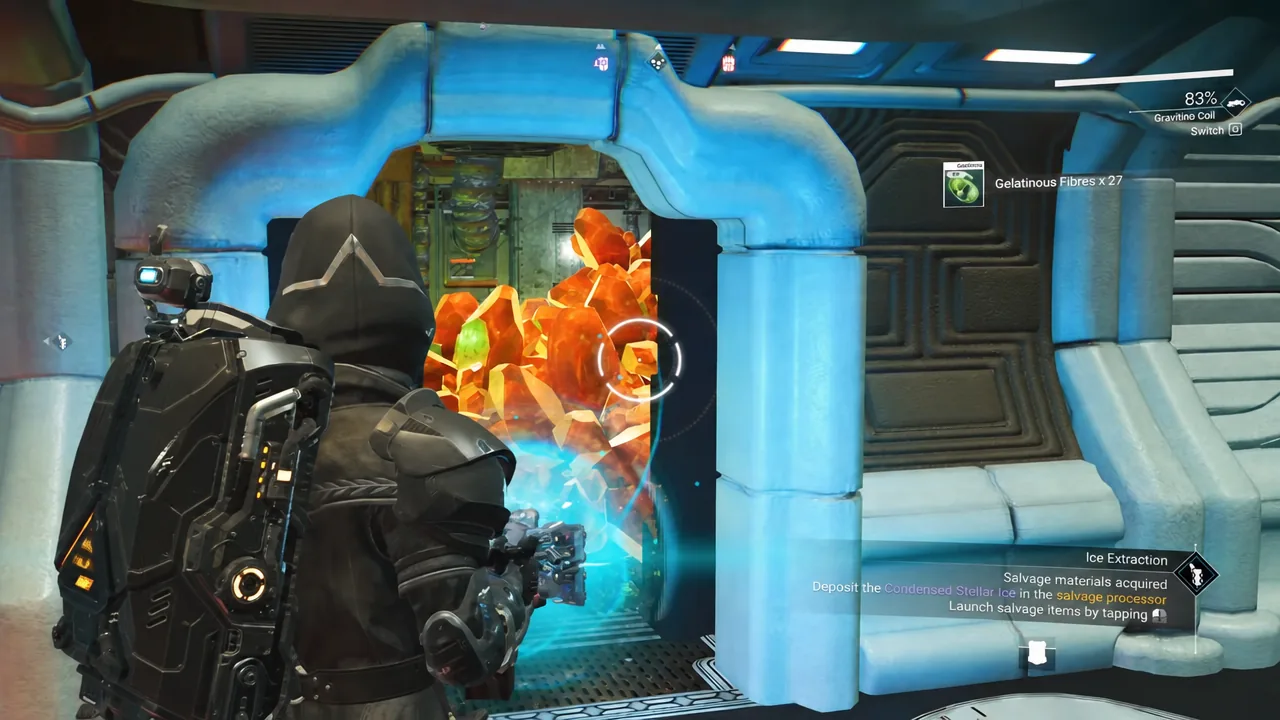
Tip: your exosuit’s cold protection drains the entire time you are spacewalking, unless you are near a heat source. Watch the meter and duck back into the ship before it empties.
Earning the 1 billion unit donation
A billion units is why claiming a station is endgame work. Two reliable earners cover it: buying cheap ships from station traders and scrapping them at the Starship Outfitting Terminal for salvaged modules you resell, and scanning fauna on planets for the completion bonus once you have every creature on a world logged.
Cosmos also adds its own income stream. Raw materials pulled from asteroid belts, hulks, and debris fields — comet dust, gelatinous fibres, contaminated metal — can be processed at a deep-space outpost into higher-value goods and sold on the Galactic Trade Network. Hold some back, though, because the same salvage feeds station exterior construction later.
Claim the station and confirm it worked
Return to the Station Core with all four counters satisfied. The menu offers four choices, and the first one is Claim Station. Select it and directorship transfers to you immediately.
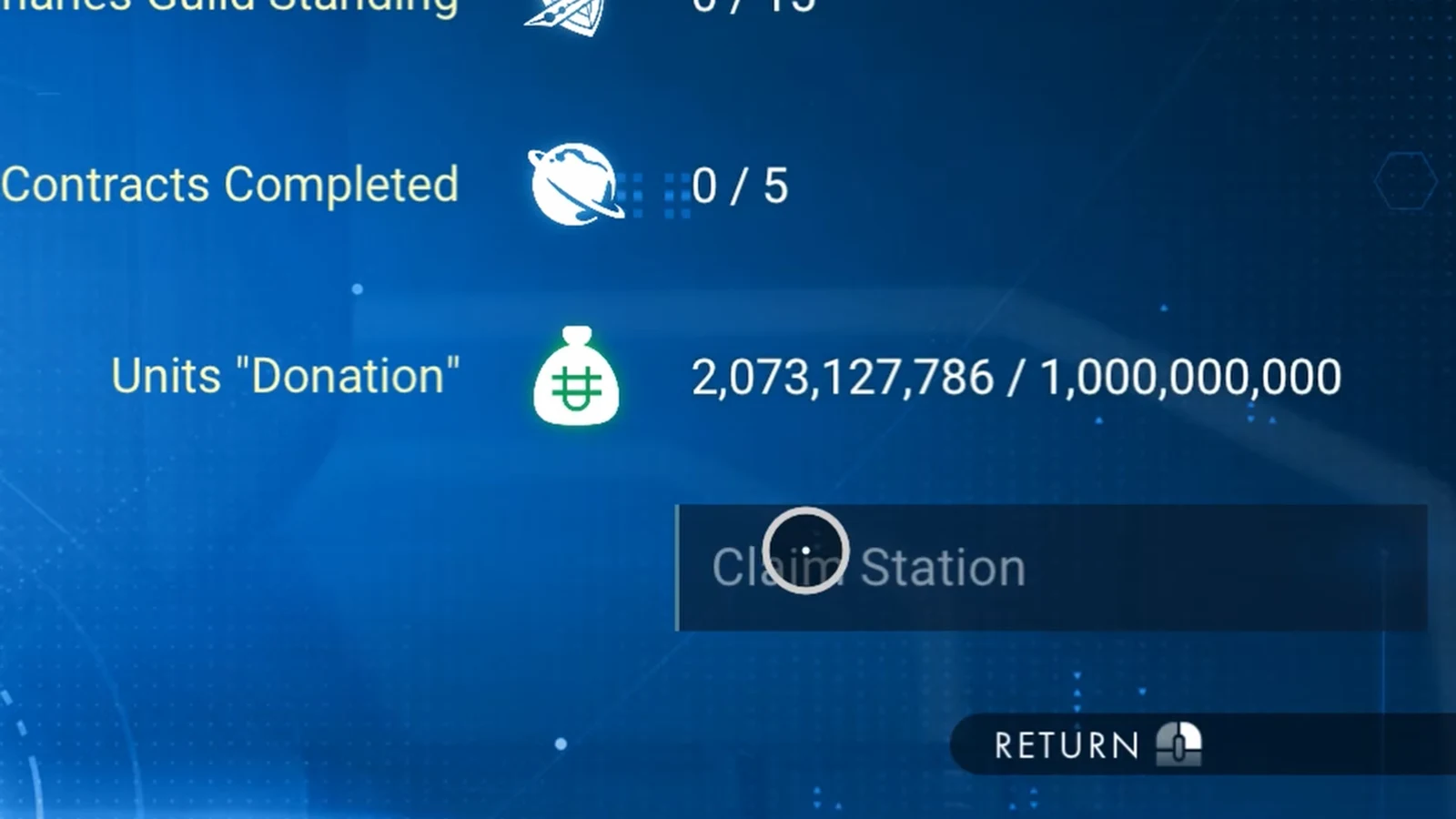
You know it succeeded when build mode becomes available inside the hangar and the Core menu changes to include alliance founding. If Claim Station does not respond, the cause is almost always one of three things: the station already has a director, one of the four counters is still below target, or your standing in that system is negative and needs a Forged Passport first.
Found or join a galactic alliance
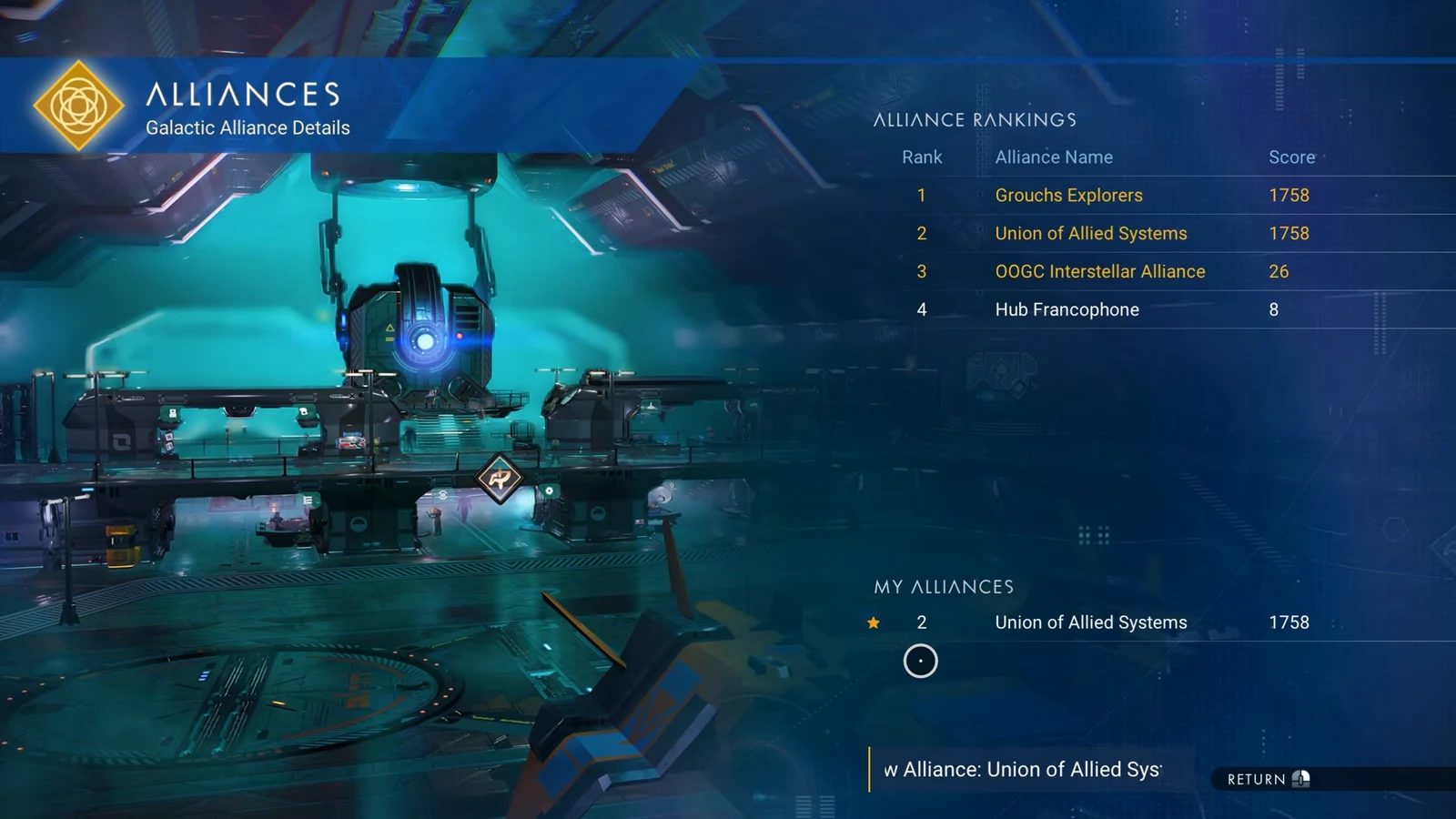
Only station directors can create an alliance, and the whole process runs through the same Station Core. Founding one asks you for a full name, a four-character tag, an emblem, and a banner color — a station called the Union of Allied Systems might carry the tag UAS, for instance. Once set, the banner propagates wherever your alliance holds territory.
Joining someone else’s alliance does not require a station of your own in the same way. Visit any station that alliance already owns and sign up there. You can belong to three alliances at once, and the teleporter gives you quick travel to your alliances’ systems.
Alliances are ranked by how many members they have and how active those members are. The View Galactic Alliances option on the Core opens the leaderboard, which is where the largest and busiest groups show up.
What directorship actually unlocks
Owning a station is cosmetic and social rather than mechanical. Nothing about the station’s shops or NPCs gets locked to you, and every visiting Traveller still has full access to everything inside.
| Director ability | Details |
|---|---|
| Interior redecoration | Rearrange existing furnishings and build with the full range of base parts in the central hub |
| Room expansion | Add new room-sized compartments off the main hangar and furnish them |
| Exterior decoration | Place colossal decoration modules on the outside, and remove or adjust existing ones |
| New decoration parts | Unlocked at the Construction Research Terminal on the Space Anomaly; rare pieces also drop from deep-space anomalies |
| Alliances | Found your own group, design its banner, and appear on the alliance leaderboard |
The practical order that saves the most time is standing first, since it is the cheapest to clear, then bank the billion units while you run salvage contracts, because both jobs feed off the same deep-space trips. Once the station is yours, the salvage you kept back stops being trade goods and starts being building material.