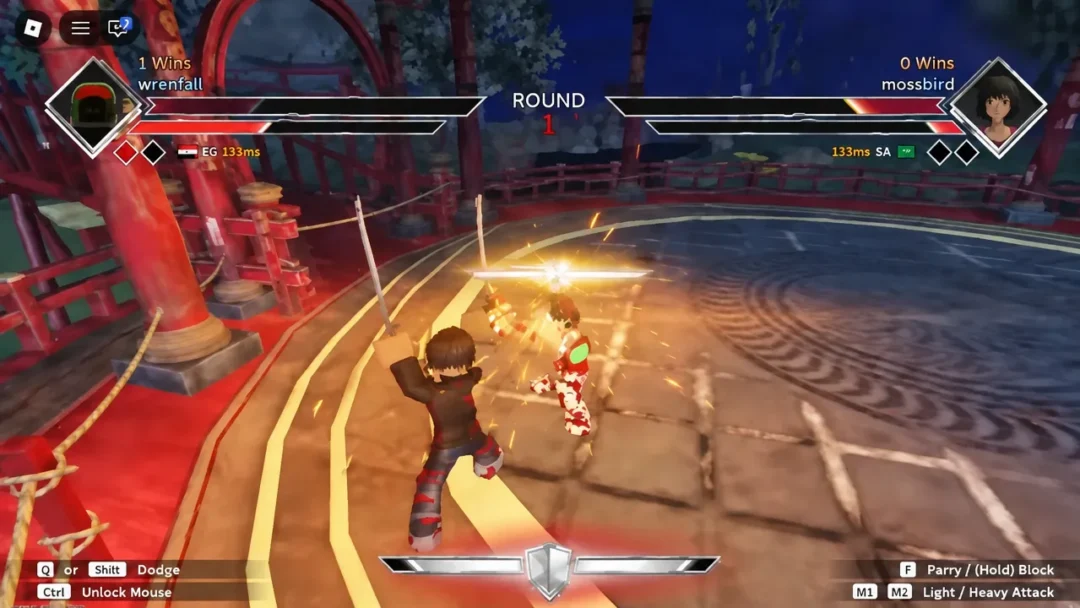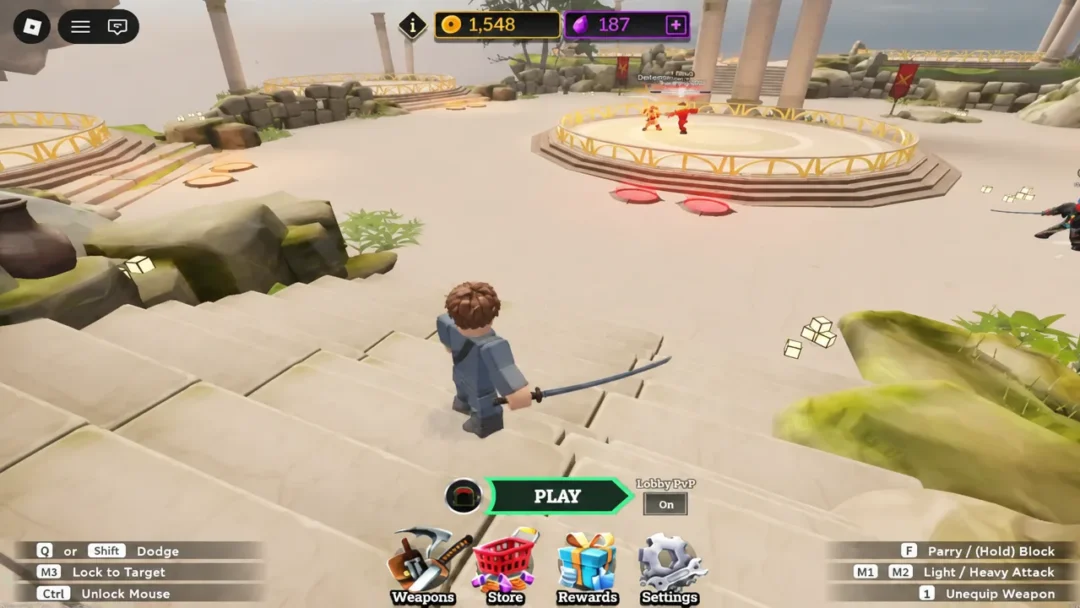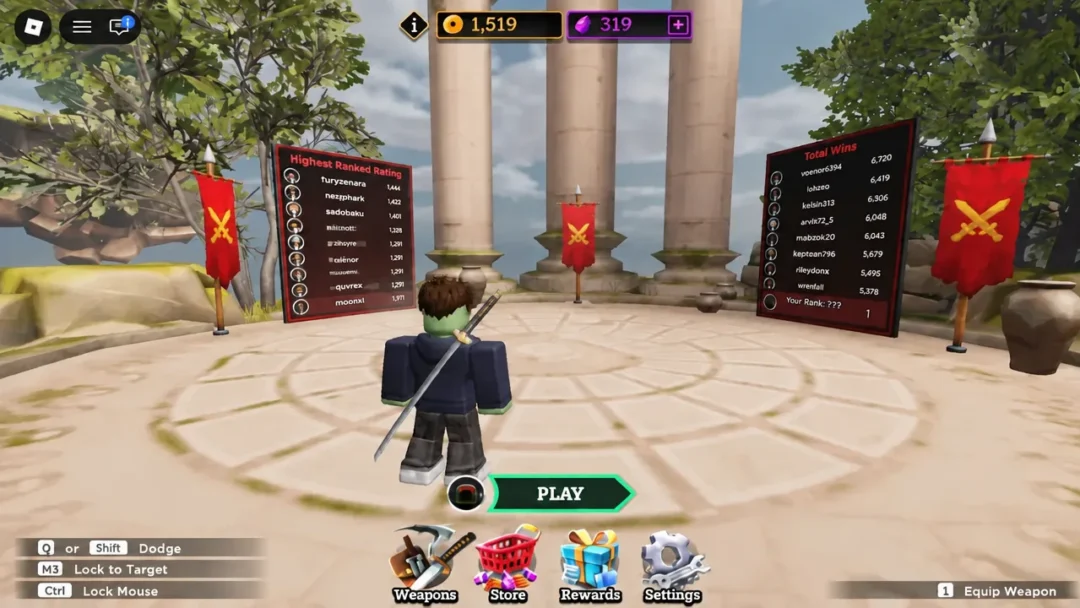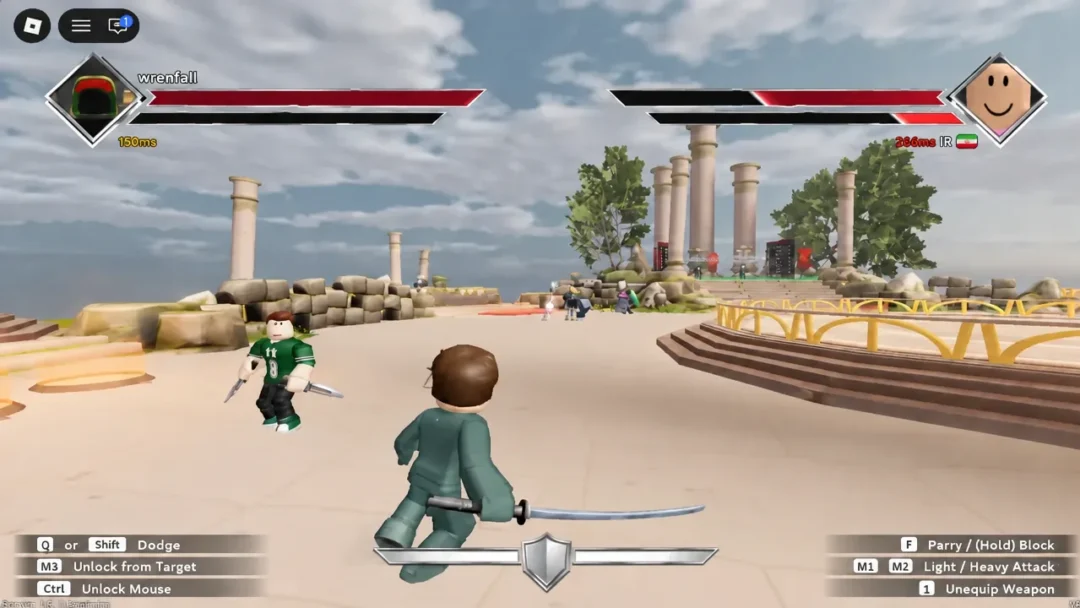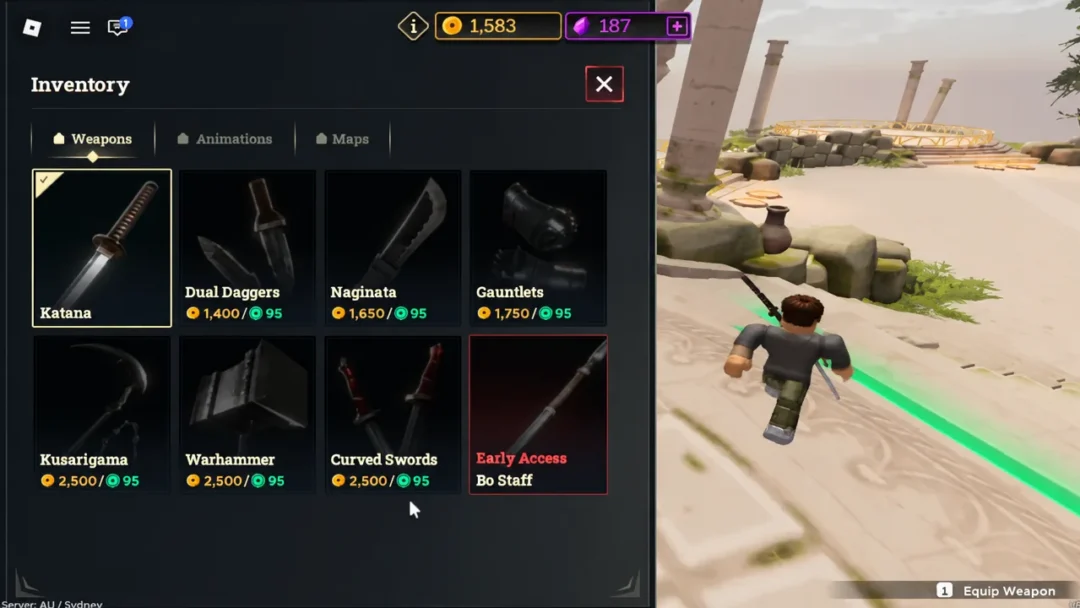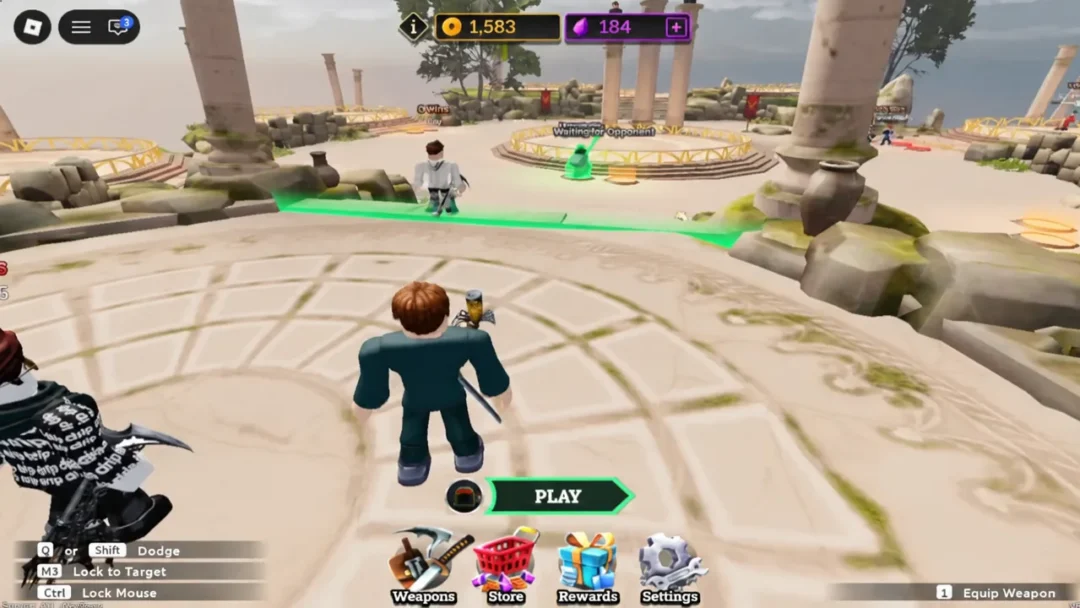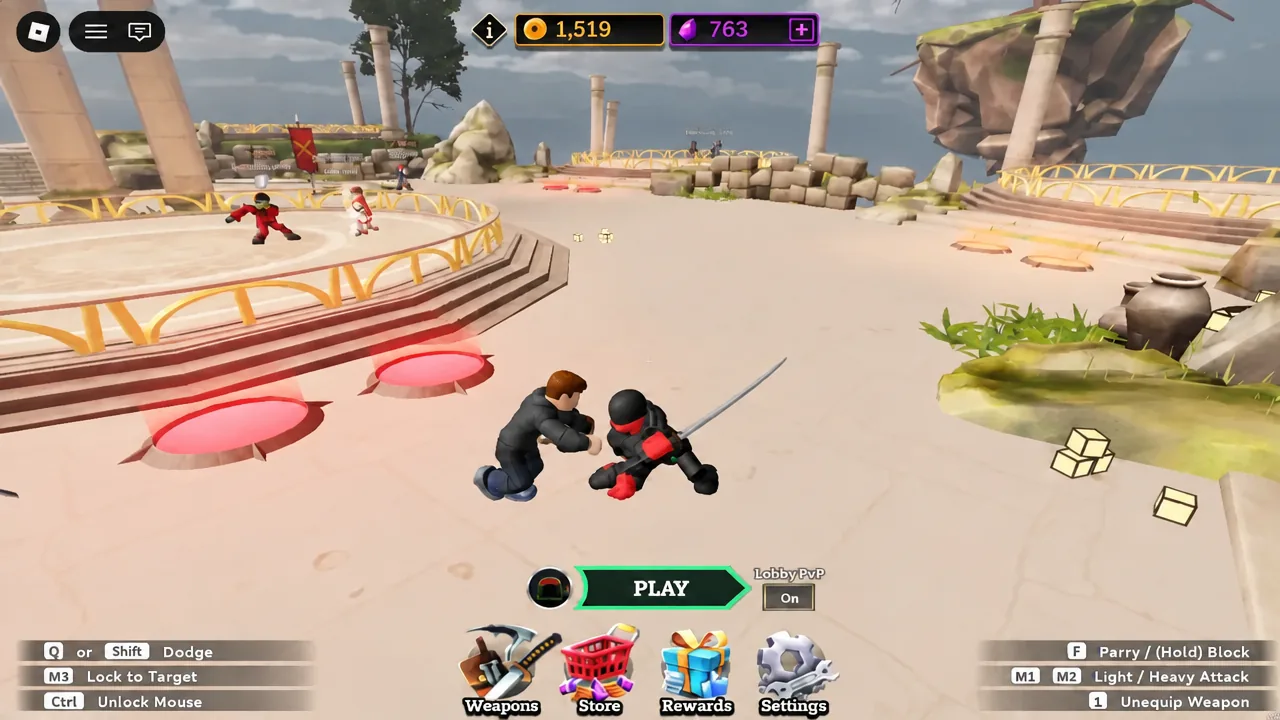
Coins and Gems are the only things standing between you and a better weapon in Dueling Grounds. The PvP itself is skill-based, so currency does not make you win duels, but it does unlock the katanas, daggers, warhammers, and staffs you actually want to fight with. There are four reliable ways to stack currency, and two of them cost nothing but a few seconds in a menu.
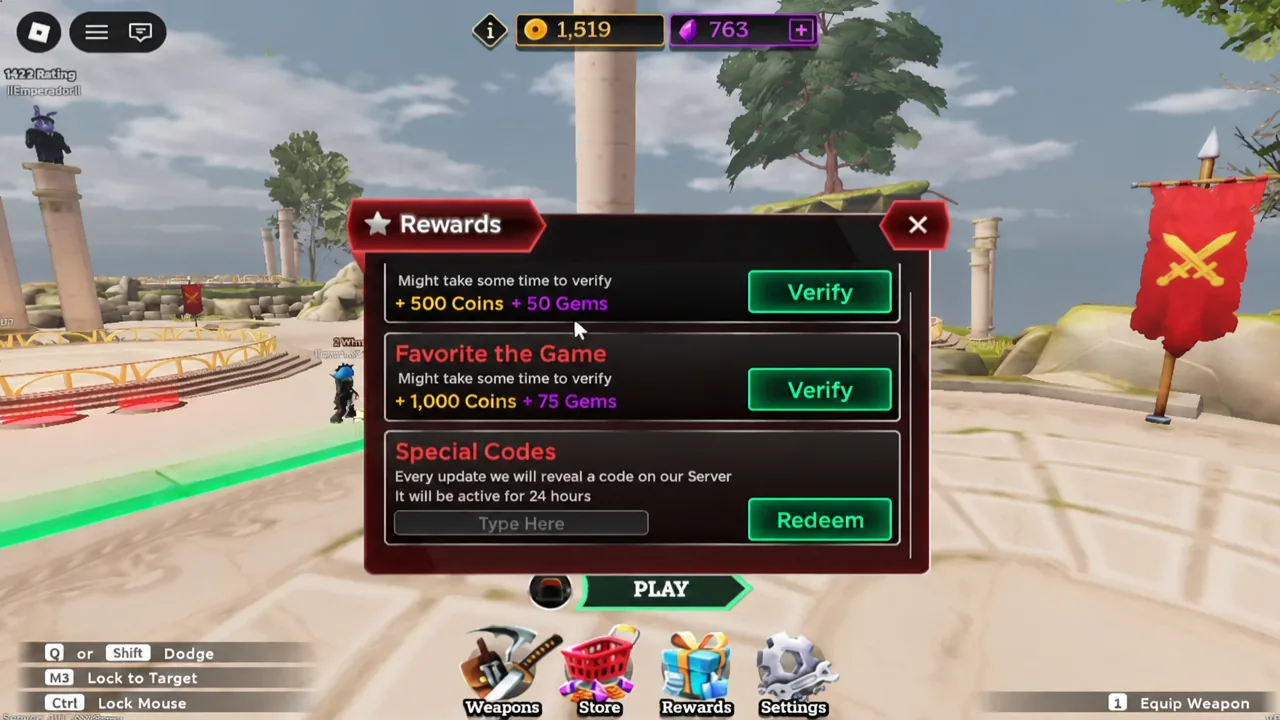
Quick answer: Open the Rewards menu with the star icon on the left side of the screen, redeem GemsUpdate and Oathbreaker in the Special Codes box, then complete the Like the Game (+500 Coins, +50 Gems) and Favorite the Game (+1,000 Coins, +75 Gems) verification tasks.
Every source of Coins and Gems in Dueling Grounds
Currency comes from four places, and they are worth very different amounts. Codes and the Rewards menu bonuses are one-time payouts. Matches are the only source that keeps producing forever.
| Source | What it gives | Repeatable? |
|---|---|---|
| Playing duels | Coins and Gems per match | Yes |
| Special Codes (Rewards menu) | Coins and Gems, amount varies by code | No, once per code |
| Like and Favorite tasks | 1,500 Coins and 125 Gems total | No, one time |
| Store purchase | Gem bundles bought with Robux | Yes, costs real money |
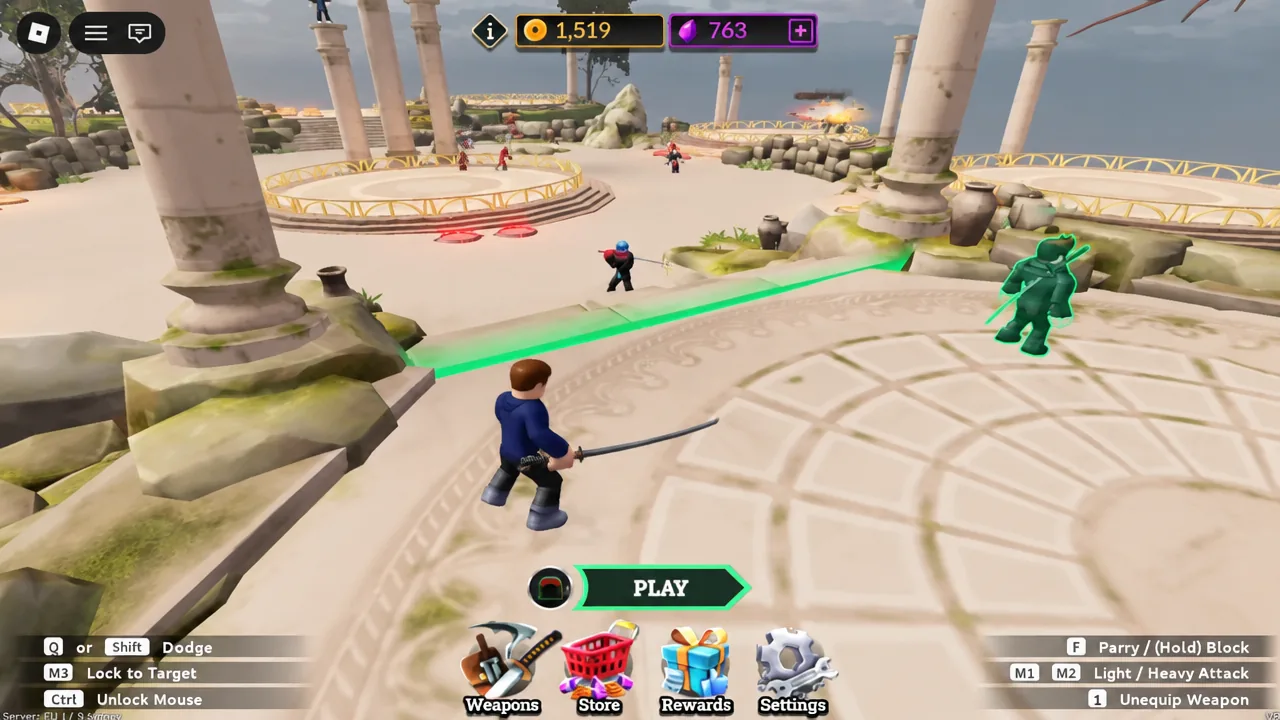
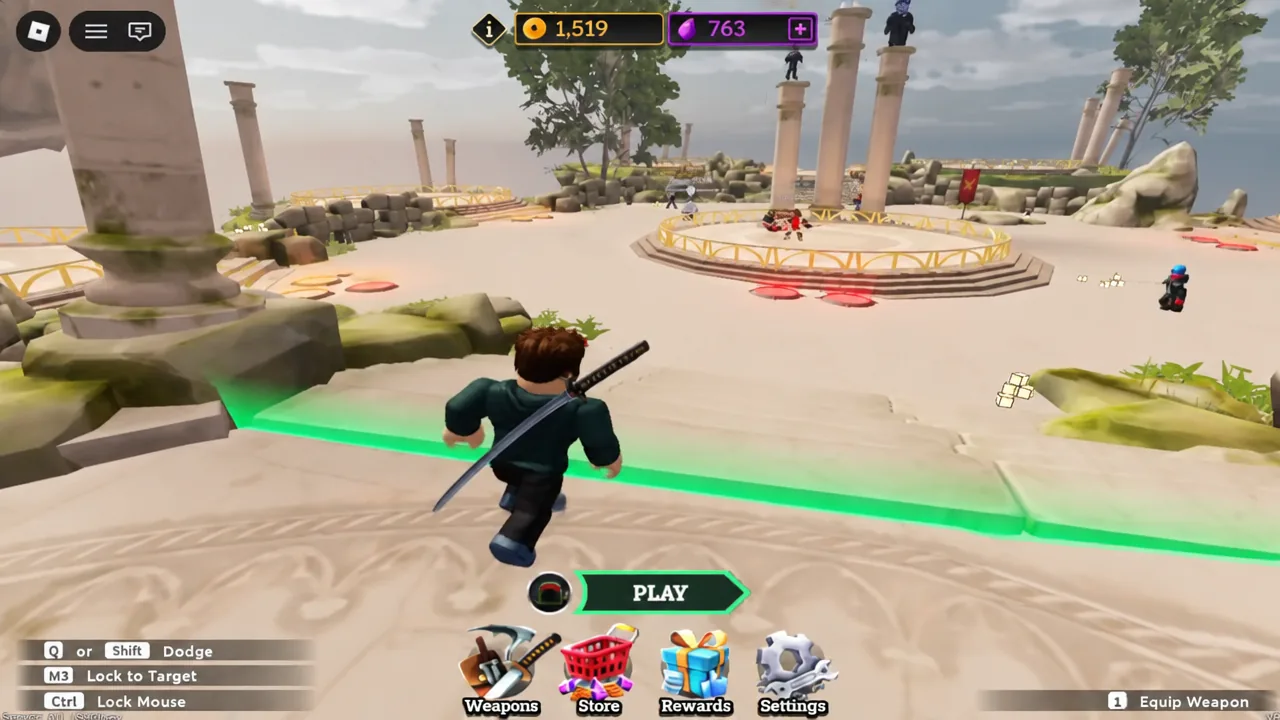
Grinding matches is slow but steady, and it is the only method that scales with how much you play. Hit PLAY from the lobby to queue up.
Claim the free Like and Favorite bonuses first
Before touching any codes, clear the two verification tasks sitting at the top of the Rewards menu. Together they are worth 1,500 Coins and 125 Gems, which is more than most single codes hand out.
Working Dueling Grounds codes and their rewards
Codes are handed out for updates, events, and community milestones, and they expire without much warning. These are the ones currently paying out.
| Code | Reward |
|---|---|
| GemsUpdate | 1,000 Coins and 100 Gems |
| Oathbreaker | 500 Coins and 100 Gems |
| InnovationAwards | 1,250 Coins and 100 Gems (may have expired) |
Note: InnovationAwards still redeems for some players and returns an error for others, which usually means it is on its way out. Try it first, and do not count on it.
Codes that no longer work
These have all been retired. Typing them in will only return a failure message.
- MidSeasonUpdate
- DelayingGrounds2
- DelayingGrounds
- WarhammerGrounds
- WarhammerBuff2026
- CreatorShowdown
- PeakGrounds
- SeasonOneBegins
- FlamingKatana
- GauntletsUpdate
- ChristmasUpdate2026
- HappyNewYear
- OneMillionFavorites
- FirstSpecialCode
- WingTheGoat
How to redeem codes in Dueling Grounds
Redemption happens in the same Rewards panel as the Like and Favorite tasks, just further down.
Why a code fails to redeem
There are only a few real causes. A typo is the most common one, since capital letters, lowercase letters, and stray spaces before or after the code all count as characters. Beyond that, the code has simply expired, or the server you joined is still running an older build. If a brand-new code bounces, leave and rejoin to land on a different server, then try once more.
Buying Gems with Robux in the Store
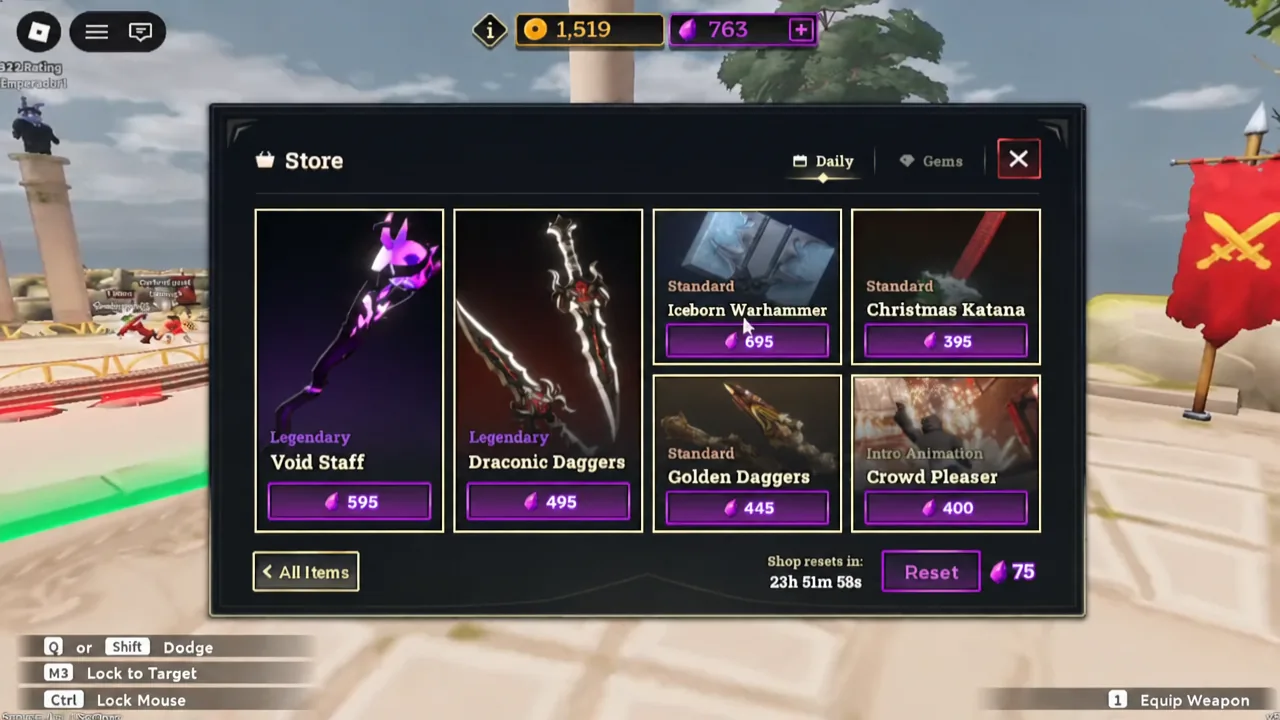
If you want Gems immediately and have Robux to spend, the Store handles it. Open it from the menu buttons on the left, next to Weapons, Rewards, and Settings. The Daily tab rotates through weapon skins and animations you can buy with the currency you have already banked.
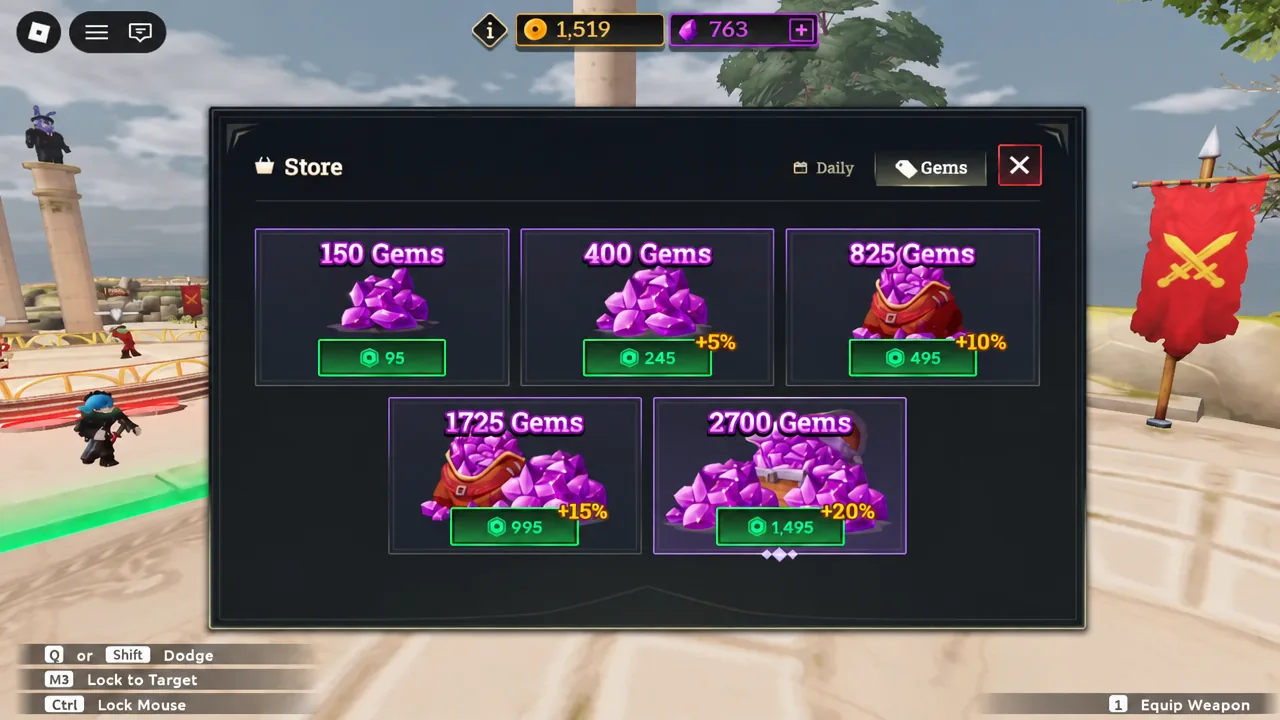
Switch to the Gems tab in the same Store to see the bundles sold for Robux. This is the only way to add currency without playing matches or waiting for a new code, and it is worth checking your code list first so you do not pay for Gems you could have claimed for free.
Where new codes get announced
New codes tend to arrive alongside major updates, seasonal events, and milestones such as like or favorite counts. The developers post them in the official Dueling Grounds Discord server, and they also surface in the game’s Roblox group. No fixed release schedule has been announced, so there is no reliable date to watch for.
The practical order is simple. Clear the Like and Favorite bonuses once, redeem every live code the moment you see it, and let match rewards cover the rest. That is enough to unlock a second and third weapon well before the current code batch expires.