A base with thirty identical chests is a base you will spend your evenings searching. The Sign is the cheapest fix in Valheim — a small wooden plank you place with the hammer and then write on, and it works just as well nailed to a chest wall as it does stuck to a dungeon corridor to stop you walking in circles.
Quick answer: Equip the Hammer, open the build menu with right-click, pick the Sign from the Furniture tab (2 Wood and 1 Coal), place it with the dotted face pointing at you, then press E and type your text.
Sign build cost and properties in Valheim
The Sign is a furniture piece, so it lives under the Furniture tab of the hammer rather than in any crafting station’s recipe list. Everything you need to know about the piece itself fits in one place.
| Property | Detail |
|---|---|
| Build tool | Hammer |
| Materials | Wood x2, Coal x1 |
| Type | Furniture |
| Text limit | 50 bytes in UTF-8 |
| Durability | 100 |
| Damaged by rain | No |
| Support material | Wood (10 to 100) |
| Piece ID | sign |
The Sign is normally listed as placeable anywhere, though some builds will only offer it once you are standing inside workbench range. If the icon is greyed out, step next to a Workbench and try again.
Signs are weak to Chop damage (x1.5), which means a stray axe swing will take one down fast. They resist Pierce (x0.5) and ignore Poison and Spirit damage entirely. Rain does not rot them, so an outdoor signpost survives fine without a roof.
Getting the Coal for a Sign
Wood is trivial. Coal is the only part of the recipe that can stall you early on, and there are two ways to get it.
The lazy method is to overcook food. Leave Neck tails, boar meat, or deer meat on a Cooking Station past the point of being done and each piece burns into Coal. One piece of meat is all a single Sign needs.
The scalable method is a Charcoal Kiln, which turns raw Wood into Coal in bulk. Building one requires Surtling Cores, which are found in the dungeons scattered through the Black Forest, so this option usually opens up after you have cleared the first boss and started exploring beyond the Meadows.
How to build a Sign and write on it
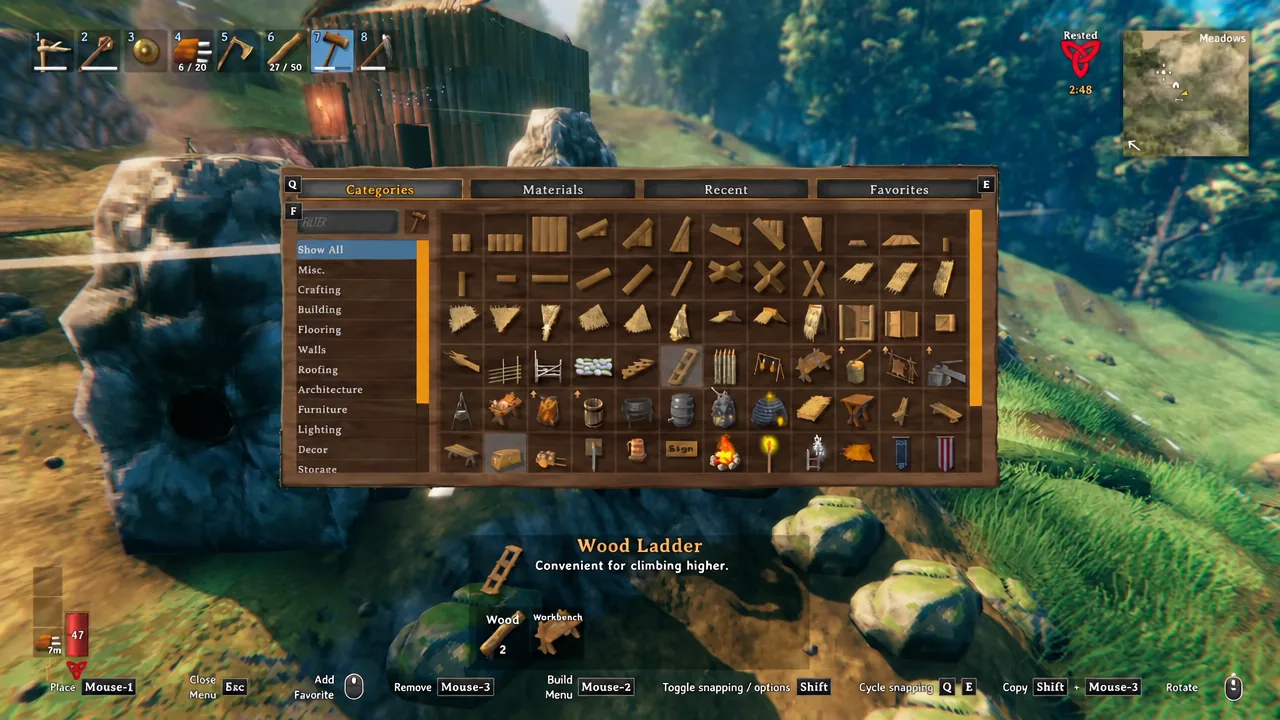
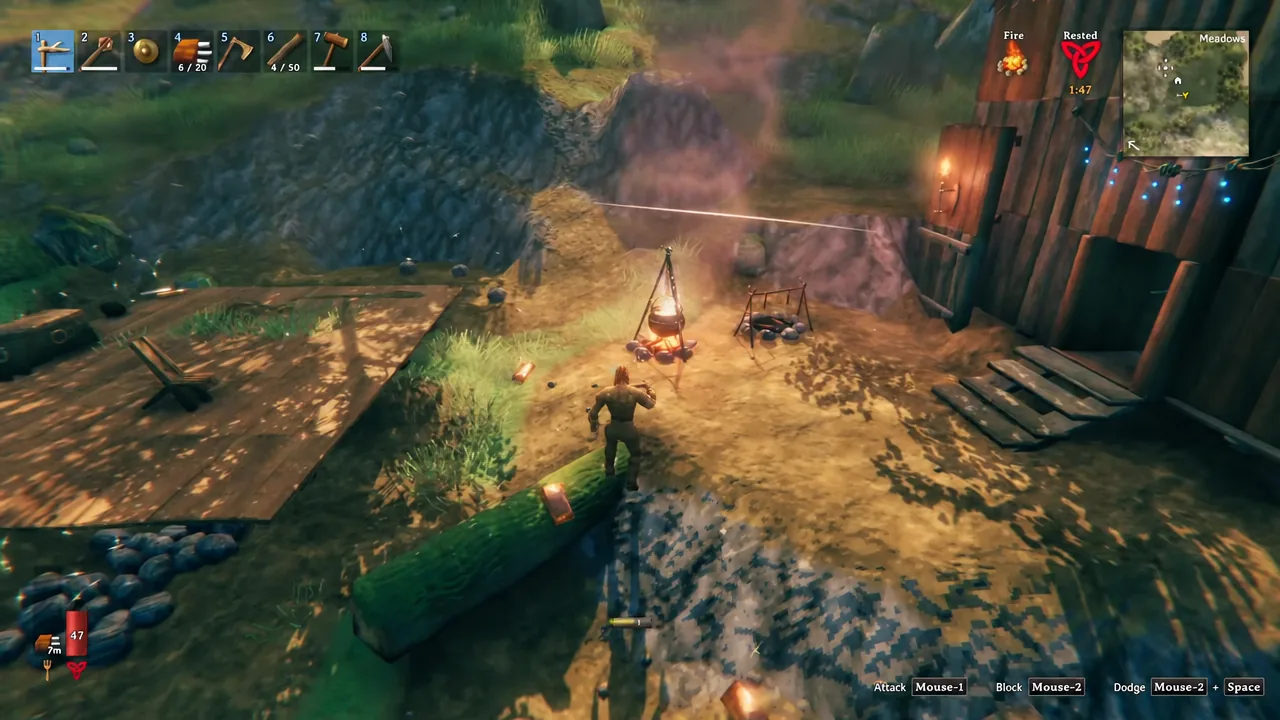
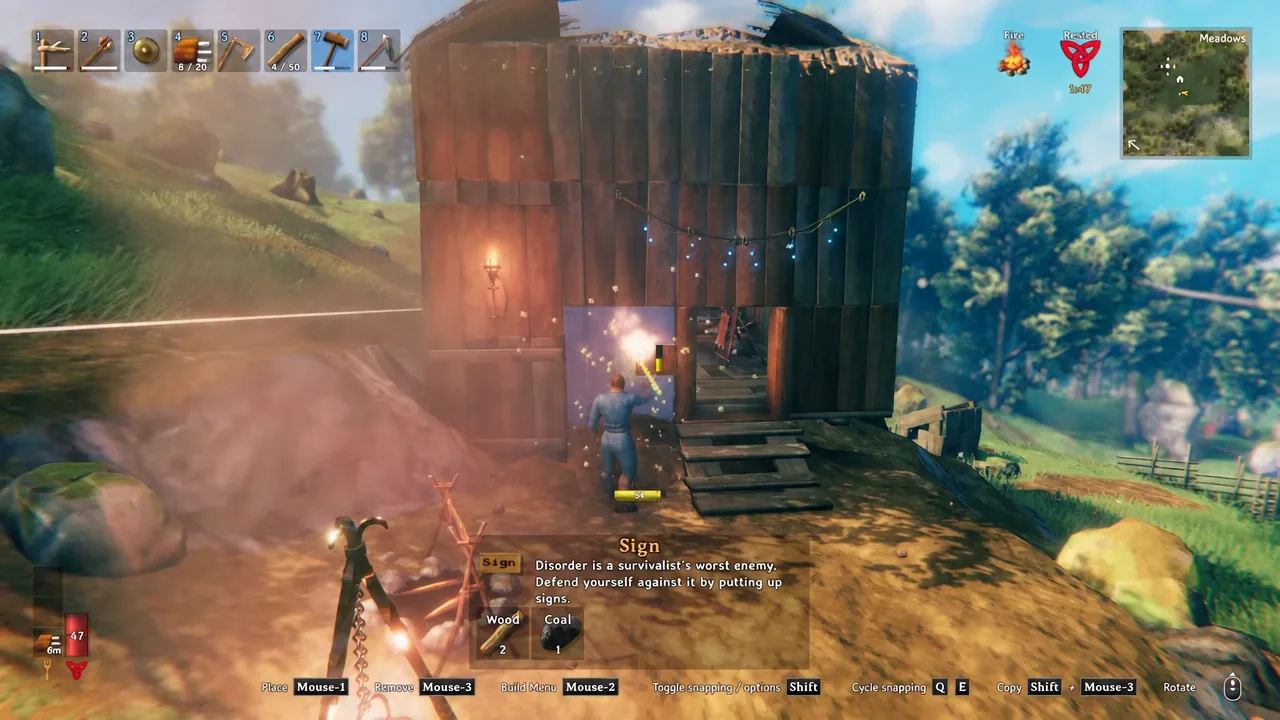
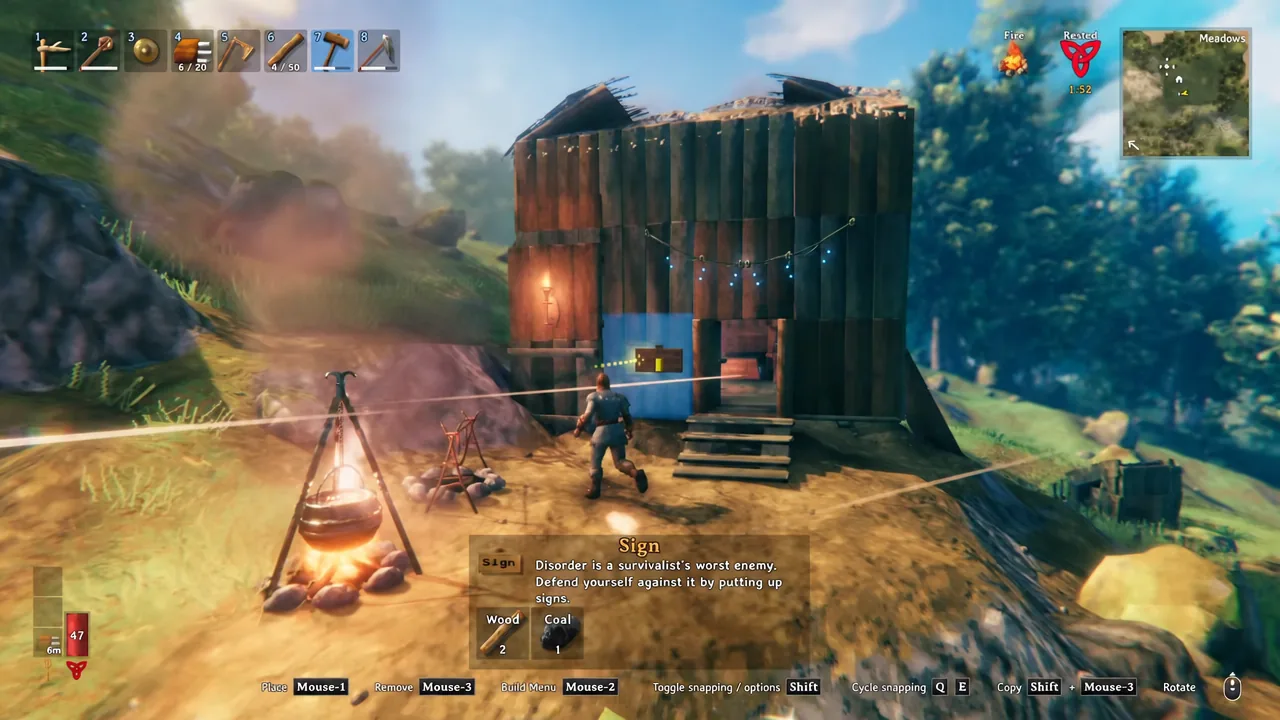
One caveat for controller players: entering text requires an actual keyboard, so a gamepad alone will not let you fill in the box.
Text limits, capitals, and why fewer characters look better
A Sign holds 50 bytes of UTF-8 text, and that budget covers spaces, punctuation, and any formatting tags you add. Plain letters cost one byte each, but emojis and other Unicode symbols eat several bytes apiece, so a single skull can cost as much as a short word.
Text is automatically centered and scaled to fit the plank. The practical effect is that the fewer characters you use, the larger they render — a single number or symbol fills the whole Sign, while a full sentence shrinks to something you have to walk up to. On the plank itself the letters display in capitals, but when you look at the Sign the raw text you typed, punctuation and all, appears in the interaction prompt.
Color and size tags for Valheim signs
Signs read Unity rich text markup, a small HTML-like tag set. Open a tag before the text you want styled and the rest of the Sign follows it. Closing tags are optional and dropping them saves precious bytes, as does leaving out the quote marks around tag values.
| Tag | Effect | Example |
|---|---|---|
| <color> | Changes text color | <color=red>DANGER |
| <size> | Sets text size in pixels | <size=100>IRON |
| <i> | Italic text | <i>private |
| <align> | Shifts text off center | <align=left>this way |
| <rotate> | Rotates each letter by degrees | <rotate=90>right |
| <margin-left> | Shrinks the usable text area | <margin-left=9>cramped |
Colors can be named, like <color=red>, or written as an HTML hex value. The shorthand hex form is the cheapest option in bytes, and adding a fourth digit lowers the alpha channel to make the text semi-transparent. A bright color or plain <color=white> is the difference between a readable sign and a smudge in a dim room.
A few more quirks are worth knowing. Underline and strikethrough are only one pixel tall, so they nearly vanish at large sizes. Bold is accepted but does nothing visible. A negative size value flips the text upside down. And n gives you a line break for two bytes less than a <br> tag, with t available for a horizontal tab.
Tip: because text is auto-centered and auto-scaled, pairing several leading newlines with a fixed <size> value pushes the letters clean off the plank, leaving what looks like floating text in mid-air.
Placement problems and how to avoid them
Most Sign complaints come down to three things, and all of them are avoidable.
- Blank plank facing you: the Sign is back to front. Remove it with the hammer, scroll to spin it so the three dots face outward, and place it again.
- Text swallowed by stone: some stone walls have uneven surfaces that poke through the plank. Place one Sign, then mount a second Sign on top of it and write on that one.
- Sign disappears: a Sign attached to a rock or a tree dies with whatever it was attached to. Anchor anything you want to keep on a built structure instead.
What signs are useful for
Chest labeling is the obvious win. A row of identical containers marked ORE, FOOD, and SEEDS turns a five-minute rummage into a glance, and the same trick works on buildings, workshops, and individual beds on a shared server.
Angled Signs on wooden poles make working signposts. If you have cut a cart path toward an iron or silver deposit, marking each fork saves you from re-reading the map on every trip.
Signs can also be built inside dungeons, which is the cheapest anti-getting-lost tool in the game. Corridors there are dark enough that plain text disappears, so a color tag is close to mandatory. Beyond the practical uses, plenty of players just use them for wall quotes, mead-hall menu boards, and notes left for whoever logs in next.
One Coal and two Wood is a rounding error against the cost of anything else you build, so there is no reason to ration them. Put one on every chest the day you build it, and your base stays navigable no matter how big it gets.