Your Viking’s pockets fill up fast in Valheim. A few hundred Wood, a stack of Stone, some Greydwarf eyes, and suddenly you are overloaded and moving at a crawl. The Chest is the cheapest fix in the game, and you can have one standing in your camp within a couple of minutes of chopping your first tree.
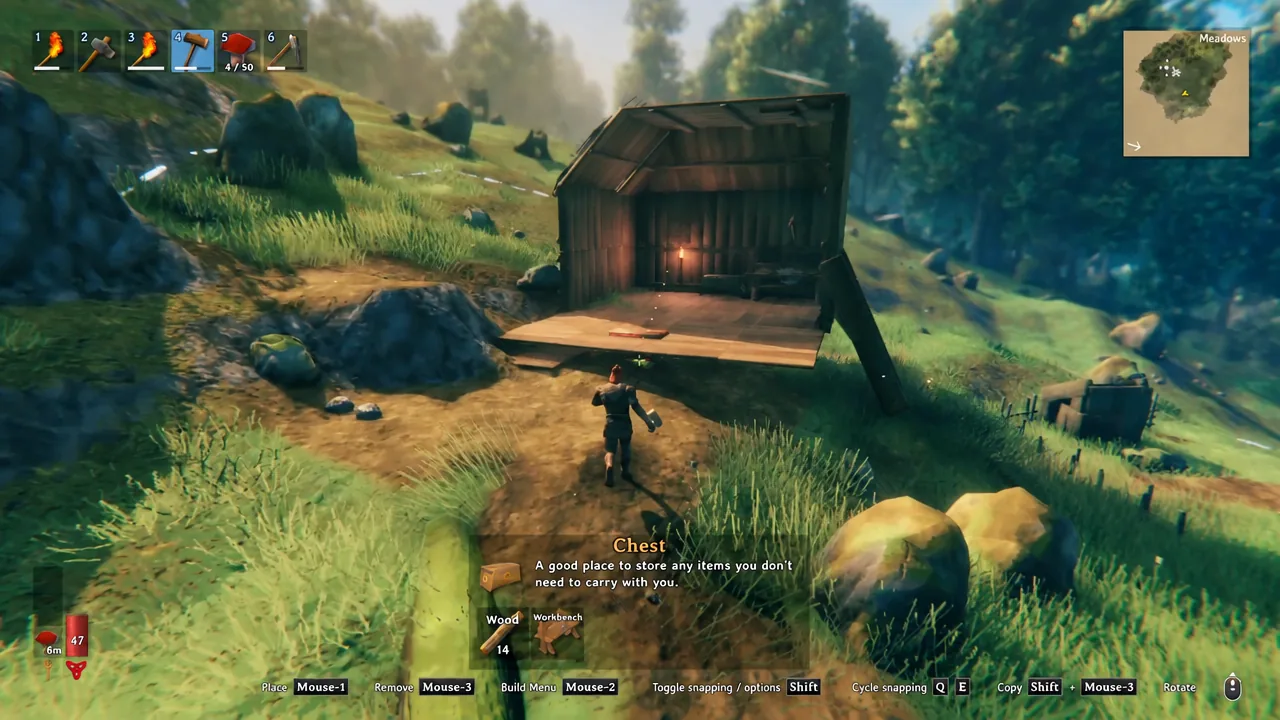
Quick answer: Equip a Hammer, stand near a Workbench with 10 Wood in your inventory, press right-click to open the build menu, pick the Chest from the Furniture tab, and left-click to place it.
What you need before building a Chest in Valheim
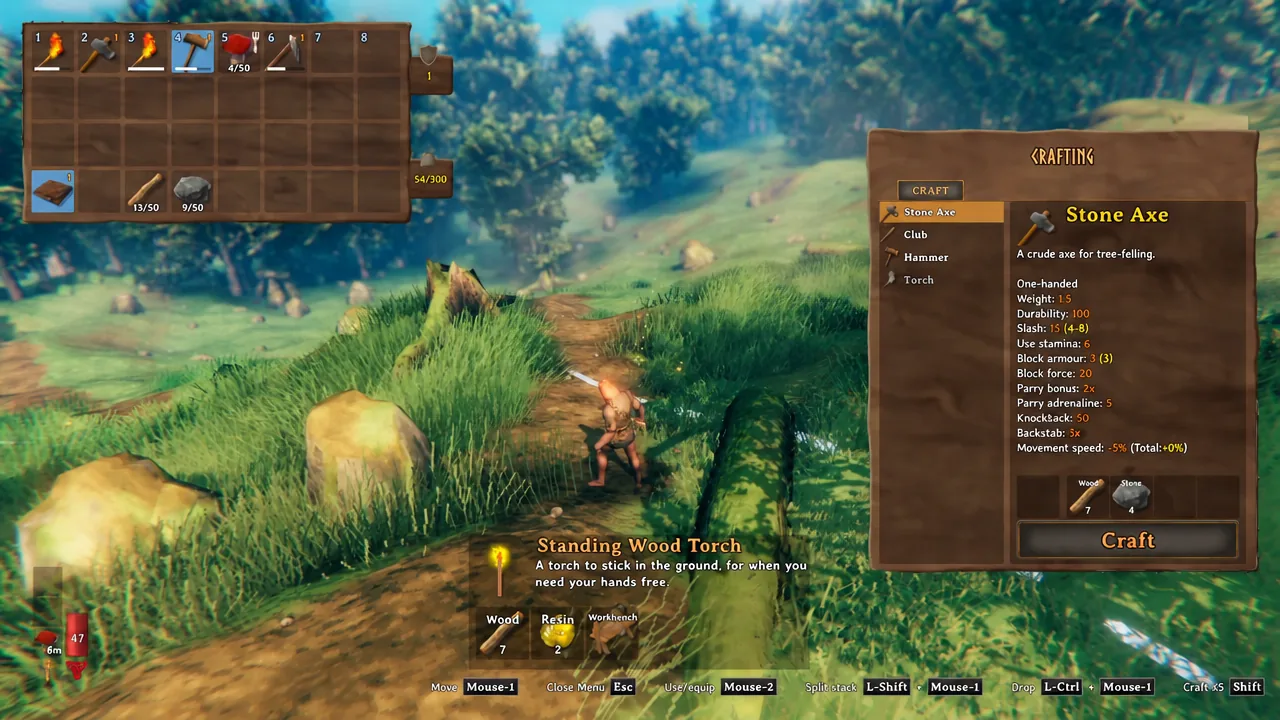
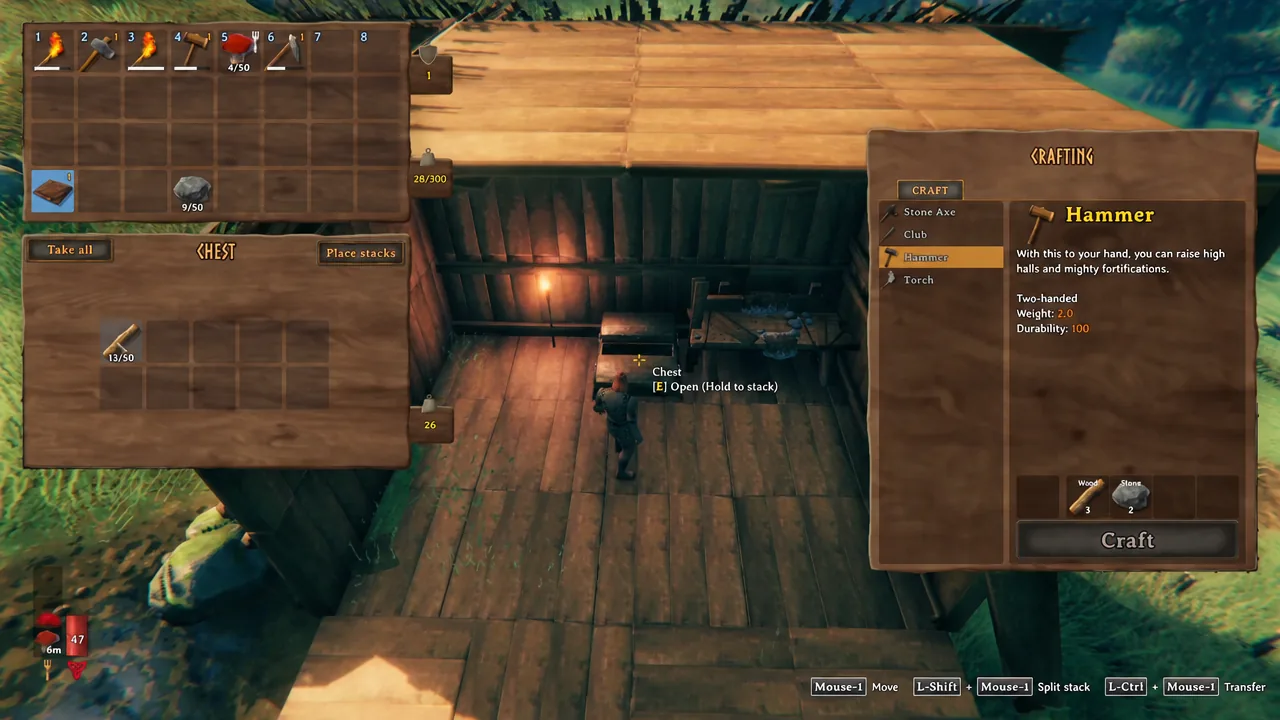
Three things gate the Chest, and all of them are early-game cheap. You need a Hammer to open the build menu, a Workbench standing close enough to cover the spot you are building on, and the raw materials in your inventory.
| Requirement | Cost or condition |
|---|---|
| Hammer | Wood x3, Stone x2 |
| Workbench | Must be built and within building range of the spot |
| Chest materials | Wood x10 |
Wood comes from chopping trees or breaking up branches on the ground, and Stone is scattered loose across the Meadows. You do not need any progression unlocks, boss kills, or metal for a basic Chest.
Craft the Hammer first
Place the Chest near a Workbench
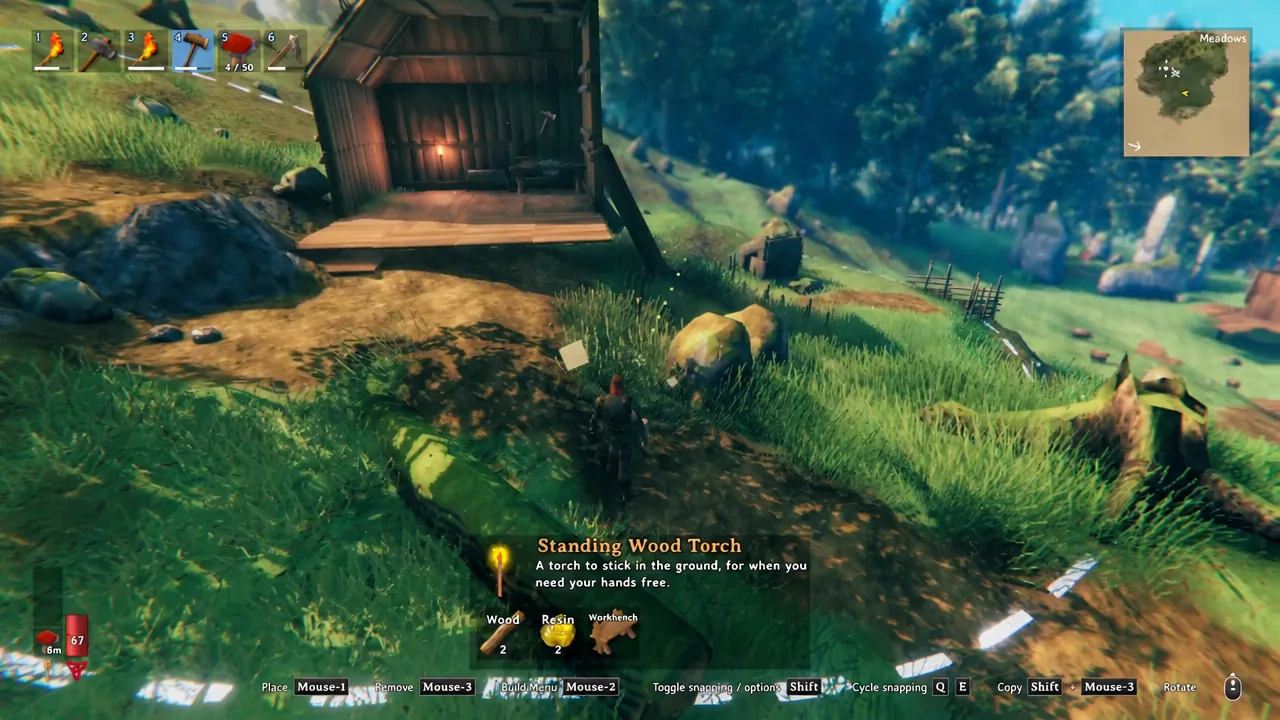
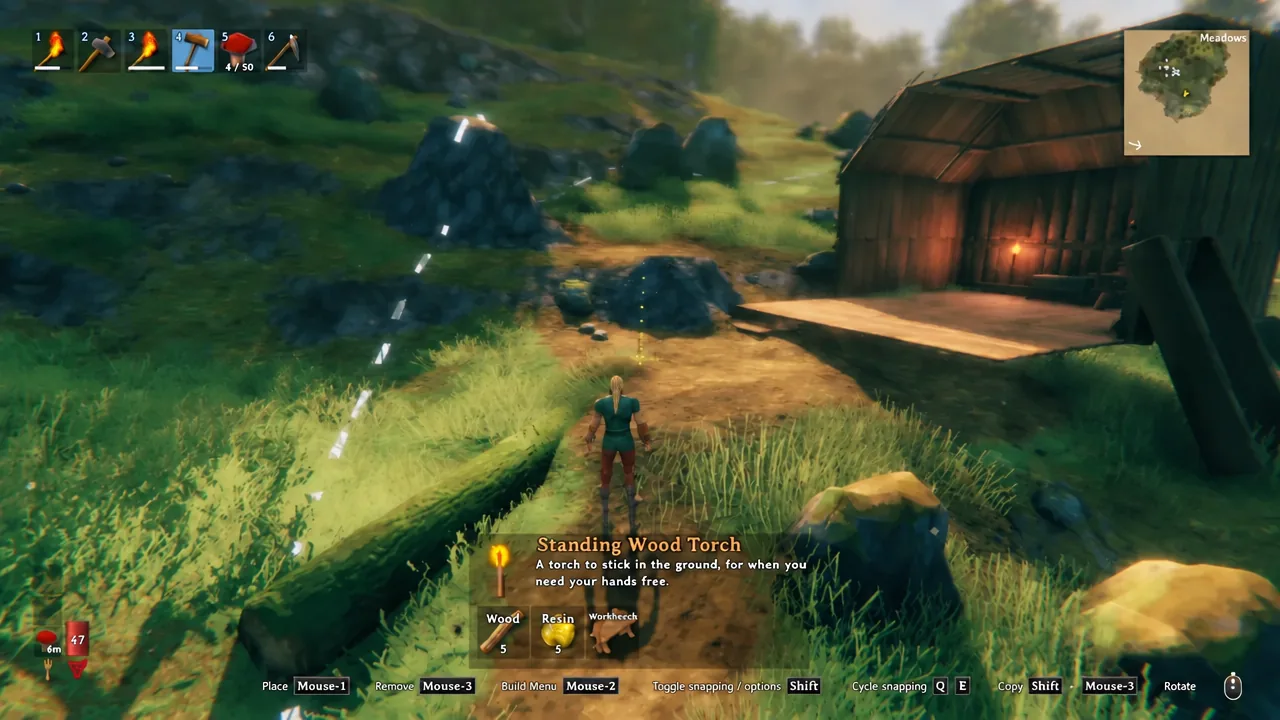
Tip: put it under a roof. A Chest is not damaged by rain, but the wooden floor and walls around it are, so a sheltered spot keeps the whole room from decaying.
How to store and pull items out of a Chest
Walk up to the Chest and look at it. A prompt reads “Chest ( EMPTY )” with “E Open (Hold to stack)” underneath, which is your confirmation that the build worked and the container is live.
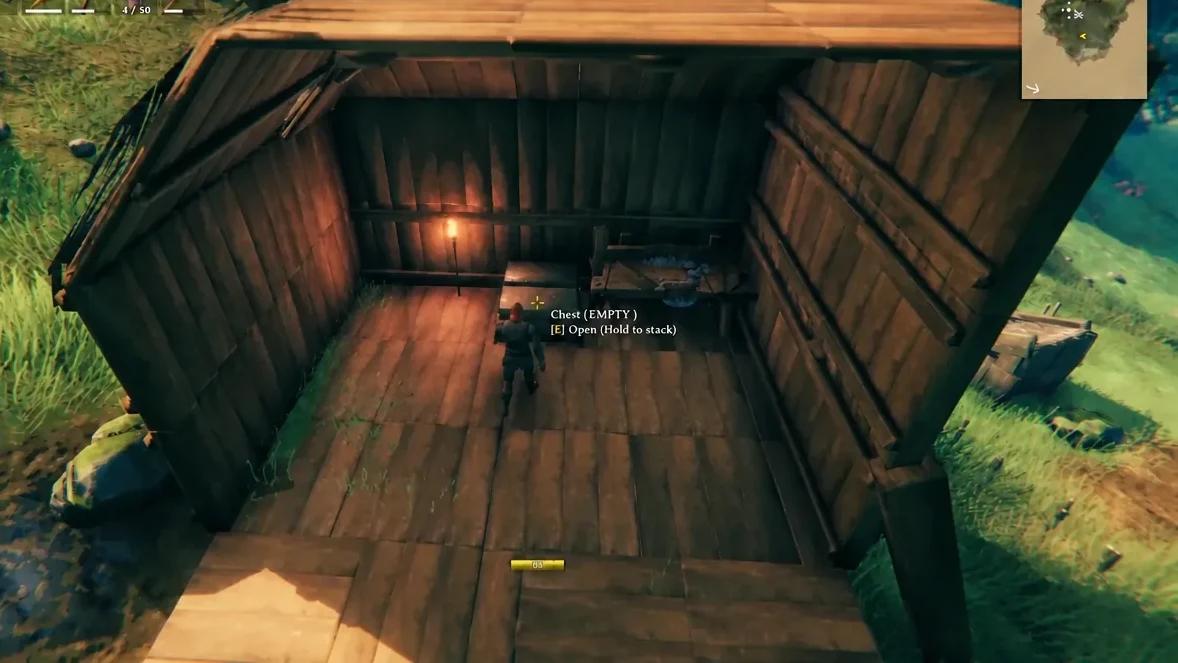
Tap E to open it. Your inventory appears below the Chest’s grid, and you can drag stacks of Wood, Stone, ore, or anything else across. Holding E instead of tapping it dumps matching items straight into the Chest, which is the fastest way to unload after a mining run.
A standard Chest holds 10 slots arranged 5 wide by 2 tall, and stack sizes work exactly as they do in your backpack.
| Property | Value |
|---|---|
| Storage slots | 10 (5×2) |
| Materials | Wood x10 |
| Crafting station | Workbench |
| Durability | 100 |
| Footprint | 2×1 |
| Damaged by rain | No |
Why the Chest won’t place
If the placement preview stays red or the Chest simply refuses to appear, it is almost always one of these:
- No Workbench covers the spot. Build one nearby, or move closer to an existing bench.
- You are carrying fewer than 10 Wood.
- The Hammer is not the equipped item, so right-click swings or blocks instead of opening the build menu.
- There is not enough clear space. The Chest occupies a 2×1 footprint and needs room to sit flat.
Made a mistake? Middle-click with the Hammer equipped removes the piece and refunds the materials, as long as the Chest is empty.
Fitting more chests into one room
Ten slots disappear quickly, so most bases end up with a wall of chests rather than one. Two chests fit side by side on a single wooden floor tile, and a Chest is exactly as tall as a half wooden wall. Stack a half wall and another floor over the bottom row and you get four chests in the space of one full wall section.
Split them by material type, Wood, Stone, ore, and food, then plant a Sign above each block so you are not opening six chests to find one stack of Tin.
Bigger and tougher storage containers
The basic Chest never stops being useful because it is nearly free, but sturdier options open up as you progress. Every one of them is built the same way, from the Furniture tab with a Hammer.
| Container | Slots | Materials | Durability |
|---|---|---|---|
| Chest | 10 | Wood x10 | 100 |
| Barrel | 12 | Wood x10, Barrel hoops x1 | 200 |
| Reinforced chest | 24 | Finewood x10, Iron x2 | 1000 |
| Black metal chest | 32 | Wood x10, Tar x2, Black metal x6 | 1000 |
| Personal chest | 6 | Finewood x10, Iron x8 | 10000 |
The Personal chest is the odd one out. It holds only six items, but nobody except the player who placed it can open it, which makes it the place for your best gear on a shared server.
Start with one wooden Chest next to your first Workbench, dump your Wood and Stone into it, and expand outward as your hauls get heavier. Everything you build later, from the storage warehouse to the metal chests, uses the exact same Hammer and Furniture tab you just learned.