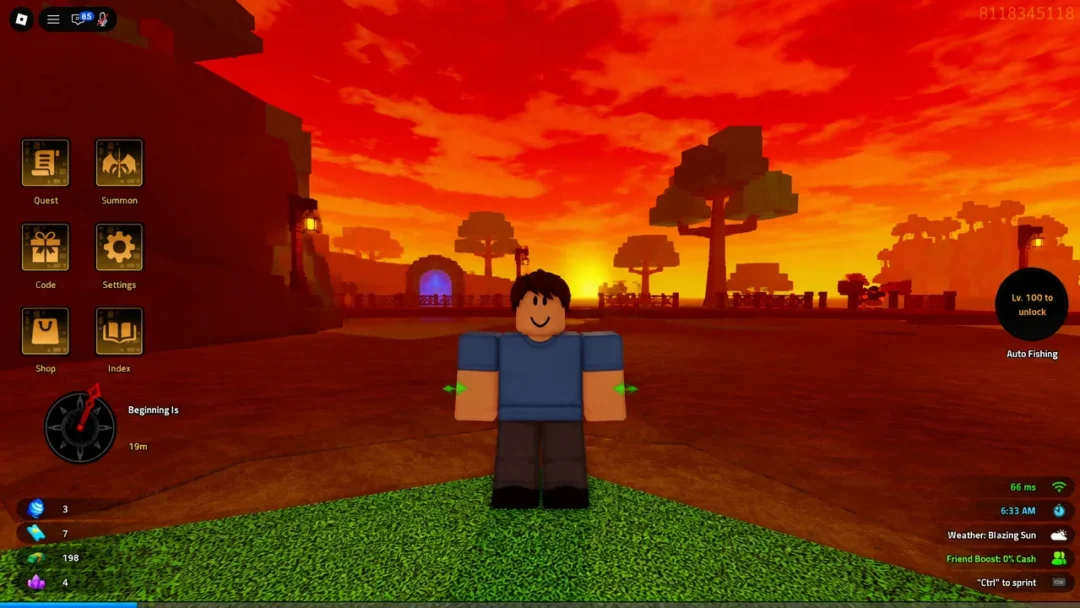
Fishing in Grand Blue is a repetitive loop of casting, shaking, and hitting a timing minigame, which is exactly the kind of task people hand off to a macro. The most widely used option is the fishing macro built by 1vTT, a Python program that watches your screen, reads the minigame bar, and sends the keystrokes for you while you do something else.
Quick answer: Install Python 3.12.10 (64-bit) with “Add python.exe to PATH” checked, extract the 1vtts-fishing-macro folder, run setup.bat once, then run launch.bat, set your cast position with Numpad 2 and your minigame strip with Numpad 3, and press F8 in-game to start.
What the Grand Blue fishing macro does
The macro automates the full fishing cycle: it casts the rod, handles the shake prompt, and plays the reeling minigame by tracking the moving bar on screen. It does not modify the game or inject anything into it. It reads pixels through OpenCV and presses keys the same way you would, which is why it needs a calibration pass before it can do anything useful.
Macro use is accepted in Grand Blue and does not carry a ban penalty, so you can leave it running while you are away from the keyboard. Note that this is a Windows program with batch files, so it will not run on mobile or console.
Requirements before you install
The version of Python matters here. The macro is built against Python 3.12.10, and newer or older builds tend to break the dependency install. You need the 64-bit Windows installer, and you need the PATH option enabled during setup or the batch files will fail to find Python at all.
| Requirement | Detail |
|---|---|
| Python version | 3.12.10, Windows installer (64-bit) |
| Installer option | “Add python.exe to PATH” must be checked |
| Macro files | 1vtts-fishing-macro, extracted from the zip |
| Packages | keyboard, opencv-python, numpy (installed by setup.bat) |
| Platform | Windows PC only |
Grab the matching build from the Python 3.12.10 release page and pick the Windows installer (64-bit) entry.
Install and launch the macro
1vtts-fishing-macro folder somewhere permanent, such as your Desktop. Running the batch files from inside the compressed zip will not work.setup.bat. A console window appears and pulls down the required packages, including keyboard, opencv-python, and numpy. This only needs to happen once.launch.bat. The macro console opens and stays open in the background, printing status messages while it runs. Leave this window alive and switch over to Roblox.Calibrate the cast position and minigame strip
Calibration is the part people skip, and it is the reason most failed runs happen. The macro needs to know where on your screen you are casting and where the reeling bar appears, and both change with resolution, window size, and UI scale.
Tip: once you have calibrated for a given window size, do not resize or move the Roblox window. Every saved coordinate is tied to that layout.
Full hotkey list
| Key | Function |
|---|---|
| F8 | Start / stop the macro |
| F9 | Pause / resume |
| F12 | Exit the macro |
| Numpad 2 | Set cast position |
| Numpad 3 | Set minigame strip |
| Numpad 4 | Set bait position |
| Numpad 5 | Auto SHAKE recalibration |
| Numpad 6 | SHAKE recalibration |
| Numpad 7 | Set reconnect |
How to confirm the macro is working
Press F8 with Roblox focused. Within a second or two your character should cast on its own, and the console window will start logging each stage of the cycle. A working setup will complete a full catch without you touching the keyboard, then immediately cast again.
Let it run three or four catches before walking away. That is long enough to see whether the minigame tracking holds up on different fish, and whether the bait position is being hit correctly. If you are running a quest such as Fisherman Jack’s Challenge, watch the quest tracker tick up as proof the catches are registering.
When a run goes wrong, it is usually one of a short list of causes. The macro misses the minigame because the strip box was drawn too loosely or the window has since moved. Nothing happens at all because Python was installed without the PATH option, or because the batch files were run from inside the zip. The shake prompt is missed, which is what the Numpad 5 and Numpad 6 recalibration keys exist to fix.
Building your own AFK farm macro with Macro Recorder
If you want a macro for a loop the fishing tool does not cover, the generic route is Macro Recorder, a free Windows and Mac utility that records your mouse and keyboard and replays the sequence. It is blunt compared to a purpose-built vision macro, since it only repeats coordinates rather than reacting to what is on screen, but it works for any predictable routine.
For Grand Blue fishing specifically, the 1vTT macro is the less fragile option, since it reacts to the minigame bar instead of blindly replaying clicks. Get the calibration right once, leave the window where it is, and the loop will keep running until you press F8 again.