A Corvette fitted with a Tractor Beam can pull salvage in off a planet or out of open space, but the module does not behave like a normal ship inventory upgrade. The pieces it collects stay physical, and they need somewhere to land. Build the ship without that space and the beam will look like it is working while nothing accumulates.
Quick answer: Mount the Tractor Beam on a hab or walkway that has empty interior volume directly behind it, then use Vent Cargo at your outpost to eject the collected pieces for processing.
How the Corvette Tractor Beam stores salvage
The Tractor Beam is mounted as an external utility module, which makes it easy to treat as a self-contained tool. It is not. Salvage pulled in by the beam arrives as physical objects inside the ship rather than as items in a slot, so the interior geometry behind the mounting point decides whether the run produces anything.
The reliable arrangement is to bolt the beam onto a habitation module or a walkway that has clear, unfurnished space behind it. That empty volume becomes the working cargo hold. Habs are the main living area on a Corvette and come in three classes, Titan, Thunderbird and Ambassador, each with its own look, and multiple habs placed next to each other link up automatically with doorways. That linking is useful here, because it gives the beam a larger continuous space to fill.
Leave the section behind the beam clear of furnishings while you are hauling. Internal modules can be installed without limit, but every piece you place is volume the salvage cannot occupy.
Where to get Corvette modules
Structural modules are collected individually into your inventory and then spent when you assemble the ship. They come from a spread of sources, so there is no single farm you have to commit to:
- Salvage containers buried on worlds across the universe
- Derelict Freighters
- Defeated pirates and freighter cargo pods
- Crashed freighter crates and frigate expeditions
- Mission rewards
- The Corvette Workshop shop, plus a barter interface for advanced modules
Buried scrap is the most repeatable option for a hauler build, and salvageable scrap containers are no longer guarded by corrupt Sentinels. More planets now carry buried salvageable scrap as well, so digging sites are easier to find than they used to be.
Parts used in a flatbed salvage Corvette
A salvage hauler is a deliberately plain shape: a hab core with the beam on it, wide flat decks either side, and only the components the validation check demands. These are the pieces that do the work.
| Module | Role in the build |
|---|---|
| Tractor Beam | Pulls salvage into the ship |
| Thunderbird-Class Hab | Interior volume behind the beam |
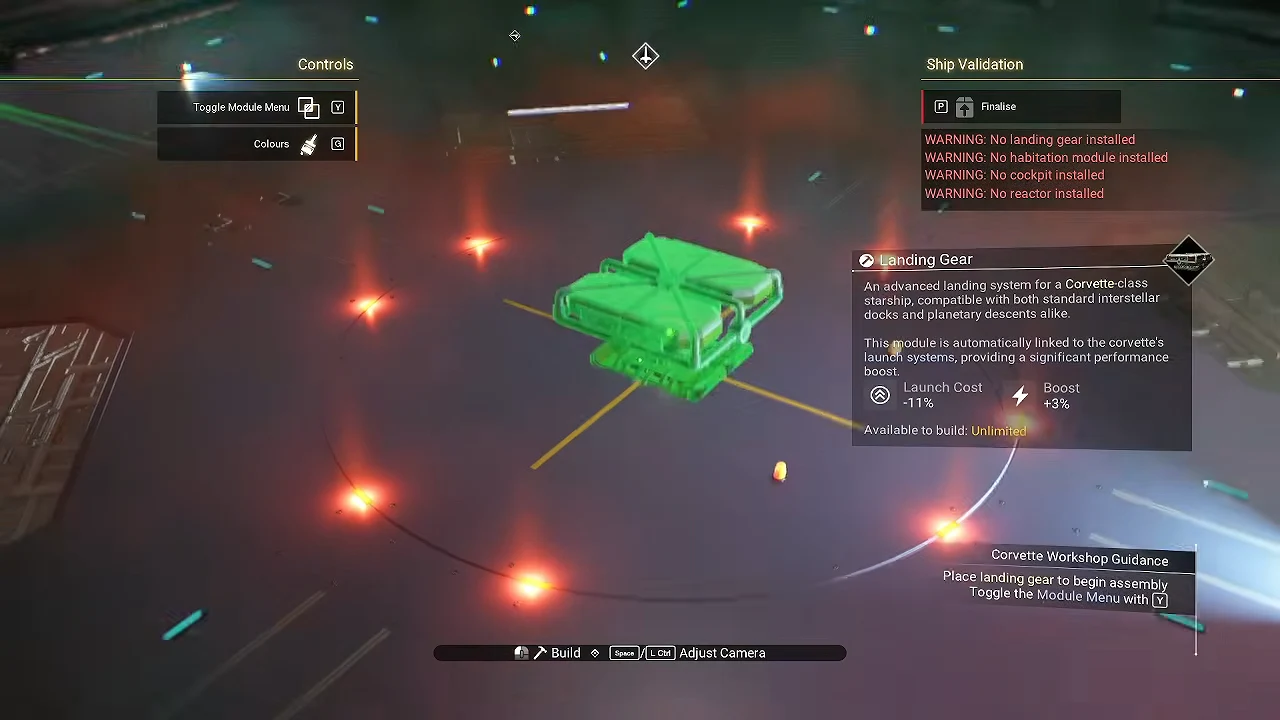
| Landing Gear | Core requirement for landing |
| Titan-Class Landing Bay | Wide flat deck extensions |
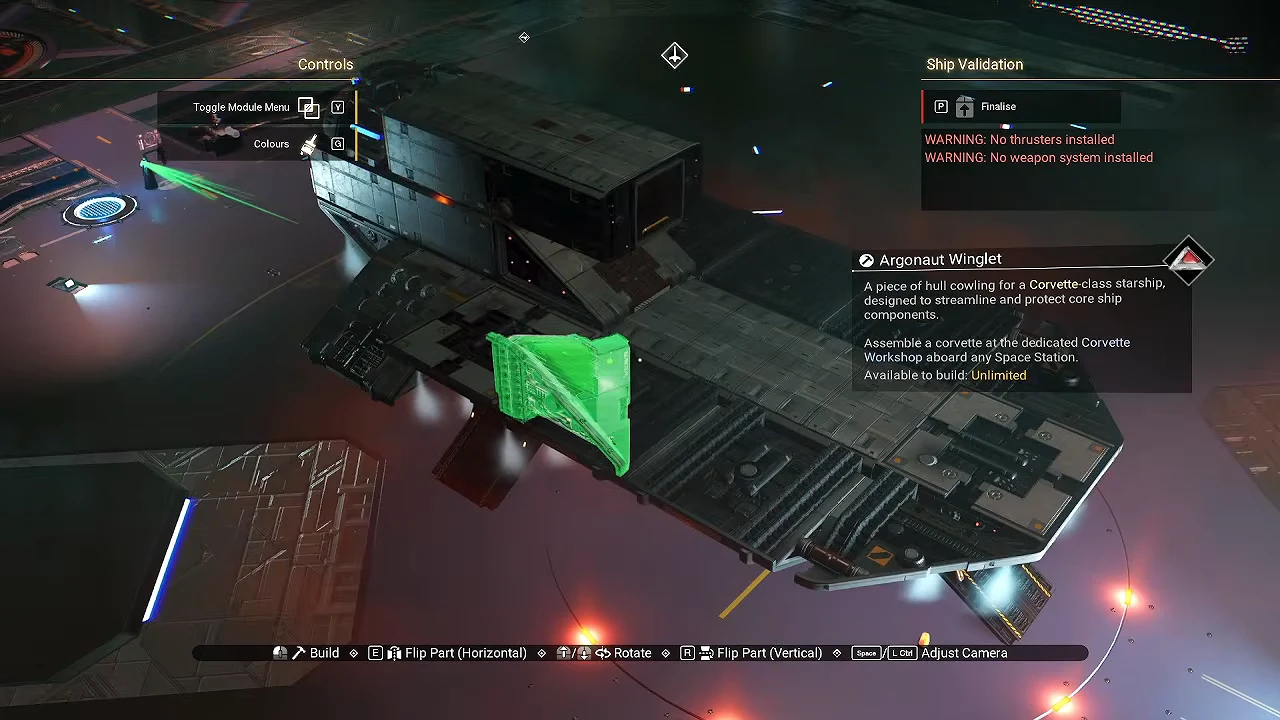
| Argonaut Cowling | Hull filler along the deck edges |
| Medusa-Class Reactor | Core power module |
| Thunderbird-Class Cockpit | Pilot position |
| Titan Sublight Thrusters | Required thrust |
| Photon Cannon Array | Required weapon hardpoint |
Some modules are tied to technology upgrades and raise the ship’s stats automatically as you add them, so the reactor and thruster choices affect more than the silhouette. Decorative parts such as Ducting Outlets and Argonaut Winglets are optional and do not change how the beam behaves.
Build the salvage Corvette at the Corvette Workshop
Corvette Workshop terminals are found aboard Space Stations. The terminal is where collected modules are turned into a pilotable ship, and it is also where the shop and barter interfaces live if you are short on a part.
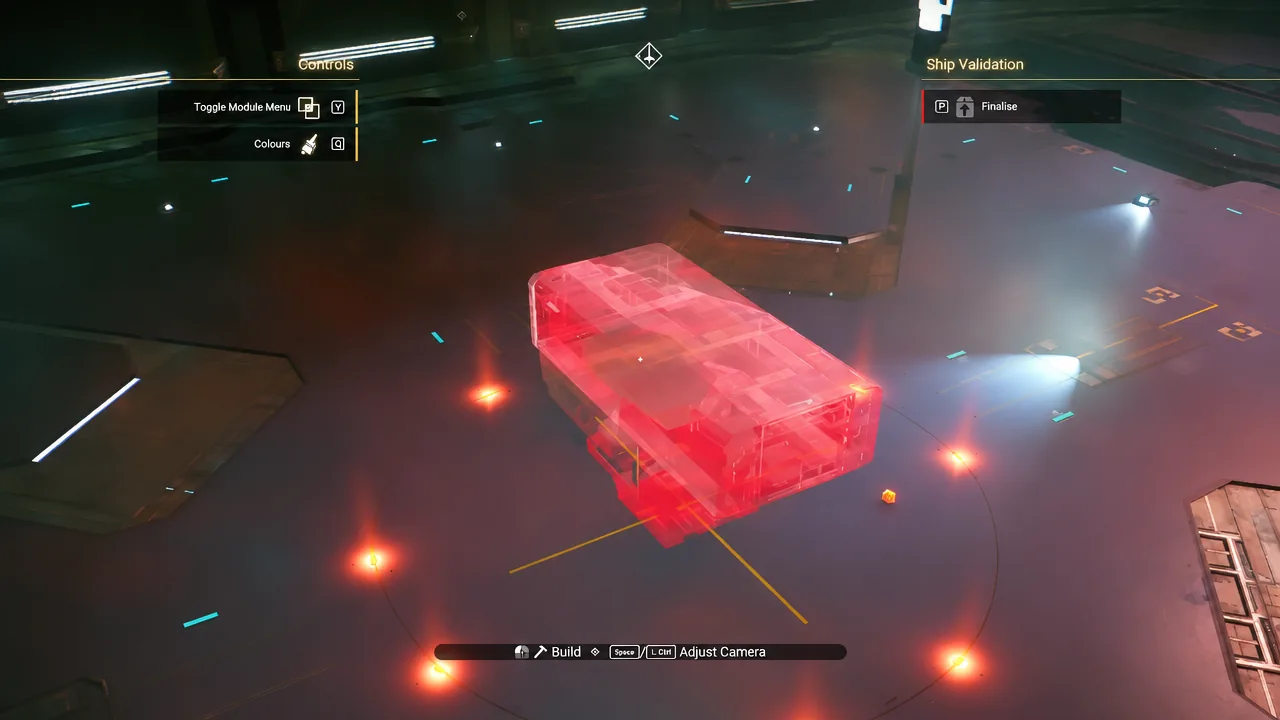
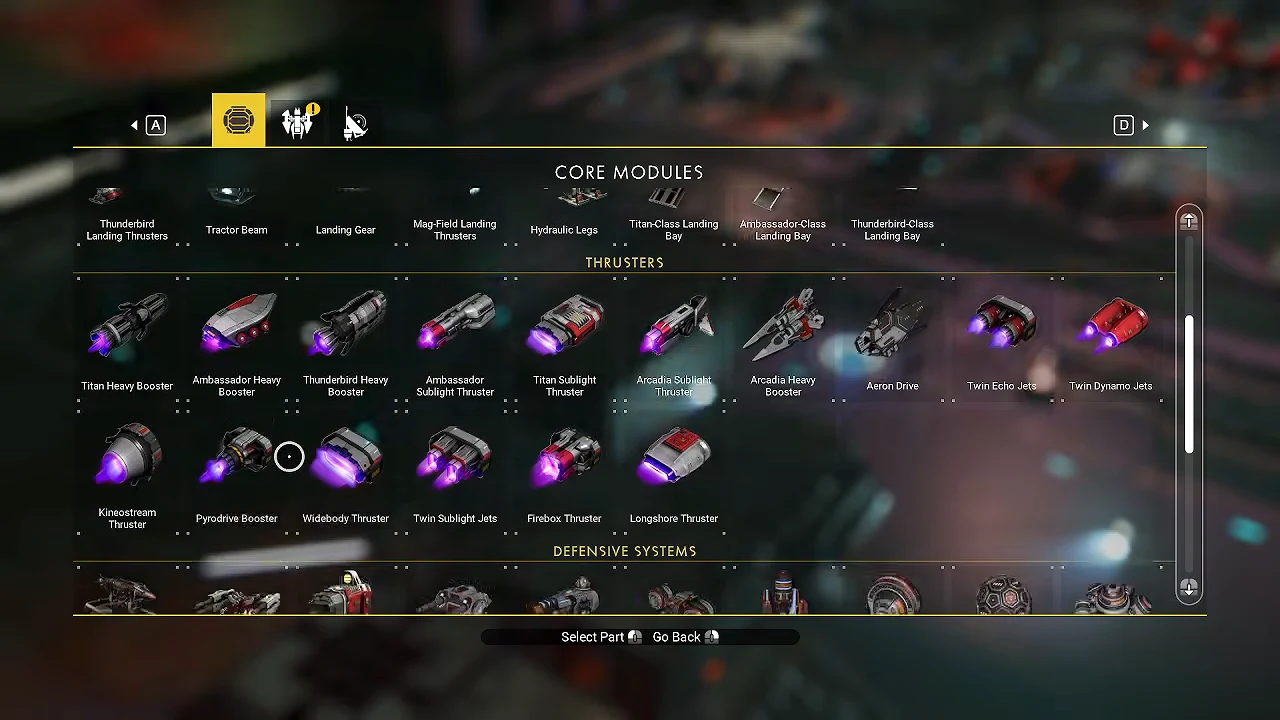
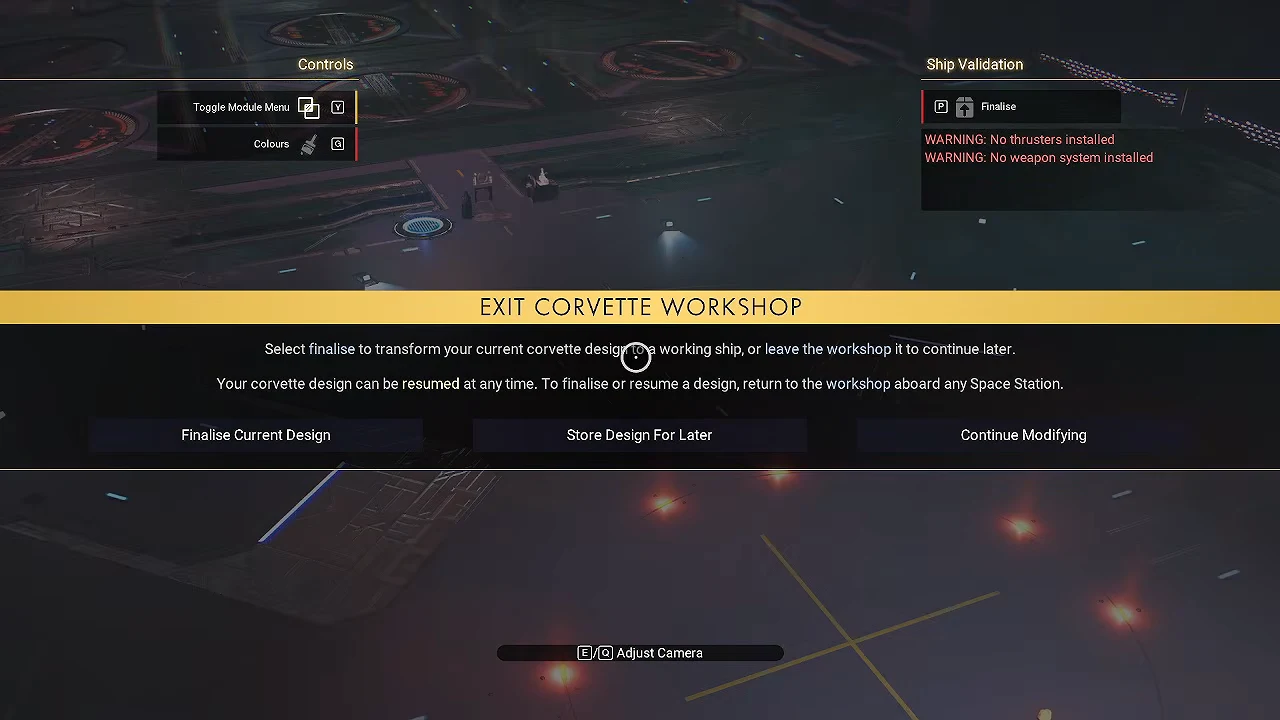
If you strip modules back out and your inventory is full, the refunded parts are not lost. A cache near the terminal collects the overflow.
Fit out the interior after finalising
Once the ship is claimed, walk up the ramp and open the Corvette Configuration menu from inside. Internal Stairway modules link a raised cockpit deck to the main hold below, which matters on a hauler because you will be moving between the pilot seat and the cargo space constantly. Multi-storey Corvettes are only possible with these stairways installed.
Furnishings and base decorations can be placed anywhere inside, and they take resources to construct rather than modules. Practical options include the Living Wall, Nutrition Unit, Refiner Unit and Mission Radar. Barricades along an open balcony edge are cosmetic, but they make an open hold easier to read at a glance.
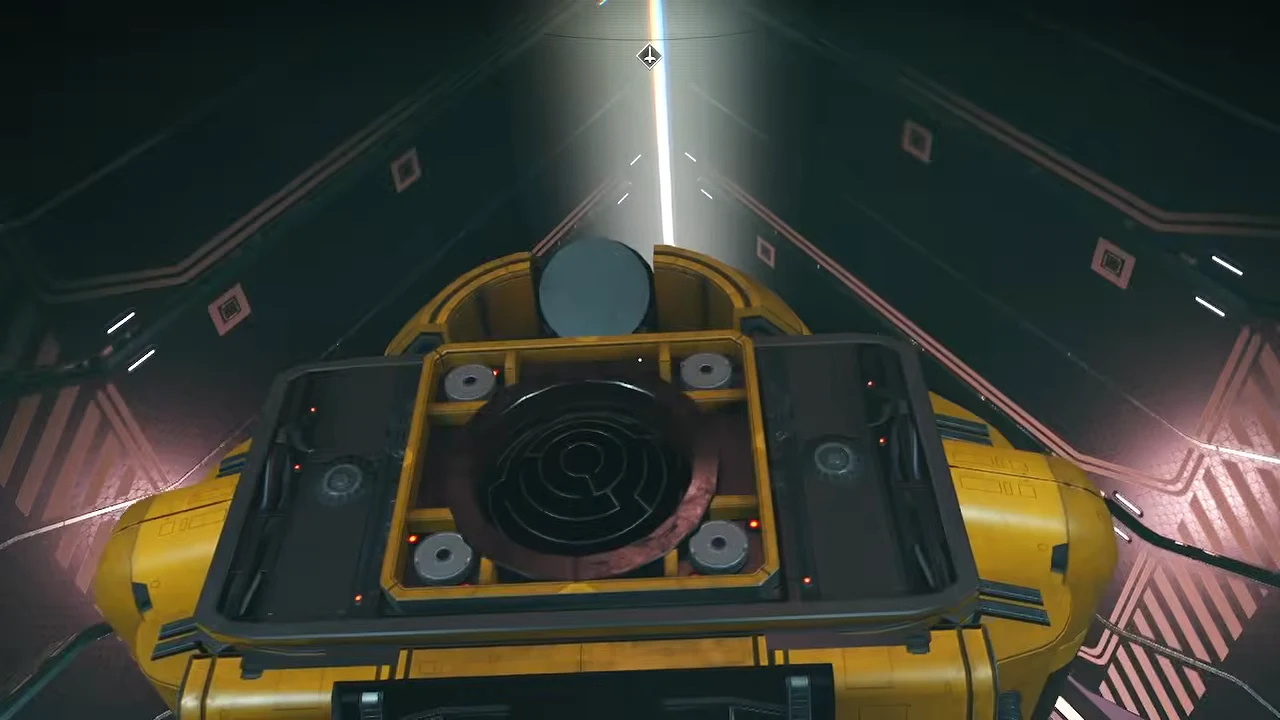
Keep the furnishing work forward or above the hab run you reserved for salvage. Anything you install in that stretch reduces the usable hold.
Unload salvage with Vent Cargo
Bring the loaded Corvette back to your outpost and use Vent Cargo to eject the collected pieces. They drop out as objects you can then process for the salvage mission. Because the hold is physical, the ship’s accessway teleporter is handy when the ground below is rough, letting you hover the Corvette and beam down rather than hunting for a flat landing spot.
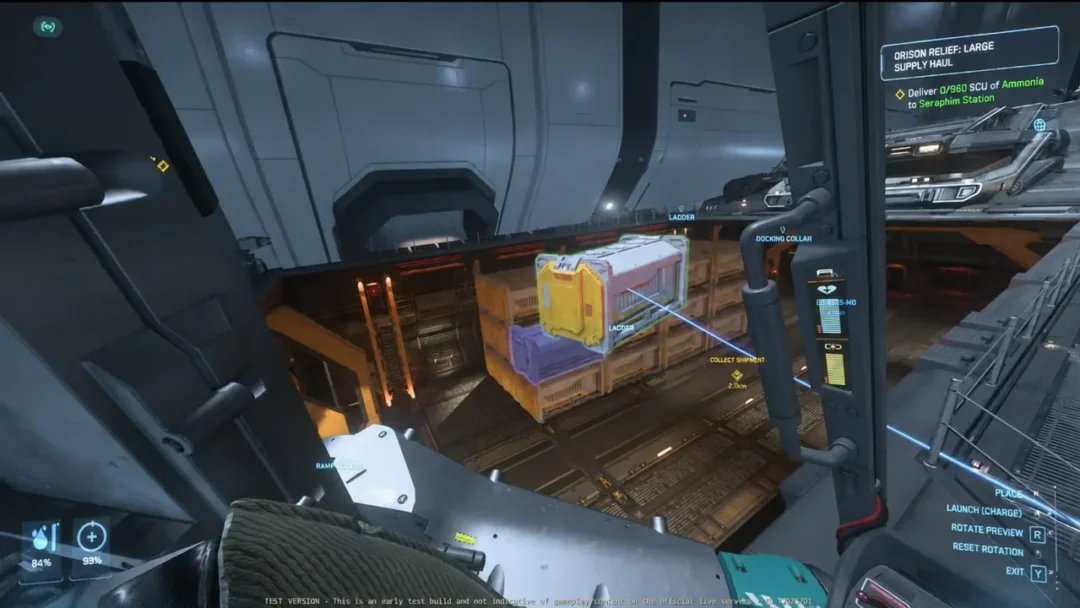
You will know the setup is correct before you ever reach the outpost. Look into the space behind the Tractor Beam mid-run: salvaged pieces should be visibly sitting there. If the beam fires and that space stays empty, the mounting point has no interior volume behind it, and the fix is to move the beam onto a hab or walkway section that does.