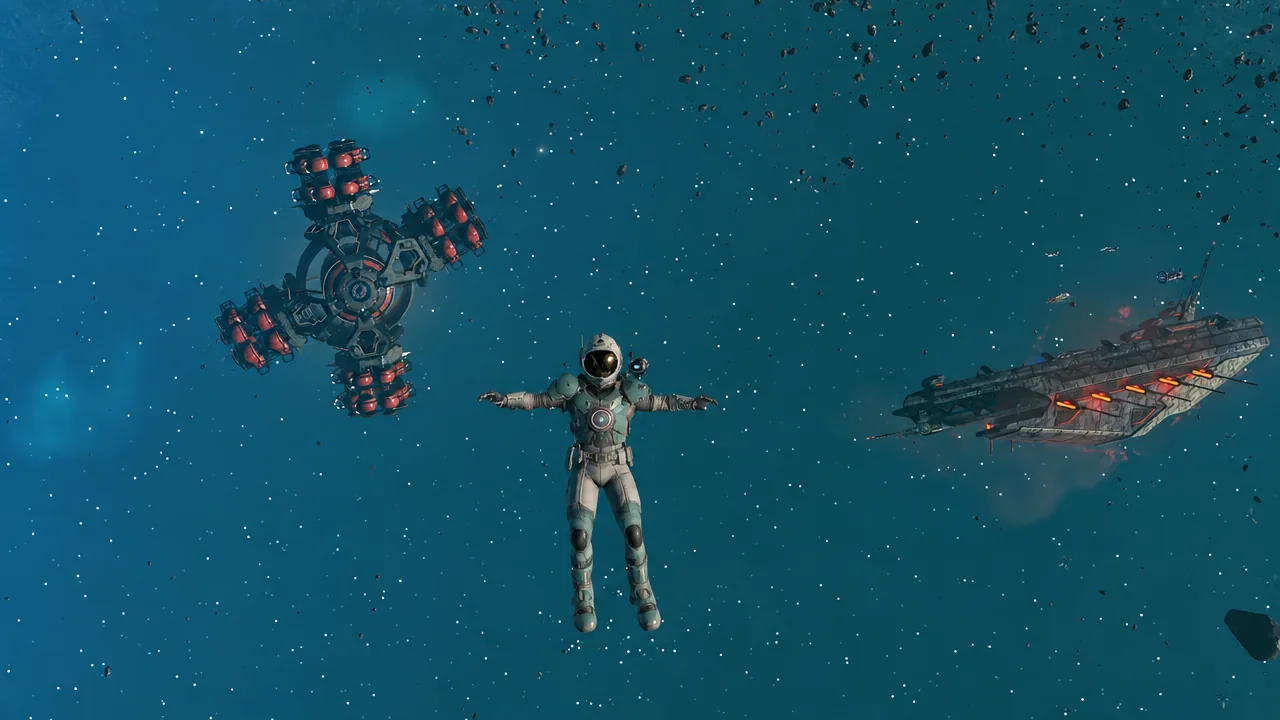
Hello Games has pushed out Cosmos 7.02, the second round of repairs since No Man’s Sky reworked all of space last week. There is no new content here. It is a cleanup pass aimed squarely at the bugs players hit in the first week of flying corvettes, claiming space stations, and stripping derelict hulks.
Quick answer: Cosmos 7.02 is live on Steam and rolling out to other platforms. Install it, then reload your save to clear a corvette left with reset orientation or a stuck ramp.
Where Cosmos 7.02 is live right now
The patch went out on Steam on September 15th, 2026, following the same rollout pattern Hello Games used for the 7.0 launch on September 9th and the 7.01 hotfix a day later. Every other platform gets it as soon as the builds are ready, so PS4, PS5, Xbox One, Xbox Series X/S, Switch, Switch 2, and Mac players may be a few days behind PC.
| Area | Headline fix in 7.02 |
|---|---|
| Corvettes | Orientation, ramp, camera, VR handles, build crash |
| Missions | Salvage hand-ins, pirate counts, %TIME% text |
| Gravity | Freighters, planetary base parts |
| Graphics | AMD cloud rendering, fog, warp stutter |
Corvette piloting and building fixes
The corvette, Cosmos’s buildable ship class, takes the biggest share of the patch. Most of these were things you only noticed after saving and loading, which is why they spread so quickly in the first week.
- Corvette orientation no longer resets when you load a save.
- The phase beam no longer fires into the back of your own cockpit in first person.
- Handles in the Ambassador corvette cockpit work again in VR.
- The ramp no longer loads closed if you saved while standing on it.
- The camera no longer sits misaligned when you go from walking in first person to piloting in first person.
- Free placement mode can be toggled again while editing a corvette.
- A crash tied to building a corvette is fixed.
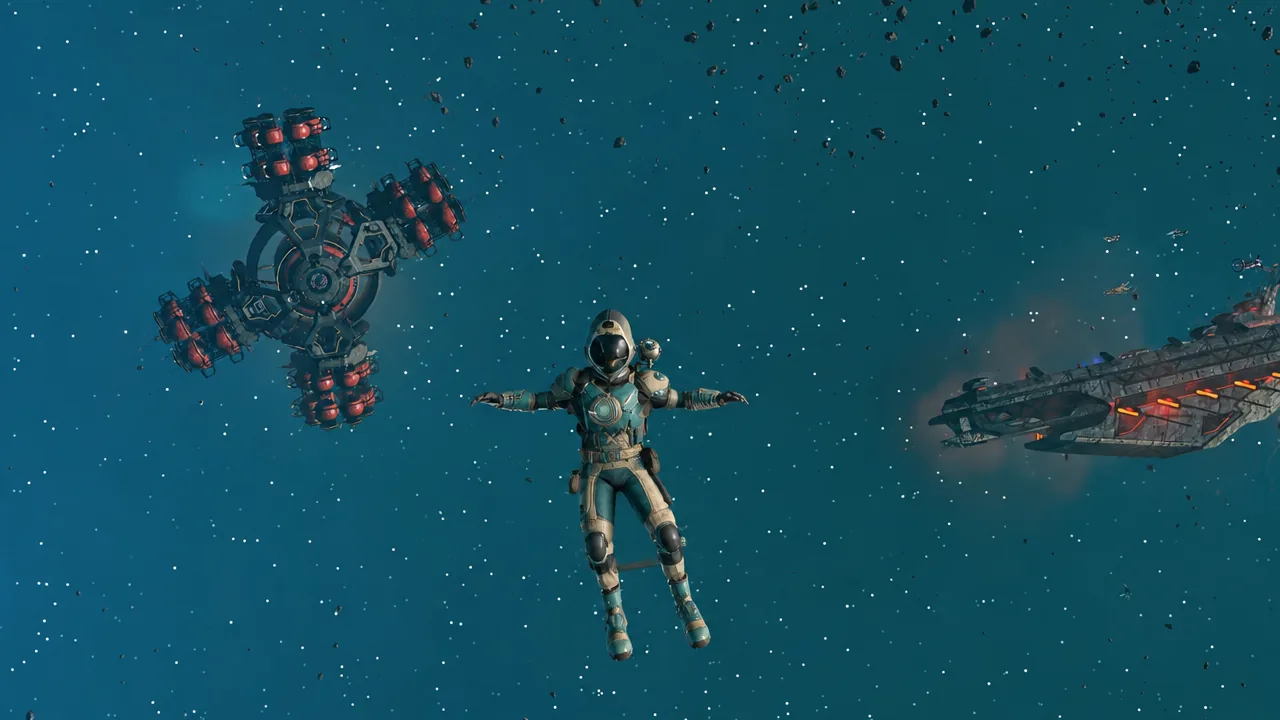
One corvette annoyance is not on the list. Tractor Beams can still vanish when you move or remove modules in the Corvette Workshop assembly menu, so rearrange your hull attachments carefully until that one is addressed.
Salvage missions and mission text corrections
Deep-space contracts were the other big sore point. Completing several salvage missions at once could break the hand-in process, and 7.02 fixes a group of issues around that. Mission notifications also stop printing a raw %TIME% variable where a real number should be.
Bounty and defense mission text that reported triple the real number of pirate starships now shows the correct count, so a three-ship encounter no longer reads as nine. Organic frigates have also stopped replaying their story dialogue every single time you meet them.
Some players report that salvage and delivery contracts, including ice extraction and viral heart jobs, still fail to hand in after patching. If that happens to you, report it rather than assuming the fix missed your platform.
Base parts, space stations, and the free Deep-Space Base Computer
The “Fruit Tree” base part was invisible after placement, leaving a gap where a tree should be. It renders properly again in 7.02, and a batch of minor geometry problems on space outposts has been tidied up.
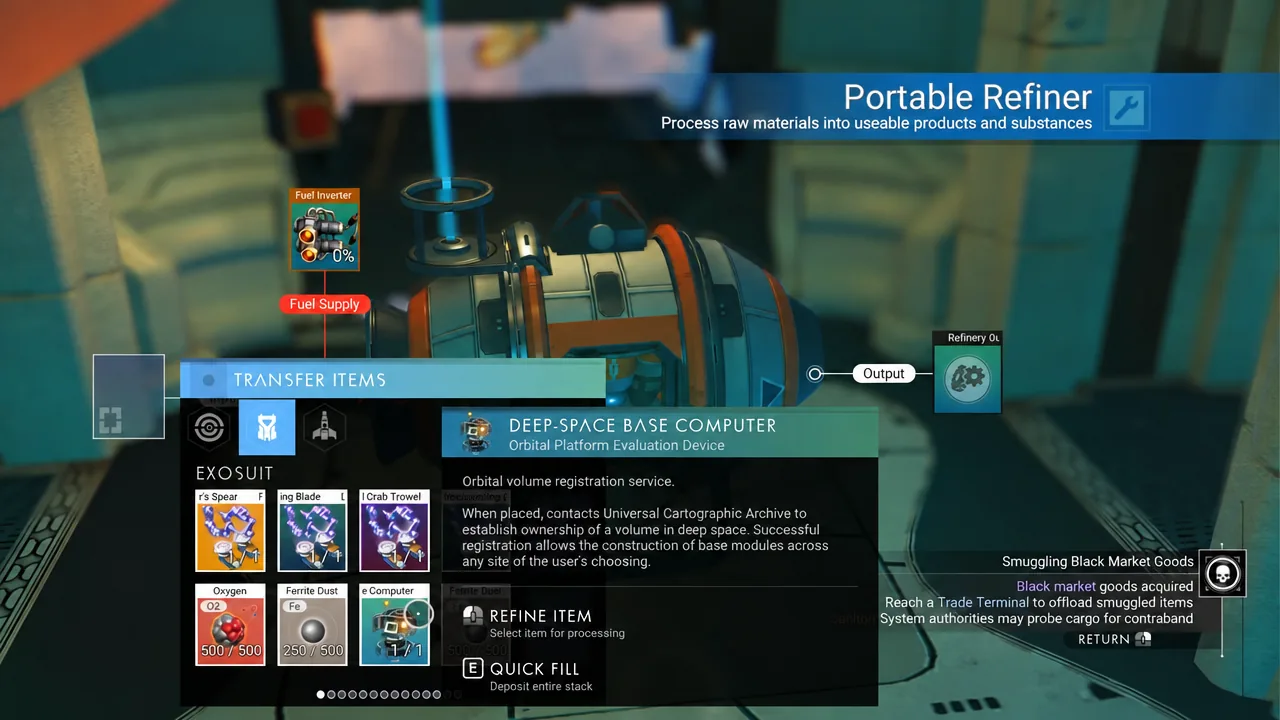
The bigger change is the Deep-Space Base Computer, the item that claims a volume of open space for an orbital base. It could be placed for free, and that exploit is now closed. Building one costs a Polkar Core, a Viral Heart, and Stellar Ice.
Station owners get three fixes too. Large invisible collision spheres attached to some exterior decoration pieces are gone, so you can take items from the station without slamming into nothing. Players can no longer get stuck in an invalid state while working with exterior station parts, and props inside a claimed station stop duplicating themselves.
Gravity, collision, and deep-space navigation
Gravity behaved oddly in two places after 7.0. Planetary base parts had several incorrect gravity behaviours, and freighters had their own set of problems, including players drifting through bridge floors and ships sitting at odd angles. Both are addressed.
- Players can now return to the remains of a space hulk they have already finished stripping.
- Landing on civilian frigates, which was never meant to be possible, no longer happens.
- A minor collision problem on the Space Anomaly is fixed.
- A system’s star no longer renders at the wrong size.
- The corvette auto-pilot menu stops revealing the names of unknown deep-space objects.
- Planets hosting swarm debris show the correct icon on the discovery page.
There is also a rare loading bug where a copy of the Initialise screen flashed up during the starfield load. That one is gone.
Graphics, audio, and performance changes
PC players on AMD graphics cards had broken cloud rendering since Cosmos launched. That is fixed directly, and Hello Games layered in small visual improvements to clouds for everyone on top of it. Starship trails no longer flicker in flight.
Volumetric fog picked up a set of optimisations, which some players credit for the game feeling smoother after updating, and ship movement inside the warp tunnel no longer stutters. On the audio side, asteroid belts had several sound problems cleaned up, some UI sounds were softened, and a rare bug that made the tractor beam far too loud is gone.
Crash fixes in 7.02
- A crash while building a corvette.
- A PlayStation 5 streaming crash.
- A physics crash that could hit while closing the game.
- A crash related to frigate networking.
How to confirm the patch took effect
Hello Games has said it will keep shipping patches as more issues are identified, which is the pattern Cosmos has followed since launch day. No date has been confirmed for the next one.