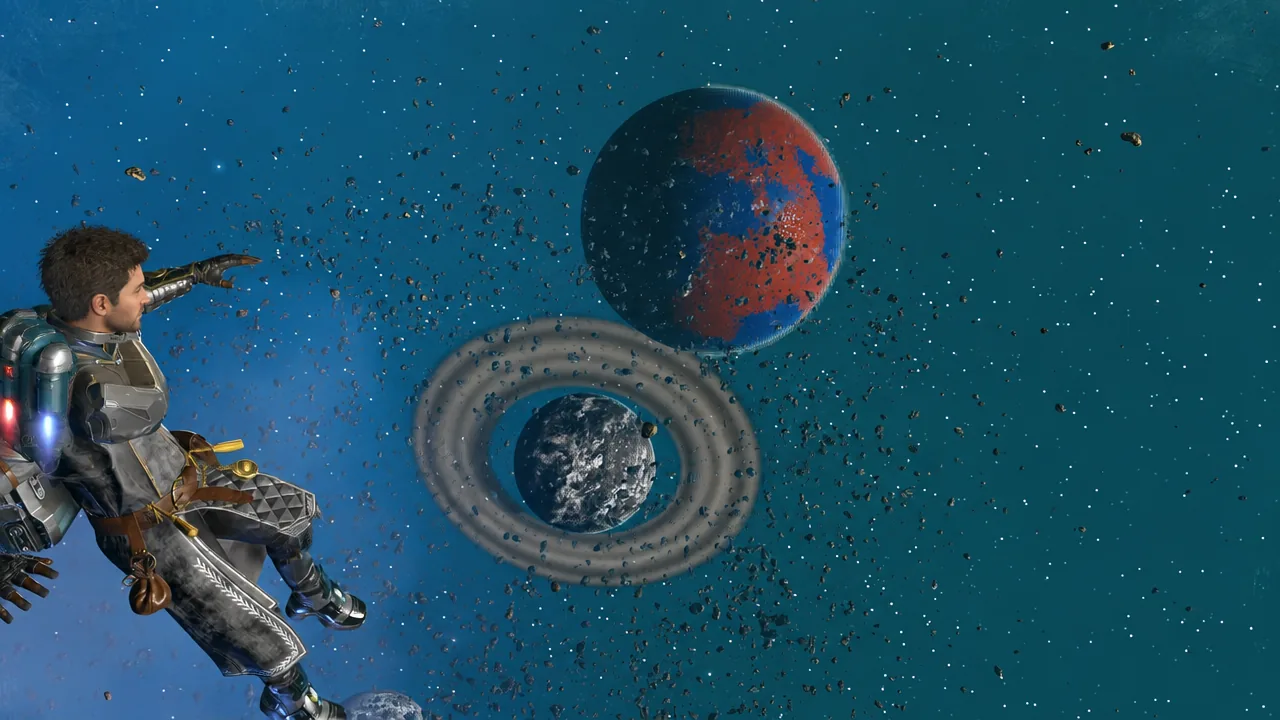
The Cosmos update rewrote how space works in No Man’s Sky, and the first cleanup pass arrived days later. Patch 7.01 is a bug-fix release with no new features attached, and it targets the parts of 7.0 that players hit hardest in the opening week — station decorating, salvaging hulks, the new star system map, and a handful of crashes.
Quick answer: Install patch 7.01 (listed as 7.001 on consoles) and load a save — if the Grave of the Ocean King appears at full size and your current galaxy name is printed on the star system map, you are running it.
No Man’s Sky 7.01 platform availability
Hello Games pushed 7.01 to Steam first, with other platforms following. It is out on PC, PS4, PS5, Xbox One, Xbox Series X/S, and Xbox Game Pass. Nintendo Switch and Switch 2 are not part of the 7.01 rollout, and no date has been confirmed for a Switch build of this patch — those consoles stay on the base Cosmos release for now.
The patch contains roughly 66 individual fixes. Nothing in it changes progression, so there is no need to restart a save or redo any Cosmos content you have already finished.
Space station directorship and decoration fixes
Station ownership, introduced in Cosmos, took the biggest share of the fix list. Decoration could vanish entirely inside Korvax-controlled stations, and some exterior decorations failed to unlock after being bought. Both are resolved, along with a batch of geometry problems on the new base parts and on the platform that rings the station core.
One of the stranger bugs involved the Grave of the Ocean King, a decoration module that was rendering 600 times smaller than intended. It now appears at its proper scale. Station stairs that displayed in the wrong colour have been corrected, and a collision hole that let players fall out of the station entirely has been sealed.
Directors will also notice a sourcing change. Some station parts are now unlocked with salvaged materials rather than through the previous route, which ties station building more directly to deep-space looting.
VR players get separate attention. Decoration controls inside space stations were reworked, and the Gravitino Coil no longer unholsters itself automatically in VR.
Hulk salvage, tractor beam, and outpost fixes
Stripping a space hulk depends on the tractor beam, and the Vent Cargo button could stop responding, leaving a full Corvette hold with no quick way to empty it. That is fixed, as are physics glitches on salvageable props and tractor beam visual effects that fired at the wrong moments.
Meltdown warnings on hulks now read more clearly, and key salvageable pieces have extra visual effects around them so you can prioritise the valuable parts before structural integrity fails. Pathogen Sacs and Viral Hearts had their icons swapped in inventories, which made sorting infested outpost loot confusing — the icons now match the correct items.
Multiplayer got a meaningful correction here. When two players clear a space hulk or an infested outpost together, both can now claim the rare items instead of one player losing out.
Deep-space outposts picked up a practical addition. A galactic trade terminal now sits in the Quartermaster’s room, so you can sell processed salvage without flying back to a station. Interior decoration variety has been widened, an NPC that sat inside a wall has been moved, an internal collision problem was patched, and the visual effects while walking on Corvette landing pads were cleaned up.
Two navigation annoyances are gone as well. The pulse drive no longer disengages the instant you start it near a deep-space object, and asteroid fields no longer spawn excessive numbers of pirates or traders. Creative mode players can also no longer fly inside the sun — stars remain reachable, and still lethal.
Star system map and alliance UI changes
The star system map was one of Cosmos’s most praised additions, and 7.01 tightens it up considerably.
The current galaxy is now printed on the map, popup layouts were reorganised, and marking a planet uses the same icon as marking one from the discovery page. Completed space objects can stay on the map where it makes sense to revisit them, and system discovery messages that failed to display now appear properly.
Alliance names were the other rough edge. They now display correctly on the teleporter interface, appear on the star system map, and long names no longer overflow the New Player Title Unlocked banner. The Claim Station page had several text errors corrected, and the confusing states that appeared when multiple players tried to claim the same station at once have been sorted out. The teleport terminal also shows screenshots of space station bases where relevant.
Starship, freighter, and spacewalk camera fixes
Docked Corvettes that started flying on their own after reloading a save at a deep-space outpost are now stationary, and a bug that blocked players from boarding a second player’s Corvette in multiplayer is fixed. Lingering markers left behind after completed salvage missions have been cleared, and ships no longer swerve abruptly while pulsing toward planetary mission targets.
Freighters received gravity fixes on derelicts, a fix for the grey cube that could wrap around frigates, and a fix for players dropping out of their own freighter. Leaving a completed derelict freighter also triggers fewer issues.
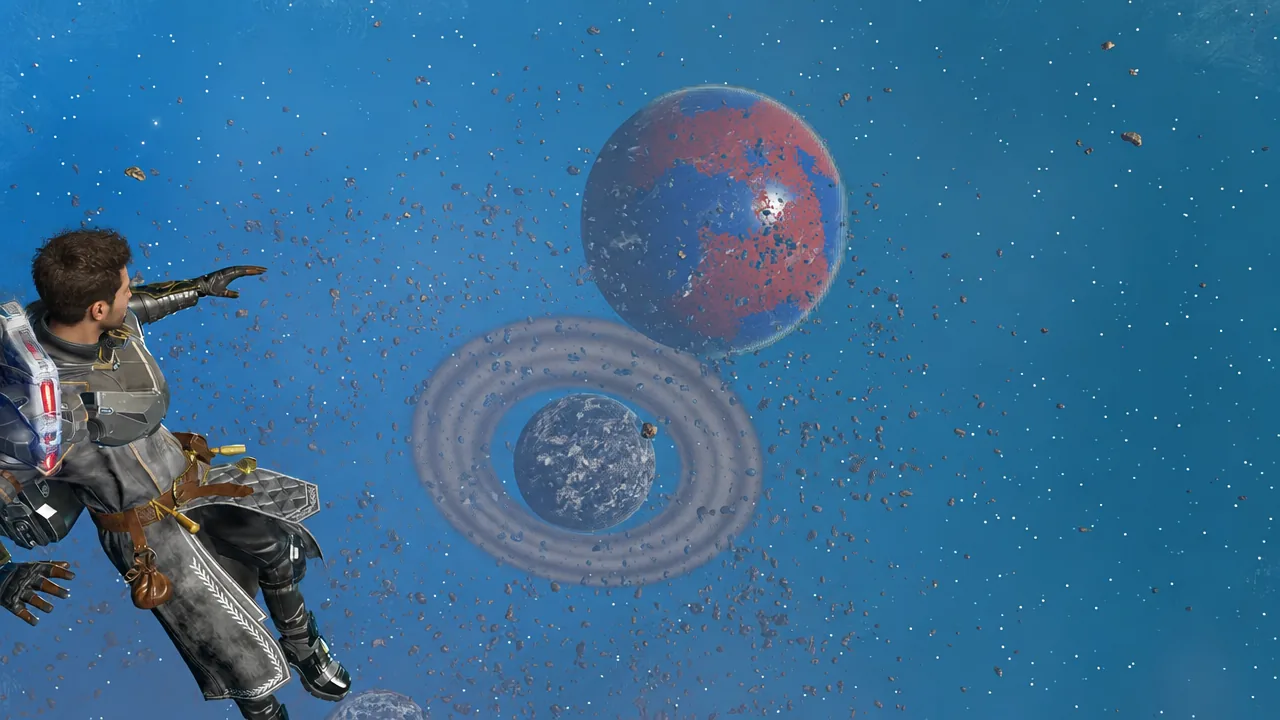
Spacewalking, which Cosmos expanded to all ships, got a broad camera pass. Transitions in and out of spacewalk, first-person framing, photo mode, and movement around large objects like freighters and frigates were all addressed. The third-person camera with a weapon drawn now sits closer to the unarmed camera position.
Crash and stability fixes in 7.01
| Issue | Status in 7.01 |
|---|---|
| Crash tied to audio management | Fixed |
| Crash when downloading base images | Fixed |
| Crash during Xeno Arena battles | Fixed |
| Crash related to inventory rendering | Fixed |
| Hang on PS5 consoles running the PS4 version | Fixed |
Visual and audio cleanup sits alongside those. Star audio, starship trails, and Corvette weapon effects were corrected, green stars display the right colour again, planetary rings no longer draw while you are inside a space station, and saves loaded with the Gravitino Coil equipped no longer show visual artefacts. On Nintendo Switch, missing visual elements on the star system map have been restored even though the wider 7.01 rollout has not reached that platform.
Two smaller quality-of-life fixes round it out. Scrolling the quick menu no longer ejects you from an exocraft, and opening a portal no longer glitches the interface. A collision problem at the Nexus and an empty head appearing in the character customiser were also dealt with.
How to confirm patch 7.01 installed
Reporting bugs that 7.01 did not fix
Hello Games is still collecting reports through Zendesk and console crash reporting, and has said further patches will follow as issues are identified. If something is still broken on your save, submitting a report with your platform and a description of what you were doing is the route that feeds directly into the next patch.
For a first pass at an update this size, 7.01 stays narrow. It leaves the Cosmos feature set untouched and concentrates on the seams — the places where new station parts, new physics objects, and a brand-new map interface rubbed against a ten-year-old game. More patches are expected as further issues surface.