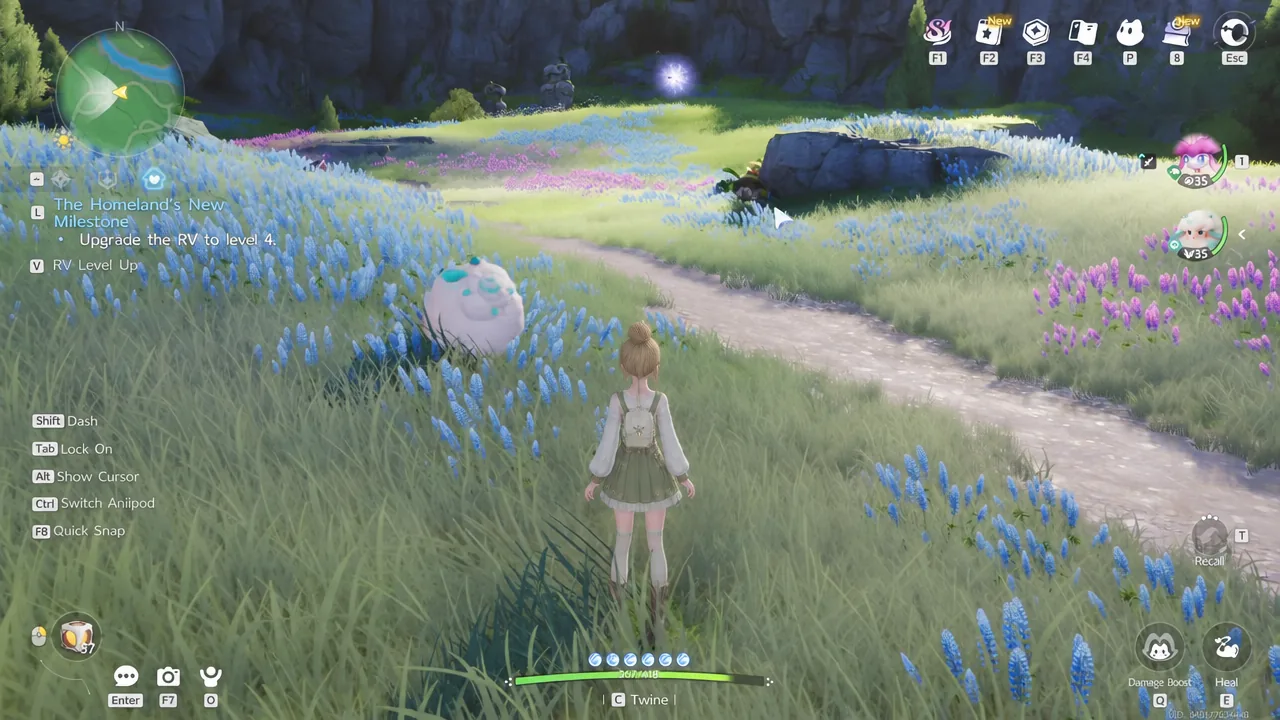
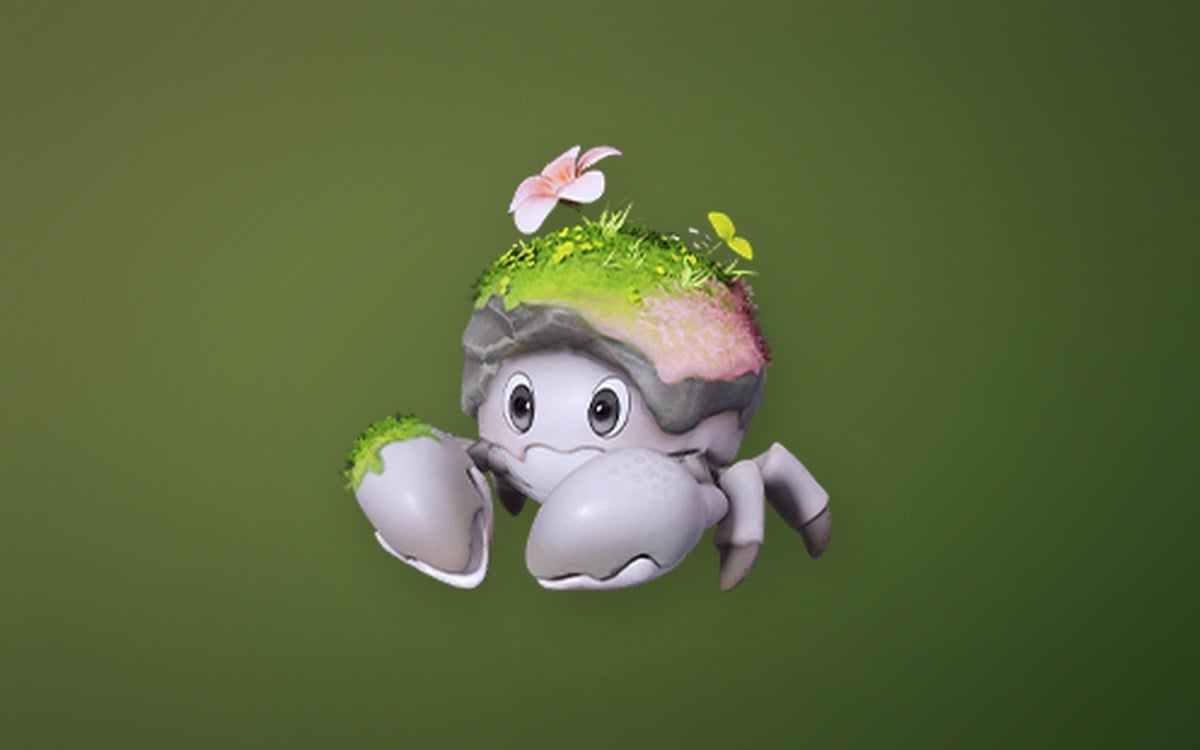
The Who’s That Ani!mo? investigation hands you a silhouette and a short list of traits, then asks you to prove which creature matches by photographing it in the wild. The clue set points to a single Lumin Stage creature, and the fastest way to close the case is to go straight to where it spawns rather than hunting for a match across Idyll.
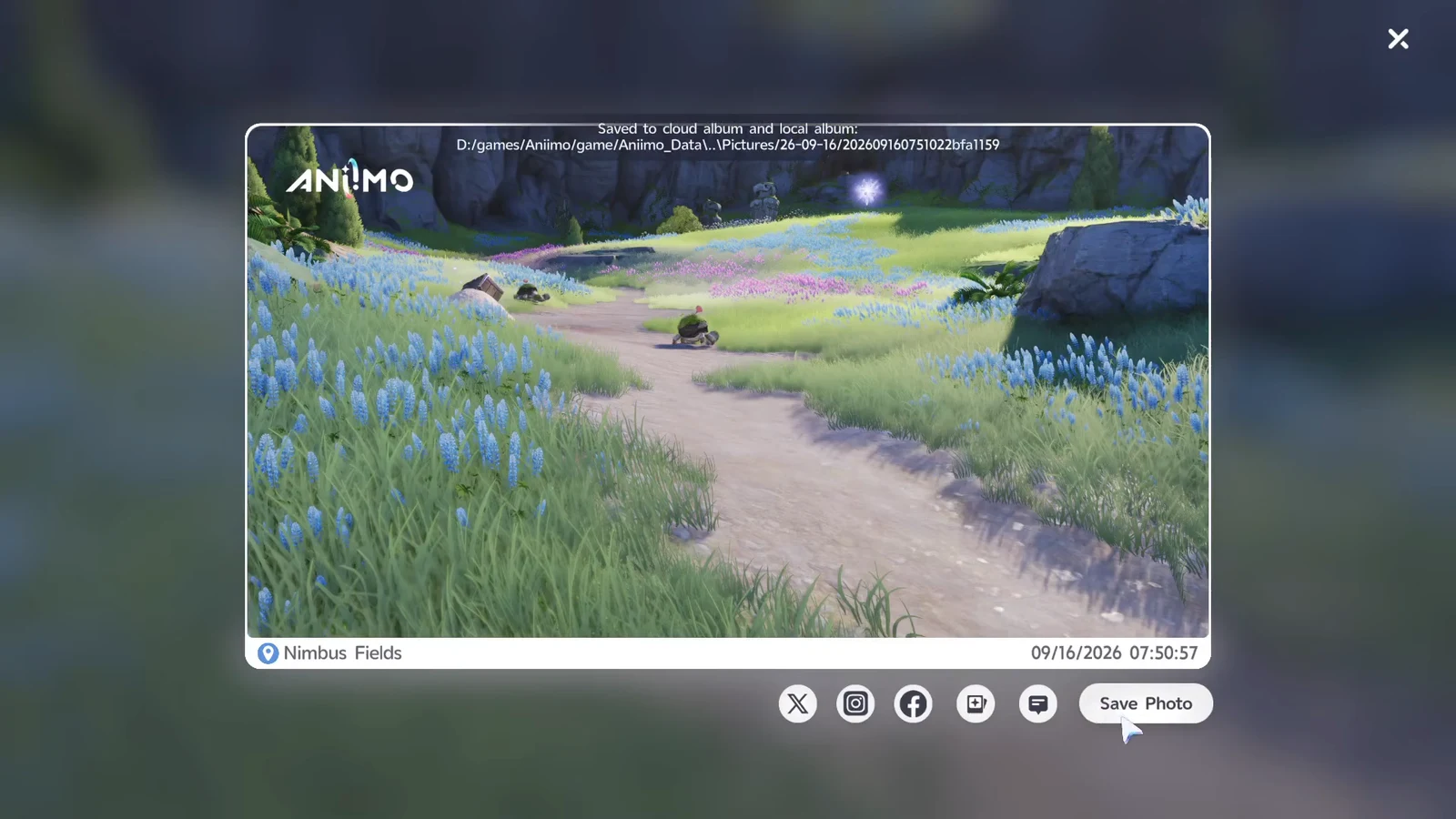
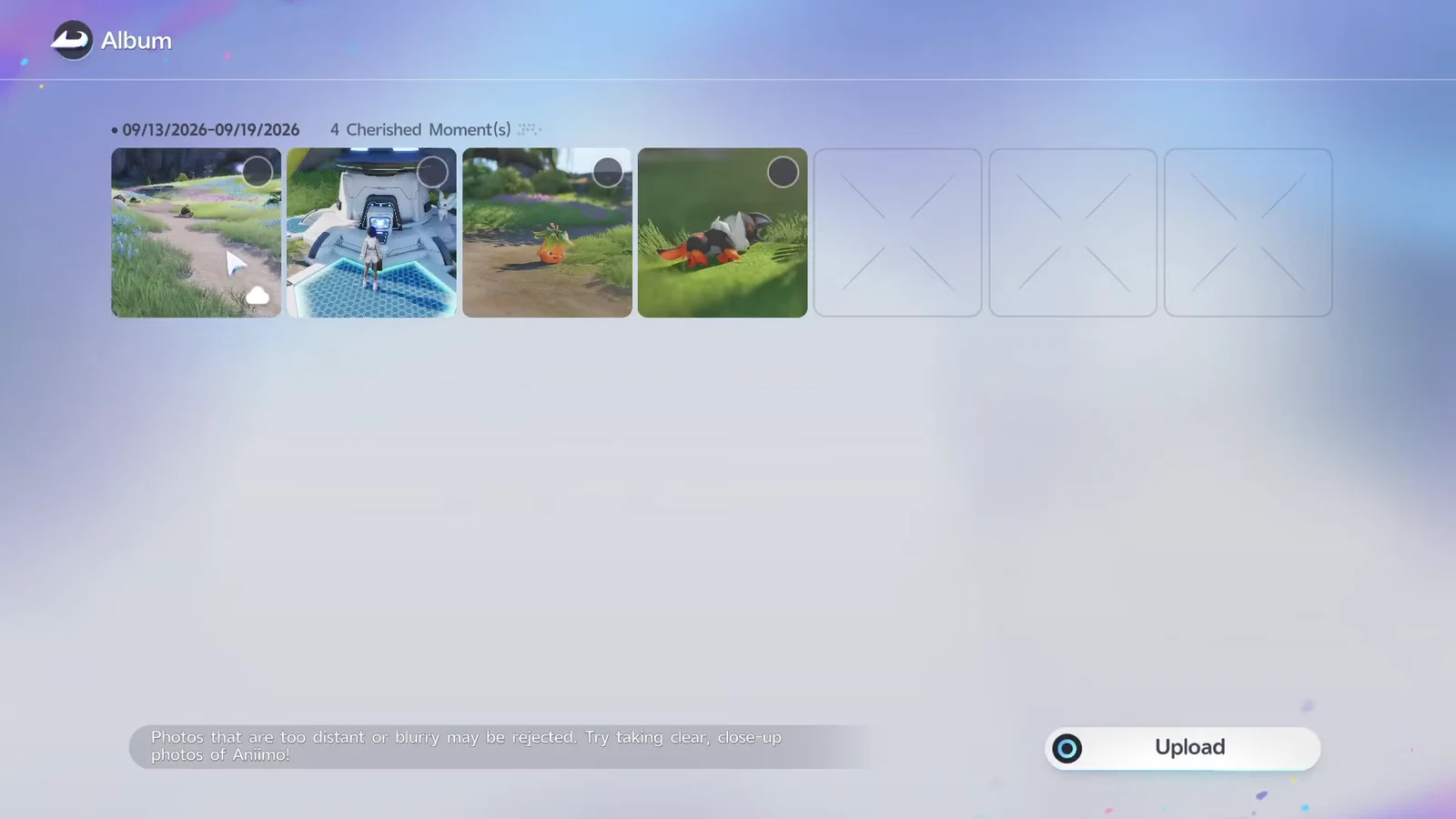
Quick answer: The answer is Budclaw. Find a wild one on the grassy path near Nimbus Fields in Breezy Plains at coordinates -1484, 0808, photograph it, then upload that photo from your album.
Event clues and why they point to Budclaw
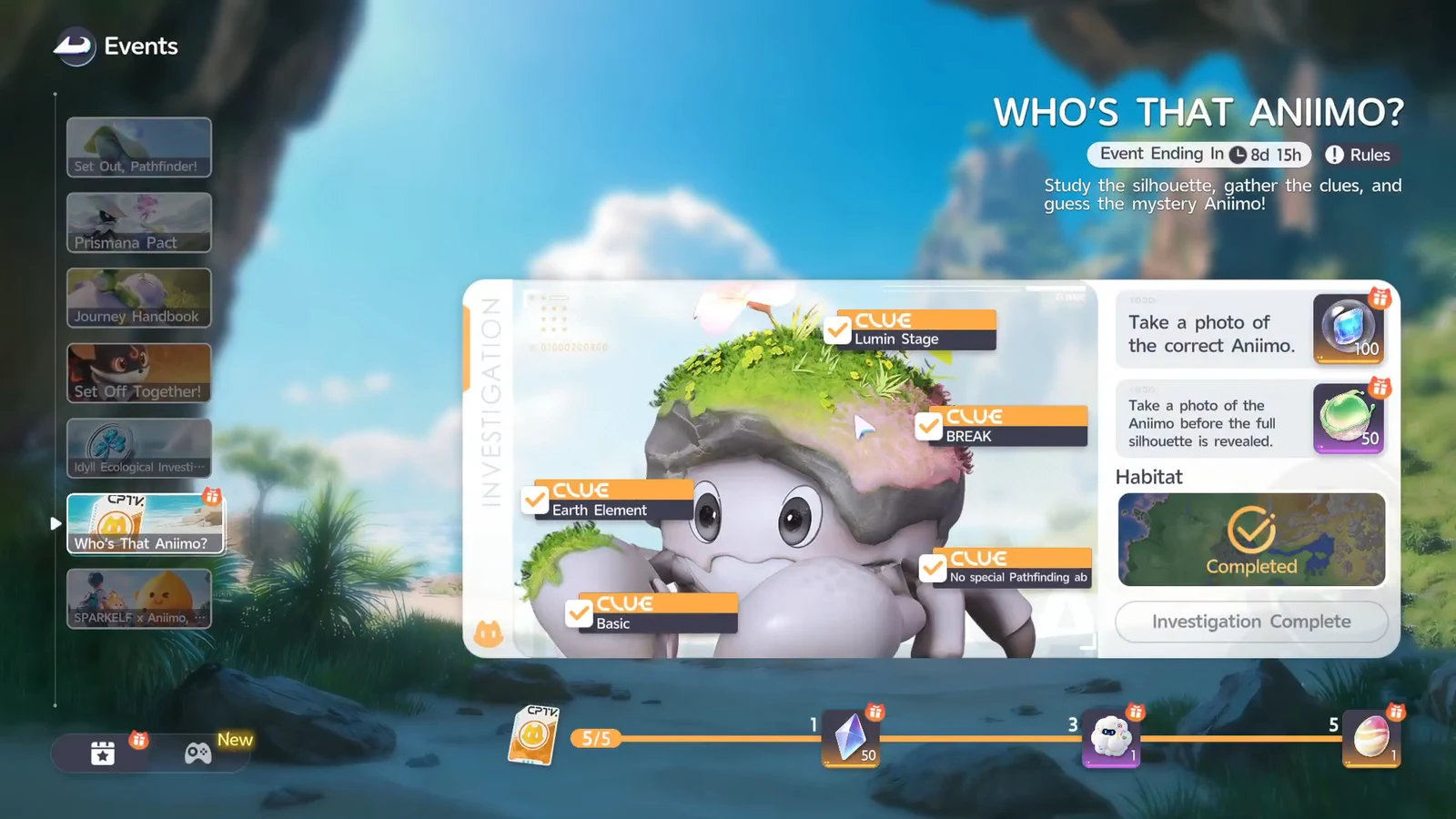
Opening the event from the Events menu shows the traits gathered so far. Every one of them has to line up with the creature you photograph, so it helps to read them as a filter rather than a riddle.
| Clue | What it filters |
|---|---|
| Earth Element | Element type |
| Lumin Stage | Earliest resonance stage |
 BREAK BREAK | Combat role |
 Basic Basic | Rarity tier |
| No special Pathfinding abilities | No mobility skill |
Budclaw sits at No. 023 in the Aniimo index and is the Lumin Stage form of its line, which is why the silhouette resolves to it rather than to one of its larger relatives. Shrubclaw and Geoclaw share the same family look but are further along in stage, so a photo of either will not satisfy the trait check.
Budclaw location in Breezy Plains
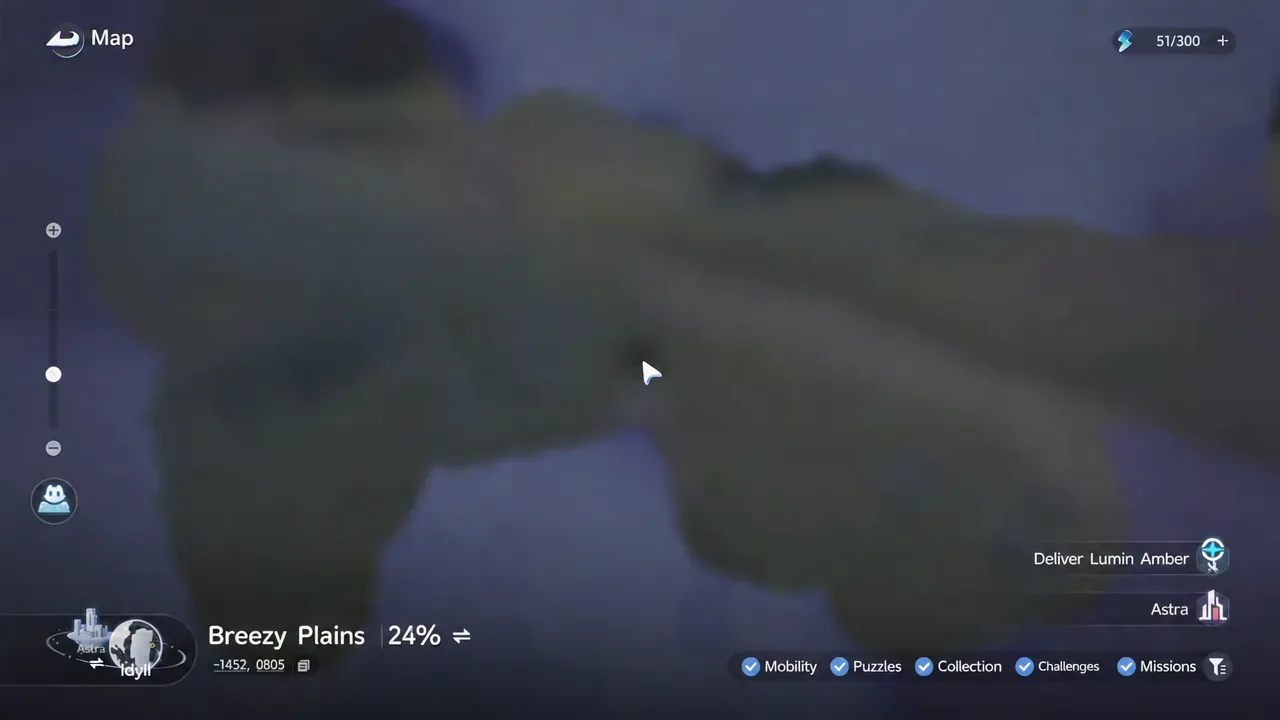
Breezy Plains is the first region you explore in Idyll and is split into 14 areas, with Nimbus Fields sitting among them. Open the world map, drop a marker at -1484, 0808, and fast travel to the nearest Bloom or Branch to cut the run down. The spawn is on open grassland along the path, so there is no puzzle or gate in the way.
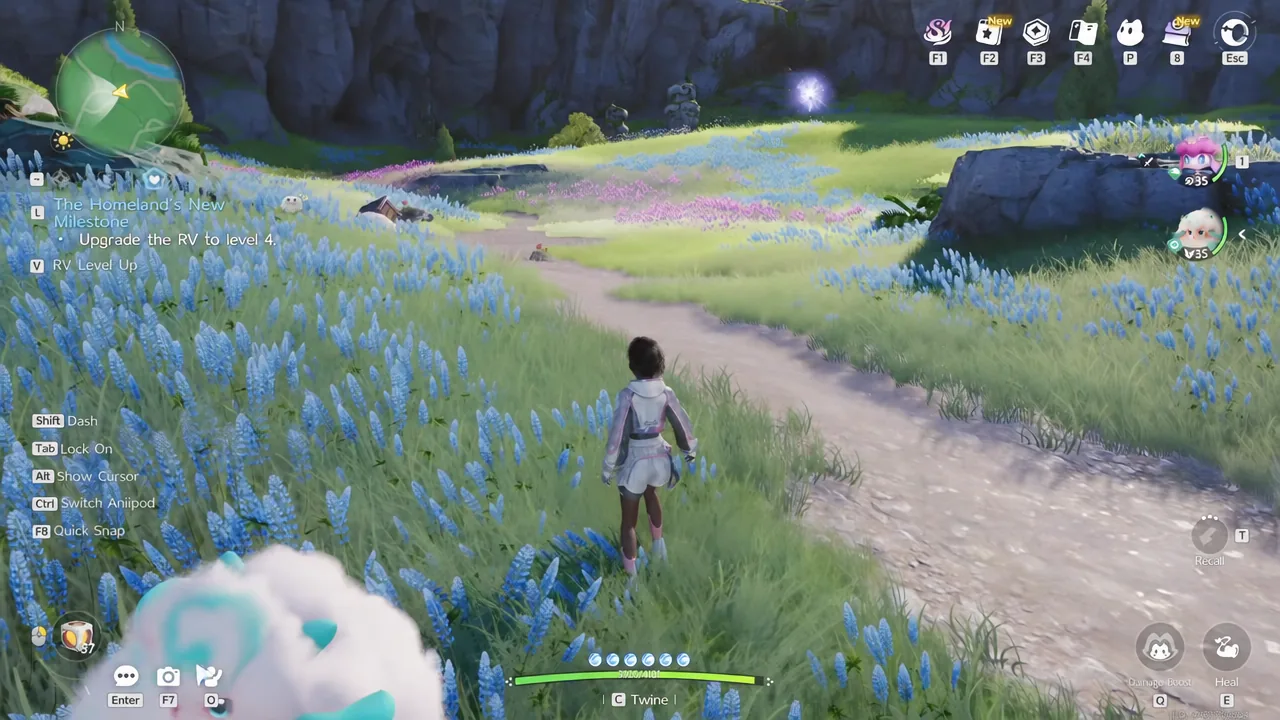
Nimbus Fields has Peculiar Clouds and Dandelion Trees dotted around it. You can ignore both for the investigation, but the clouds raise your jump height if you need to reposition quickly for a cleaner shot.
How to photograph Budclaw and submit it
Camera mode controls worth knowing
Photo mode carries more tools than the investigation needs, but a few make framing a moving creature far easier on keyboard.
| Key | Function |
|---|---|
| Space | Capture |
| Tab | Cycle lock-on target |
| G | Time Stop |
| V | Reset camera and zoom |
| F4 | Hide UI |
| F2 | Open album |
Follow mode keeps the camera anchored behind your Pathfinder if you would rather chase the creature than stand still, and V puts everything back to default when the framing gets away from you.
Confirming the investigation and claiming rewards
A correct submission marks every listed trait as matched and the silhouette resolves into Budclaw on the event screen. That reveal is the confirmation that the investigation is closed; if the traits do not all tick over, the photo was not of the right creature.
Completing it pays out Lumite, a Wonder Egg, and additional resources, which you collect from the same screen.
The Wonder Egg is worth holding onto rather than spending immediately, since hatching happens at the Hatchinator inside an Outpost. Those same Outposts hold the research consoles that update your recorded Aniimo count, so a single stop after the photo run handles both.