A parachute that refuses to open in WARDOGS almost always comes down to one of two things. Either you never bought and equipped one, or a control change quietly stripped the deploy key off the parachute action. Both are quick to sort once you know where to look.
Quick answer: Equip a parachute in your Traversal slot from the Equipment Vendor, then press Space once you are airborne and falling. If Space does nothing, restore the deploy binding by editing GameUserSettings.ini.
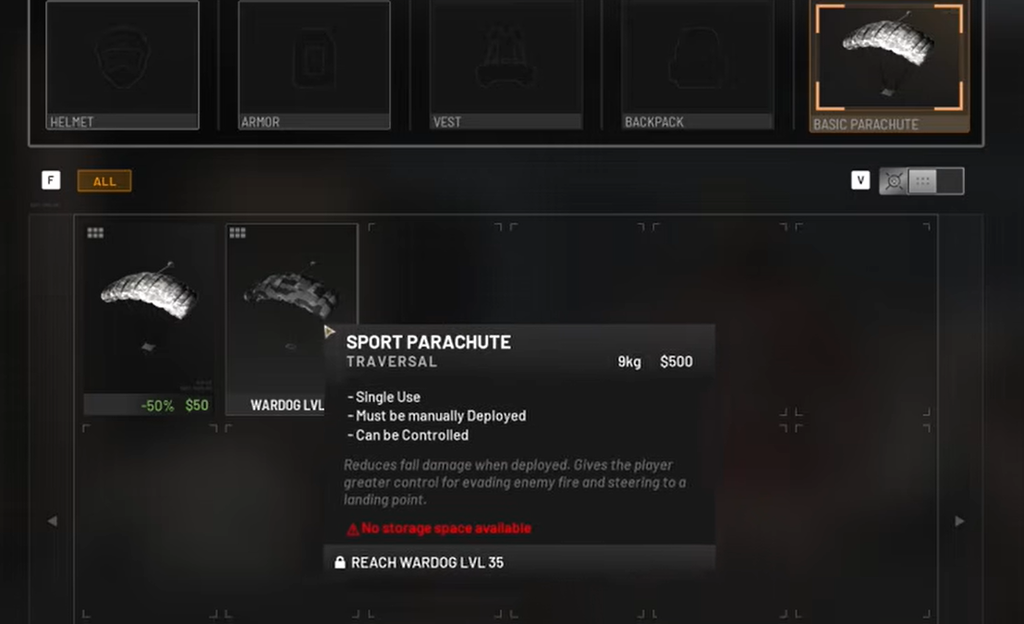
Confirm you have a parachute equipped
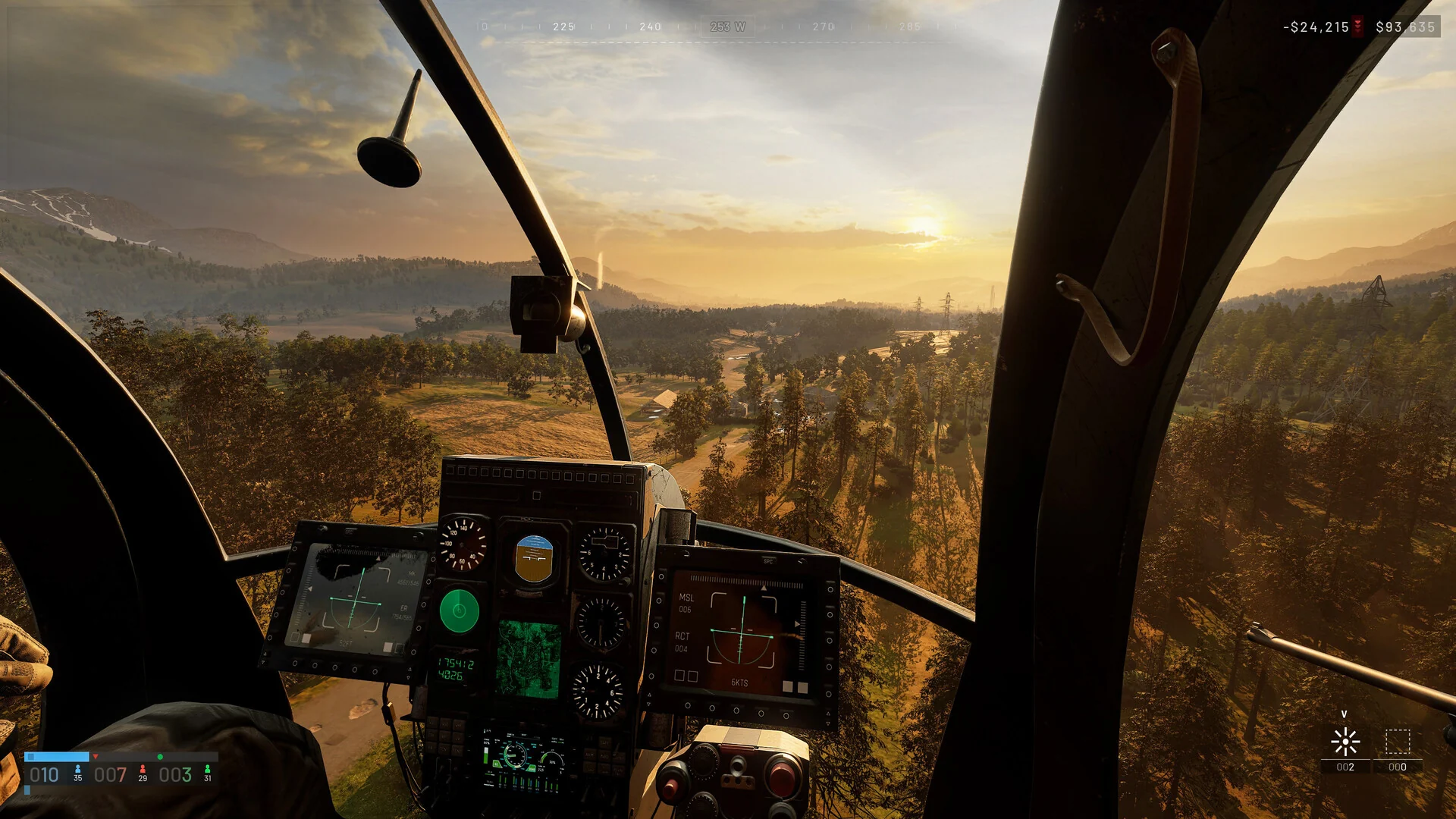
WARDOGS does not hand every soldier a parachute. It is purchasable gear that sits in the Traversal slot, and you buy it from an Equipment Vendor before a match. Jump out of a helicopter without one and the landing does the rest.
There are two options, and the difference matters the moment you leave the aircraft.
| Parachute | Price | Weight | Steering |
|---|---|---|---|
 Basic Parachute Basic Parachute | $100 | 2.5 kg | No |
 Sport Parachute Sport Parachute | $1,000 | 9.0 kg | Yes |
The Basic Parachute is single use and must be deployed manually. It drops straight down with no control, so pick your jump point before you leap or you become an easy target on the way down.
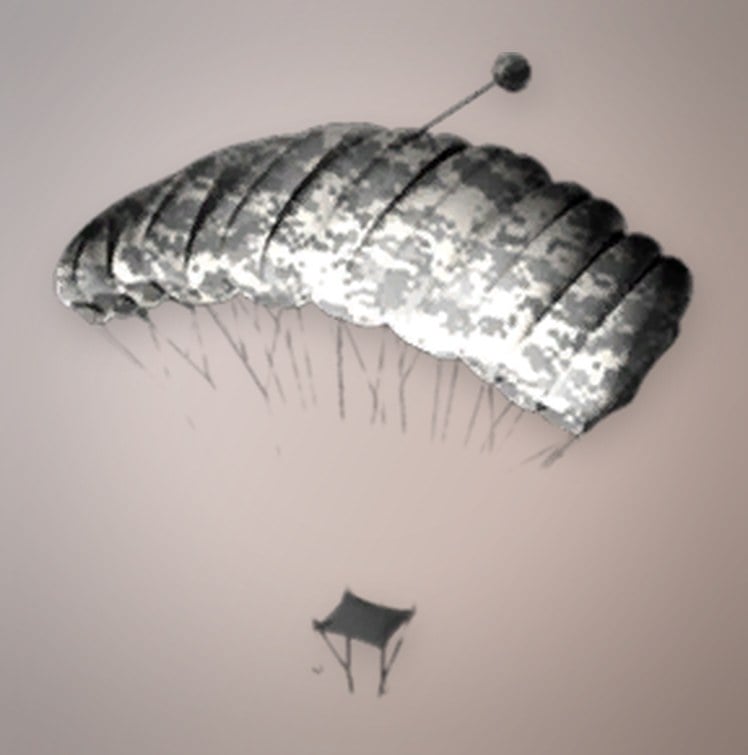
The Sport Parachute unlocks at Wardog level 35 with a one-time unlock fee of $25,000, then costs $1,000 to buy per match. It is also single use and manually deployed, but it lets you steer your descent and choose where you land.
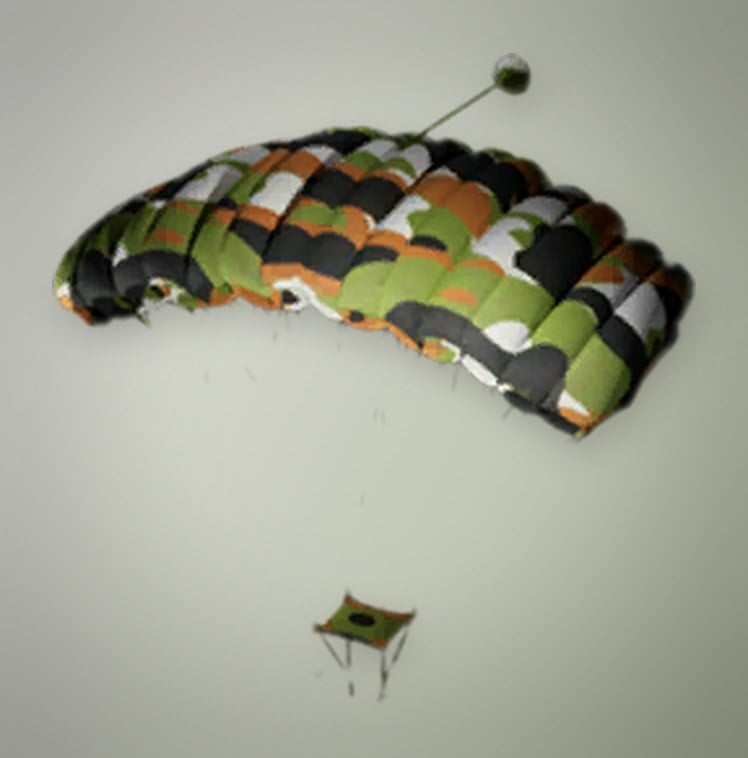
The parachute never opens on its own. Jump first, wait until you are actually falling, then press the deploy key. A missing prompt while standing on a rooftop or sitting in a helicopter is normal and not a sign your controls are broken.
Fix the unbound Deploy Parachute keybind
If a parachute is equipped and Space still does nothing in the air, you have hit the keybind bug. The default deploy key is Space, and many players rebind Space to the helicopter collective to ascend. Doing that can silently strip Space from the Deploy Parachute action, and the settings menu has no direct option to put it back. The fix lives in a config file.
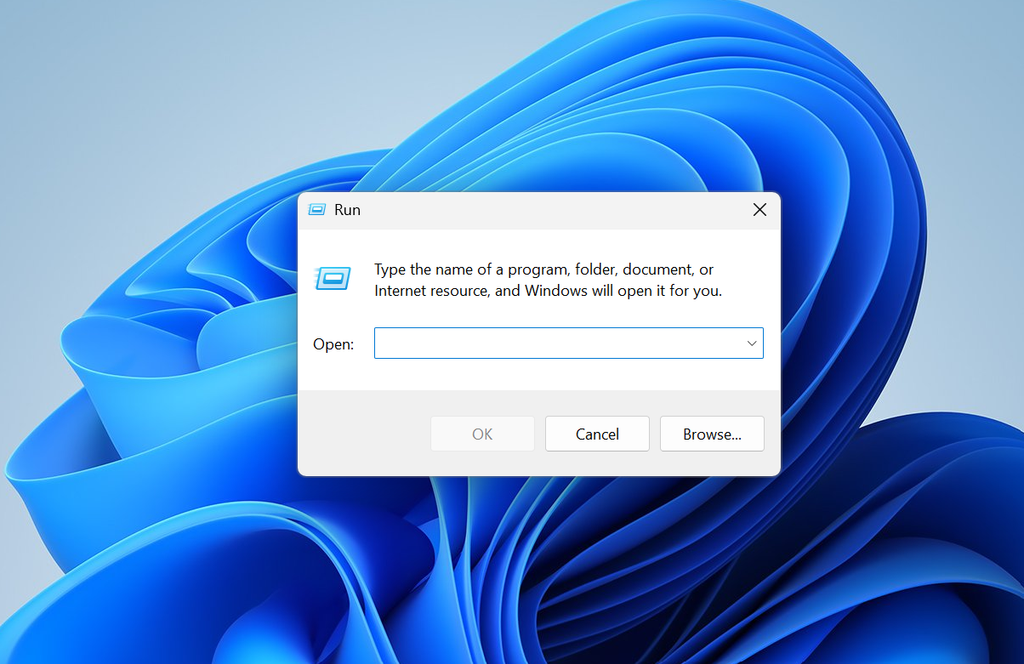
%LOCALAPPDATA%\Wardogs\Saved\Config\WindowsClient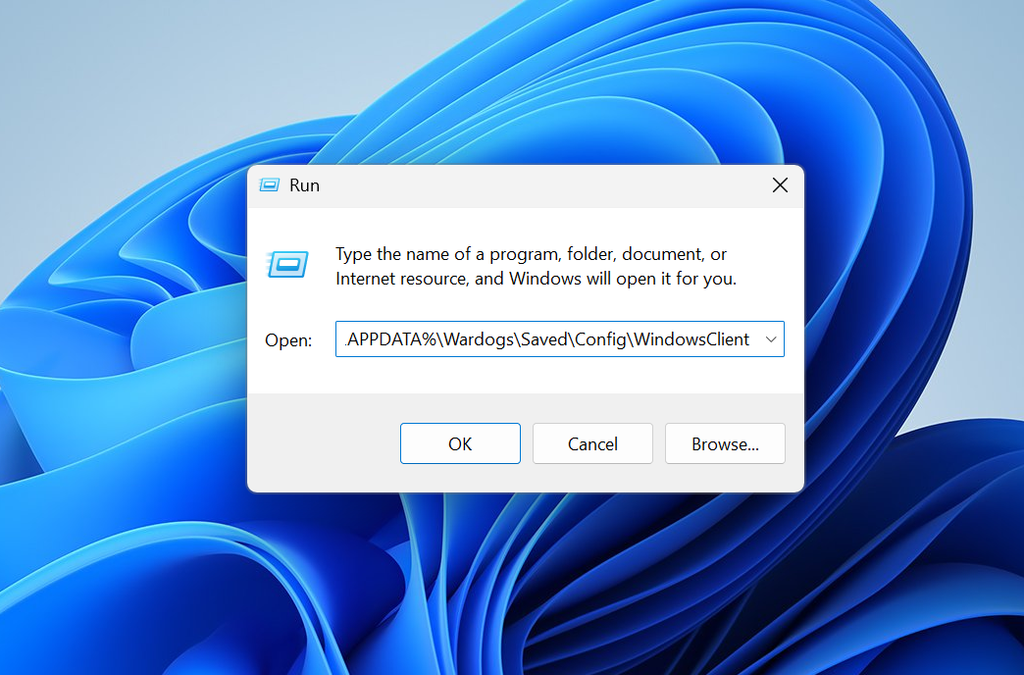
GameUserSettings.ini with Notepad. It is worth copying the file somewhere safe first so you can revert if anything goes wrong.PrimaryKey and looks like this.((TagName="Input.NamedActions.Player.DeployParachute"), (PrimaryKey=(bIsCustom=True)))((TagName="Input.NamedActions.Player.DeployParachute"), (PrimaryKey=(Key=SpaceBar,bIsCustom=True)))If you would rather not use Space, you can instead delete the entire line, which makes WARDOGS fall back to its default binding.
Check that the fix worked
After restarting, test it from a safe drop before you commit over a live fight. Jump from height with a parachute equipped, wait until you begin to fall, and press Space. The parachute should open and slow your descent. If it does, the binding is restored.
If a match overwrites your edit, close the game, reopen GameUserSettings.ini, and confirm the Key=SpaceBar value is still there before jumping in again. A proper in-game fix for the keybind conflict is expected in a future patch, so watch the official WARDOGS patch notes for it.