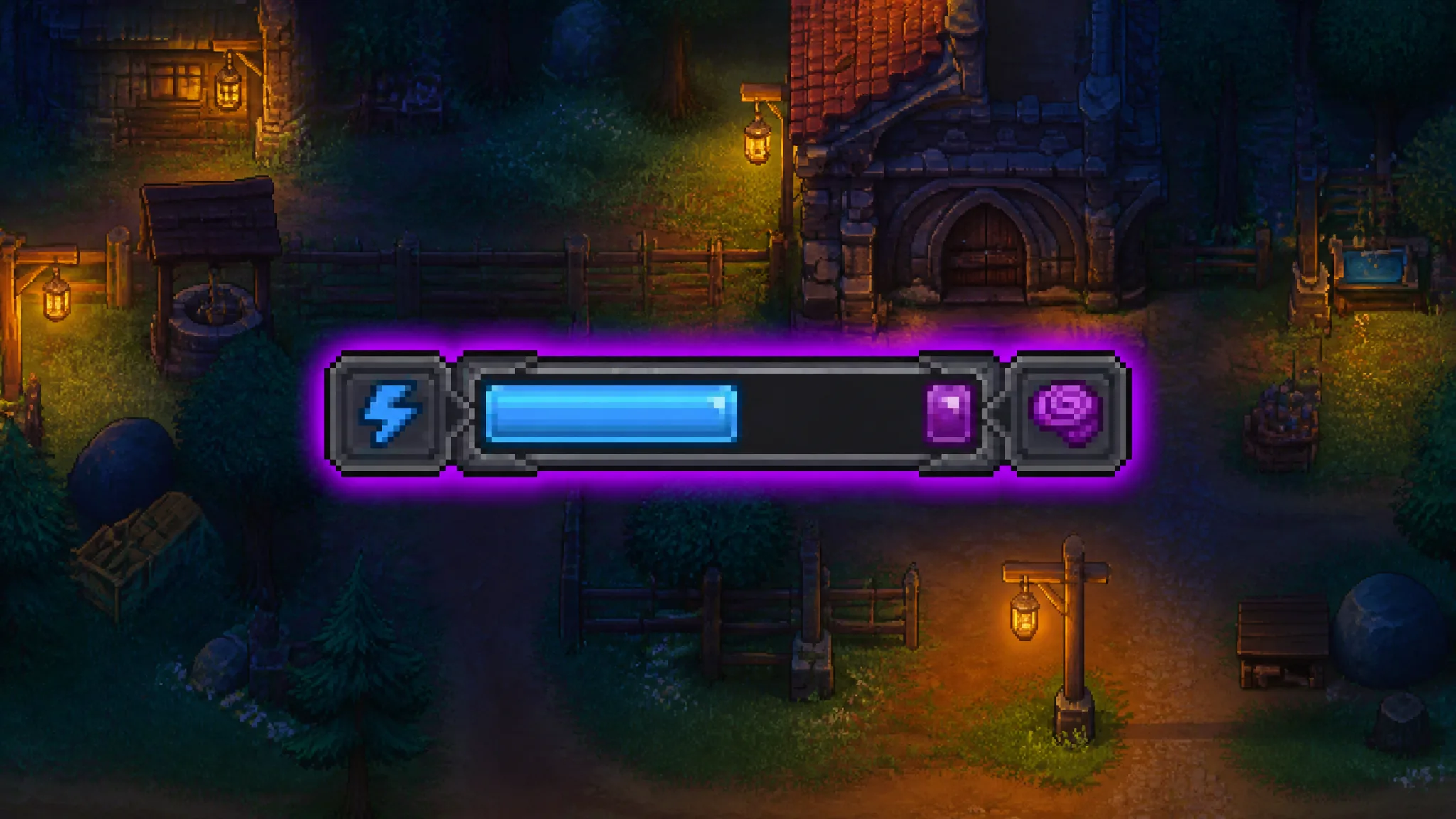
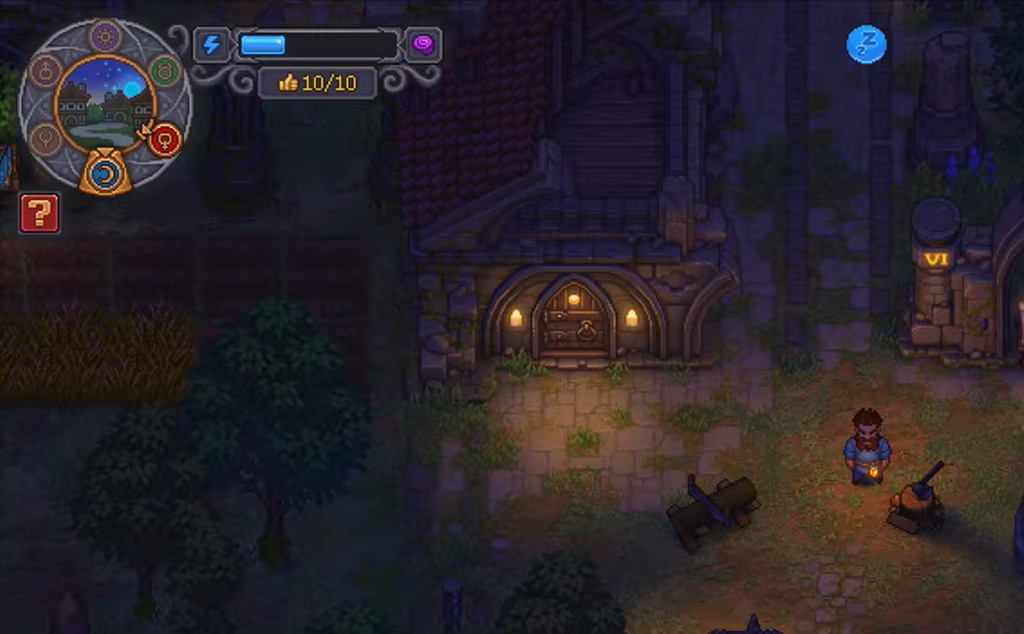
The blue bar at the top of the screen in Graveyard Keeper 2 tracks your energy, and it drains as you dig graves, run autopsies, chop trees, or work at your crafting stations. Sometimes a slice of purple appears at the far end of that bar, and it refuses to fill back up no matter how much you eat. That purple is fatigue, and it quietly caps how much energy you can actually hold.
Quick answer: Purple fatigue is only cleared by sleeping in a bed, and it does not clear every time. Expect the purple to disappear after roughly every two or three sleeps.
What the purple section does to your energy
The purple portion blocks off part of your energy bar and lowers your usable maximum. When you eat or sleep, your energy refills only up to where the purple begins, not all the way to the top. That is why it can look like your character has permanently lost stamina even after a full meal.
Fatigue tends to build up from handling bodies, such as performing autopsies or digging graves, though it is not strictly limited to the morgue. The key thing to understand is that food and the purple bar behave differently.
- Blue energy is what you spend on actions right now, and food or sleep restores it.
- Purple fatigue reduces how much blue energy you can hold in the first place.
- Eating a full meal will not touch the purple portion, so your usable pool stays smaller than normal.
This hits hardest early in the game, when you are clearing debris around your base, building workbenches, and processing corpses by hand with no automation to lean on.
How to remove purple fatigue
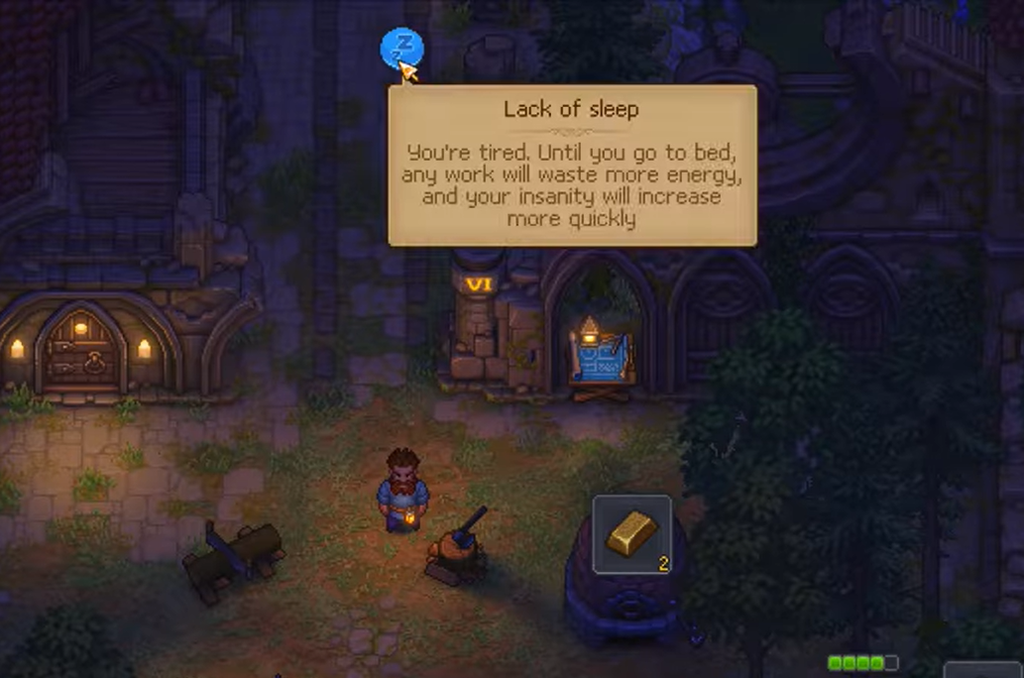
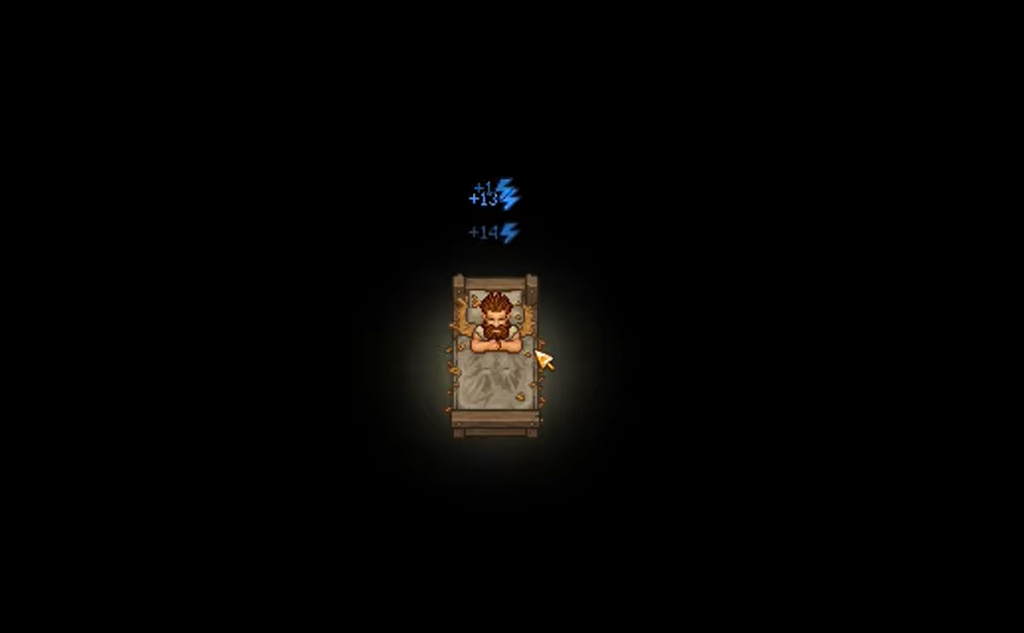
Rest is the only reliable way to recover. Sleeping in a bed restores your regular energy every time, but it does not strip away the purple on every visit. A single short sleep will often leave the fatigue in place.
Instead, the purple tends to clear after you have slept roughly two or three times. If a large chunk of the bar has already turned purple, eating more food will not fix it. Meals top up the blue energy you have left so you can keep working, but recovering the blocked portion needs actual sleep cycles.
If the purple is still there after one sleep, that does not mean resting failed. Keep running a normal day-and-night rhythm and it will shrink over the next few sleeps.
You will know it worked when the purple is gone and your energy bar refills back to its full length, giving you your complete maximum energy again.
How to avoid building up fatigue
The best fix is not letting fatigue pile up in the first place. Working long stretches while your bar is almost empty appears to make the problem worse, since you can start the next session with a smaller effective energy pool. Watch out during long autopsy runs and big crafting batches.
- Avoid consuming beer, which restores energy but also adds fatigue.
- Skip the ‘fat’ from bodies you have autopsied for the same reason.
- Do not run your energy bar all the way down to nothing.
- Carry a few cooked meals so you can top up before hitting empty.
Some consumables are double-edged. Beer restores energy in the short term but adds to your negative condition, so judging an item purely by how much blue it refills can leave you with a smaller maximum.
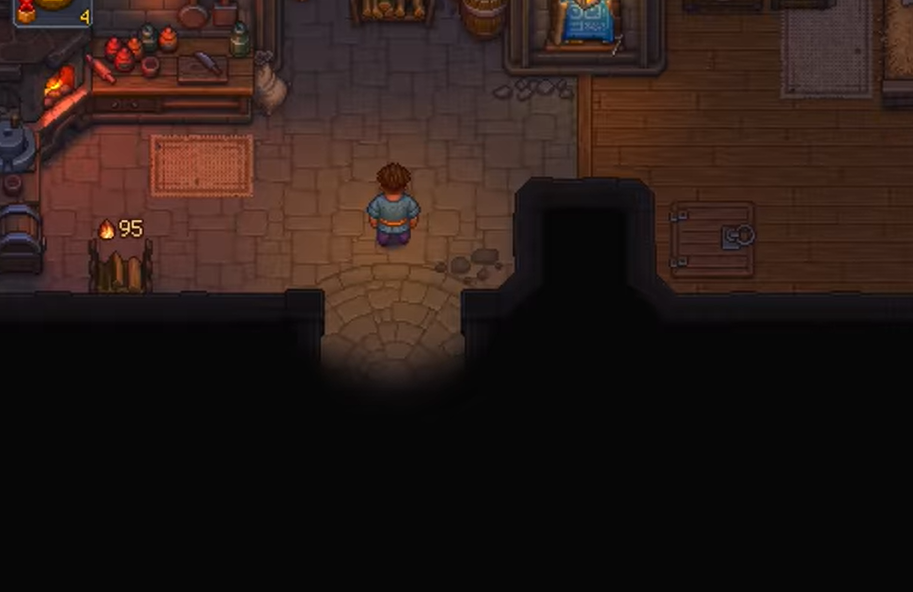
Treat food as a way to manage your current energy and rest as the way to reset your maximum. Alternate demanding work with proper sleep rather than stretching every day out with meals, and as you unlock better cooking recipes it gets easier to keep a steady supply of energy-restoring food on hand without pushing your character to complete exhaustion.