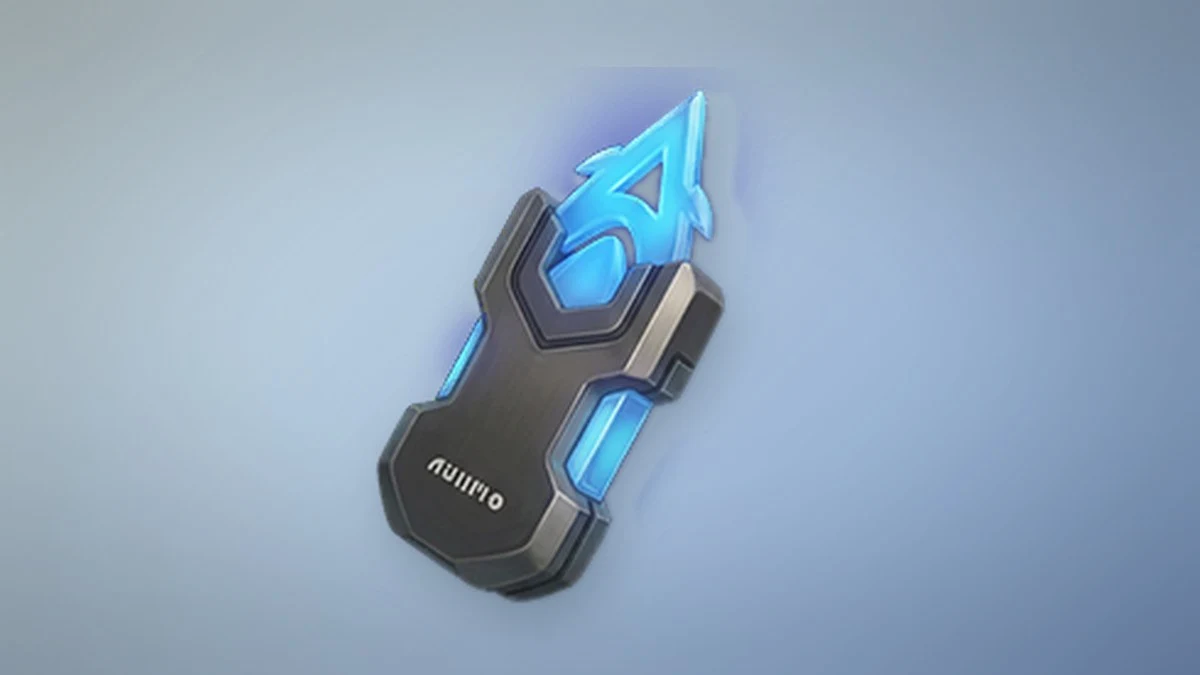
Held Items are the gear you attach to an Aniimo to raise its power, defense, and skill effects. You can collect plenty of them early on, but the slots that hold them stay locked until you clear a specific progression gate. Once that gate is open, equipping and leveling these items becomes a core part of making a team stronger.
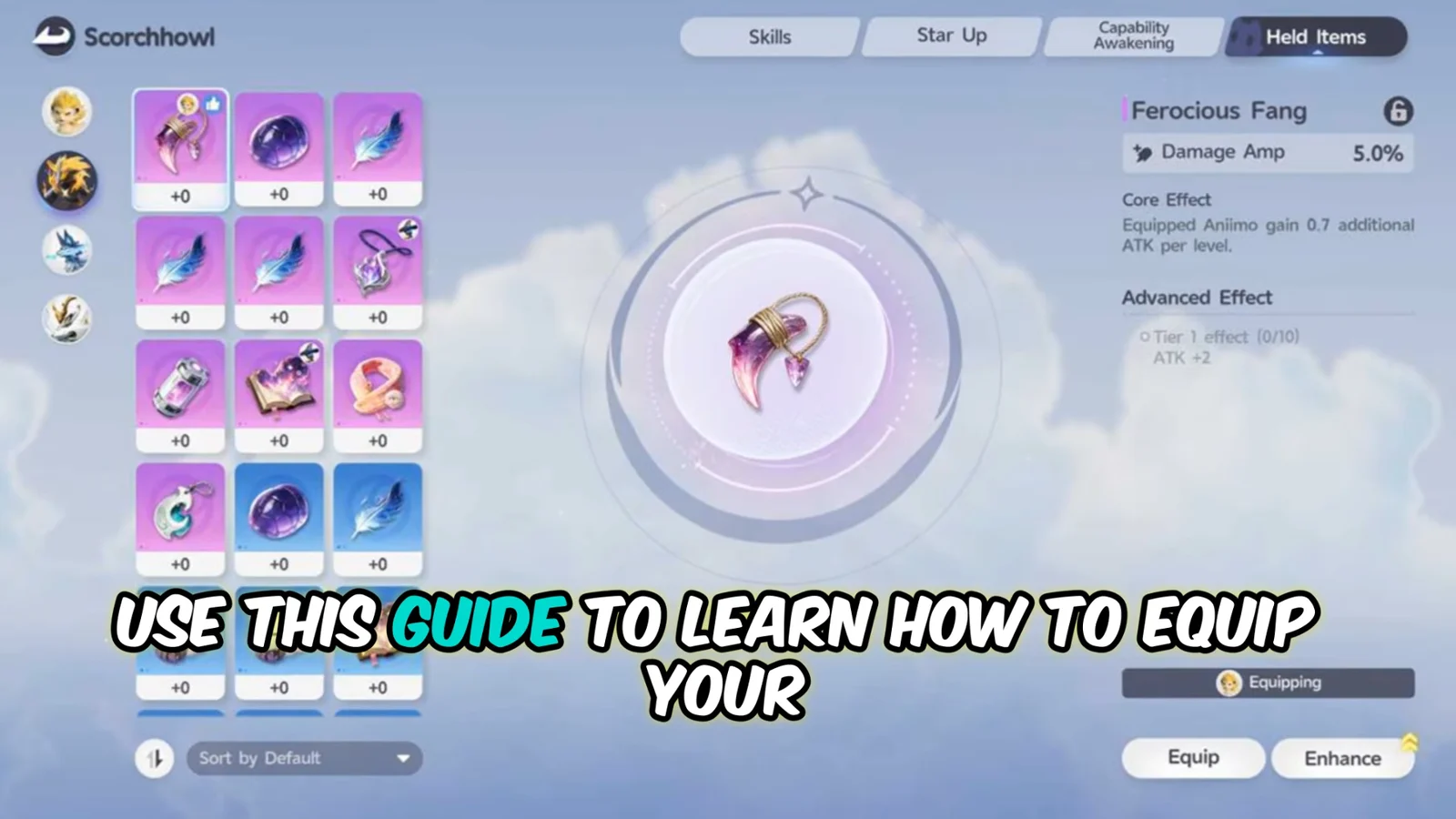
Quick answer: Reach Student Level III to unlock Held Item slots. Then open the Aniimo Management tab (P), pick an Aniimo, choose Training, and open the Held Item tab to equip. Upgrade by feeding duplicate items or Held Item Cores.
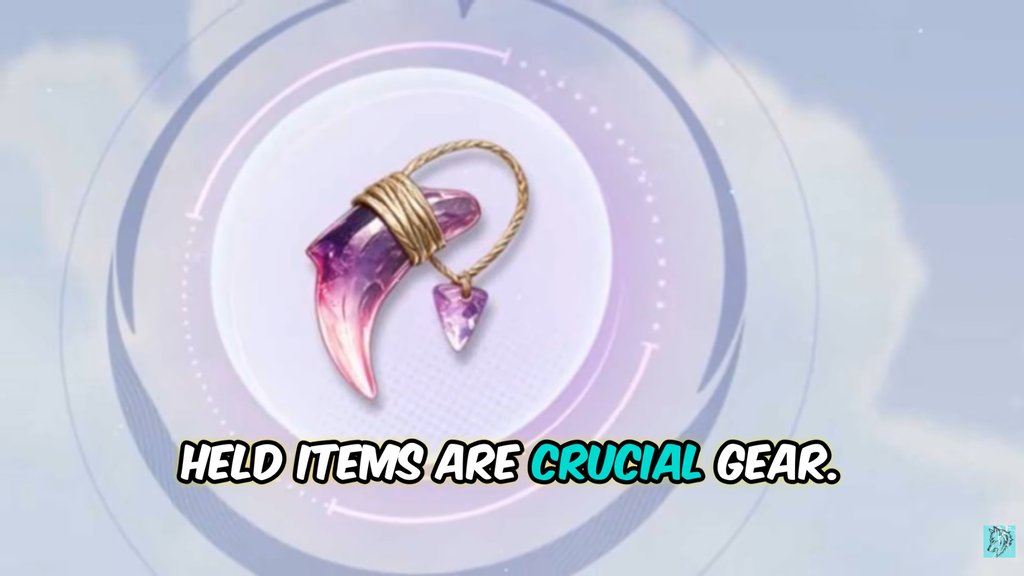
Unlock Held Item slots at Student Level III
Held Items cannot be equipped the moment you find them. Every Aniimo’s Held Item slots stay sealed until your character reaches Student Level III. Until then, the items just sit in your inventory.
Getting there means working through a chain of tasks. You complete parts of the Elite Training Core Courses, level up your character, and then finish a questionnaire with Dr. Lewis at the Outpost. Once Student Level III is confirmed, the slots open and you can start attaching items.
Where to get Held Items
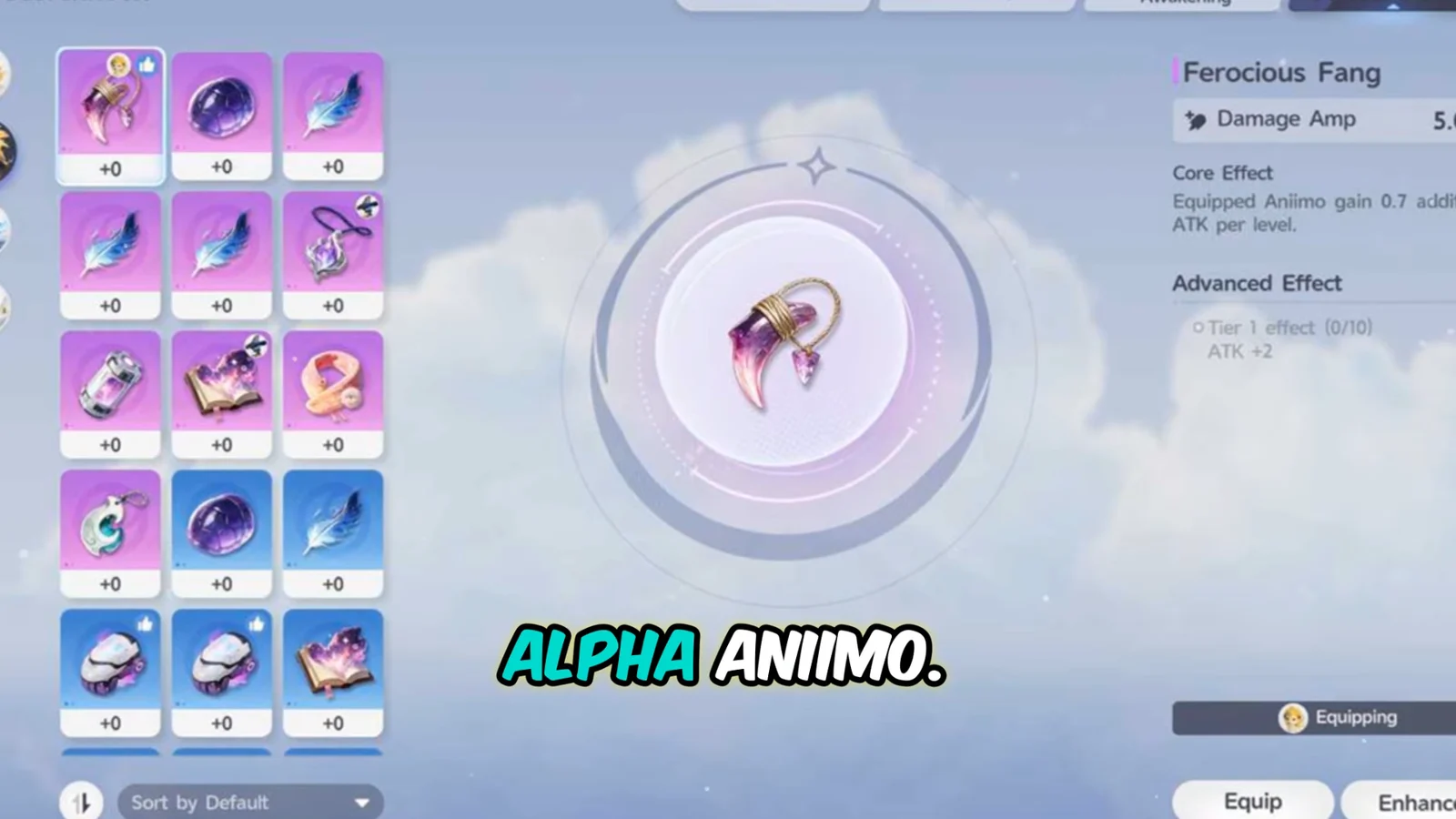
Held Items drop from several activities, so you build a stock naturally as you explore and fight. The main ways to obtain them are listed below.
- Defeating Alpha Aniimo, the larger open-world enemies with unique battle mechanics
- Completing Sanctuaries
- Finishing Special Events
- Reaching Journey Discoveries
- Opening treasure chests during overworld exploration
Held Item qualities and how to use each one
Held Items come in three qualities that decide their strength and their best role in your progression. Higher quality items carry higher stats.
| Quality | Rarity | Best use |
|---|---|---|
| Blue | Rare | Fodder to enhance better items, or disposable |
| Purple | Epic | Main gear for most of the adventure |
| Gold | Legendary | Endgame targets, worth chasing late |
Blue items are strongest as enhancement material for your Purple items rather than long-term gear. Purple items carry most teams through the main story. Gold items are the endgame goal, and you earn them mainly through Companion Handbook (Season Pass) levels and certain Aniimo events.
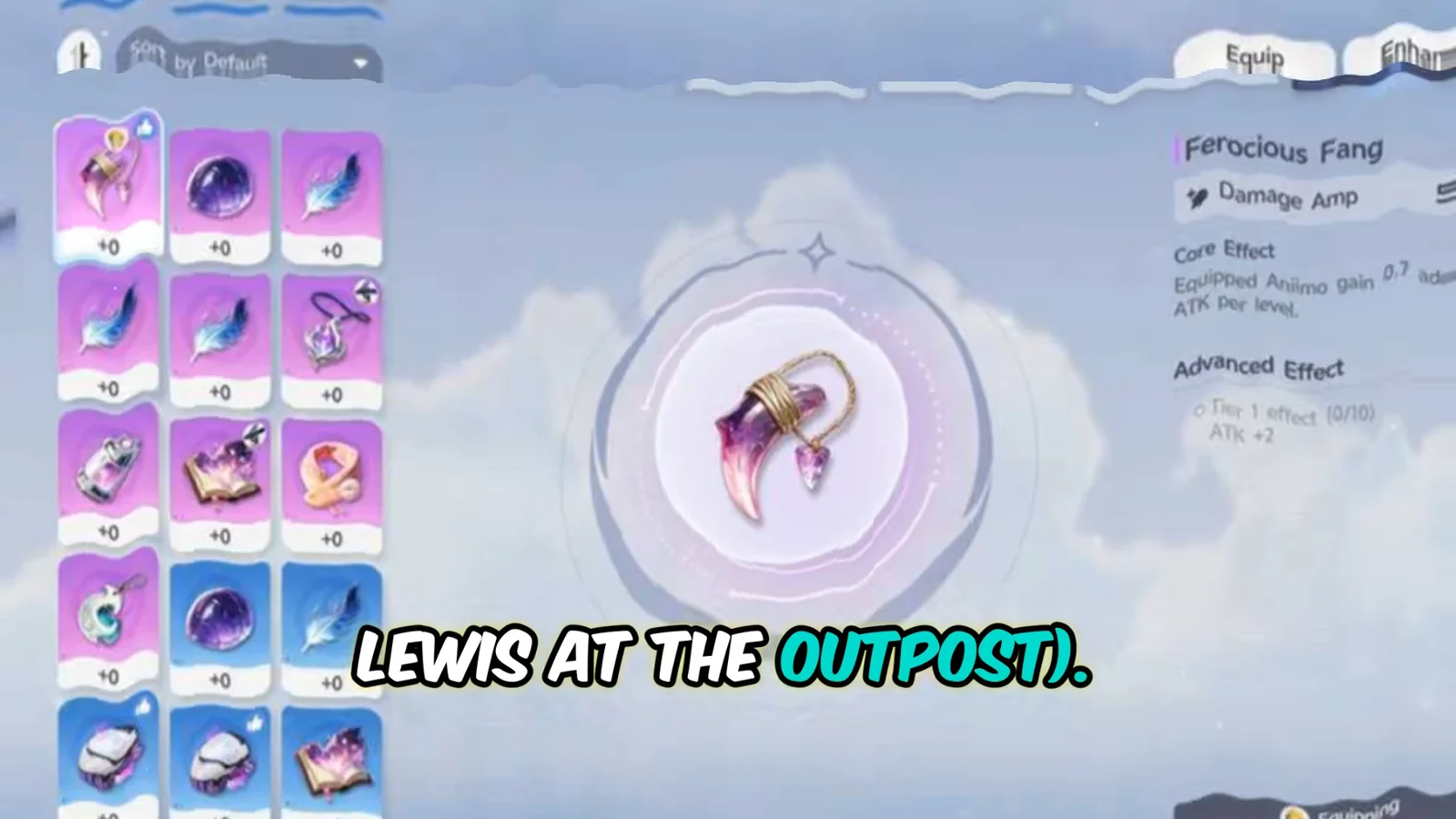
How to equip a Held Item
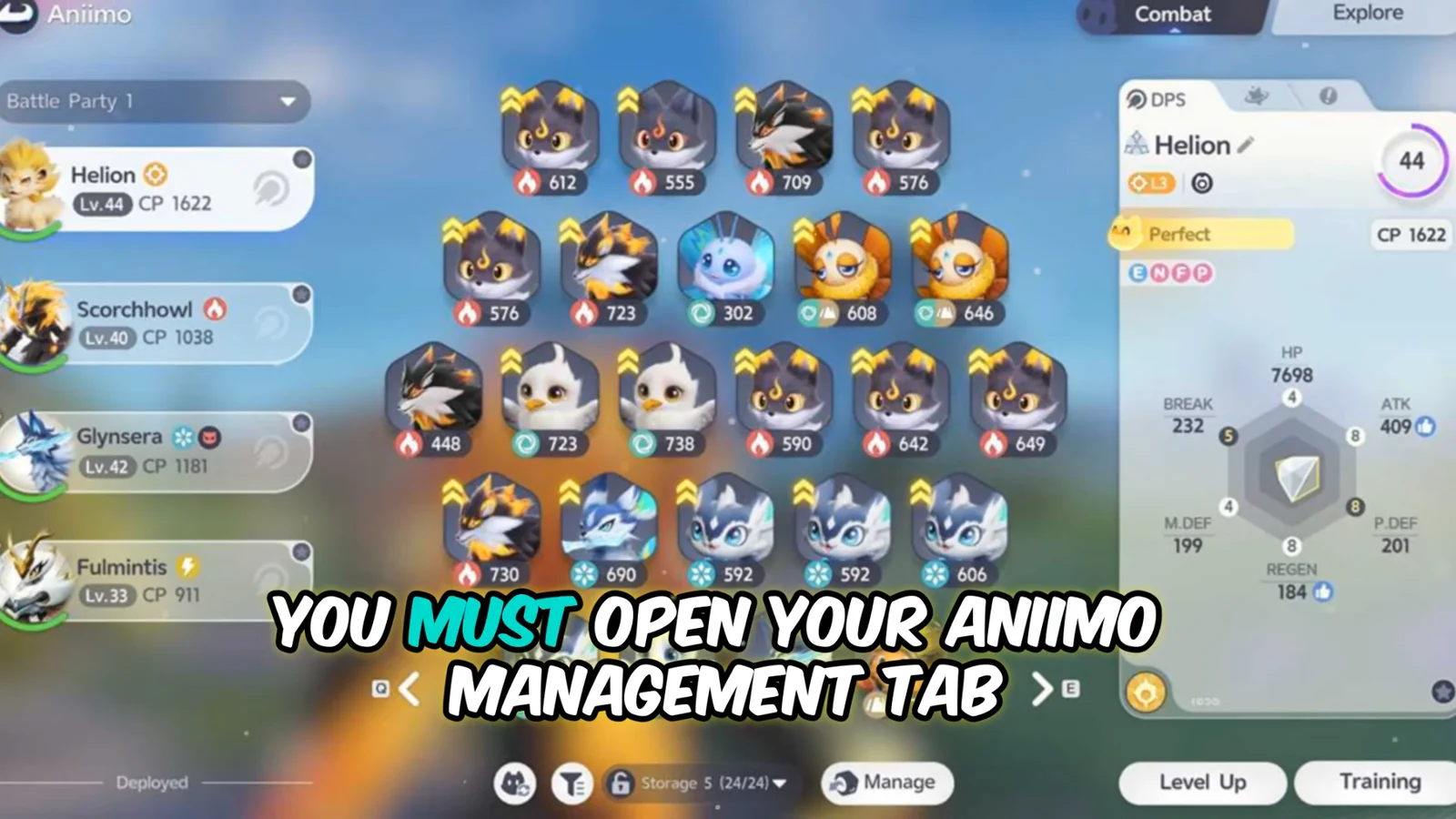
How to upgrade Held Items
Every Held Item has levels, and raising them increases the item’s core stats. That makes its effects hit harder and directly raises the power of the Aniimo carrying it. There are two ways to feed an upgrade.
- Sacrifice other Held Items of the same or lower quality
- Use Held Item Cores from chests, Elite Training Objectives, or defeated Alpha Aniimo
Feeding items of the same value grants more upgrade levels per use, but it burns through gear you could otherwise keep. Cores are the more efficient route in the long run because you are not spending usable items to power the process.
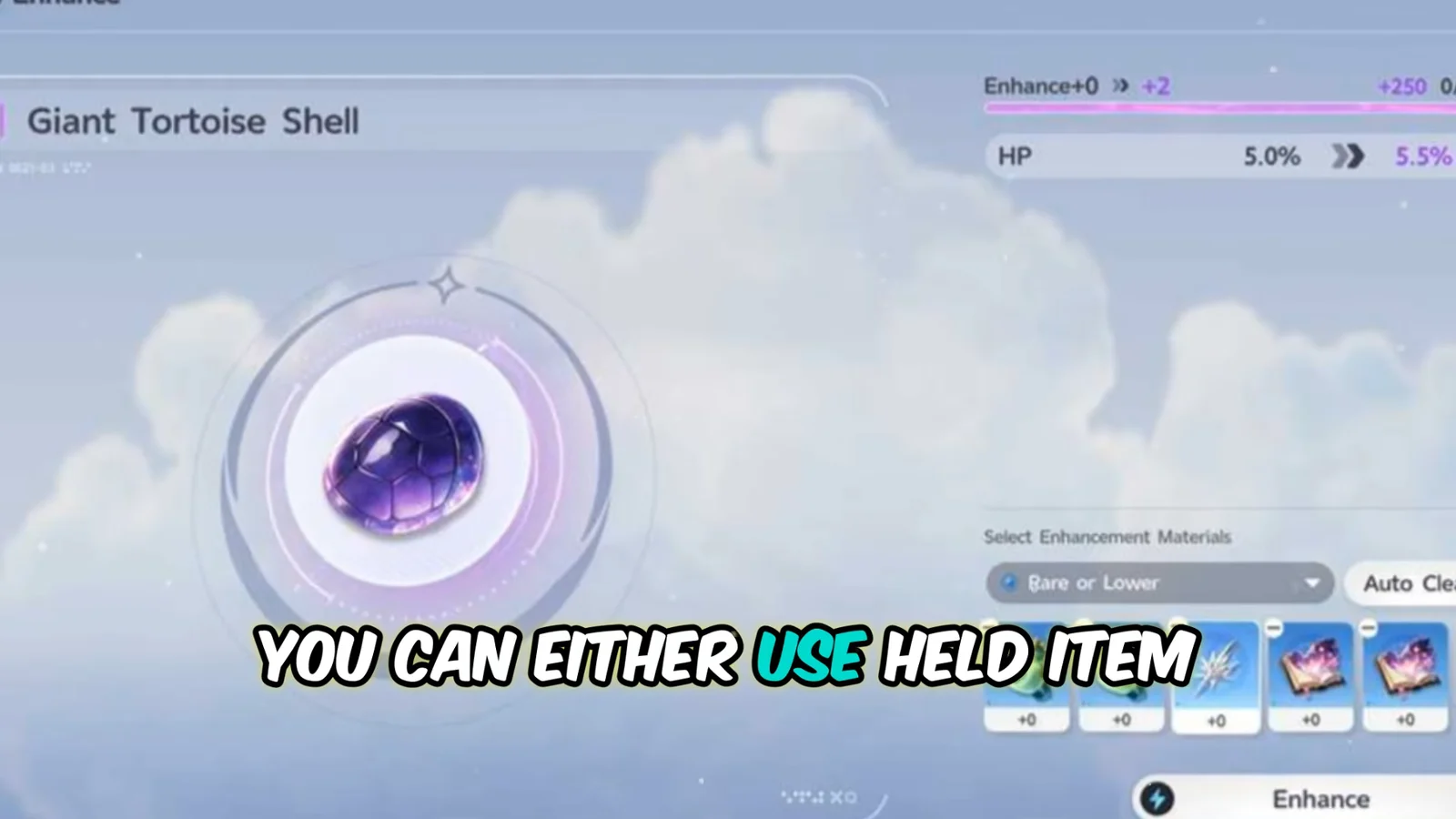
You know an upgrade landed when the item’s level number climbs and its core stats show higher values on the enhance screen. Once the slot is filled and the level is raised, the boost carries into battle with that Aniimo. From here, keep your Purple items enhanced through the main story and shift your Cores toward Gold gear as you approach the endgame.