A controller reset that stops your players from lobbing the ball on every pass and first touch.
A controller reset that stops your players from lobbing the ball on every pass and first touch.
by AllThingsHow Staff · Edited by Pallav Pathak
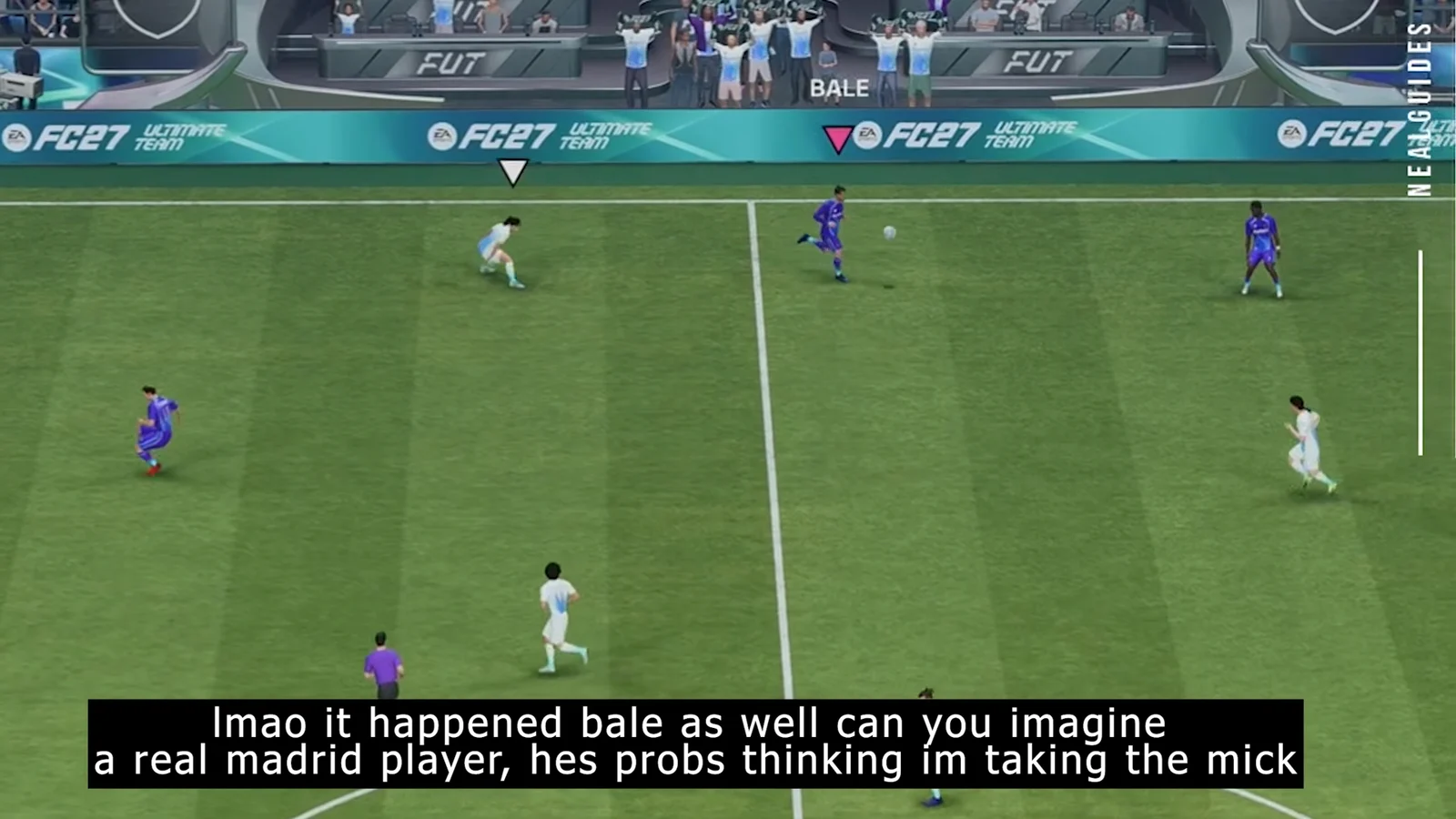
The Flick Up/Lob glitch in EA Sports FC 27 turns ordinary passing into chaos. Instead of playing a clean ground pass, your player flicks the ball into the air or starts juggling it on the first touch, handing possession straight to the opponent. It shows up on PlayStation 5, Xbox Series X, and PC, and it usually traces back to corrupted local profile data that makes the game read a standard pass as a skill input.
Quick answer: Restore default game settings, switch your controller preset to Classic and save over your slot, remap your buttons, save your FC profile, then fully close and restart the game.
When the Flick Up/Lob glitch happens
The bug appears the moment you try to pass or collect the ball. The receiver lifts the ball instead of controlling it flat, so a routine pass becomes a lob and your midfield gets caught out of position. Trying to change your buttons mid-match will not help, because the damaged profile stays loaded in memory until the game is closed. The reliable fix is done from the menus and finished with a full restart.
Fix the Flick Up/Lob glitch in FC 27
Leave any match or mode first and return to the main menu before you begin. Follow these steps in order.
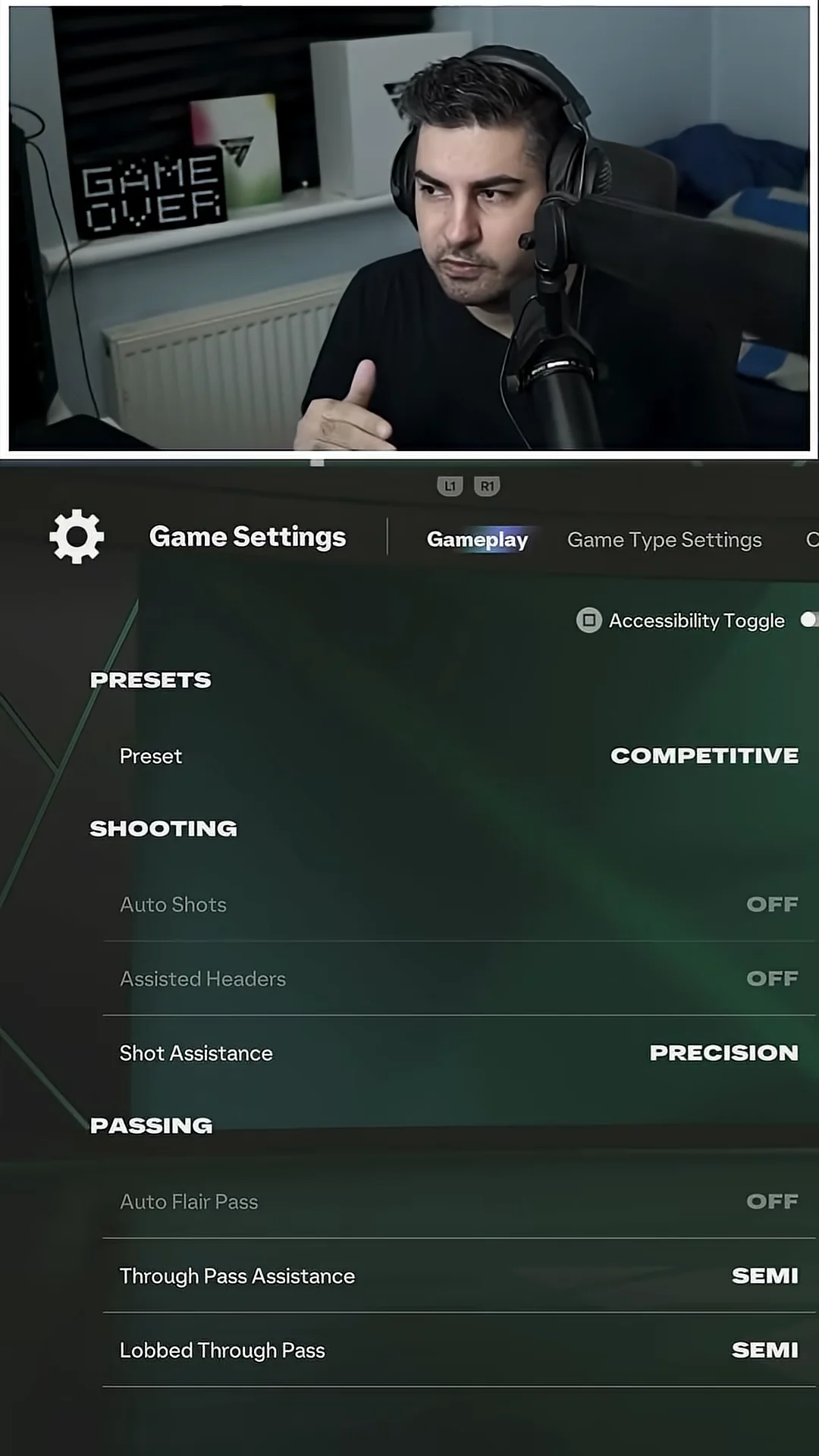
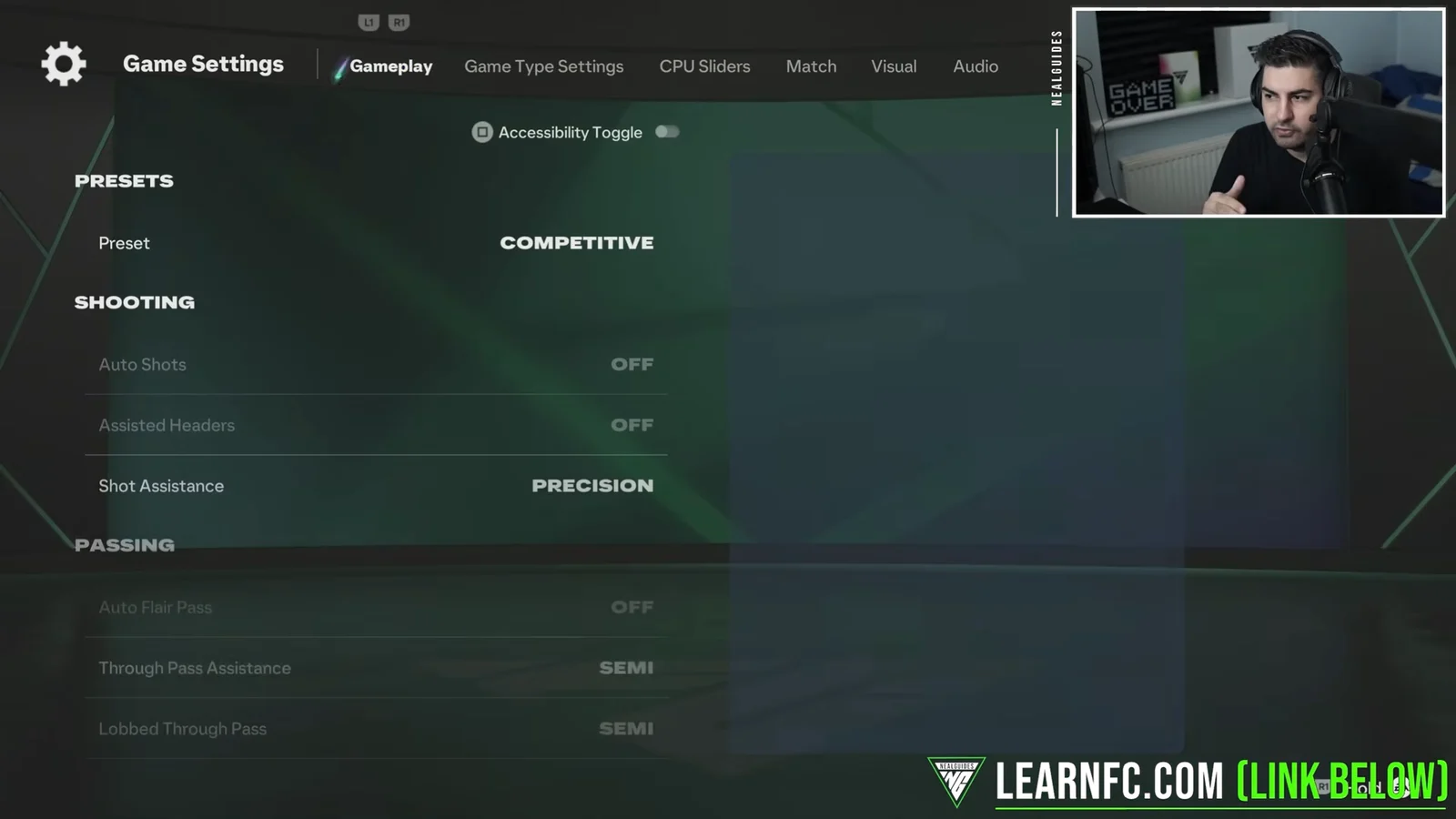
Press Restore Defaults and confirm “Yes” when asked to reset the settings in this section. This clears the corrupted input cache and gives you a clean baseline.
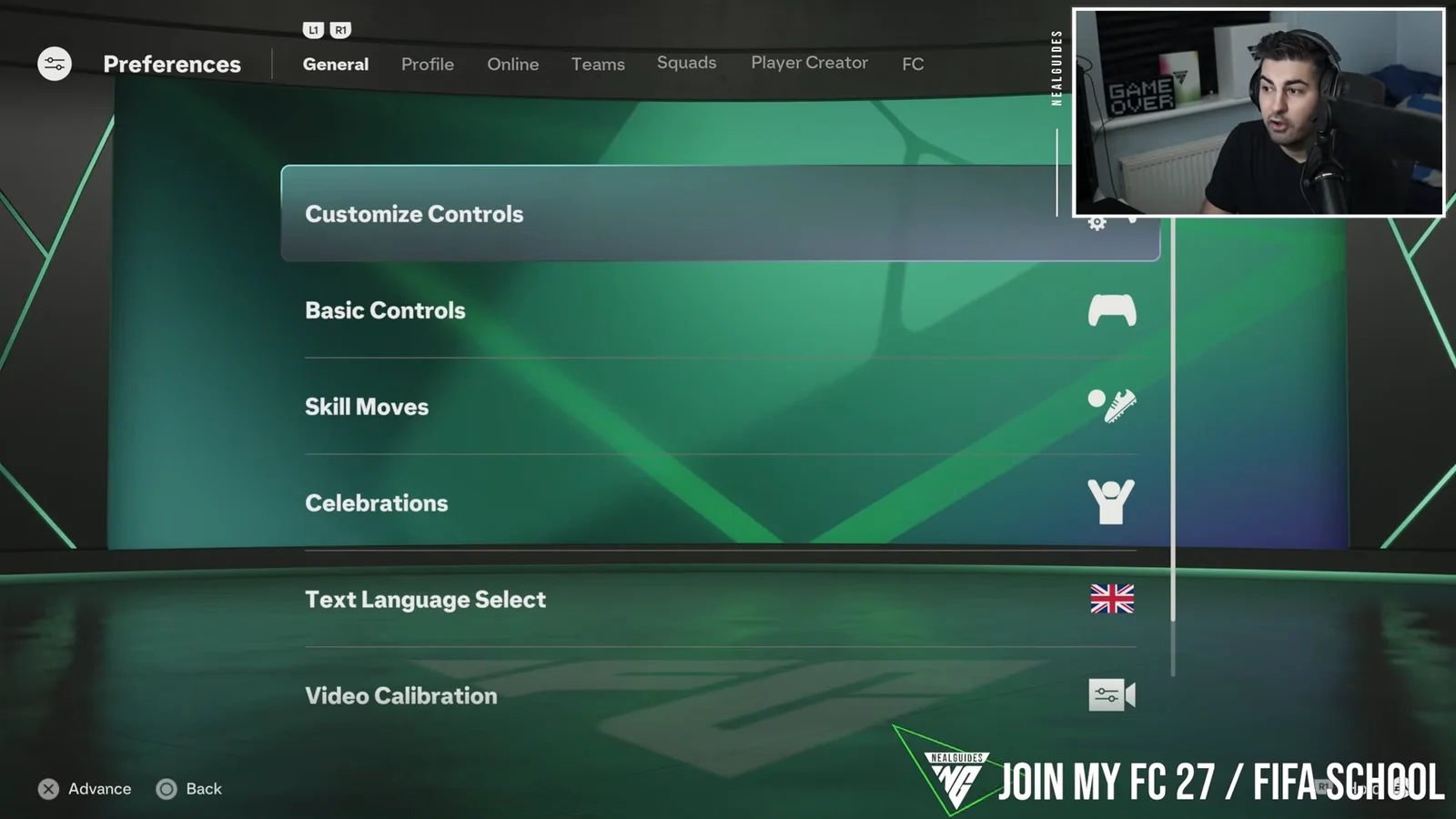
Go back to the main menu, open Preferences, then Customize Controls. Under Attack, change your Preset to Classic, regardless of the input method you normally use.
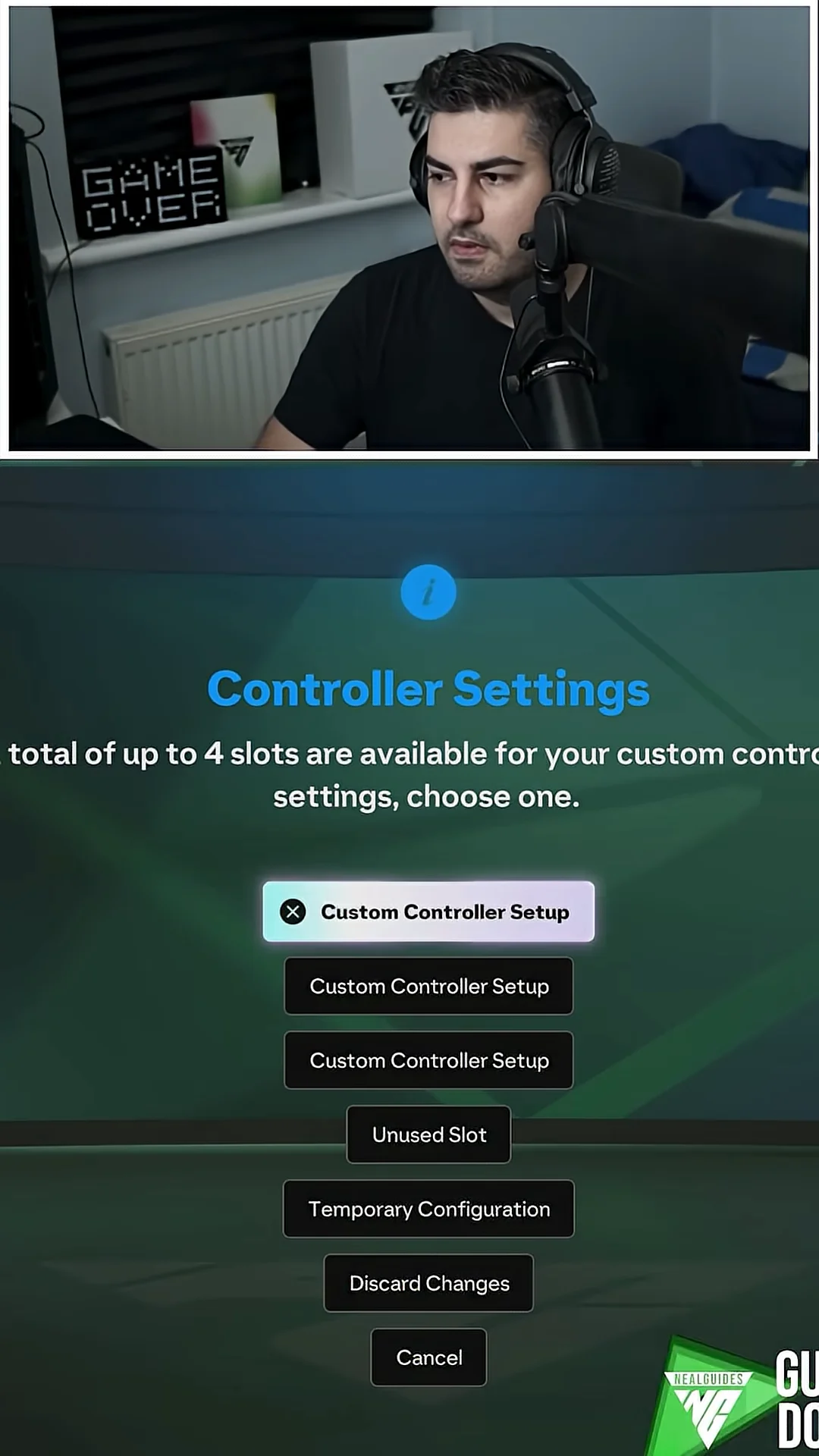
Back out of the screen so it saves, and confirm when prompted to overwrite your current controller setup with the Classic layout. This replaces the broken custom profile with the clean default.
Re-enter Customize Controls and remap the buttons you want, such as your Shoot and Sprint bindings or a legacy layout. Back out and confirm the overwrite again so the changes save as your custom setup.
In Preferences, move to the FC tab and choose Save FC Profile. Confirm “Yes” to save your personal settings file so the corrected setup is locked to your profile.
Close the game completely from the console or PC home screen, not just the menu. A full shutdown clears the leftover controller data from active memory.
Restart FC 27 and load your modified profile. Head back into Preferences and Customize Controls to confirm your bindings are still in place, then save once more.
Confirm the fix worked
Jump into a match and test a few passes. If the fix has taken, your players collect the ball flat and ground passes travel along the pitch instead of popping into the air. You can double-check by returning to Customize Controls after the restart and seeing that your custom bindings are still saved.
If the ball is still being lobbed on every touch, run the whole process again from Step 1. Repeating the reset and restart clears the profile a second time and usually settles it.
This workaround holds until a permanent patch lands, so keep it handy if the glitch resurfaces after an update. Once passing feels responsive again, you can go back to your usual controls and modes without the ball floating away on every touch.