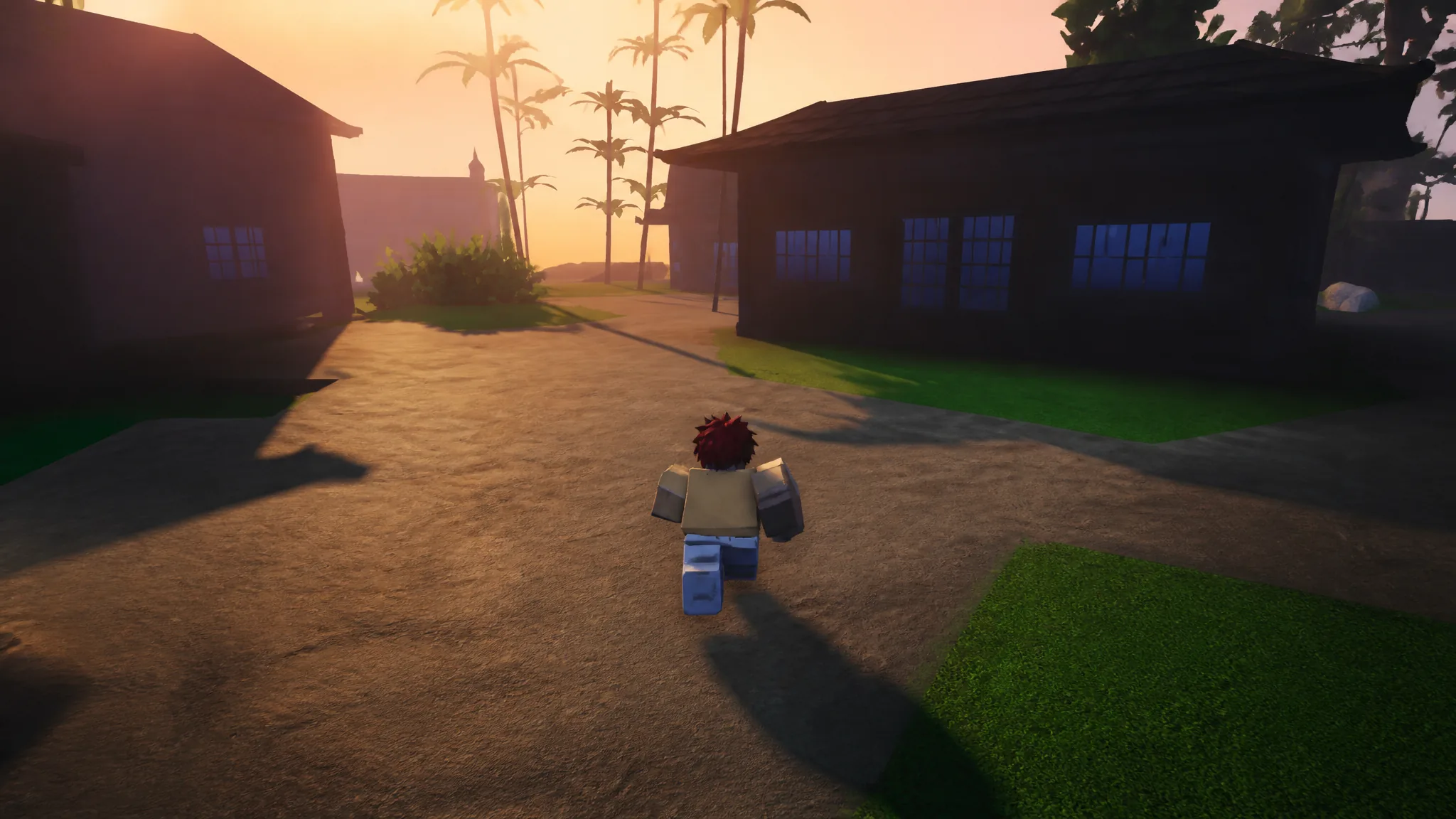
Holding a key down for every long run between quest markers in Slayers 2 gets old fast, especially on a keyboard where your left hand also handles WASD movement and ability slots. Roblox includes a movement option that flips sprinting from a hold-to-run input into a single press, and it applies while you are playing Slayers 2.
Quick answer: Open the menu icon in the top-left corner, go to Settings, switch to the Controls tab, and turn on Toggle run. One tap of Left Shift then keeps you running.
What Toggle run changes in Slayers 2
By default, running is a hold input. You press and keep holding Left Shift to move at sprint speed, and your character drops back to walking the moment you let go. With Toggle run enabled, the same key becomes a switch instead of a hold, so a single press starts the sprint and it stays active while you move.
This is a movement setting only. It does not touch your combat inputs, so the dash on Q still works the same way, and your ability slots on 1 through 4 are unaffected. It also does not change Shift lock, which is a separate camera option that locks your character’s facing direction to the camera.
Enable Toggle run in the Controls tab
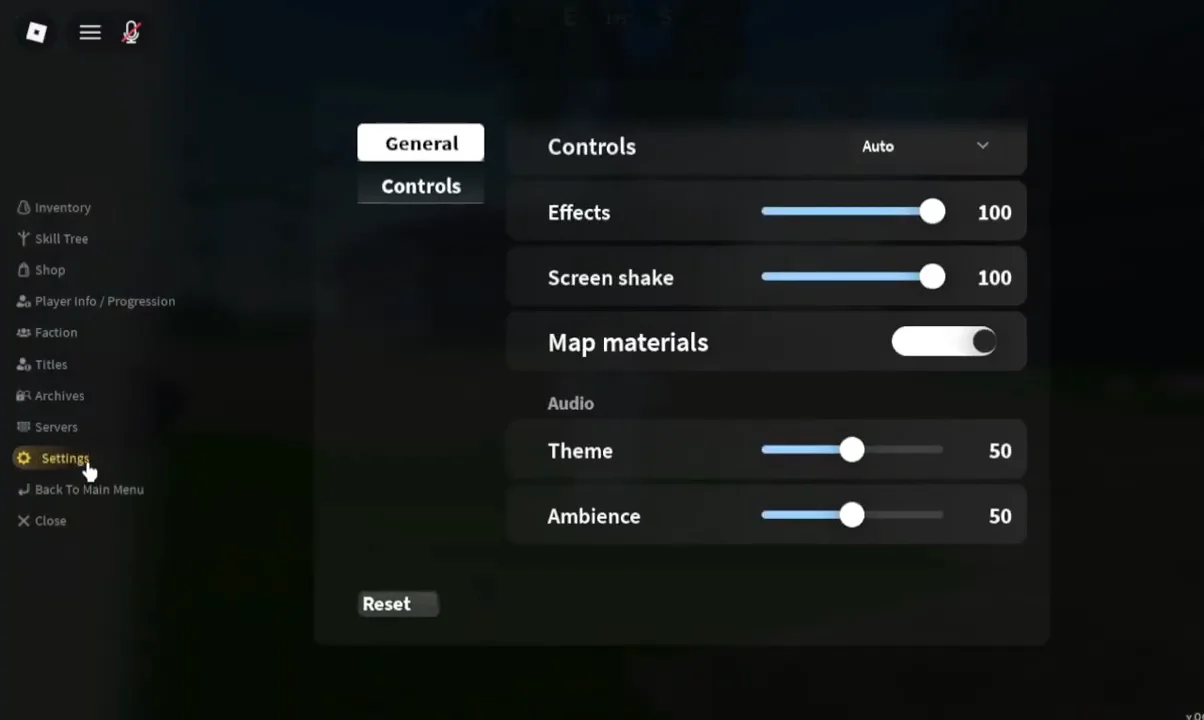
Set Shift lock the way you want it while you are already in this menu. Leaving it on helps you strafe and keep fast bosses in frame, and many players switch it off again for open-world travel.
Confirm sprint is working
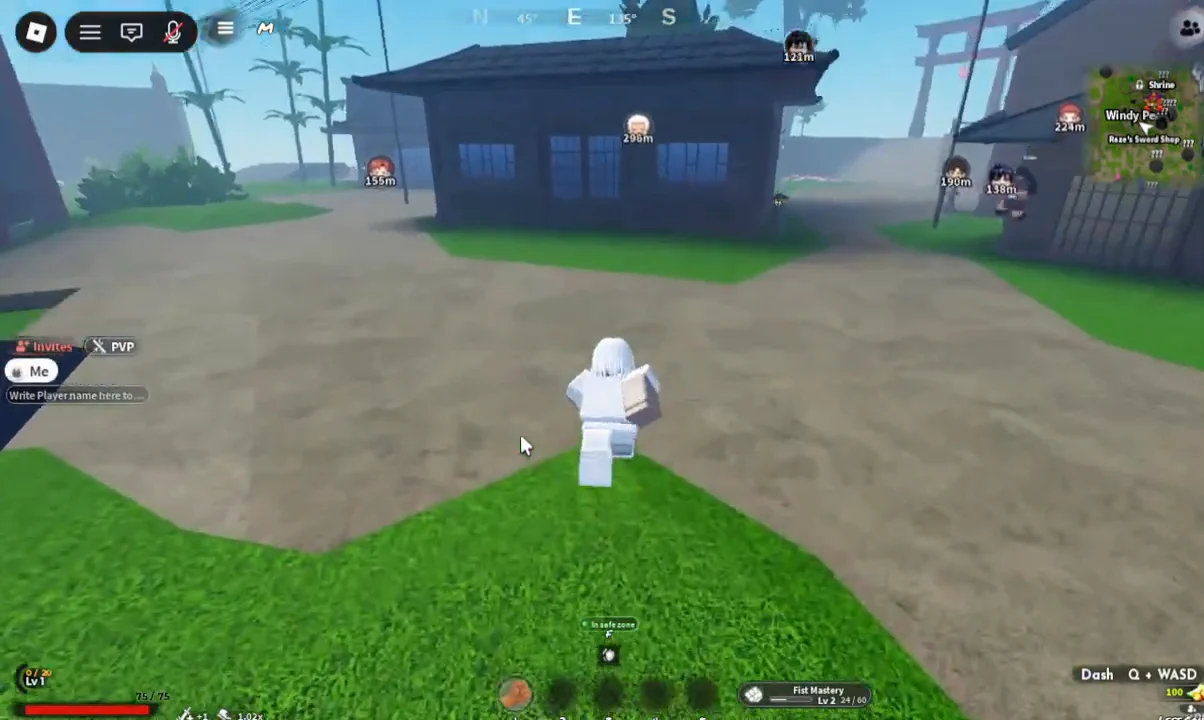
Close the menu and tap Left Shift once, then move with WASD. If the setting took effect, your character keeps running at sprint speed with the key released, and a second press drops you back to normal movement. If you still slow down the instant you let go of the key, the toggle did not get switched on, so reopen the Controls tab and check the Movement row again.
Movement and input settings worth checking
A few other options sit close to the run toggle and shape how movement feels once you stop holding a key down.
| Setting | What it does | Baseline |
|---|---|---|
| Toggle run | Turns sprint into a single press | On |
| Run | The sprint key binding | Left Shift |
| Shift lock | Locks facing to the camera | On for combat |
| Camera sensitivity | View rotation speed | Medium to high |
Slayers 2 does not offer full key remapping for every action on PC, so the default layout is worth memorizing rather than fighting. Movement stays on WASD, jump on Spacebar, basic attacks on the left mouse button, interactions on F, inventory and skills on Tab, and the map on M once the region is unlocked.
Movement on mobile
Touch devices do not use a Left Shift key at all. Movement runs through the virtual joystick on the left side of the screen, with the camera handled by dragging on the right, so the run toggle is a keyboard-side convenience rather than something mobile players need.
What mobile players can adjust instead are the touch-specific options the game exposes.
- Button resizing, so every ability sits inside your thumb’s reach
- Shift lock toggling, for steadier aim during boss fights
- Aim Assist sensitivity, which controls how strongly attacks pull toward nearby targets
- Graphics quality, set to auto or low on weaker phones
Moving the dash button away from the attack cluster is the other adjustment that pays off, since a mistimed tap there costs you an evade rather than a bit of travel time.
The change sticks between sessions, so you only need to set it once per device. If you ever want the original behavior back for precise positioning during a fight, the same Movement row in the Controls tab switches Toggle run off again.