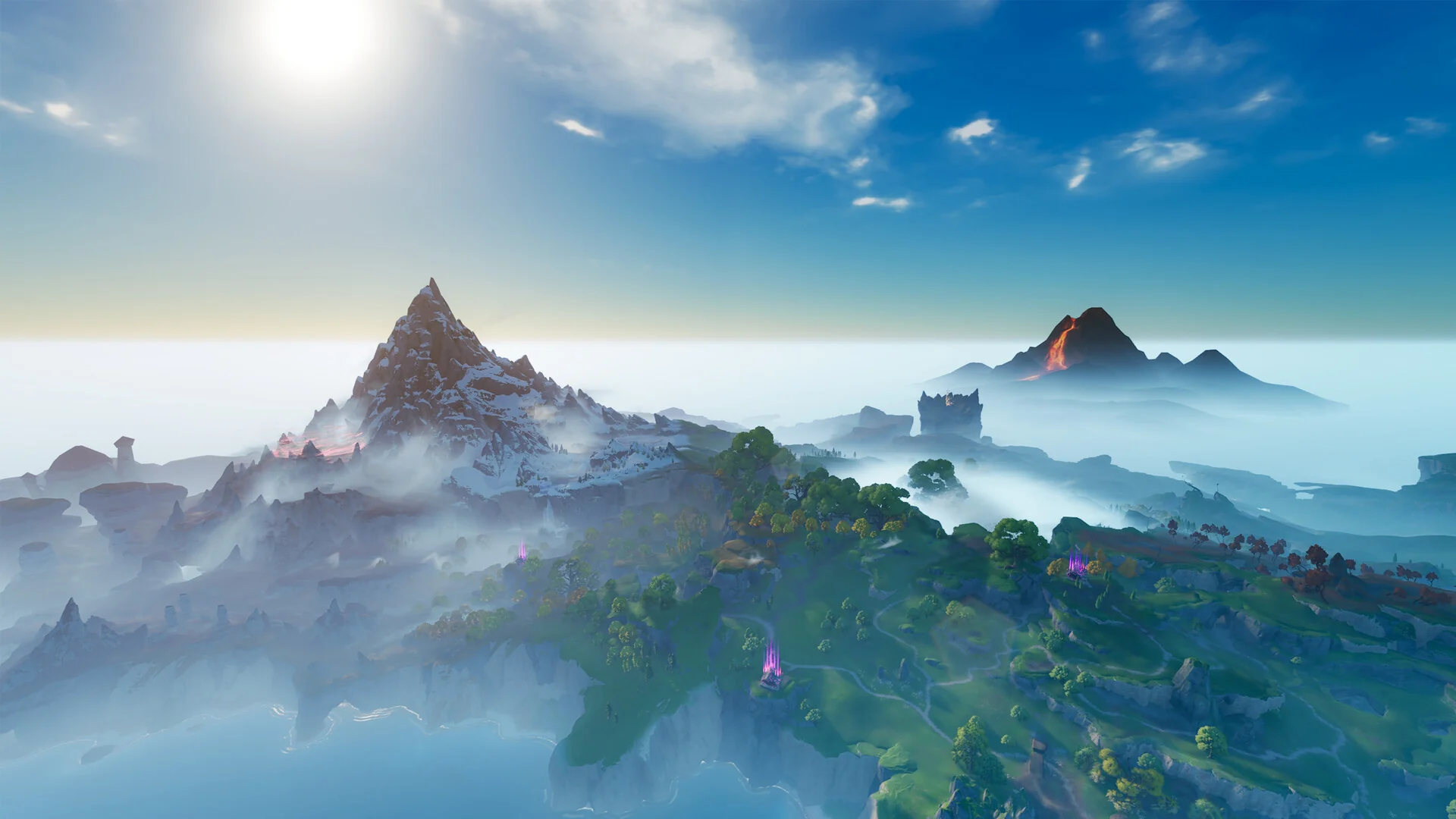
Some Aniimo only appear under specific skies, so controlling the weather is the fastest path to filling regional forms and variants in your Aniilog. The game gives you a manual switch at a central hub, plus a couple of shortcuts when that switch does not cover the region you need.
Quick answer: Unlock Change Weather at the Breezy Plains Branch by infusing 60 Lumin Amber and earning a region’s Silver Badge, then spend a Prismana Crystal to trigger Prismana Flow. Rain, snow, and thunderstorm cannot be set manually yet.
Requirements to unlock manual weather control
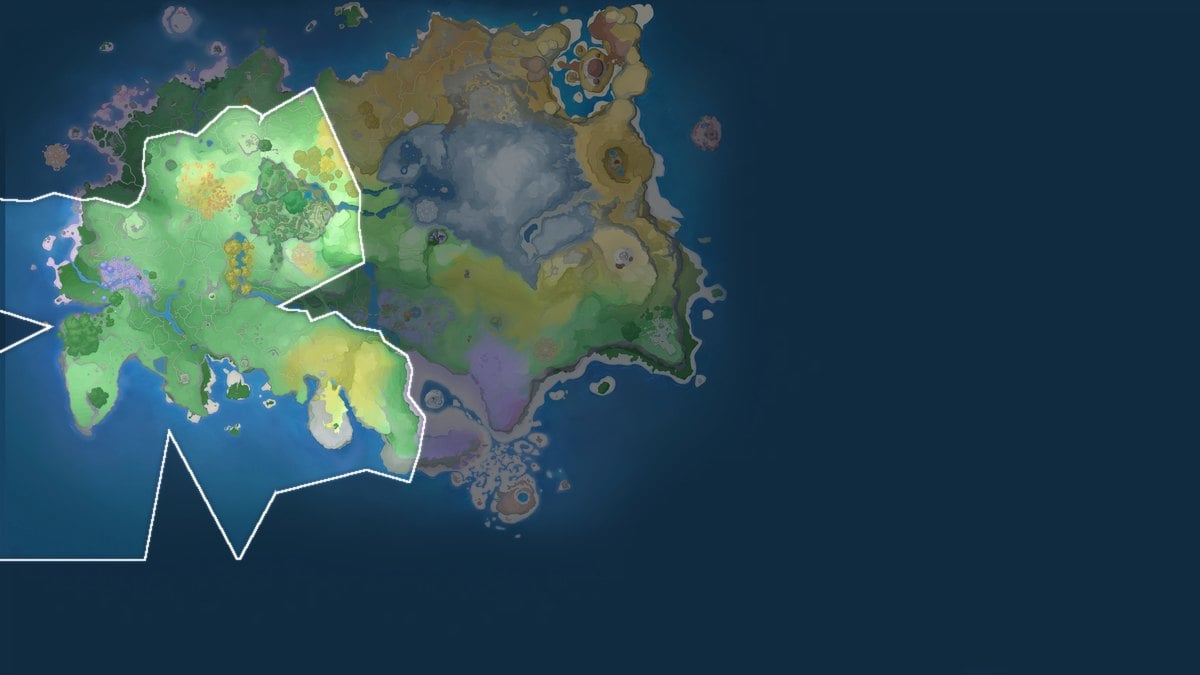
Manual weather is tied to the Breezy Plains Branch in the Nimbus Fields region. Before the Change Weather option becomes usable, you need to clear two prerequisites, and each Prismana Flow you trigger afterward has its own cost.
- Infuse 60 Lumin Amber at the Breezy Plains Branch to open the Change Weather button.
- Earn a region’s Silver Badge by reaching 70% Aniimo collection there and defeating the local Alpha once.
- Hold one Prismana Crystal for every Prismana Flow you activate.
Lumin Amber items are scattered across Idyll, found in the open world or earned from world challenges and puzzles. Prismana Crystal is far rarer and comes only from donating Lumin Amber, so plan around a limited supply.
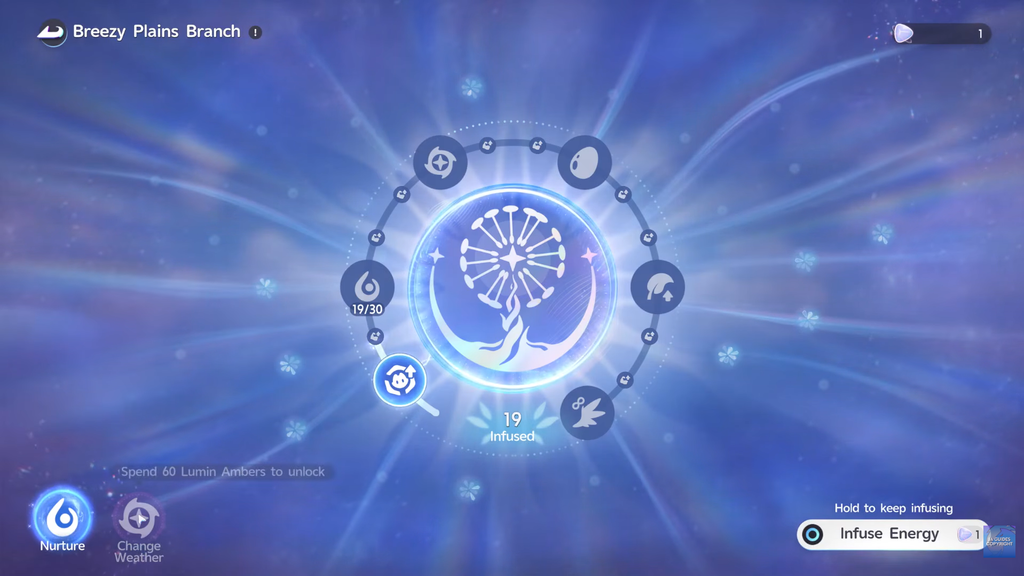
Change weather at the Breezy Plains Branch
The menu also lists sunny, rainy, snowy, and thunderstorm options, but those are grayed out in the current build. Only Prismana Flow is selectable through manual activation right now; the standard weather types are expected in a later update.
Other ways to reach the weather you need
Because you cannot manually set rain, snow, or thunderstorm, two options fill the gap when a region is stuck in the wrong conditions.
Visit another player’s world in co-op
Each player’s world determines its weather independently. When a friend is currently experiencing the conditions you need, join their world through an invite and search there for weather-locked Aniimo instead of waiting for your own timer. The host’s weather cannot be checked beforehand, making this risky unless you already know what sky they have.
Wait for the real-time cycle
Each region runs its own weather on a real-time clock, and there is no free time-skip for it. Waiting is the reliable fallback when you have no Prismana Crystal to spend and no co-op partner to visit.
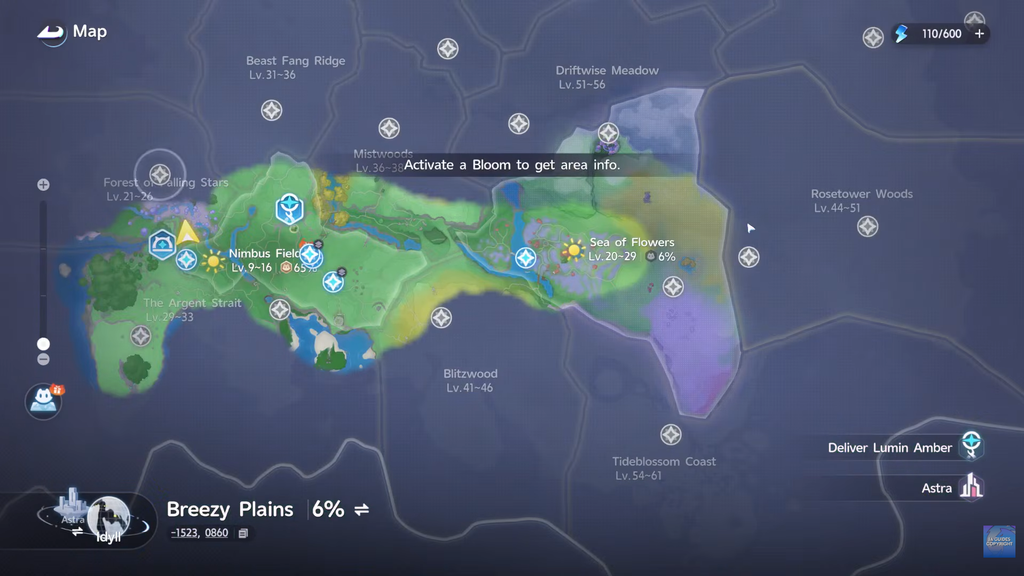
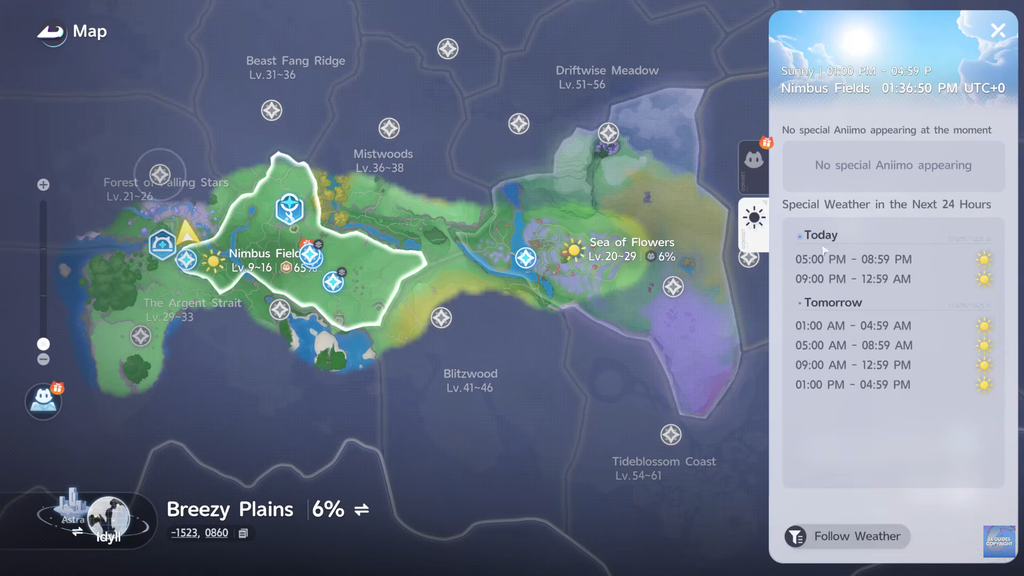
Check the region weather schedule
The map shows what is coming so you can time your visits instead of guessing.
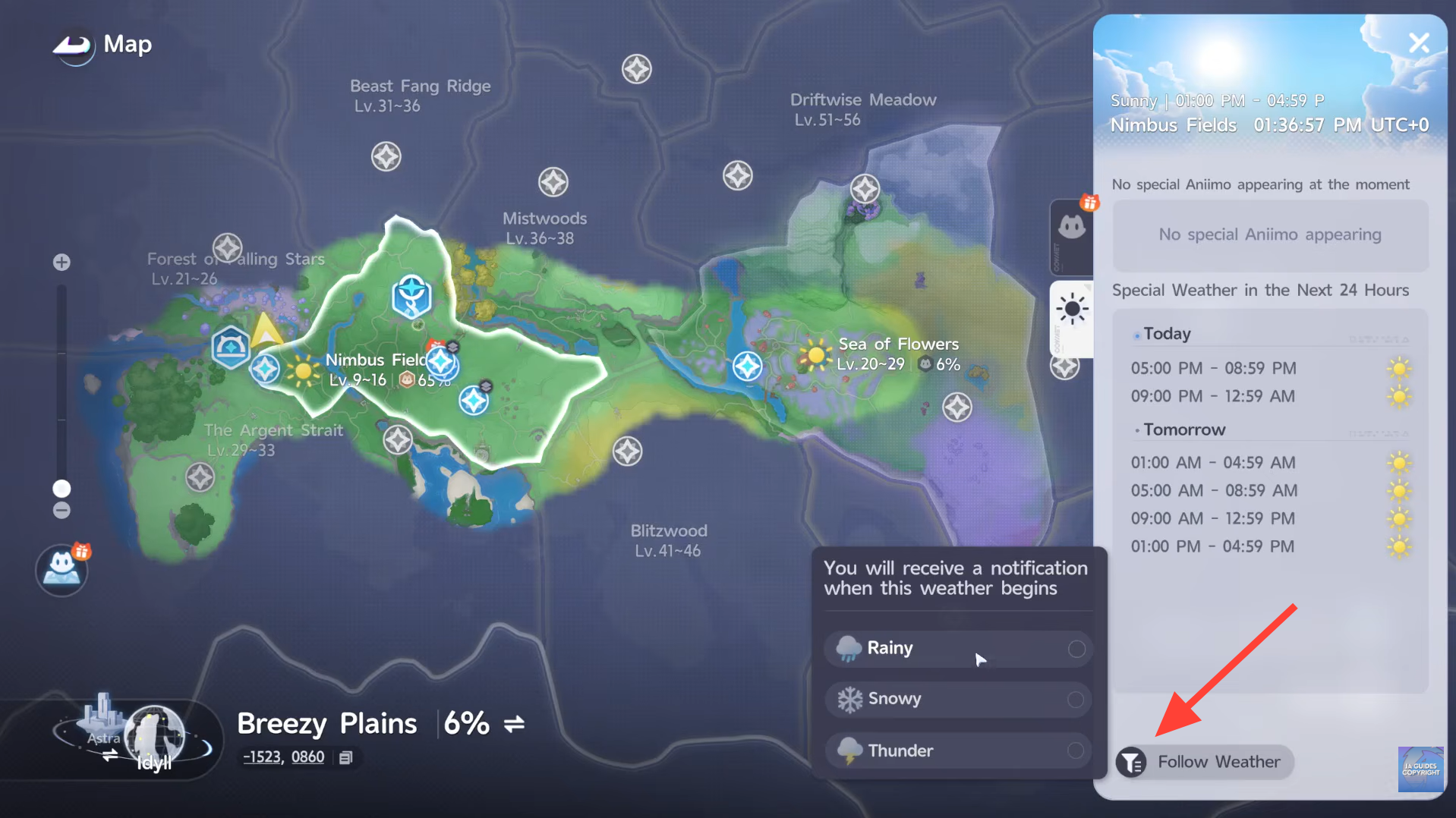
You can track a condition from that panel to get a notification the next time it starts, which saves you from checking the map repeatedly.
Photo mode has its own weather selector, sitting under the cloud icon, but it only dresses the scene for screenshots. It does not change the world or affect which Aniimo spawn outside the camera.
What each weather condition spawns
Weather does more than change the scenery. It swaps in special regional forms and tilts battle math toward certain elements.
| Weather | Special forms | Battlefield effect |
|---|---|---|
| Rain | Rainstorm Forms (Nimbi, Turbo, Stellarys) and Beach Forms like Tromber | Boosts Water and Dark; dampens Fire skills |
 Thunderstorm Thunderstorm | Thunderstorm Forms (Scorchhowl, Sherro) | Boosts Electric spawns across affected zones |
| Snow | Snowfield Forms (Pomegg, Baleetle, Rookey) | Grants wild creatures an Ice alignment |
| Prismana Flow | Prismana Forms (Turbo, Stellarys, Thornblade) | Higher spawn rates; enhanced stats and rainbow palettes |
Shooting Stars are separate from the weather system. They appear at night, and following a landed star leads you to an Alpha Luminelle rather than shifting spawns like a weather state.
How to confirm the change worked
A successful Prismana Flow is easy to read. The sky fills with a rainbow aura, wild spawn rates climb, and rare Prismana variants start appearing in place of the region’s usual encounters. If none of that happens after selecting the option, check that you had a Prismana Crystal to spend and that the region shows its Silver Badge. Regions stay locked in the menu until you reach 70% collection there.