IGNBTS Twixxels Stalker RP: How to Get the 3D Tormentor Badge
Both trigger spots for the badge, plus where the matching morph pad sits inside the Badge And Admin Room.
Both trigger spots for the badge, plus where the matching morph pad sits inside the Badge And Admin Room.
by Reyaan Verma
The 3D Tormentor is one of the taller, spindlier creature models in IGNBTS Twixxels Stalker RP, and it is locked behind a badge pickup hidden on one of the game’s maps. The badge itself is a simple touch trigger — no boss fight, no timer — but the object you need to touch is small, unlabeled, and easy to run straight past while a stalker is chasing you.
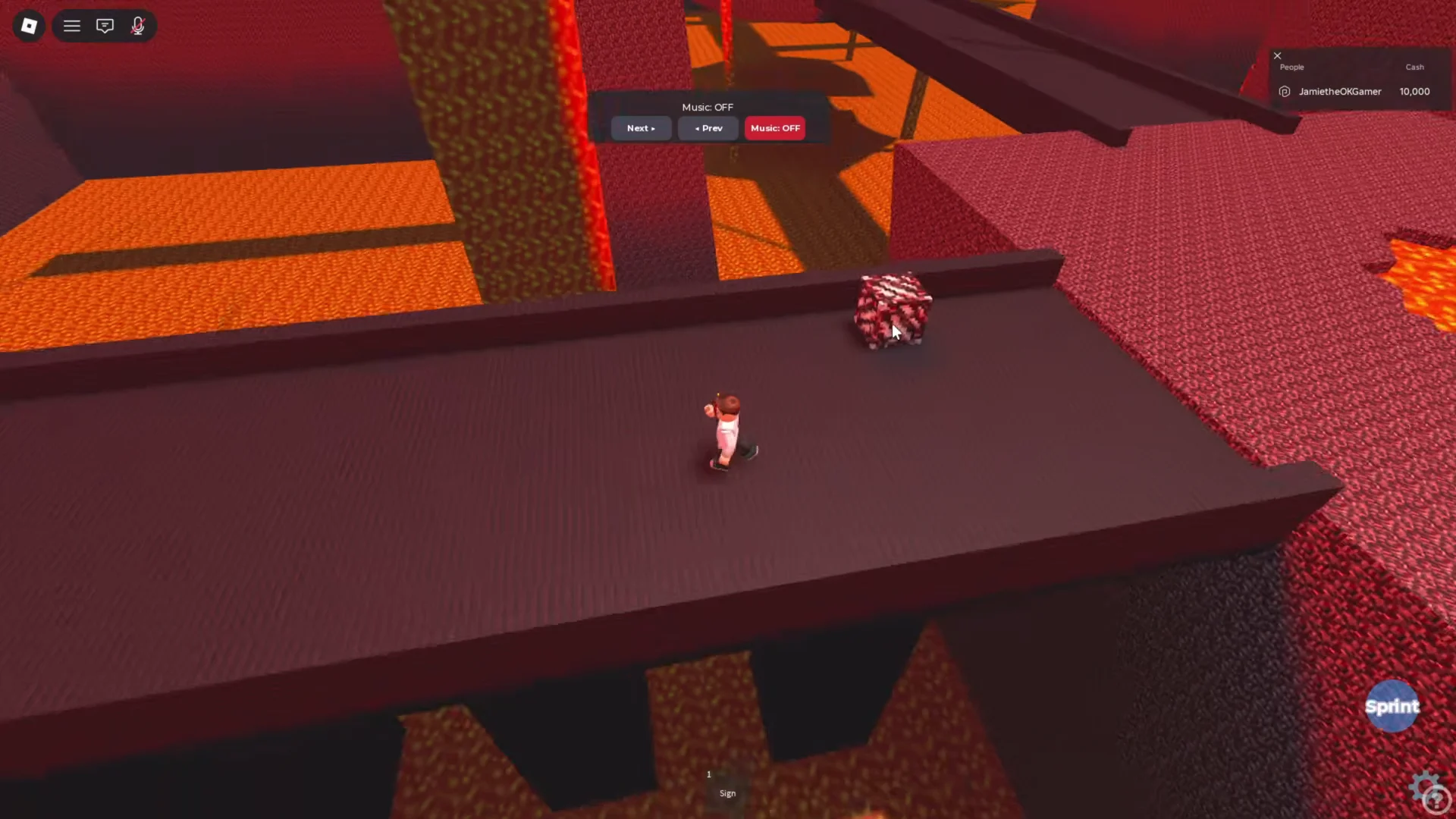
Quick answer: Touch the patterned red block on the Nether bridge, then step onto the morph pad under the 3D Tormentor model in the Badge And Admin Room.
Where the 3D Tormentor badge trigger is located
Two pickup spots have been used to claim the badge, on two different maps. Both are reached from the main lobby, where every map has its own labeled portal or doorway on the wall.
Map
Landmark
Trigger object
Nether
Bridge ledge over the lava lakes
Patterned red block
The Village
Cobblestone church tower, upper floor
Old computer monitor on a crate
The Nether block is the more commonly used route, and it is the one that appears on the map most players teleport to first. Neither pickup needs an item, a level, or a gamepass — walking into the object is enough.
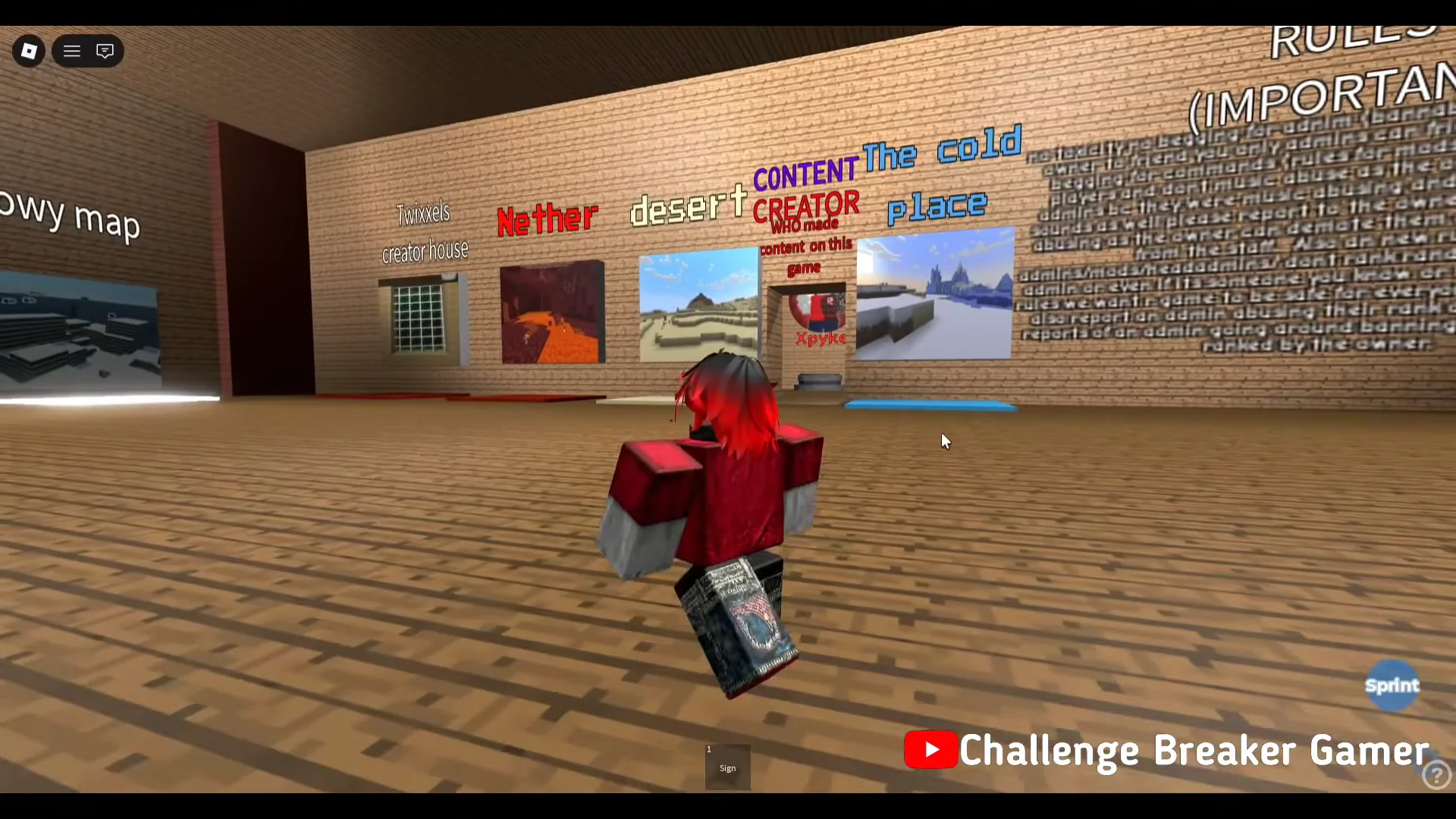
From the spawn pad in the lobby, walk along the wall of map signs until you reach the picture portal marked Nether. Jump into the portal to load the map.
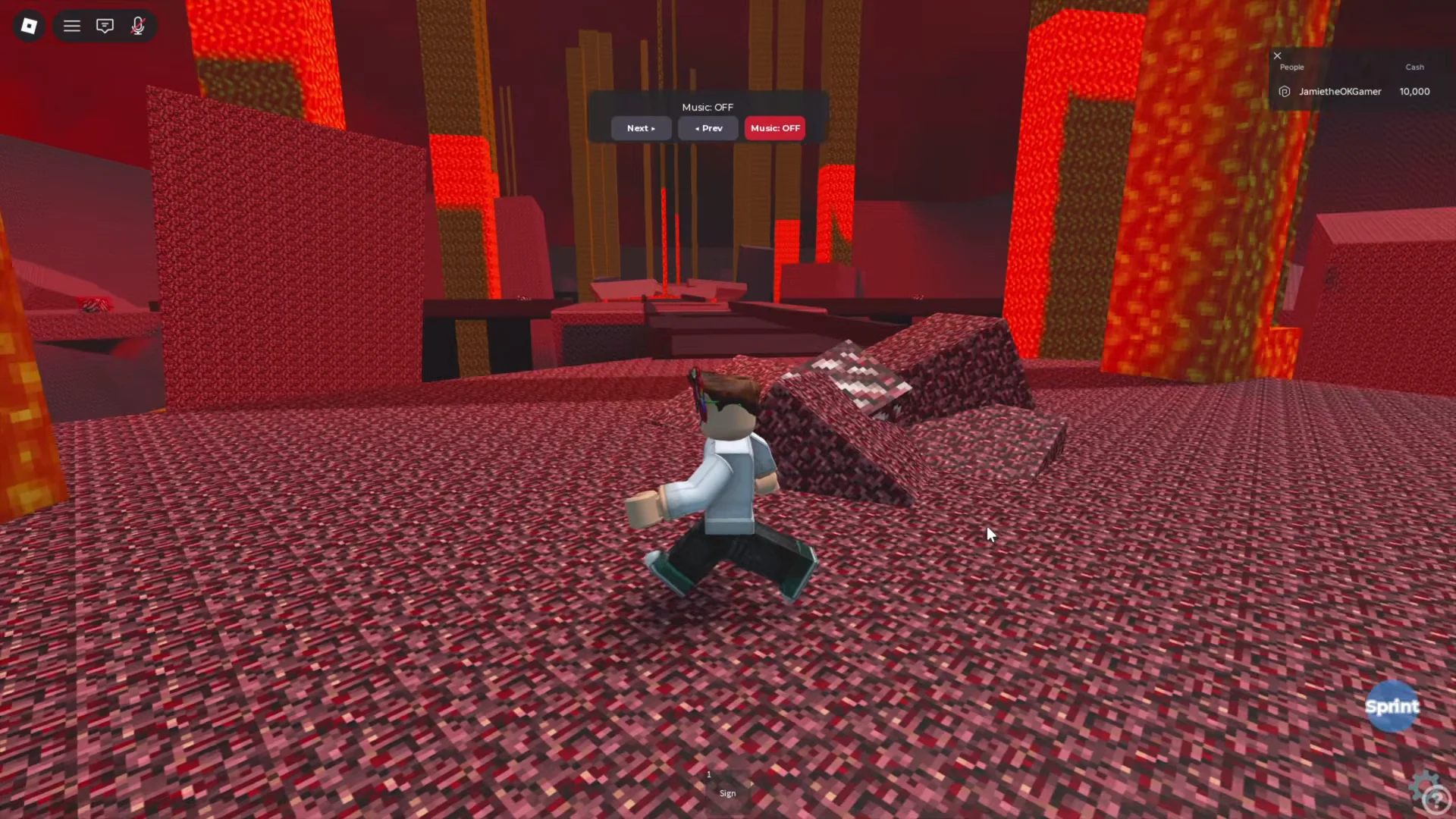
You will spawn on red netherrack terrain surrounded by lava. Move forward onto the raised bridges rather than dropping to the lower ground, since the badge sits above the lava rather than beside it.
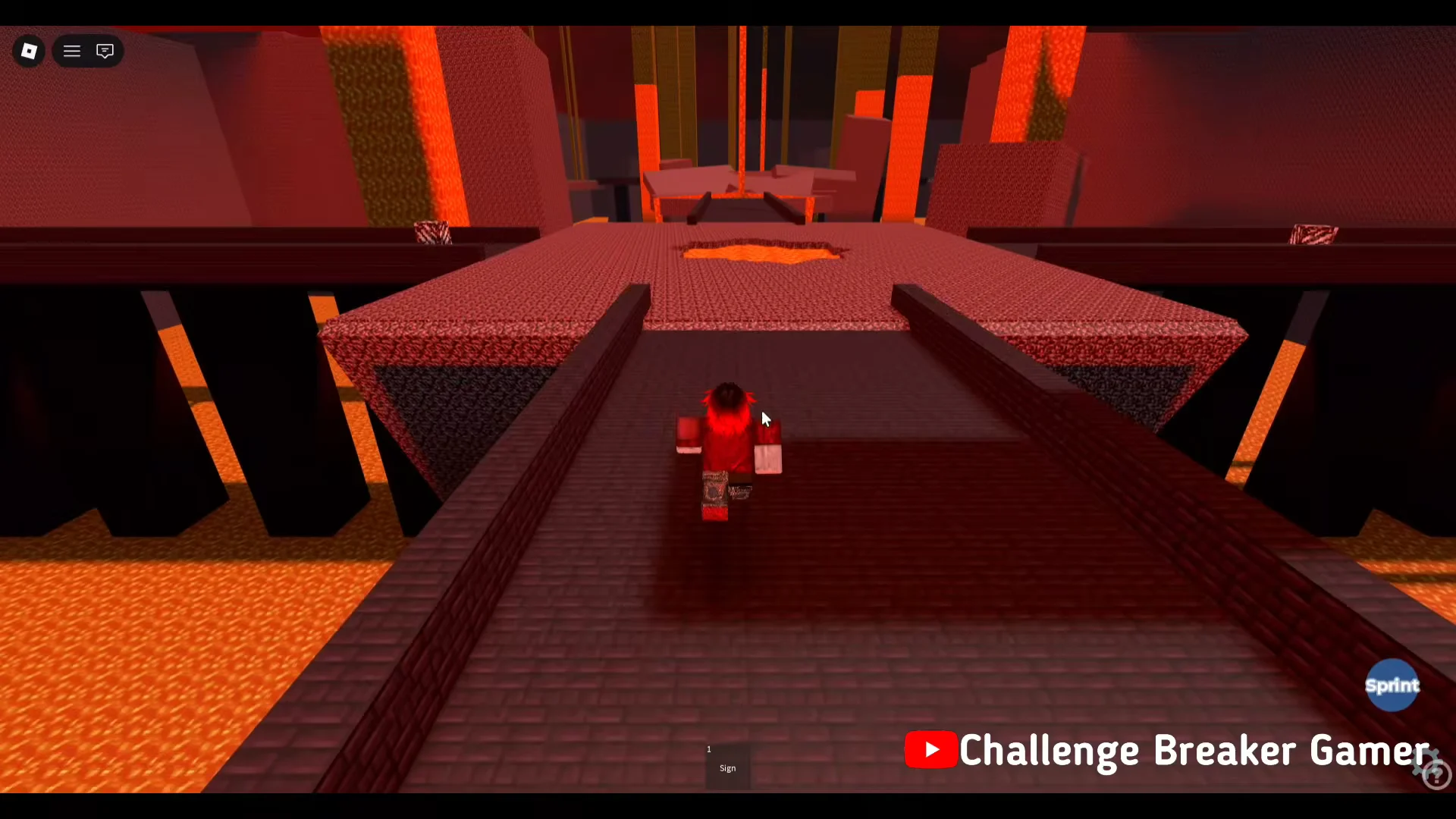
Follow the dark bridge sections outward. Take the crossings at walking pace — falling into the lava resets you back to the lobby and you will have to run the portal again.
Look for an isolated patterned red block sitting on a ledge at the end of the bridge. It glows slightly against the darker bridge blocks. Walk into it or stand on it to award the badge.
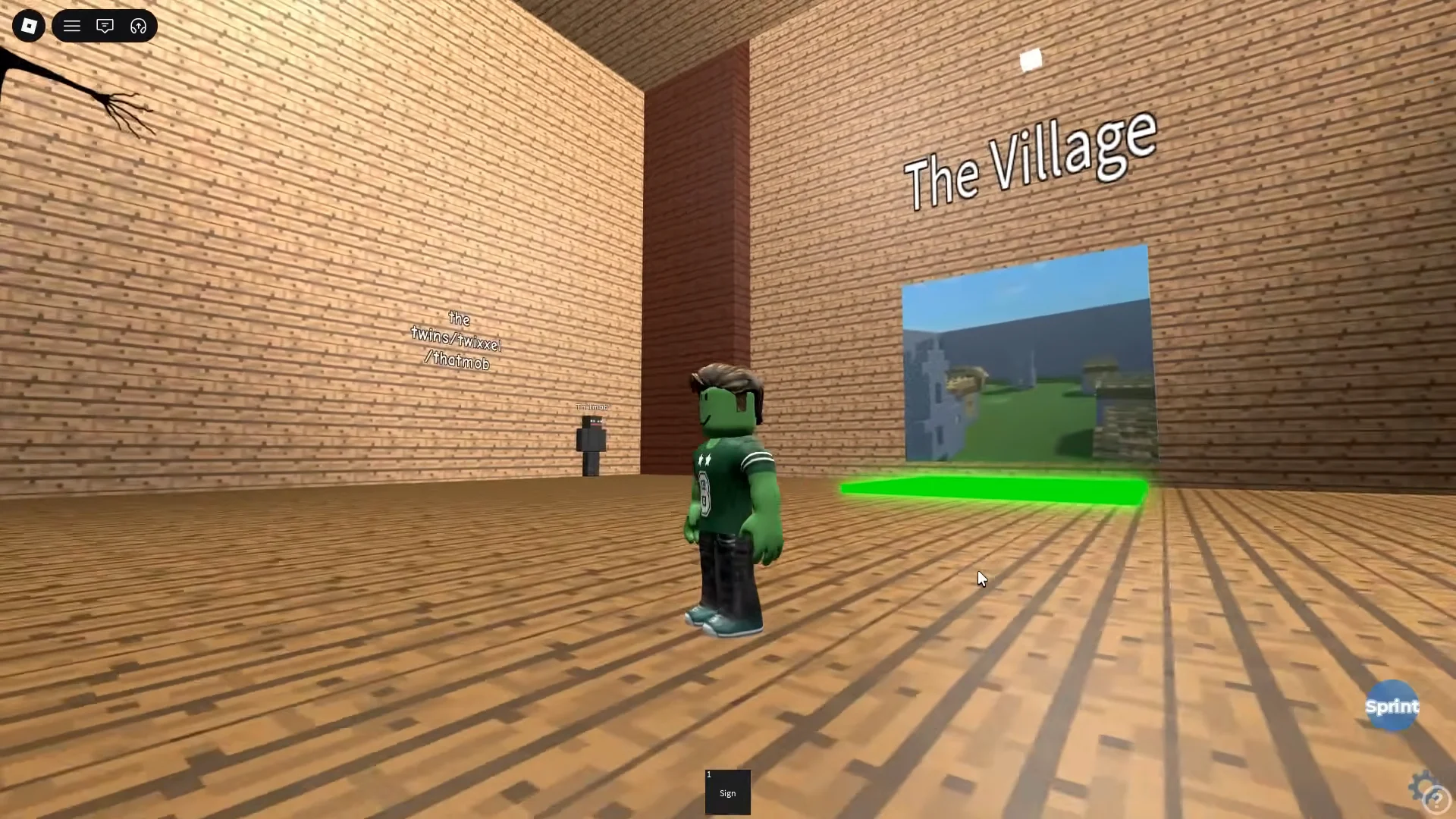
In the lobby, head to the doorway labeled The Village and stand on the green teleport square in front of it. The teleport fires as soon as you are on the pad.
Run through the village past the houses, trees, and wheat farmland until you reach the tall cobblestone tower. A stalker patrols this map, so keep moving rather than exploring the side buildings.
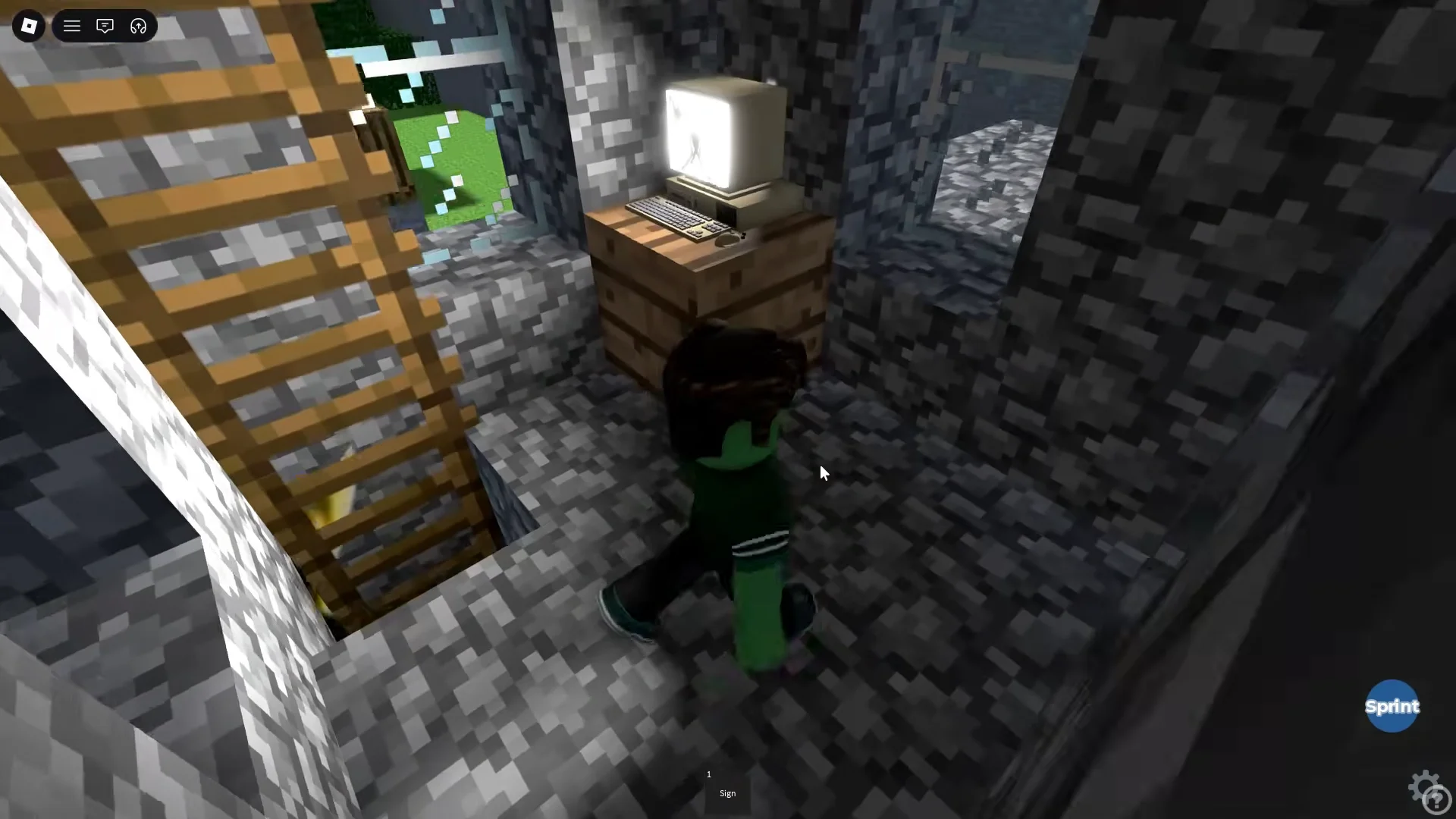
Step inside the tower doorway and climb the wooden ladder to the upper floor. The interior is lit by glowing blocks, which makes the ladder easy to spot.
At the top is a small room with cobblestone walls and windows. Walk onto the old computer monitor resting on the wooden crate to trigger the badge notification.
Confirm the badge and equip the 3D Tormentor morph
You will know the pickup registered when the Roblox badge notification slides in at the bottom right of the screen naming the 3D Tormentor badge. That popup is the only confirmation you need — the badge is then permanently attached to your account for the game.
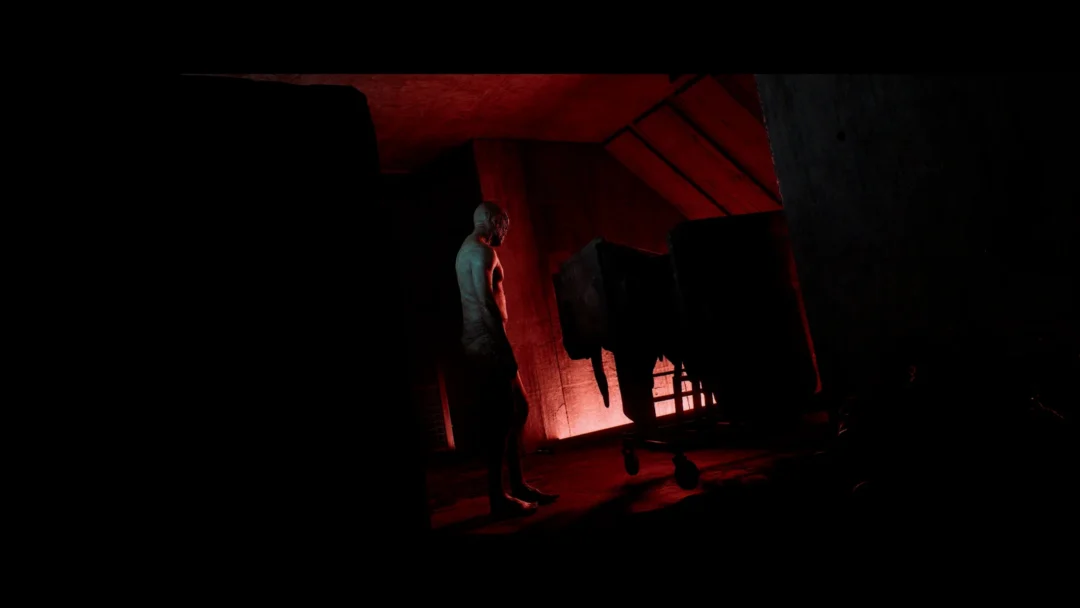
Walk into the hallway marked Badge And Admin Room. This corridor holds the displayed monster models, each on its own stall with the creator’s name underneath.
Go to the 3D STALKERS section and find the stall labeled 3D Tormentor. The same wall carries a sign explaining that the 3D quad stalker kept glitching, which is why the Tormentor is the model on offer there.
To become the creature, either select Morph on the tall black model or stand on the glowing white circular pad below it. The change turns your avatar into the 3D Tormentor, which has separate walking, jumping, and idle animations.
The morph does not always present a visible button. Some sessions show the 3D Tormentor model with no pad or interaction prompt on the floor at all, leaving the display purely cosmetic until you rejoin.
Do not confuse it with the Tormenter v3 badge
A second, similar-looking creature uses a separate badge. The Tormenter morph v3 badge is earned inside one of the wooden houses in The Village by jumping into an elevated corner of the interior, and its morph pad sits at the top of a ladder on the red Bloodmoon Event wall structure rather than in the 3D STALKERS line-up. Claiming one does not unlock the other, so if you are after the 3D Tormentor specifically, stick to the red block in the Nether or the tower monitor.