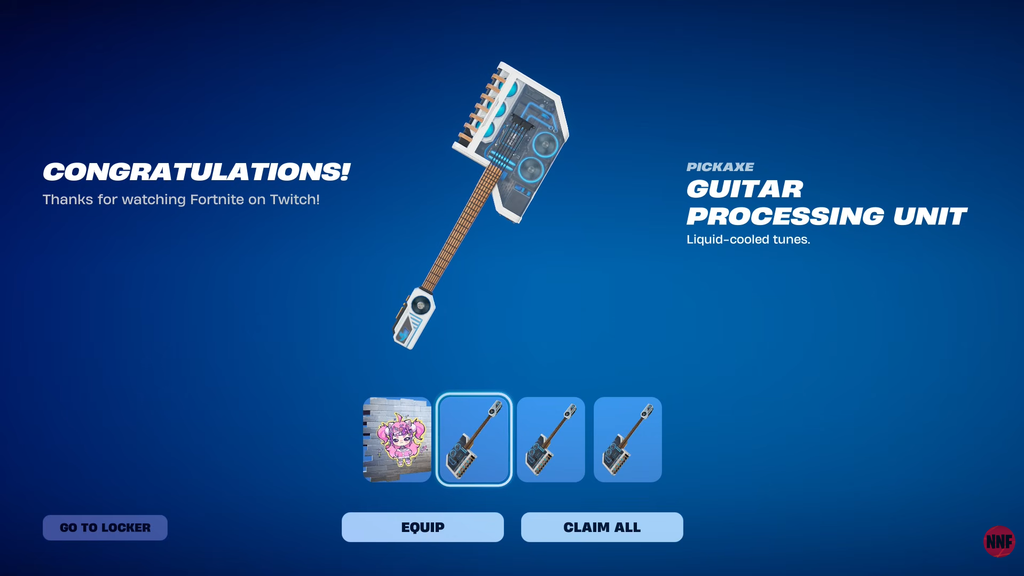
The Guitar Processing Unit is a Rare Pickaxe tied to the Ironmouse collaboration in Fortnite, and it costs nothing as long as you claim it during the Twitch Drops window. It arrived in Chapter 7, Season 4 on September 18, 2026, and the free route runs on a hard deadline.
Quick answer: Connect your Twitch account to the Epic account you play Fortnite on, watch an eligible Fortnite stream with the DropsEnabled tag for 60 minutes, then claim the pickaxe from Twitch before September 30, 11:59 PM ET.
What you need before you start
The reward only lands if the accounts are linked first. Sort these out before you spend an hour watching, especially if you own more than one Epic account.
- A Twitch account linked to the Epic Games account you use for Fortnite.
- An eligible Fortnite stream carrying the DropsEnabled tag.
- 60 minutes of viewing time counted by Twitch, completed before the deadline.
Buying the Ironmouse Outfit or the paid bundle is unnecessary; the pickaxe drop is separate from the Item Shop cosmetics.
Link Twitch to Epic and unlock the pickaxe
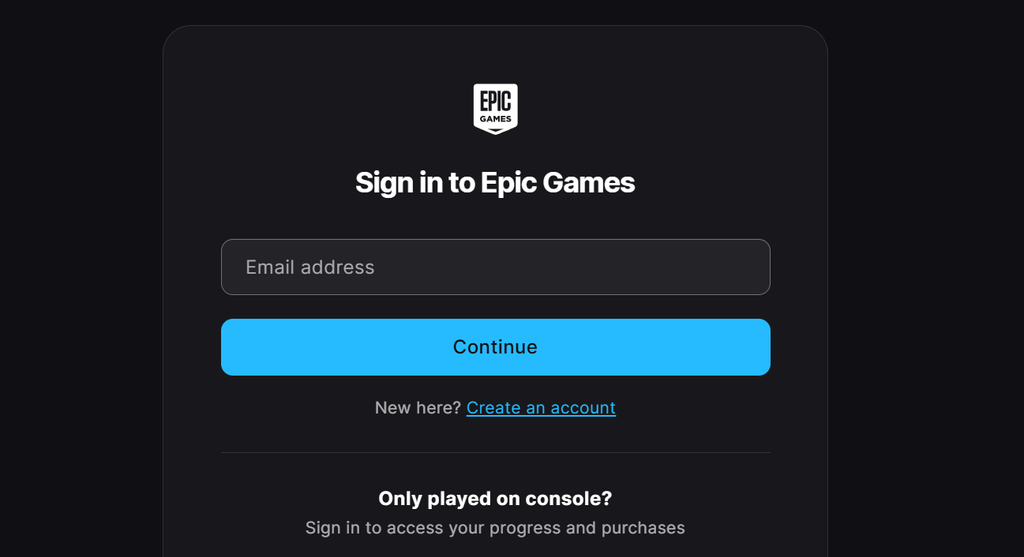
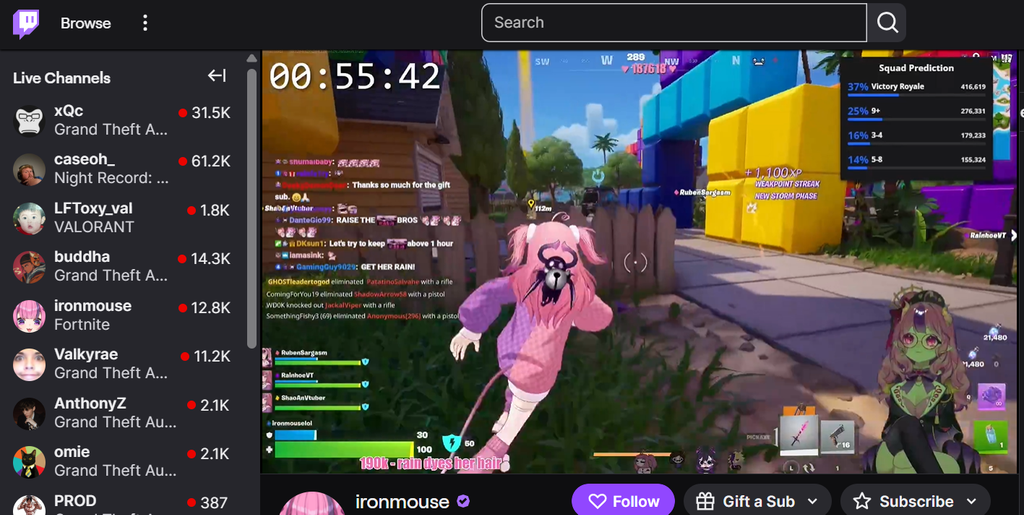
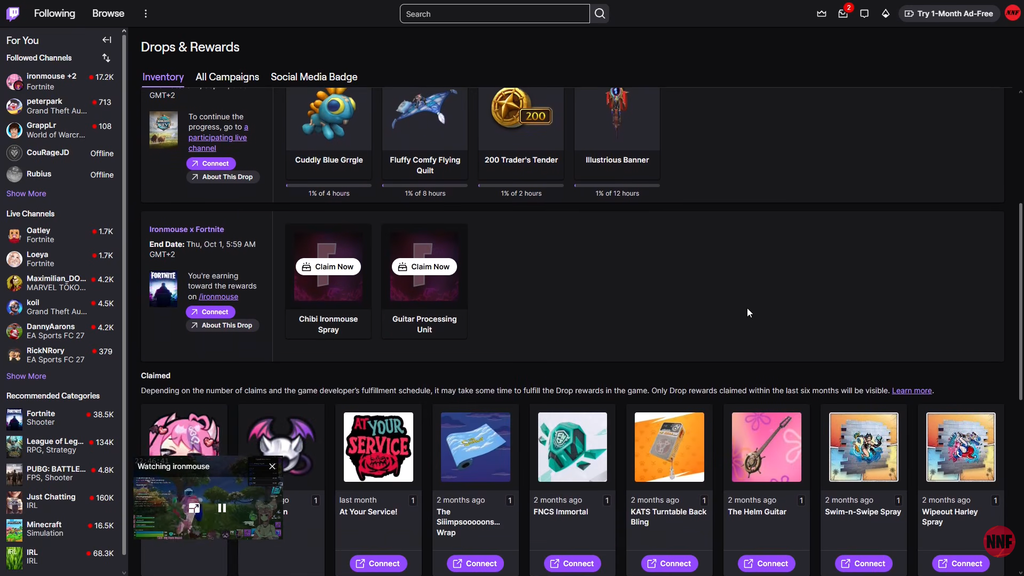
Leave the Twitch Drops inventory open in a separate tab; that lets you verify the Fortnite campaign is tracking your viewing time instead of relying on the stream’s clock.
Eligible channels to watch
Ironmouse is the headline channel, but any Fortnite streamer running the DropsEnabled tag counts toward the same 60 minutes. Confirmed participating channels include:
- Ironmouse
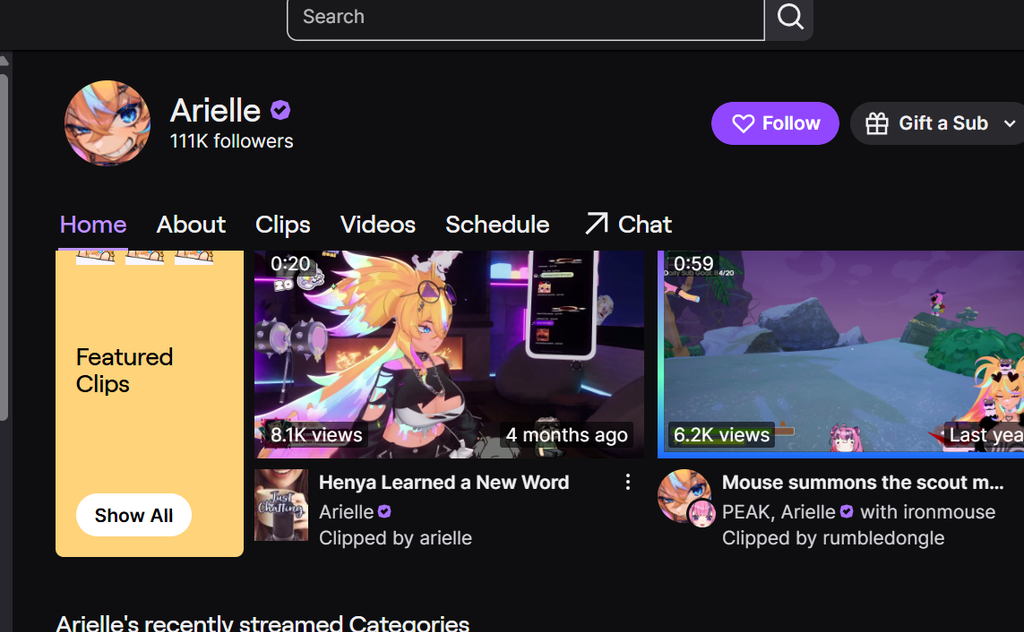
- Arielle
- Buffpup
- CDawg
- MichiMochievee
There is no fixed Fortnite schedule posted on these channels, so check whether they are live and playing Fortnite with the DropsEnabled tag before starting your hour. Watch time carries across eligible streams, so you can switch channels and still reach 60 minutes.
How to confirm it worked
Reaching 60 minutes is not the final step. Twitch shows a notification when you meet the requirement, and the pickaxe stays in the Twitch Drops & Rewards menu until you press claim. After claiming, restart Fortnite and the pickaxe appears in your in-game Locker. If it is not there yet, a restart usually forces it to sync.
Claim well before the September 30, 11:59 PM ET cutoff. No separate regional end time was announced, so leaving it to the final evening risks missing the claim window entirely.
After the drop closes
Anyone who earns the pickaxe through Twitch Drops keeps it permanently. Epic may list the Guitar Processing Unit in the Item Shop at a later date, but that has not been confirmed, so the watch-and-claim route is the only guaranteed way to get it for free right now.