
Pulling a 5-star Phantom Weapon in ARCHITECT does not guarantee you get one your character can use. The swap system fixes that by letting you exchange a 5-star Phantom Weapon you already own for the 5-star weapon tied to a class you pick, at a fixed Diamond price.
Quick answer: Open the Phantom Weapon Confirm menu, select your 5-star weapon, tap Replace, choose the class you want, and pay 7,000 Diamonds to receive that class’s 5-star weapon.
Swap requirements: 7,000 Diamonds and a 5-star Phantom Weapon
The conversion is a straight currency trade, so there are only two gates to clear before the Replace button becomes usable.
- A 5-star Phantom Weapon already registered in your Phantom Weapon list, such as Night-Walking Wanderer.
- 7,000 Diamonds in your inventory, which is the full price shown on the Replace button.
- A decision on which class you want the weapon for, since the class you pick determines the weapon you receive.
Diamonds accumulate slowly through normal play, so check the running total in your inventory before you commit to the swap rather than after.
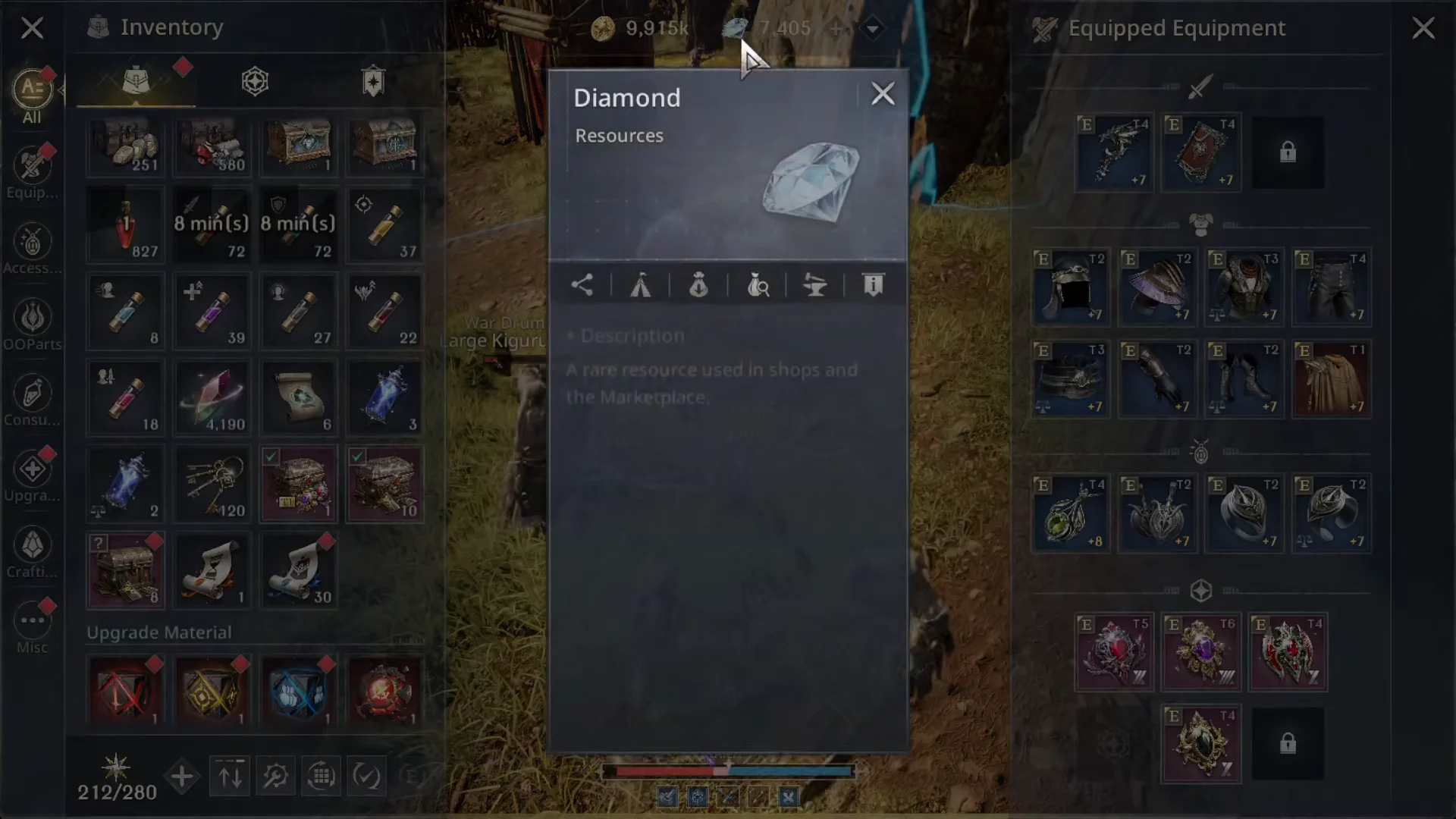
The Marketplace Sell tab holds Diamonds from items that have already sold, and those proceeds have to be collected manually. A single sold Spellstone can return 118 Diamonds, so clear that tab before deciding you are short.
How to convert a 5-star Phantom Weapon
How to confirm the swap worked
The game confirms a successful conversion in three visible ways, and all three happen within seconds of acquiring the weapon.
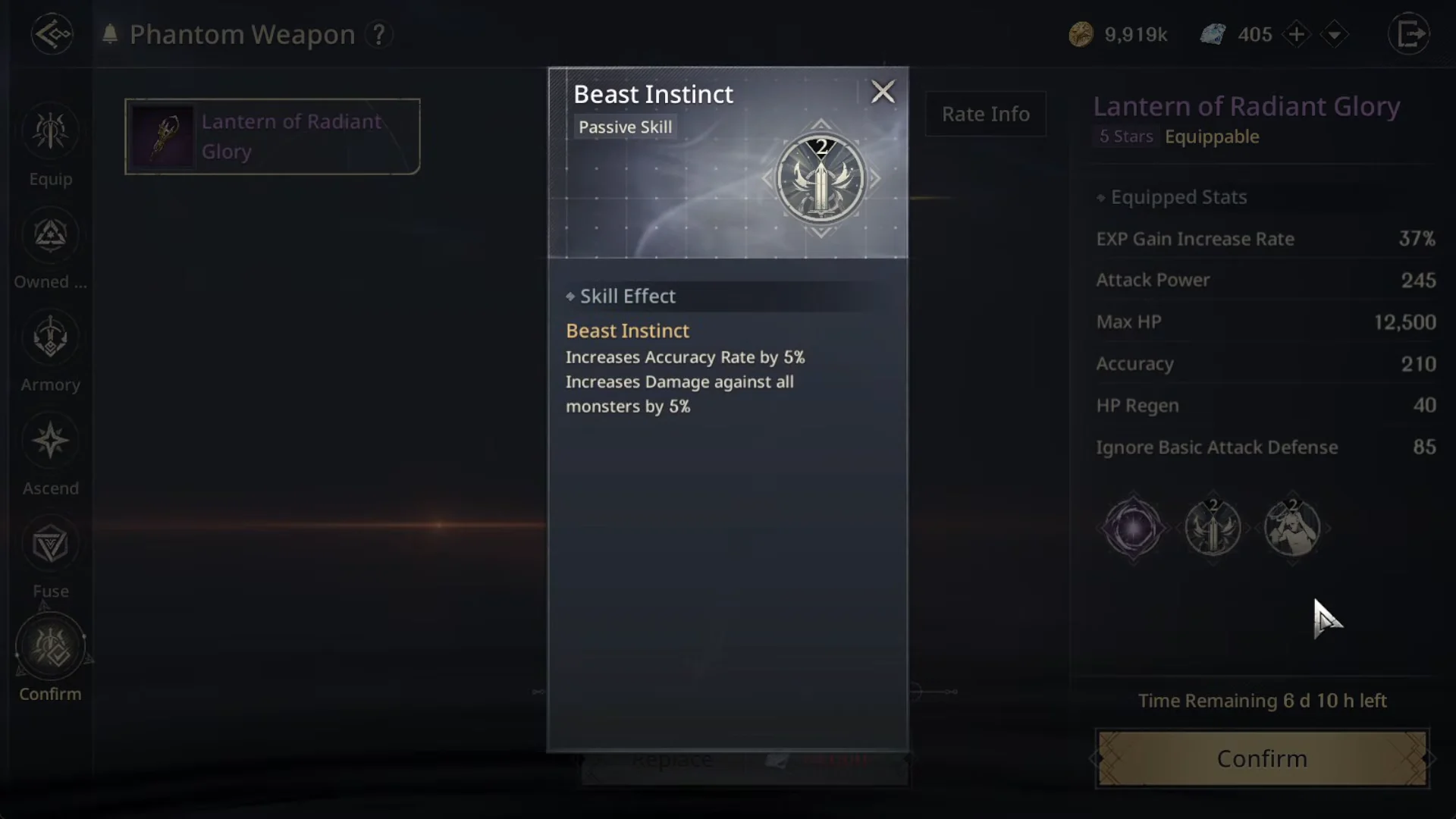
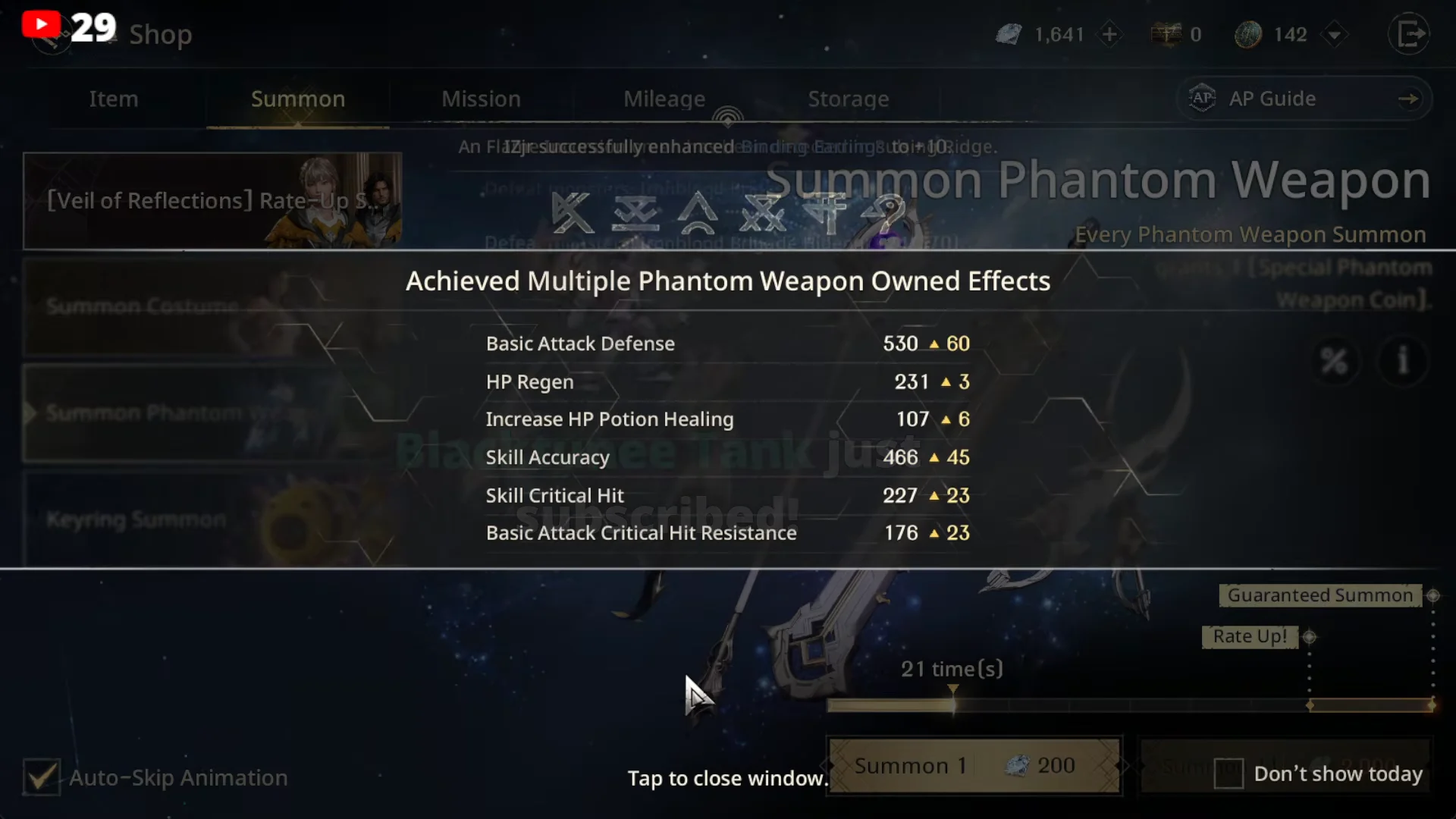
- An “Achieved Phantom Weapon Owned Effects” popup appears listing the stat boosts the new weapon unlocked.
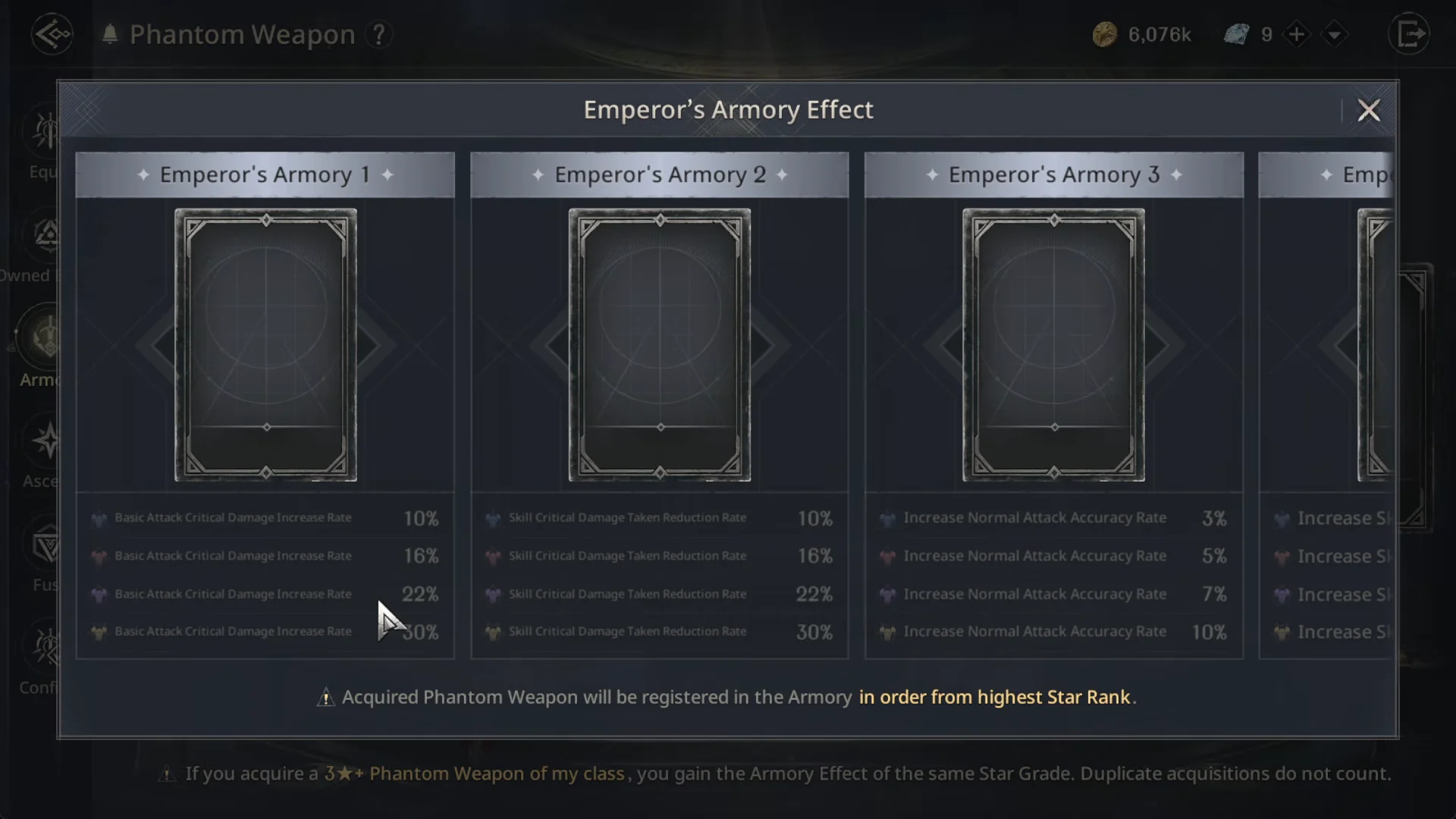
- The matching Emperor’s Armory effect switches on, adding percentage bonuses such as Damage Increase Rate and Taken Reduction Rate.
- Your CP figure climbs once the weapon is equipped, which is the clearest single check that the swap registered.
Champion’s Power is separate from the ownership bonuses. Open the equipped weapon again and activate the skill once you hold the materials its popup asks for, otherwise it stays dormant while the rest of the weapon’s stats are already live.
Where 5-star Phantom Weapons come from
You need a 5-star card in hand before any of the above applies, and there is more than one route to one. The Shop carries an info popup for both the 5-Star Costume Summon Chest and the 5-Star Phantom Weapon Summon Chest, which spells out what each tier can produce.
| Source | Where | Cost |
|---|---|---|
| Summon Phantom Weapon banner | Shop > Summon | Summon coupons |
| Summon Coupon Lucky Item Box | Inventory | Already owned |
| Summon Coupon Lucky Package | Shop > Weekly/Monthly | Paid, includes AP points and bonus diamonds |
| Appraisers’ Guild Summon Chests | Adventurers Alliance | Gold |
| Summon Pass rewards | Shop > Mission > Summon Pass | Free track, or 2,000 Diamonds |
Summon Phantom Weapon banner
The weapon banner runs on summon coupons and offers an 11-pull option, which is how most 5-star cards surface. A stack of 60 coupons covers several 11x pulls in a single sitting, and the banner has its own pity guide attached to the summon screen.
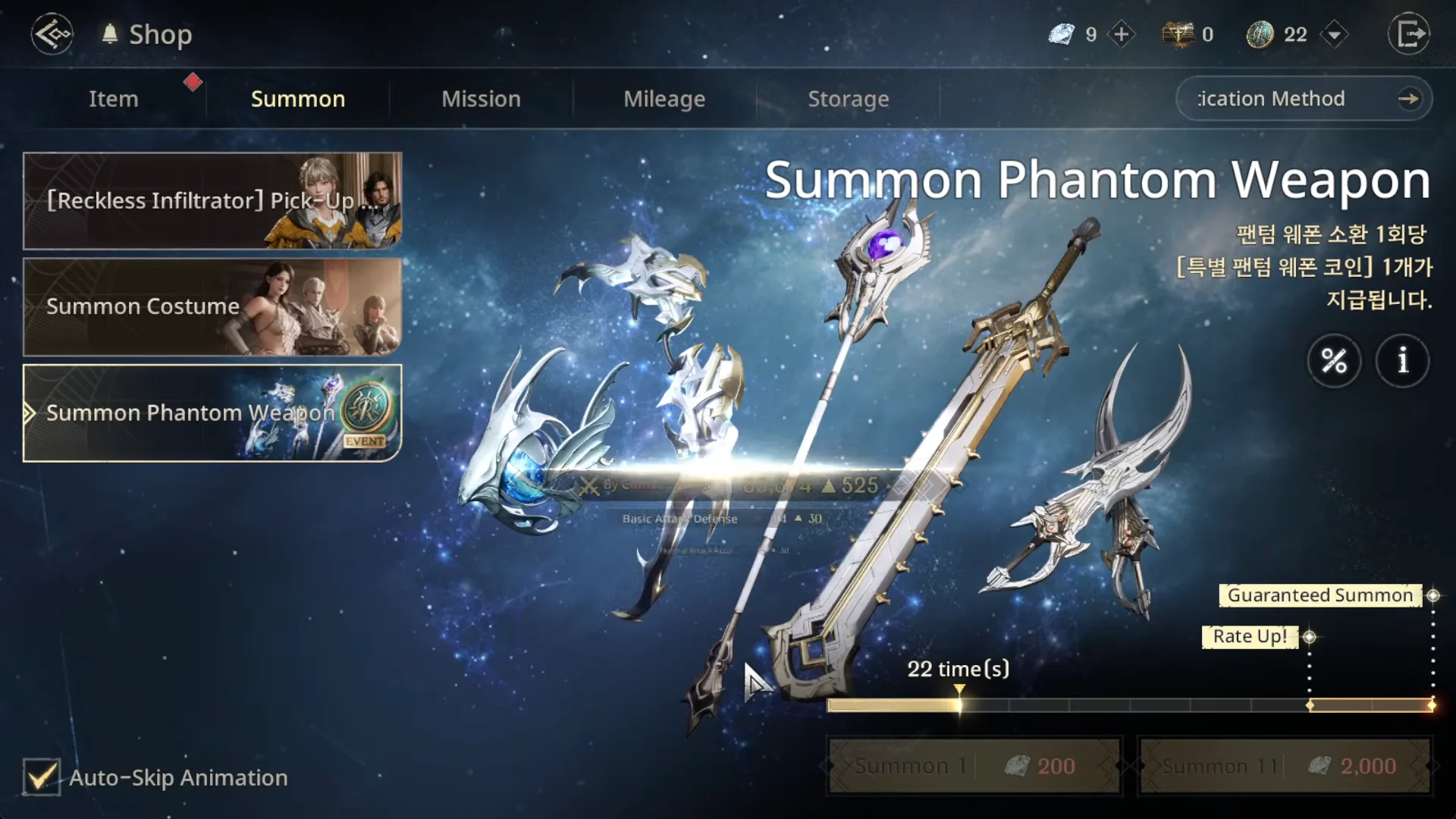
An 11-pull resolves card by card and ends on the rarest result, so a gold 5-star card such as Night-Walking Wanderer appears at the tail of the sequence rather than in the middle.

Summon Pass and Summon Pass Missions
Under Shop > Mission > Summon Pass, every costume and weapon pull you make counts toward mission milestones that push the pass to the next level. Rewards are claimed manually on that screen, so return to it after a batch of pulls instead of assuming they were sent automatically. A paid 2,000 Diamond track sits alongside the free one.
Appraisers’ Guild chests bought with gold
Travel to Adventurers Alliance and visit the Appraiser Guild vendor. The shop sells Appraisers’ Guild Costume Summon Chests and Phantom Weapon Summon Chests for gold, which makes it the route that costs no Diamonds or coupons at all. Chests are opened from the inventory once purchased.
Fuse duplicate weapon cards for owned effects
Duplicates from bulk pulls are not dead weight. In the Phantom Weapon menu, the Fuse tab auto-registers duplicate cards and combines them, which unlocks additional owned effects. The same applies on the Costume side, where Fuse All clears out repeat 1-star and 2-star outfits in one action.
Those bonuses are passive and permanent. The Phantom Weapon Owned list shows exactly which stat lines your 3-star and 4-star cards have already unlocked, and an effects summary window pops over the summon shop whenever a batch of pulls triggers new ones.
Once the converted weapon is equipped and its ownership bonuses are registered, the character sheet reflects the change immediately, and the weapon behaves like any other 5-star staff in open-world fights. Keep the 7,000 Diamond price in mind before each conversion, because the cost applies every time you want to move a 5-star Phantom Weapon to a different class.