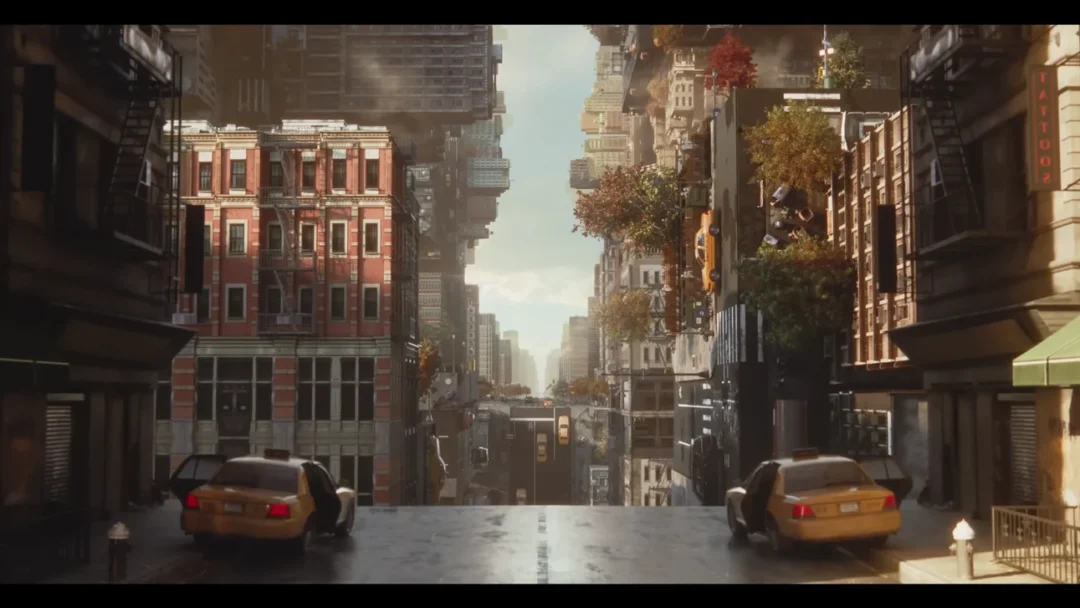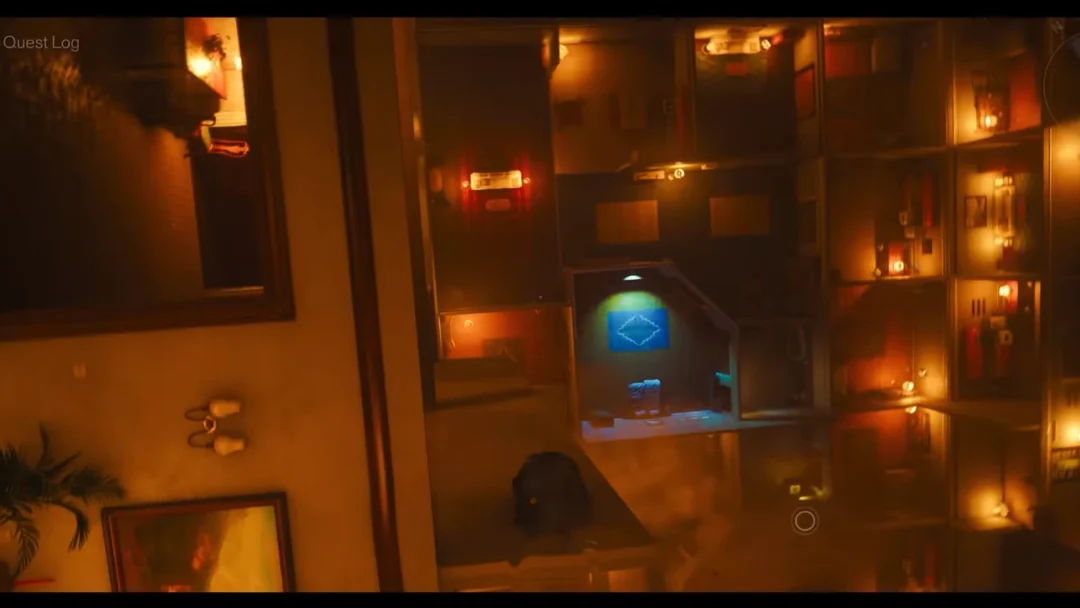
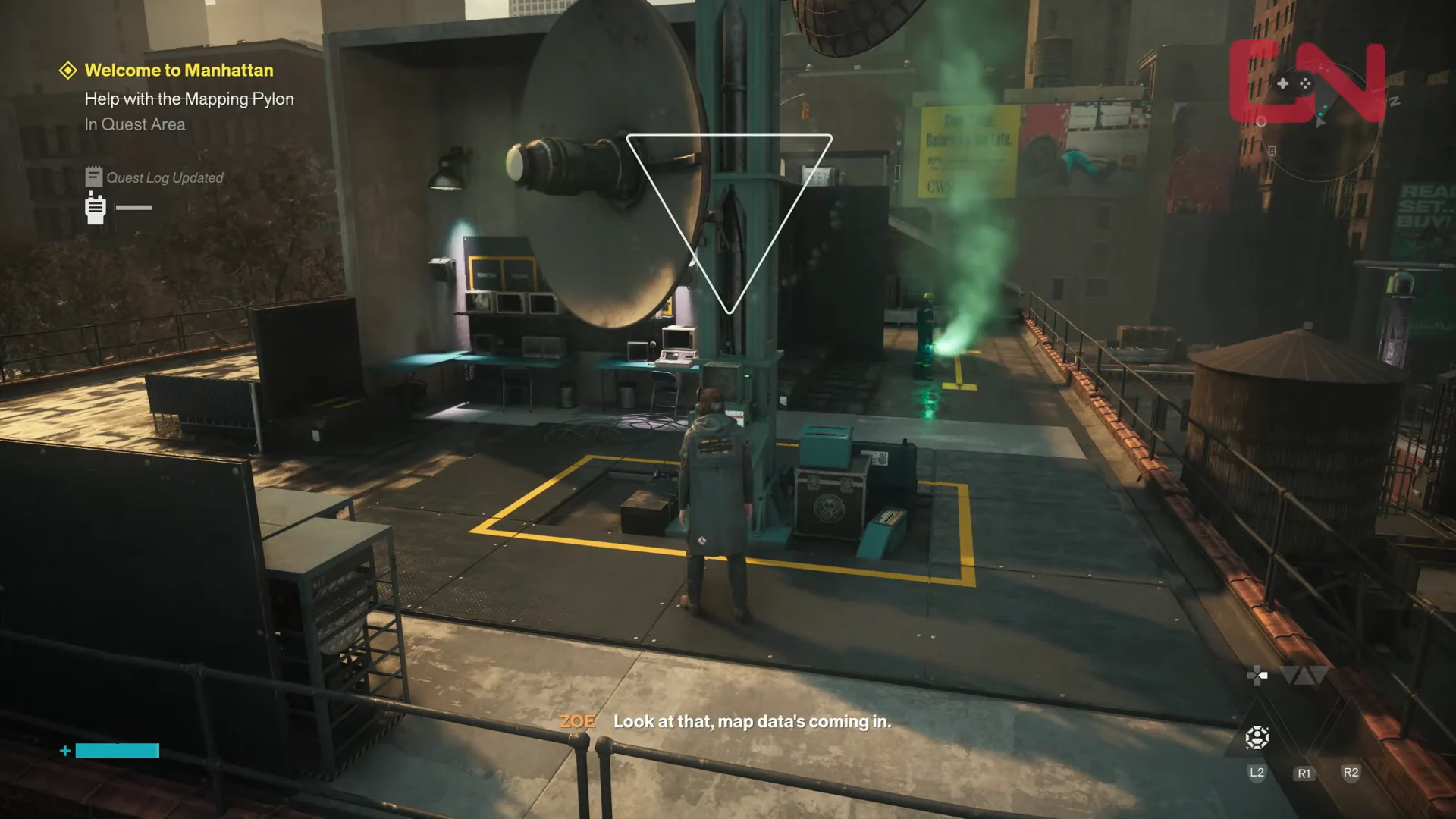
The first thing Dylan does after the FBC lets him out of the Oldest House is fix a map. Downtown starts almost completely blank, and the objective “Help with the Mapping Pylon” during Welcome to Manhattan is where Control Resonant teaches you how Map Kits work. Every region in Manhattan has one tall tower covered in dishes and three smaller sensors that need to be pointed back at it.
Quick answer: Climb to the rooftops south of the Oldest House, calibrate the three satellite sensors surrounding the central Mapping Pylon, then interact with the pylon itself to reveal Downtown on your map.
Downtown Map Kit requirements and rewards
The Downtown Map Kit is tied to Welcome to Manhattan, the opening mission of the Contain the Crisis storyline. It is the tutorial version of the activity, so the tower and its sensors sit close together on connected rooftops rather than spread across a whole district.
- Orientation must be finished before Welcome to Manhattan begins.
- The main tower is marked on your map automatically when you enter a new region.
- Activating the pylon reveals the Downtown 2 section of the zone map.
- You receive one Talent Point for completing it.
- The Notes: Mapping the New New York side quest becomes available as well, and it keeps track of the pylons still scattered across Manhattan.
Downtown Mapping Pylon sensor locations
All three sensors sit on rooftops immediately around the tower, and each one blinks with a red light until you calibrate it. If you lose track of one, look at the big pylon: its dishes are angled toward the smaller units, so they work as a set of pointers.
| Sensor | Where it is |
|---|---|
| Sensor 1 | Rooftop station a short leap from the central pylon |
| Sensor 2 | Neighboring rooftop, reached along the FBC walkway |
| Sensor 3 | Rooftop basketball court with the fast travel door |
How to calibrate the sensors and activate the pylon
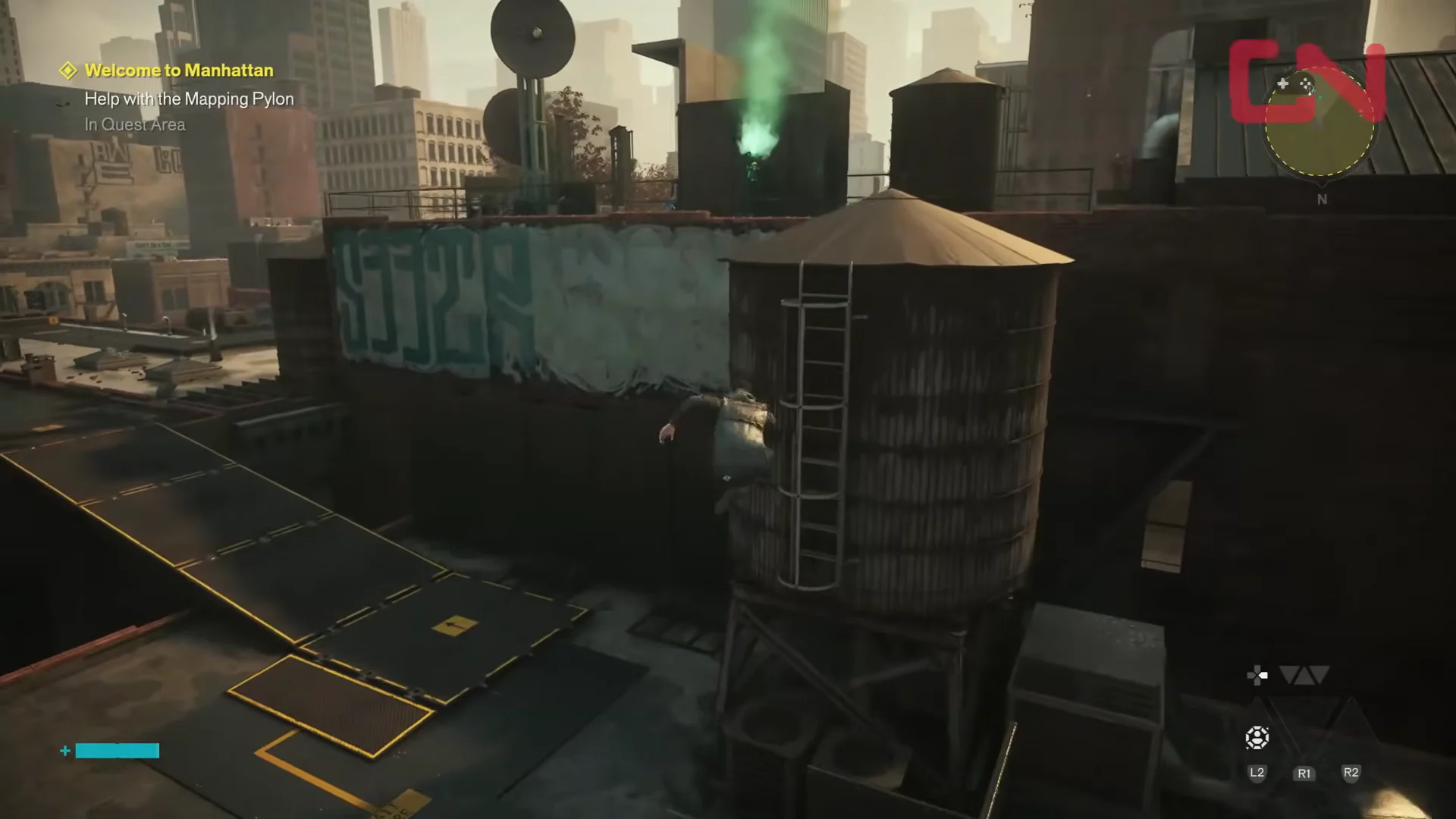
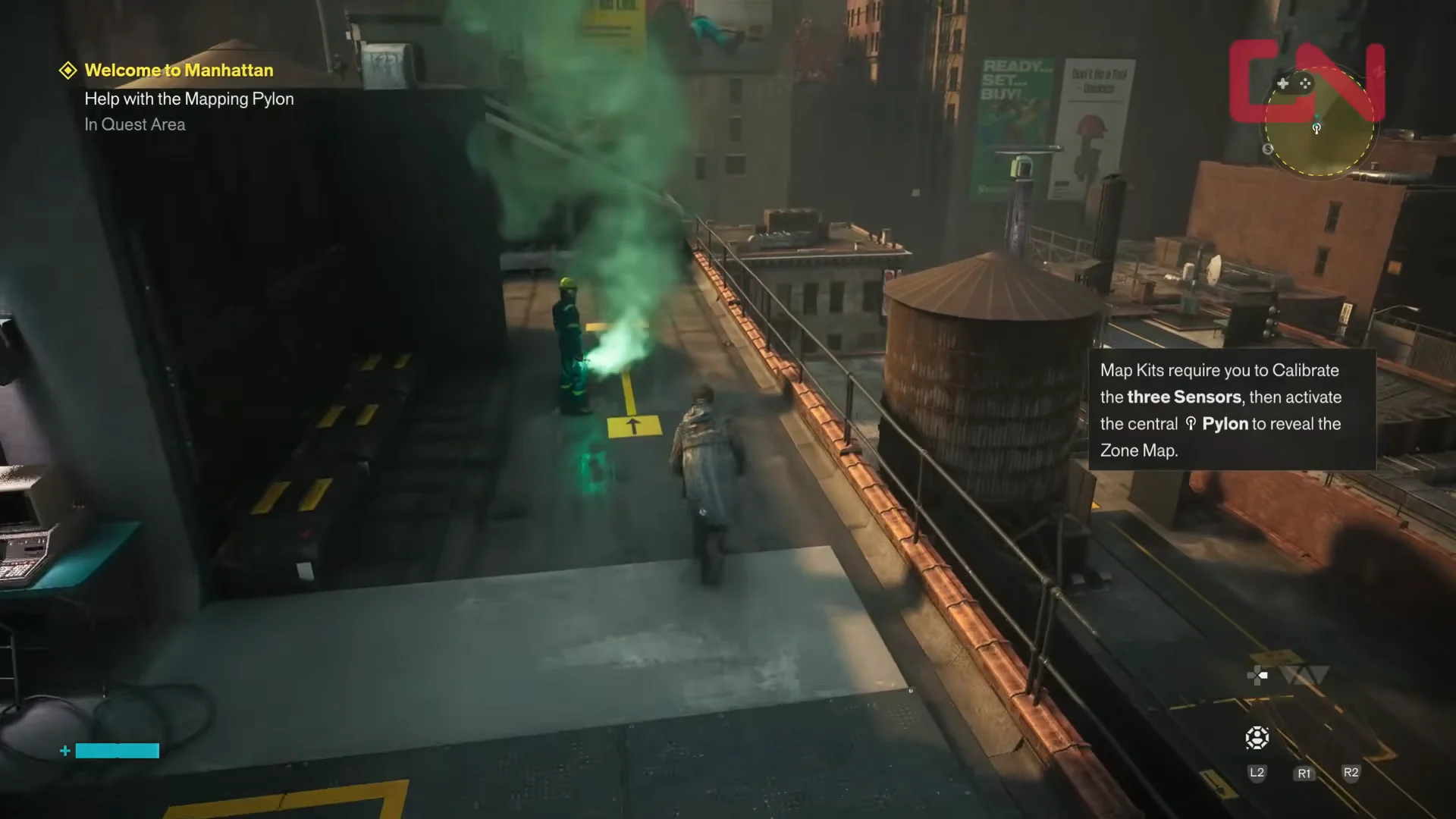
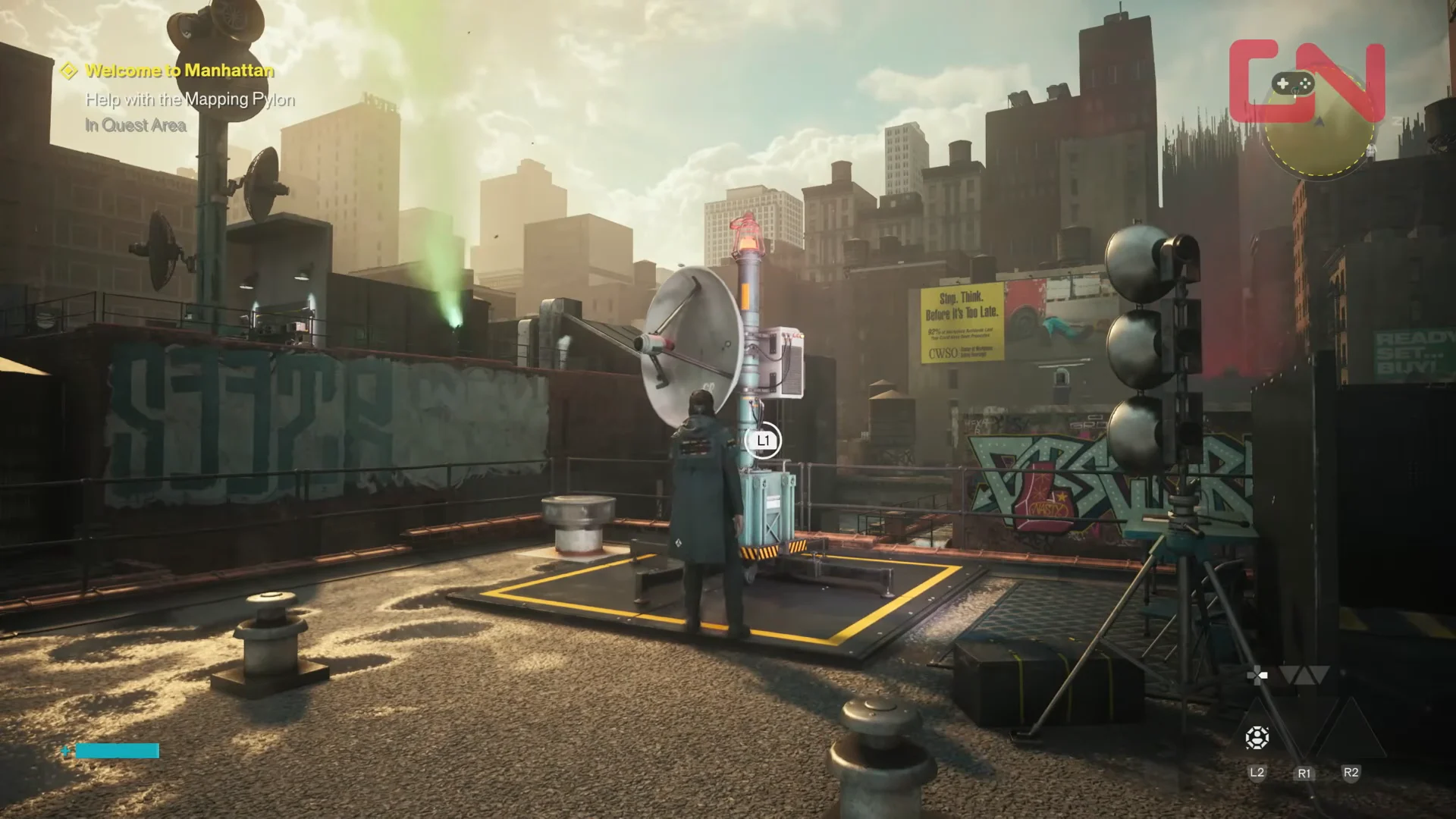
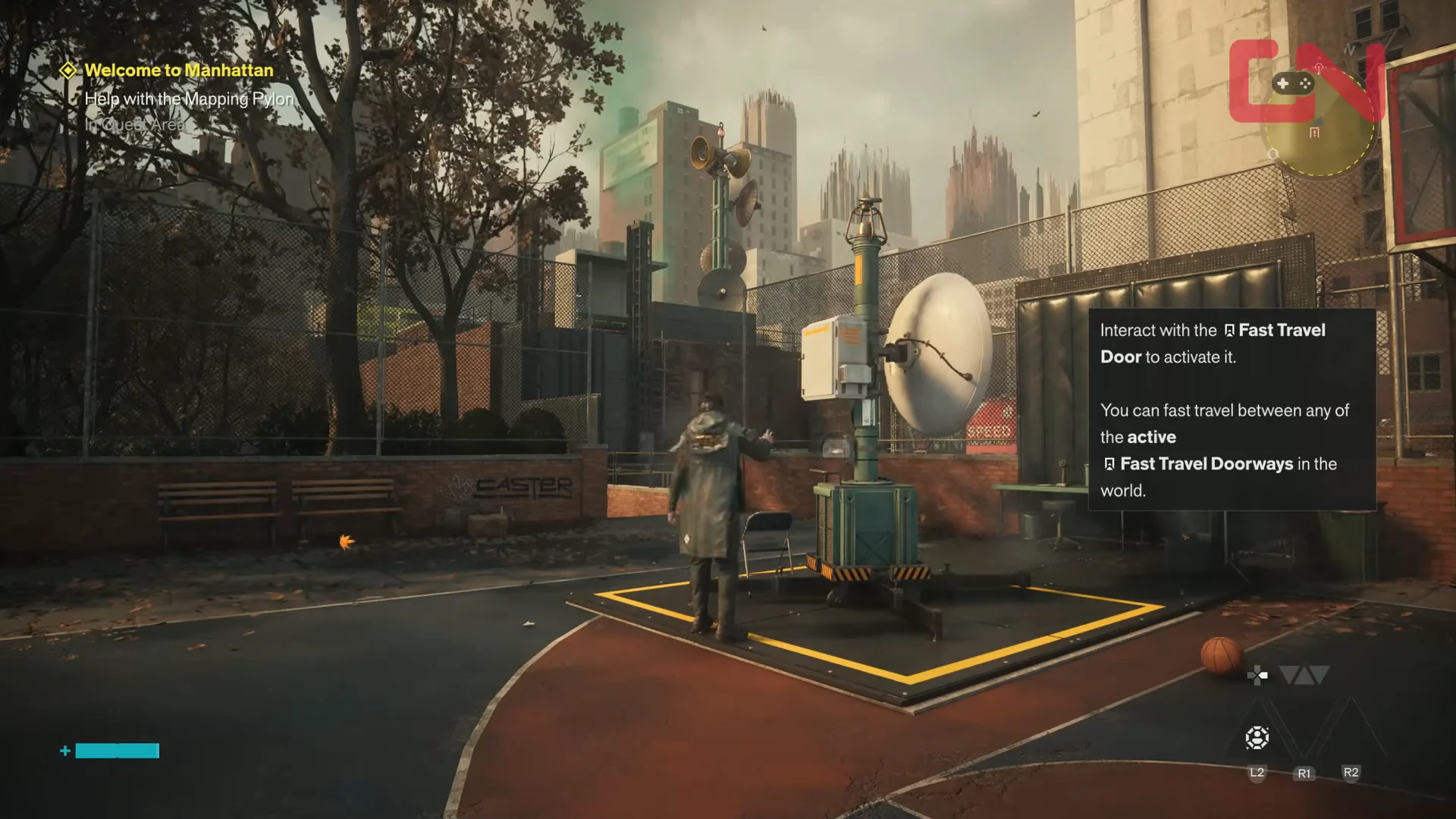
Before you leave the court, interact with the glowing doorway there to switch on the Outside the Oldest House fast travel door. It costs you a few seconds and saves a long walk later.
How to confirm the Downtown map unlocked
Three things happen the moment the pylon comes online. The blank patch of the map fills in with the Downtown 2 layout, a Talent Point lands in your inventory, and the Notes: Mapping the New New York side quest appears in your log. If the tower refuses to respond when you interact with it, one of the sensor beacons is still red rather than green.
Every other Map Kit in Manhattan follows the same pattern, so the habit you build here carries over to Central, the Evacuation Zone, the West Incursion Zone, the Park, the Underpass, and the endgame Unknown region. Once Downtown is charted, Welcome to Manhattan sends you southeast to look for the missing Maintenance Worker.