AION 2 ships with a macro system that NCSoft built into the game on purpose, and it is the closest thing the combat has to a skill floor. It fires a chain of hotbar buttons in order while you hold a key, cancelling the tail end of each animation so your character keeps swinging instead of standing there in a wind-down pose. Set it up badly and you will turn off your own aura mid-boss. Set it up well and your rotation runs itself while you worry about positioning.
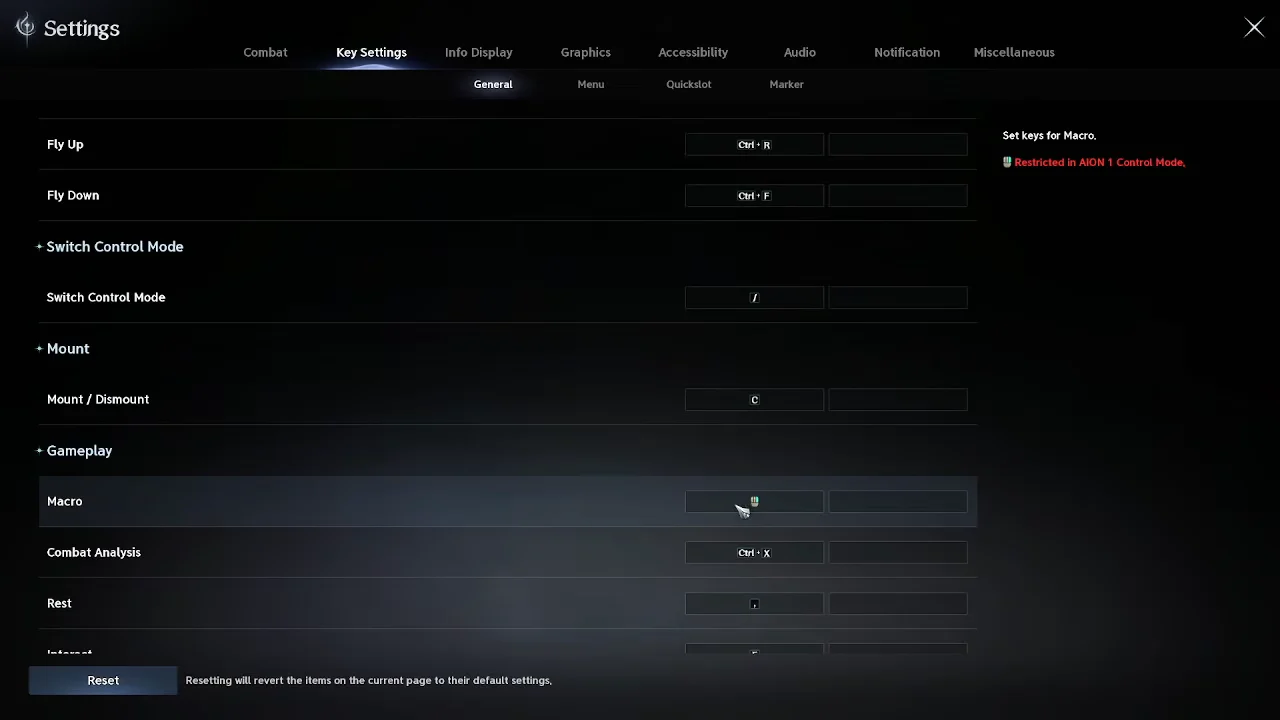
Quick answer: Bind a key under Settings → Key Settings → General → Gameplay → Macro, fill the macro slots in the Skill window at a 10 ms delay, then hold that key during combat.
What the AION 2 macro key does in combat
The macro does not chain skills so much as it chains buttons. Each slot points at a hotbar position, and a single position can hold a chain skill that pulls its follow-ups along with it. Hold the key and the game runs the list top to bottom, then loops, mixing in basic attacks so you get the weaving that AION 2 rewards.
- Anything on cooldown is skipped. The macro moves to the next usable slot instead of stalling.
- It is a hold, not a one-press automation. Let go and the chain stops.
- Manually pressing another skill interrupts the sequence, which is how you slot in cooldowns by hand.
- Several skills will not fire or advance the chain without an active target, so acquire the target first.
- Functionality is limited in Aion 1 Control Mode.
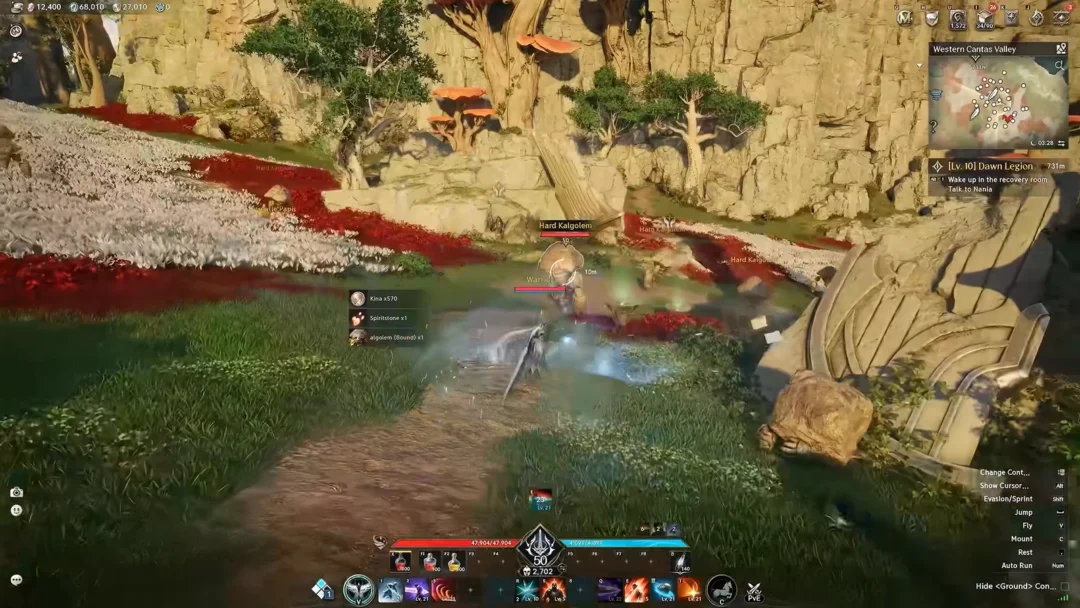
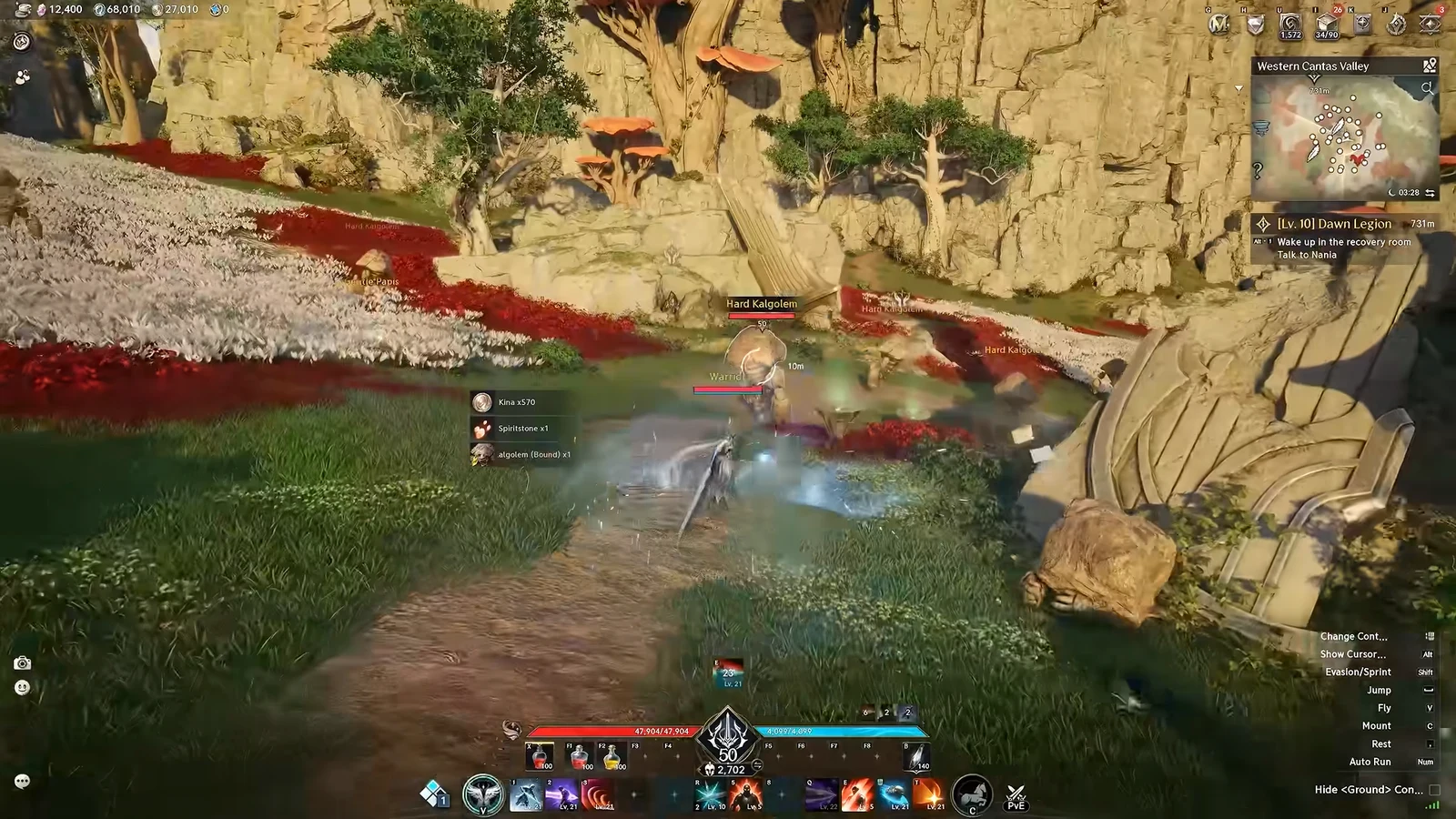
The visual tell is the ghost trailing behind your character. Without a macro, you will sometimes see a shadow hanging off your model, which is the leftover animation eating into your damage. With the delays set right, that shadow disappears and the character visibly acts faster.
Bind the macro key in Key Settings
Build the macro sequence in the Skill window
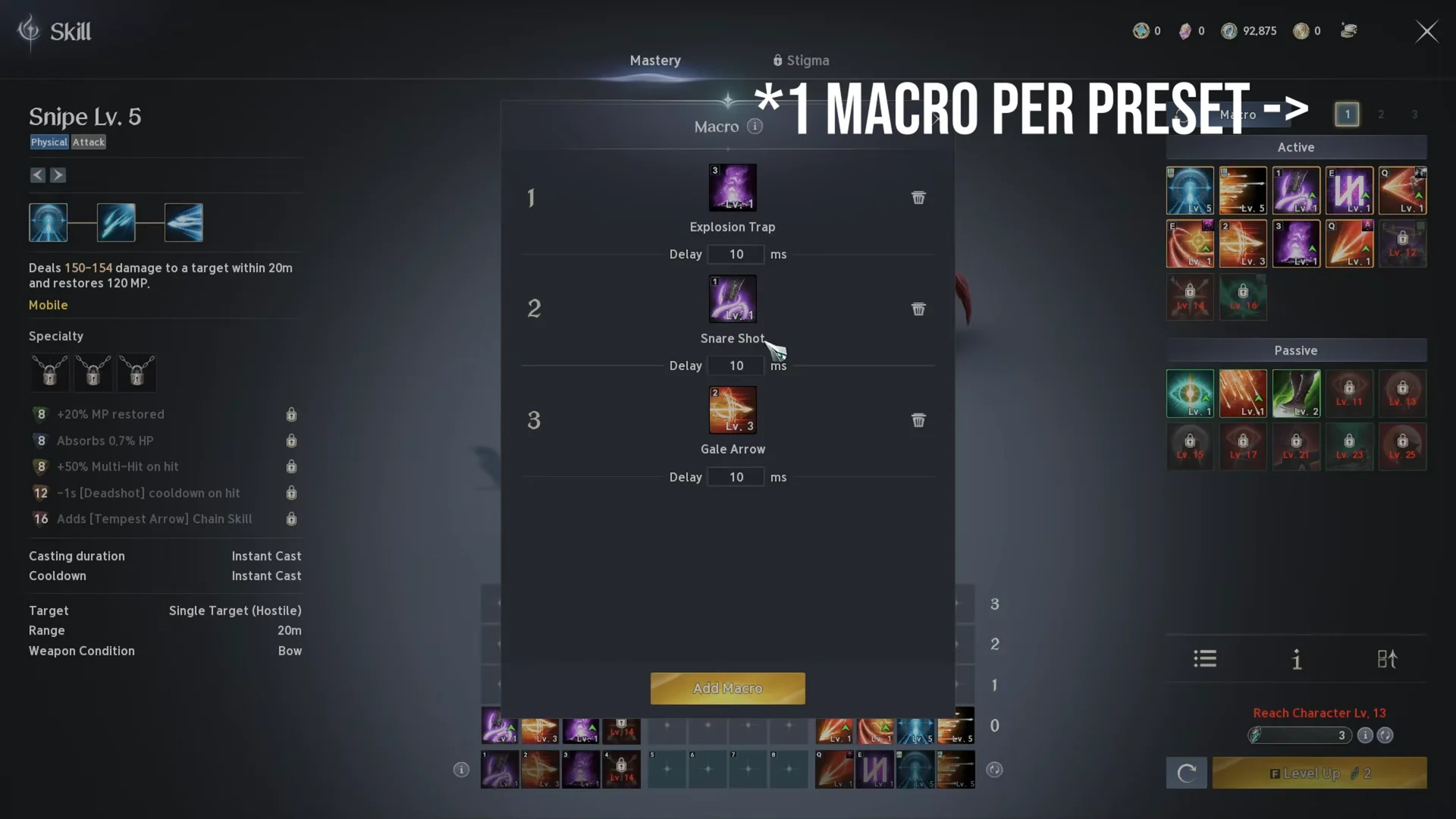
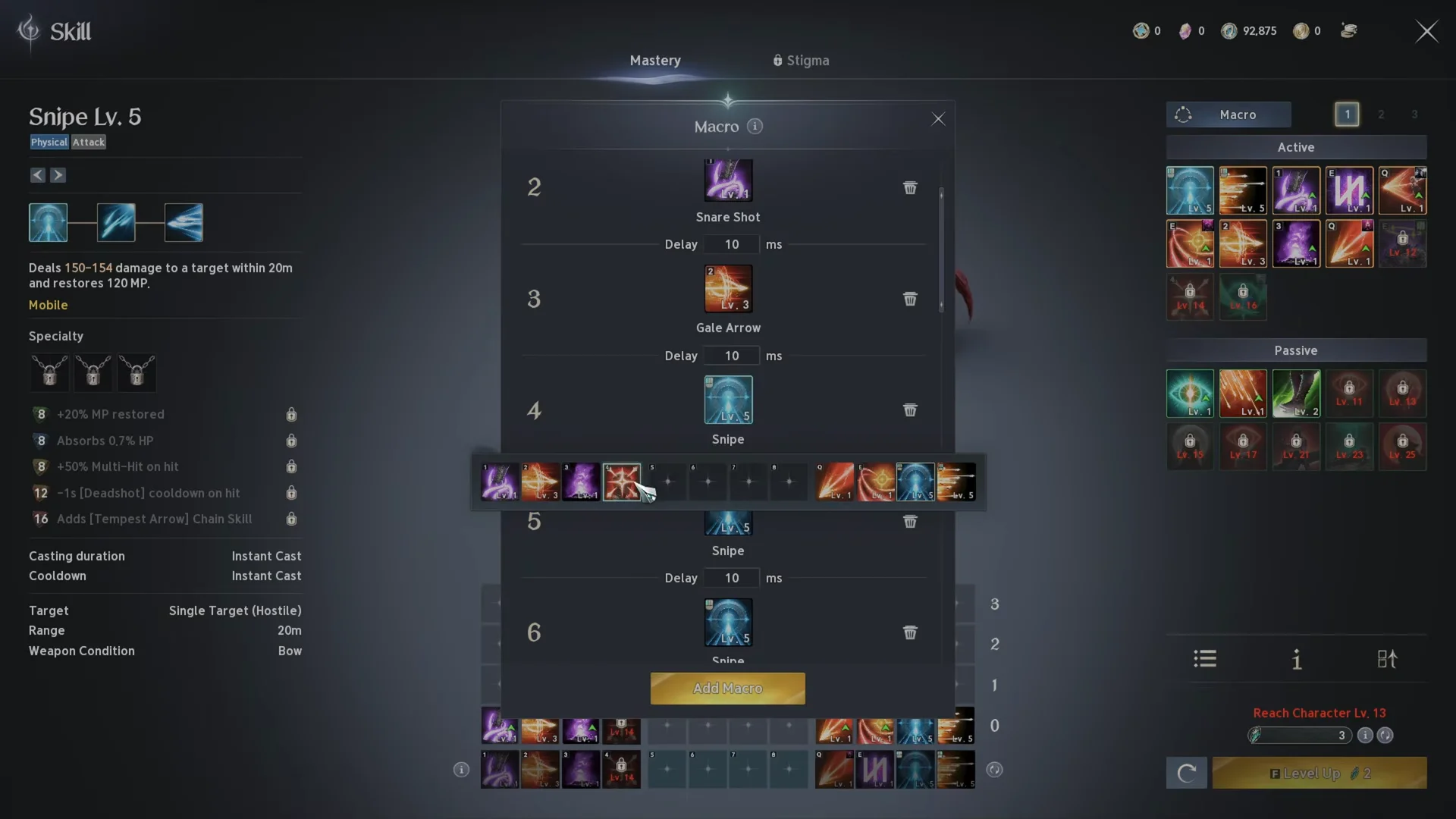
Leave your left-click chain out of the macro if you prefer to control basic attacks yourself. A common Cleric layout runs Judgment Thunder, Lightning Strike Scattershot and Earth’s Retribution in the macro while LMB stays manual.
Macro delay: set 10 ms per slot
Each slot can use its own Delay setting; enter it with the number pad’s MAX and Confirm buttons. It was once set to 50 ms by default, but a patch reduced that to 10 ms, the setting used by almost all current class setups. Smaller values work better because this controls the pause between macro button presses.
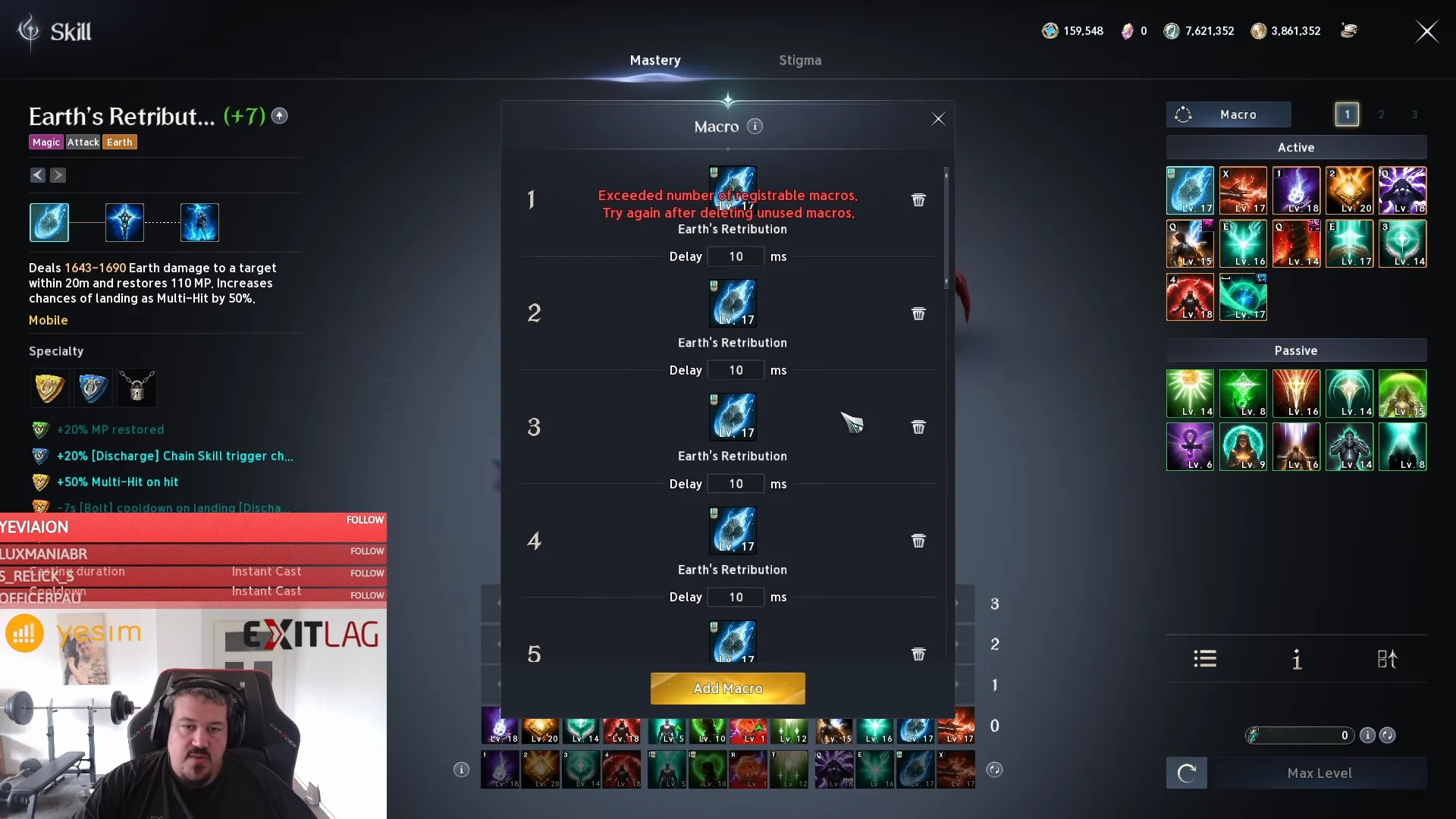
There is a long-running argument about ping. One camp raises the delay to 40–50 ms on a high-latency connection so commands register, and the other points out that the delay is a gap between your own inputs, not between you and the server, so ping should not touch it. The practical move is to start at 10 ms and only raise it if skills visibly fail to fire on your connection.
Lower ping does not increase your damage. It changes how responsive the game feels, which is a different thing from DPS, whatever the booster ads claim.
Skills to keep out of your AION 2 macro
Three categories of skill break when the macro touches them. Hotbar space is tight, so decide these before you start filling slots.
Auras and permanent buffs
An aura is a toggle. The first press turns it on, and the macro’s next pass through the loop turns it straight back off. You end up fighting a boss with no aura and no warning. Light of Protection on the Cleric, the Chanter’s Mantras and the Templar’s health buff all belong on their own buttons. Ranger and Spiritmaster carry so many buffs that some have to go in the macro anyway, so at least track which of them are toggles.
Charged skills
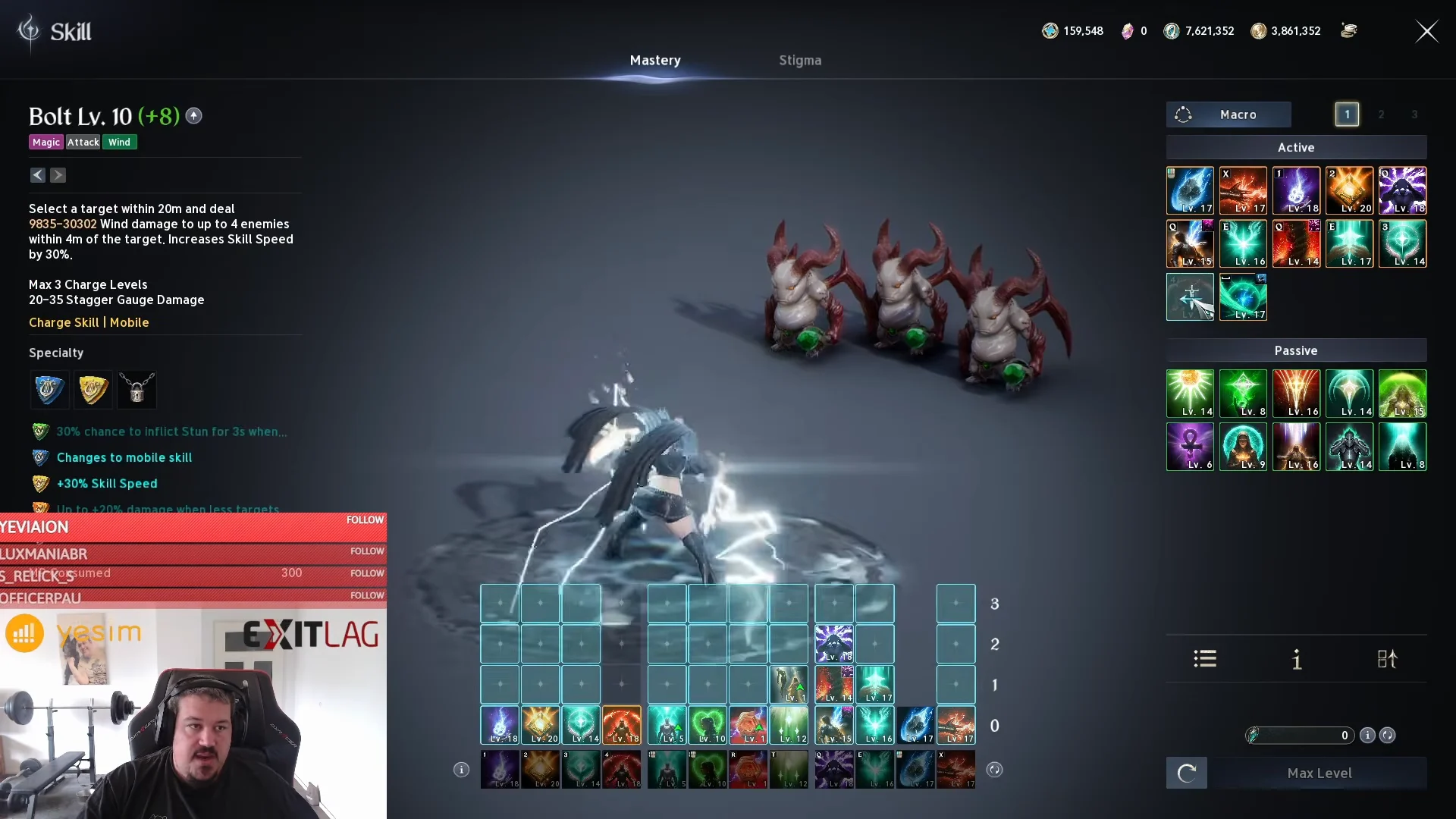
Skills that build damage across charge stages fire early and inconsistently inside a macro, landing at stage one on one loop and stage three on the next. The Cleric’s Bolt and the Templar’s Punishment are the usual examples, along with the Ranger’s Charged Shot and the Sorcerer’s Hellfire. Keep them under your finger.
Rushes, leaps and gap closers
In PvP, the fight starts with closing distance, then crowd control, then damage. If your rush is sitting in the macro, it will have burned itself while you were already standing on top of someone, and it will be on cooldown the moment a Ranger or Sorcerer jumps twenty meters away. Keep gap closers on free buttons. In pure PvE it matters far less, since mobs do not kite you, though bosses that run off are the exception.
When something has to be cut, the priority splits two ways. Inside the macro, a buff that is not an aura beats a rush. Outside it, free buttons go to rushes first, then buffs, then damage skills.
Macro presets: three loadouts, one key each
You get one macro per preset, and there are three presets, marked 1, 2 and 3 beside the Macro button. Each carries its own macro, so a PvP build with rushes kept free and a PvE build with rushes folded in can live side by side. This matters because some masteries and stigmas only function in one mode.
Presets also cover gear, arcana, and pantheon. The Batch Preset Equip panel groups them into SET 1, SET 2, and SET 3. Choose the numbers assigned to each group and press Save Changes; afterward, a single key changes the equipment, arcana, pantheon, title, and wings associated with that set.
| Action | Default key |
|---|---|
| Batch Preset: Equip Set 1 | Ins |
| Batch Preset: Equip Set 2 | Home |
| Batch Preset: Equip Set 3 | PgUp |
| Gear Preset 1 / 2 / 3 | Alt + Num1 / Num2 / Num3 |
| Skill Preset 1 / 2 / 3 | Alt + Num4 / Num5 / Num6 |
All of these sit in Key Settings under the Batch Preset, Gear Preset and Skill Preset sections, so you can remap them. A successful swap is confirmed on screen with a message reading “Skills changed to Preset 2.”
Test the macro on a Training Scarecrow
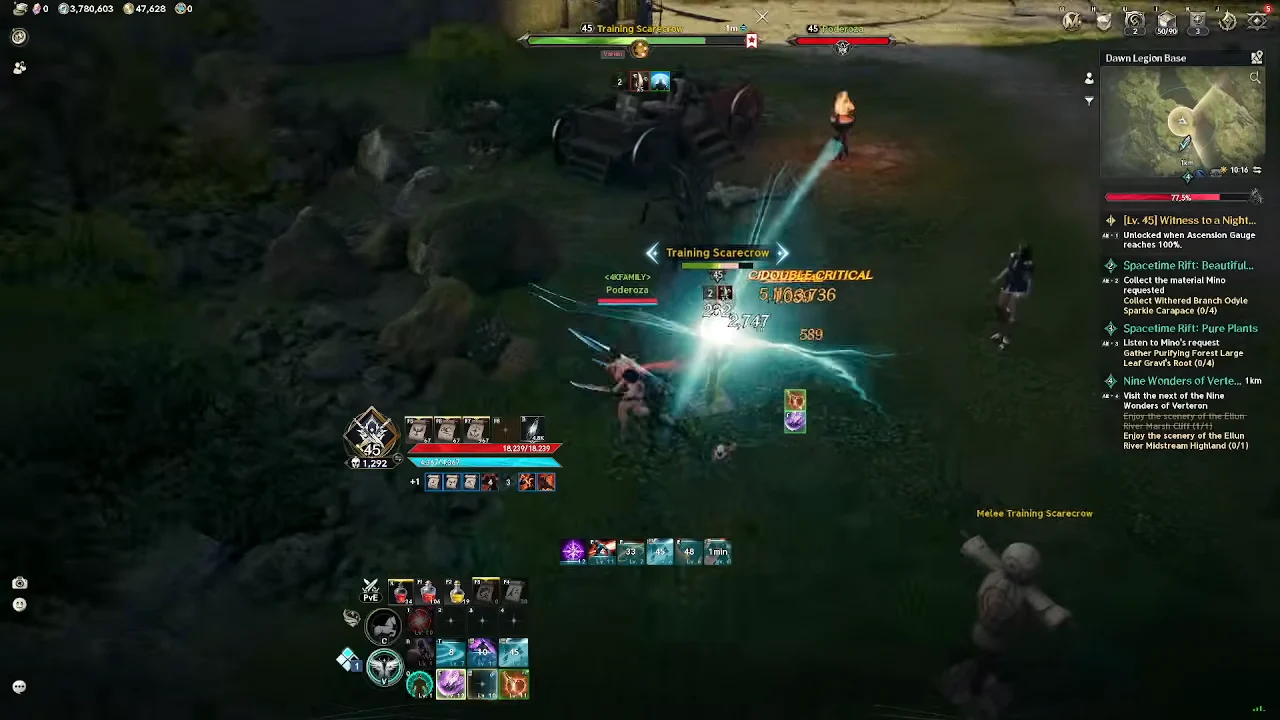
Never take an untested macro into a dungeon. A bad order can break your skill chains and quietly cost you damage. Use a Hall Return Scroll (Bound) from your Cube to reach the Legion Airship, where the Training Scarecrows sit isolated, then open the Combat Analysis window with Ctrl + X. It tracks DPS, total damage given and battle time, plus hits landed and crit rate per ability.
Reset the tracker, hold the macro key for a fixed window, and compare. A 20-second Cleric test shows how much the ordering matters.
| Macro contents | Total damage (20s) | Note |
|---|---|---|
| Earth’s Retribution only | 355,354 | Baseline |
| Judgment Thunder only | 614,879 | Drains mana fast |
| Both alternating | 542,108 | Mana sustains |
| Plus Condemnation chain | 681,183 | 41,136 DPS |
You know the macro is working when the numbers climb between runs, the hit count includes extra basic attacks, and the animation shadow stops appearing behind your character. If the sequence stalls instead of skipping to the next slot, check that you still have a target and that no manual input is interrupting the loop.
What is allowed and what gets your account restricted
The line is simple. The macro built into AION 2 is a supported feature and nobody is punished for using it. Macros recorded on your keyboard or mouse, or run through external software, break the user agreement and count as cheating. That includes endless auto-farming loops for kinah, which read as bot behavior and can end in account restrictions or a ban.
Using the in-game macro to farm while AFK is not permitted either. It is meant to smooth out active combat, not to play for you.
One more thing worth factoring in before you commit to a chain: the Taiwanese version runs six active stigmas, while the global release drops that to four. Two skills is a large chunk of a macro, so a sequence copied from a TW setup may not fit your slots. Build it, test it on a dummy, and adjust as your own skills unlock.