Roblox Find the Markers: How to Get the Digital Marker
The full route from the spawn cabin bed through Scented Reverie into Cyberspace, plus the ledge where the marker hides.
The full route from the spawn cabin bed through Scented Reverie into Cyberspace, plus the ledge where the marker hides.
by Sehaj Padda
Digital Marker sits at the end of a long chain of portals in Find the Markers, which is why it trips up players who go looking for it on the main map. It is not hidden anywhere in the surface world. Reaching it means going to sleep, crossing a dream realm, falling through a glitch, and finally landing in the green wireframe biome called Cyberspace.
Quick answer: Sleep in the spawn cabin bed, take the red door in the dream realm, clear the void obby, drop through the toy-block floor into Cyberspace, then climb the binary blocks near the heart console.
Digital Marker difficulty, biome, and designer
Detail
Value
Difficulty
Medium
Biome
Cyberspace
Realm
Scented Reverie
Designer
paulusjosef
In-game hint
Hidden within Cyberspace
Badge description
or was it bionic
Added
July 18, 2025
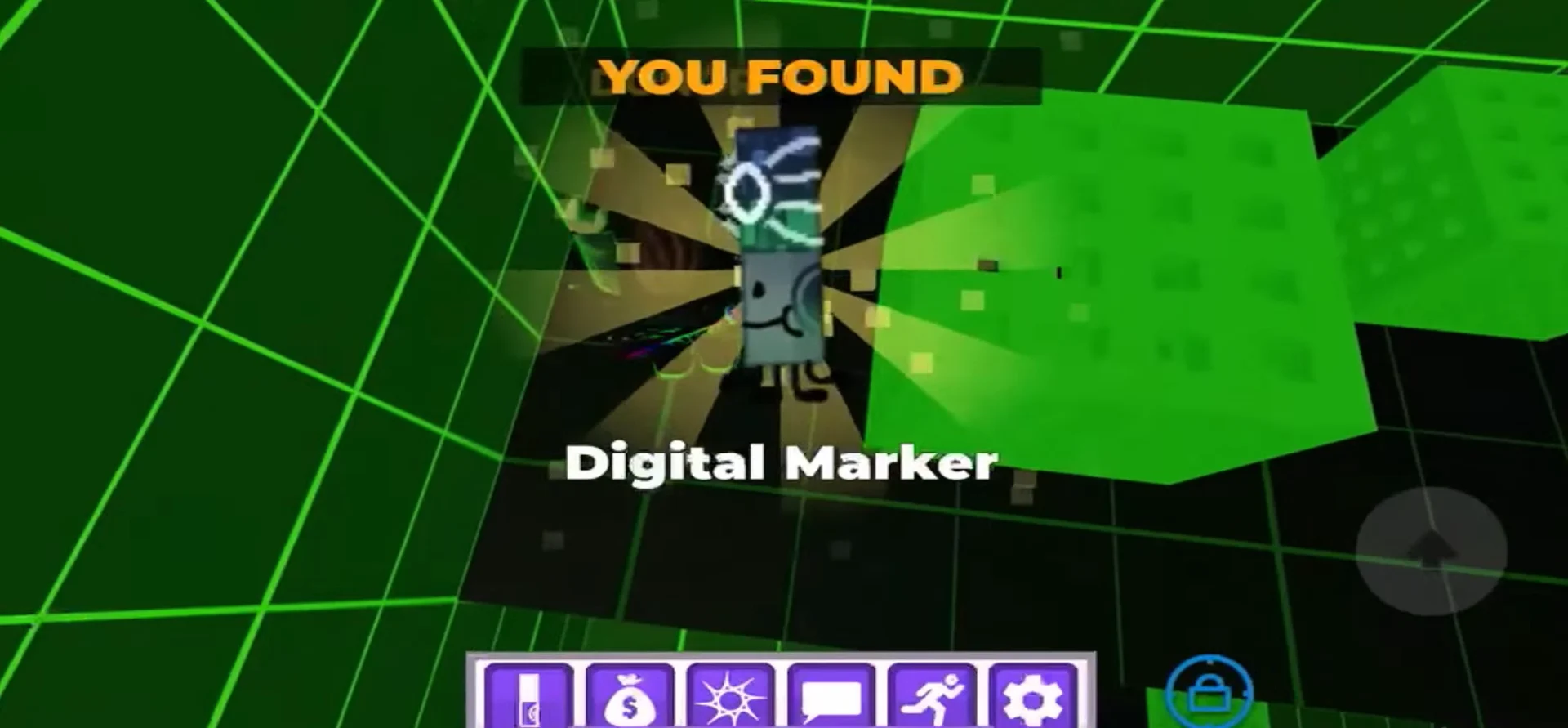
The marker itself is a bluish-green gradient body with bright blue and green cubes ringing the cap, plus a large circular pixel pattern in the middle of the cap. It was whitelisted back on October 7, 2023 under the name Bionic Marker, and the old name is still referenced in the badge text. It was also classified as Easy before being moved up to Medium.
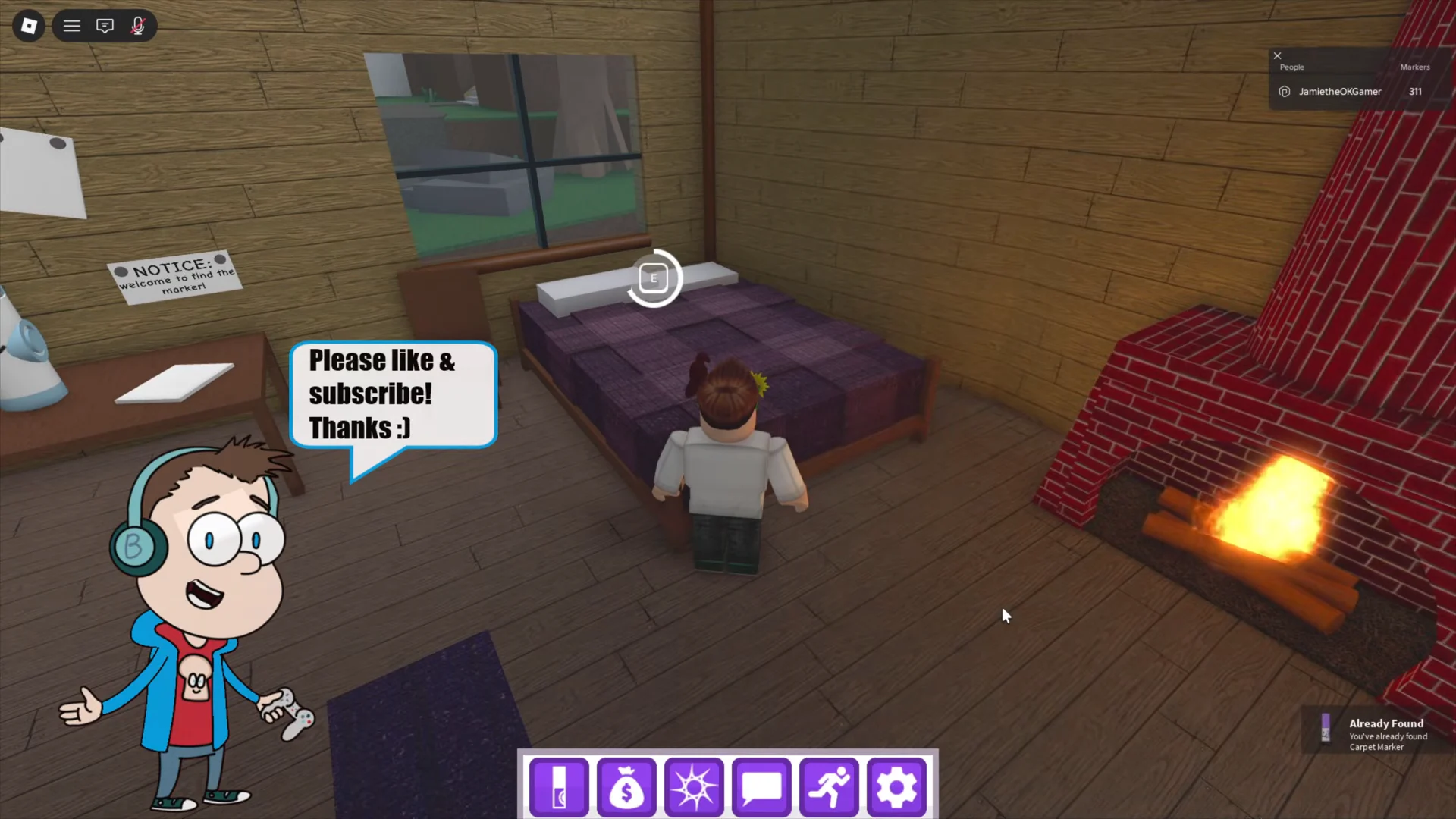
Begin at the spawn area, climb the stairs, and enter the wooden cabin. At the bed, keep the interact control held—press E on a keyboard or use the tap prompt on mobile. Once the brief “Reverie…” transition ends, you awaken inside the cabin’s dream counterpart.
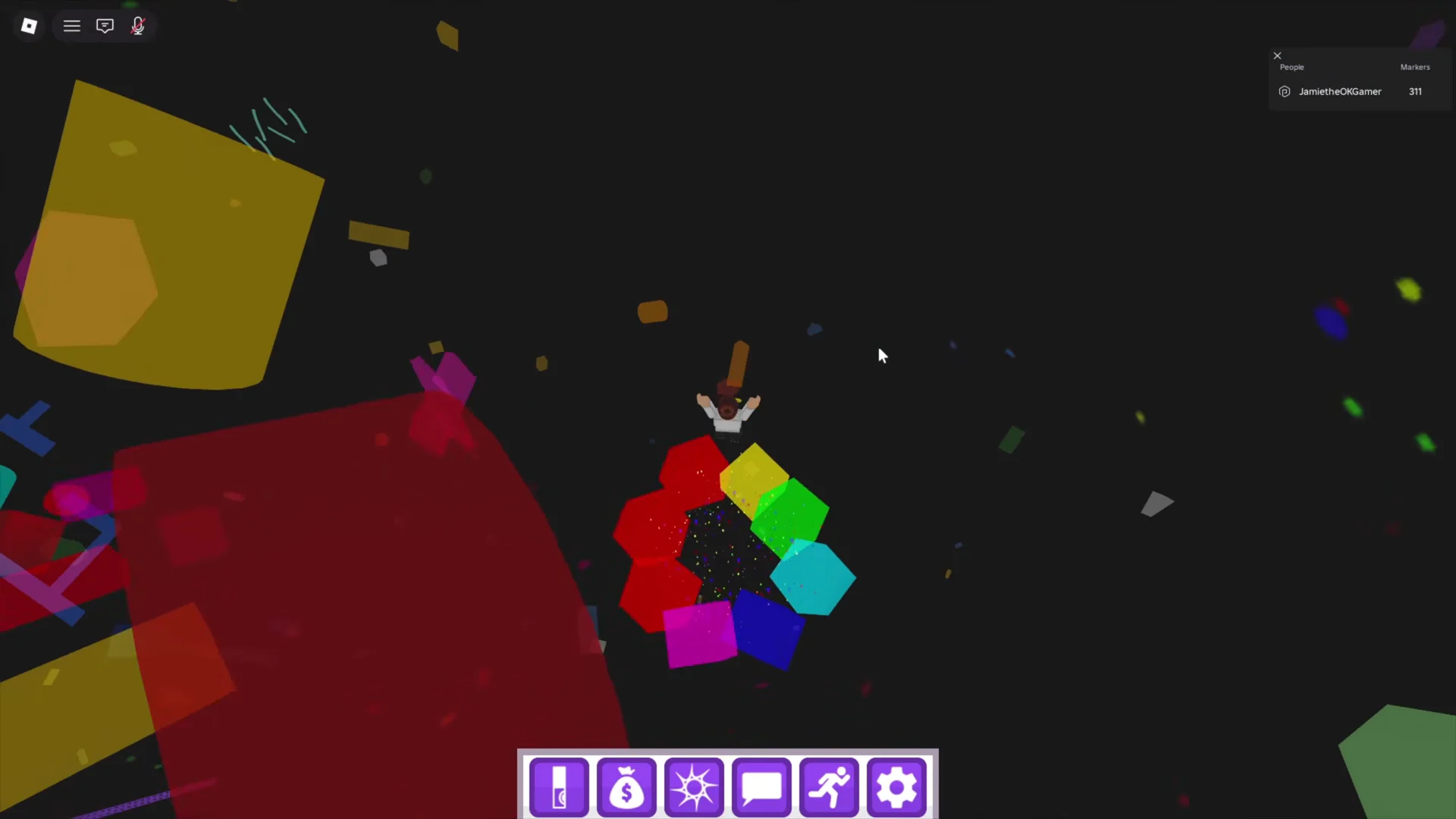
You drop into a dark void filled with floating geometric blocks and ramps. Jump your way across them until you reach the rainbow-colored circular teleporter at the far end. Falling here is not fatal, since it sends you back to the start of that section rather than killing you.
A “TECHNICAL DIFFICULTIES” card flashes and you land in a bright area surrounded by giant toy building blocks. Head across the grass and look down for the exit on the ground, which appears as a green circular pad or a visible seam between the blocks. Step onto it and you will fall through.
A mock blue error screen plays, then you spawn inside Cyberspace, a black and green wireframe grid room. This is the biome named in the marker’s hint, and everything from here on happens inside it.
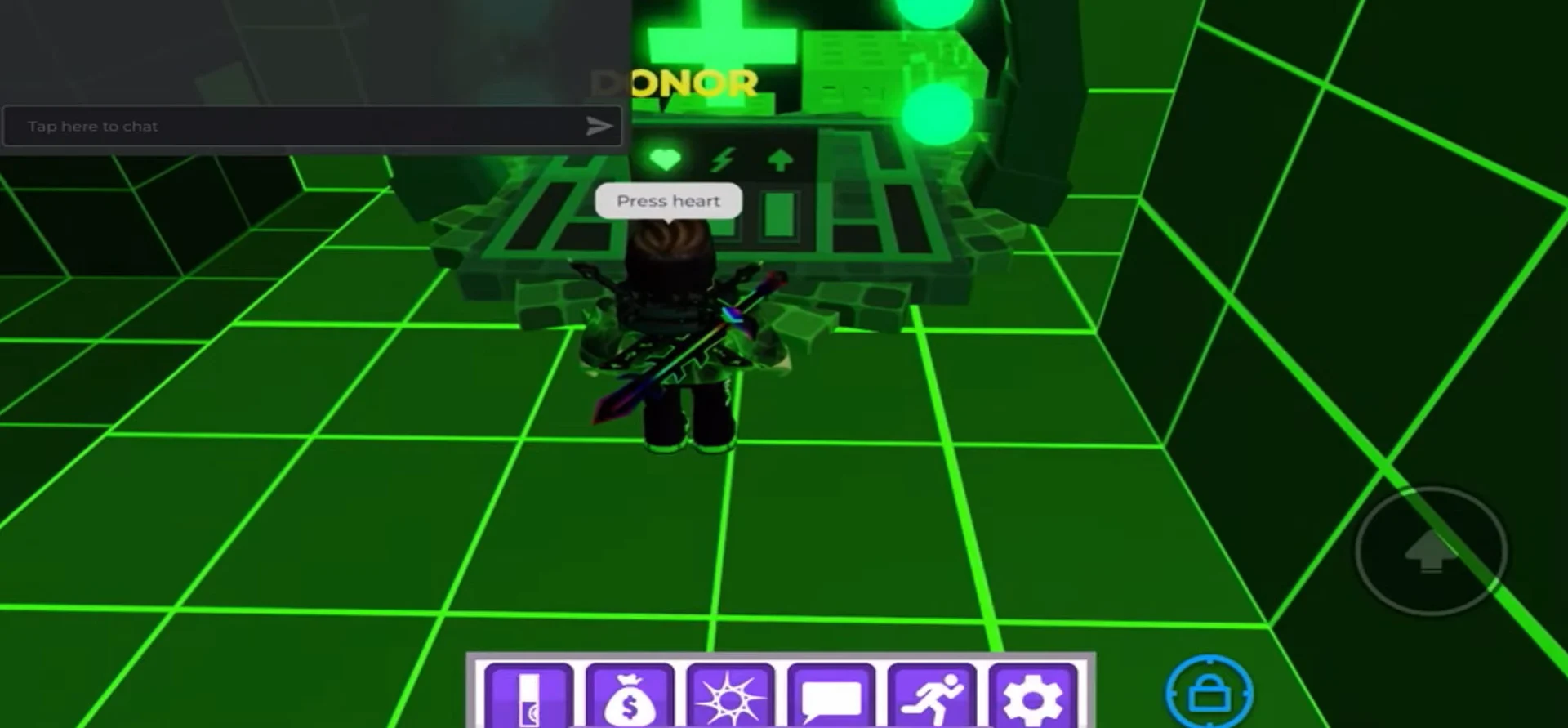
From the Cyberspace spawn point, follow the grid floor around to the lit console marked with a green cross and a heart. Interacting with it opens up the pathway you need, including the moving platforms beside it.
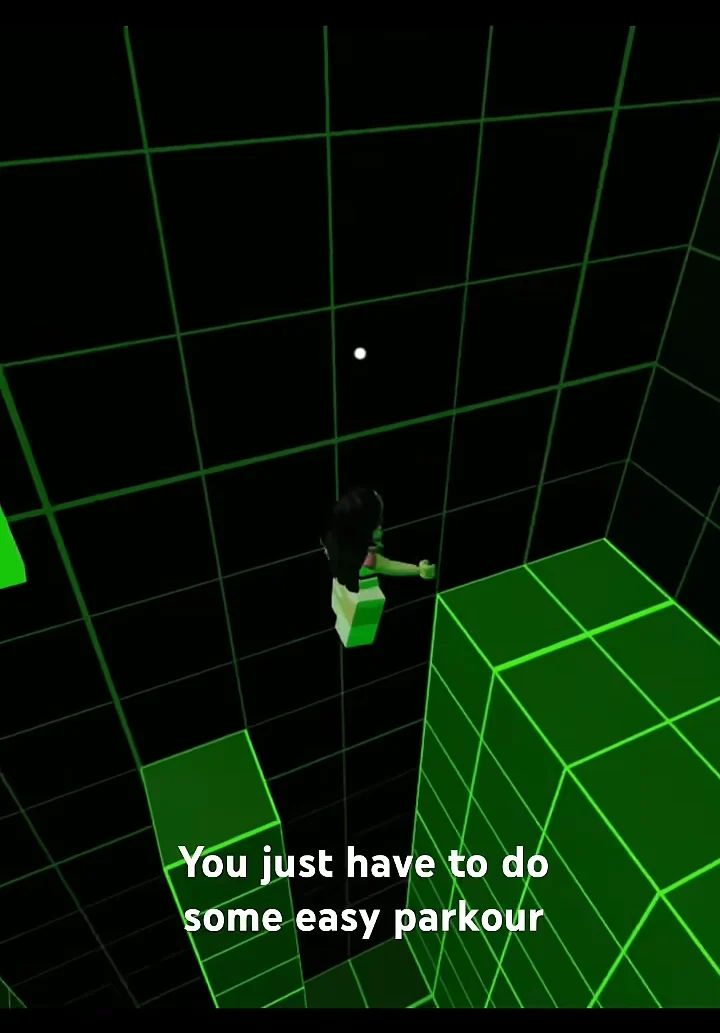
Use a pair of moving platforms beside the Heart Portal, then begin the parkour route across the perforated green cubes. The gaps are small, though falling binary digits cover the blocks and make their edges difficult to judge.
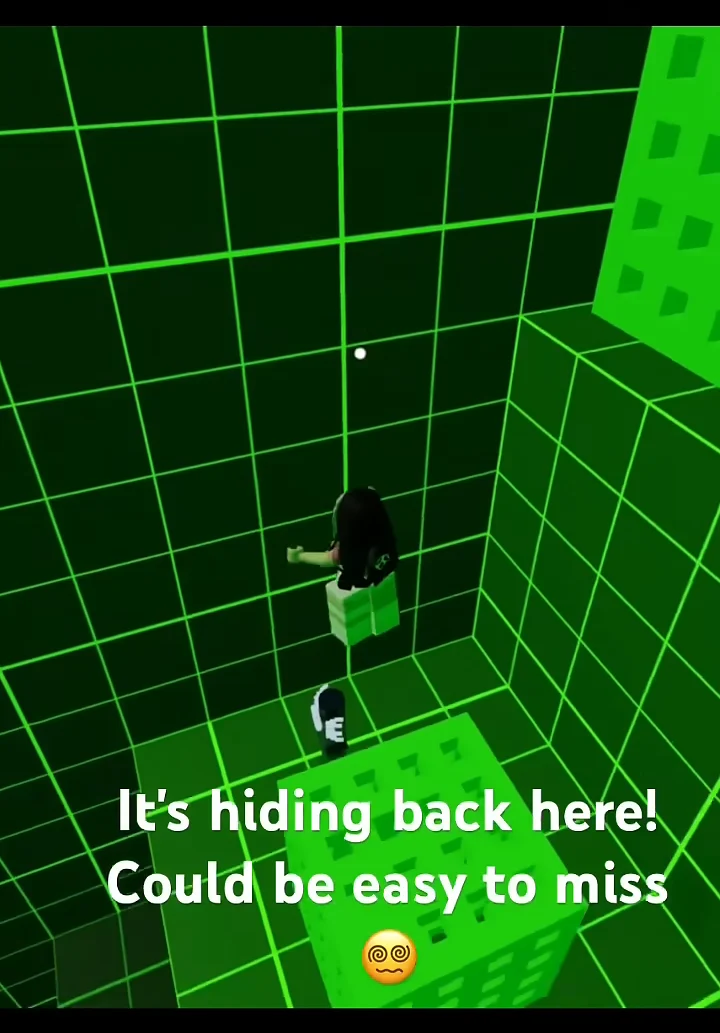
Keep climbing into the back corner and up the truss until you reach the upper ledge. The marker is tucked behind a large green block, so you have to circle around the back of it rather than looking from the front. It is easy to walk straight past.
Walk into the marker to pick it up. No tool or item is needed, and the marker does not move or talk.
If you overshoot the ledge, drop down along the corner grid wall to the lower floor behind the blocks instead of restarting the whole portal chain.
How to confirm the marker registered
Touching it triggers a “YOU FOUND” banner with Digital Marker named on it, followed by a “Badge Awarded” notification. After that, the marker’s entry in your MarkerDex fills in, and walking into it again shows “Already Found” with the message “You’ve already found this marker.” If you see that second message on your first attempt, the marker was already credited to your account from a previous session.
Digital Marker is slated for removal from Find the Markers and will be swapped out for Decode Marker in a future update, because its designer was banned from the game’s Discord server. No official date has been confirmed for that change.
If you care about the badge, collecting it sooner is the safer move, since the route above only works while the marker is still placed in Cyberspace. Around a thousand players a day still pick it up, so the Scented Reverie portal chain remains active for now.