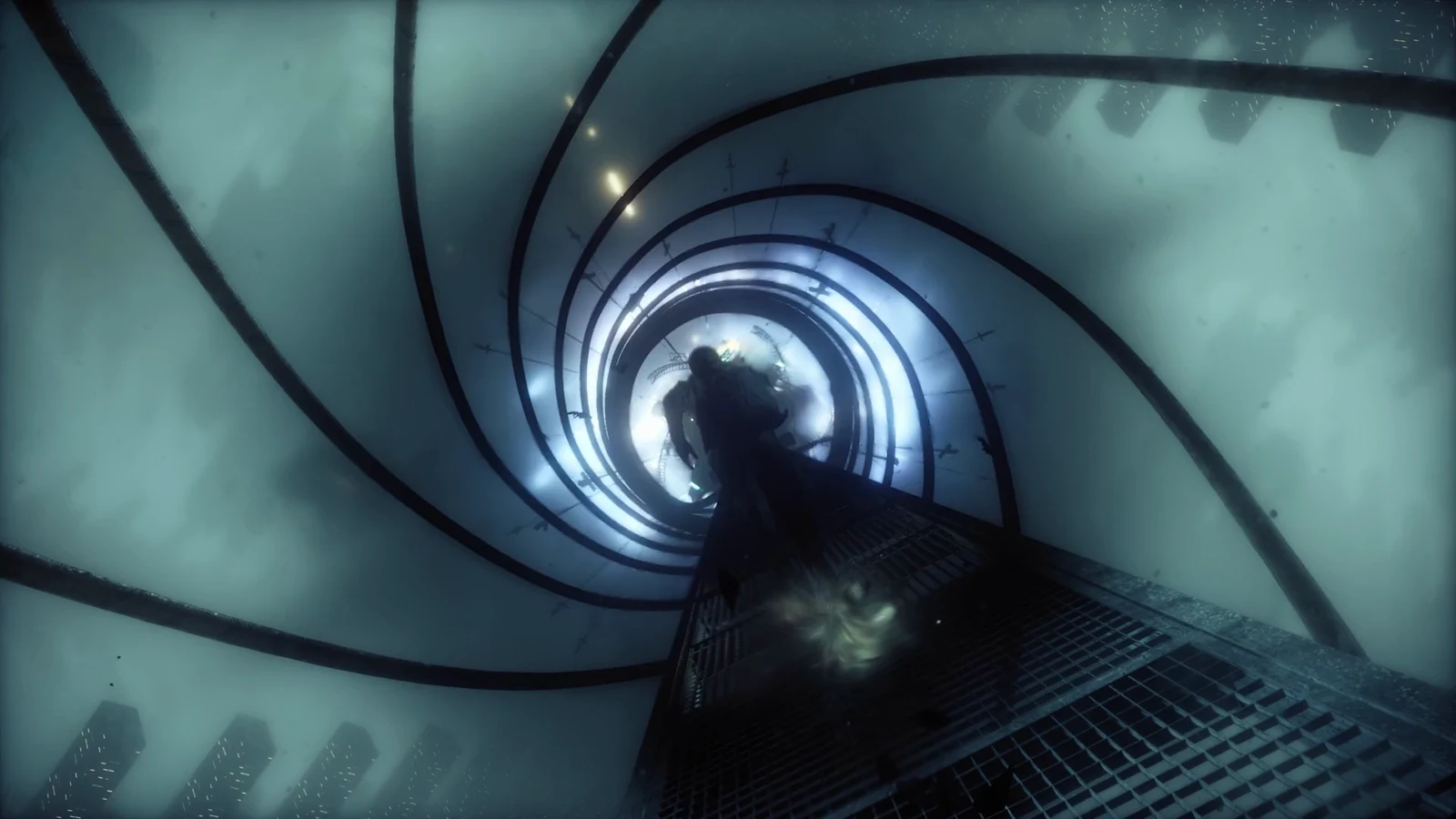
Fast Travel Doors are the shortcut system in Control Resonant, and they are not subtle. Dylan Faden steps through a shifting doorway in one part of Manhattan and walks out somewhere else entirely, often directly into a group of FBC staff who had no idea he was coming. The system opens up partway through the early story, and the first two doors are close enough together that you can have both running within a few minutes.
Quick answer: Start the Welcome to Manhattan main quest, walk up to a Fast Travel Door, hold the interact prompt, choose a destination from the list, and confirm with Travel to Location.
When Fast Travel Doors unlock in Control Resonant
Fast Travel Doors become usable during the Welcome to Manhattan main quest. Before that quest begins, the doors either are not present or cannot be interacted with, so there is no way to shortcut the opening stretch of the game. Once the quest is active, the doorways appear as glowing openings you can approach directly.
The same quest also sends you to the mapping pylons and Map Kit Sensors, which matters because one of the first doors sits right beside that objective. Activating things as you pass them saves a return trip later.
Fast Travel Door locations in Downtown
| Fast Travel Door | Zone | Where to look |
|---|---|---|
| Oldest House: Central Executive | Downtown | Second floor, end of the balcony |
| Outside the Oldest House | Downtown | Basket field, by the Map Kit Sensor |
The Central Executive door sits on the second floor of the Oldest House, in the large hall where the game first teaches you combat. Follow the balcony to its end and the door is waiting there. It only becomes available once Welcome to Manhattan has actually started, so an early visit to that hall will turn up nothing.
The first Downtown door outside the building is on the basket field, next to the Map Kit Sensor you are told to switch on during the same quest.
Activate that door while you are already standing at the Map Kit Sensor. It costs nothing at the time and gives you a return point into Downtown straight away.
How to use a Fast Travel Door
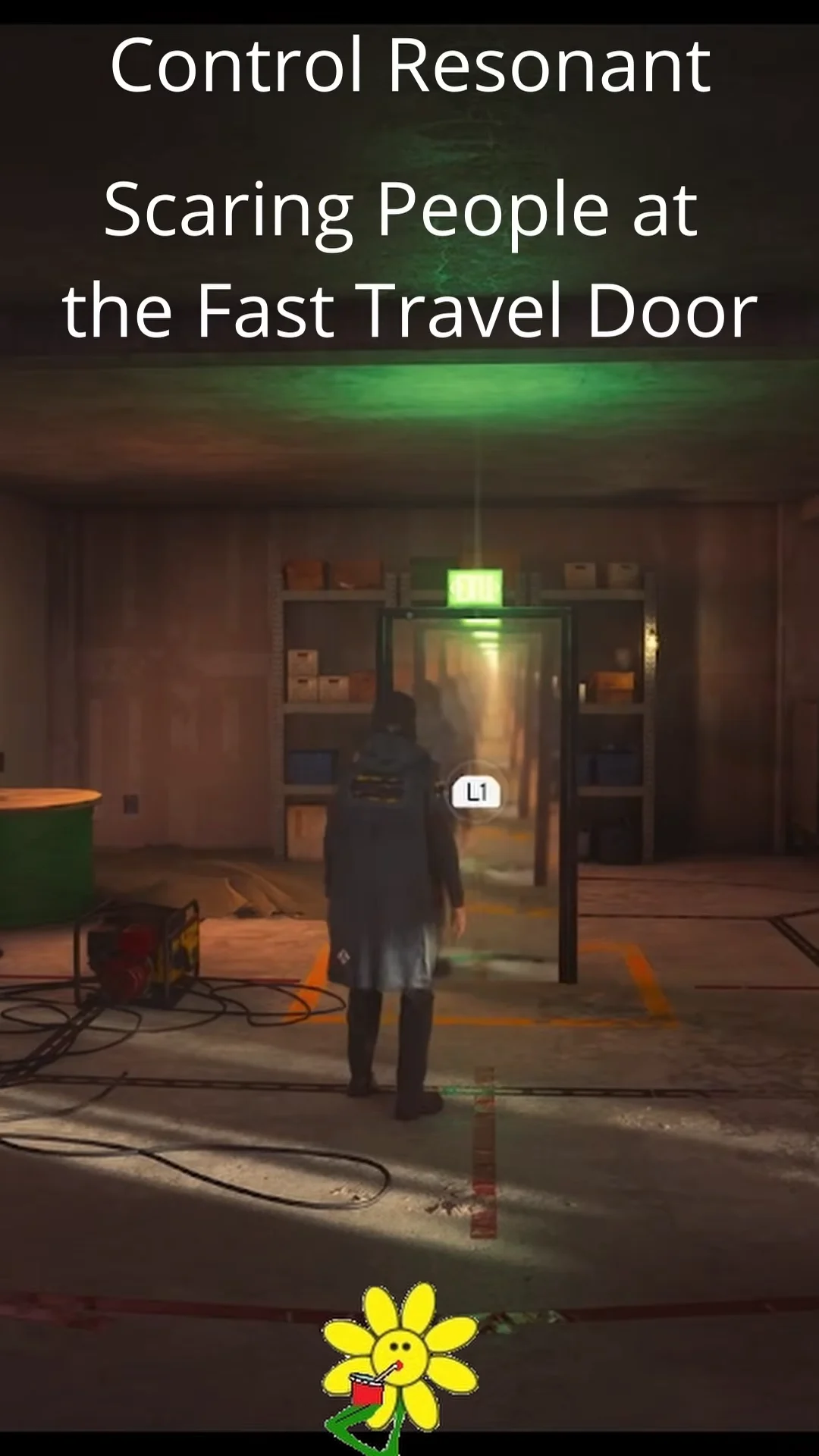
Fast travel destinations in the menu
The destination list fills out as you find more doors. Early on it covers the Downtown area and the FBC’s main footholds.
- Downtown
- Outside the Oldest House
- Central
- Field Office
- Watchtower
Why NPCs react when you arrive through the door
Arrivals are not quiet. Travel to the Field Office and Dylan emerges from the portal onto a city rooftop, right in the middle of three scientists in hazmat suits. They shout as he appears, with lines like “What the hell” and “Jesus Christ, a little warning, please” showing up in the subtitles.
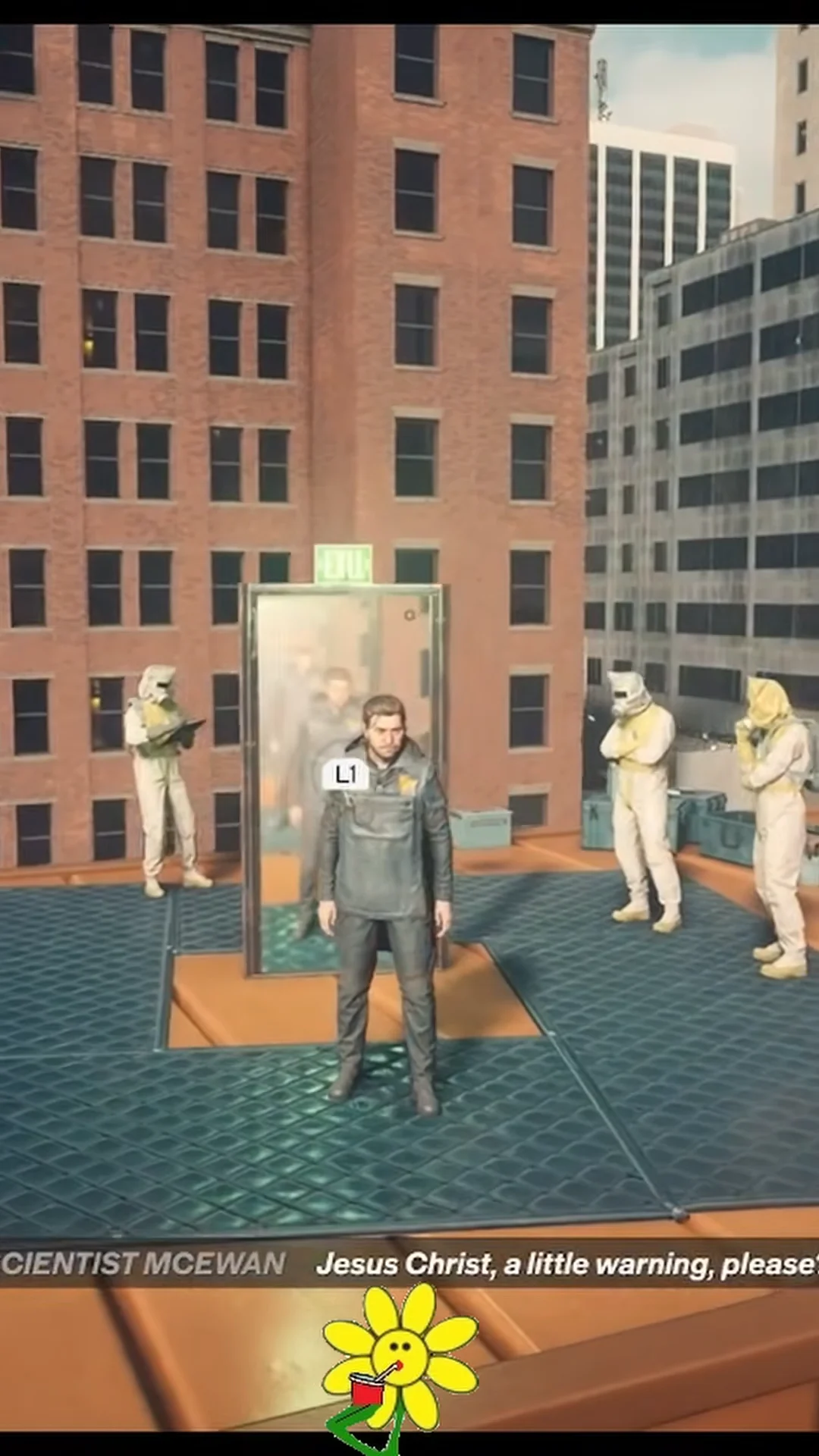
These are ambient reactions rather than a scripted objective. Nothing breaks and no quest state changes, so you can travel back and forth as often as you like without consequence.
Emily Pope’s dialogue about the Fast Travel Door
You can also bring the door up directly with Emily Pope. Her dialogue wheel includes the option “I found a strange door…”, sitting alongside choices such as “Don’t you want to leave the Oldest House?”, “About the Hiss’s evolution…”, and “Darling disappeared?”.
Pick the first one and Dylan describes a door that keeps changing shape and form, and that dropped him in another part of the city.
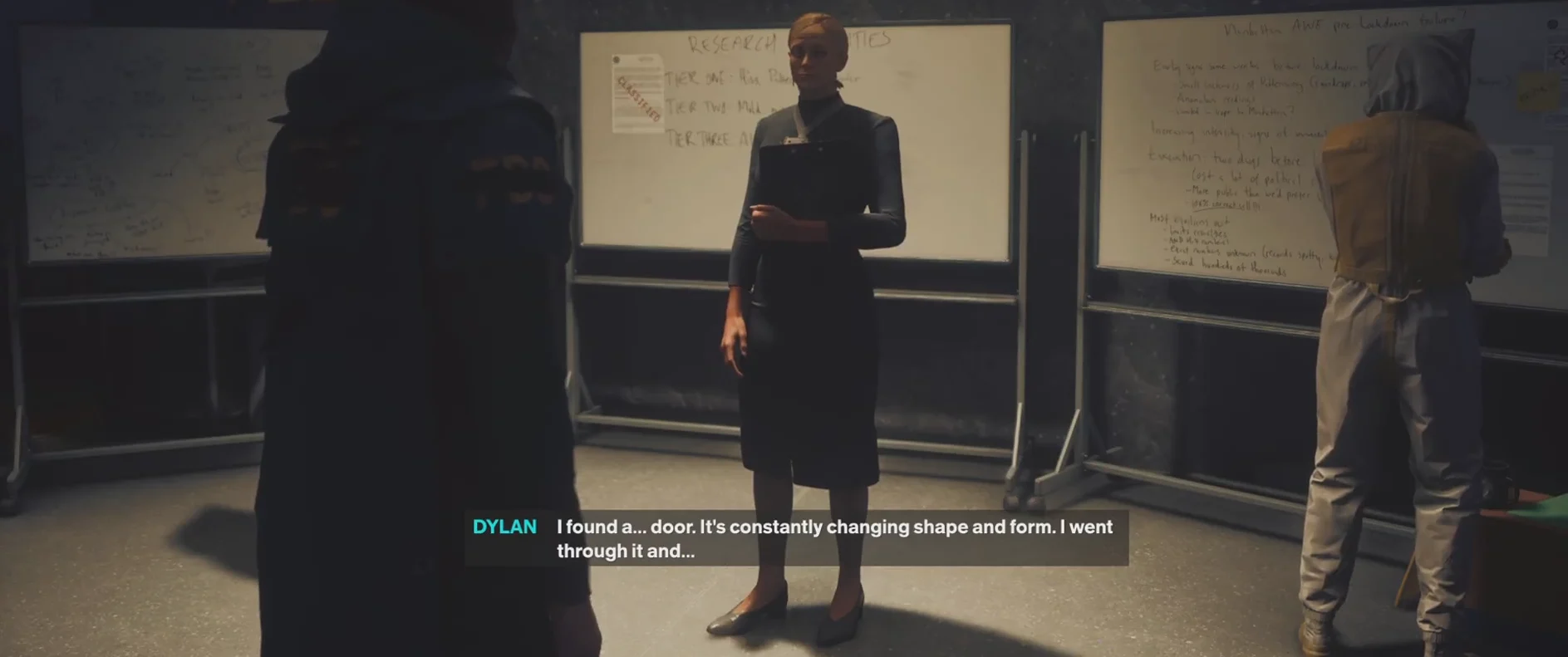
Pope is surprised he used it at all. She says the door turned up in the Field Office only the day before, then asks whether the displacement across the city was instantaneous. Dylan answers “Uh, almost,” which sets her off on a run of rapid follow-ups about the distance covered, what it physically felt like, and whether the trip was one-way, before she catches herself.
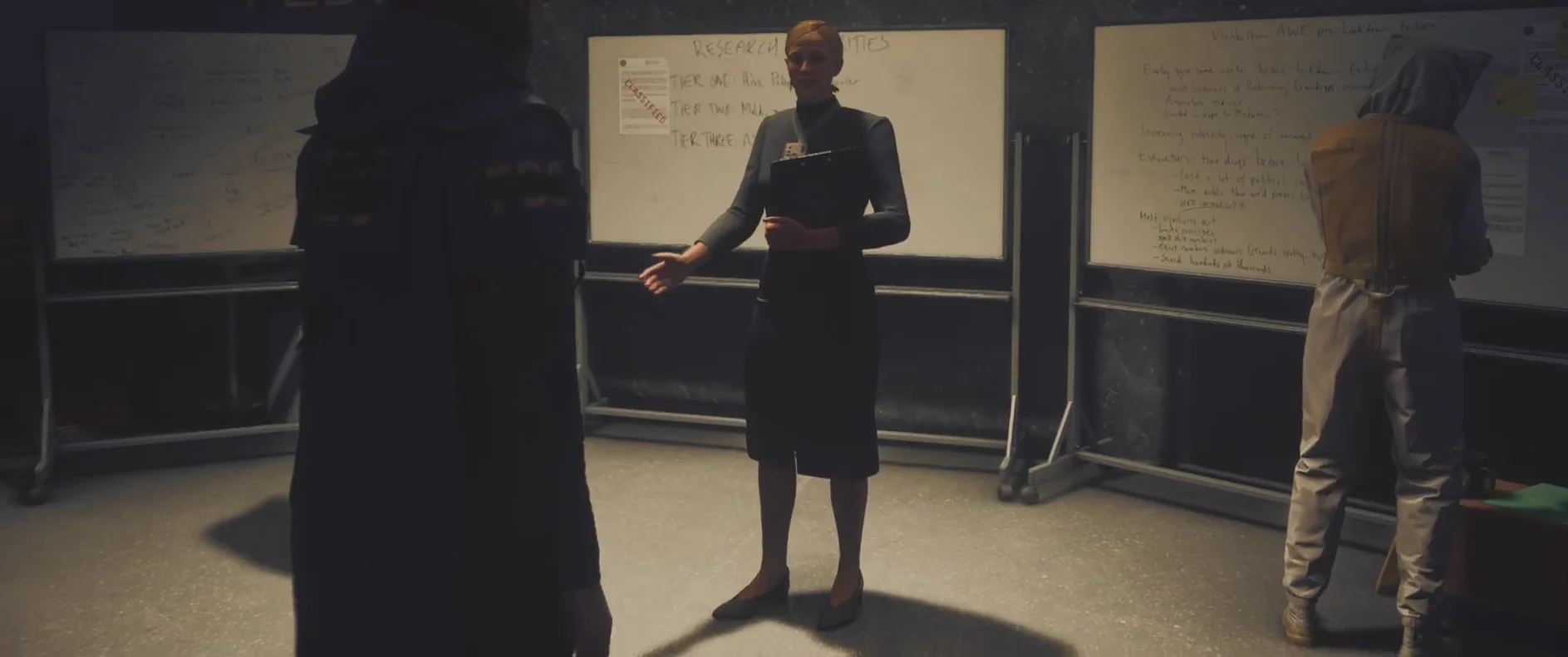
Her final request is that Dylan continue using the door, allowing her to collect readings through his MCD for proper study. Control then returns to Dylan in third-person view, positioned in front of Pope and her research whiteboards.
Once both Downtown doors are active and the destination list is populated, the Fast Travel Door network becomes the fastest way to move between the Oldest House, Central, and the Watchtower as Manhattan opens up, and the startled reactions on the far side are simply part of the deal.