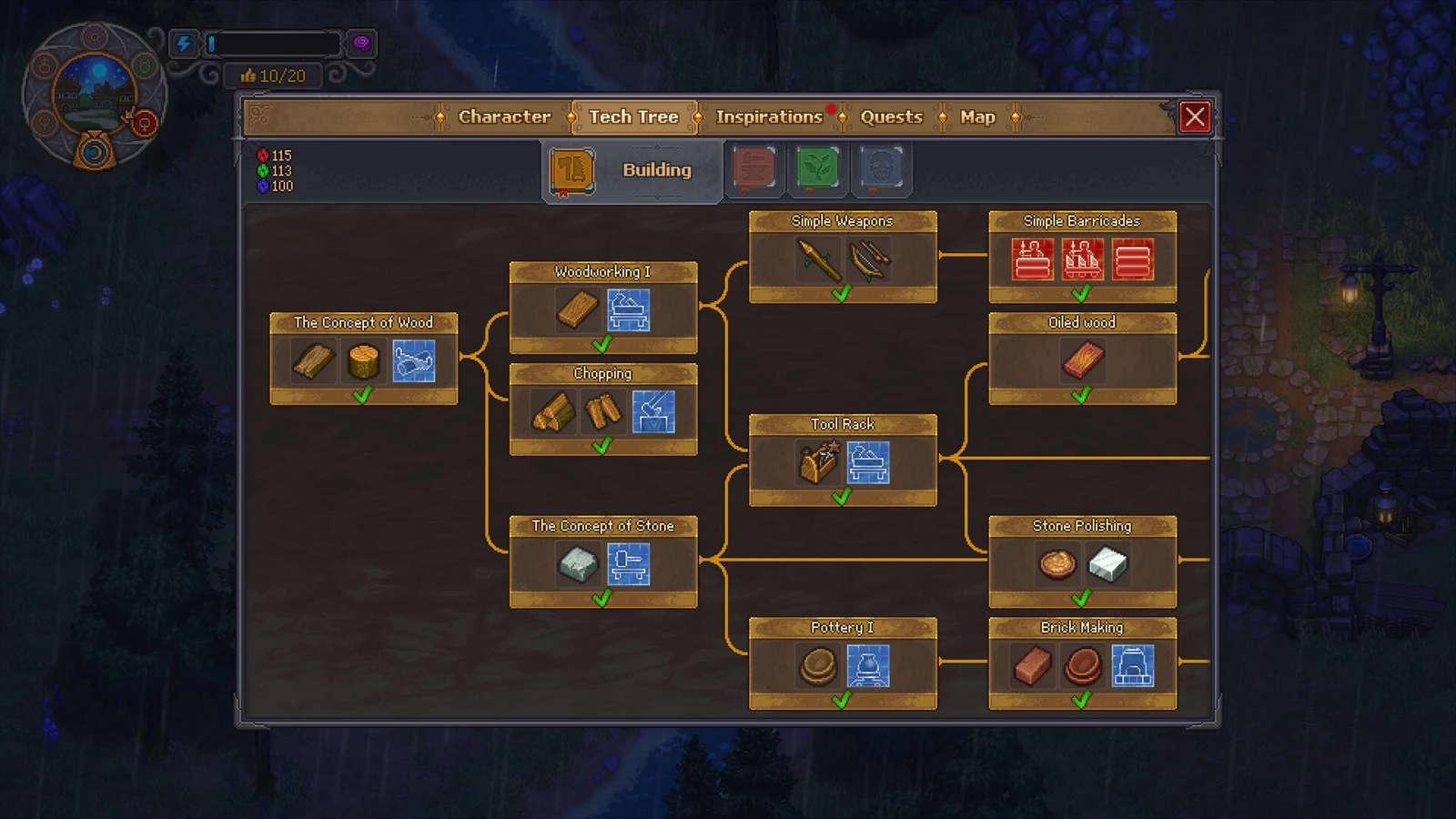
The Building tree is where you spend most of your early hours in Graveyard Keeper 2, and it splits into two branches: Wood and Stone. Each node unlocks new materials, blueprints, and workbenches once you pay its cost in technology points, and nodes on the right only open after you research the ones to their left.
Quick answer: Research Building nodes by spending Red, Green, and Blue technology points at the Study Table. The Concept of Wood and The Concept of Stone open the two branches, and every later node has a fixed point cost listed below.
How to earn technology points for Building nodes
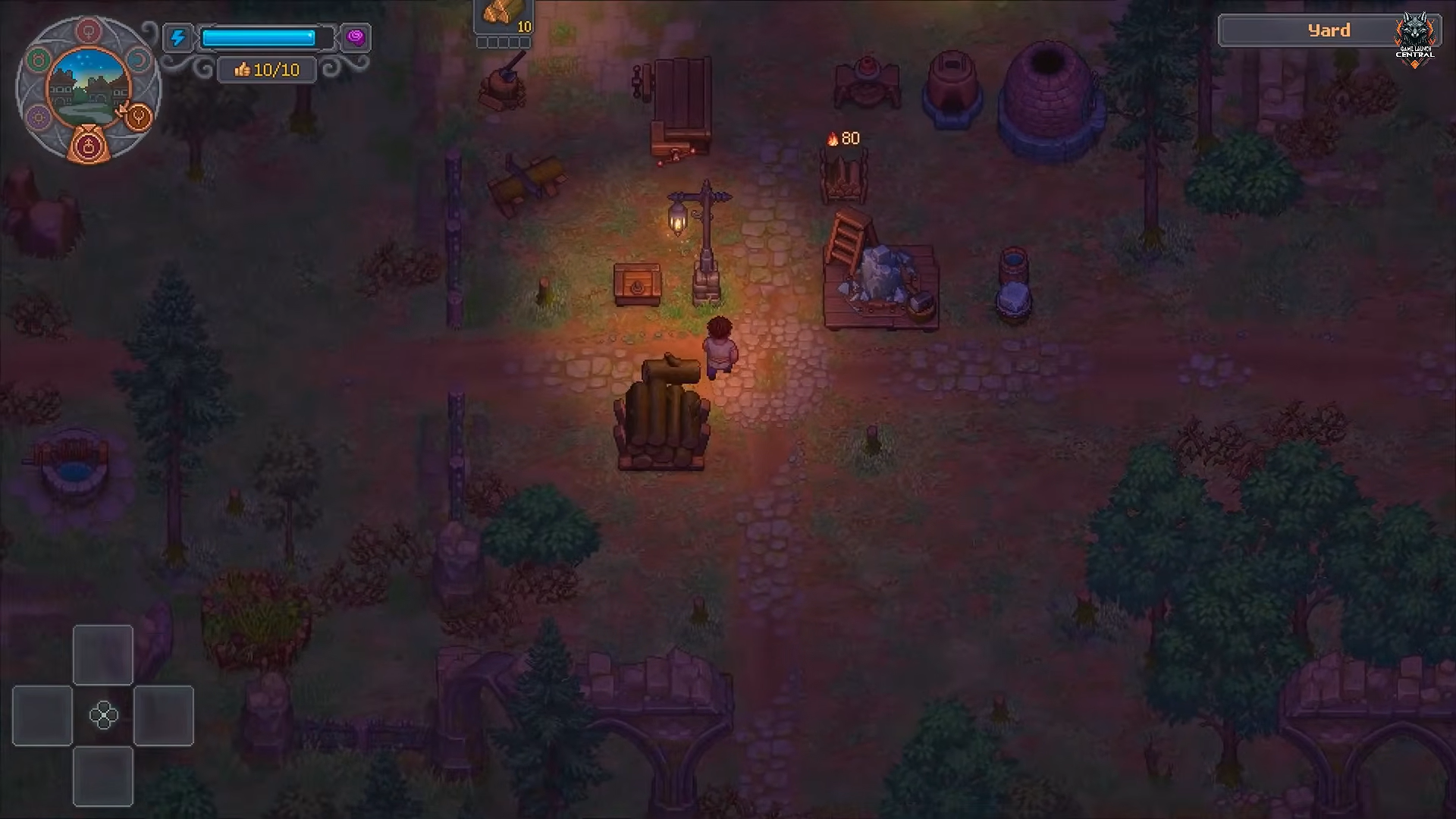
Building nodes are paid for with Red, Green, and Blue technology points. You generate these by studying items and components at the Study Table beneath your home. Follow the early story quests with the Plague Doctor first to open your underground workspace.
Because the tree is a chain, plan a route. You cannot buy a node on the right until every prerequisite to its left is already researched.
Wood building research nodes
The Wood branch begins with The Concept of Wood, which you open by speaking with the Bishop rather than paying points. From there the branch scales from single-digit Red costs into nodes demanding well over a hundred Red plus Blue points.
| Technology | Unlocks | Cost |
|---|---|---|
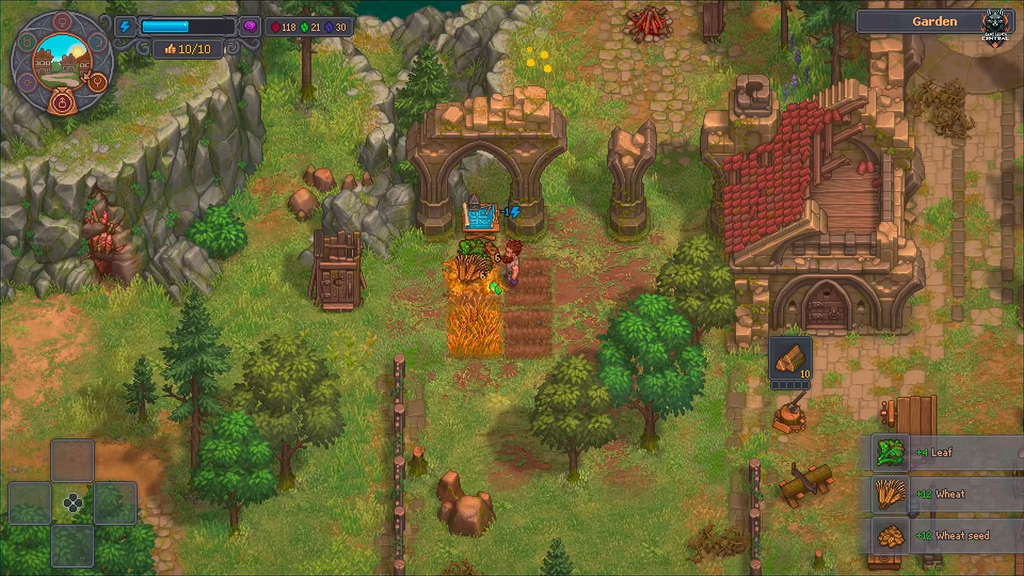
| The Concept of Wood | Board, Short Log, Sawhorse blueprint | Speak with the Bishop |
| Woodworking 1 | Wooden Plank, Woodworking Workbench 1 | 10 Red |
| Chopping | Firewood, Wood Wedge, Chopping Spot blueprint | 8 Red |
| Suit Up! | Dresser with mirror blueprint | 15 Red |
| Tool Rack | Tool Rack blueprint, Simple Chest blueprint | 35 Red |
| Zombie Assistant | Zombie Supplier Station | 35 Red, 5 Green |
| Oiled Wood | Oiled Plank, Wooden Kit I, Wooden Trinkets | 20 Red, 20 Green |
| Woodworking II | Bronze Chisel, Furniture Kit I, Woodworking Workbench II | 40 Red, 5 Green |
| Circular Saw | Circular Saw blueprint, Wooden beam, Oiled Beam | 35 Red, 10 Green |
| Wooden Joint | Wooden Joint | 90 Red, 25 Blue |
| Wood Carving | Carved Wood, Large Chest blueprint | 120 Red, 30 Blue |
| Conveyors | Conveyor Belt, Conveyor Splitter, Underground Conveyor blueprints | 70 Red, 20 Blue |
| Artisans I | Builder blueprint, Smithy blueprint | 75 Red, 25 Green |
| Assembly bench | Wooden Kit I, Stone Kit, Assembly Bench I blueprint | 75 Red, 20 Blue |
| Crate | Crate, Supply Pallet blueprint | 100 Red, 10 Blue |
| Wooden Kit I | Wooden Kit I, Auto-hammer blueprint, Conveyor Chest I blueprint | 100 Red, 10 Blue |
| Zombie Delivery | Zombie Supply Porter blueprint, Supply Station blueprint | 110 Red, 10 Blue |
| Building Kit I | Building Kit I, Building materials I, Factory Lantern blueprint | 110 Red, 10 Blue |
| Market Stalls II | Furniture Maker, Baker, Fish stand blueprints | 130 Red, 30 Green |
| Assembly Bench II | Iron Tools, Assembly Bench II blueprint | 110 Red, 20 Blue |
| Artisans II | Tavern blueprint, Brewery blueprint | 110 Red, 75 Green |
| Furniture Kit I | Drill Press blueprint, Furniture Kit I, Furniture I | 120 Red, 20 Blue |
| Wooden Kit II | Wooden Kit II, Conveyor Chest II, Porter Station blueprint | 120 Red, 20 Blue |
| Kitchen Supplies | Cutlery I, Kitchen Utensils | 120 Red, 20 Blue |
| Market Stalls III | Alchemist blueprint, Jeweler blueprint | 150 Red, 50 Green |
| Appliances I | Appliances I, Supply Pallet II blueprint | 130 Red, 20 Blue |
| Bioreactor | Zombie Power, Bioreactor blueprint | 130 Red, 20 Blue |
| Clothes I | Clothes I, Sewing Machine blueprint | 130 Red, 20 Blue |
| Zombie Mechanisms | Zombie Mechanism, Engineering mechanism, Lathe blueprint | 140 Red, 20 Blue |
| Assembly Bench III | Sculpture Kit II, Cutlery II, Assembly Bench III | 150 Red, 30 Blue |
| Furniture Kit II | Furniture Kit II, Furniture II | 160 Red, 30 Blue |
| Building Kit II | Building Kit II, Building materials II | 160 Red, 30 Blue |
| Clothes II | Clothes II | 160 Red, 30 Blue |
| Appliances II | Appliances II | 170 Red, 30 Blue |
The Zombie-tagged Wood nodes (Zombie Assistant, Zombie Delivery, Zombie Mechanisms, Bioreactor) all cost Green in addition to Red, so bank Green points before you commit to automating your supply chain.
Stone building research nodes
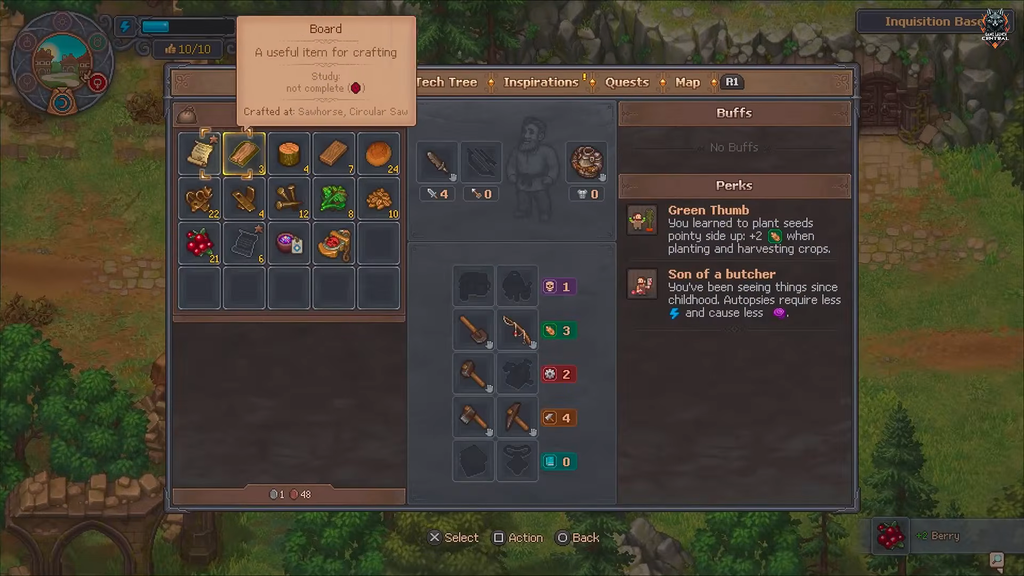
The Stone branch opens with The Concept of Stone for 15 Red and moves through pottery, bricks, and stone polishing before reaching marble work. The most expensive node here is Marble Carving at 175 Red and 50 Blue.
| Technology | Unlocks | Cost |
|---|---|---|
| The Concept of Stone | Stonemason’s Workbench blueprint, Piece of Stone | 15 Red |
| Tool Rack | Tool Rack blueprint, Simple Chest blueprint | 35 Red |
| Pottery I | Clay Plate, Potter’s Wheel blueprint | 10 Red, 5 Green |
| Stone Polishing | Polished Stone, Stone Kit | 20 Red, 5 Green |
| Brick Making | Brick, Kiln blueprint | 15 Red, 5 Green |
| House Repairing | Building Kit I | 45 Red, 10 Green |
| Stone Carving | Carved Stone | 60 Red |
| Ceramic Firing | Clay Urn | 55 Red |
| The Concept of Marble | Marble Plate | 80 Red, 30 Blue |
| Marble Polishing | Polished Marble, Stone Marbles | 100 Red, 20 Blue |
| Marble Carving | Carved Marble | 175 Red, 50 Blue |
| Fabric | Fabric, Spinning Wheel blueprint | 100 Red, 10 Blue |
How to confirm a node is unlocked
When you spend the listed points, the node fills in on the Building book and its rewards become available immediately. Blueprints appear in your building menu, while items and materials such as Carved Wood or Polished Marble unlock as new crafting recipes at the matching workbench. If a node stays greyed out, an earlier connected node in the same branch is still unresearched, so work back to the left and clear it first.