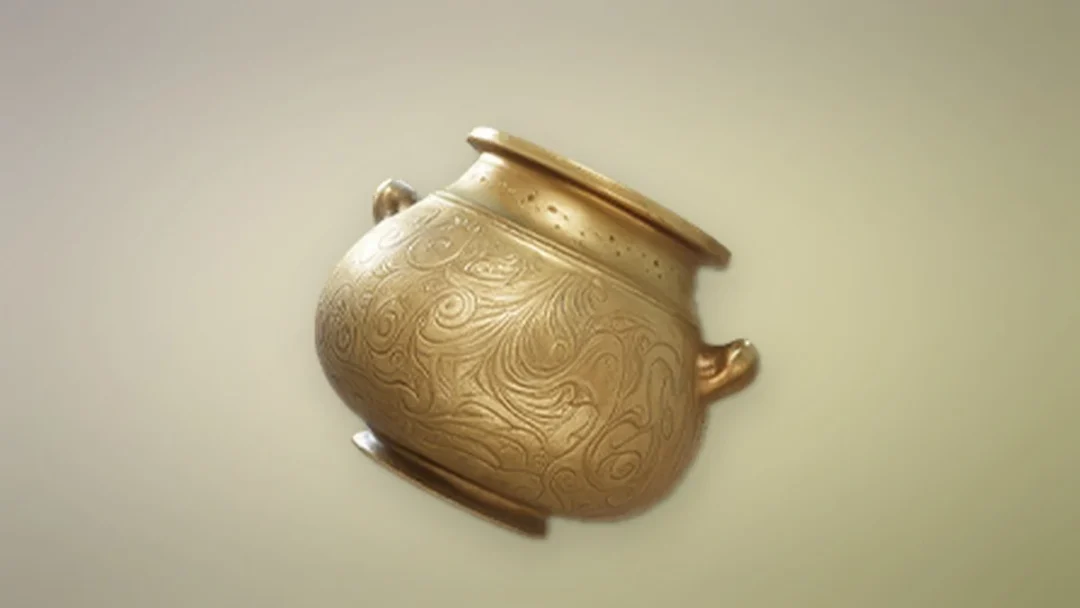
The Gift of Celebration is an Epic gift box in Aniimo that pushes friendship progress forward fast. Sending one to a friend hands them a stack of Credits and an egg, gives you some Credits back, and raises the Affinity between you both. It is the highest-value gift you can hand over at the Mementos shop, and it is bought with a premium currency rather than found lying around.
Quick answer: Buy a Gift of Celebration at the Mementos shop in Astra for 88 Glimmer, then send it from your Friends menu to grant a friend 99 bonus Affinity.
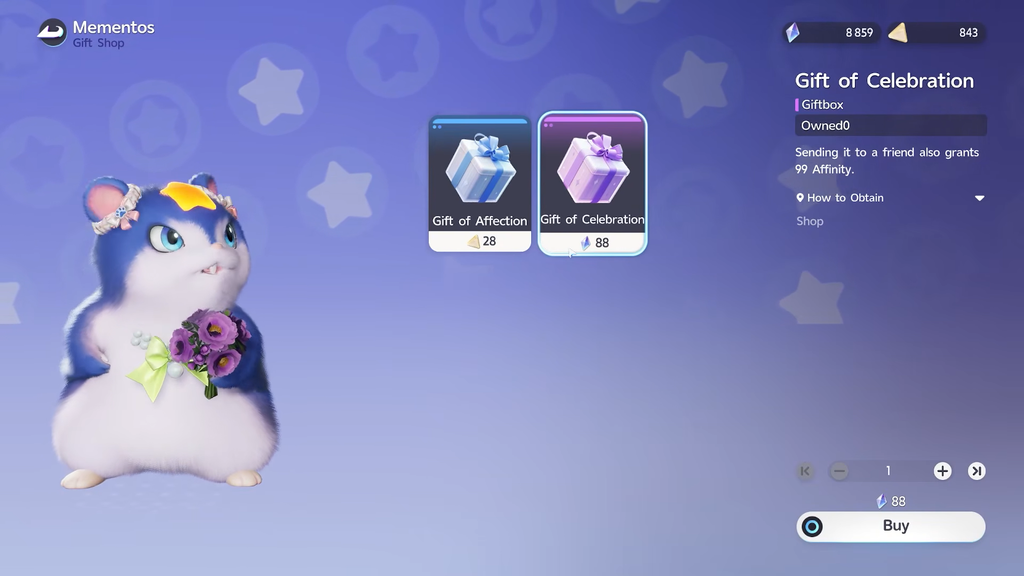
What the Gift of Celebration does
| Item | Rarity | Cost | Affinity granted |
|---|---|---|---|
| Gift of Celebration | Epic | 88 Glimmer | 99 |
When you send one, the recipient receives 60,000 Credits and one egg, and you receive 30,000 Credits as the sender. On top of that, gifting to a friend adds 99 bonus Affinity to your friendship, which moves you toward becoming Illusory Friends more quickly. The Affinity is applied the moment you confirm the send, not when the friend opens the gift.
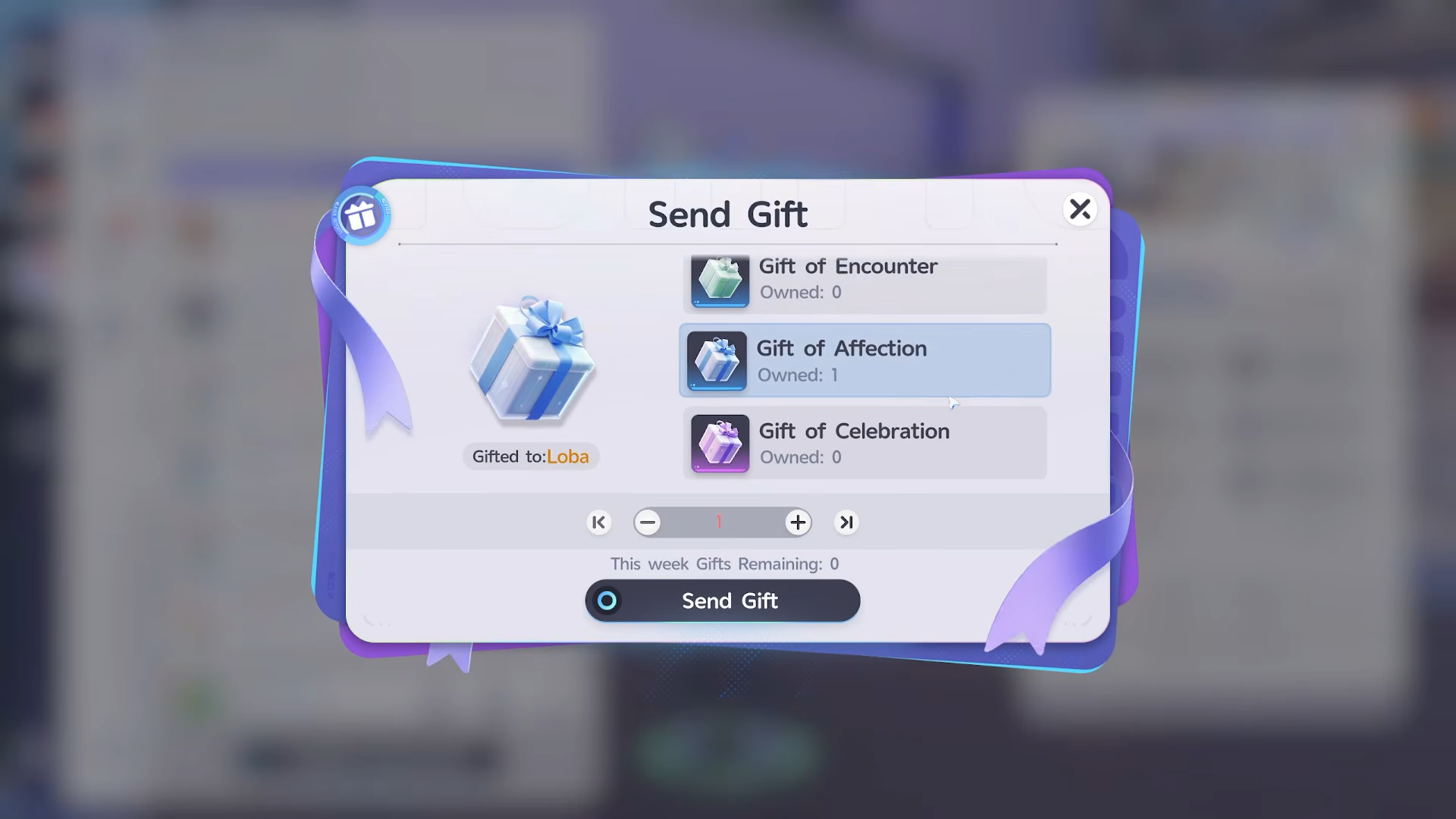
Where to buy the Gift of Celebration
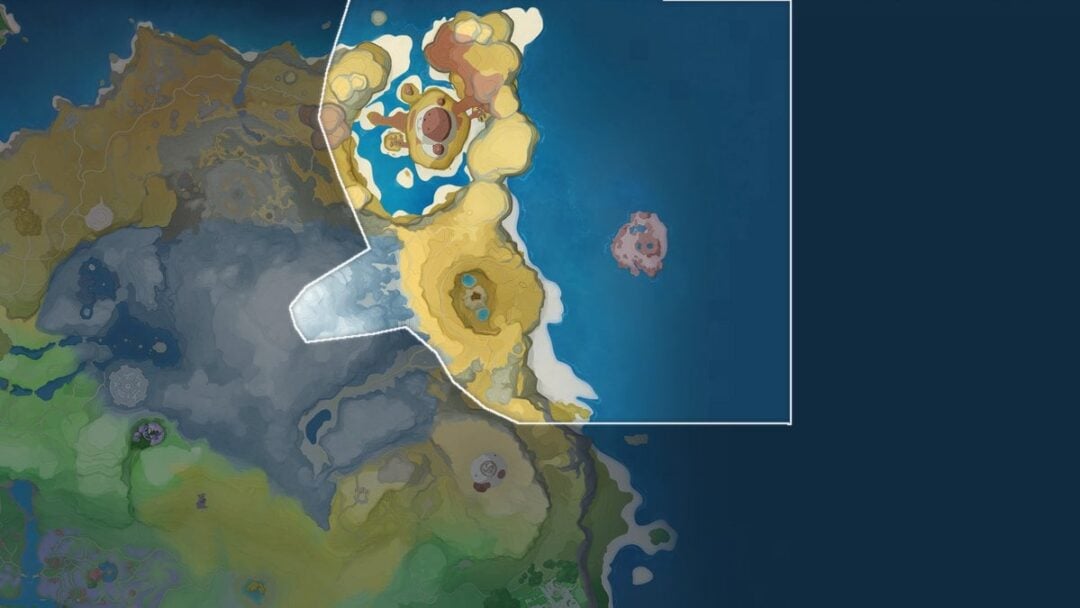
The gift is stocked at the Mementos gift shop in Astra, tucked into the Chill Street block southwest of the Horizon Square travel point. Open the shop as an interaction and buy the gift for 88 Glimmer each. The shop sits at coordinates -0022, 0375 if you want to pin it on the map.
Mementos handles the purchase, while the Friends menu handles delivery. Until you buy a gift, the Gift menu may have no valid selection; that is normal and does not indicate a problem.
Aside from the shop, a Gift of Celebration can also come from a Harvest Gift and is granted when you reach player level 53. Some listings show a Companion Coin price of 600 as an alternative to Glimmer at the shop counter.
Topping up Glimmer
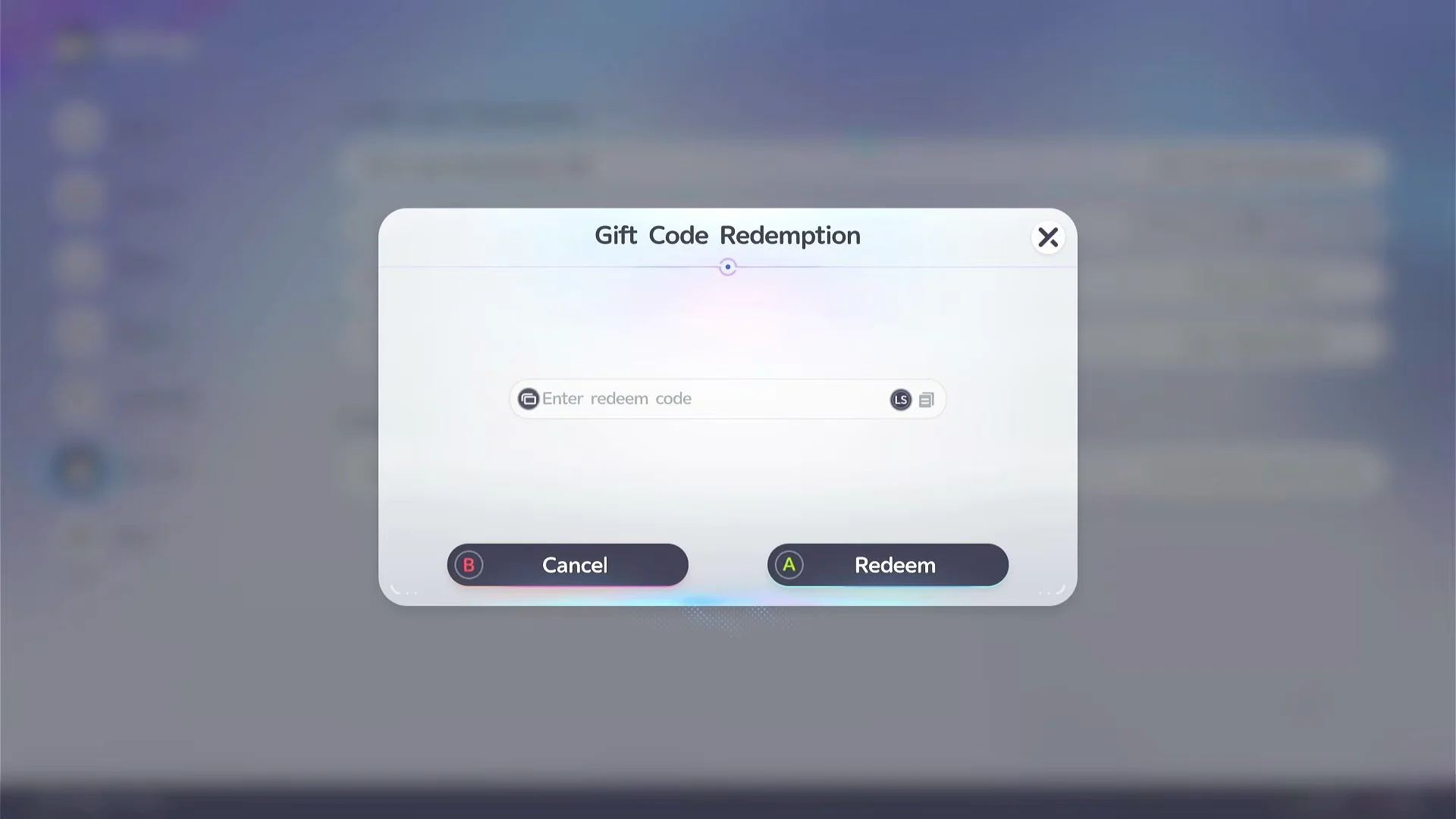
Because each gift costs Glimmer, it helps to keep a balance ready. Active gift codes are one way to add Glimmer, redeemed through the Settings menu under the Account tab.
How to send a Gift of Celebration to a friend
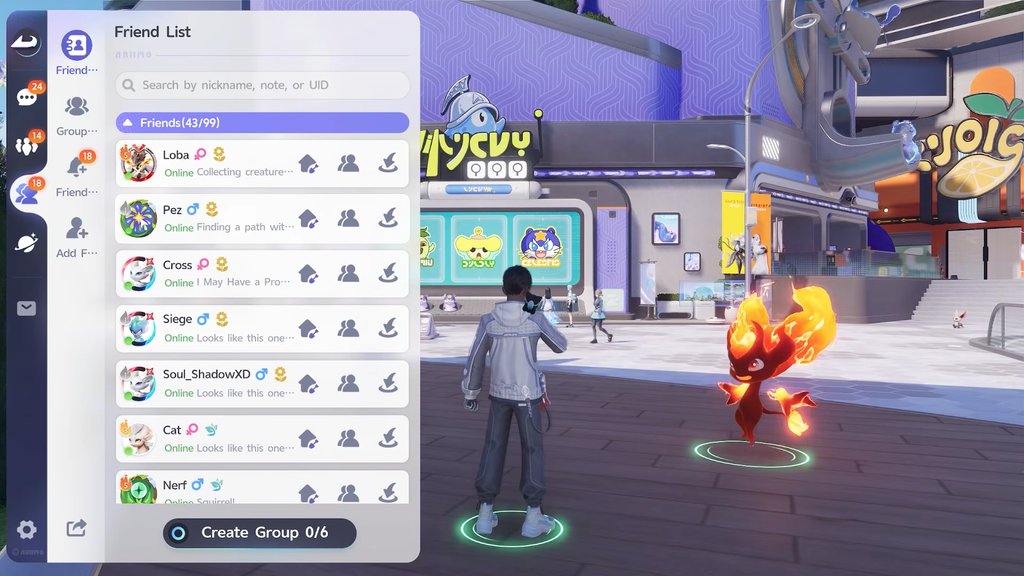
The weekly limit is 5 gifts per week. Before sending another, check the live Gifts Remaining count on the friend’s profile card.
How to know the gift went through
After the send completes, the Affinity value on that friendship updates and the owned gift count drops by the amount you sent. If the Gift button changes to a How to Obtain prompt, you do not currently own the item and need to buy one at Mementos first. As long as the friend’s Affinity total climbs and the gift leaves your inventory, the Gift of Celebration has done its job.