
Your Aniimo box fills up fast, and clearing it one creature at a time is a slog. Manage Mode fixes that. It turns on individual checkmarks and a single control that grabs everything on screen, so you can filter down to the low-tier catches you don’t want and release the whole batch in a couple of clicks.
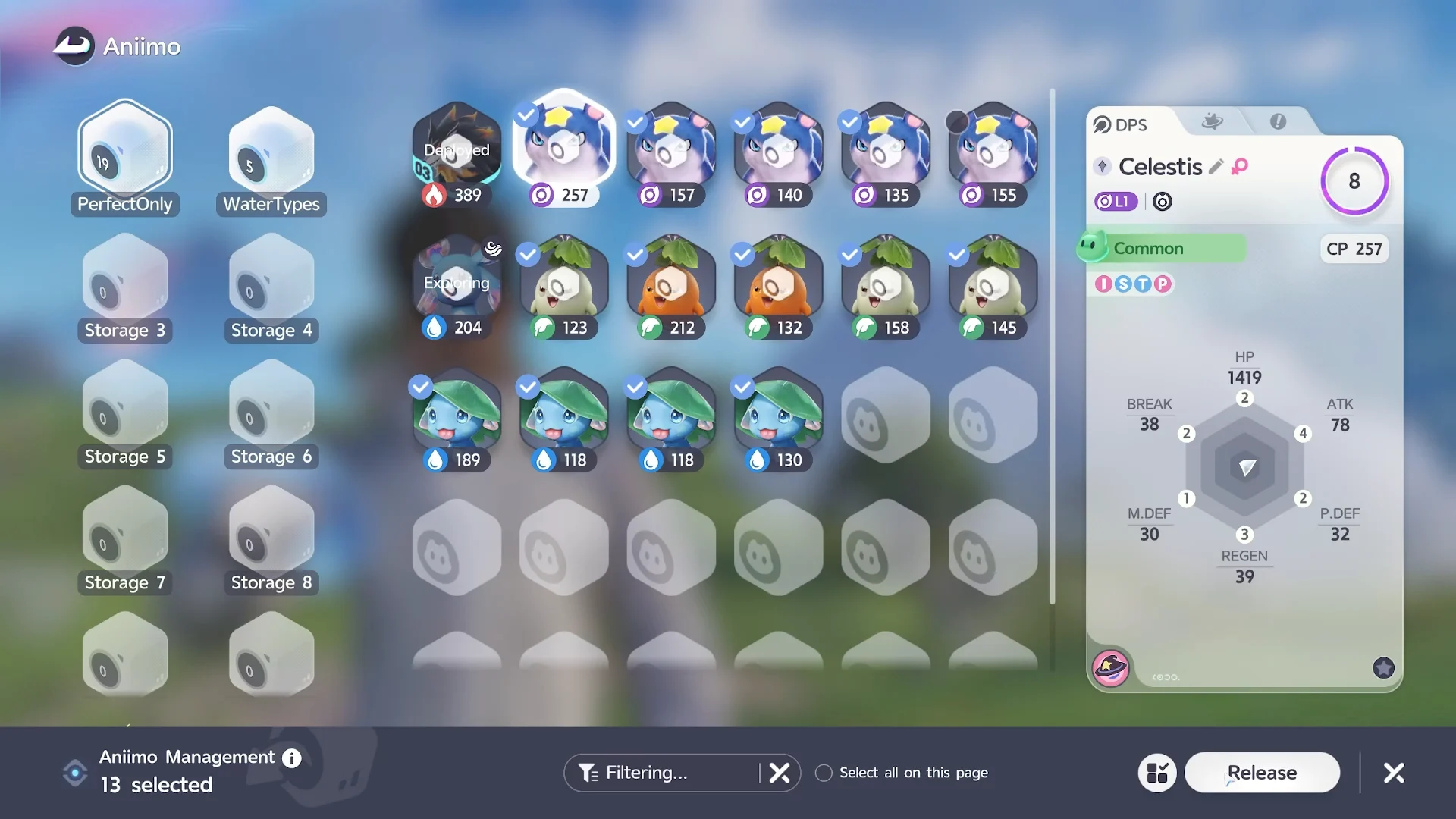
Quick answer: Open the Aniimo screen with P, filter by the ratings you want gone (such as Common and Good), tap Manage, tick Select all on this page, uncheck anything you want to keep, then hit Release and confirm.
Storage limits and what releasing returns
There is no way to expand your storage. It caps at 25 boxes holding 24 Aniimo each, for a hard ceiling of 600 Aniimo. Once you’re full, releasing is the only way to make room.
Releasing hands back resources called Farewell Gifts, which are upgrade materials. In one clear-out, letting go of 278 Aniimos returned 113 white flower items and 663 green sprout currency. The amounts scale with how many you release.
Releasing is permanent, and any training materials you invested into those Aniimo are not refunded.
Filter to the Aniimos you want to clear
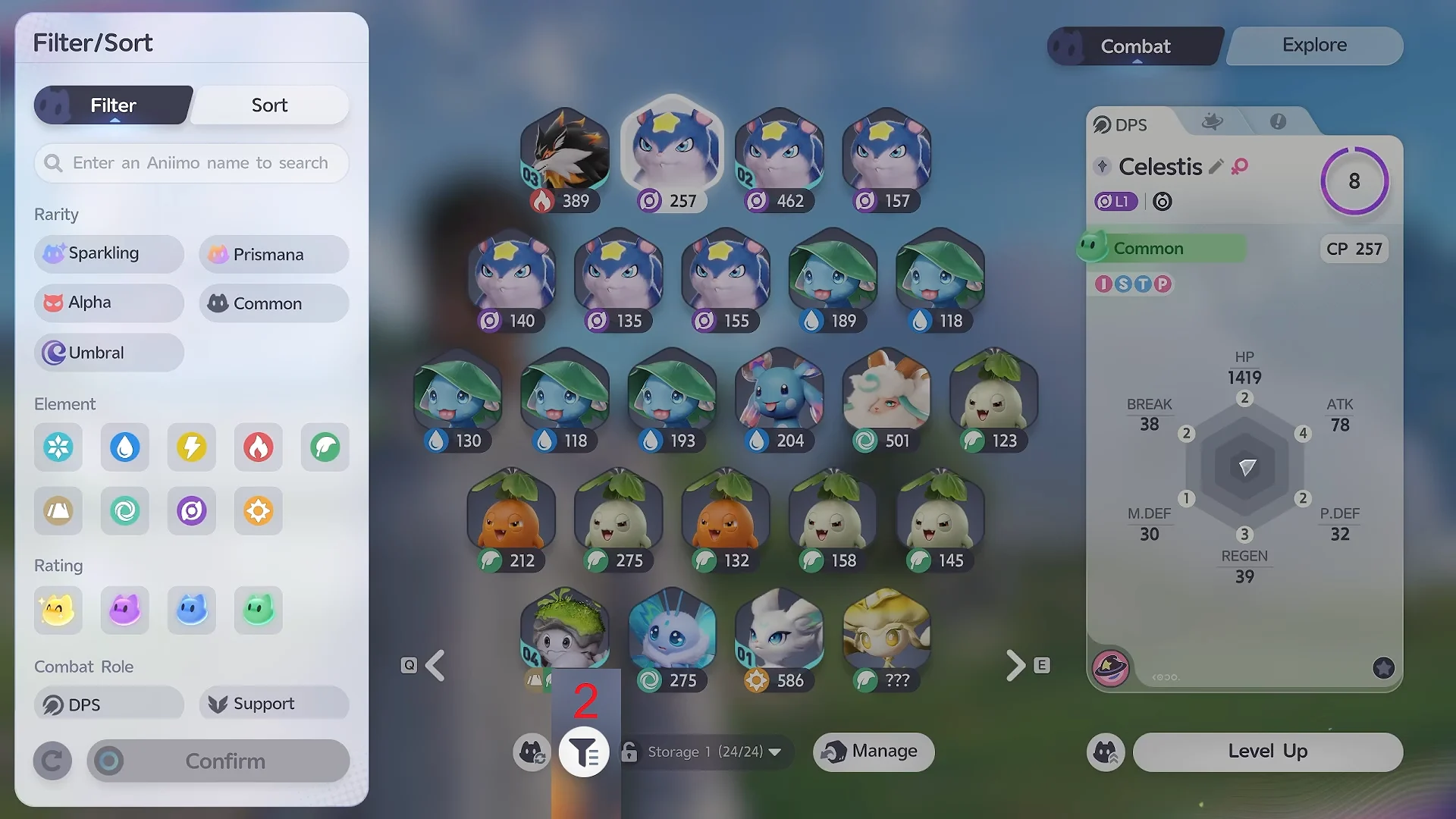
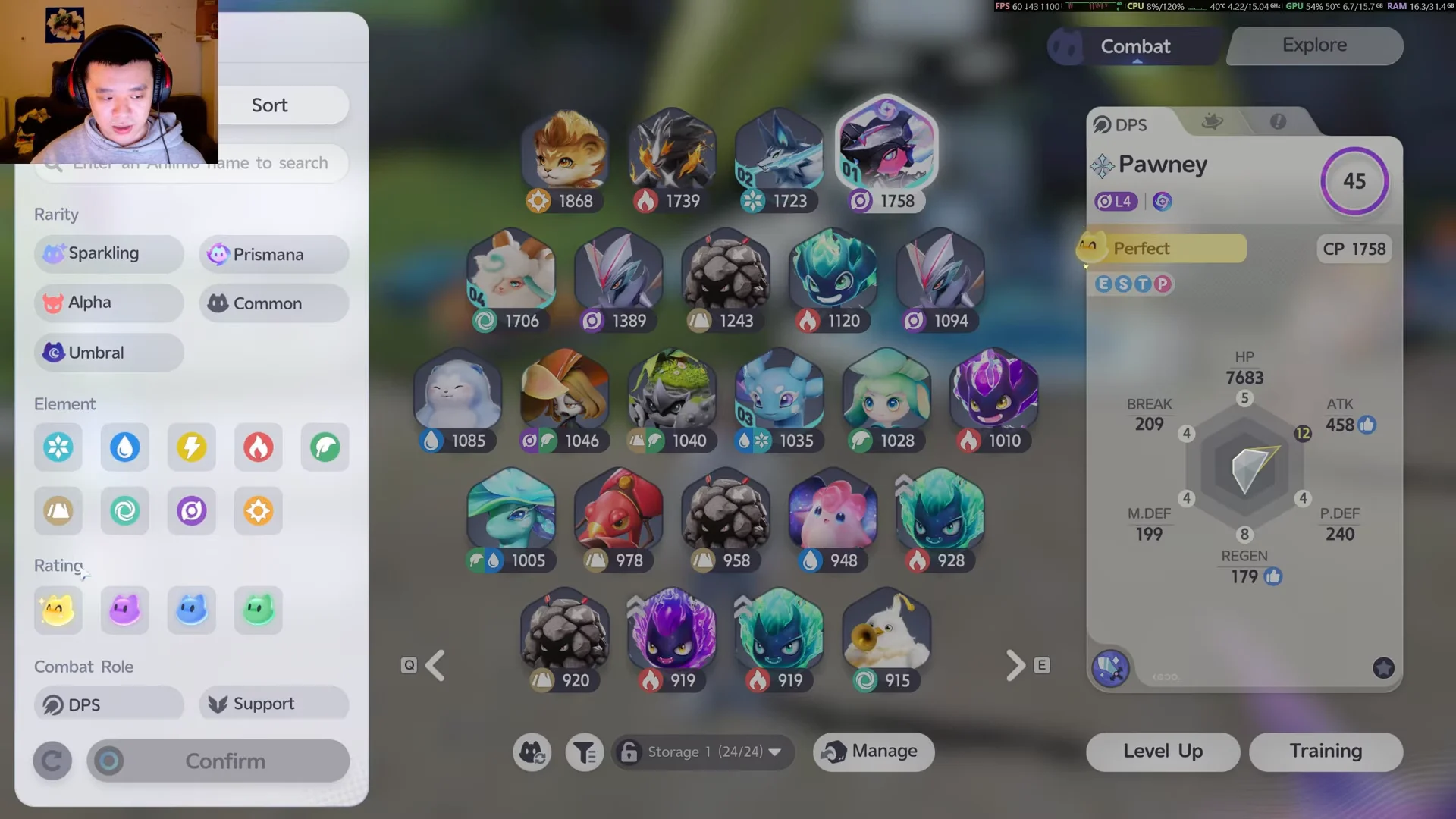
Before selecting anything, narrow the list so you’re only looking at the creatures you’re happy to lose. The filter panel sits at the bottom of the grid and lets you sort by more than one trait.
- Rarity
- Element
- Rating
- Combat Role (DPS or Support)
The safest filter for a mass clear-out is Rating. Picking Common and Good isolates the lowest-value catches, which are the ones worth releasing first.
Bulk select and release with Manage Mode
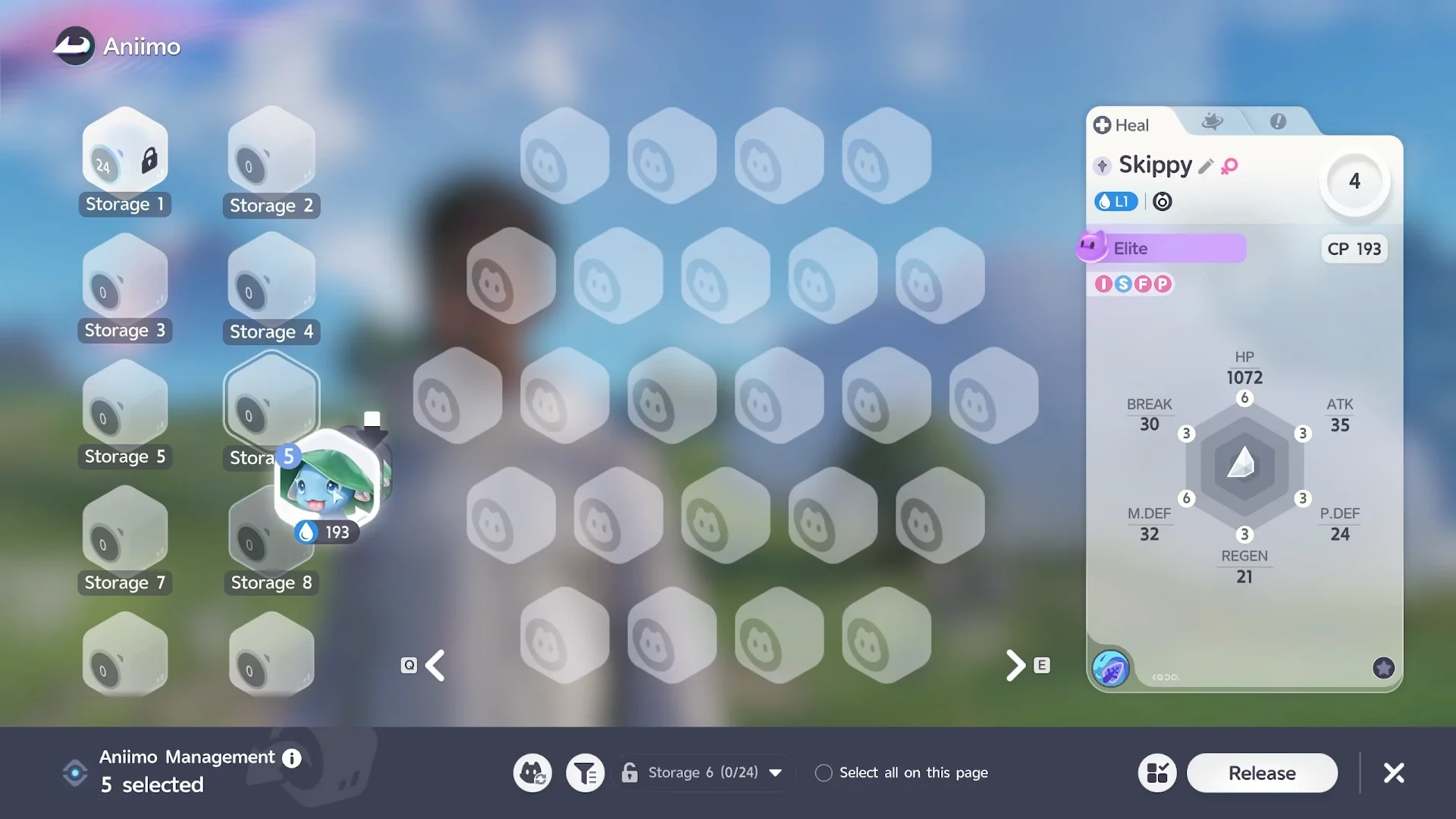
P or click the Aniimo tab icon in the top-right to open the storage screen. A full inventory can spread across many pages, so this is where you’ll do the whole job.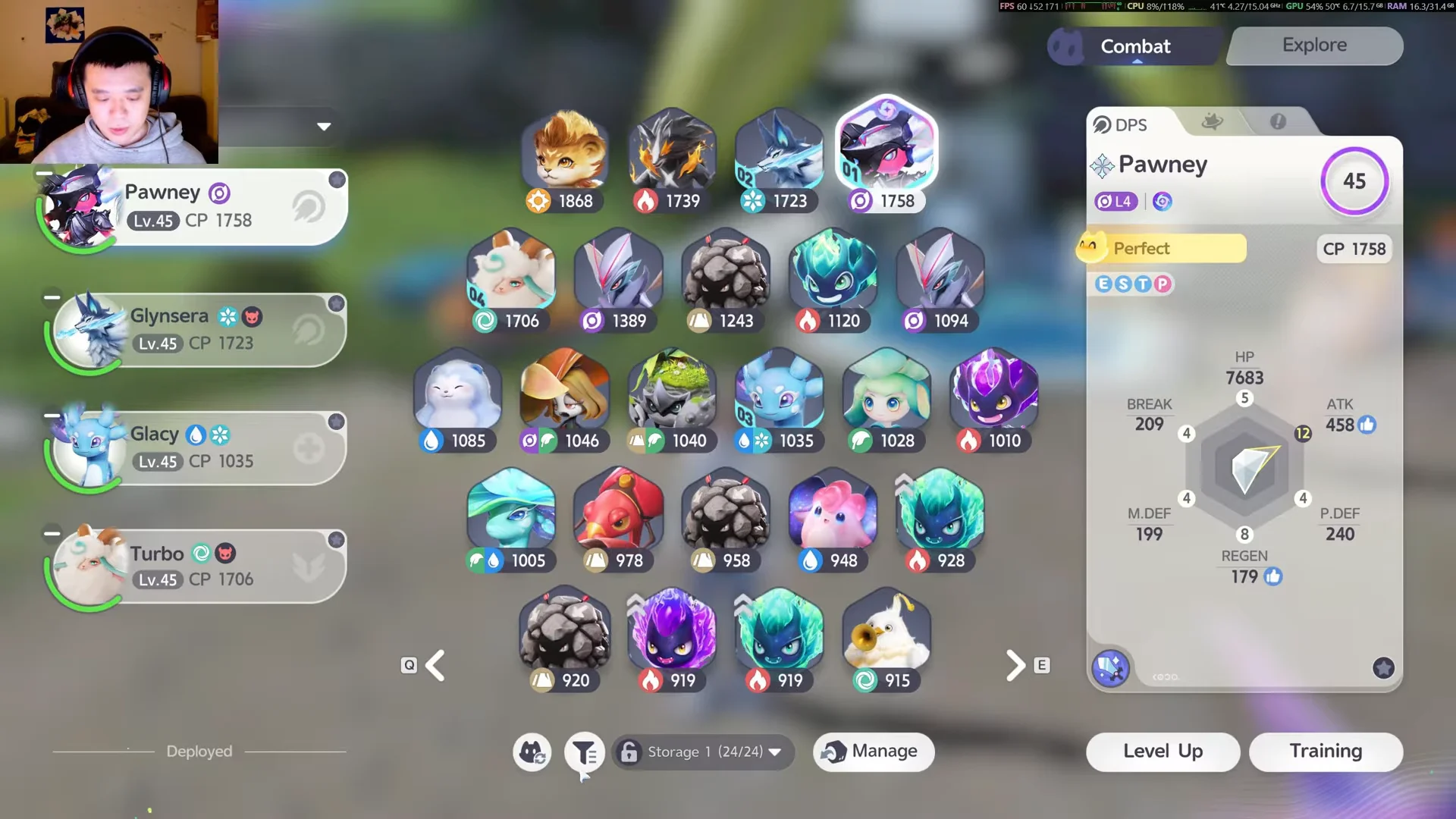
How to confirm the release worked
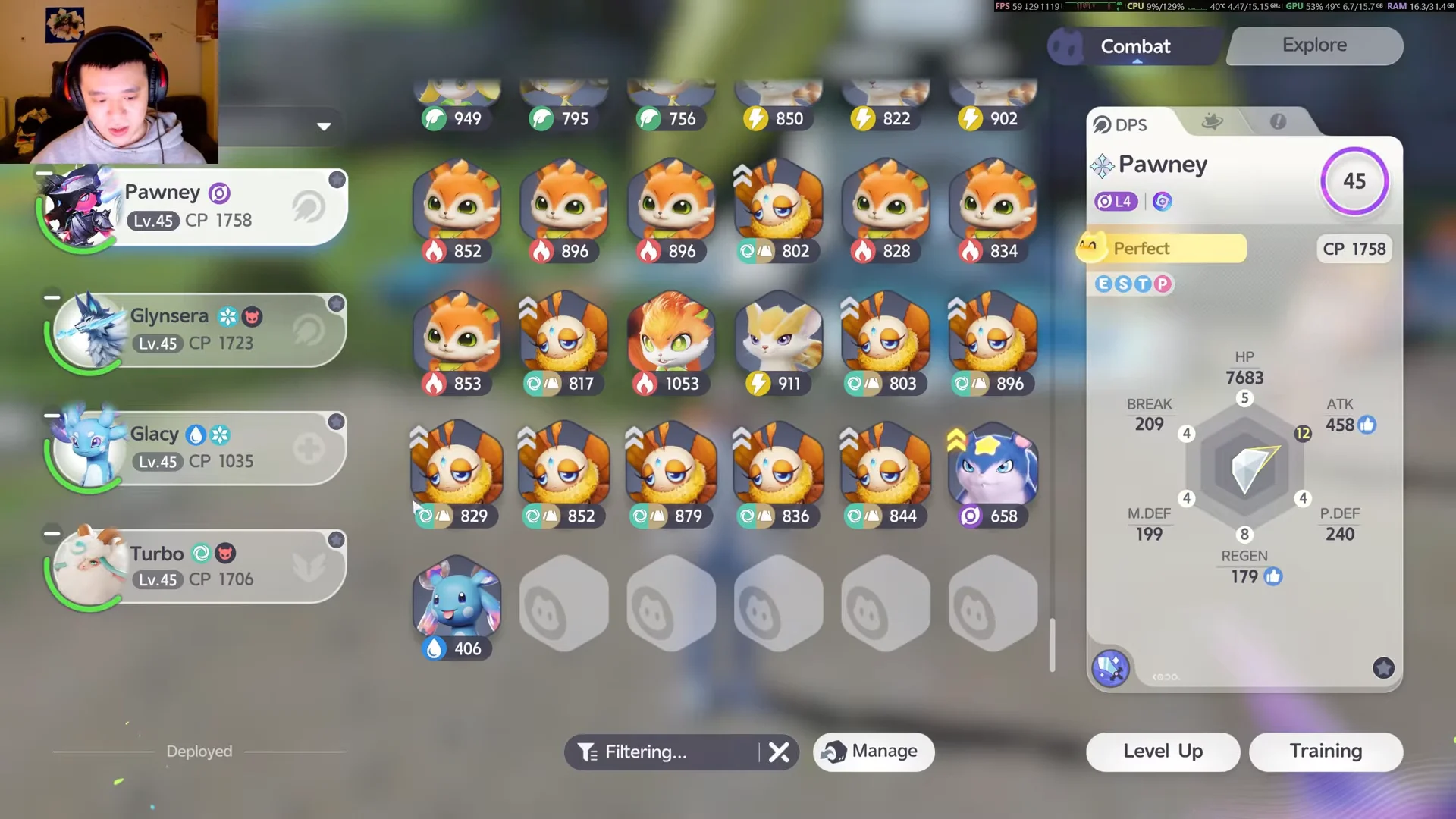
You’ll know it went through when the Farewell Gift items pop up on screen and the storage pages you just cleared show empty slots. The confirmation message reads that the released Aniimo left a few items behind, and your owned count drops by the number you let go.
If you keep a box for teams, Prismana, Sparkling, or rare variants, lock it first so nothing important gets caught in a filter you rush through.
With the filter set to Common and Good and the deselection pass done, one Manage Mode run can free up dozens of slots at once and keep your storage under the 600-Aniimo ceiling without touching anything you actually use.