Only Hunters can feed a pet in World of Warcraft, and it comes down to a single ability called Feed Pet. Once you learn it, you throw your companion a food item from your bags and it either regains a chunk of health or gains happiness, depending on which version of the game you are playing. The steps to actually do it are the same everywhere.
Quick answer: Learn Feed Pet from a Hunter trainer, open your spellbook to the Beast Mastery tab, click the ability, then click a diet-appropriate food item in your bags while out of combat.
Unlock the Feed Pet ability
Feed Pet is a Hunter-only skill, so no other class has access to it. In current retail World of Warcraft it is learned automatically at level 5. In Classic and in the early pet quest chain, it becomes available around level 10 through your Hunter class quests and trainer.
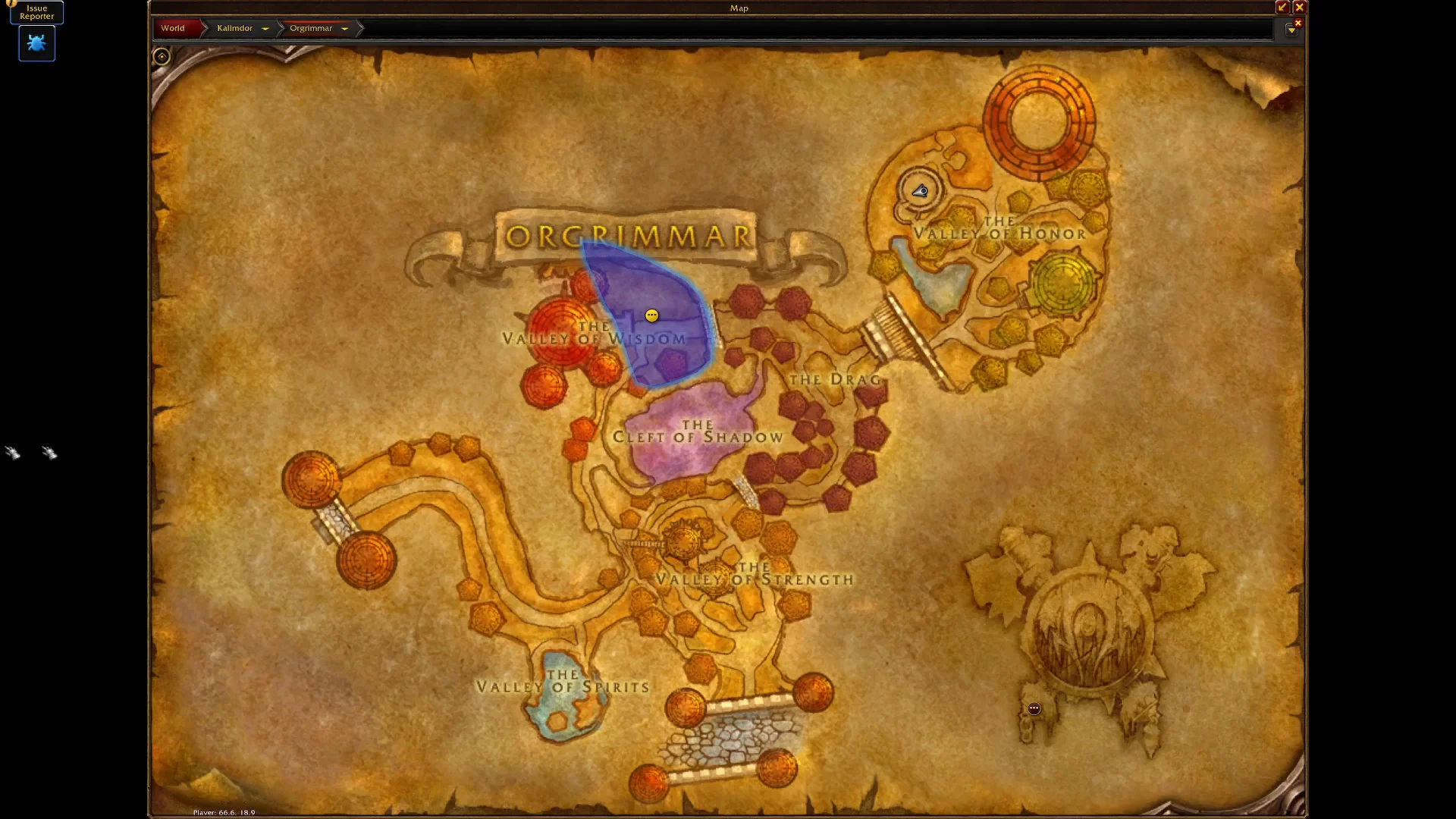
If you are following the introductory pet questline, completing “Training the Beast” grants a bundle of pet management skills at once, including Beast Training, Feed Pet, and Dismiss Pet. Horde Hunters pick this up from a trainer such as Ormak Grimshot in Orgrimmar, while Alliance Hunters visit the Hunter trainer in Stormwind.
Once learned, Feed Pet is listed in your spellbook’s Beast Mastery tab. Its icon depicts a biscuit shaped like a bone. Move the spell onto your action bar or assign a keybind for quick access.
How to feed your pet
P to open your spellbook, go to the Beast Mastery tab, and activate Feed Pet. Your cursor changes into a glowing hand, which means the ability is waiting for a target item.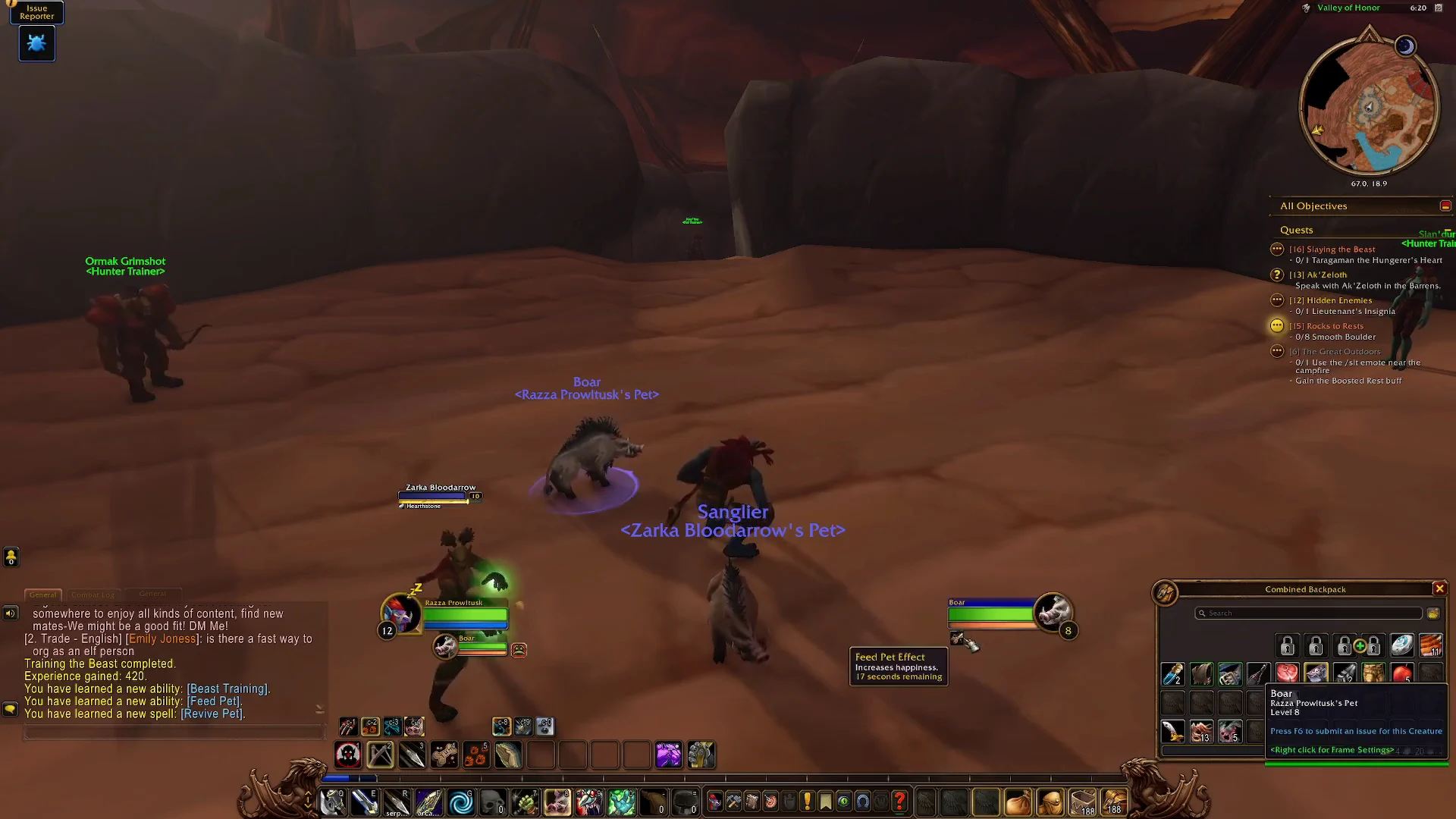
There is a second method if you prefer it. Drag a food item out of your bag and into the 3D world as though you were going to drop it, then release it on your pet’s portrait or on the pet itself.
You can skip the click entirely with a macro that casts Feed Pet on a specific food by name.
#showtooltip
/cast Feed Pet
/use Item Name
Pick food your pet will actually eat
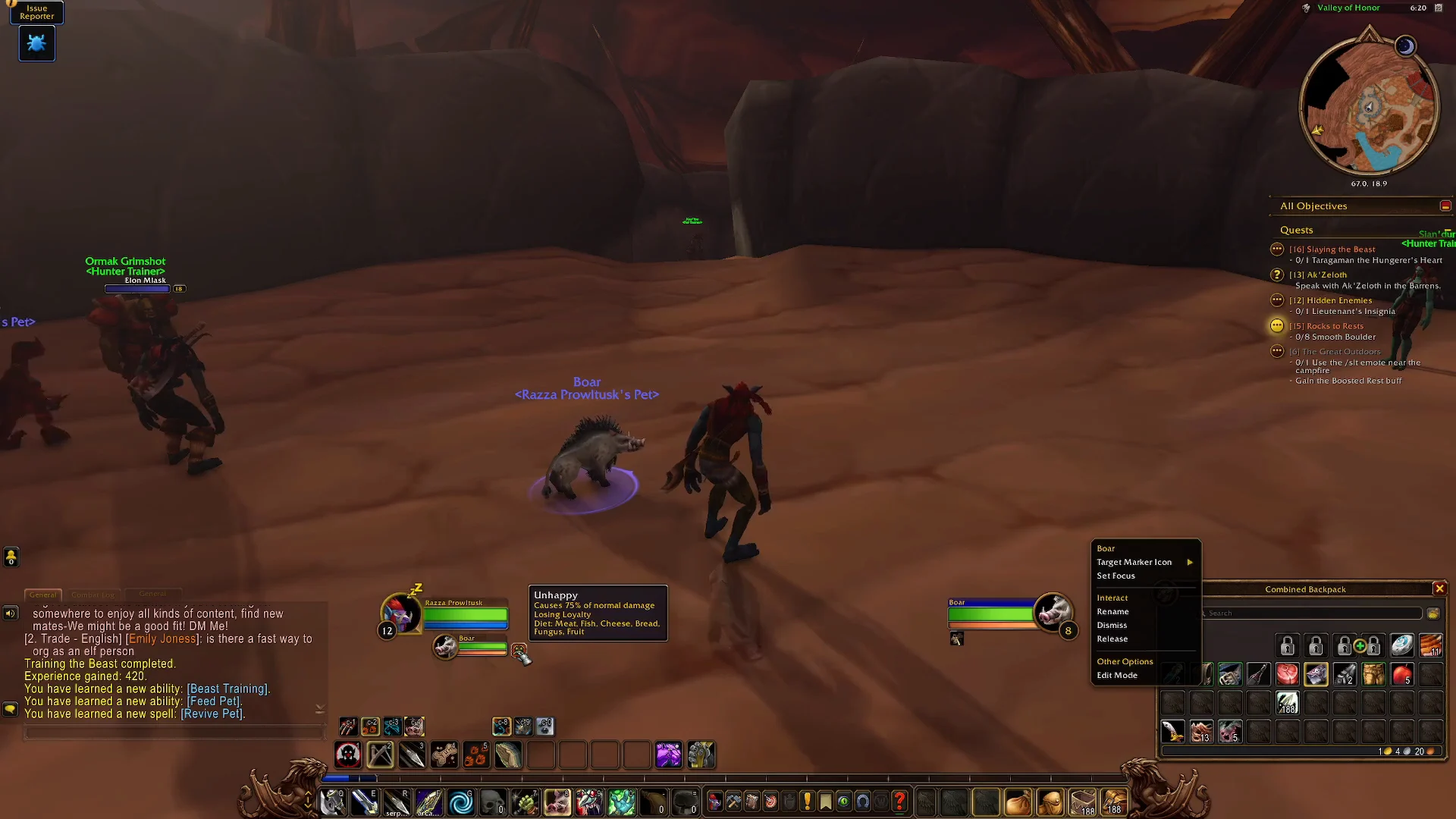
Each pet family accepts only particular food groups, including meat, fish, fruit, bread, cheese, and fungus. If you try an unsuitable food, your pet rejects it and shows an error, with no penalty for the attempt. Find out what your companion can eat by hovering over its happiness or diet display, checking the Pet tab in your Character Info panel, or using Beast Lore on a beast.
Here are the diets for several families you meet early on:
| Pet family | Accepted food types |
|---|---|
| Boars | Bread, Cheese, Fish, Fruit, Fungus, Meat |
| Bears | Bread, Cheese, Fish, Fruit, Fungus, Meat |
| Wolves | Meat |
| Cats | Fish, Meat |
| Birds of Prey | Fish, Meat |
| Turtles | Bread, Fish, Fruit, Fungus |
| Spiders | Meat |
Food level is important as well. Your pet rejects food at least 30 levels below its own level, so choose food equal to or higher than your pet’s level. The game doesn’t show a food’s level outright, but its required character level is generally 10 levels below its actual level. For instance, food with a character level requirement of 55 is about level 65. Pets aren’t restricted by that character level requirement, meaning a low-level pet can eat high-level food; many pets can also consume uncooked food that you can’t.
Regular food buffs do nothing for pets, and special pet snacks like Sporeling Snacks or Kibler’s Bits are not used through Feed Pet at all. You use those items yourself and the effect applies to your pet.
What feeding does in retail vs Classic
What feeding does varies by game version: Patch 4.1 removed the happiness system.
Retail World of Warcraft
Feed Pet instantly restores 50% of your pet’s total health out of combat. The amount healed is the same no matter what level the food is. Pets always stay in a happy mood and deal full damage, so feeding is purely a fast, free heal. Compared with Mend Pet, which restores 25% of health over 10 seconds, feeding is a much quicker recovery when you are not fighting.
Classic World of Warcraft
Food increases your pet’s happiness instead of restoring health, and happiness affects its damage output. Food nearer your pet’s level works better.
| Mood | Pet damage |
|---|---|
| Happy | 125% |
| Content | 100% |
| Unhappy | 75% |
An unhappy pet that is left unfed can eventually abandon you, so keeping food on hand is part of routine pet care in Classic.
How to confirm it worked
When the food is accepted, your pet visibly snaps up the item with an eating animation and a happy growl, and the Feed Pet effect appears on it. In retail its health bar jumps by roughly half. In Classic its mood climbs, for example moving from Unhappy up to Content and then Happy as you keep feeding it suitable food. If the pet refuses the item, you will see an on-screen message explaining the problem, which usually means the food type or level does not match, so switch to something from its diet and try again.