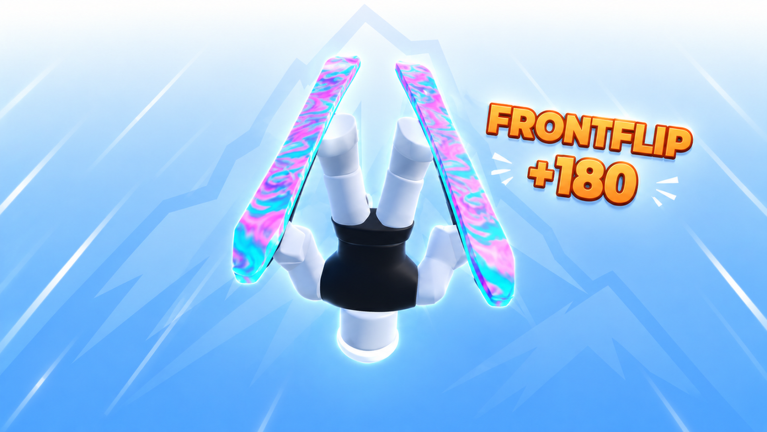
Skins in SKI (ALPHA) change how your skis and trails look, and you collect them from the “Skins & Crates” area in the main mountain hub. You can buy some outright, unlock others by climbing the Ascend ranks, and redeem a few through codes. Once a skin is in your inventory, equipping it takes a couple of clicks from your profile menu.
Quick answer: Buy skins at the “Skins & Crates” stands with Robux or Coins, or unlock them through Ascend progression and codes, then equip them from the Skins tab in your profile menu.
Where to find skins and crates
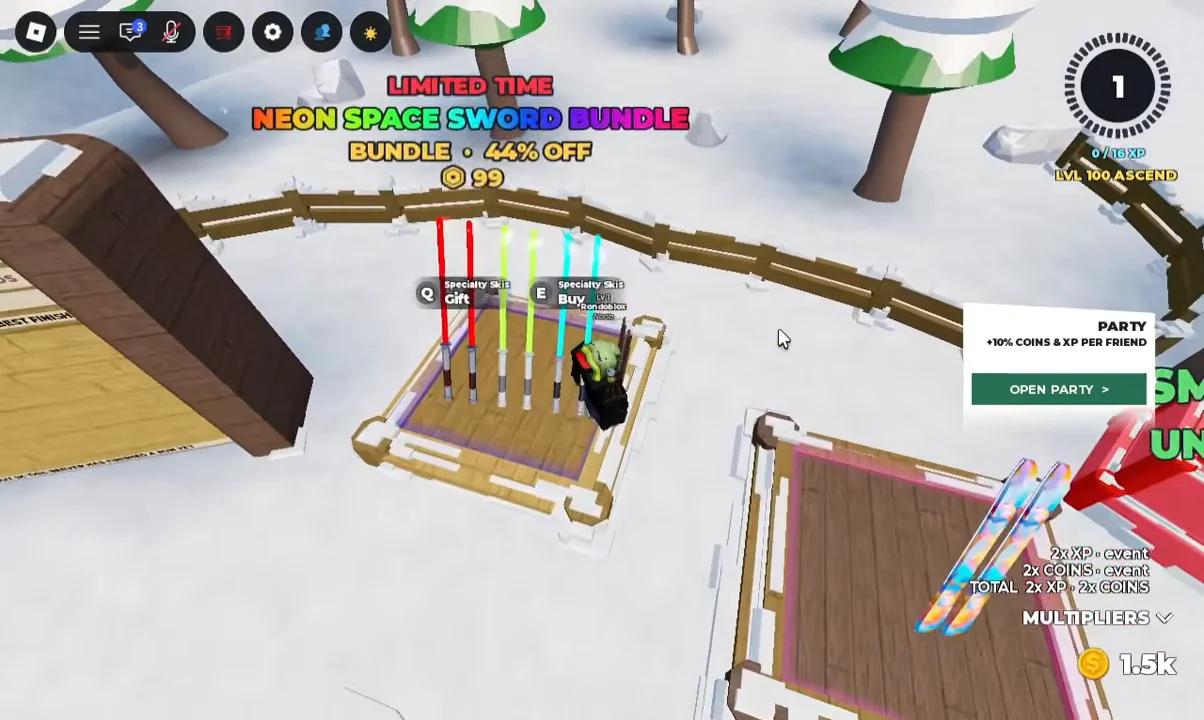
The “Skins & Crates” display sits right in the spawn area of the mountain hub, next to the daily reward and race stands. Each ski skin has its own pedestal, and walking up to one brings up a keybind prompt so you can inspect, buy, or gift it.
Press E to open the buy prompt for a skin, or press Q to send it to another player as a gift. On a stand like the Neon Space Sword bundle, the buy prompt shows the Robux price and gives you the option to purchase Robux and the item together. You can cancel out of either menu without buying.
Ways to get skins
Skins come from a few different sources depending on the item. Some cost Robux, some cost in-game Coins, and others are locked behind progression milestones tied to the Ascend system. A few also come from redeeming codes.
| Example skin | Rarity | How to get |
|---|---|---|
| Neon Space Sword | Bundle | 99 Robux (limited-time bundle) |
| Prism Low Poly | Uncommon | 200 Coins |
| Purple Nebula | Mythic | Reach 100 Ascend |
| TesterPensil | Unlockable | Ascend twice (Level 200) |
| Franklin Skin | Code reward | Redeem the code alpha1 |
The Purple Nebula skin includes trail effects and is a permanent unlock once you meet its requirement. Progression-locked skins like TesterPensil track your Ascend count, so you can see how close you are inside the Skins menu.
Limited-time bundles such as the Neon Space Sword pack only appear for a short window, so they may not be on the stand every time you play.
How to equip a skin
You know it worked when the selected skin appears equipped in your inventory and shows on your skis in the hub. Skins with trail effects also display those effects once equipped.
Salvage duplicates into shards
The Skin Inventory includes a SALVAGE button that opens a crafting screen. Salvaging breaks down duplicate or unwanted skins into Shards, which are grouped by rarity: Common, Uncommon, Rare, Epic, Legendary, Mythic, and Specialty. For example, salvaging a spare Mythic can return Mythic Shards you can spend on other crafting rewards.
Your current shard totals for each rarity are listed under the MATERIALS section of the same screen, so you can track what you have before committing to a salvage.
Trade skins with other players
Next to the salvage option is a TRADE button. From here you can trade with, race, or group up with other players in your server, or invite friends if the lobby is empty. Trading only works when someone else is present, so an empty server prompts you to bring a friend in first.
Redeem codes for free skins
Codes are a straightforward way to add skins and Coins without spending Robux. The active code alpha1 grants the Franklin Skin, the Franklin Trail, and 1,500 Coins, which you can put toward buying more skins on the stands.
Codes tend to expire quickly, so redeem alpha1 while it is still active. New codes usually appear alongside an update or once a player milestone is reached.
With a skin bought, unlocked, or redeemed and equipped from the Skins tab, you are set to head down the mountain. From the same hub you can also step onto the blue “QUICK RACE” pad to queue up with other skiers, up to ten players at a time.