Gaming How-To

Grapple Cart Obby: How to Push Another Player on Roblox

The push action is a paid interaction that costs 9 Robux each time you trigger it on the track.

The push action is a paid interaction that costs 9 Robux each time you trigger it on the track.

Shoving a rival off the rails in Grapple Cart Obby is a built-in interaction, not a glitch or a hidden control. It appears as a prompt over other players once you are close enough in your own cart, and activating it is a paid action tied to Robux.

Quick answer: Drive up behind another player’s cart, aim at them until the “[E] Push” prompt appears, then press E. The push costs 9 Robux each time.


What you need to push a player

The push interaction is a paid feature, sold as a Robux purchase rather than a free ability. You do not need a special cart or a completed stage to use it, but you do need to be riding and physically near another player.

  • An active cart, spawned from a pad at the starting area.
  • Another player in their own cart, within range on the same track.
  • 9 Robux available to confirm the “Push Player” purchase.
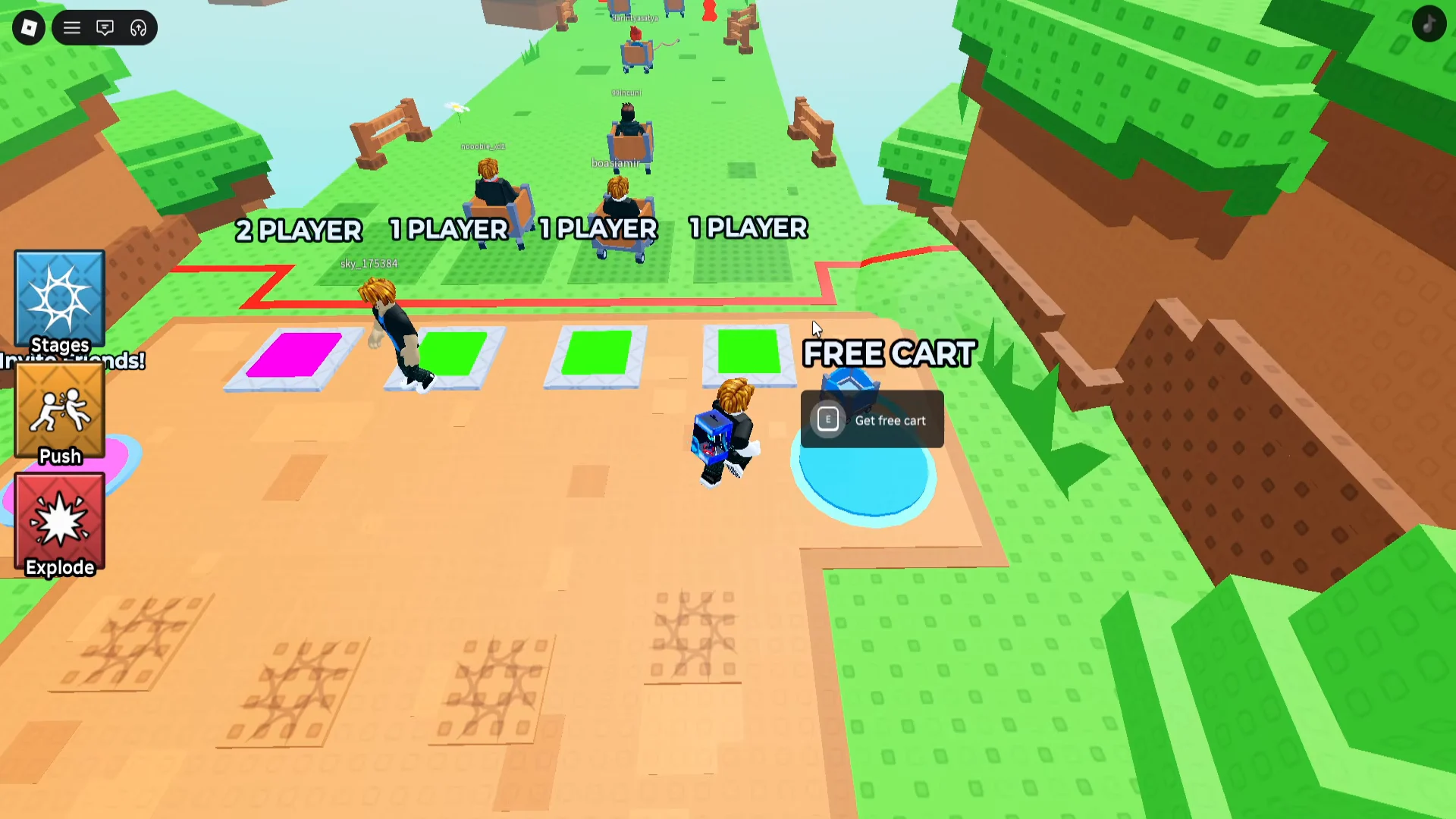
Spawn Area Selection
The spawn area, where you step onto a pad to get into a cart before any push is possible. Image: Aliluma / via @idkstatsgameplayvideos

How to push another player on the track
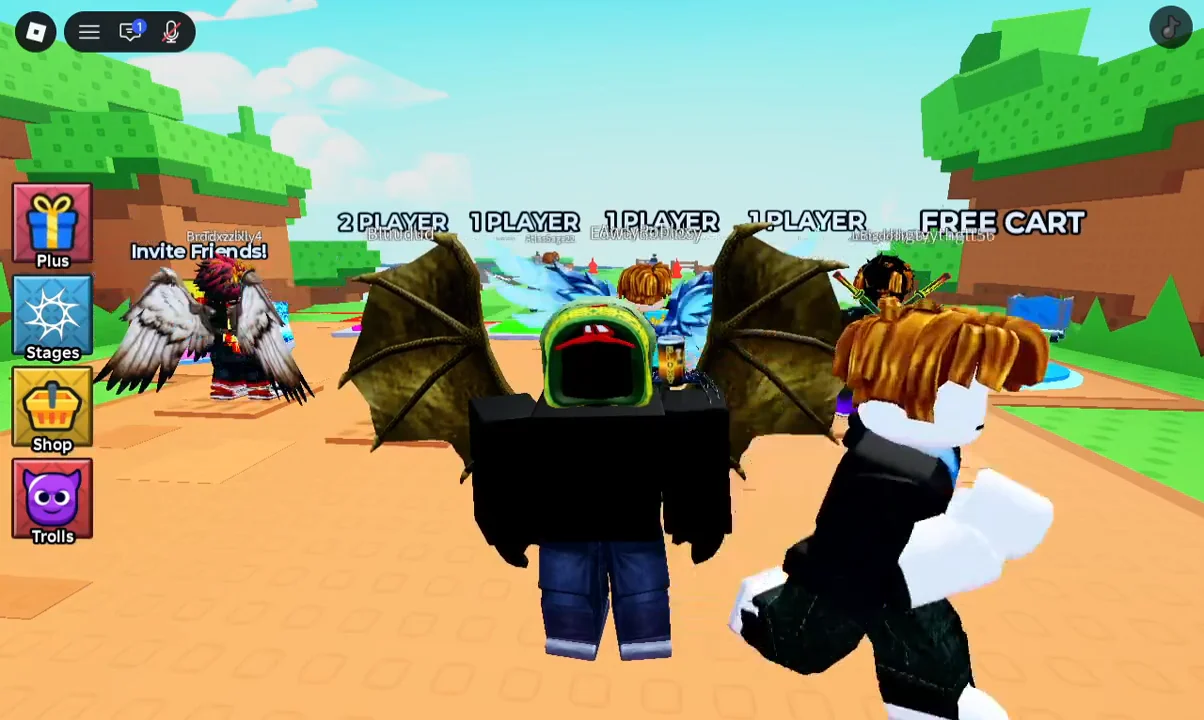
Walk onto one of the cart pads at spawn, such as a “1 PLAYER”, “2 PLAYER”, or “FREE CART” pad. Stepping onto a pad places you inside a cart and puts you on the course.
Spawn Lobby00:08Spawn Lobby
The pad selection in the lobby; choose any pad to spawn into a cart. Shown at 00:08 in VendoPlus’s video. Image: Aliluma
Roll forward along the rails and keep moving until you close the gap on another player’s cart. The push only becomes available when you are near someone, so you have to catch up rather than wait.
Stage 1: Tutorial
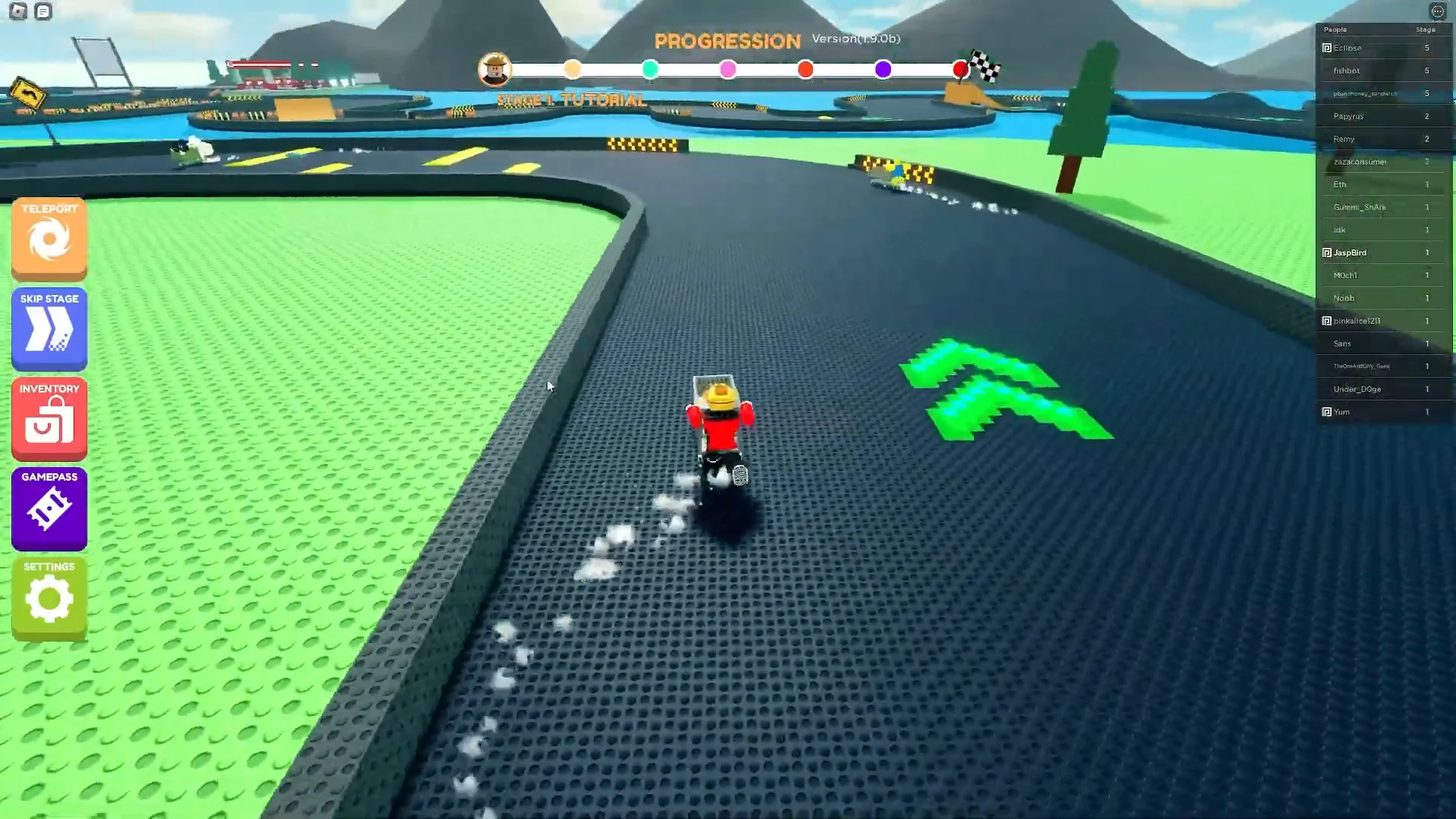
Driving the cart along the early track section as you close in on other players. Image: Aliluma / via @JaspBird
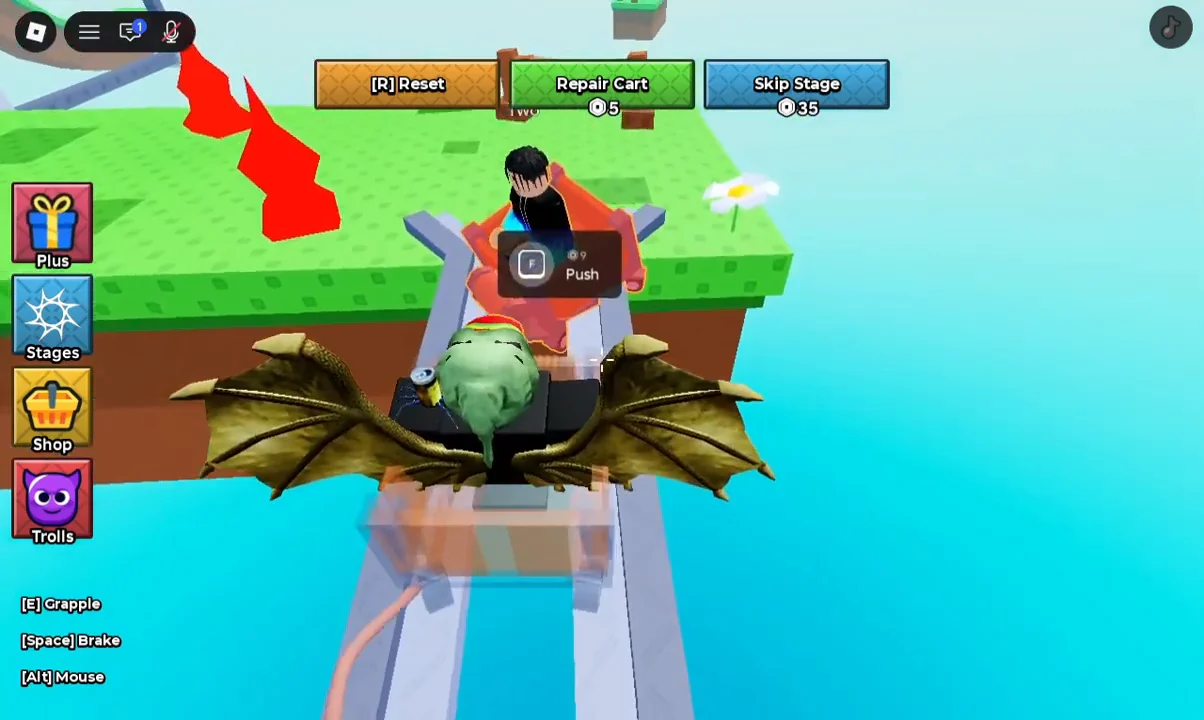
Look directly at the target player so the interaction prompt appears over their cart. It reads “[E] Push” and shows a cost of 9 next to the Robux icon.
Push Prompt Encounter00:29Push Prompt Encounter
The " E Push" prompt over a rival cart, showing the 9 Robux price. Shown at 00:29 in VendoPlus’s video. Image: Aliluma
With the prompt visible, press E. If you already have the ability, this makes you push; otherwise, a “Buy Robux and Item” dialog for “Push Player” appears so you can confirm the purchase.

Even without paying, carts collide with each other on the track, so bumping into another player can knock them around during tight sections and loops.
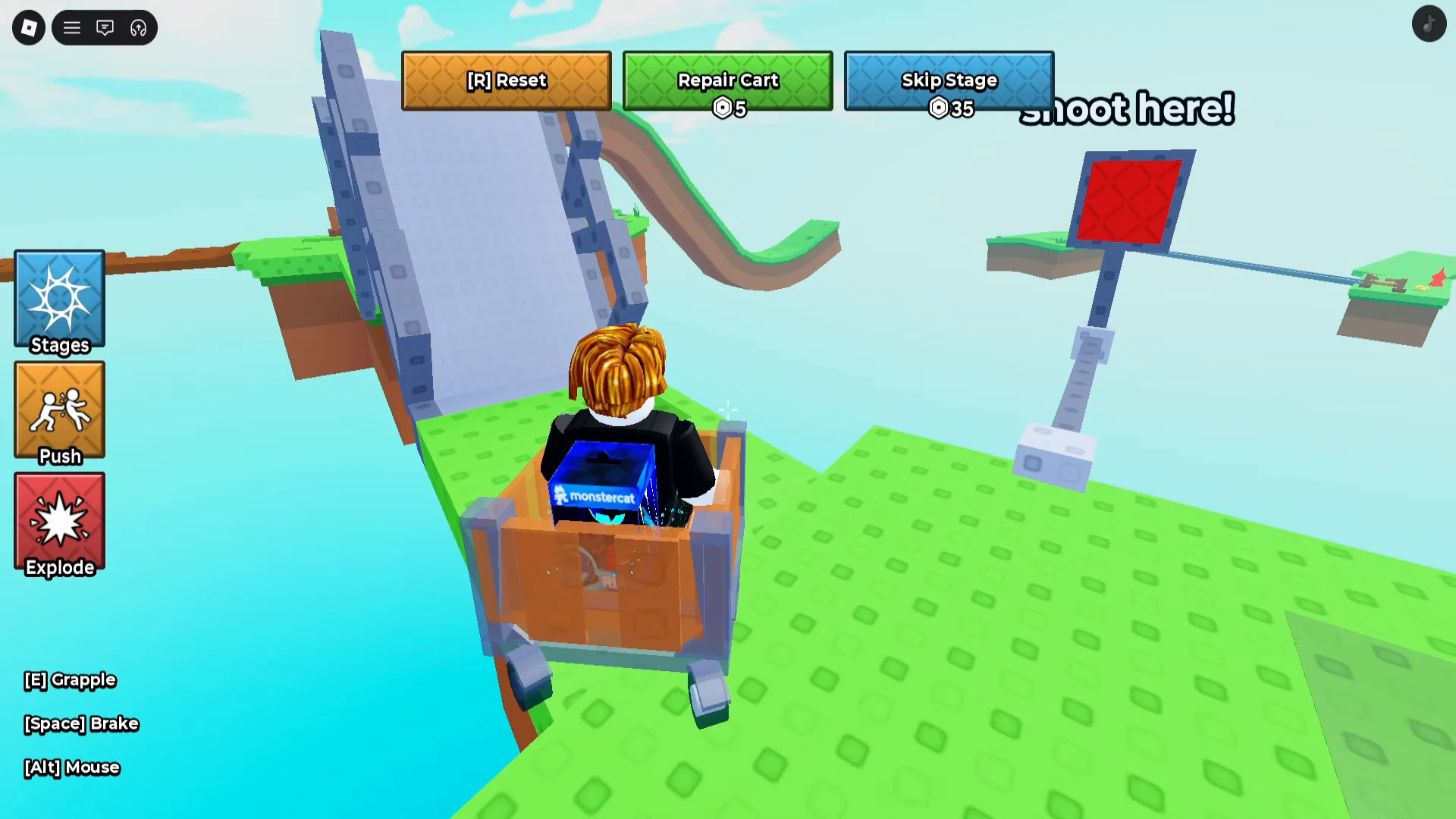
Shoot Here Target Obstacle
Narrow inclines and target obstacles are where a well-timed push or collision does the most damage. Image: Aliluma / via @idkstatsgameplayvideos

Confirming the push worked

When you press E on the prompt, the “Buy Robux and Item” checkout window opens with “Push Player” listed as the item. Confirming with the “Buy” button charges your payment method and grants the action. If you close or cancel that window, nothing is charged and the push is not applied.

Once the purchase goes through, the push takes effect on the player you were aiming at, giving you a clear opening to pass them on the rails. From there you can keep riding, line up the next target, and repeat the same prompt whenever another cart is within reach.