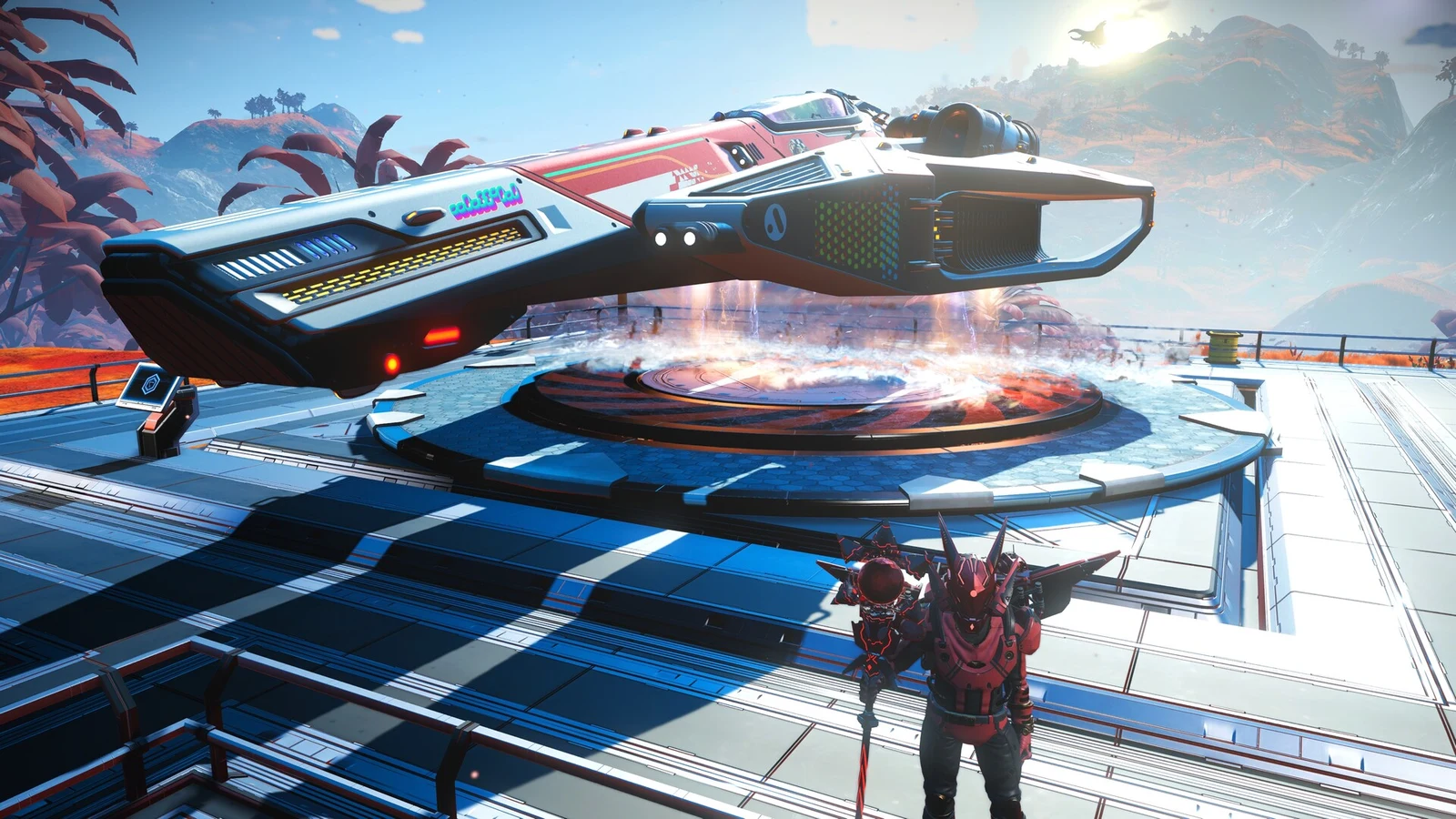
Launch is the very first milestone in Expedition 23: Our Journey Continues, and it sets the tone for the whole anniversary run. Your starter ship, the Rasamama S36, spawns with broken parts, so before you can leave the planet you have to gather a few materials, refine them, and fix two ship systems. It sounds fiddly, but the whole thing takes only a few minutes once you know what to craft.
Quick answer: Repair the Launch Thrusters and Pulse Engine on the Rasamama S36, then fly into space and answer the incoming Hello Games transmission to complete the Launch milestone.
Start Expedition 23 first
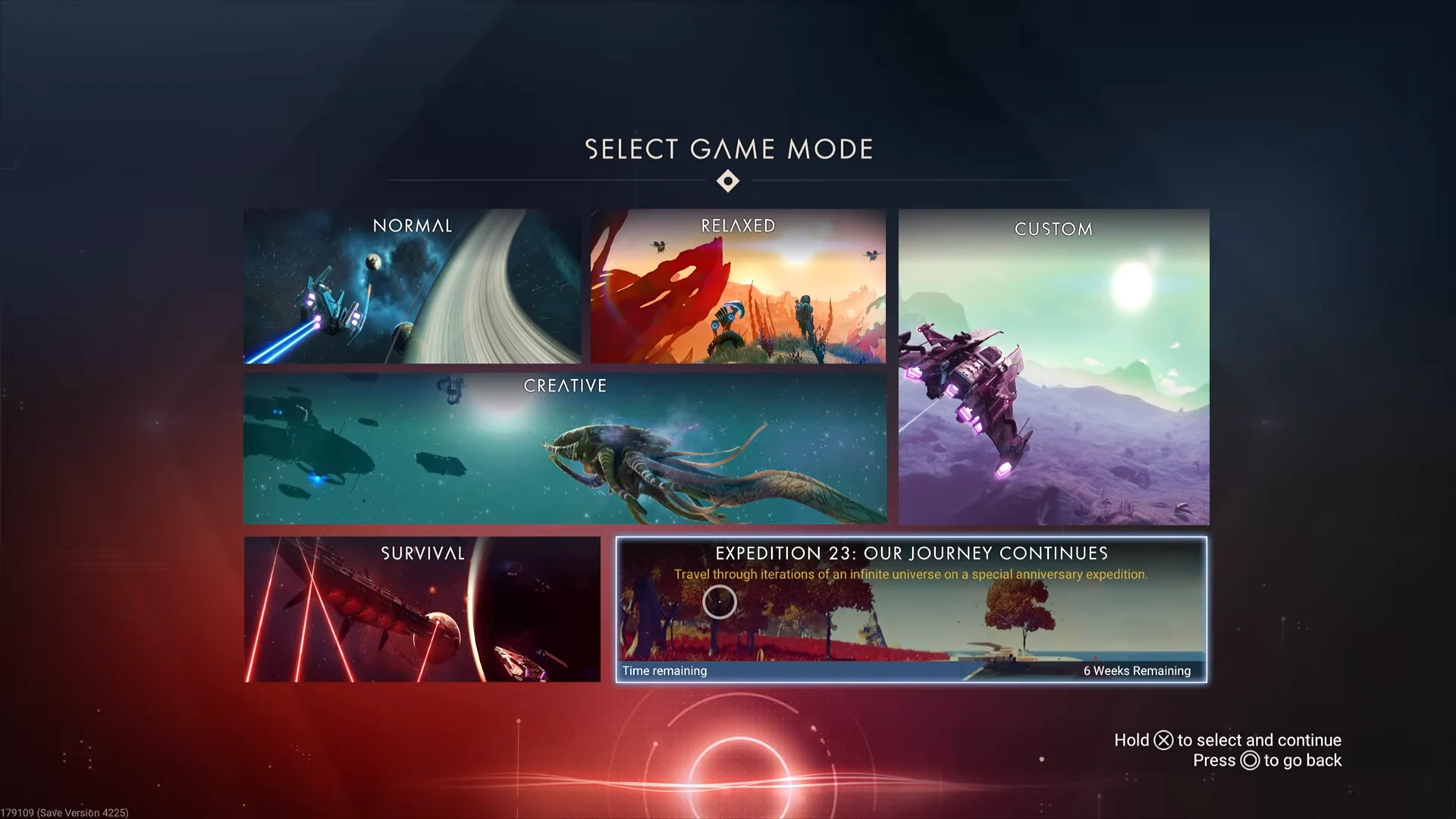
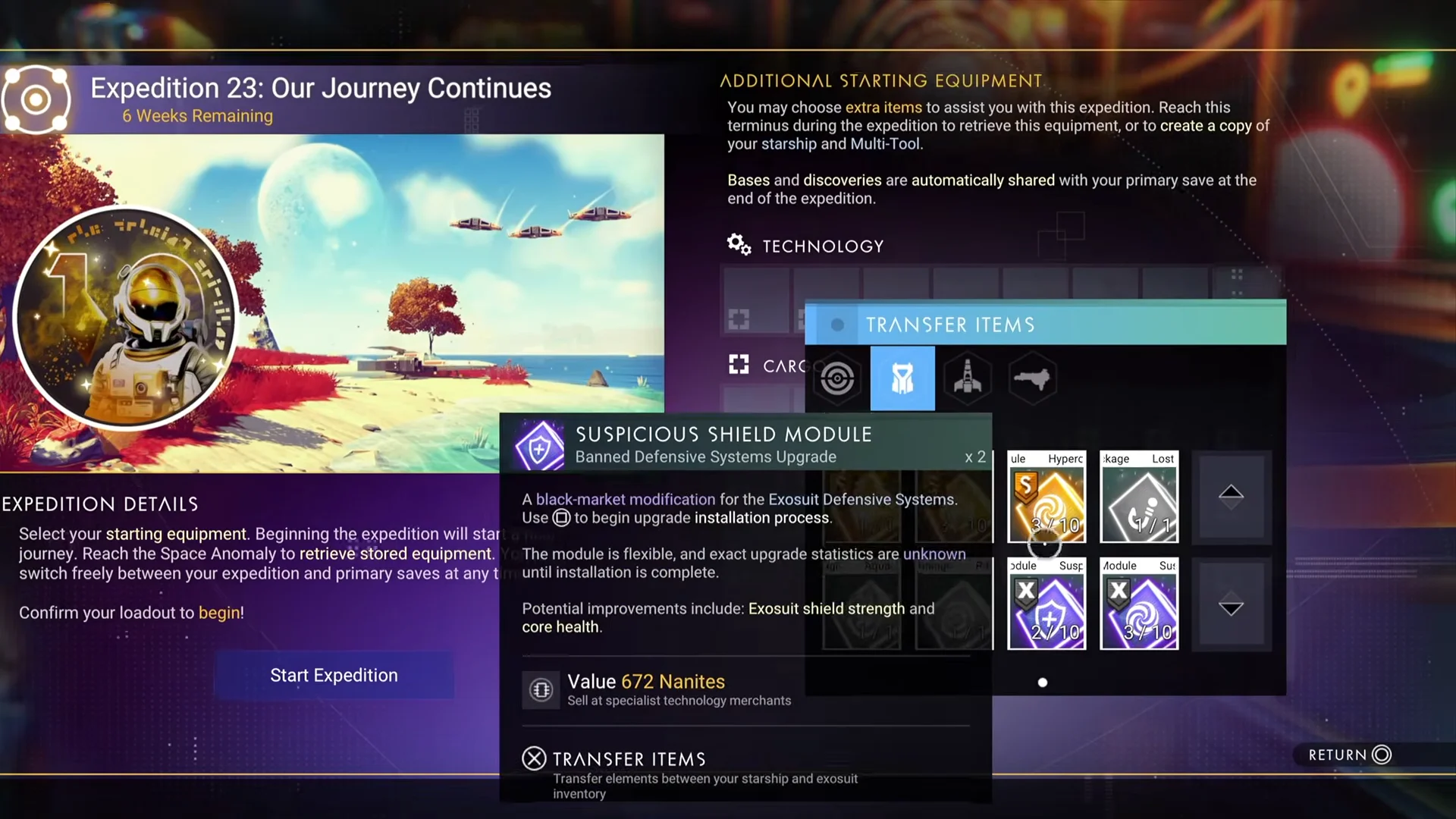
There are two ways into Our Journey Continues, and both drop you on the starting planet next to the damaged Rasamama S36. You can begin a fresh save from the game mode menu, or jump in from an existing save through the Expedition Terminus aboard the Space Anomaly.
If you enter through the Anomaly instead, fly out in your ship, summon the Anomaly, and interact with the Expedition Terminus at the front of the complex.
Entering through the Terminus lets you carry supplies over from your main save. That is optional for Launch, since the milestone rewards hand you the materials you need, but it speeds up the later phases.
Once you confirm your loadout, hit Start Expedition and you will spawn beside the broken ship, ready to work on Launch.
Gather and refine the repair materials
Everything you need to fix the ship comes from the starting planet. Focus on three raw materials before you touch the ship: Di-Hydrogen from ground crystals, Carbon from plants, and Ferrite Dust from rocks.
Repair the Rasamama S36 and fly into space
Two systems on the starter ship need repairs before you can take off. Open the ship’s technology menu and follow the prompts on each damaged part.
| Ship system | Repair cost |
|---|---|
| Launch Thrusters | 50 Pure Ferrite, 1 Di-Hydrogen Jelly |
| Pulse Engine | 1 Hermetic Seal, 1 Metal Plating |
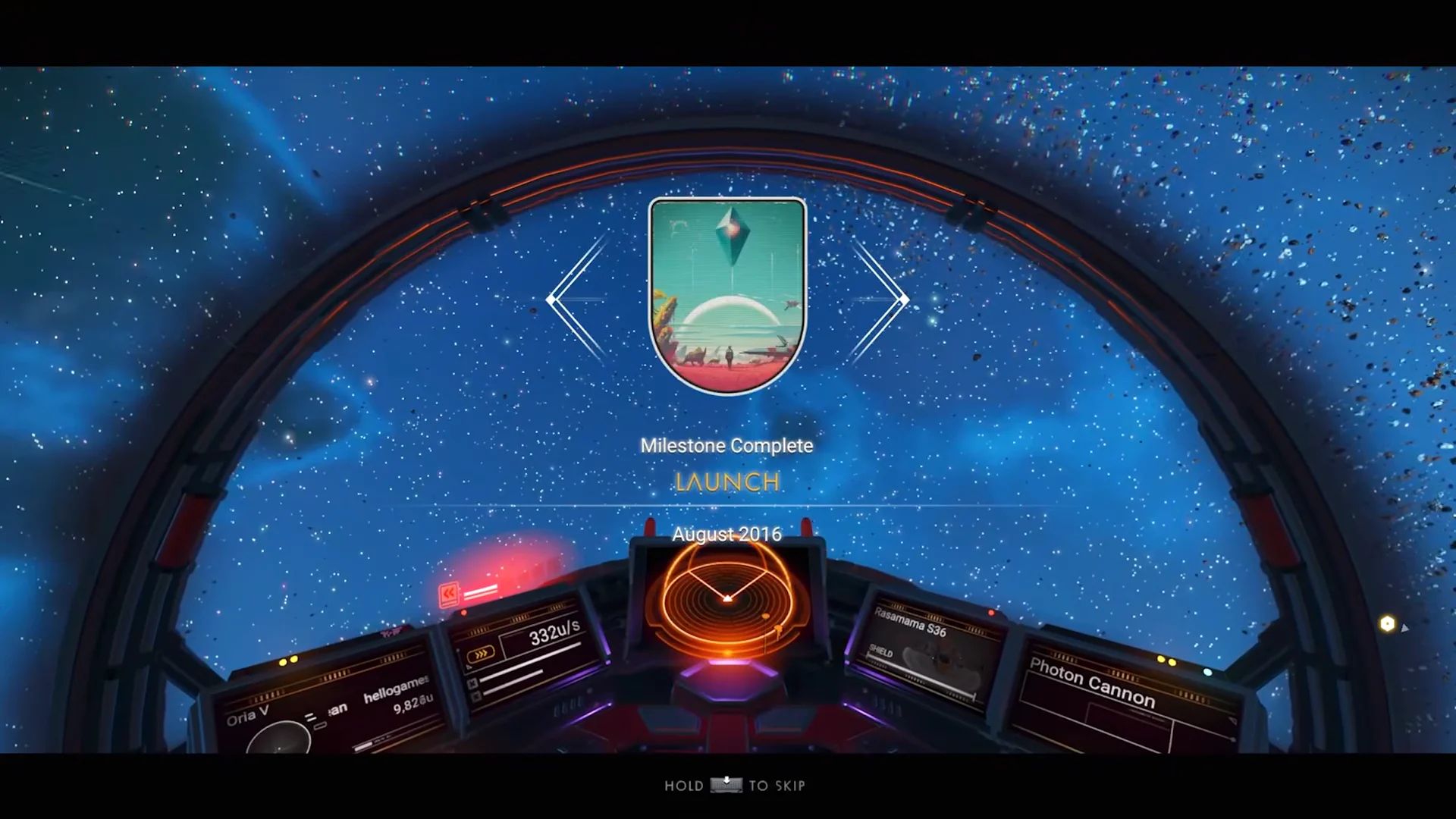
This transmission belongs to the anniversary developer commentary. At each expedition milestone, a brief Sean Murray recording discusses the update named by that milestone; the Catalog & Guide tab lists these under Journey Records.
How you know Launch is done, and what you get
You have finished the milestone the moment the cockpit shows the Launch completion banner and the transmission ends. Open the expedition Log to claim the rewards, which include materials and blueprints that make the next milestones faster.
- Foundational Base Parts
- 2x Microprocessor
- 4x Ion Battery
- 2x Wiring Loom
- 350x Pure Ferrite
- Advanced Mining Laser plans
The Microprocessors, Ion Batteries, and Pure Ferrite carry straight into the following milestone, so claim them before you fly off. From here the run moves on to Foundation, Pathfinder, and Waking Titan, each named after an early update in the game’s history.