No Man’s Sky: How to Complete the Foundation Milestone in Expedition 23
Claim a base on Oria V, build every required part, and answer the transmission to clear Phase 1's second step.
Claim a base on Oria V, build every required part, and answer the transmission to clear Phase 1’s second step.
by AllThingsHow Staff
Image: Hello Games / via @XainesWorld
The Foundation milestone is the second step of Expedition 23: Our Journey Continues, and it asks you to establish your first base at a fixed location on Oria V. It follows straight after the Launch milestone, reuses the blueprints and materials that Launch hands you, and unlocks the exocraft set you need for the Pathfinder step that comes next.
Quick answer: Select the Foundation milestone in your log, scan from orbit for the Construction Site on Oria V, claim the base computer, build every required base part, then re-enter your ship to answer the transmission from Hello Games.
Before you start: finish Launch
Foundation opens only after the Launch milestone, which has you repair the Rasamama S36 on Oria V and fly into orbit. If you have not done that yet, follow our Launch milestone guide first.
Launch’s rewards matter here: you receive 350 Pure Ferrite, 2 Microprocessors, 4 Ion Batteries, Foundational Base Parts, and Advanced Mining Laser plans, which cover most of what the base build needs.
Base parts and materials the Foundation milestone needs
The milestone requires you to claim a base and construct a full set of parts. Each build has its own cost, so it helps to know the totals before you start placing pieces.
Part
Cost
Foundation
100 Pure Ferrite
Cylindrical Room
250 Pure Ferrite
Door
40 Pure Ferrite
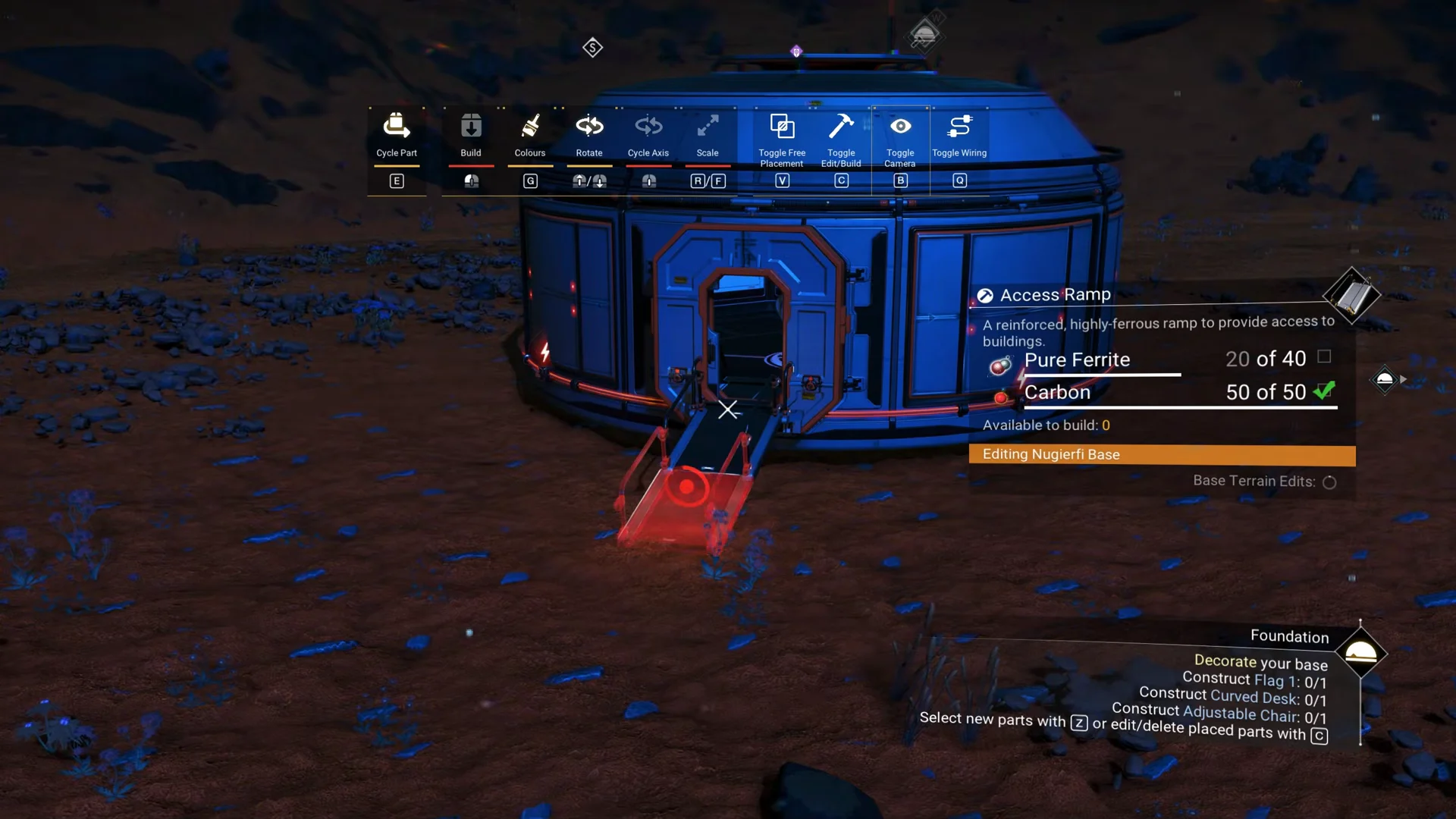
Access Ramp
20 Pure Ferrite, 50 Carbon
Flag 1
5 Pure Ferrite, 5 Carbon
Curved Desk
5 Pure Ferrite, 10 Condensed Carbon
Adjustable Chair
15 Carbon
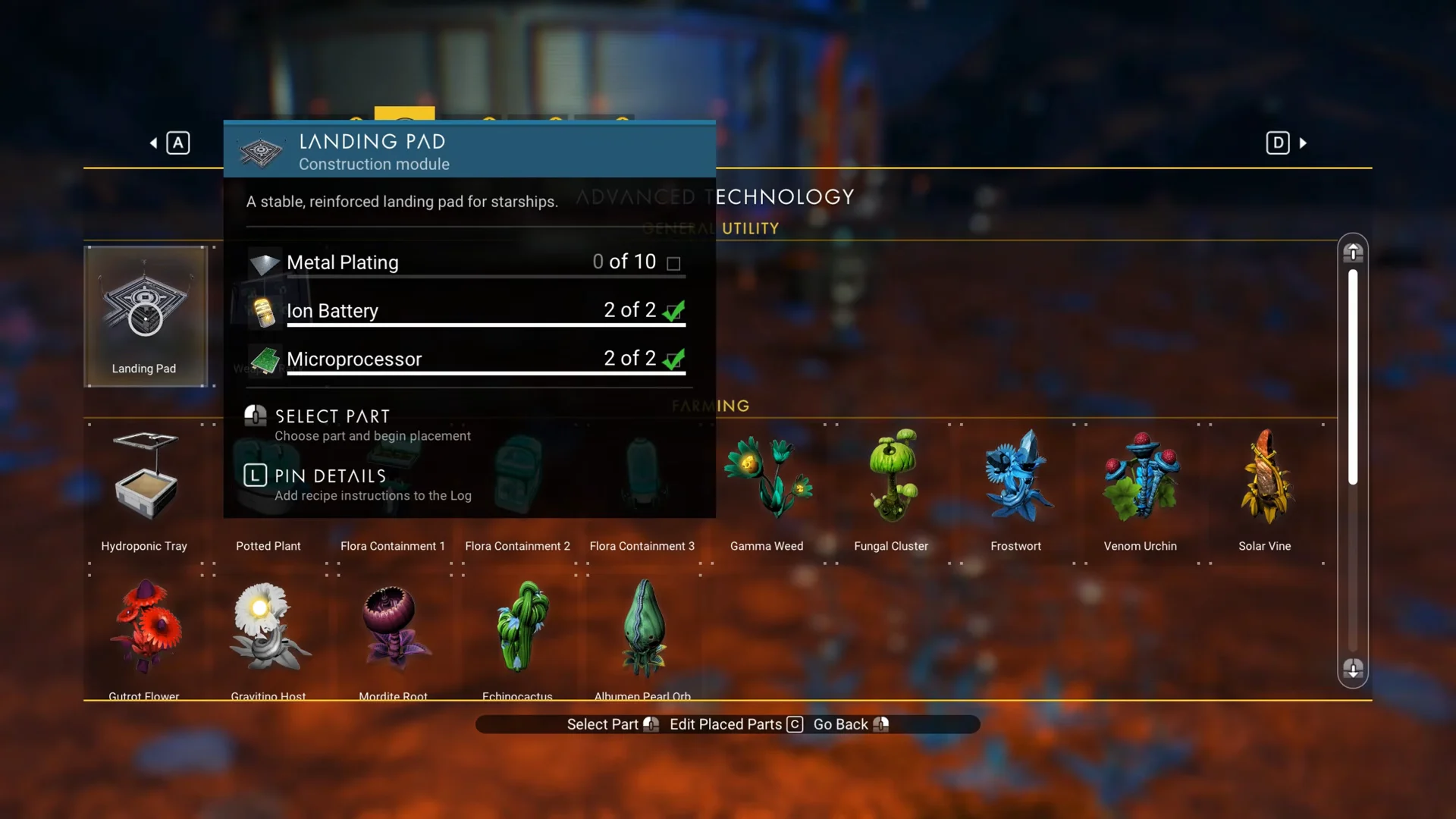
Landing Pad
10 Metal Plating, 2 Ion Battery, 2 Microprocessor
Ten Metal Plating alone consumes 500 Ferrite Dust, so plan to mine well beyond your repair supply. The 2 Ion Batteries and 2 Microprocessors for the Landing Pad come from your Launch milestone rewards.
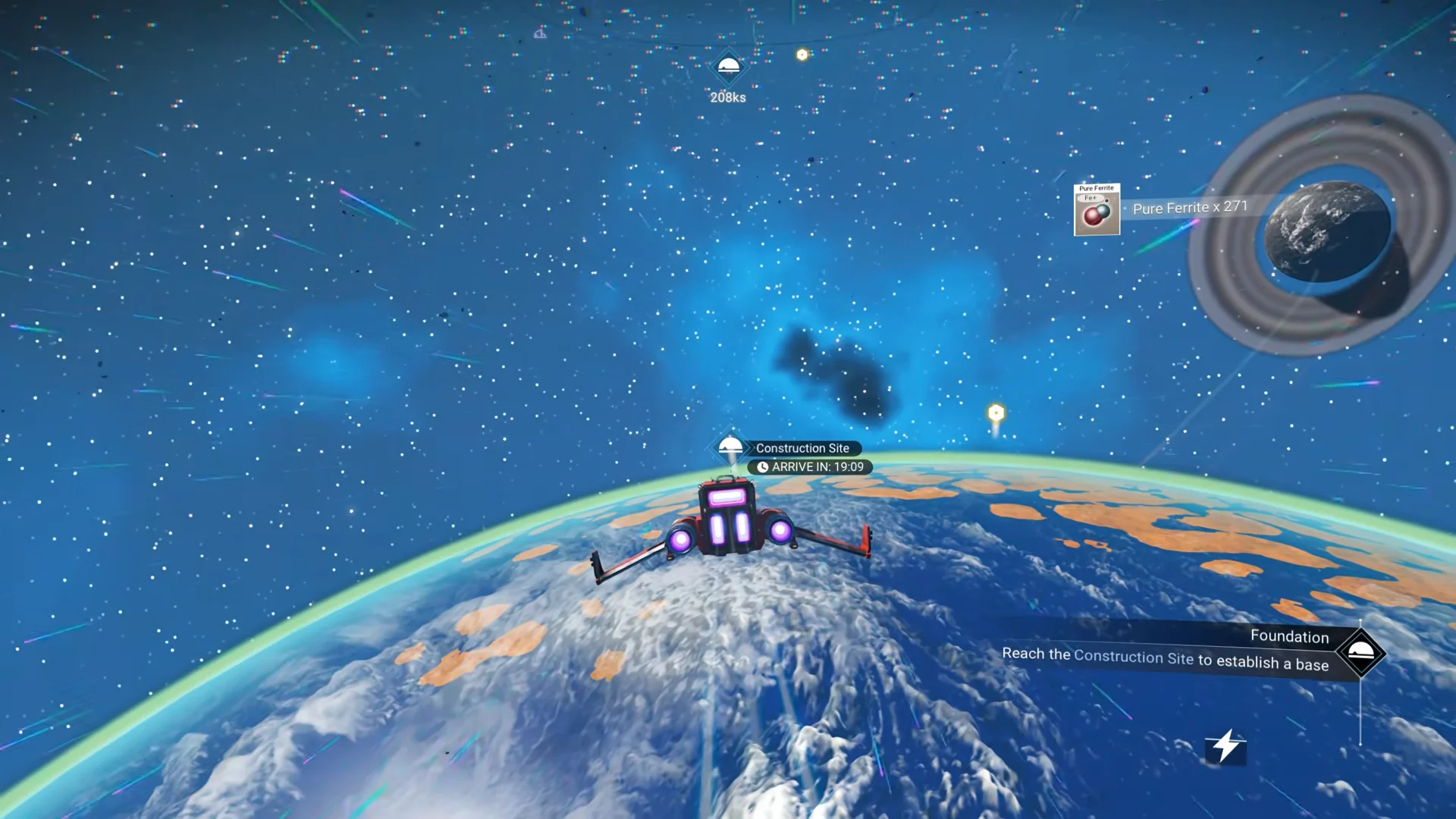
Open your expedition log and select the Foundation milestone so it becomes your active objective. While in orbit, scan space from the ship to reveal a Construction Site marker back on the surface of Oria V.
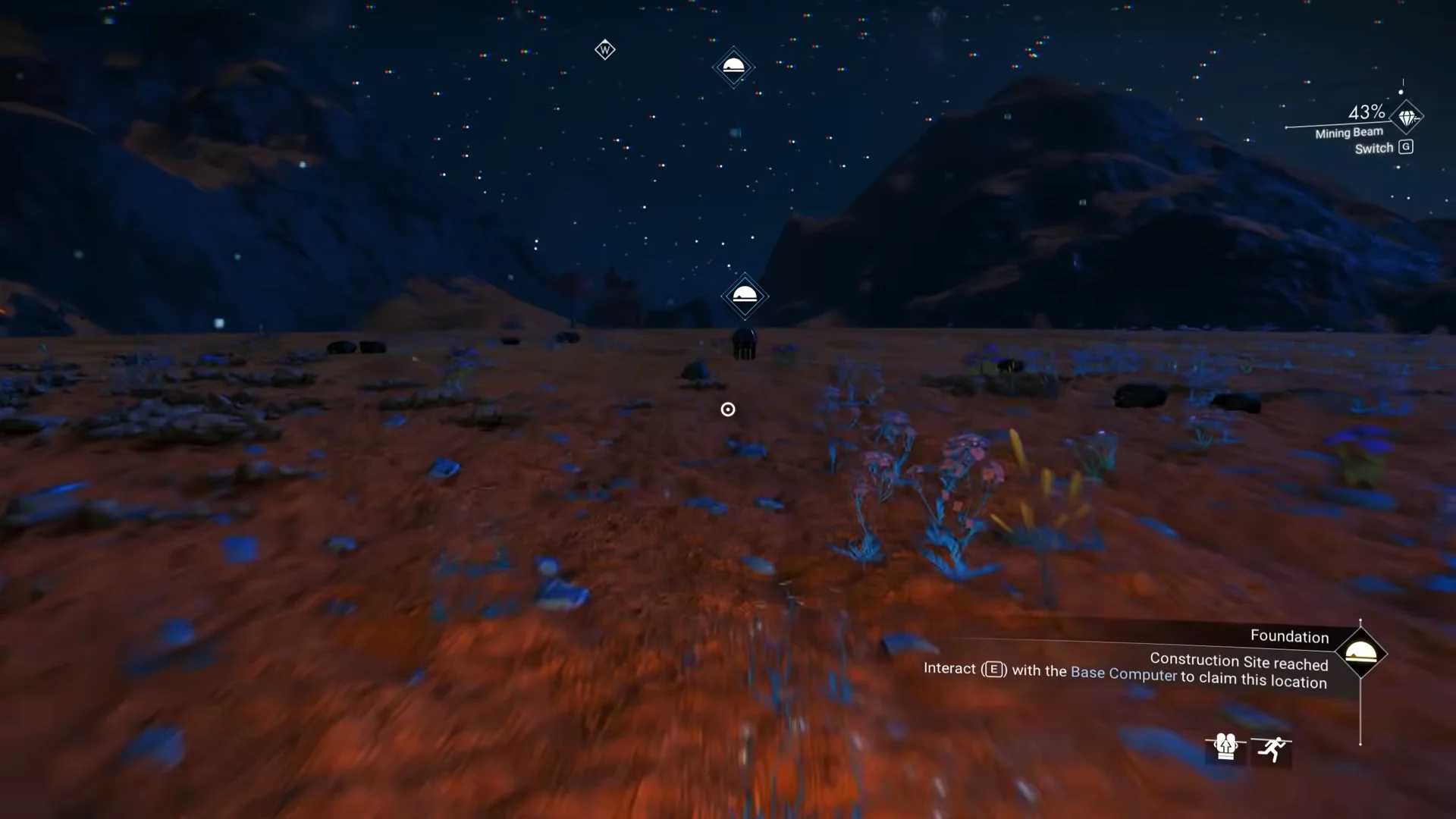
Before you land, top up your Ferrite Dust. Blast mineral-rich ground with the ship or use the mining beam on surface rocks to gather roughly 500 Ferrite Dust total, which covers the 10 Metal Plating for the Landing Pad.
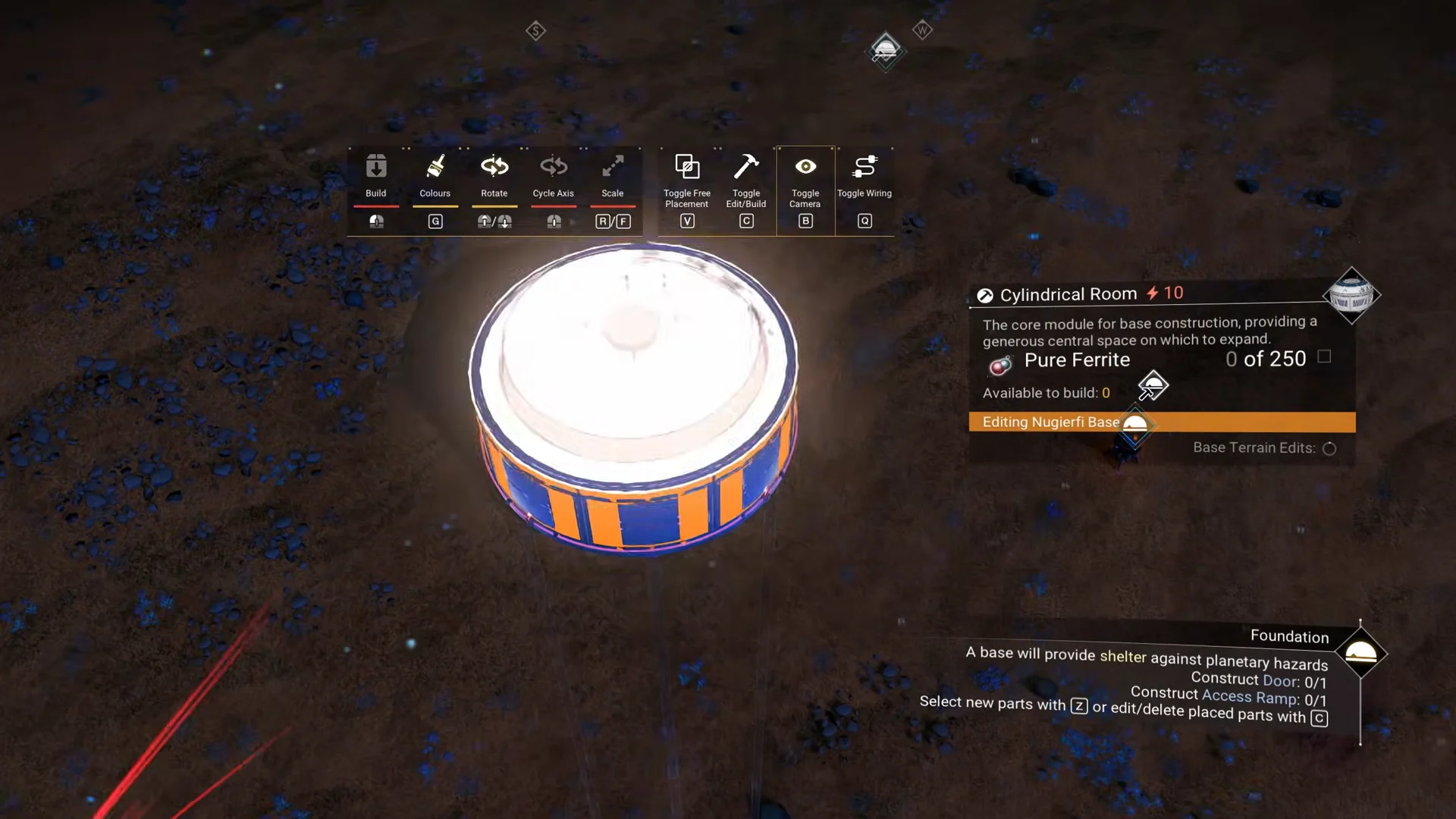
Set down a Foundation first, then position a Cylindrical Room above it. Once the room is in place, remove the Foundation beneath it to reclaim the materials; the room will stand without support.
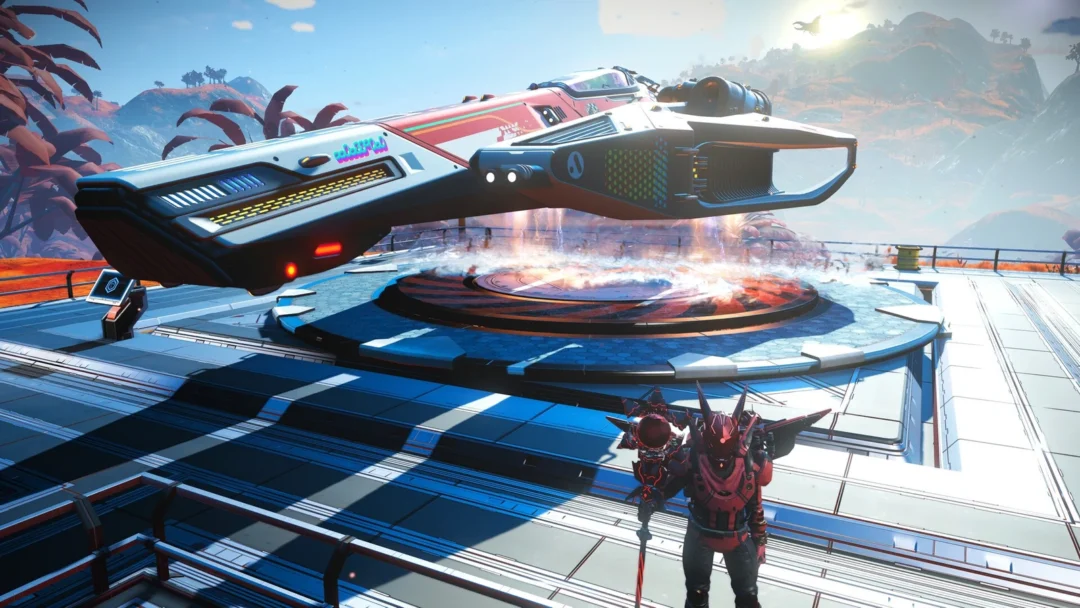
Use your Ferrite Dust to make 10 Metal Plating. Then spend the Launch reward—2 Microprocessors and 2 Ion Batteries—to assemble the Landing Pad.
06:02Building the Landing PadThe Landing Pad in the build menu: 10 Metal Plating plus the 2 Ion Batteries and 2 Microprocessors from Launch. Shown at 06:02 in Xaine's World’s video. Image: Hello Games
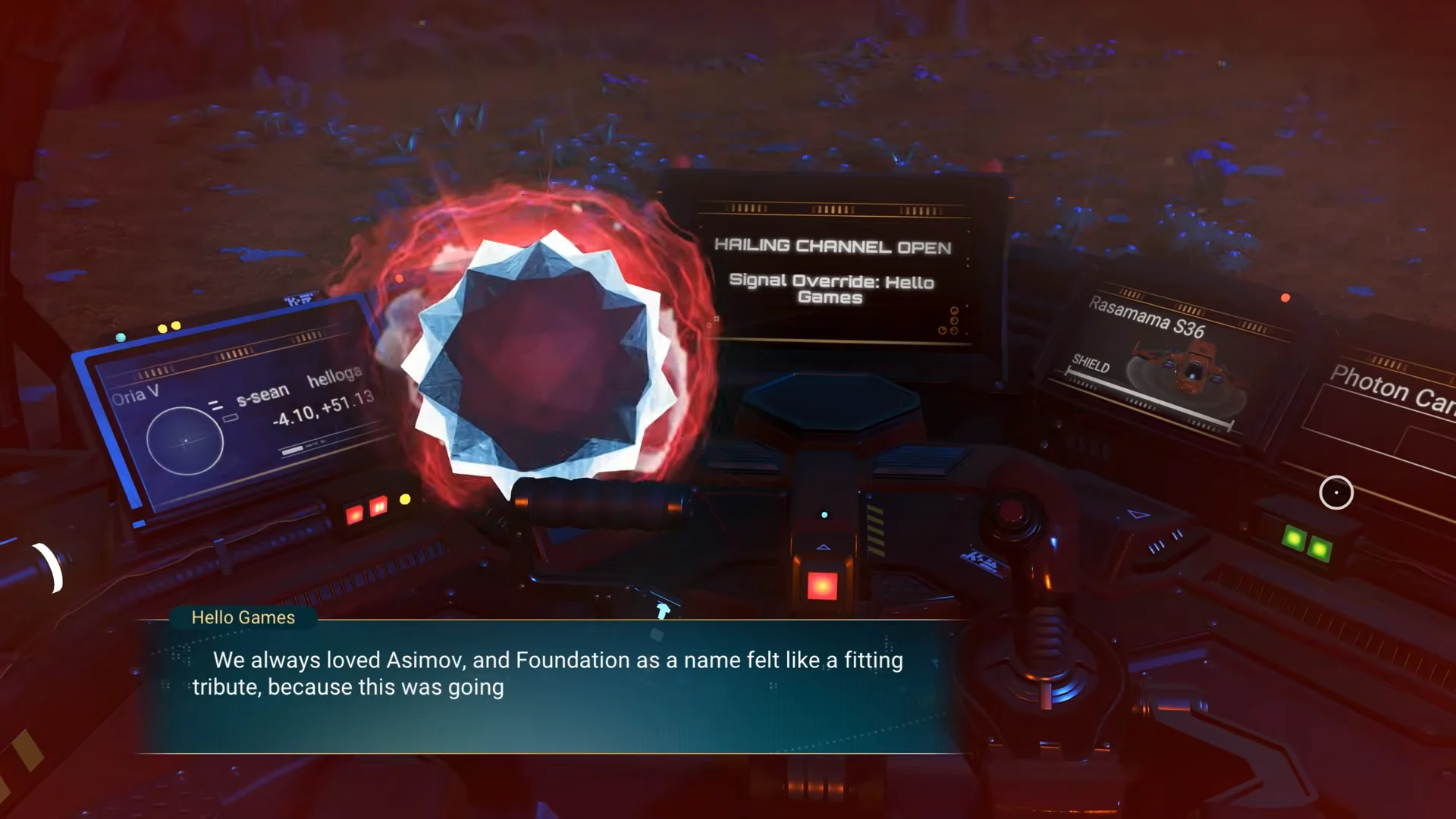
The milestone registers as complete the moment you answer the transmission inside your ship. Claim the reward in the expedition log to receive the Pathfinder Exocraft Set, 6 Ion Batteries, and 50 Paraffinium.
Those rewards feed directly into the next step. The exocraft set lets you build a geobay for Pathfinder, and the Paraffinium is one of its ingredients, so you can roll straight from Foundation into the following milestone without another supply run.