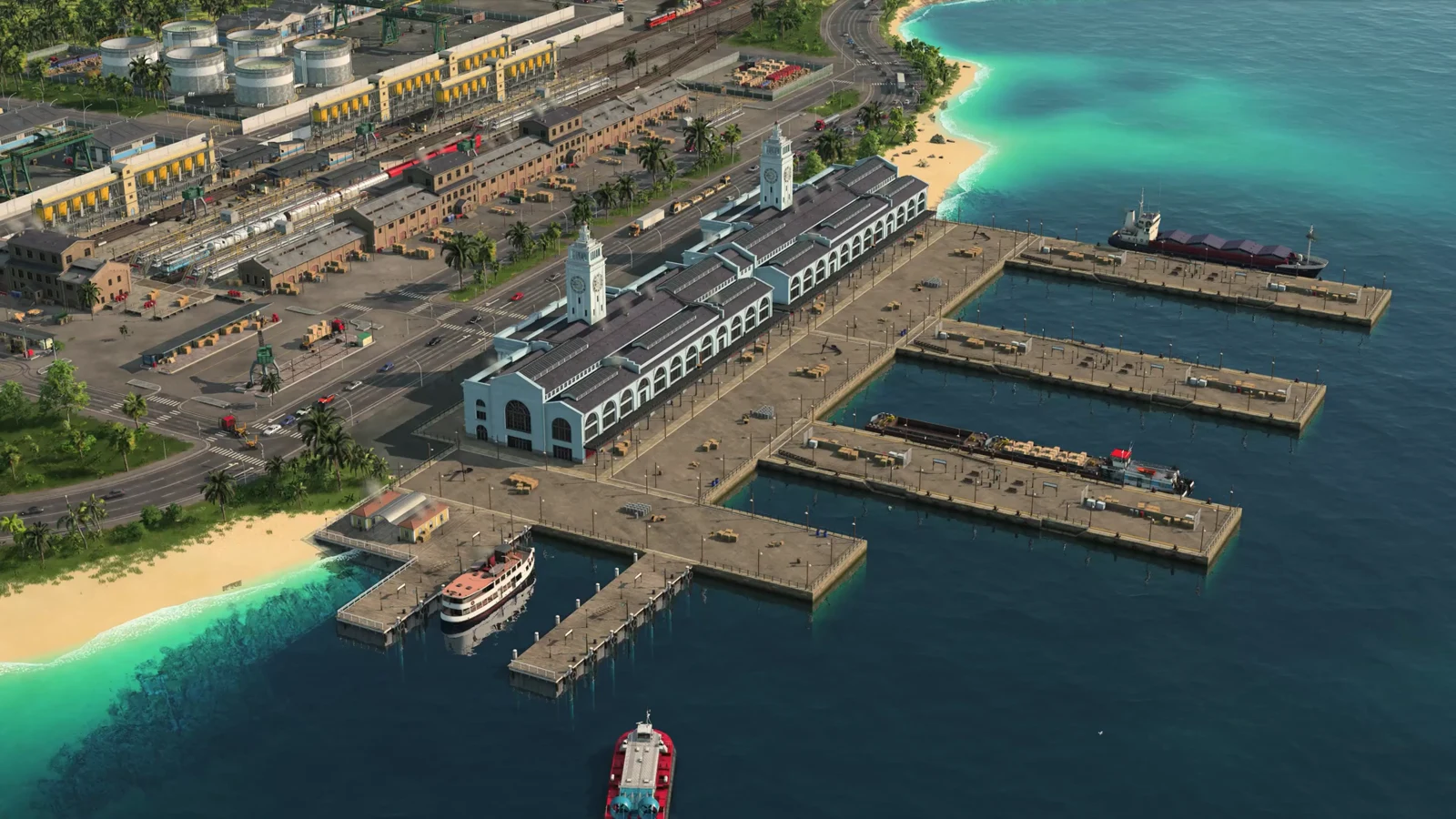
Warehouses are one of the genuinely new pieces of Transport Fever 3, and they trip up a lot of players because the name promises something the building does not do. They are storage for your own vehicles to load from and unload into, nothing more. Place one correctly and it unlocks hub-and-spoke networks; place one expecting it to feed a city on its own and it just parks goods forever.
Quick answer: Drop a warehouse inside the circle of influence of a cargo station, dock, or industry, then run your lines to that adjacent station. Goods unloaded there route into the warehouse automatically — no road connection required.
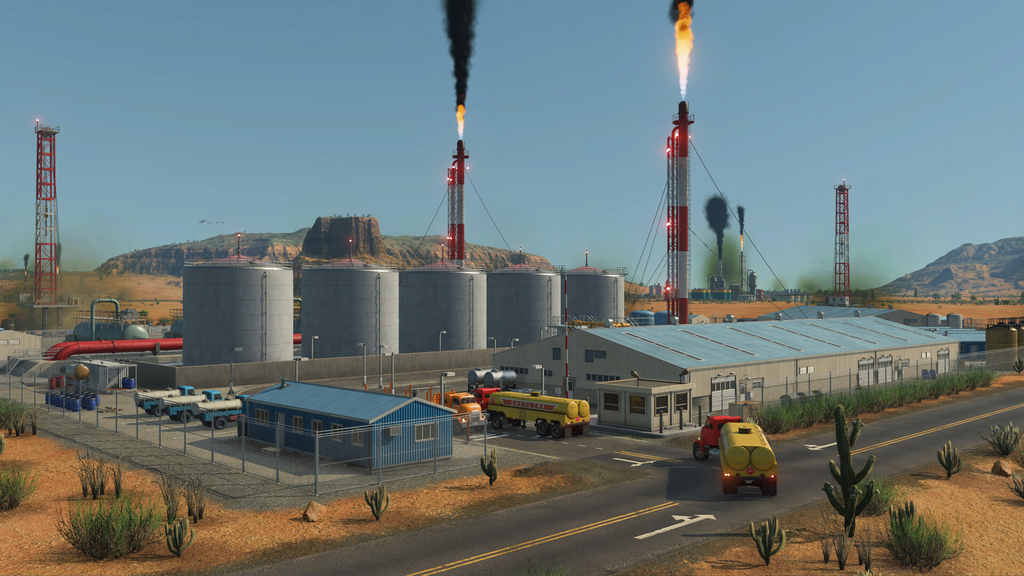
What a warehouse does in Transport Fever 3
In this entry, platforms, ports, and stations no longer hold any cargo themselves. That change is the whole reason warehouses exist. Any time freight has to wait or move from one line to another, you need a warehouse to store it in between.
The standard application is a transfer point. Large trains carry grain from several farms to a single central warehouse, where a fleet of small trucks branches out to bakeries and towns. The two ends need no knowledge of each other, and each route uses a suitably sized vehicle. The warehouse bridges the difference in capacity and timing: a 200-unit train arrives two times per day, while a 12-unit truck departs every few minutes.
The key test is whether the freight goes directly to a consumer, such as an industry or town building. If it does not, provide a warehouse for storage. This applies to train-to-truck, ship-to-truck, and even train-to-train transfers. Storage can be skipped only on a direct route with vehicles whose capacities are matched.
Why warehouses matter for the cargo delivery clock
Cargo has a delivery time limit. Its timer begins when a factory dispatches the goods and ends at their destination. The game calculates an expected travel duration; when delivery takes longer than expected, it causes “Unhappiness.”
A warehouse freezes that clock. Goods sitting in storage are not racing a timer, so parking them in a warehouse mid-route stops the penalty from building up. That is the second reason to use one on long or multi-leg networks.
A factory producing cargo nonstop already holds finished goods in a buffer for collection, so it needs no warehouse at its gate.
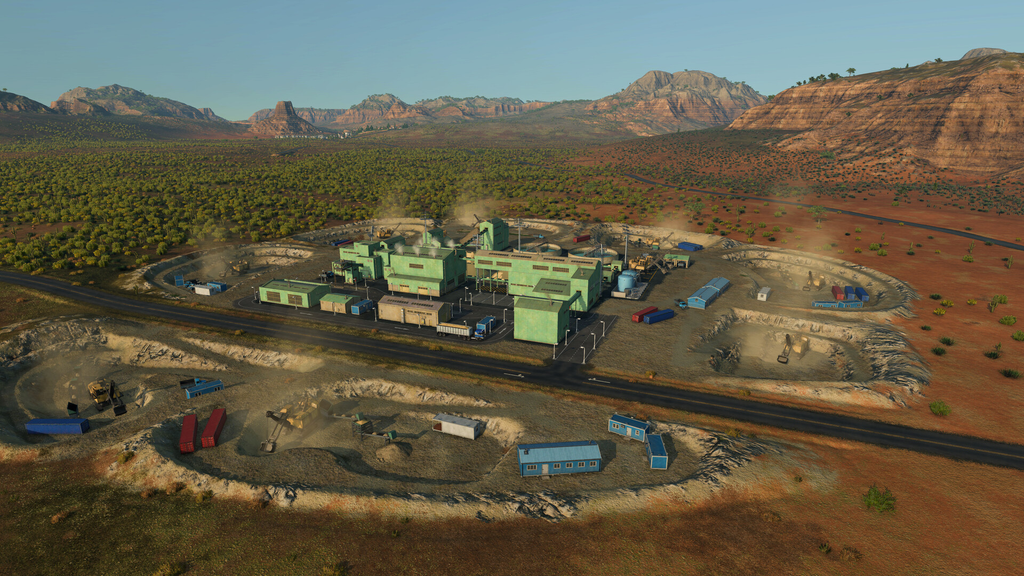
How to place and run a warehouse
You can confirm the setup is working when freight from the station builds up in the warehouse instead of disappearing, and vehicles on a second line start loading from that stock. Transfers require some storage capacity; if the minimum is not available, the game will warn you.
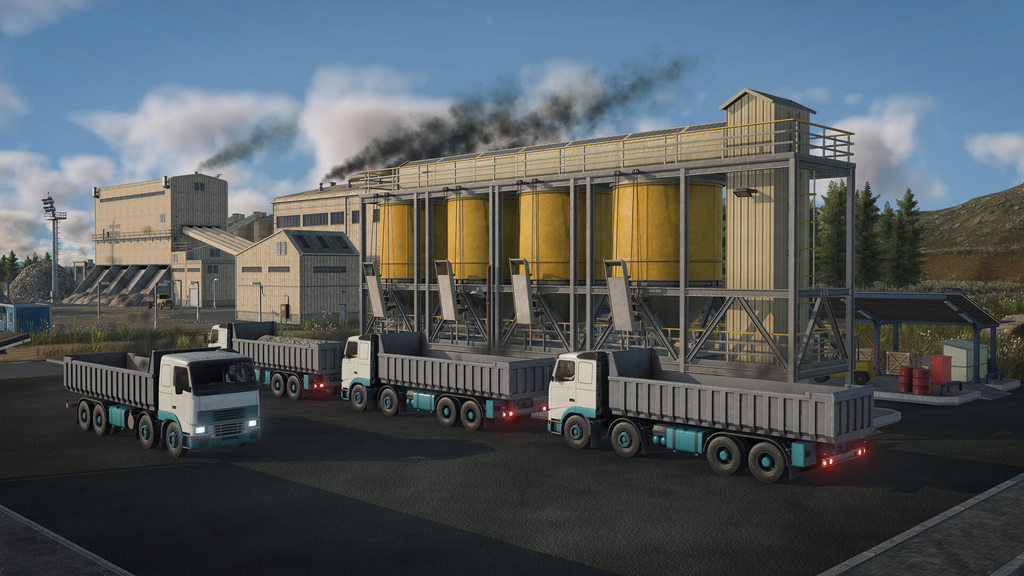
Warehouse types, costs, and specialization
Each type carries its own cost, yearly upkeep, and environmental footprint. The Universal warehouse is cheaper and flexible but lower capacity. The four specialized options cost more and pollute more, but they can be extended with modules and increase load speed for vehicles sharing the same cargo category.
| Type | Cargo | Cost | Upkeep / year |
|---|---|---|---|
| Universal | All cargo | $150,000 | $25,000 |
| Liquid | Liquid | $300,000 | $50,000 |
| Bulk | Bulk | $300,000 | $50,000 |
| Flatbed | Flatbed | $300,000 | $50,000 |
| Goods | Goods | $300,000 | $50,000 |
Each type has a noise rating of 30. The Universal warehouse creates 75 pollution, while each specialized type creates 150. Pairing a specialized vehicle and station with a matching specialized warehouse along one corridor compounds the speed gain across the entire chain. The compromise is reduced flexibility: a bulk-only hub cannot take excess goods, and changing its specialization later takes time and money.
Begin with one adaptable Universal hub in each region. Once a particular flow clearly dominates a corridor, break it out into a dedicated Bulk or Liquid terminal.
The mistake that makes a warehouse useless
A warehouse will not deliver goods to a city just because the city can accept them. It is storage for your own vehicles to put in and take out — nothing pulls cargo from it automatically.
Suppose a commercial district has reached its limit for meat. A warehouse beside it will not hold stock for the city to use when space becomes available; cities do not retrieve goods from warehouses. Warehouses serve vehicle loading and unloading, so they cannot resolve delays in town demand.
This also explains a common surprise: surplus that a truck line sends into a warehouse near a town will sit there indefinitely, because nothing is scheduled to carry it back out or into the town on its own. If you want that stock moving again, it takes another line set to load from the warehouse and deliver it. Treat the building as plumbing for your network — essential for large hub-and-spoke operations, and inert without a line running water through it.