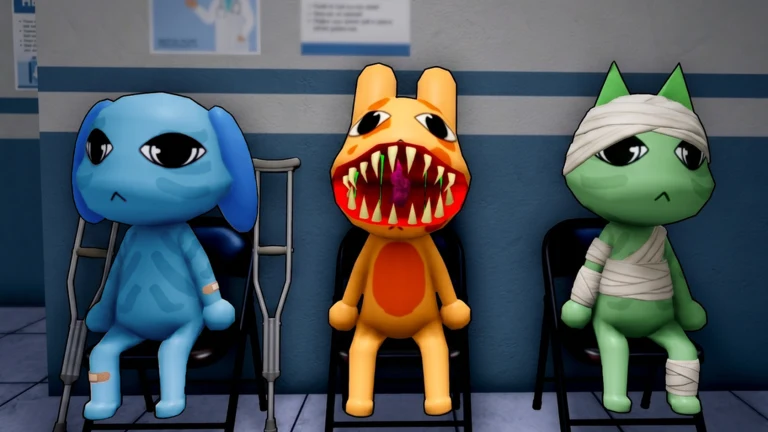
Ron is the blue-furred lop bunny who works as an accountant for Animal Corporation and knows more about the hospital’s anomalies than almost anyone. In Animal Hospital, you can travel to his home to nurse him back from an unknown illness after Dr. Harlow raises concerns about his health. The trip also reveals pieces of Ron’s private life and his growing detachment from the company he works for.
Quick answer: Finish Shift 4, pick “Check on Ron after the shift” when Dr. Harlow asks, then screen every knocking visitor with the red and green buttons and drop the medical items they leave onto Ron until his health bar is full.
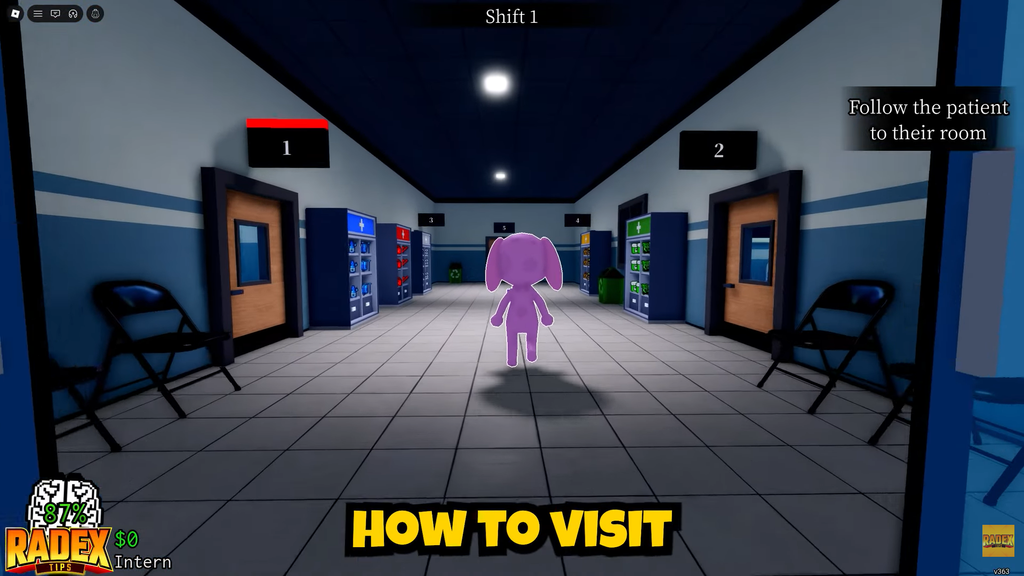
How to trigger the visit to Ron’s house
The option to go to Ron’s home appears during Shift 4 if you skip the tutorial. Dr. Harlow walks into the hospital, asks where Ron is, and then explains that he is worried about Ron’s condition. He requests that you check on the accountant once your shift ends.
Dr. Harlow’s dialogue box gives you two choices:
- “Check on Ron after the shift” sends your character to Ron’s house once Shift 4 is complete.
- “Don’t Go” skips the visit entirely and lets the normal playthrough continue.
Select the first option, and you will teleport to the house automatically after the shift finishes.
Layout of Ron’s home
A label marks every room, piece of furniture, and appliance in the house. Learn the floor plan, since the kitchen and living room are the two areas you’ll revisit during recovery.
| Room | What it holds |
|---|---|
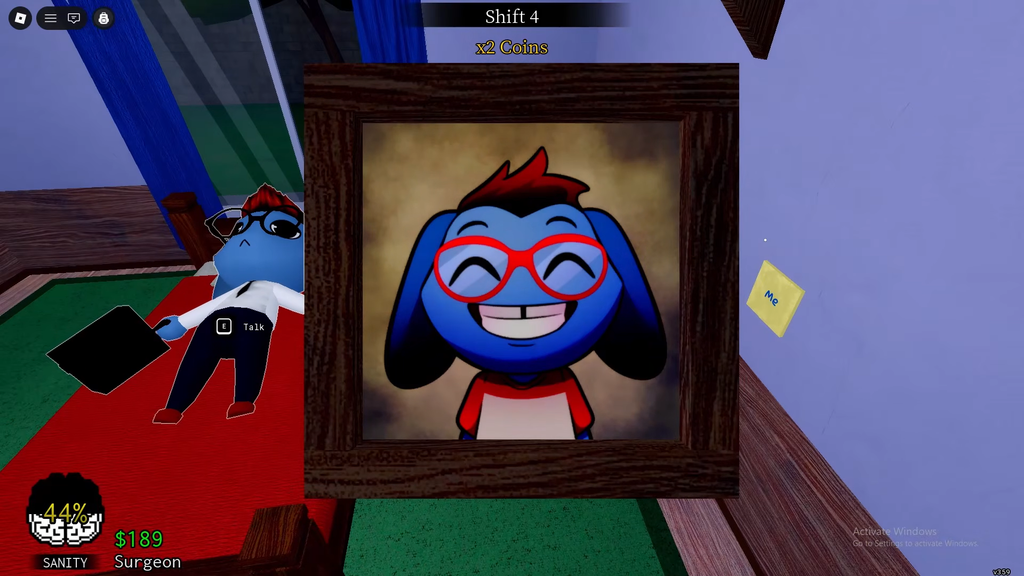
| Bedroom | Ron lying in bed, the Nightstand and Suits closets, and pictures of Otterport Bay and a younger Ron. |
| Living Room | Sofas, a large television, and the table where visitors drop off medical items. |
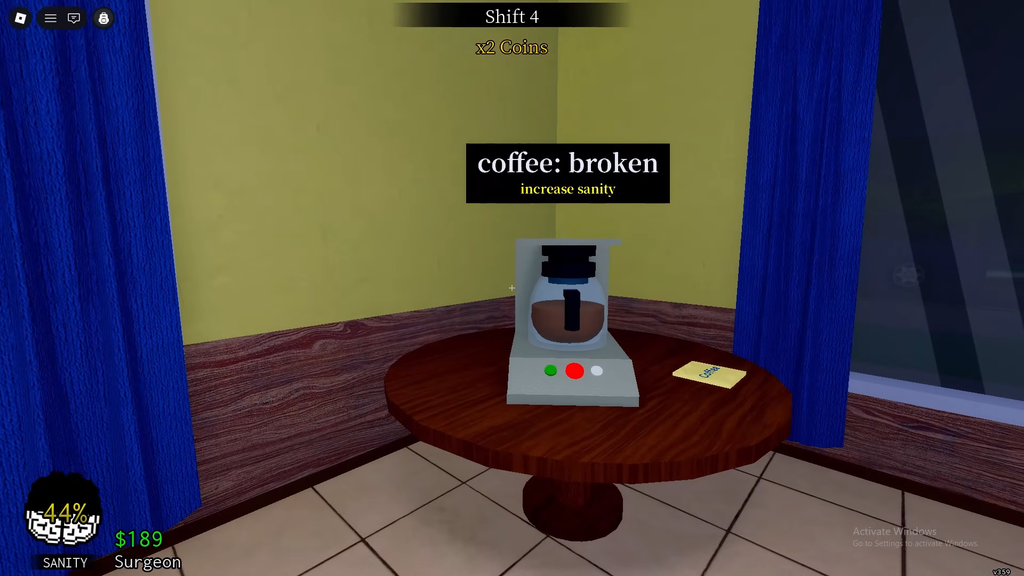
| Kitchen | A broken coffee machine, kitchenware shelves, a fridge, a stove, and a trash bin. |
| Bathroom | Mirror notes reading “It’s not your fault,” “Don’t forget why you do this,” and “Smile, you are still you.” |
The broken coffee machine is tied to Ron’s illness. His coffee normally restores Sanity, and the nonfunctional machine is implied to be why he fell sick. The bathroom notes point to the guilt Ron carries about working for Animal Corporation despite its shady motives.
How to cure Ron step by step
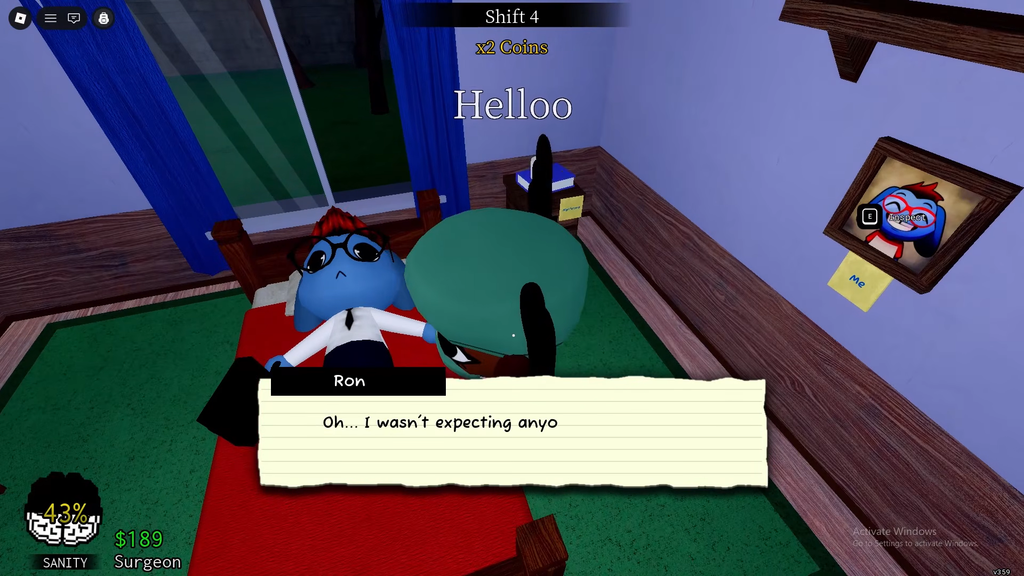
If you let an anomaly inside, it attacks everyone in sight, including Ron and you, and every hit drains both Sanity and health. Confirm a visitor is clean before pressing green.
Handling Stalker emergencies during the visit
Stalkers interrupt the recovery at random. When a Stalker Emergency appears on screen, go to the kitchen and interact with the window to hold it shut against the grinning figure outside until the countdown ends. Stalkers can also appear at the living room window, so hold that pane closed the same way when prompted.
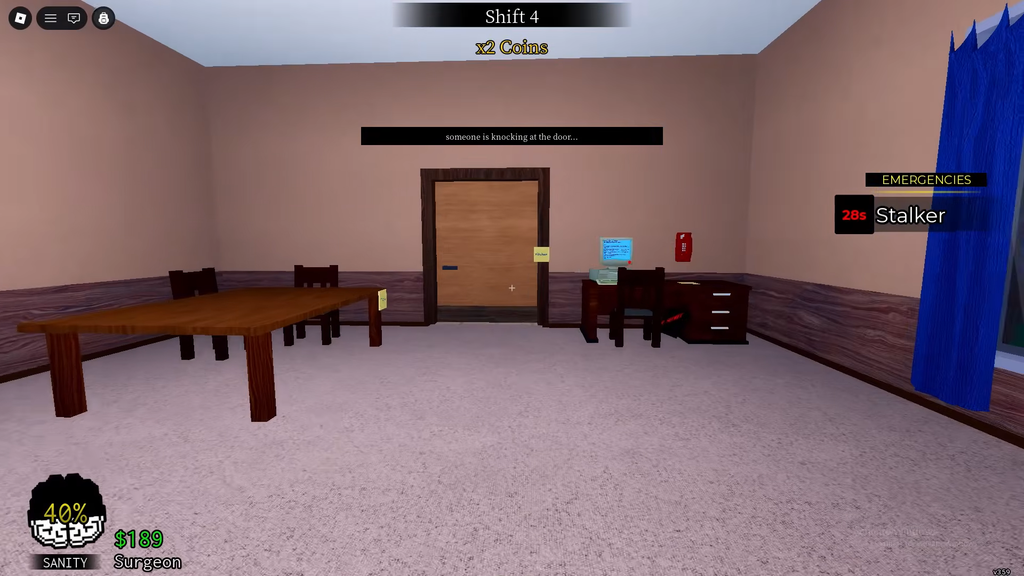
These emergencies often trigger mid-knock, so finish securing the window before returning to the door and any waiting visitor.
How to confirm Ron has recovered
Ron is fully cured once his health meter is completely filled, which happens after the final IV drip is applied. He gets out of bed, thanks you for the help, and talks briefly about his picture before preparing to leave for the hospital. The scene then teleports your character back to the hospital, ending the visit.