The McDonald’s Fry Guard Shield is a free shield skin in Monopoly GO modeled on the chain’s red fry carton. It landed on October 6, 2026 alongside the return of the McDonald’s Monopoly promotion, and you can add it to your collection without spending dice, finishing an event, or buying anything.
Quick answer: Open the reward link mply.io/eqQcaP1kbUU in your phone’s browser while logged into your main account, let it launch Monopoly GO, and the shield drops straight into your collection.
What the Fry Guard Shield is and when it expires
This is a separate collectible from the older McDonald’s Fries Shield that appeared during the 2025 collaboration. Both skins use the same fry box look, so they are easy to mix up at a glance, but the Fry Guard has its own design details. If you already own the earlier Fries Shield, you can still claim this one.
| Detail | Value |
|---|---|
| Item | McDonald’s Fry Guard Shield |
| Cost | Free |
| Added | October 6, 2026 |
| Claim deadline | January 8, 2027 |
| Limit | One per account |
Promotional shields are removed permanently once the redemption window closes, and there is no guarantee they come back. Claim it well before the January 8, 2027 cutoff.
How to claim the Fry Guard Shield
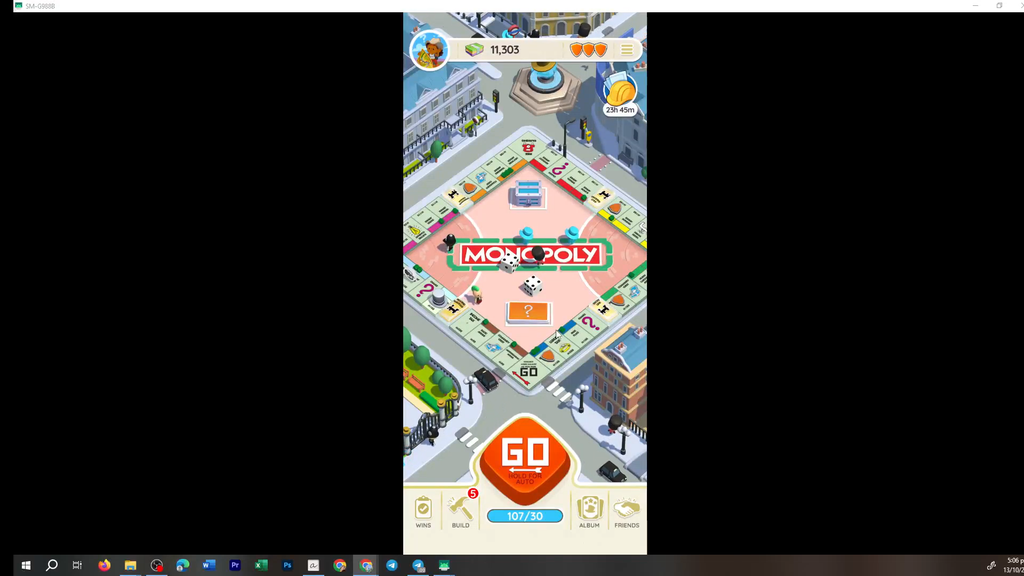
On the device with Monopoly GO installed, whether a phone or tablet, follow these steps. First log in to your main account; each account can use the link only once.
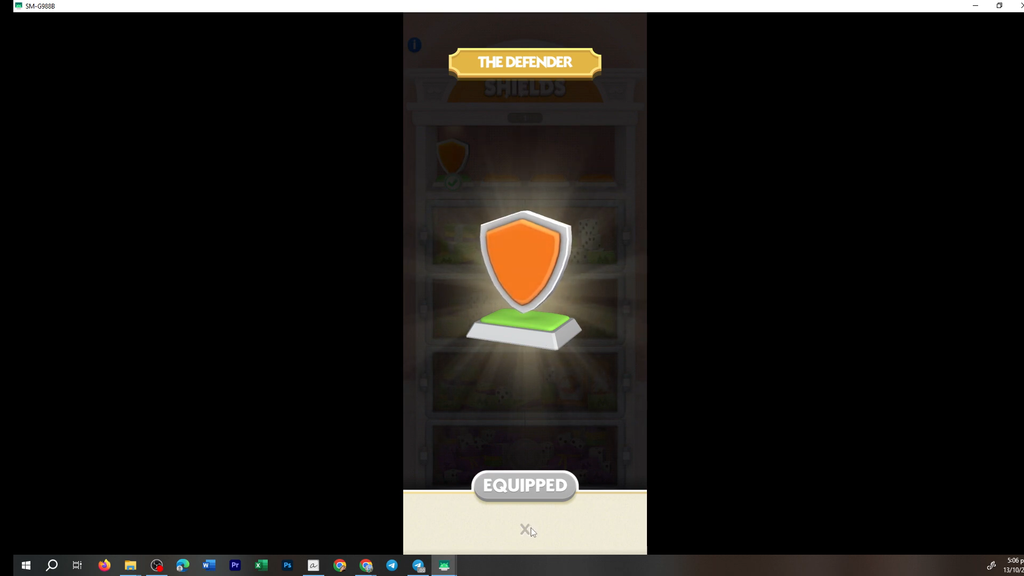
How to confirm it worked
You know the claim went through when Monopoly GO opens by itself and shows a confirmation pop-up for the reward. After that, the Fry Guard Shield sits in your shield collection behind the top-right shield icon, ready to equip. If it is there, the claim is complete and you do not need to use the link again.
How the McDonald’s promotion fits in
The shield is part of Scopely’s second year partnering with the McDonald’s Monopoly game. From October 6 to November 1, the promotion is available at participating restaurants and in the McDonald’s app, with physical prizes that include gold bars and Dice Roll rewards. Monopoly GO players can also get branded items, including the Fry Guard Token and McDonald’s Roller Dice Skins. The Fry Guard Shield doesn’t depend on any of these offers; its reward link gives it as a digital gift.