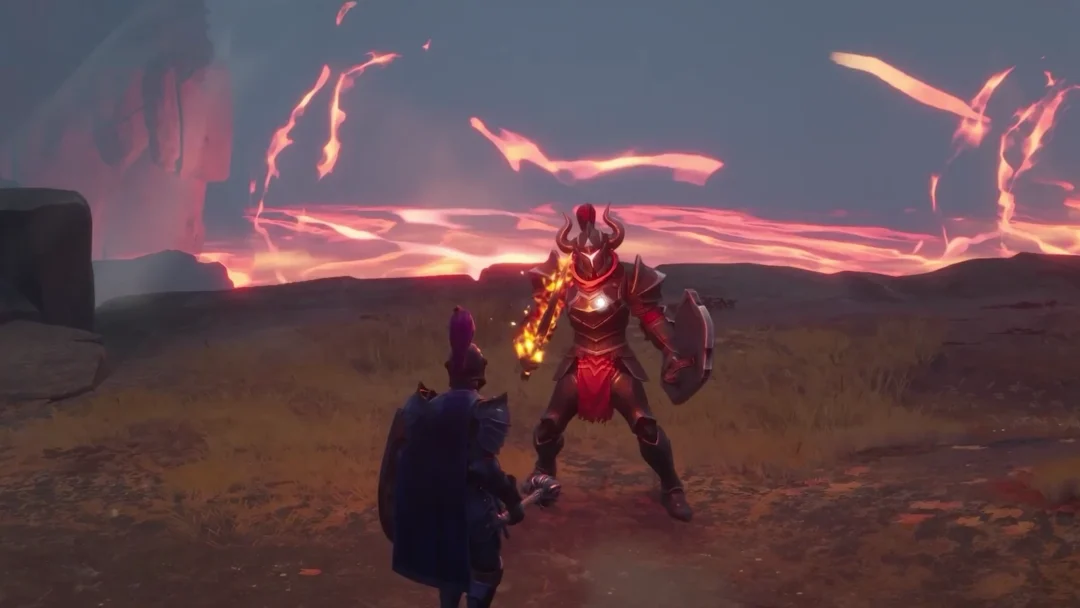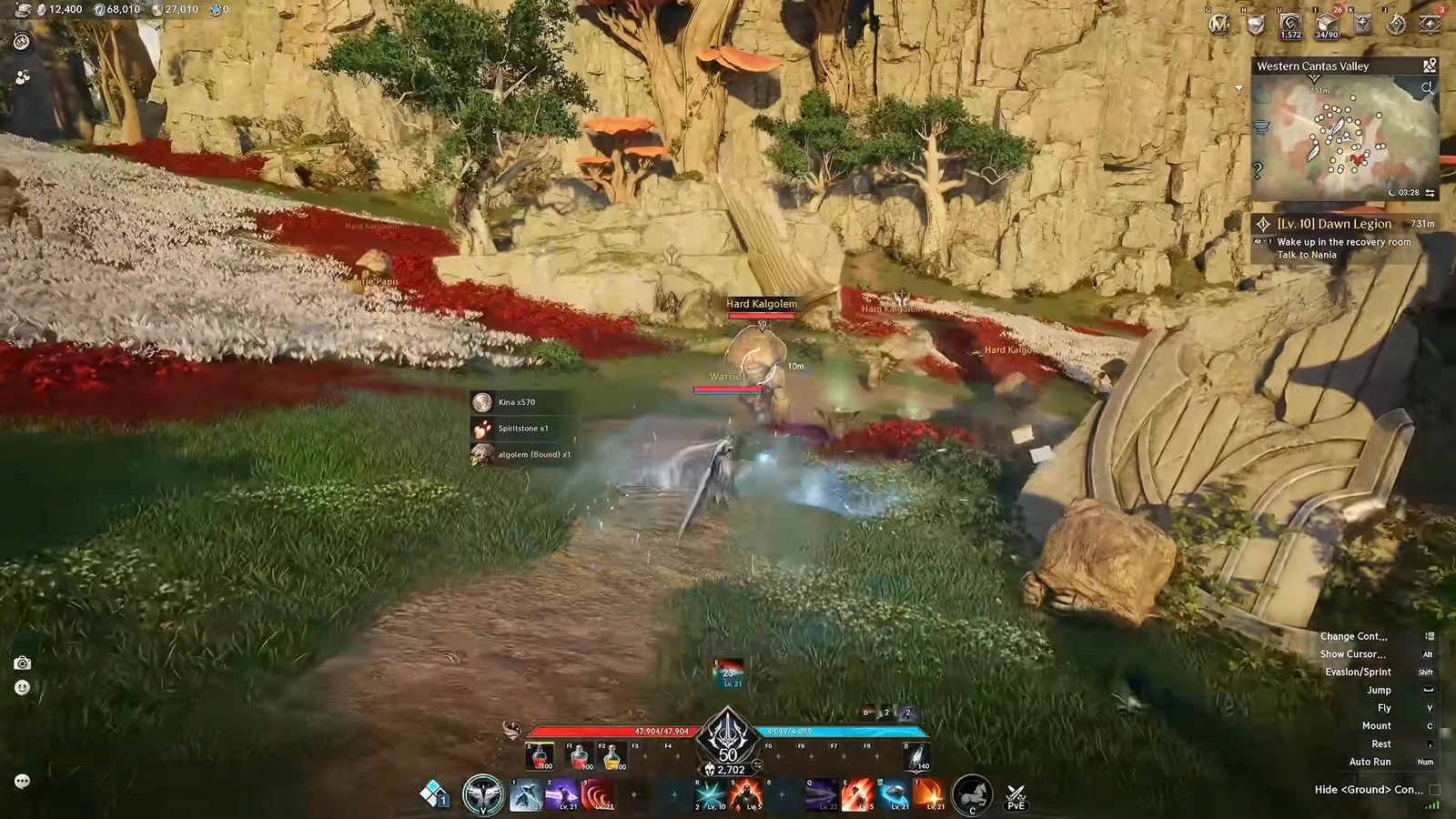
Trading in Aion 2 happens in one place only. There is no face-to-face trade window, no handing a stack of loot to a friend, and no way to swap gear directly with another player. Everything moves through the Market, the game’s central auction house, where you list unbound items for others to buy and purchase whatever other players have posted. Direct player-to-player trades were switched off as an anti-bot measure, so the Market is the single route for moving items between accounts.
Quick answer: All trading goes through the Market. You need the Special Quai Membership and a Level 45 character to list items, and every sale and purchase is priced in Kina.
What you need before you can trade
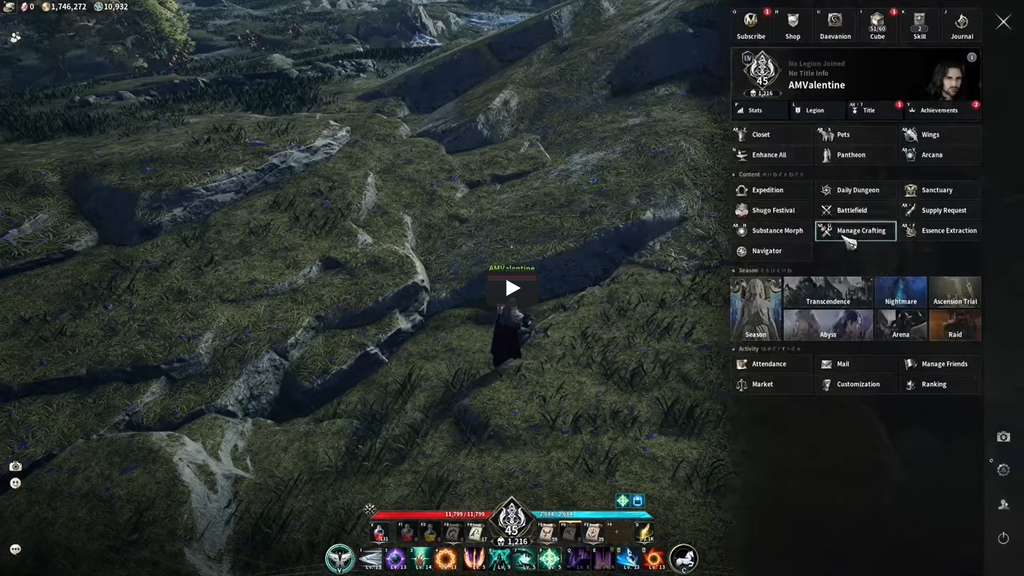
The Market sits behind two requirements, and both have to be met before the feature opens up for you.
- Special Quai Membership — the subscription that grants access to the Market and the Quna Exchange. It costs $14.99 and runs for 30 days. Free accounts do not get Market access.
- Character Level 45 — even with the membership active, the Market only becomes available once your character reaches Level 45.
A one-month membership comes bundled with every Aion 2 Founder’s Pack, but that grant is server-bound, so only characters on that server benefit from it. If you move a character to another server, the subscription travels with them.
Listing items to sell is the part the membership gates. Bound items can never be posted either way, so only unbound goods such as crafted gear, materials, and consumables can reach the board.
Kina and Quna: the two currencies that matter
Two currencies drive the economy, and mixing them up is the easiest mistake to make. Kina is what you earn and spend on the Market. Quna is bought with real money and is mainly for cosmetics, with the Exchange being the only way to turn it into Kina.
| Currency | How you get it | What it does |
|---|---|---|
| Kina | Earned through play | Buying and selling on the Market |
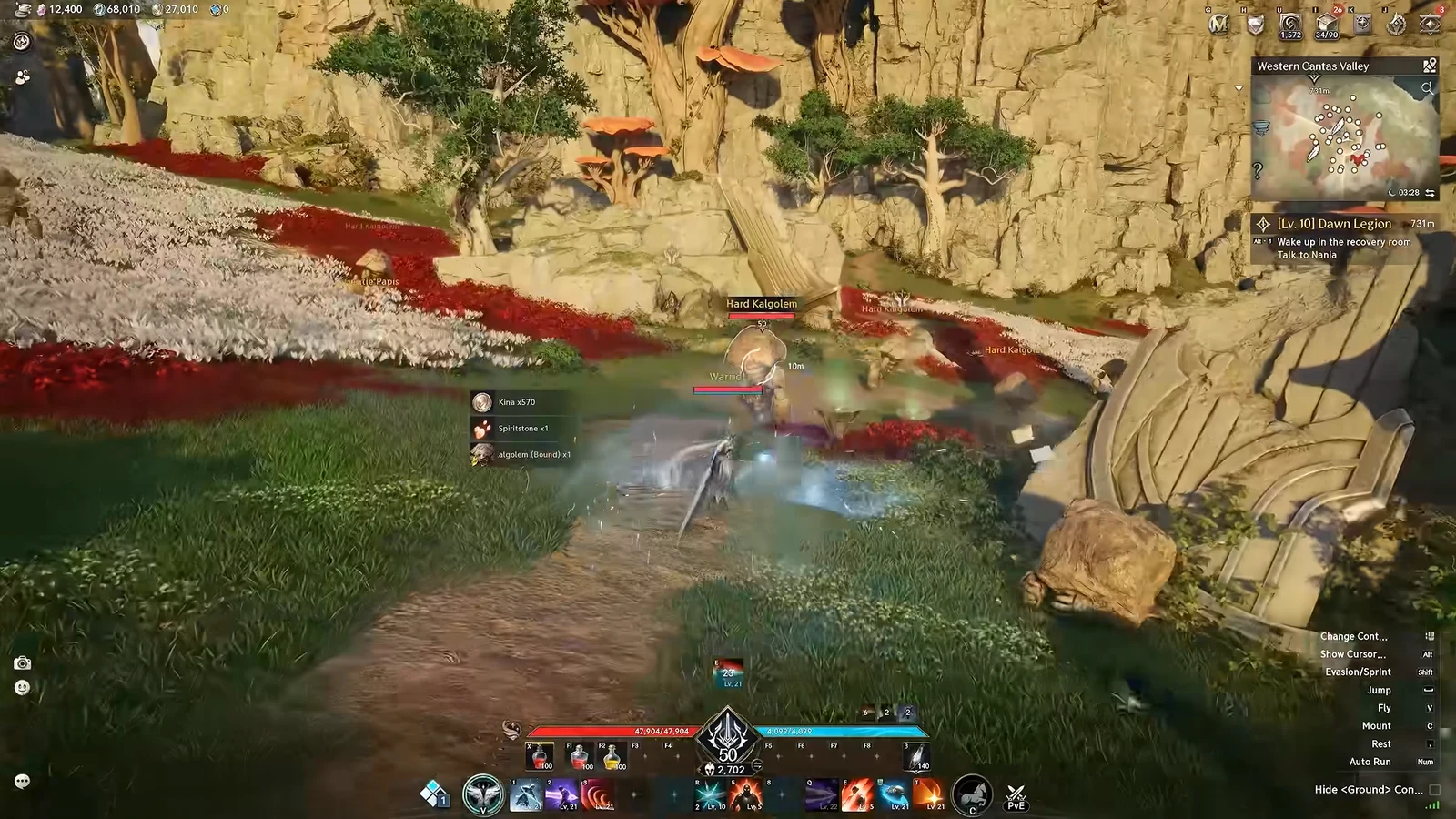
| Kina (Bound) | Drops and rewards | Spent first; pays the listing fee; cannot be traded |
 Quna Quna | Real money | Cosmetics; converts to Kina via the Exchange |
When you hold both bound and unbound Kina, the bound portion is always spent first. Buying and selling on the Market itself is handled with unbound Kina, while the registration fee for posting a listing is charged in Kina (Bound).
How to sell an item on the Market
Once a buyer purchases your listing, the proceeds do not land in your inventory automatically. You have to return to the Market and collect the Kina from the completed sale, which is how you confirm the trade went through.
The Market takes about 8% from each transaction, so factor that into every price you set.
How to buy an item on the Market
To buy, open Main and find the item, then compare its listed price with your Kina balance. Choose the listing and approve the trade with Purchase Selection. The system charges unbound Kina and delivers the item automatically.
Using the Exchange to convert Quna and Kina
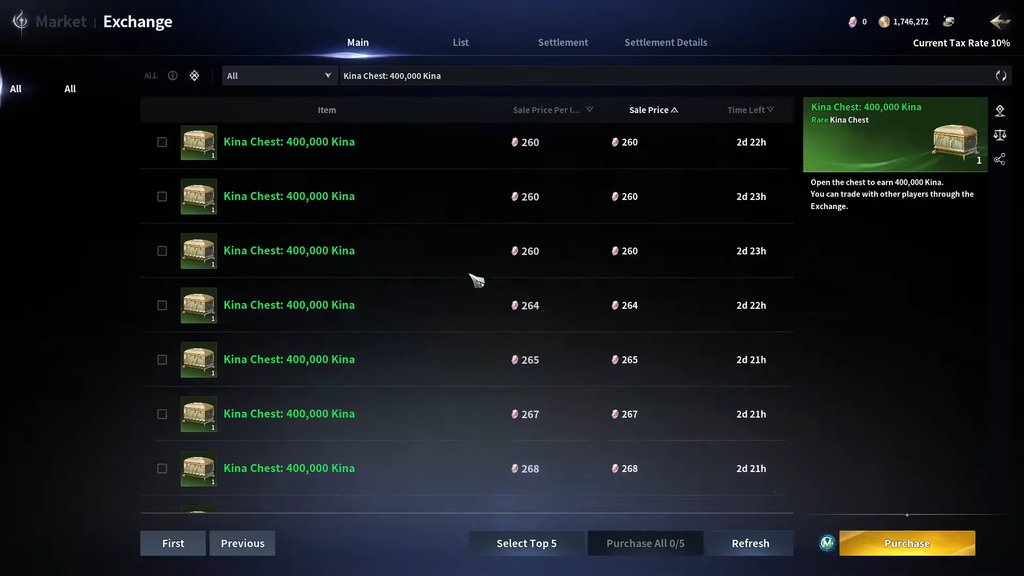
The Exchange is the second half of the trading hub, and it is the only legitimate way to move value between Quna and Kina. Each direction works a little differently.
- Quna into Kina: On the Exchange’s Main page, purchase the available Kina chests.
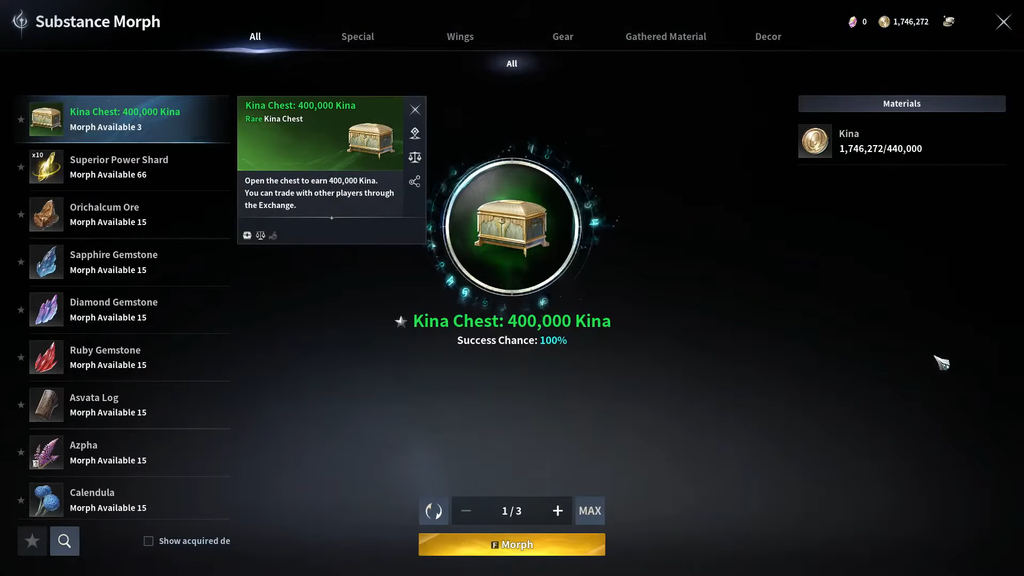
- Kina into Quna: go to Substance Morph, turn your Kina into Kina Chests, then list those chests on the Exchange for other players to buy.
Quna is the premium currency you pay real money for, and outside of the Exchange its main use is cosmetics. Routing it through the Exchange is what lets that spending feed into in-game upgrades and purchases.
Server Market vs. Cross-Server Market
There are two separate trading boards, and they are not both open at the same time. The Server Market is the one you use at the start, and it only shows listings from players on your own server.
The Cross-Server Market opens later, once servers in the region have reached a similar stage of development. Advance Access servers and the later launch servers also stay walled off from each other for a period, which keeps a stockpile from an established server from flooding a freshly opened one. Because of that split, item availability and prices can differ noticeably from one server to another.
Avoid third-party Kina sellers
With direct trades disabled, the Market serves as a single channel for economic activity, keeping it within official in-game systems and making botting and real-money trading harder. Buying Kina from an outside seller bypasses this setup and risks your account and payment. Keep to the in-game Market and official Exchange; surplus from your own Cube is the safe thing to sell.