
Sub stats in AION 2 are the extra bonuses sitting on top of a piece of gear’s base values, and the Soul Binding system is how you change them. If a weapon or armor slot carries a stat you do not want, the Sync action swaps that one stat for a new one without touching the rest of the item.
Quick answer: Press N to open the Enhancement menu, pick the Soul Binding tab, select your gear, choose Sync, feed in a Unique item of the same grade and type, pick the stat line to replace, then confirm.
What you need before you Sync
Sync only works on Unique (gold) gear. You cannot Sync Rare gear, and you cannot use Rare gear as the sacrifice. Gather the requirements below first, because the sacrifice is destroyed the moment you confirm.
- The target item: the Unique piece you want to improve.
- A sacrifice item: another Unique piece of the same grade and type, or a Sync Stone.
- Enough spare Unique gear on hand, since the roll is random and may need several attempts.
If the Sync Stone’s grade is lower than the target gear’s, it works at just a 10% rate. For costly rerolls, match the stone’s grade to the item’s.
How to change a gear sub stat with Sync
N to open the Enhancement menu. This is the same interface that holds Growth, Manastone, and Theostone options.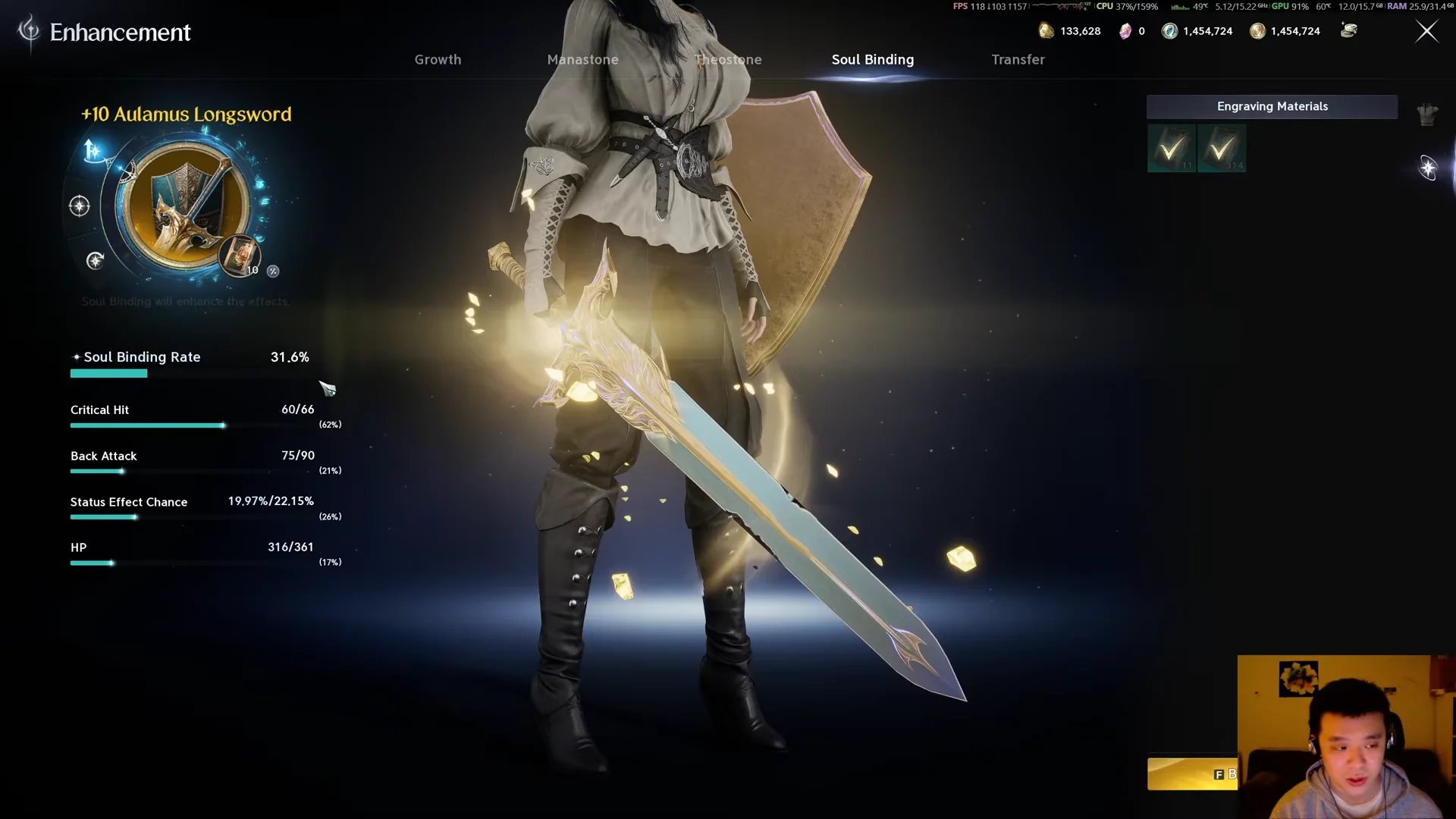
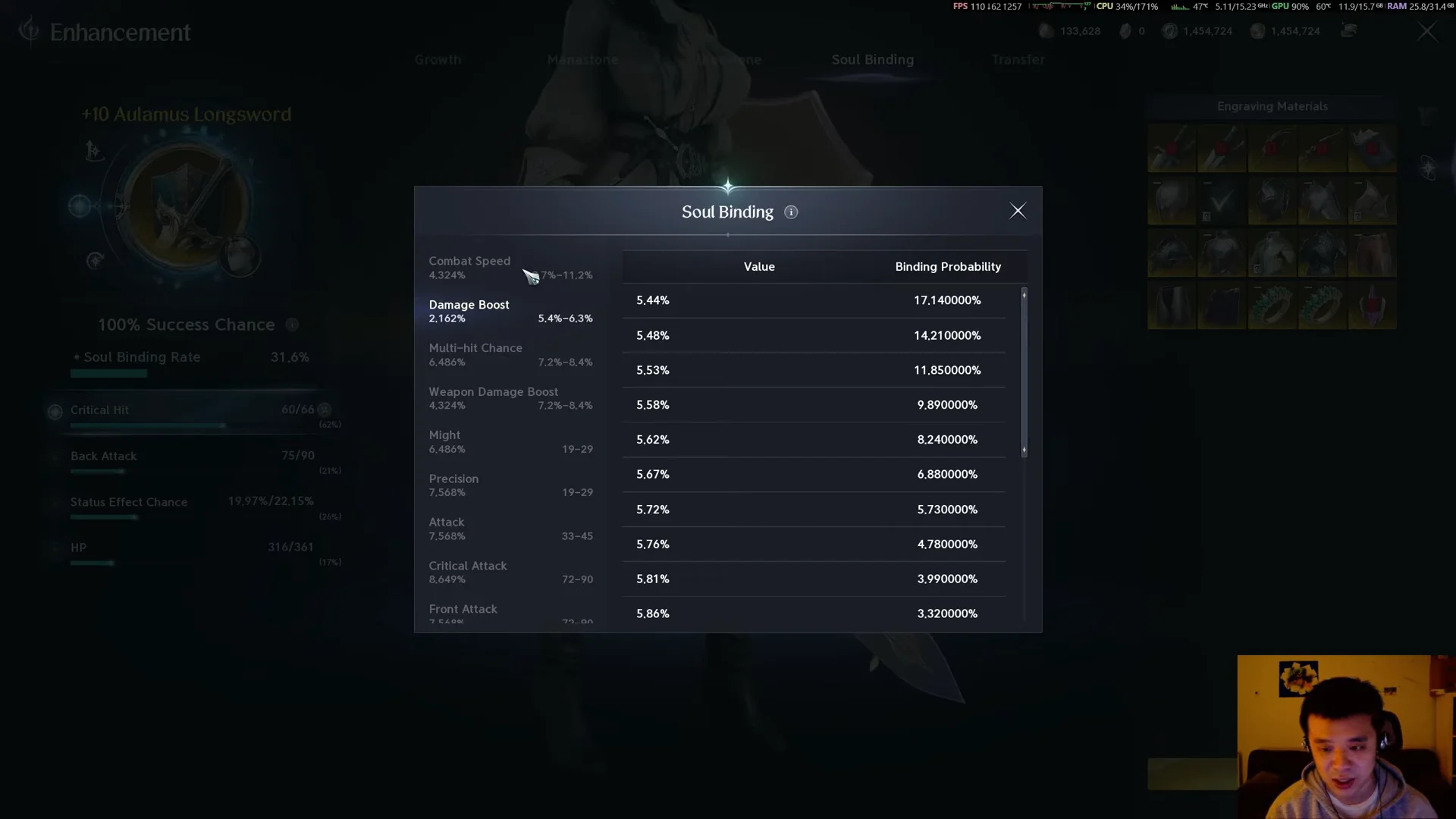
You know it worked when the chosen line shows a new stat value and the sacrifice item is gone from your inventory. The outcome is fully random, so the new stat is drawn from the item’s pool, which also includes class skill bonuses. You can roll the same stat you tried to remove, which costs you the Unique material for no change.
Sync compared to Bind and Reset
Soul Binding has three actions, and only Sync targets a single stat. Pick the right one so you do not waste materials.
| Action | What it does | Main material |
|---|---|---|
| Bind | Raises the values of stats already on the item | Soul Codex + Kina |
| Sync | Replaces one chosen stat with a random new one | Unique item (same grade/type) or Sync Stone |
| Reset | Rerolls every stat on the item at random | Soul Codex: Reset + Kina |
Choose Sync to fix a single bad stat while preserving the rest of a worthwhile piece. Use Reset only if multiple stats are poor and you intend to keep the item; its outcome can’t be selected. Apply Bind to finished gear, since raising a stat toward a 100% Soul Binding Rate locks in the stats currently on the item.
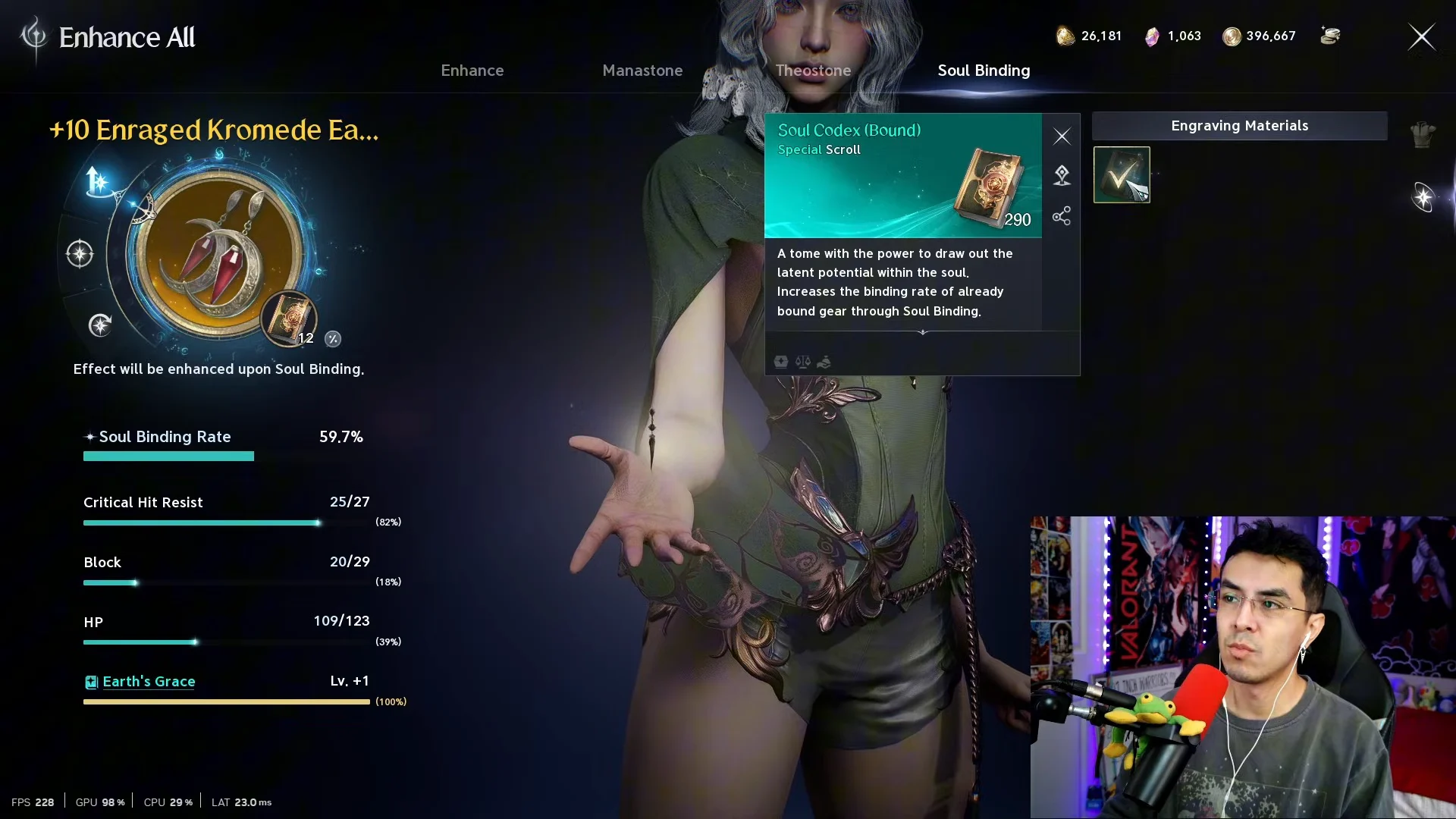
Binding permanently makes an item belong to your character; a piece that could be traded before will no longer be eligible for market sale. Use Sync or Reset to correct weak stats before spending Codex materials on Bind.
Unique helm sub stat ranges (Holy Spirit Helm)
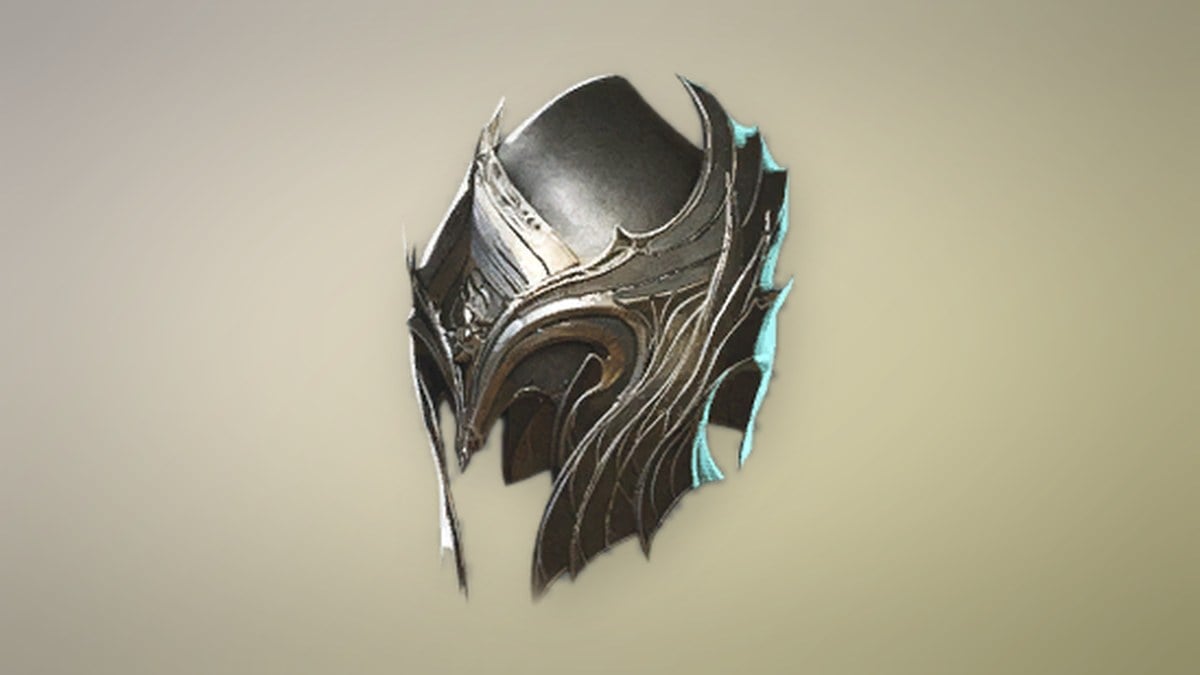
Knowing the value range each stat can land on helps you judge whether a Sync result is worth keeping. The Holy Spirit Helm is a Unique, item level 41 helm with 103 HP and 225 Defense as its main stats and four manastone slots. Its possible sub stat rolls, with their value ranges, are below. These are the kinds of lines a helm Sync can produce.
| Stat | Value range |
|---|---|
| Double Chance | 1.3% to 1.57% |
| Endurance | 1.95% to 2.31% |
| Perfect Resist | 2.43% to 2.86% |
| Weapon Damage Tolerance | 4.68% to 5.45% |
| Dexterity | 7 to 15 |
| Constitution | 12 to 21 |
| Willpower | 7 to 15 |
| Attack | 13 to 22 |
| Critical Hit | 20 to 30 |
| Accuracy | 27 to 38 |
| Defense | 162 to 193 |
| Evasion | 16 to 25 |
| Critical Damage Defense | 167 to 199 |
| Back Defense | 167 to 199 |
| Front Defense | 167 to 199 |
| Critical Hit Resist | 29 to 40 |
| Block | 16 to 25 |
| MP | 62 to 78 |
| HP | 125 to 151 |
| Natural MP Regen | 14 to 23 |
| Natural HP Regen | 29 to 40 |
Because every Sync consumes a Unique item and the result is random, the practical move is to hold onto spare Unique drops instead of dismantling or selling them. They are the fuel for reworking a single endgame piece until its four stats line up with your build, and that stockpile is what makes repeated Sync attempts affordable late in the game.